Upload image
JPEG · PNG · WebP · 20 MB · 4096 × 4096 px
Private image
Fix Blurry Pictures
Upload a soft or unfocused image, describe what matters, and create a clearer interpretation you can inspect and refine.












Explore image transformation styles
Explore a range of image transformations and find the look that fits your idea.
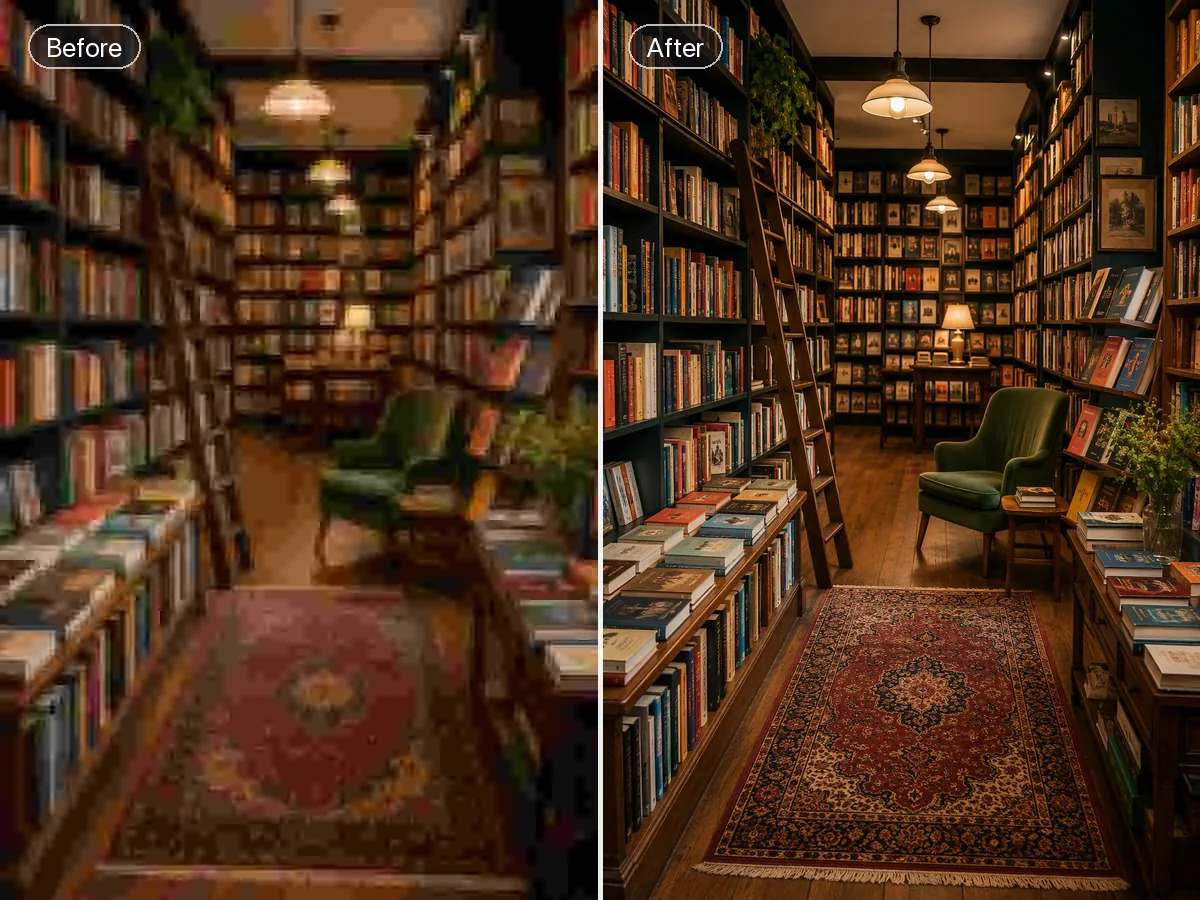
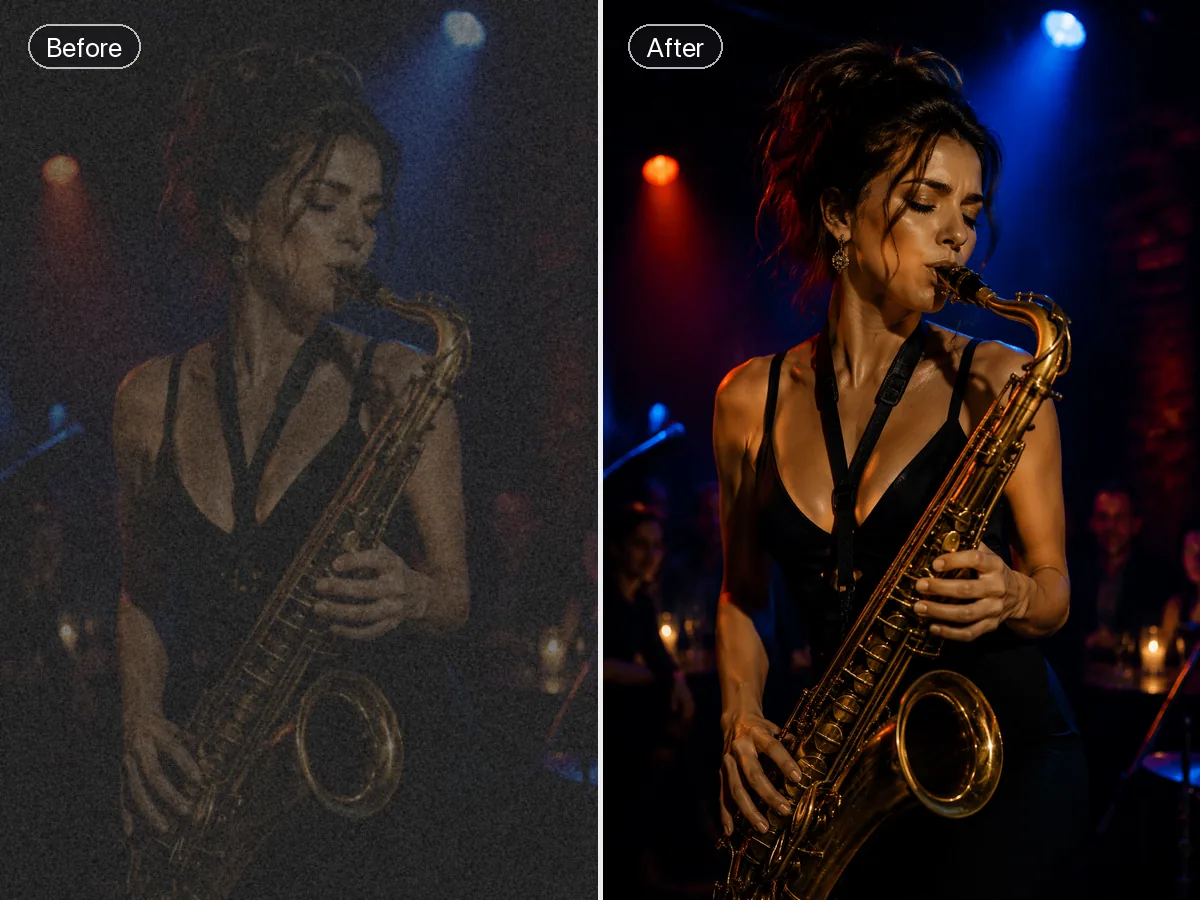
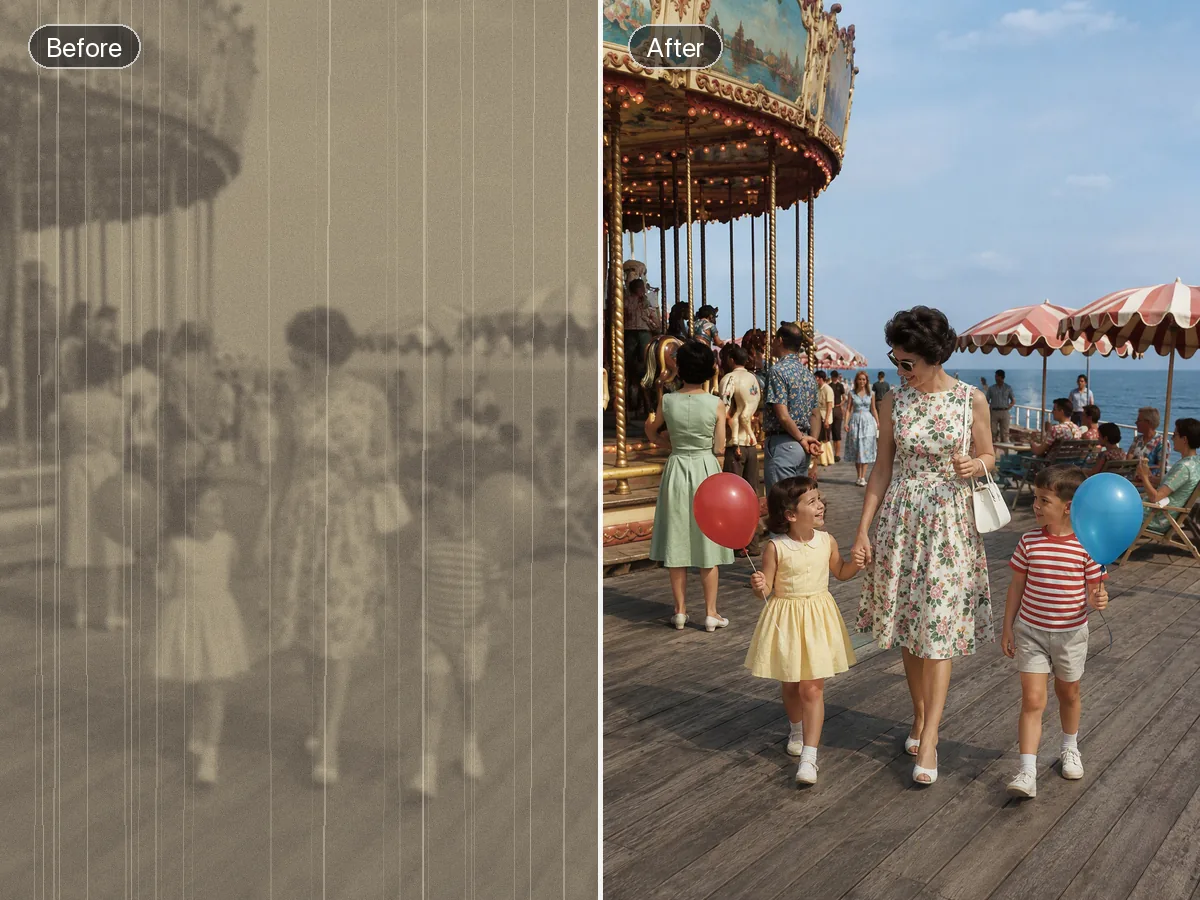
A Practical Way to Improve Blurry Images
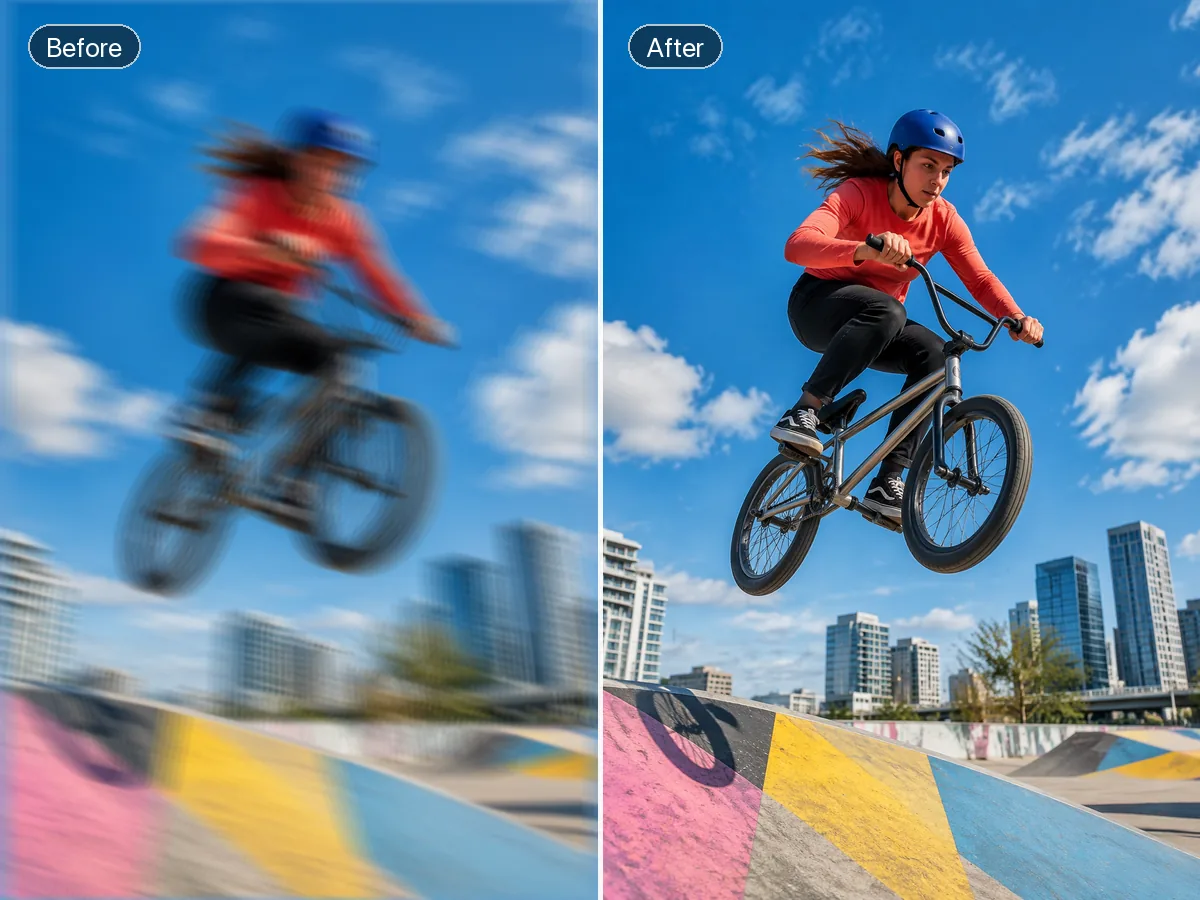
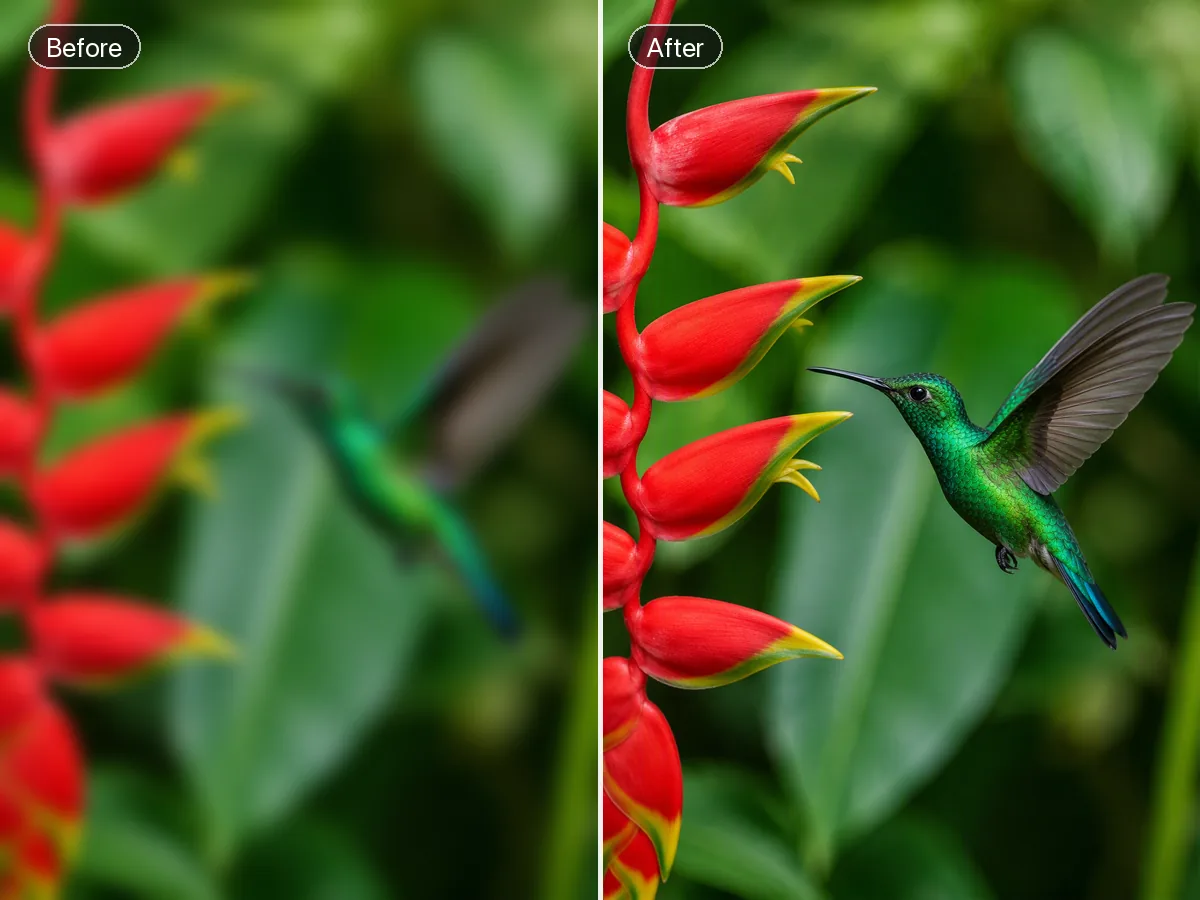
A blurry photo fixer starts with the source image and a precise description of the details that matter most. Ottermind can use that context to create a clearer visual interpretation, keep your review notes connected, and refine the direction. Severe motion blur, missed focus, or compression may contain no recoverable detail, so compare the result with the original instead of treating generated texture as restored fact.
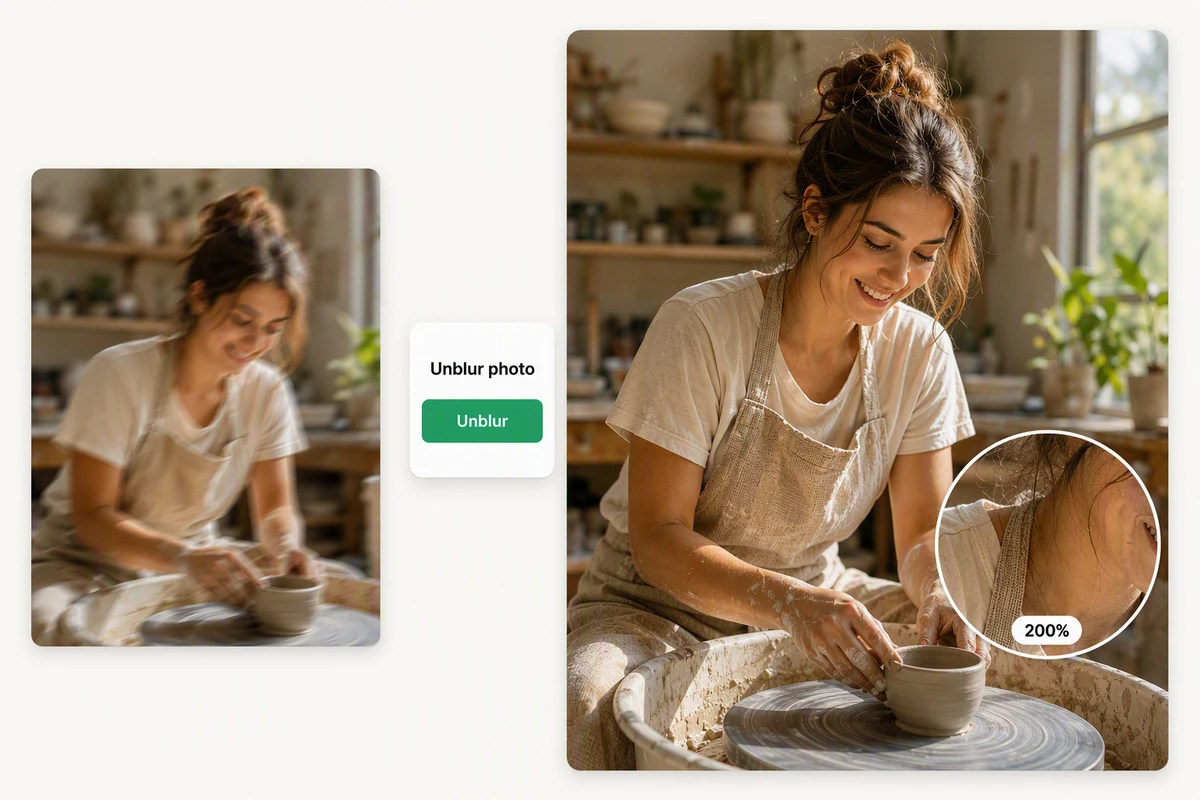
Restore Soft Portraits with Natural Detail
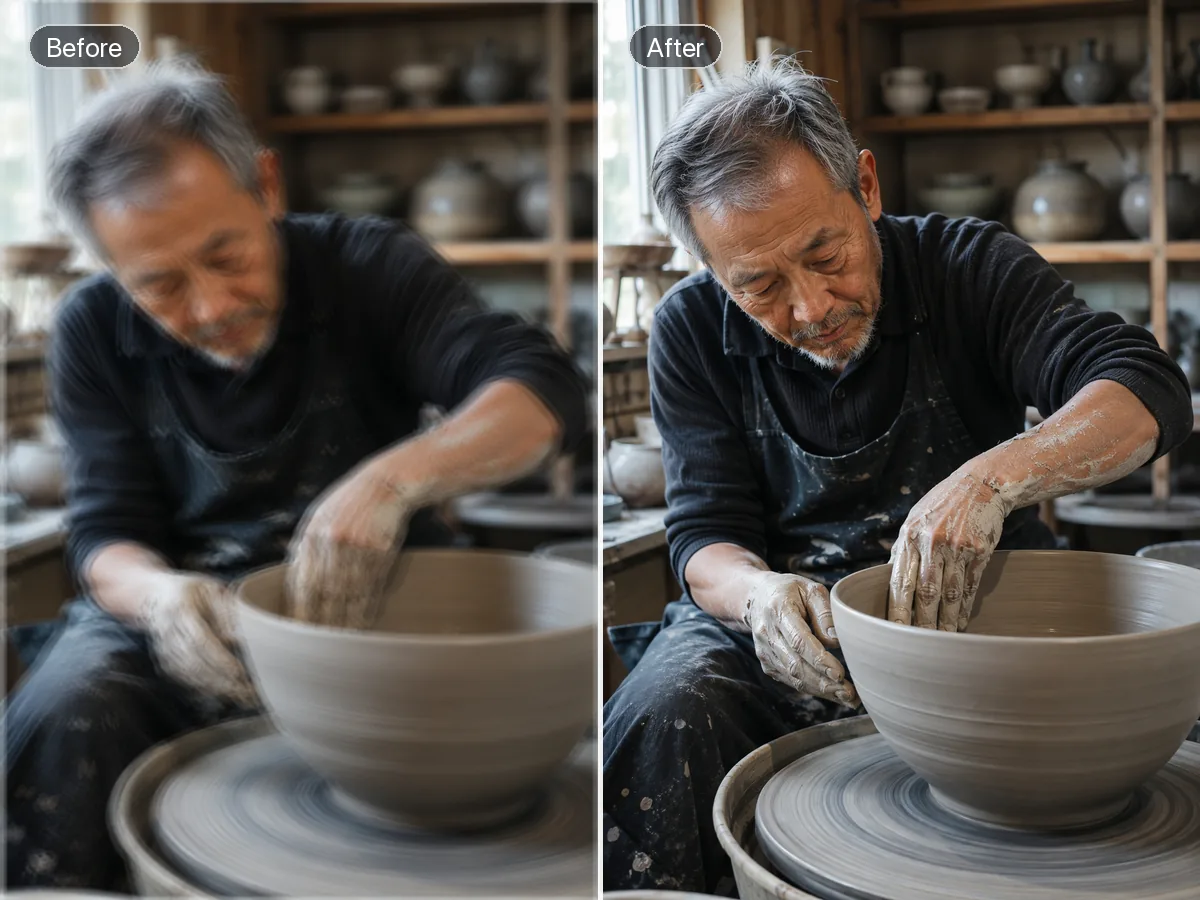
The ceramic artist example shows motion blur reduced while the face, hair, apron, and clay texture remain visually coherent. For a new visual rather than a correction, use AI image generation and present it as a separate interpretation. Use the visible subject, texture, and composition as checkpoints when comparing the source and result.
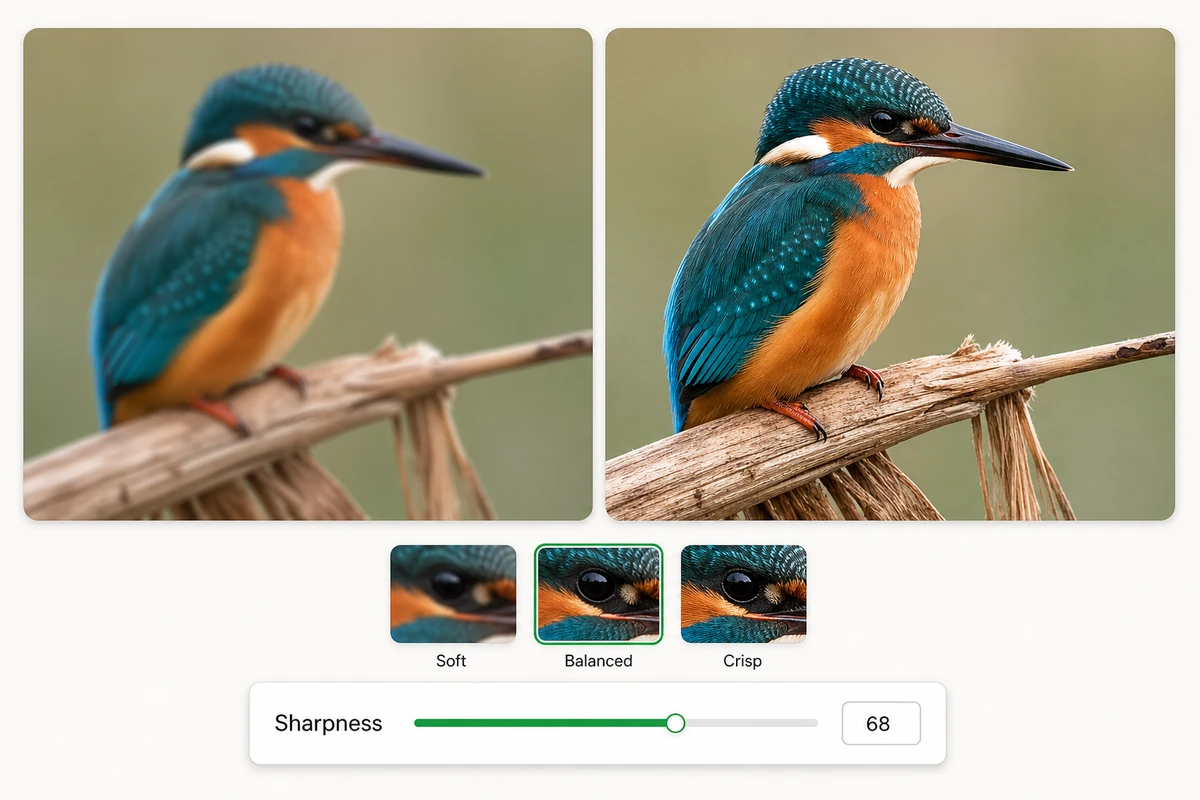
Fine-Tune Sharpness with Precision
The kingfisher example compares soft, balanced, and crisp settings for controlling edge detail without forcing one treatment. Approve the still before continuing with Image to Video, then treat motion as a separate creative step. Review the source and result side by side at normal viewing size before choosing a final direction.
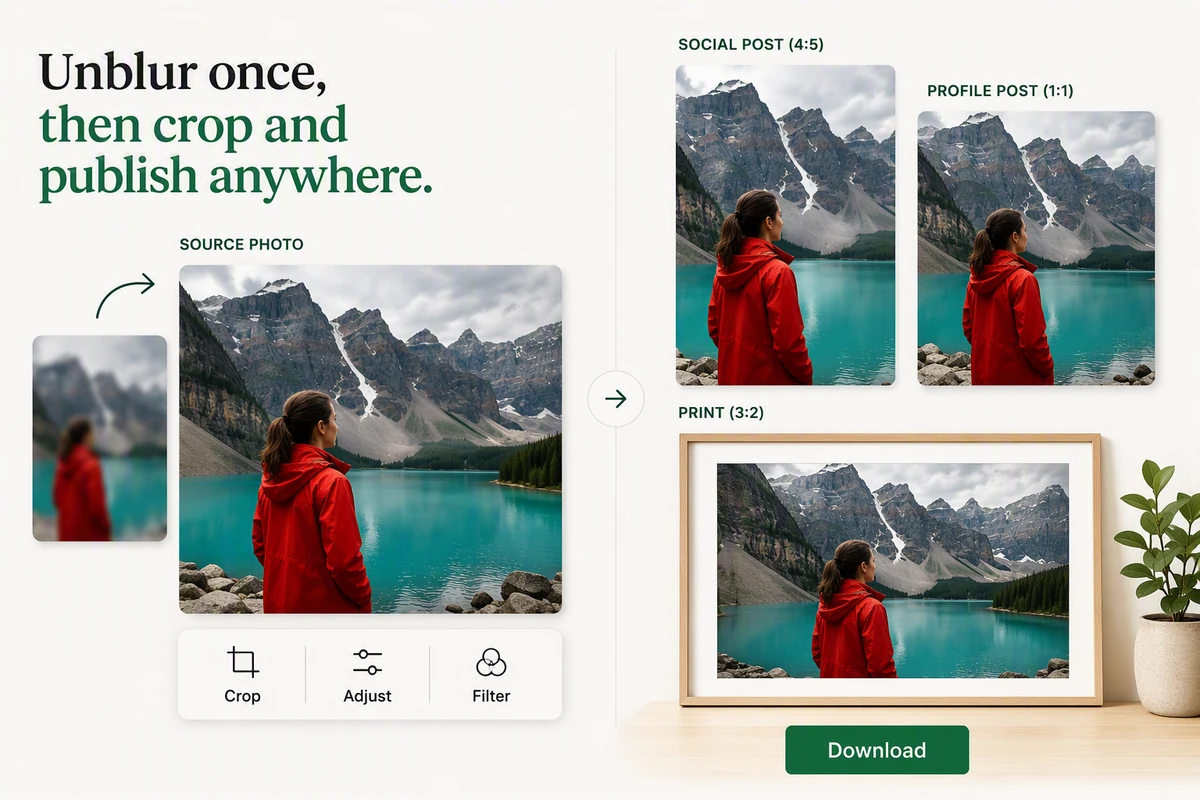
Keep Creating after You Unblur
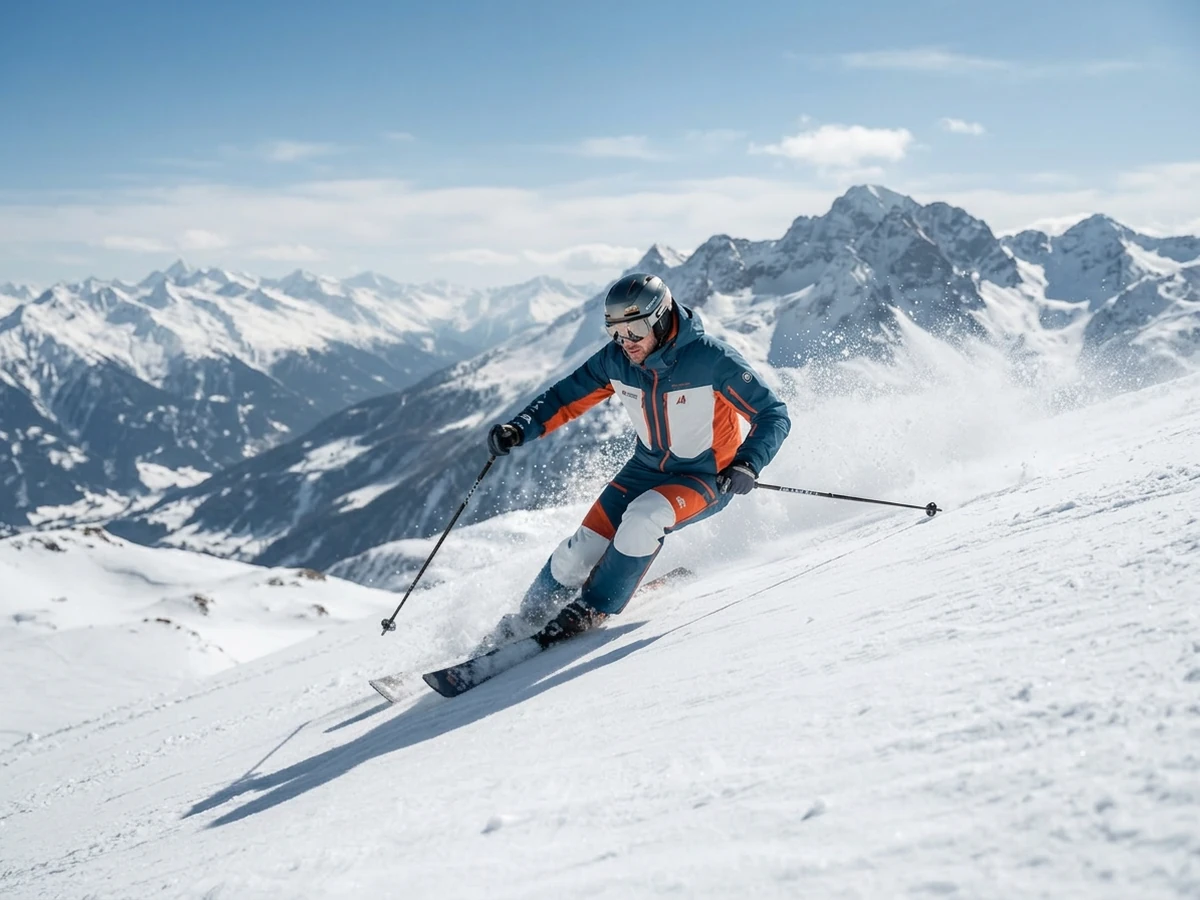
The alpine travel example shows the restored photo prepared for profile, social, and print crops after the clarity pass. For a different creative direction, carry the approved reference into the AI video generator. Keep the approved result with the project so later creative steps can follow the same visual direction.
What you can do with Ottermind
Rescue a soft family photo
Improve faces and important details for viewing or a small print without pretending missing information is certainly real.
Clarify a product snapshot
Make edges, material, and labels easier to inspect before using the source in a listing or campaign.
Improve a motion-blurred subject
Recover the most useful frame from an event, pet, or sports photo while checking for doubled edges and changed identity.
Prepare an image for a presentation
Increase readable clarity at the actual slide size, then compare against the source for invented text or texture.
How to Fix Blurry Pictures in 3 Steps
Step 01
Add the Image
Choose a photo you can use, then note whether softness comes from motion, missed focus, compression, or a low-detail source before asking for changes.
Step 02
Describe Important Detail
Tell Ottermind which subject, edges, expression, lighting, text, or product features matter, and request a natural-looking clarity direction to guide the result.
Step 03
Review and Refine
Compare the interpretation with the source, flag invented or oversharpened areas, and refine only the changes that improve practical readability while preserving reliable context.
Why creators choose Ottermind
Context-Aware Briefs
Explain what the image must communicate, not merely that it needs more sharpness.
Connected Comparisons
Keep the source, decisions, and feedback together while evaluating each clearer interpretation.
Focused Revisions
Ask the agent to revisit one weak region without discarding the useful direction.
Creative Alternatives
When recovery is unrealistic, develop a new supporting visual instead of overstating certainty.
Workflow Continuity
Carry a reviewed image into an AI Reel Maker brief with its context attached.
Visible Agent Work
Inspect the agent's output and approve critical next actions before continuing the project.
Frequently asked questions
Can AI Really Recover Missing Photo Detail?
Not always. Sharpening can emphasize existing edges, while a generated interpretation may add plausible texture that was never captured. Treat uncertain faces, text, and product details cautiously, and compare every result with the source before relying on it.
How Do I Enhance a Blurry Photo Naturally?
Describe the subject and the specific areas that need clarity, then ask for restrained changes. Review edges, skin texture, lettering, and backgrounds for halos or invented detail. Smaller, targeted revisions are easier to judge than a dramatic whole-image transformation.
Can I Remove Blur from Photo Online Free?
That phrase reflects a common search task, but Ottermind access, pricing, and account requirements are not established by this page. Use the current product interface for availability, and judge the output by source fidelity rather than a free-tool promise.
What Is a Blur to Clear Image Converter?
It describes a workflow that makes a soft image easier to inspect or use. Results may combine edge emphasis with generated interpretation, so clearer does not necessarily mean historically accurate. Important evidence, documents, and identities still need independent verification.
What Should I Check before Sharing the Result?
Compare facial features, text, logos, product geometry, background objects, and lighting with the original. If you plan to animate the image, test the reviewed version through Photo to Video AI Free as a separate creative step.
Can I Use a Fixed Photo in a Video Project?
Yes, as a creative reference you have permission to use, after checking any generated changes. For a narrated walkthrough, continue with AI Video Demo and keep the source, review notes, and approved image direction together.
Discover more
AI pet portrait generatorAI Product Image GeneratorGemini Watermark RemoverImage Text EditorImage TranslatorPicture Outline MakerPhoto into WatercolorPhoto RetouchingPhoto to Anime ConverterConvert Photo to Oil PaintingPhoto to SketchReplace Color in ImageAI Resume BuilderAI Receipt TrackerPC Builder AIAI Logo Generator
More from the blog
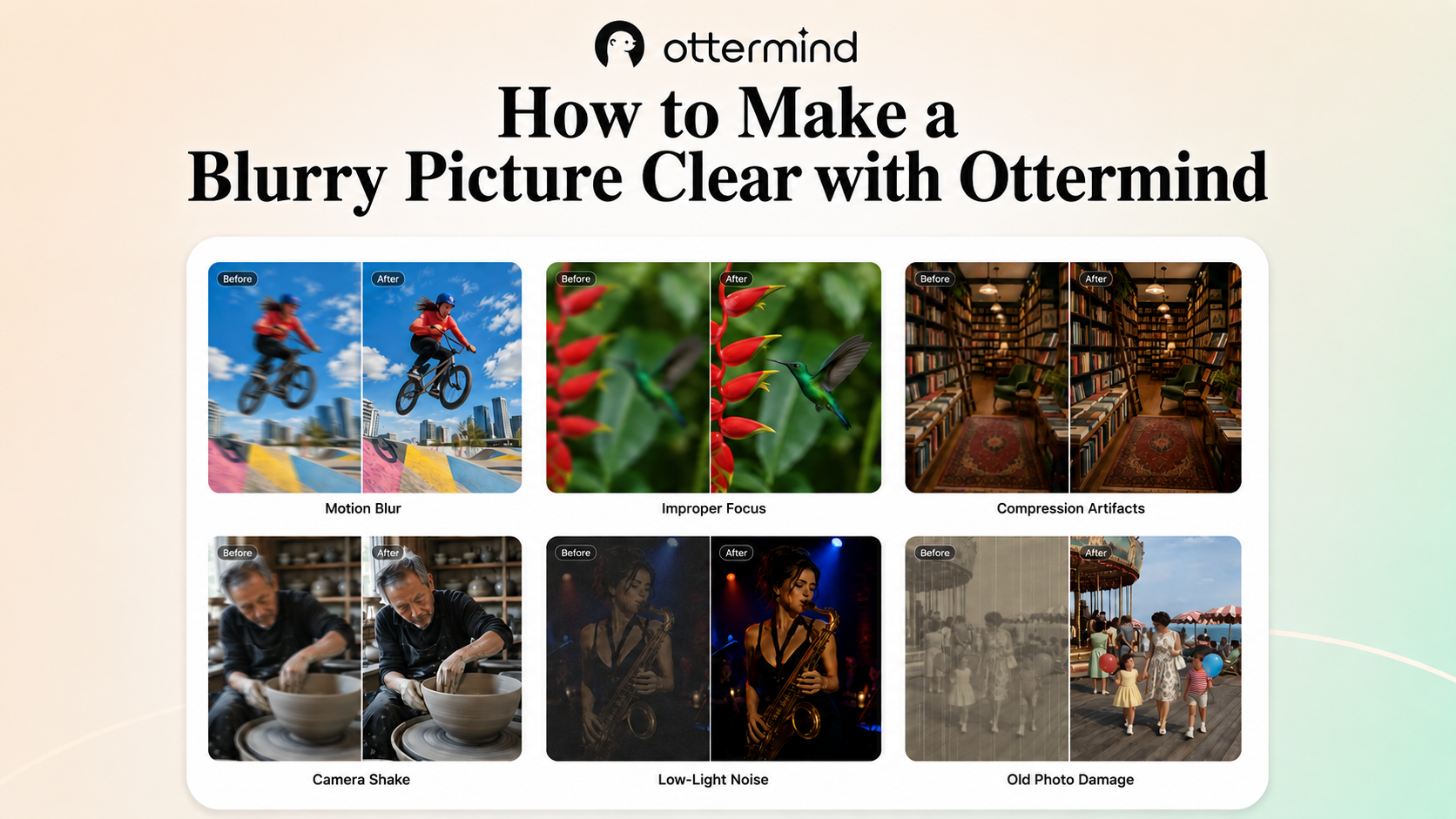



Bring a Blurry Photo into Focus
Add the source image, explain which details matter, and let Ottermind create a clearer interpretation you can compare, question, and refine with context intact.
Fix My Photo