AI Video Demo

Turn a product story, key steps, and interface visuals into a narrated demo. Generate a version, inspect the walkthrough, and refine it in Ottermind.

Energy Ad
Skincare UGC
Product Showcase
Perfume Film
Beauty UGC
Skincare Story
Mango Campaign
Lipstick Ad
Sportswear Ad
Claude
GitHub
Google
Linear
Microsoft
Monday
Netlify
Notion
OpenAI
Sentry
Slack
Stripe
Supabase
Claude
GitHub
Google
Linear
Microsoft
Monday
Netlify
Notion
OpenAI
Sentry
Slack
Stripe
Supabase

Explain your product with a guided visual story

An AI video demo combines a product narrative with the screens or images viewers need to understand. Ottermind can develop a video from your script, product context, and visual references, add a natural AI voice, and preserve the brief while you review and request a revised version. Name the product state and viewer action each screen must explain before you generate the first walkthrough.

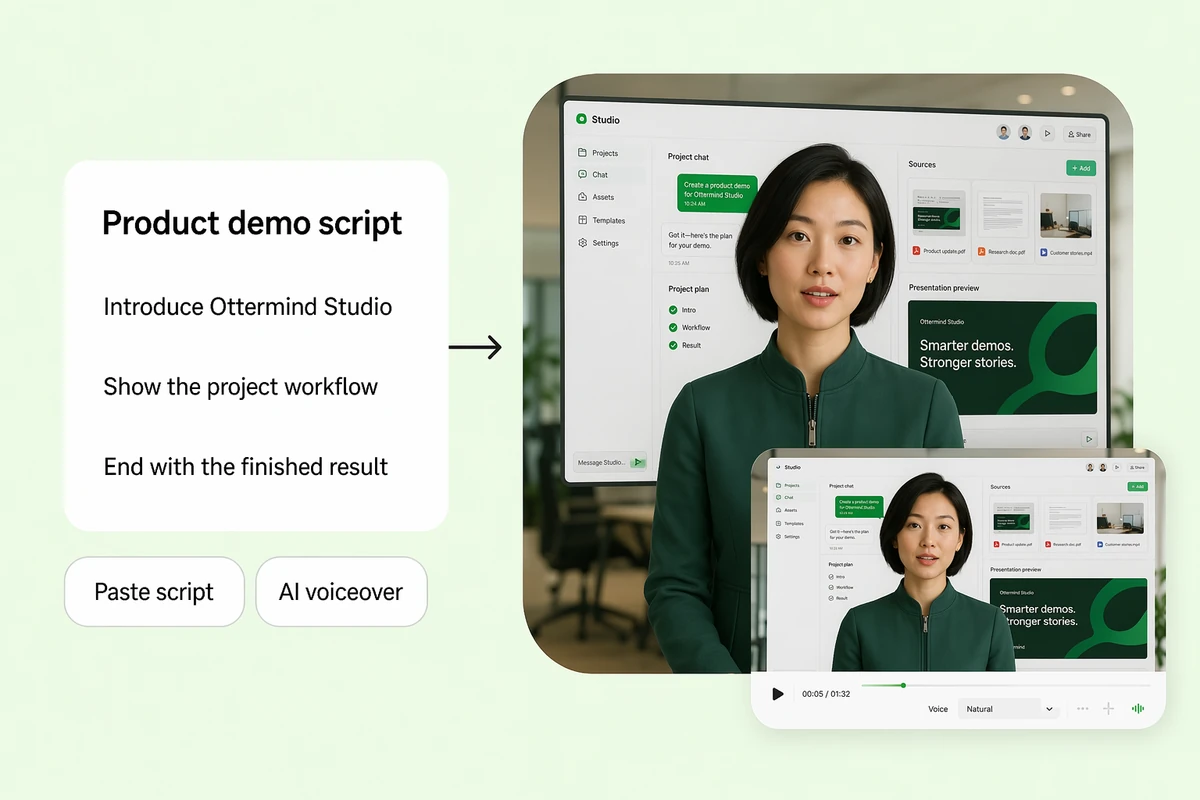
A product demo script becoming a narrated software walkthrough

Turn a script into a narrated product demo

Give Ottermind your product story, audience, and key steps. The Agent develops them into a clear narrated demo. If you are still defining the wider production, plan it first with the AI video generator, then focus the demo on the product workflow.
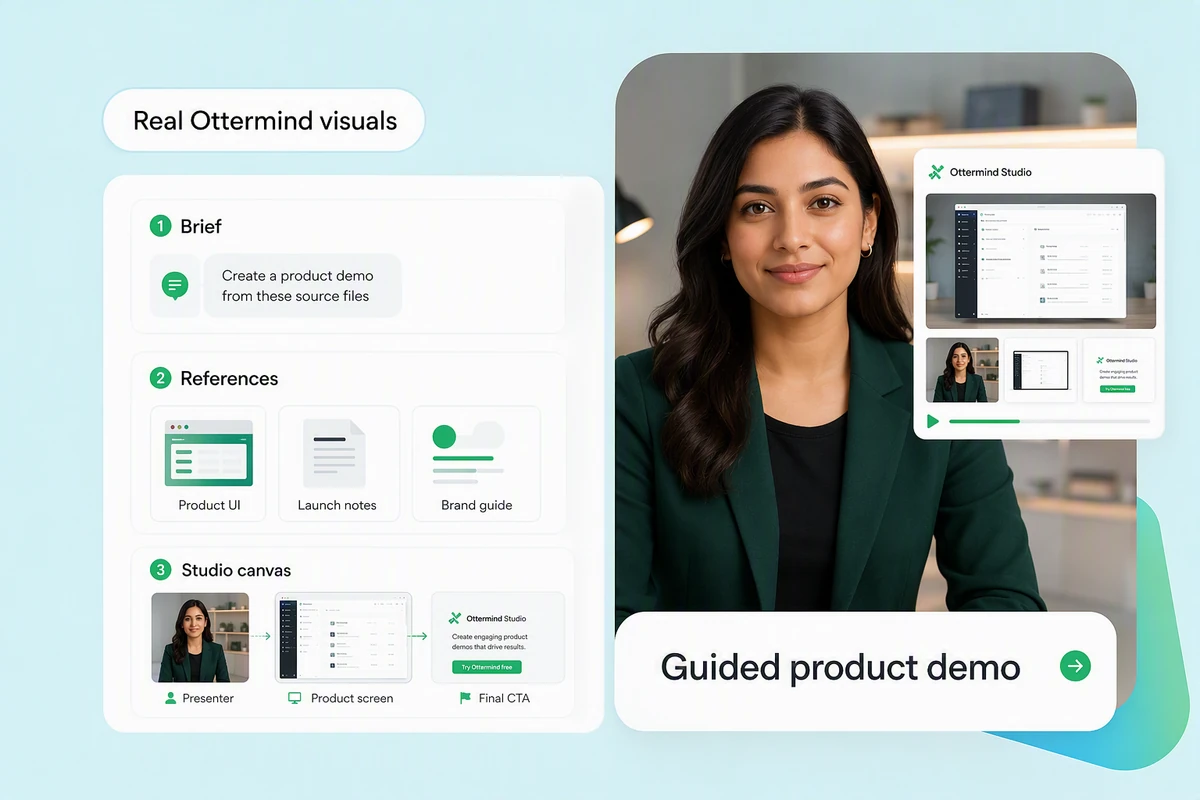
Product screenshots guiding a generated video demo

Build the demo around real product visuals

Add product screenshots so the story shows what customers need to see. Label each screenshot with its workflow step. For missing conceptual visuals, use AI image generation only where an illustration is appropriate, then keep it clearly distinct from the real interface and product behavior.

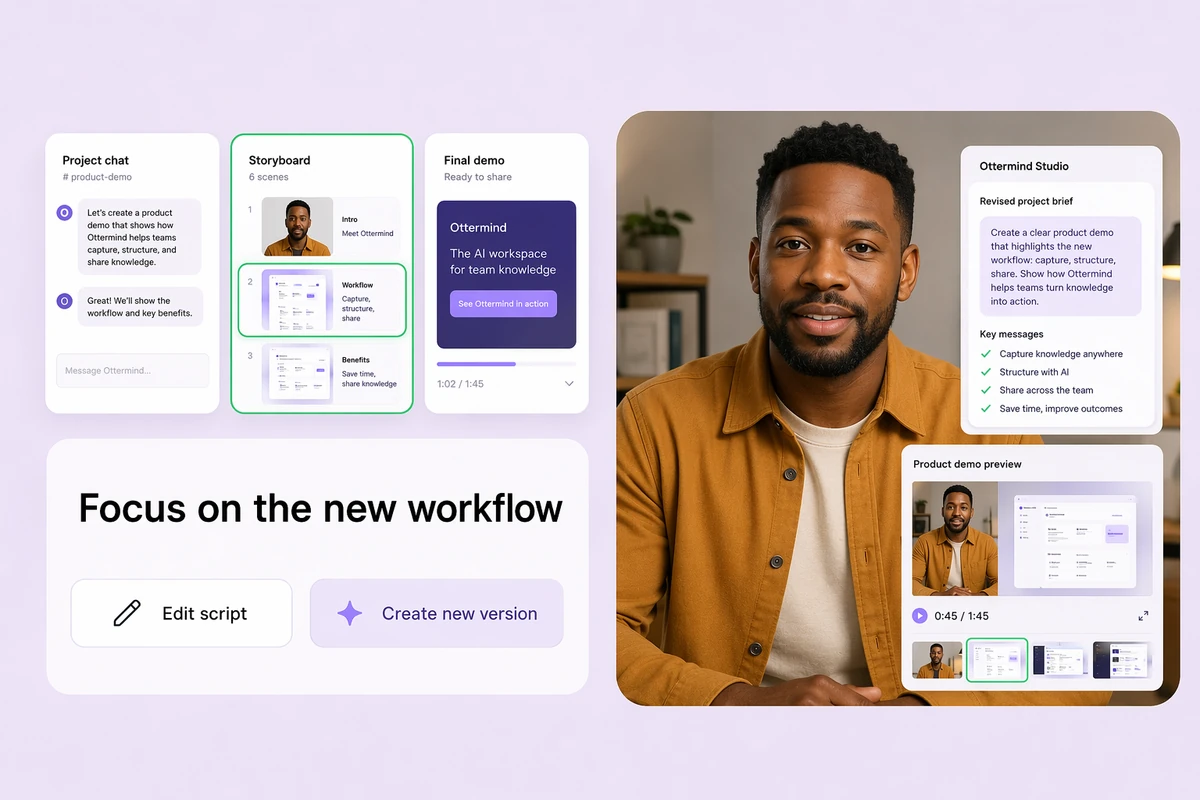
An updated product brief producing a revised demo video

Update the demo without another shoot

Revise the script, replace a product image, or change the emphasis when the story evolves. Ottermind uses the updated brief to generate a fresh version, so you can review the change without returning to a camera.

How to create an AI product demo

Step 01

Outline the walkthrough

Describe the viewer, product problem, key workflow, proof points, and desired next action. Draft the narration or ask the Agent to organize your notes.

Step 02

Add visual references

Provide the product screenshots or images that matter. Explain what each visual should demonstrate and which details must remain accurate in the story.

Step 03

Generate and review

Create the demo, then inspect its sequence, narration, product accuracy, and pace. Update the brief and generate a new take when the explanation needs work.

Why creators choose Ottermind

Script-led clarity

Build the demo around a defined audience, workflow, and next action instead of disconnected scenes.

Real visual references

Use product screenshots and images to show the interface and moments that matter to the explanation.

Natural AI narration

Add natural AI narration, or explore a portrait-led version with the AI Lip Sync Tool.

Version-friendly workflow

Revise the brief and generate another take when product details, emphasis, or audience needs change.

Connected source material

Keep scripts, screenshots, decisions, and feedback together while the demo develops from start to finish.

Continue in Studio

Carry the selected demo direction into Studio with its project context still attached.

FAQ

What is an AI video demo?

An AI video demo uses a script and visual direction to generate a product walkthrough. A useful demo identifies the audience, problem, key workflow, and next step, then shows the relevant product moments in a clear sequence.

Can Ottermind write the demo script?

Yes. Provide product notes, the intended viewer, important steps, and the action the demo should support. Review the draft for factual accuracy and product language before using it to generate the video.

Can I use my product screenshots?

Yes. Upload screenshots or product images as visual references and explain what each should communicate. The generated video should still be reviewed carefully for interface accuracy, readable details, and any unintended changes.

Does Ottermind record my product screen?

A built-in screen recorder is not established for this workflow. Provide screenshots or product images you can use, then describe the steps and visual emphasis the generated demo should follow before generating the demo.

Can I update a demo after the product changes?

Revise the script, replace outdated references, and describe the new product behavior or emphasis. When one updated still needs motion, use Image to Video. Compare every fresh version with the current product before sharing.

What should I verify before publishing a product demo?

Check every feature claim, interface detail, narration line, visual sequence, and call to action. Confirm that screenshots are current and permitted for use, and avoid presenting generated visuals as exact product behavior when they are illustrative.

Discover more

What video creators say about Ottermind

We moved from a loose campaign idea to a video direction the whole team could discuss. The script, visual references, pacing notes, and revisions stayed connected, so every review made the sequence more specific instead of sending us back to a blank brief.

Avery Morgan - Video Marketing Lead

More from the blog

Turn your product story into a clear demo

Bring the script, key steps, and product visuals. Ottermind develops a narrated walkthrough you can inspect, update, and continue refining in Studio before sharing it.

Create a demo