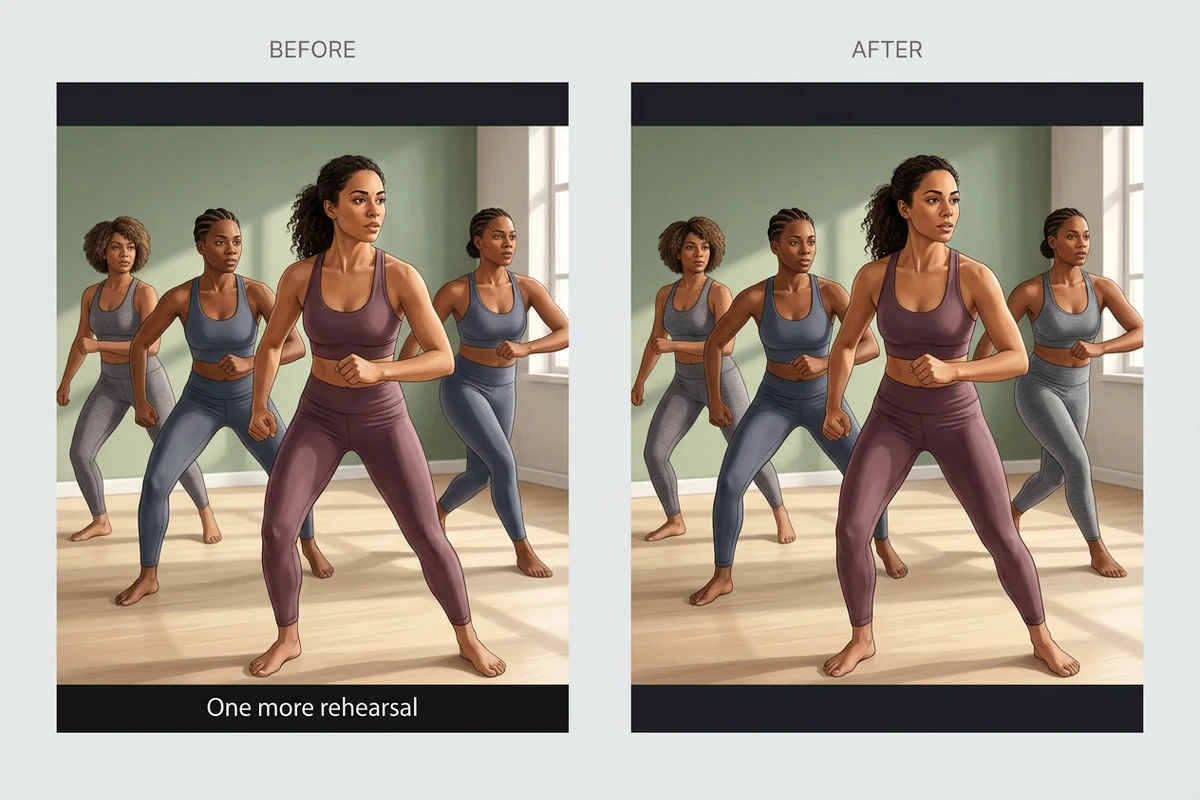

Prepare a translated course video by identifying the existing burned-in subtitle language.
MP4, MOV, WebM · 200 MB · 2 minutes · up to 4K

Localization reference: a tutorial layout with space for a fresh subtitle track.

Explore the possibilities
Localization reference: a tutorial layout with space for a fresh subtitle track.
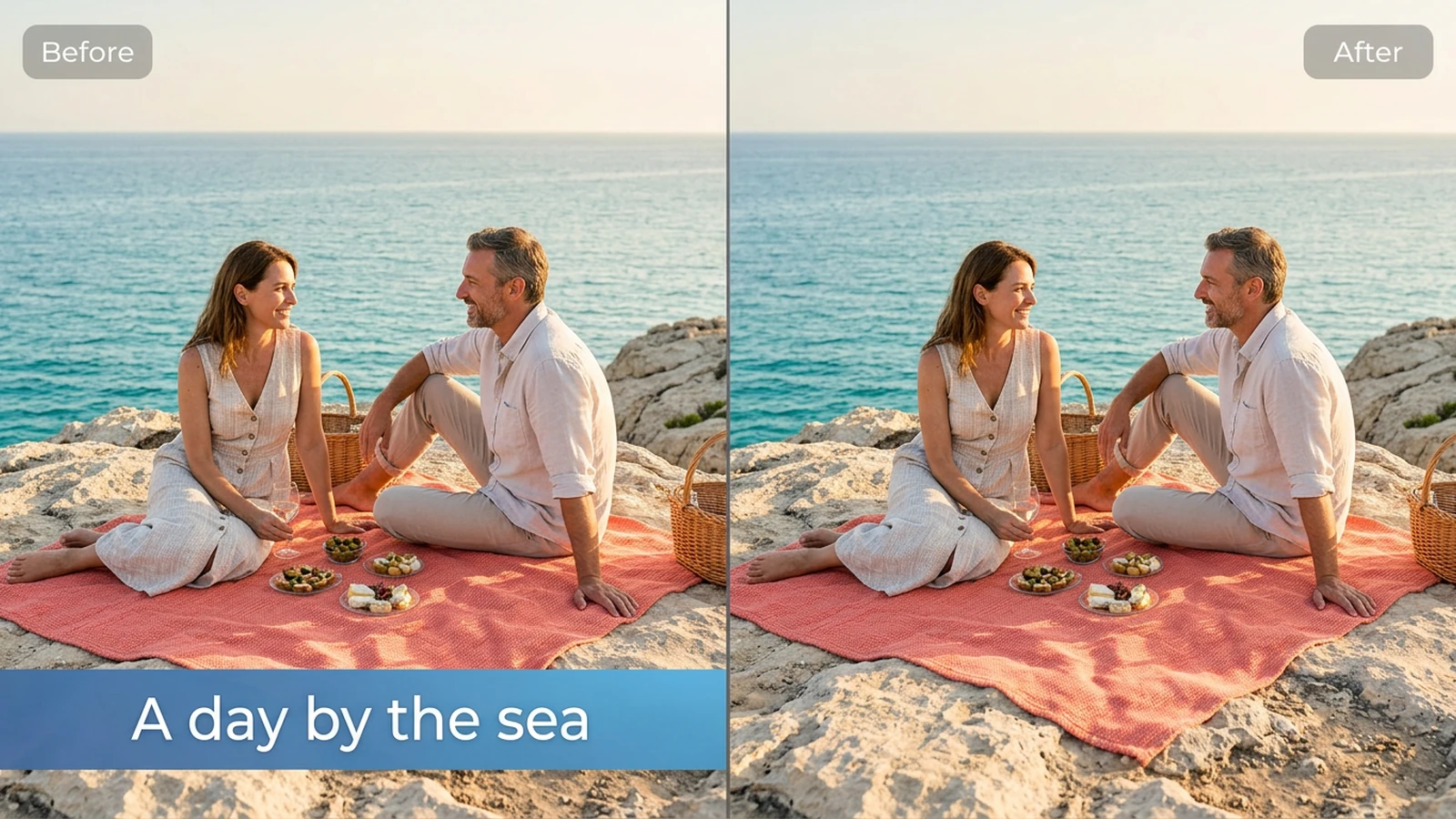
Choose subtitle-track removal for separate captions, or burned-in removal for text embedded in the frames. Review textured areas behind the removed words.
Controls and output options depend on the selected tool and available model.
Back to the editor
Prepare a translated course video by identifying the existing burned-in subtitle language.

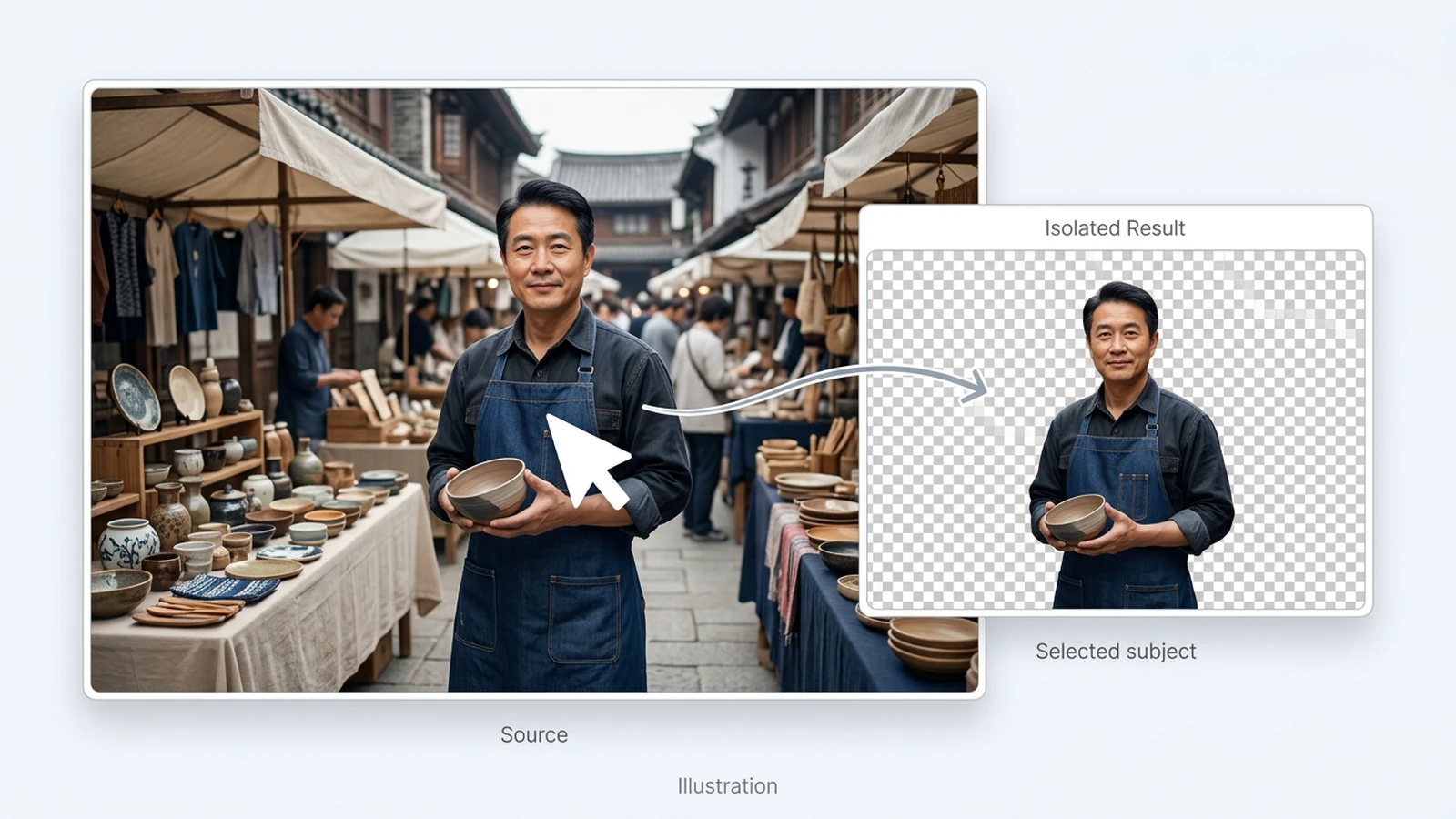
Create a clean campaign master before adding region-specific captions in an editing tool.

Plan removal of outdated captions while keeping labels and other useful on-screen text.

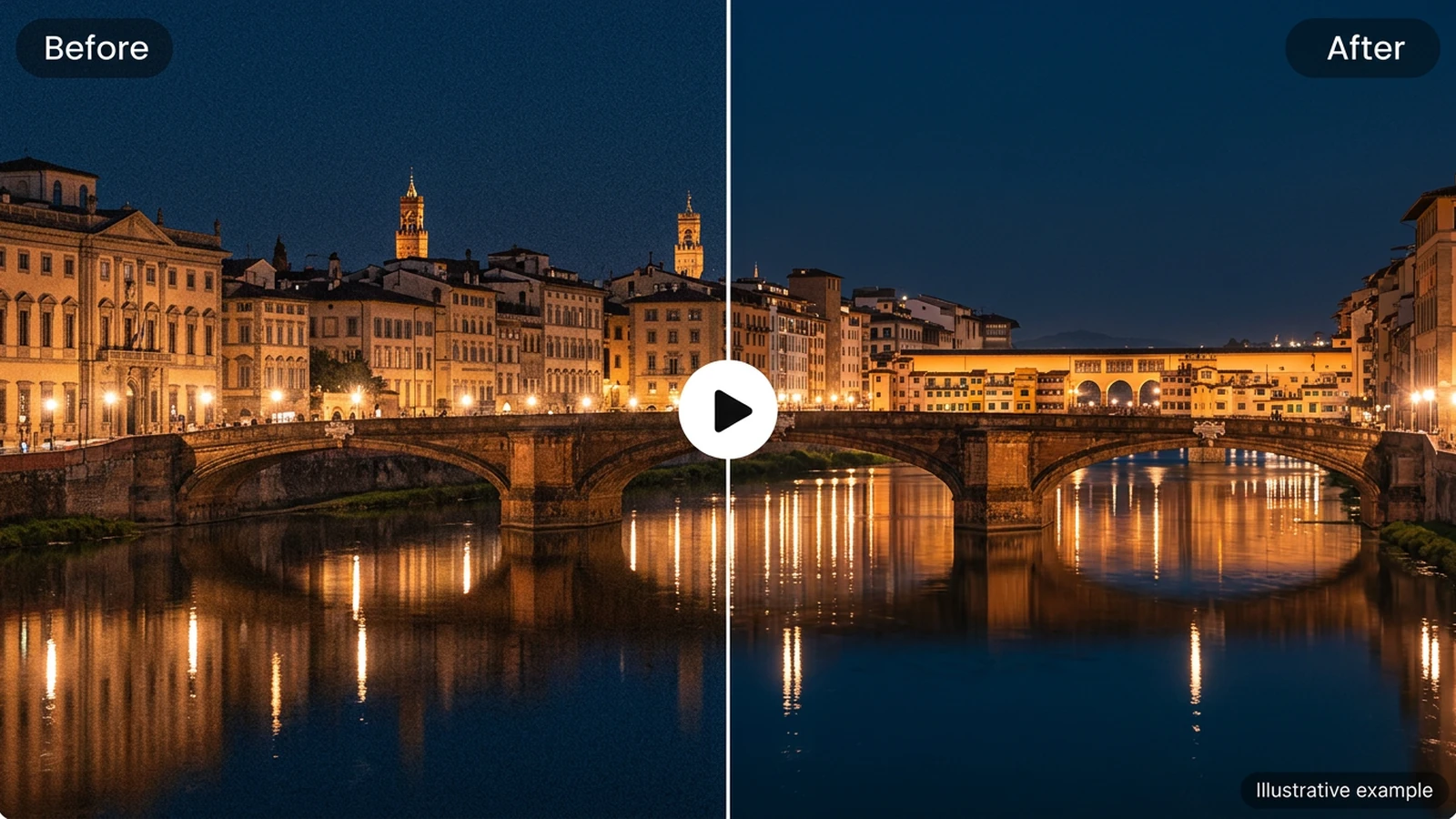
Review a documentary clip for subtitle areas that overlap faces or important visual detail.
Choose an image or video from your device. Start with the clearest original you have.
Set the relevant controls, choose an available model and review the credits shown beside Generate.
Inspect the finished result against the original. Check important details before downloading or starting another edit.
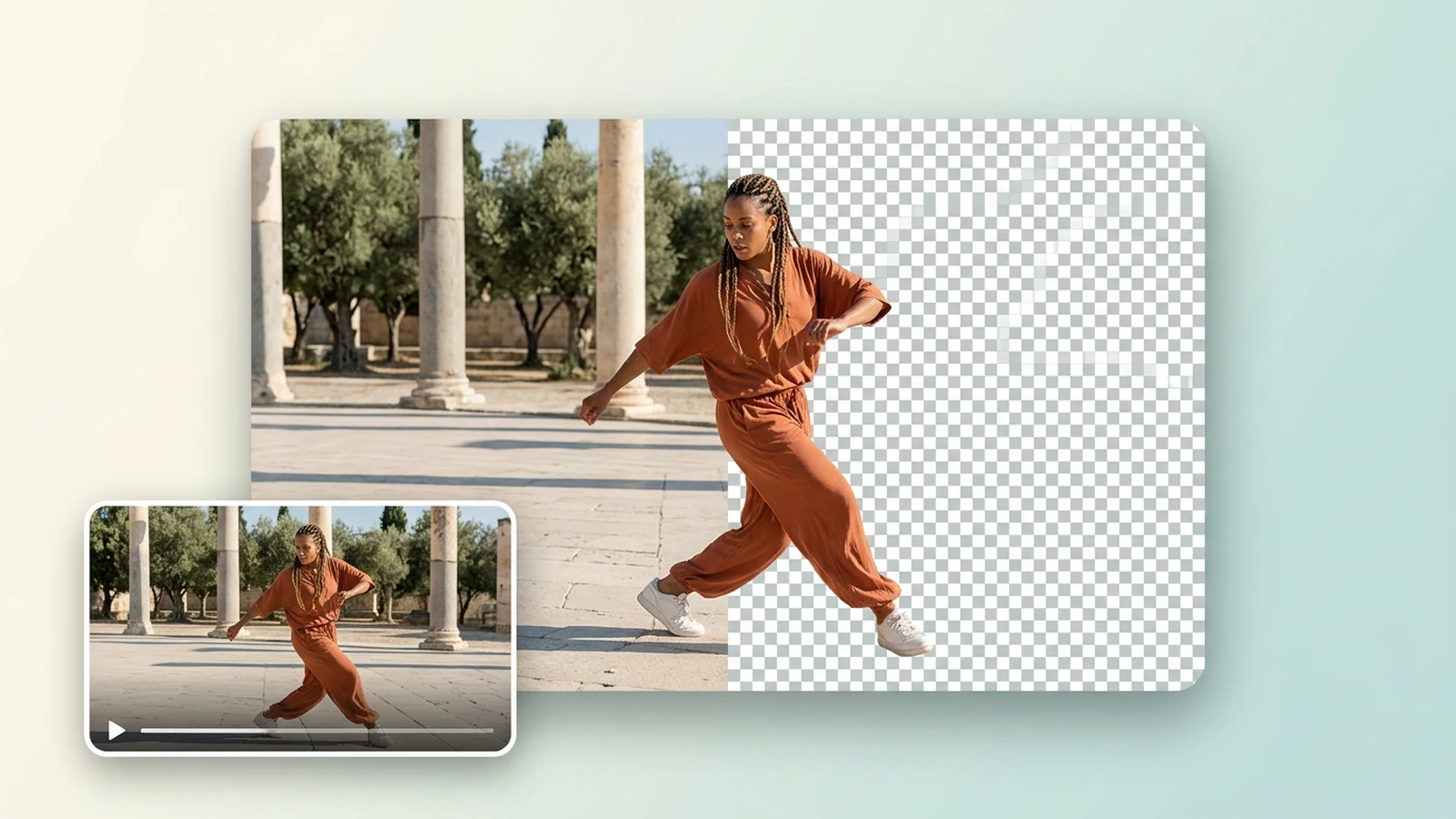
Models marked available can process videos. Available tools and clip limits depend on the selected model.
Video tools use your existing Ottermind balance, including free credits. The Generate button shows the quoted cost before processing.
Local selections can be restored in this browser for up to 24 hours. Generating uploads the selected media to your private Library, where inputs and results remain until you delete them.