Product image
Person photo (optional)

JPEG · PNG · WebP · 20 MB · 240–4096 px

Private video
Example scenario

Product video ads

Create a product reveal with a strong opening.

Turn a Product Photo Into a Video Ad That Sells

Upload a product photo, add your own photo if you want a face on camera, and Ottermind generates a 15-second UGC-style ad ready for TikTok, Reels, and YouTube Shorts.

Energy Ad
Skincare UGC
Product Showcase
Claude
GitHub
Google
Linear
Microsoft
Monday
Netlify
Notion
OpenAI
Sentry
Slack
Stripe
Supabase
Claude
GitHub
Google
Linear
Microsoft
Monday
Netlify
Notion
OpenAI
Sentry
Slack
Stripe
Supabase

Sell your product with a video, not a photoshoot

A product video ad turns one photo into a short, native-feeling clip built for the platforms where people actually shop: TikTok, Instagram Reels, and YouTube Shorts. Upload your product photo and, if you want a face on camera, a photo of yourself or a model. Ottermind writes a hook, a quick demo beat, and a call to action, then generates a 15-second cut styled like the organic UGC content that tends to outperform polished studio ads. Review the draft, adjust the hook or offer, and generate a new take before you post or run it as paid spend.

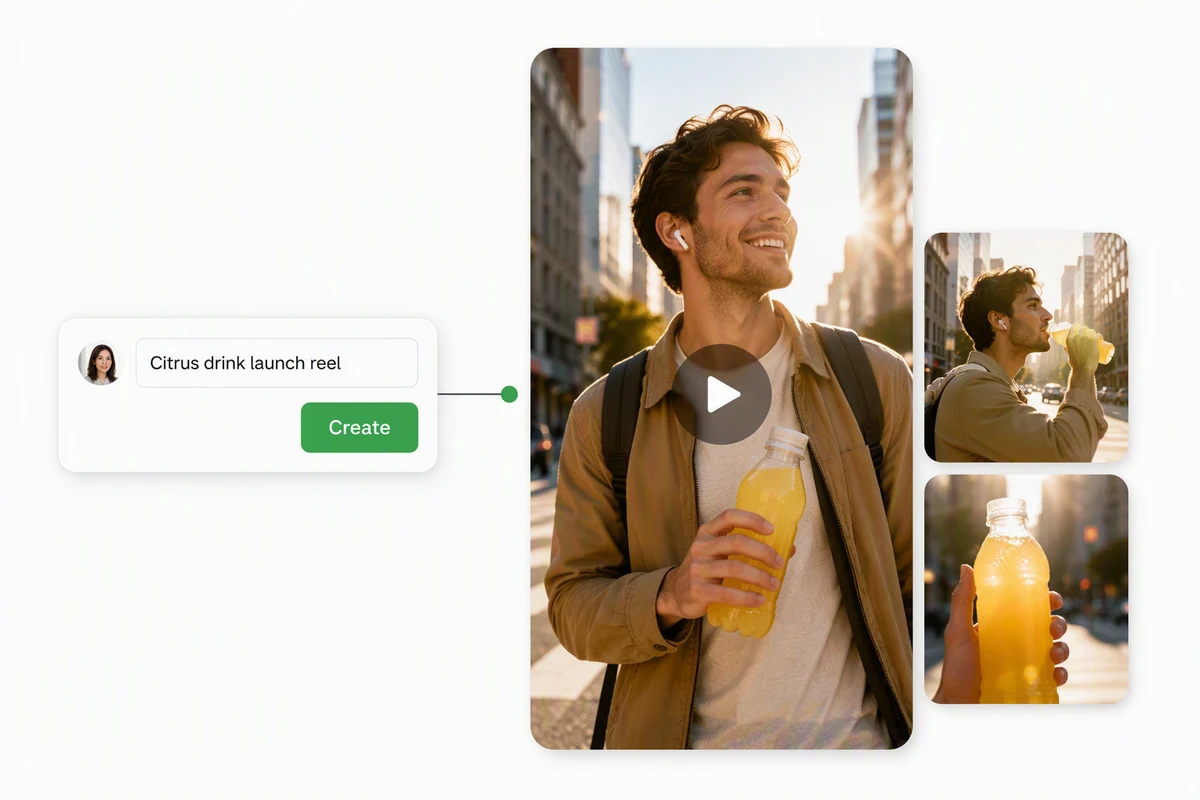
A product photo becoming a short UGC-style video ad

From product photo to scroll-stopping ad

Upload one clear photo of the product you're selling. Ottermind studies it and builds a short script around a hook, a quick demo moment, and a call to action, in the native, unpolished style that performs on TikTok and Reels feeds. If you're still shaping the wider campaign, start with the AI video generator, then bring the product focus back here.
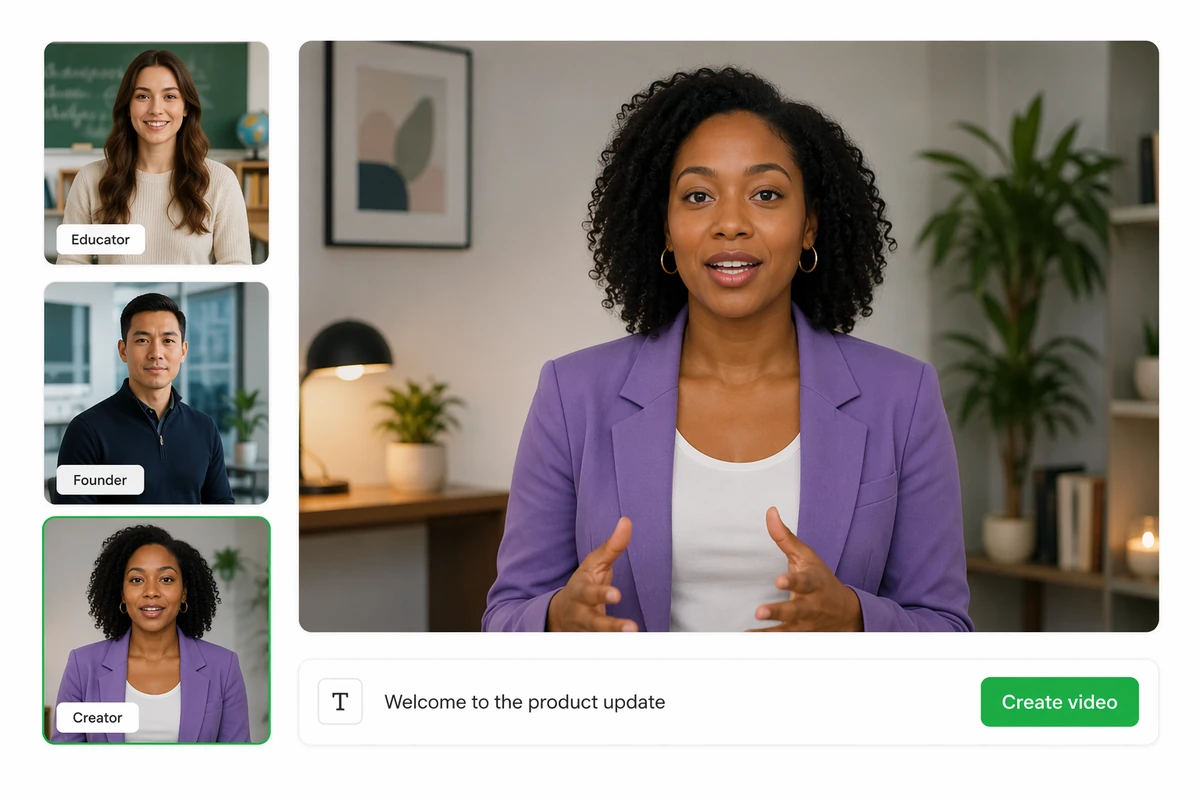
An optional presenter photo added next to a product photo

Add a face, or keep it faceless

Upload a photo of yourself, a teammate, or a model to generate a talking, presenter-led ad, or skip it for a faceless, product-only cut. For a fuller talking-presenter treatment with matched lip movement, continue with the AI Lip Sync Tool once you have a direction you like.

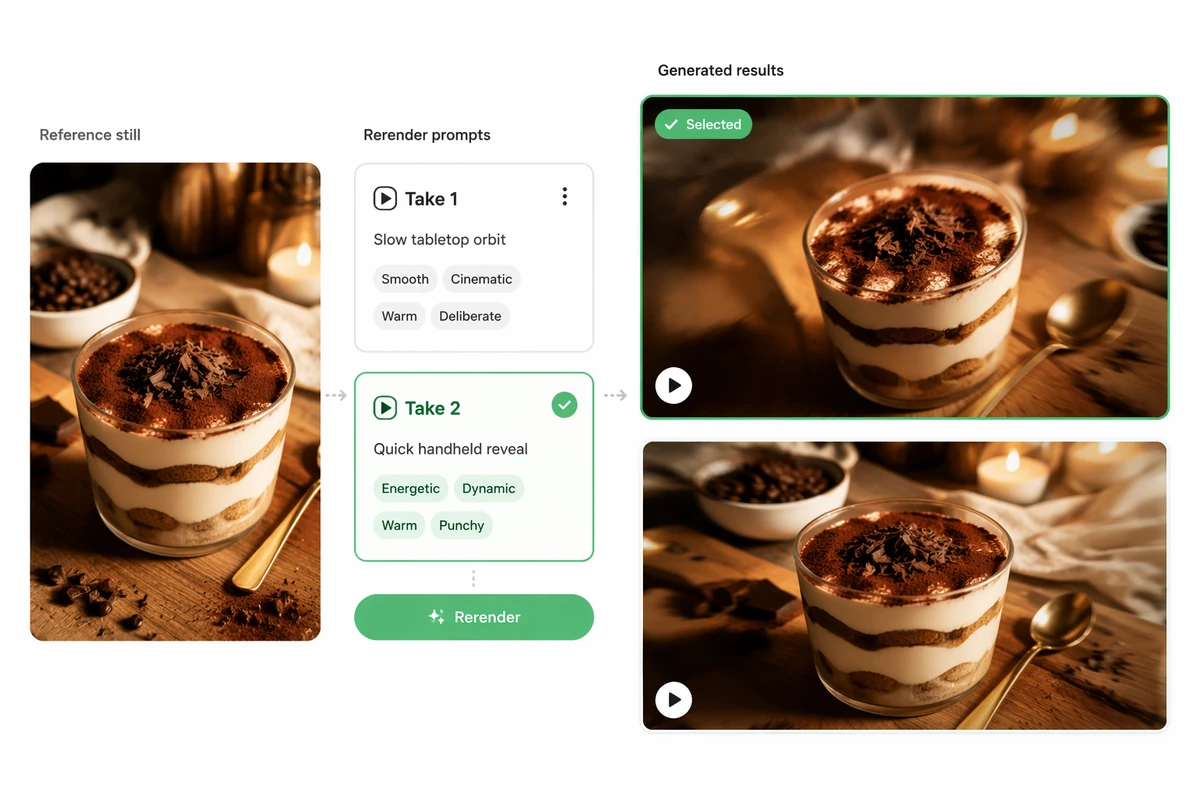
Several ad hook variations generated from one product photo

Test more hooks without reshooting

Selling on TikTok or Meta usually means testing several ad angles before one wins. Change the hook, the offer, or the call to action and generate a new 15-second cut from the same product photo instead of scheduling another shoot. Need the product to move differently in-frame first? Try Image to Video.

What you can do with Ottermind

Demonstrate a product benefit

Turn a verified product image and one customer problem into a short visual proof sequence with a clear payoff.

Create a social launch ad

Build a vertical hook, product reveal, key benefit, evidence, and CTA for TikTok, Reels, or Shorts.

Test several campaign angles

Create distinct versions around convenience, design, performance, or value without changing the underlying product facts.

Animate an approved product image

Start from the final AI Product Image Generator and add motion while protecting shape, label, color, and material.

How to create a product video ad in 3 steps

Step 01

Upload your product photo

Add one clear, well-lit photo of the product you're selling: packaging, the item itself, or a listing photo. Add a photo of yourself or a model if you want a presenter on camera.

Step 02

Describe the ad you want

Name the platform, the hook, the tone, and the call to action, or start from a prompt suggestion and edit it to match your product and offer.

Step 03

Generate, review, and post

Generate a 15-second cut, check the hook, pacing, and call to action, then request a new version if it needs work before downloading it for TikTok, Reels, or YouTube Shorts.

Why creators choose Ottermind

Built for scroll-stopping hooks

Every generated ad opens with a hook in the first two seconds, the window that decides whether a viewer keeps watching or scrolls past.

Works from your real product photo

Ottermind builds the ad around the product photo you upload, so buyers see the real item instead of a generic stock template.

Faceless or presenter-led, your choice

Add a photo for a talking, presenter-style ad, or leave it out for a faceless, product-only cut. Either way, the person photo is optional.

New hooks without a reshoot

Change the script, offer, or call to action and generate another take from the same photo when the first cut isn't converting.

Sized for TikTok, Reels, and Shorts

Every ad generates as a 15-second vertical cut, ready to post or run as paid spend on short-form placements.

Continue refining in Studio

Carry the selected cut into Studio with the product photo, brief, and revision history still attached.

Frequently asked questions

What is an AI product video ad?

It's a short, native-feeling video generated from a product photo, built around a hook, a quick demo moment, and a call to action. It's sized for short-form placements like TikTok, Instagram Reels, and YouTube Shorts, where organic-looking UGC content tends to outperform polished studio ads.

Do I need to show my face?

No. The person photo is optional. Skip it for a faceless, product-only ad, or add a photo of yourself, a teammate, or a model to generate a talking, presenter-led ad instead.

What kind of product photo works best?

A clear, well-lit photo where the product is the main subject, such as a packaging shot, the item on a plain background, or an existing listing photo. One photo is required per ad; upload the version that shows the product most accurately.

Can I use this for TikTok Shop, Shopify, or Amazon listings?

Yes. It's built for sellers who need short ad or listing video for e-commerce and social commerce platforms. Follow each platform's ad and disclosure policies, including labeling paid or AI-generated content where required.

Can I generate more than one version to test?

Yes. Revise the hook, offer, or call to action in the prompt and generate another 15-second take from the same product photo, so you can test multiple angles before choosing what to run as paid spend.

What should I check before publishing an ad?

Verify every product claim, price, and call to action for accuracy, confirm you have rights to the product and person photos you uploaded, and follow each platform's disclosure rules before publishing or running paid spend.

Discover more

More from the blog

Turn your product photo into your next ad

Upload a product photo, add a face if you want one, and generate a 15-second video ad built for TikTok, Reels, and YouTube Shorts.

Create my ad

More video tools

Video tool questions

Can I process a video now?

Models marked available can process videos. Available tools and clip limits depend on the selected model.

Will video tools use my Ottermind credits?

Video tools use your existing Ottermind balance, including free credits. The Generate button shows the quoted cost before processing.

Where is my preview stored?

Local selections can be restored in this browser for up to 24 hours. Generating uploads the selected media to your private Library, where inputs and results remain until you delete them.