EveryGen AI Video Generator
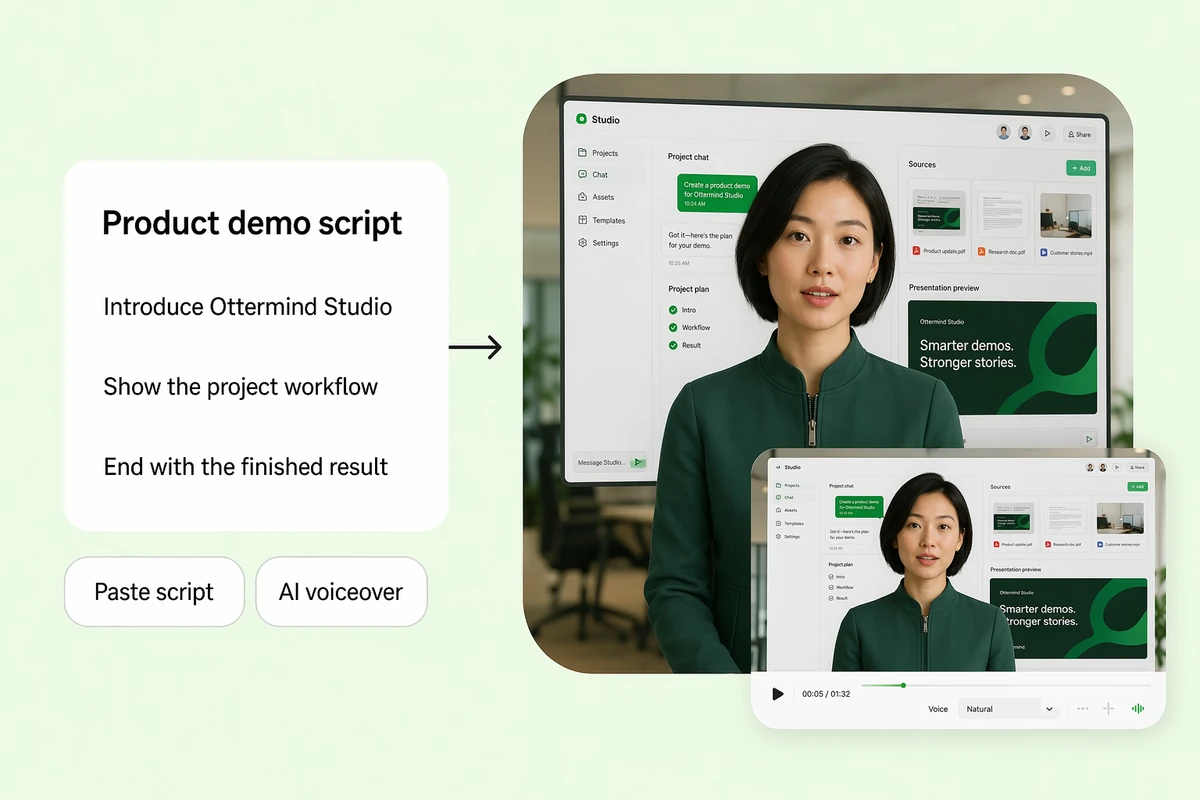
EveryGen turns a written brief into short cinematic clips: a creator at a desk, a UGC product demo, a wildlife scene. This page is the free route to the same kind of short — describe the shot and render it here.
Three EveryGen-Style Shorts You Can Copy
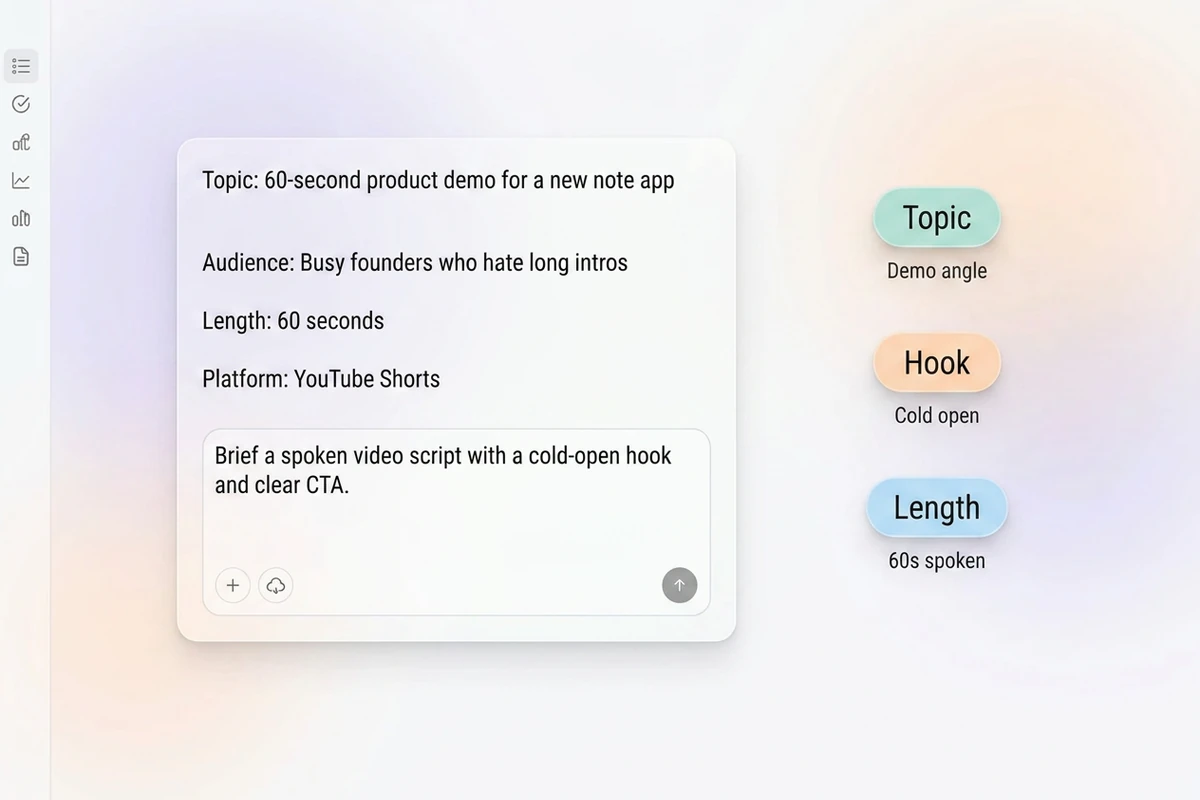
Each prompt writes the shot list as one paragraph: duration, frame, subject, camera move, light. That is the whole difference between a clip that looks intentional and a random eight seconds.
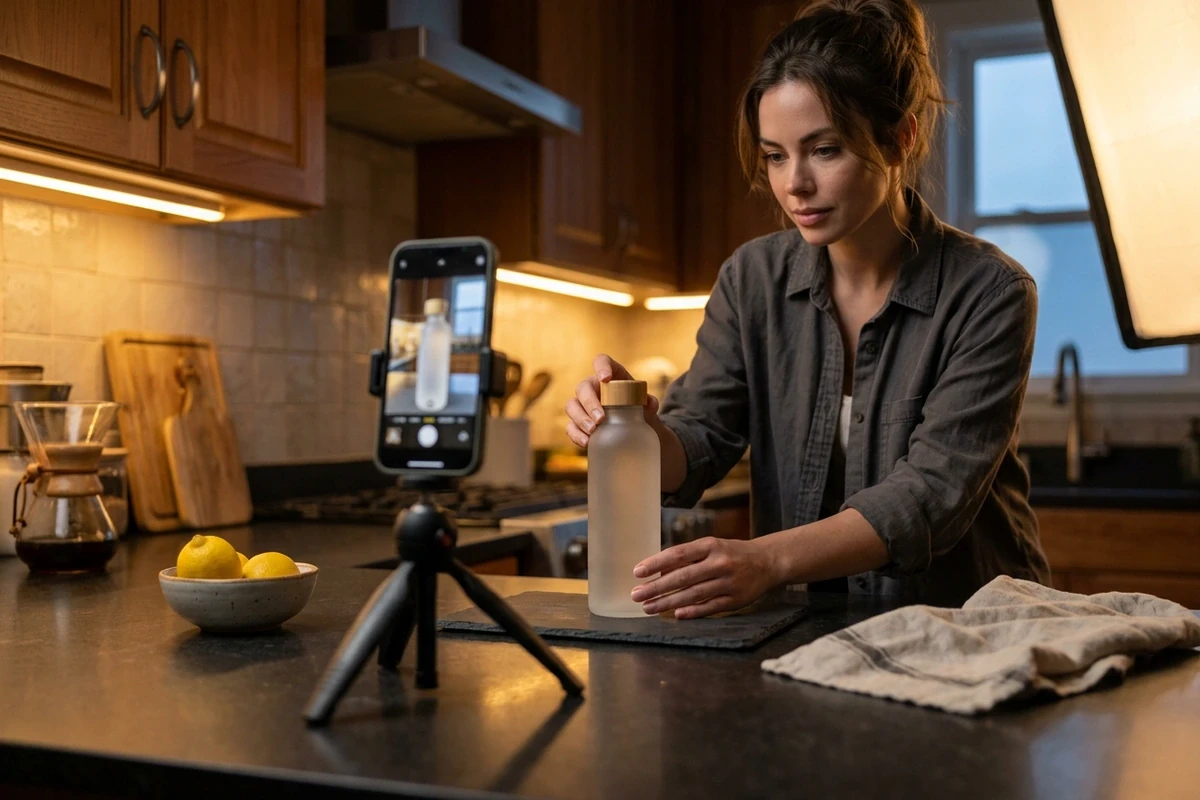
The one-person product shoot
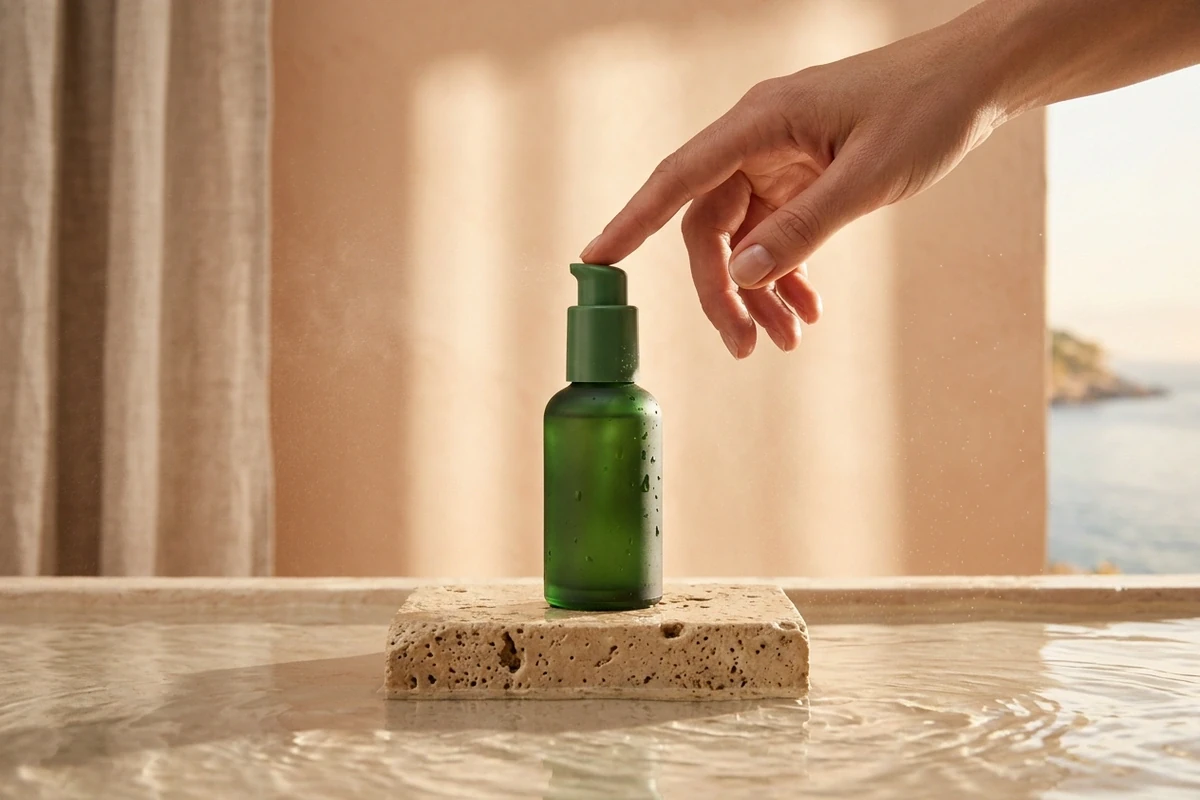
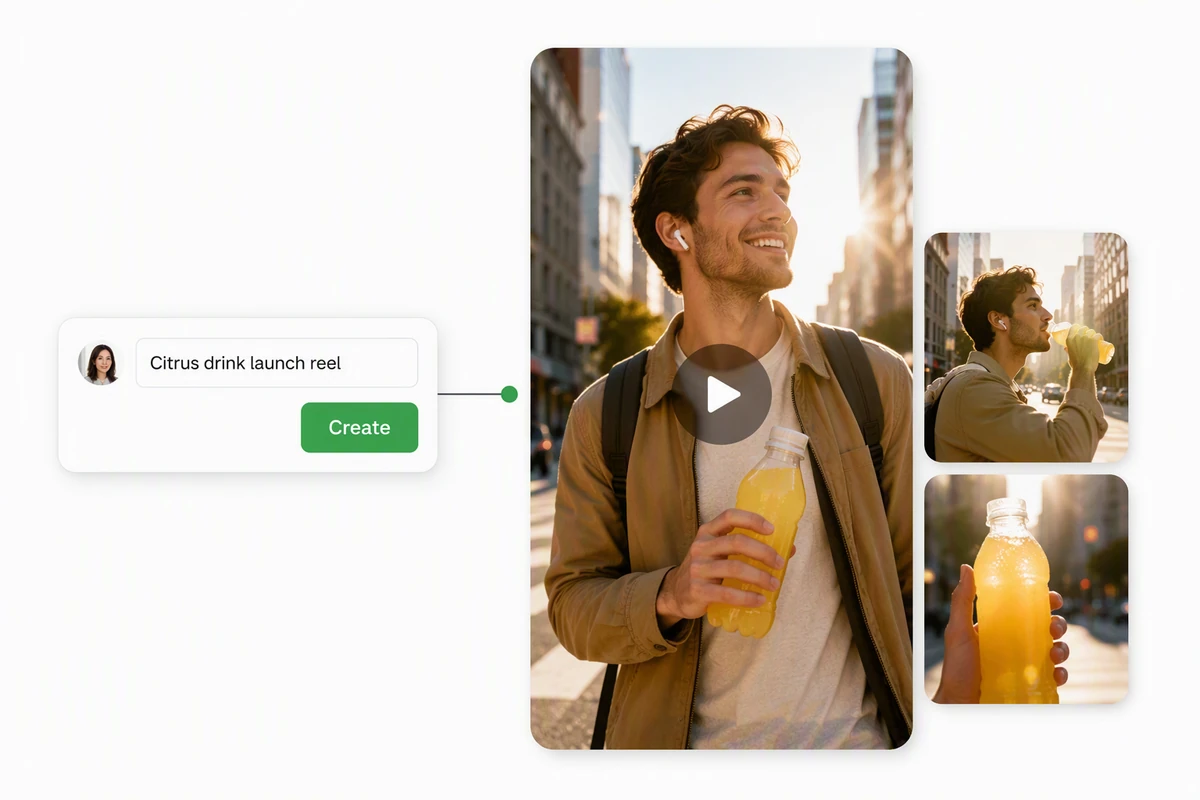
The UGC demo that sells
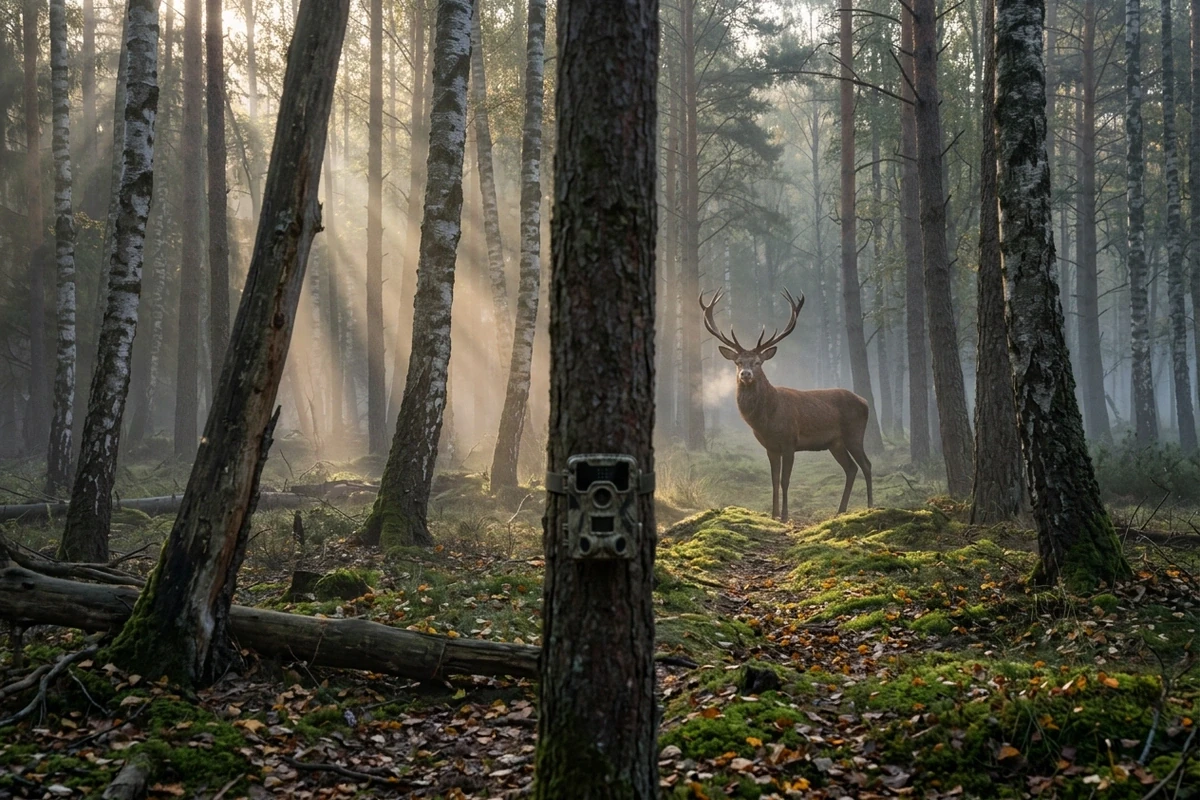
The trail-camera story
Why an Eight-Second Short Still Fails
Not the idea and not the model: the failures are a shot list with three shots in eight seconds, a frame size chosen after the render, and audio nobody planned for.
One paragraph is one shot list
A usable prompt reads like a call sheet, in order: duration, frame, subject, camera move, light. Eight seconds fits one shot and one move — a slow push, a slight drift, a locked frame. The moment you ask for a cut, the model has to invent a second shot it was never given. Short examples that hold up are collected in the How to Turn Images into Video with Ottermind: Motion and Camera Prompts.
Pick the frame before the prompt
Vertical or horizontal is a decision, not a detail: 9:16 changes how close the subject sits and how much background survives. Write it first, then compose the shot around it. If the short is going to a feed, the AI Reel Maker crops and captions it afterwards rather than asking one render to do both.
Sound and captions are the edit
A generated short arrives without a licensed track and without captions. Plan both as post: a music bed you have the right to use, and captions set in the editor. Ask the model only for picture, and keep the AI Video Editor for the rest.
How to Make an EveryGen-Style Short Here
Where a Short Like This Goes
One still covers most of what people want from this trend. The wording of the prompt changes with who is in the picture, not with the room.
One product, one night
No studio booking: a counter, a phone clamp and one strip light. The prompt carries the light direction, the render carries the take, and you keep the version where the bottle catches the highlights.
A UGC demo without a shoot day
Eight vertical seconds of a bottle turning in the sun is the whole format. Write the hand, the wall and the light, then caption it in the AI Reel Maker.
A scene you cannot film
A stag in low mist at dawn is a licensing problem in footage and a paragraph in a prompt. Locked camera, one move, eight seconds — the short reads as nature documentary rather than AI.
EveryGen AI Video Generator FAQ
What is EveryGen?
EveryGen is an AI video generator: you write a brief, it returns a short clip — the kind used for creator shorts, UGC-style product demos and cinematic nature scenes. It sells credits for those renders.
How is this page different from using EveryGen?
EveryGen runs the render on its own models and credits. Here you write the same shot list and render it through our Photo to Video AI Free, using a photo as the reference when the subject has to look right. Same kind of short, different route.
Is it free to try here?
You can run a first pass without signing up, so testing one shot costs nothing beyond the render itself. We do not promise unlimited free use, and account-gated capabilities stay gated.
Do I need to upload a photo?
No, but it helps when the subject is specific: a product, a face, a logo-free bottle. The photo pins shape and colour, and the prompt only has to carry light, camera and motion. Without one, describe the subject precisely in the first two clauses. Photo to video is the shorter path when you have one.
How long can the clip be?
Plan around eight seconds per shot, which is what short-form feeds reward and what a single camera move can carry. Longer pieces are several generated shots edited together, not one longer prompt.
Vertical or horizontal?
Decide before you write: 9:16 for feeds, 16:9 for a player or a website hero. The frame changes the composition — a 9:16 shot needs the subject closer and the background simpler.
Can it add music or captions?
The generation covers the picture. Add the track you have the right to use and set the captions in your editor afterwards; captions baked into a render are usually cut off when the short is cropped.
Can I use the result commercially?
Treat it as generated footage and check the rules of the platform you post on, plus your client's own approval. Do not present a generated person as a real endorsement, and do not recreate a real product's packaging or a specific artist's likeness.
Tools that carry one short further

Write One Shot, Render Three
Short-form rewards iteration: same shot list, three takes, keep the one where the light and the motion agree. That is cheaper than a reshoot day.