Build a working website by chatting with AI

Turn a plain-language brief into a responsive website you can preview, inspect, and keep improving. Explain the audience, pages, style, and behavior, then continue the build in Ottermind Studio.

Your prompt continues in Studio. Sign-in is required. Generation, production publishing, and custom domains depend on your account and plan.

Everything you need to turn an idea into a working website

Generate the pages, content, visuals, interactions, and product infrastructure in one connected build.

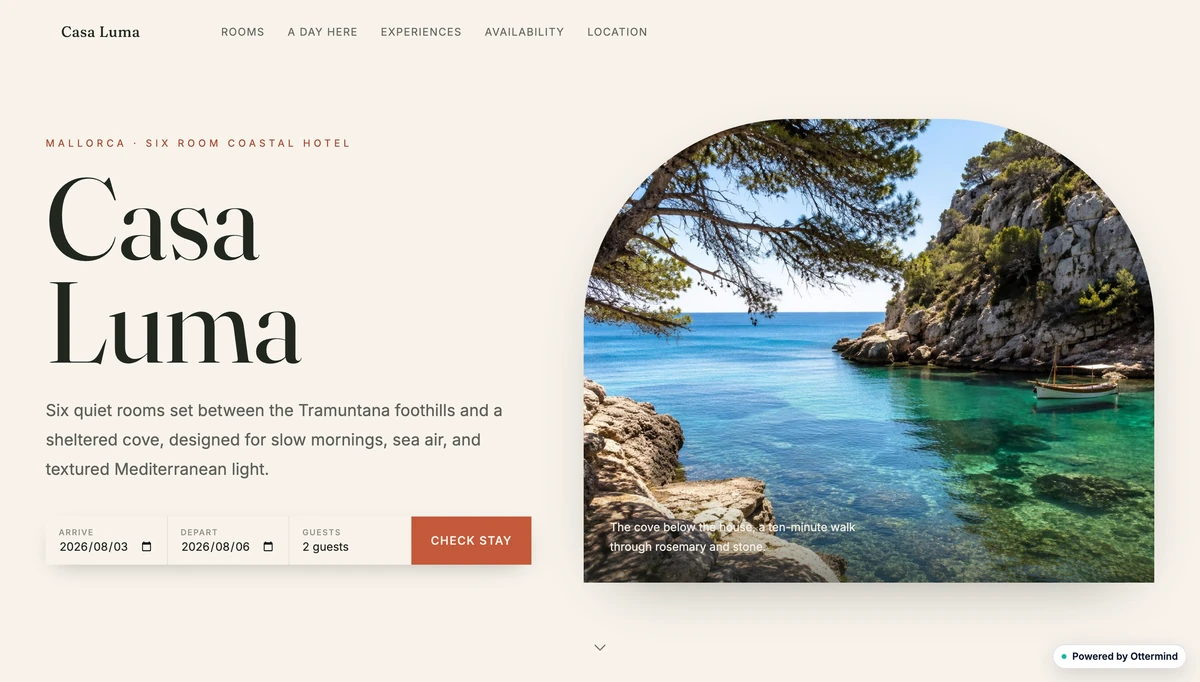
A complete responsive hotel website generated from a single idea

Turn one idea into a complete website

Start with a plain-language brief for the audience, offer, style, and essential pages. Add reference images or files when they make the direction clearer.

Ottermind turns that context into a cohesive responsive website, with navigation, page structure, content, visual hierarchy, and calls to action designed as one complete experience.
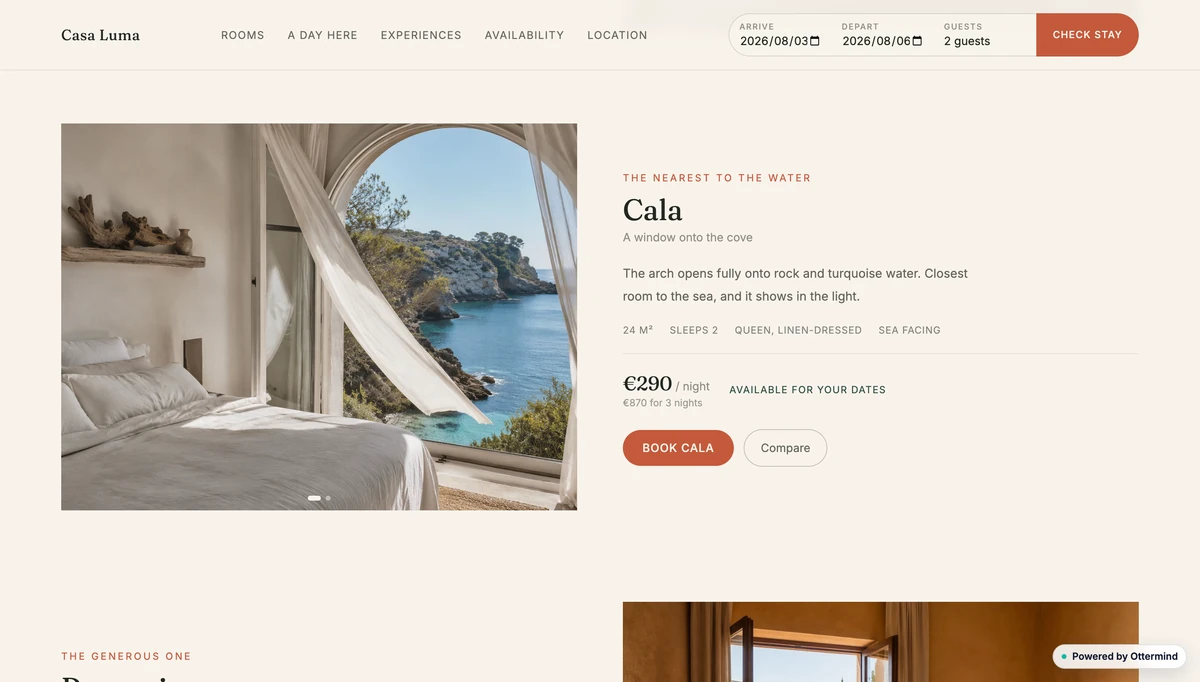
A hotel room page combining clear photography, descriptive copy, pricing, and booking actions

Create clear visuals and copy together

Generate layouts where imagery and writing support the same goal, from strong hero sections to product details, pricing, trust signals, and focused calls to action.

Keep the visual direction, tone, information hierarchy, and reusable page patterns consistent as the website grows beyond a single landing page.

When the site needs original product images, campaign visuals, or concept art, use the AI image generator to develop assets around the same brief before placing them into the build.

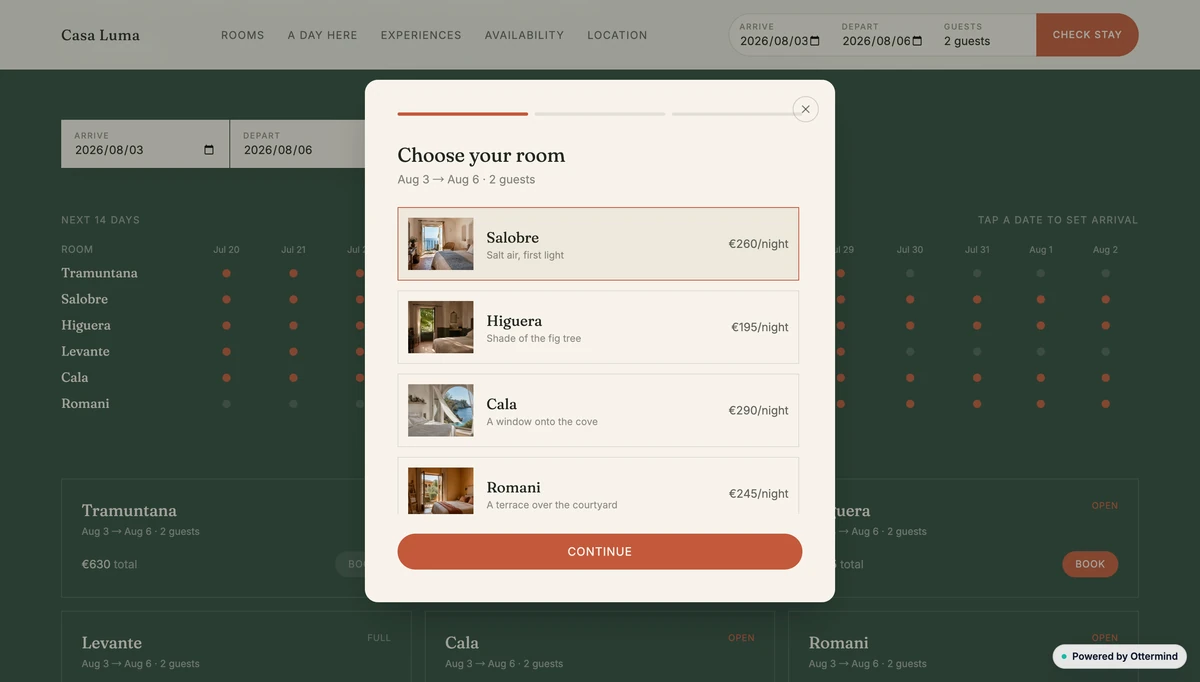
An interactive hotel booking flow with availability data and a room selection dialog

Build more than a static HTML page

Create forms, availability tools, multi-step flows, dialogs, and other stateful interfaces that respond to what visitors do.

The result is a working responsive preview you can test and refine, with supported data, storage, and server capabilities available when the approved workflow needs them.

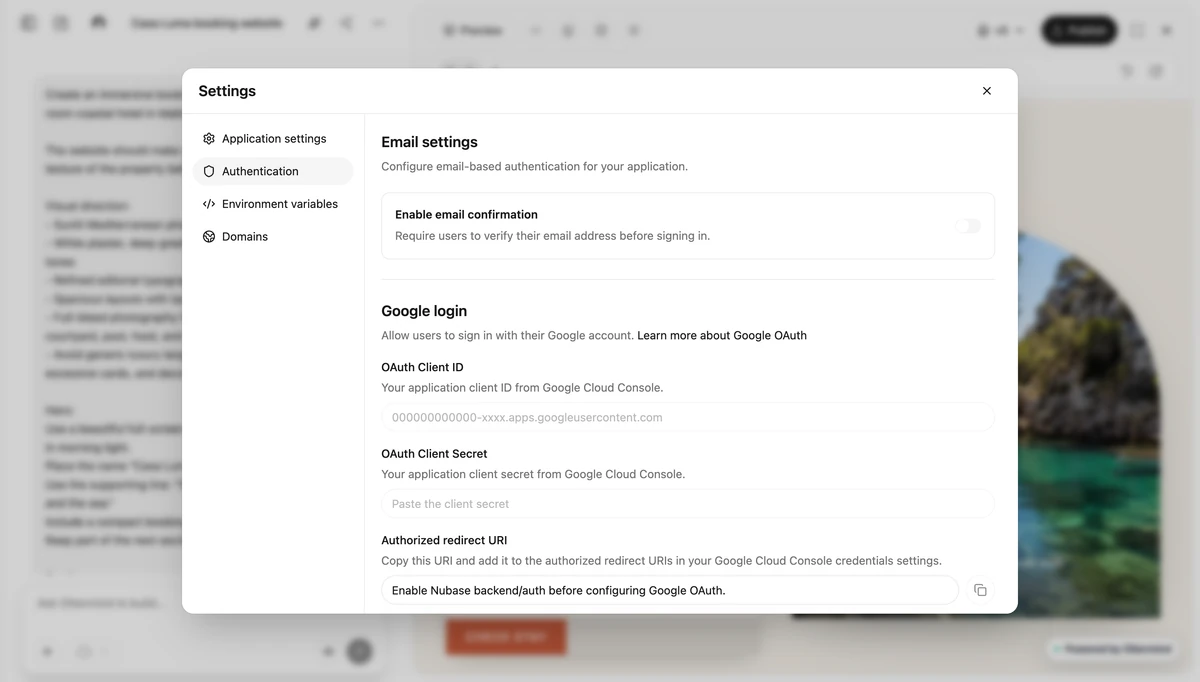
Ottermind settings for email confirmation, Google login, environment variables, and domains

Add authentication and deploy with control

Configure built-in email registration and login, email confirmation, and Google authentication for account-based experiences.

Manage environment variables and domains, keep the source available for local development or your own deployment workflow, and use Ottermind-managed publishing when the account is eligible.

When an agent-led build makes more sense than a template

Templates work well when the layout is already known. Ottermind is designed for projects where the brief, references, functionality, and revisions need to stay connected.

Starting point

Ottermind

Goal, brief, references, and files

Template-only workflow

Template and manual setup

Planning

Ottermind

Conversation plus a confirmable Blueprint

Template-only workflow

Editor menus and page choices

Creation

Ottermind

Agent-built responsive website project

Template-only workflow

Manually assembled sections

Functionality

Ottermind

Supported backend when requirements need it

Template-only workflow

Plugins or manual integration

Refinement

Ottermind

Continue in the same task context

Template-only workflow

Edit controls or switch templates

Project access

Ottermind

Preview, source, files, versions, and applicable data

Template-only workflow

Varies by platform and plan

Go from idea to live website in three steps

Describe the outcome, let Ottermind assemble the working project, then add the services you need and publish when it is ready.

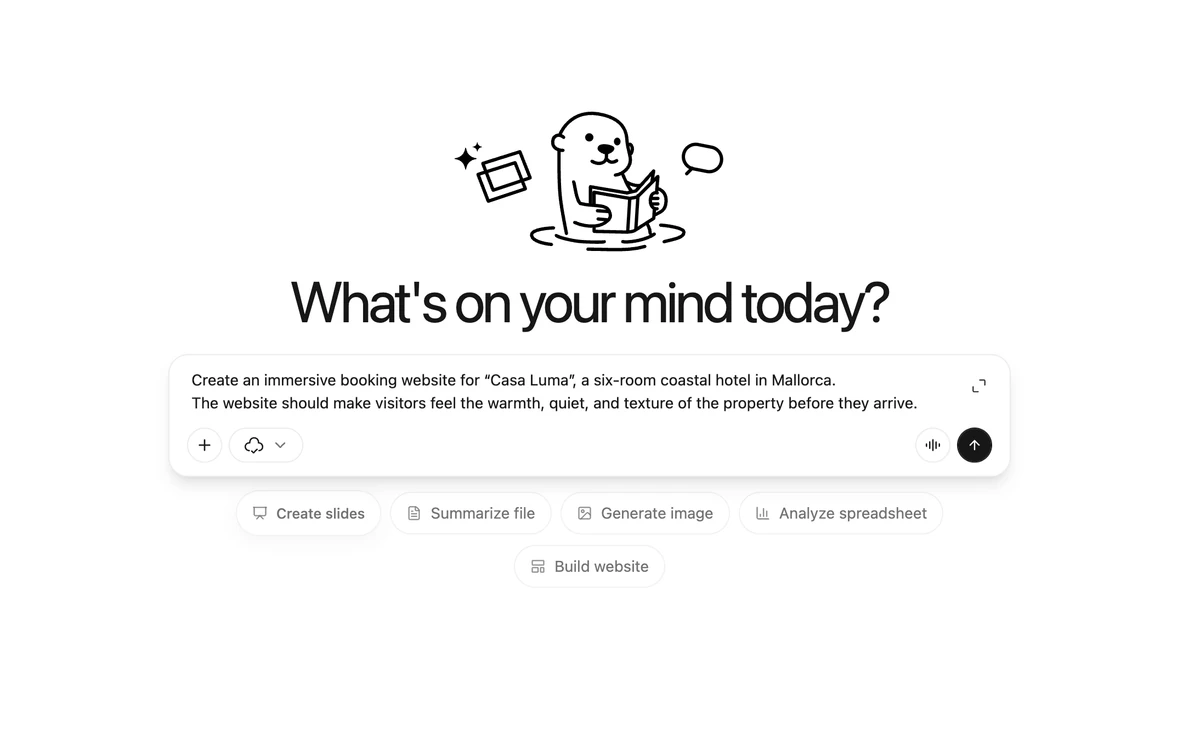
An Ottermind prompt describing an immersive hotel booking website

1. Describe the website you want

Start with a plain-language prompt for the audience, pages, style, and experience you want. Add references when they make the direction clearer.

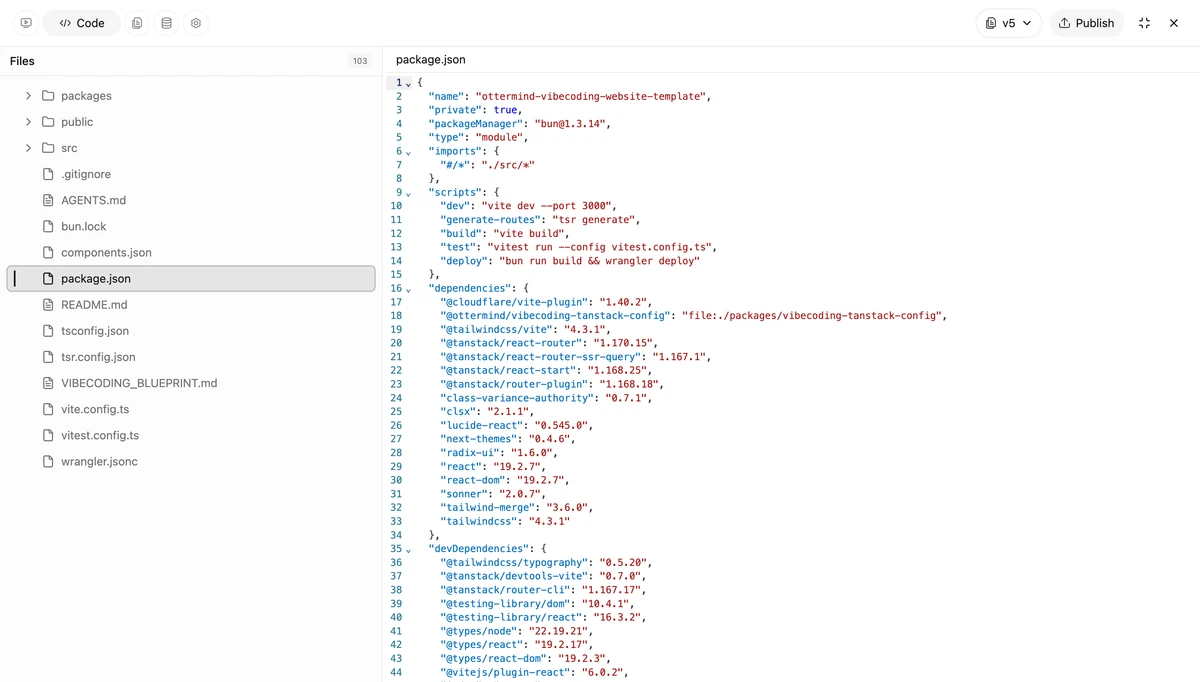
Ottermind writing a website project in its integrated code workspace

2. Let AI build the project

Ottermind turns the approved direction into a responsive website project, writes the code, and keeps the files and preview together while you review the result.

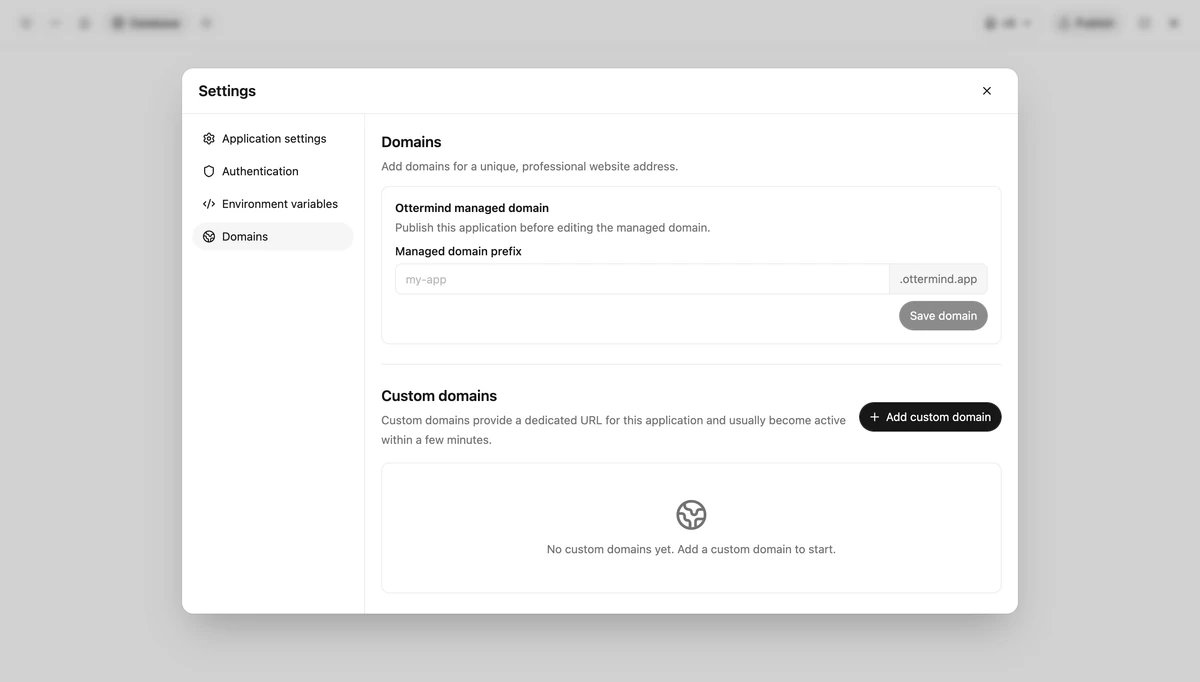
Ottermind domain settings for publishing a website to a managed or custom address

3. Add capabilities and launch

Choose the services your site needs, from email and Google sign-in to environment variables and domains, then publish the approved version when it is ready.

See what you can build with Ottermind

Explore a few different directions, from expressive personal sites to interactive experiences and practical planning tools.

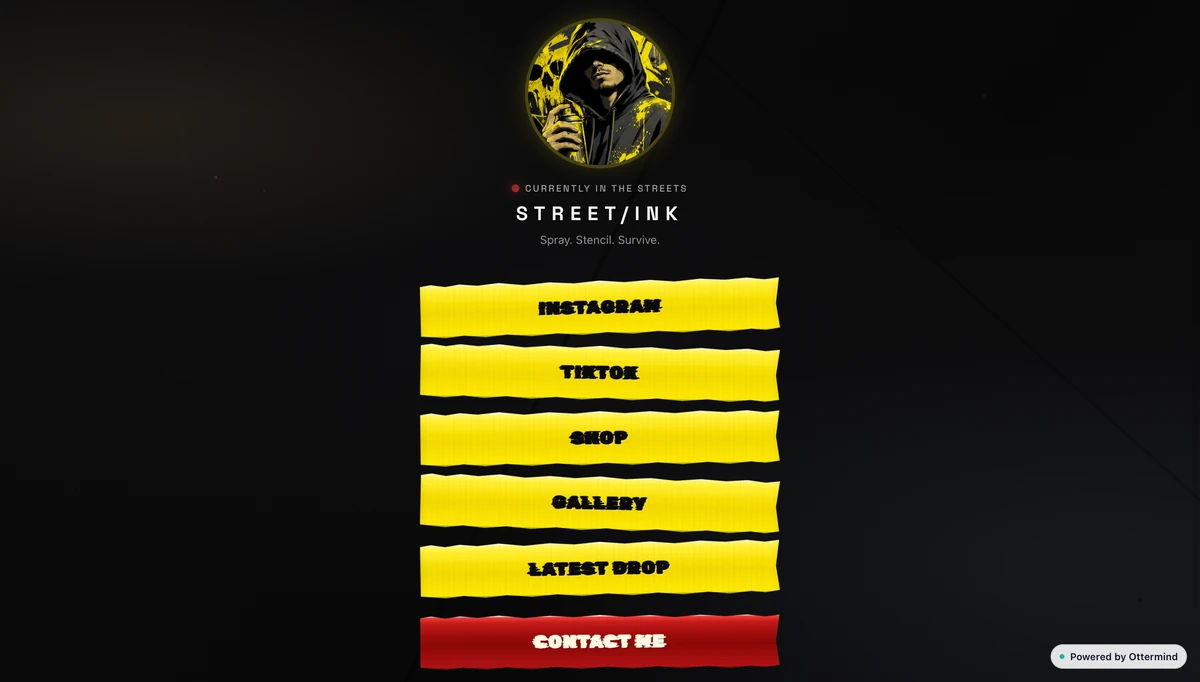
A dark personal website for a street artist with bold yellow navigation

A personal art site with a point of view

Turn a distinctive visual identity into a focused home for collections, social links, new releases, and inquiries.

1 of 4

Frequently asked questions

What is an AI website builder?

An AI website builder turns a description into a generated site or website project. Ottermind gathers the direction, prepares a plan, builds a responsive website version, and lets you review and refine the result in Studio.

What should I include in my website prompt?

Include the audience, primary goal, required pages or sections, visual direction, calls to action, and any real content or functionality the site must preserve. Screenshots, documents, brand assets, or reference links can clarify the direction in Studio.

Does Ottermind create a responsive website or only a mockup?

Ottermind website mode creates a working website project with a preview, not only a static design image. Review the generated version at desktop and mobile sizes and test critical workflows before publishing.

Can I edit the website and inspect the source?

Yes. Continue the task in chat to request changes, inspect generated source and project files in Studio, and work with website versions as the project evolves. Available source artifacts can also be downloaded.

Can Ottermind add login, forms, a database, or file storage?

Ottermind can add supported backend capabilities when the confirmed Blueprint and requirements need them. Authentication, database, storage, and server behavior are not enabled by default for every site.

Where does my generated website appear?

The generated website appears inside the Ottermind Studio task and Website workspace. Open the preview, review the project, request revisions, and manage available publication controls there.

Do I need an account, and is the AI website builder free?

You can begin describing the website here, but the task continues in Studio and requires sign-in. Generation, production publishing, and advanced options use account-based credits and entitlements and may have plan limits.

Can I publish the website or connect a custom domain?

Eligible accounts can publish a selected version to an Ottermind-managed address. Production quotas apply. Custom-domain controls are available only when the account plan includes them, and domain verification must complete before activation.

Describe the website you want to build

Start with the audience, outcome, and pages. Ottermind carries the brief into Studio, helps confirm the direction, builds a working preview, and stays with the project while you refine it.