OpenClaw Alternative: Ottermind Desktop

If you like the agent idea behind OpenClaw but want a more guided, visible, and delivery-focused experience, Ottermind is a lighter way to get work done.

Try it now
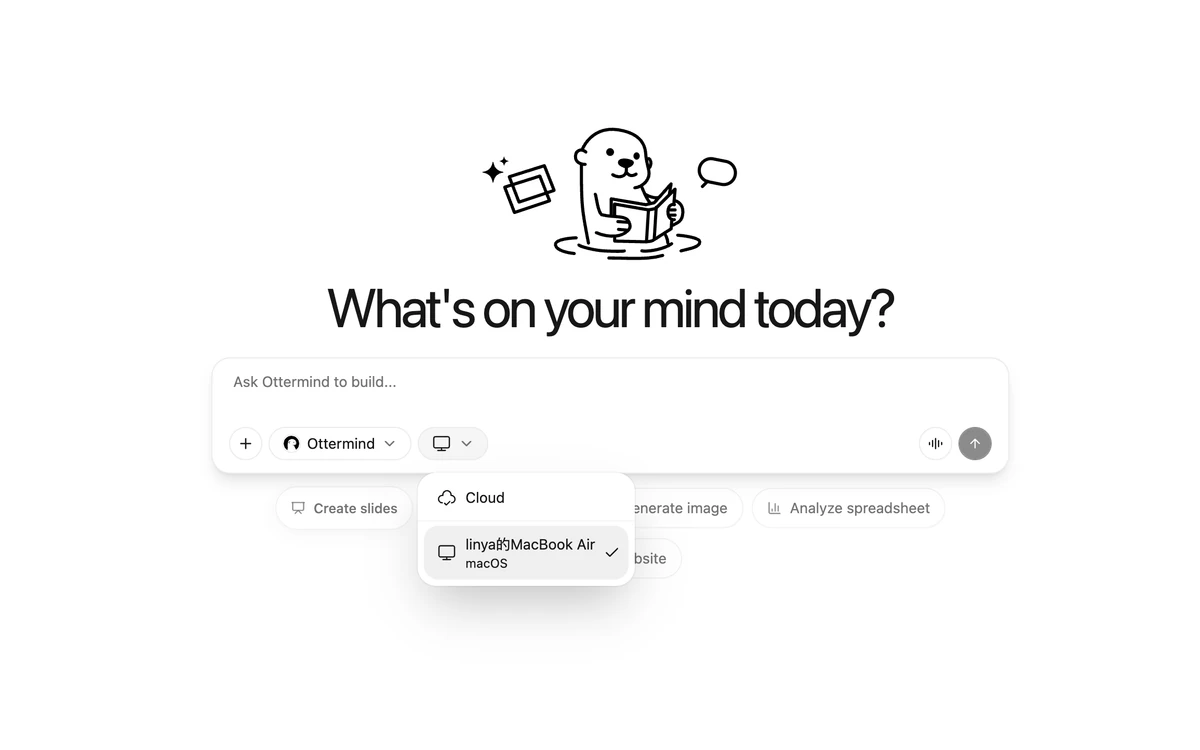
Ottermind Desktop preview

What is OpenClaw, and who needs an alternative?

OpenClaw is an open-source agent stack: you run it yourself, wire in your own model keys and tools, and get a very configurable agent in return. If you enjoy assembling that stack, it is hard to beat on flexibility, and nothing here argues otherwise.

The reason people search for an alternative is almost always the same. The setup cost is paid before the first useful result, and it is paid again every time a model, a tool, or a dependency changes. For a team that wants the output rather than the plumbing, that maintenance is the whole cost of the tool.

Ottermind takes the same agent idea and ships it as a product. You install a desktop app, sign in, and describe the task. No repository to clone, no API keys to supply, no execution layer to keep running. The trade is real: you get less control over internals, and in exchange the agent works on day one and keeps working without you maintaining it.

OpenClaw vs Ottermind Desktop

Both support AI agent workflows. Ottermind leans toward a productized, controllable, delivery-oriented experience.

OpenClaw
Ottermind DesktopRecommended
Getting started
Set up projects and tools
Download, sign in, ask
Best for
Better for technical users
Business teams can use it directly
Files and context
You manage folders and context
Inputs, outputs, and edits stay together
Execution control
Requires execution-layer knowledge
Plans and progress are visible
Output style
Exploration and custom automation
Reports, pages, docs, tables
Interface
Projects, commands, dev tools
Product UI for review and iteration
Research capability
You configure sources and output
Turns research into structured reports
Scheduling and recurring tasks
Scripts or schedulers needed
Easier to reuse as workflows
Try it now

Capability by capability

The five jobs people bring to a general agent, and what each side asks of you to get them done.

Presentations and slides

The job: Turn a document, article, or brief into a deck you can present.

OpenClaw
Possible, but you assemble it: a model, a slide-generation tool, and a template pipeline you maintain yourself.
Ottermind Desktop
Built in. Produces editable PowerPoint files with GPT Image 2 visuals, so you can open the deck and change one slide.

Image generation

The job: Produce product shots, ad posters, brand visuals, or UI mockups.

OpenClaw
Depends on which image model you connect and how you handle references and iteration.
Ottermind Desktop
A dedicated image workflow with reference support and conversational revision that keeps context between passes.

Writing and shipping code

The job: Build a working script, tool, or site on a real machine.

OpenClaw
The natural strength of a self-hosted stack — you already control the execution environment.
Ottermind Desktop
Runs shell commands, reads and writes files, and takes screenshots on a machine you connect, with the task boundary confirmed before it starts.

Video

The job: Go from a script, image, or product idea to a shareable video.

OpenClaw
Requires sourcing and wiring a video model yourself.
Ottermind Desktop
A text-to-video and image-to-video workflow with storyboard and scene-level refinement.

Data analysis

The job: Take a messy spreadsheet or export and return numbers you can defend.

OpenClaw
Fully capable once configured; the configuration is the work.
Ottermind Desktop
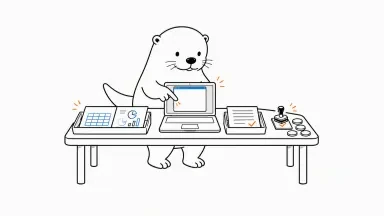
Reads the file where it lives, runs the analysis, and returns the chart, the spreadsheet, and the code behind it, ready to schedule as a repeat run.

Which one should you pick?

This is a build-versus-buy decision more than a feature contest. Both answers are defensible.

Stay with OpenClaw when

You want full control of the stack and the maintenance is a cost you are happy to pay.

  • You want to choose and swap every model and tool yourself
  • Self-hosting is a requirement, not a preference
  • You need to modify agent behaviour at the code level
  • Someone on the team owns keeping the stack running

Switch to Ottermind when

You want the agent's output and would rather not own an execution layer.

  • You want a working agent today, without a setup project first
  • Non-technical colleagues need to use it directly
  • You would rather pick a model from a list than manage API keys
  • You need editable deliverables — PPTX, spreadsheets, images — not raw output
  • Nobody on the team wants to be the person who maintains it

How to use Ottermind Desktop

Start with one real task instead of rebuilding the whole stack.

Download and install

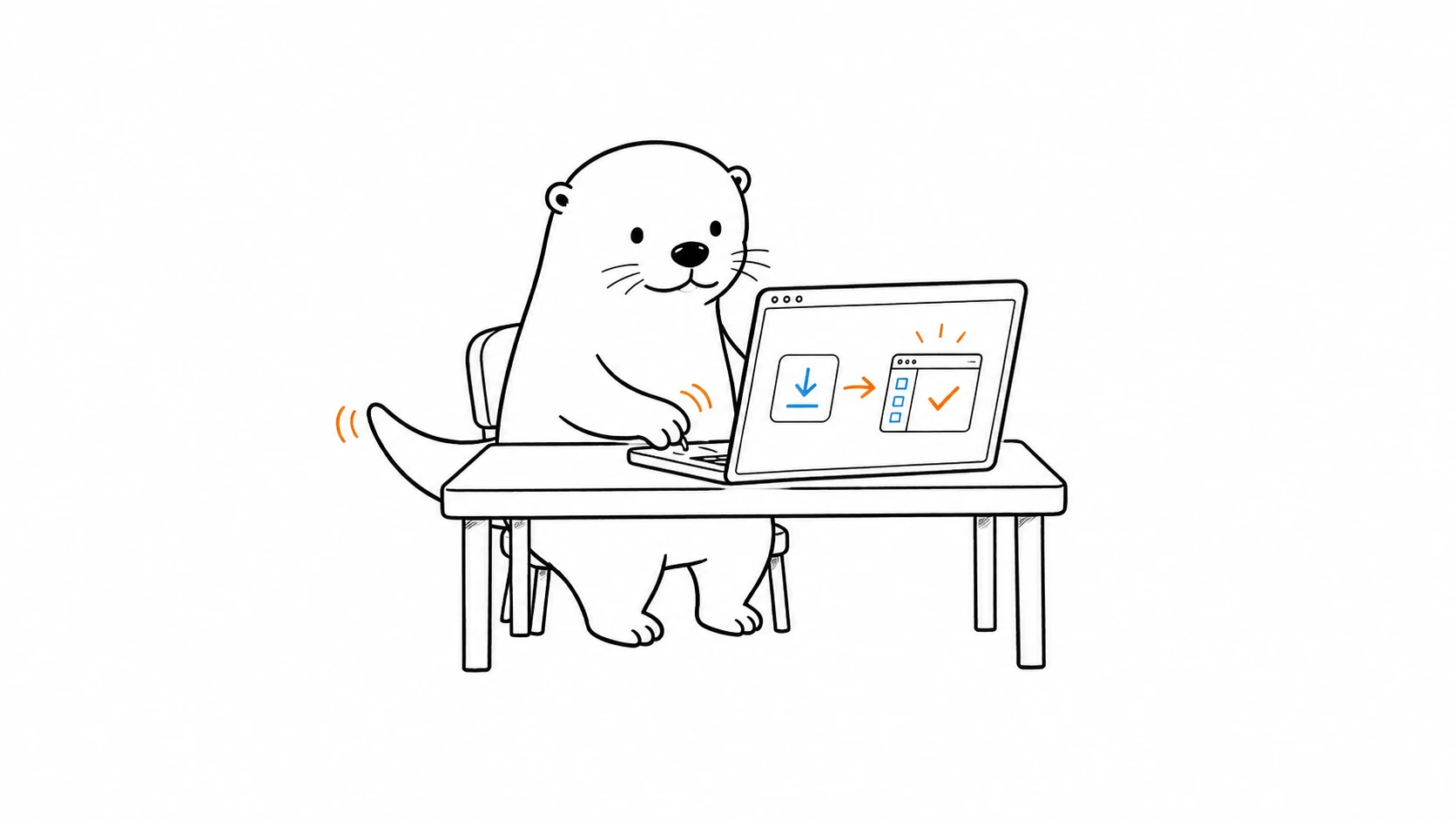
Get the Ottermind Desktop app for macOS or Windows. Install it like a normal app, with no GitHub repository required.

Log in

Sign in with your Ottermind account. No external API key is required; everything runs under your subscription.

Connect your local computer

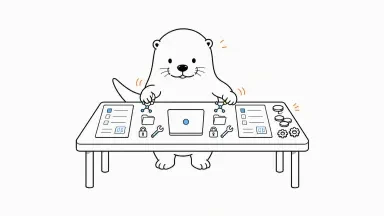
Grant access to local files or folders when needed, confirm the task boundary, and let Ottermind Desktop process materials safely.

FAQ

Is Ottermind a direct OpenClaw clone?+

No. This page follows the structure of an alternative landing page, while Ottermind focuses on productized tasks, managed context, and usable deliverables.

Do I still need Ottermind if I already use OpenClaw?+

If you enjoy assembling and tuning agents yourself, OpenClaw may still fit. If you want less setup and more business output, Ottermind is easier to live with.

Is Ottermind friendly for non-developers?+

Yes. The core interaction is describing a task in natural language, then managing plans, materials, and outputs through the product interface.

What should I migrate first?+

Start with a bounded task like competitor research, content rewriting, material cleanup, or weekly reporting.

Do I need my own API keys?+

No. Model access runs under your Ottermind subscription, so there are no separate provider keys to obtain, store, or rotate. You still choose which model handles each task.

Can Ottermind run commands on my own machine?+

Yes. The desktop app for macOS and Windows connects your computer as a workspace. Agents can run shell commands, read and write files, and take screenshots there, and you confirm the folder and task boundary before anything runs.

Is Ottermind open source?+

No. Ottermind is a commercial product, which is the main trade against a self-hosted stack: less access to internals in exchange for not maintaining them. Skills — the reusable instruction packages agents run — are plain Markdown files you can read, edit, and share.

How do I avoid rewriting the same prompt every time?+

Save a successful run as a skill or a scheduled automation. Skills are Markdown files with frontmatter, so they can be versioned, shared with colleagues, or published to the public skills library.

Ready for an easier OpenClaw alternative?

Start with one concrete task and let Ottermind connect planning, execution, and delivery.

Download Ottermind Desktop