JPEG · PNG · WebP · 20 MB · 4096 × 4096 px
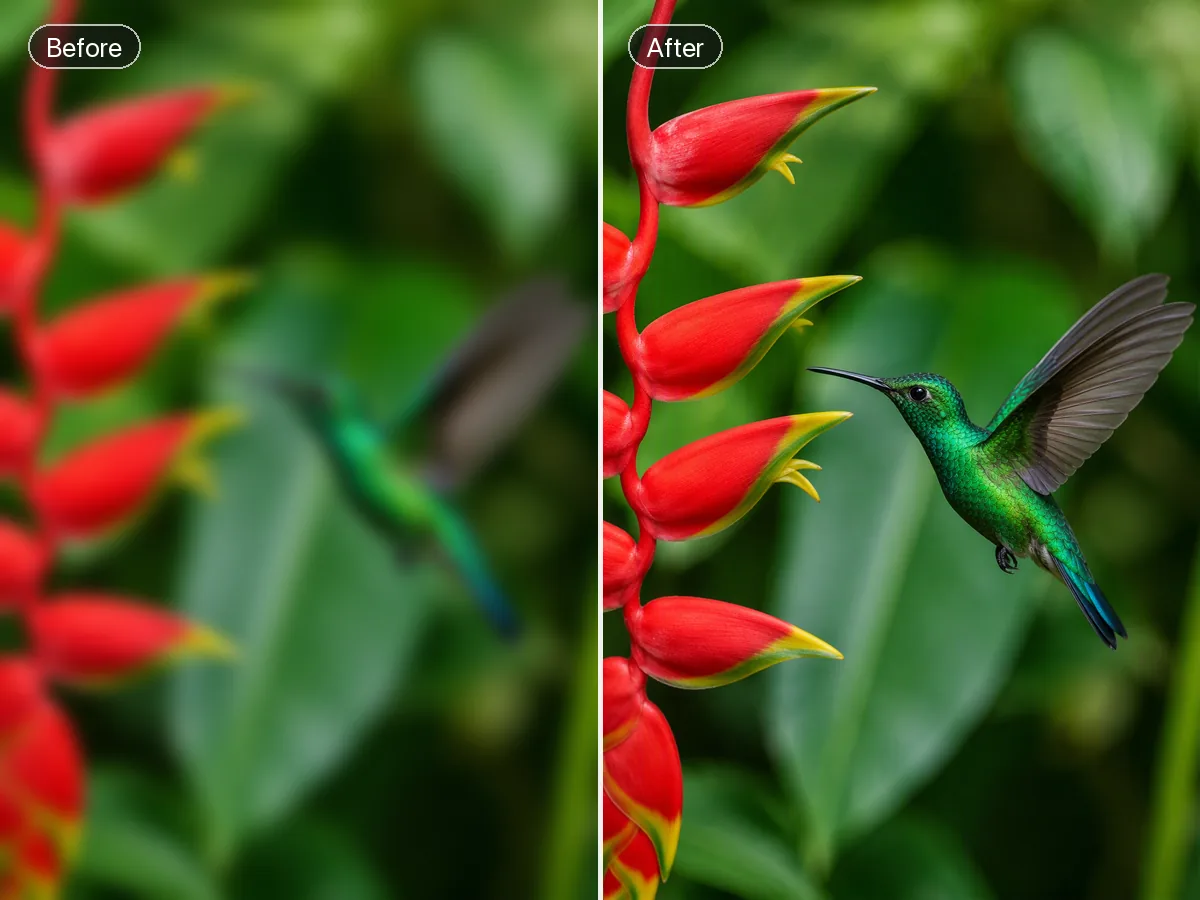
Improve image detail and clarity with adjustable enhancement and faithful reconstruction.
One workspace, many creative directions
Restore detail, isolate a subject, retouch a scene or expand a composition. Choose a tool for the change you want to make.
What you can do with Ottermind
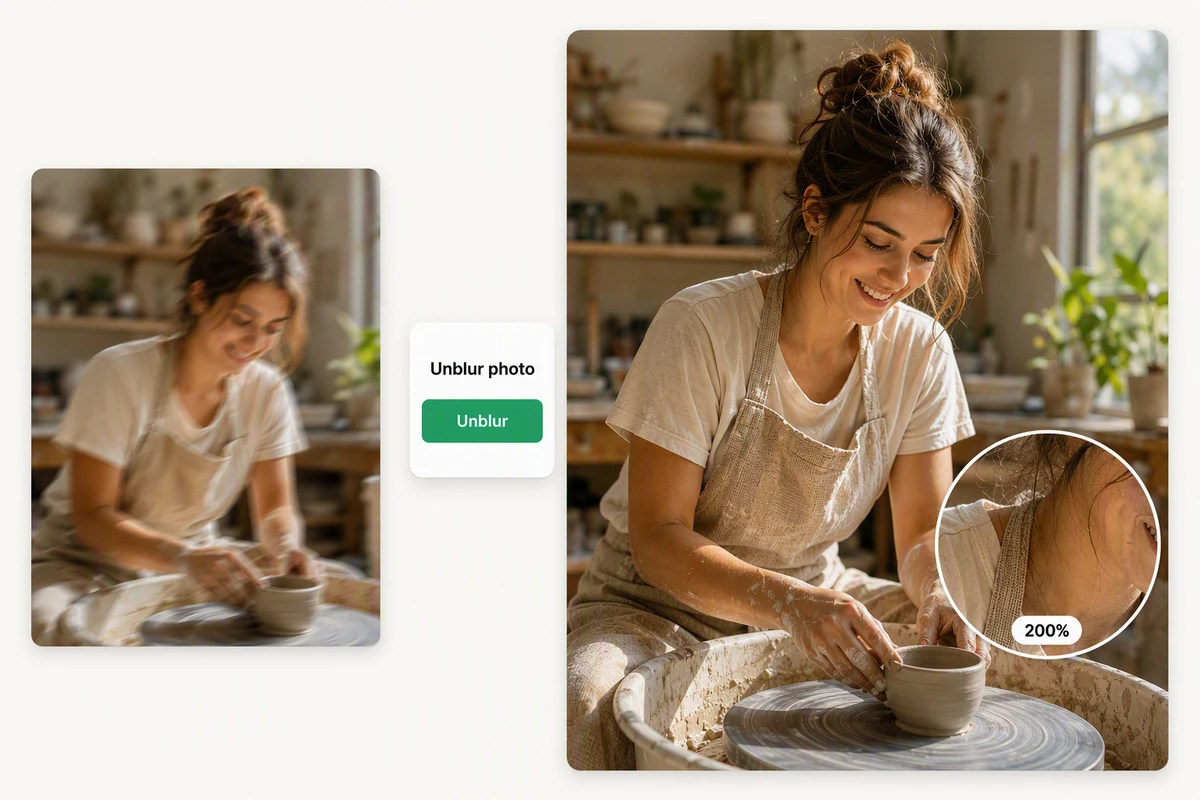
Image Enhancer
Adjust enhancement strength to lift detail in portraits, products and travel photos. Compare fine textures at full size so the finish stays natural.
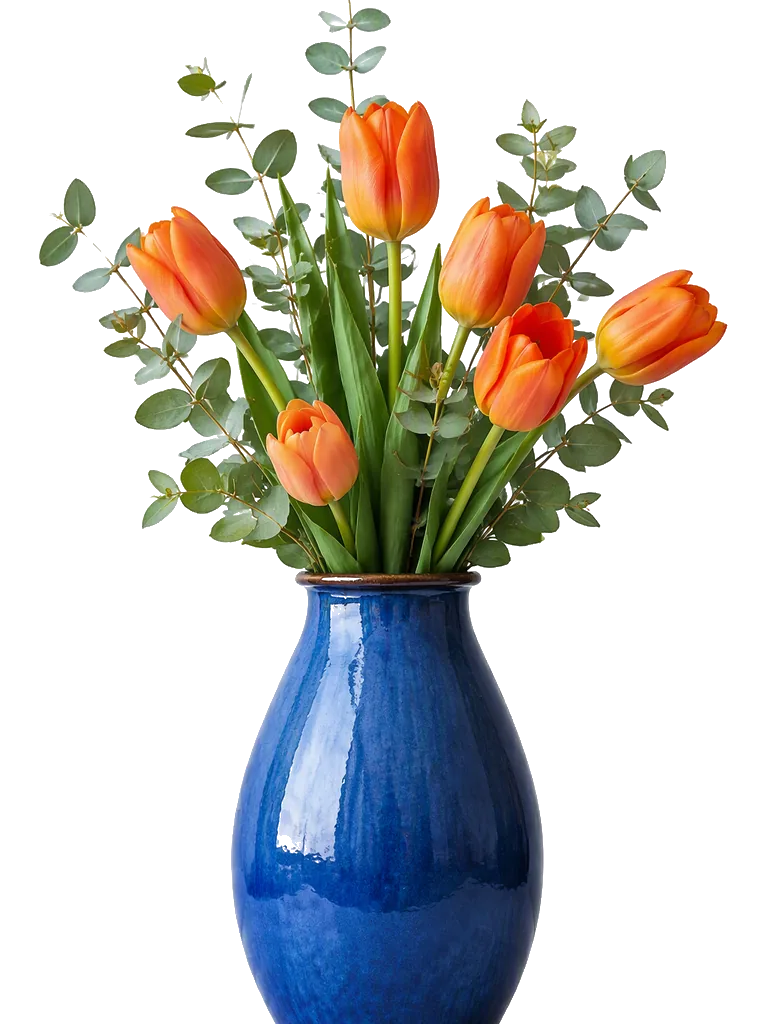
AI Background Remover
Choose a transparent or solid background to isolate your subject. Inspect hair, curved edges and contact shadows before placing the cutout in a new design.

AI Image Inpainting
Paint the whole area you want to change, then describe the replacement and its lighting. Include a little surrounding context so edges can blend naturally.

AI Image Uncropper
Choose the target aspect ratio and position the source inside the larger canvas. The model redraws the scene to connect the new surroundings with the original subject.
Illustrative reference, not a result from your upload. Review your own output against the source.
From source to a finished edit
Add your source
Choose an image or video from your device. Start with the clearest original you have.
Choose the edit
Set the relevant controls, choose an available model and review the credits shown beside Generate.
Compare and refine
Inspect the finished result against the original. Check important details before downloading or starting another edit.
More image tools
Questions about your images
Are these my Ottermind credits?
Yes. Image tools use the same Ottermind credit balance. The price is confirmed before processing, and technical failures are refunded automatically.
Are my images public?
Your uploaded images and results are private to your account. Images are sent to the selected model provider for processing.
Can I continue on my phone?
Your processing tasks are saved to your account. Open History to return to a task and download its result.