Upload image

JPEG · PNG · WebP · 20 MB · 4096 × 4096 px

Settings
Private image
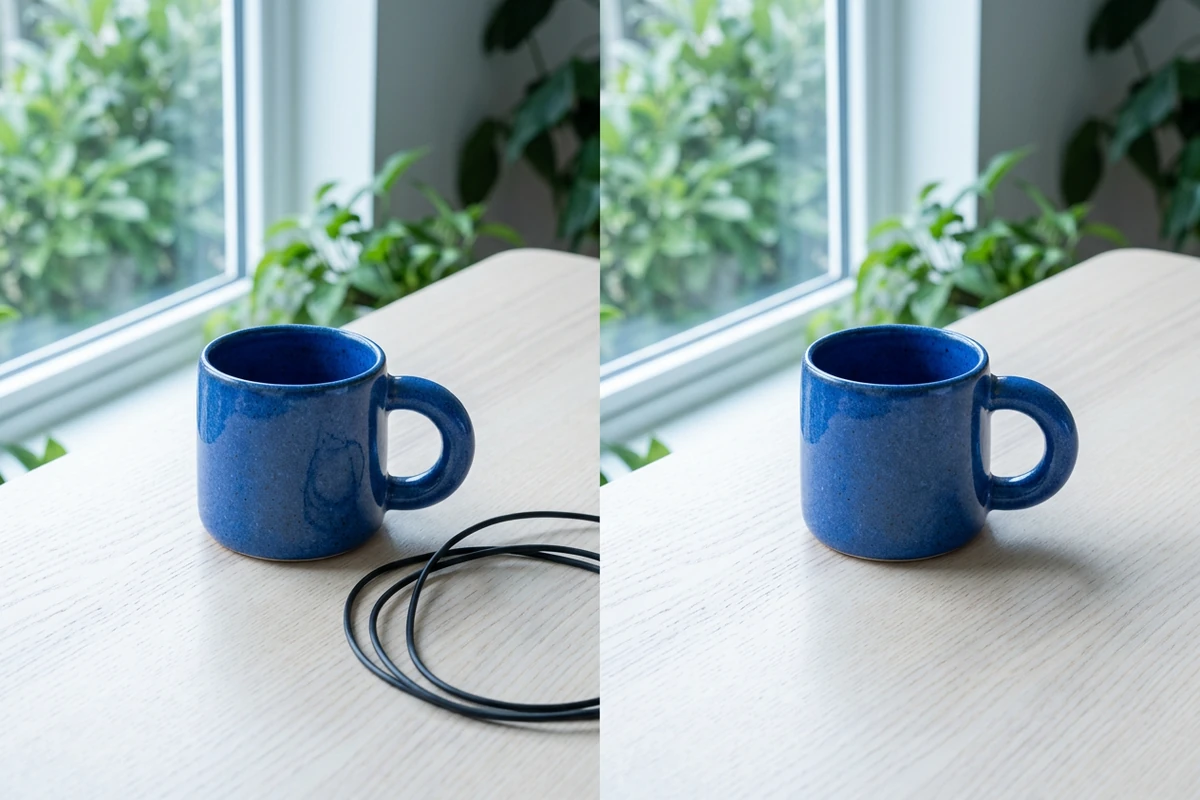
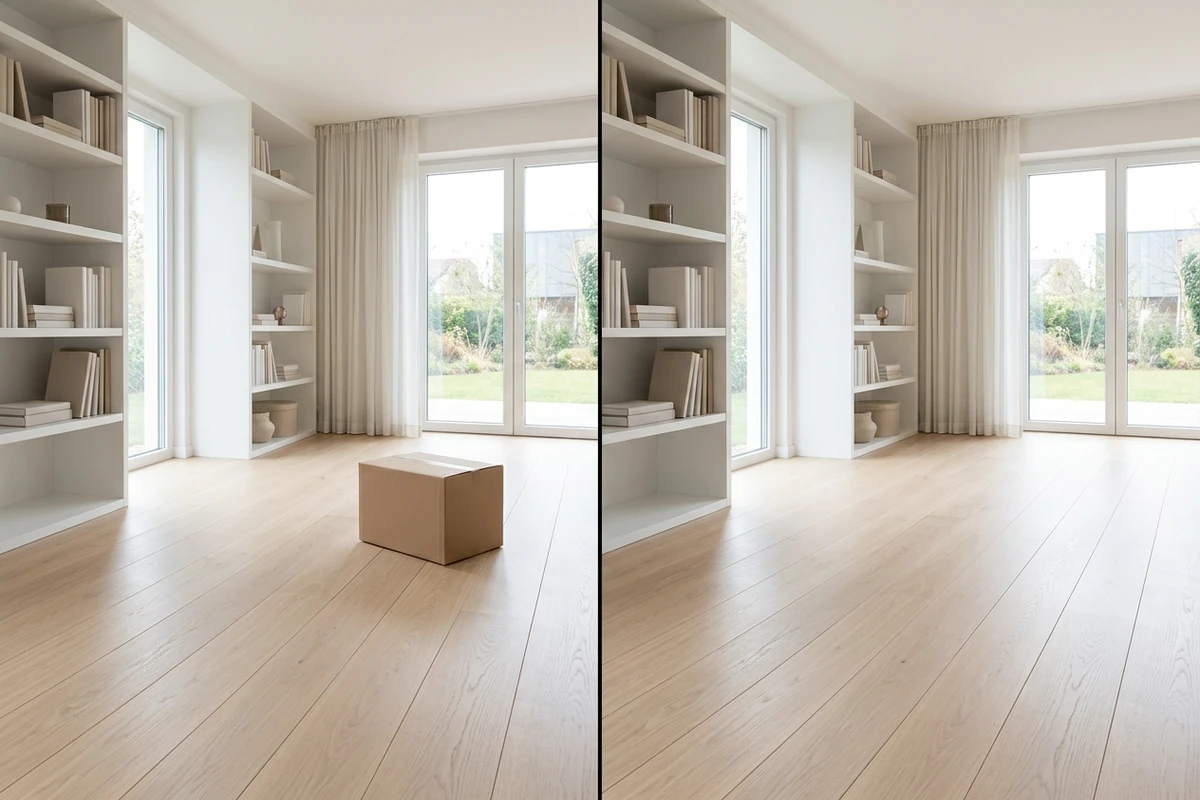
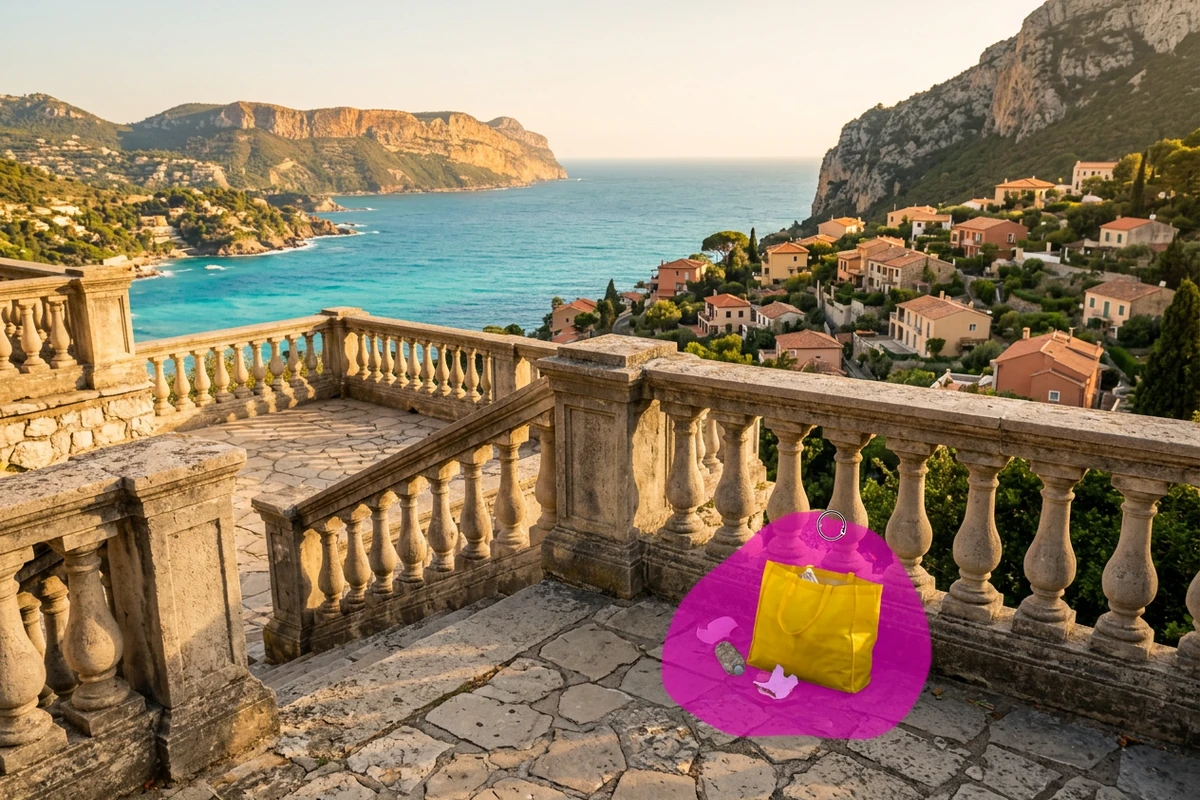
Sample photo: Brush over unwanted objects and reconstruct the background inside your selection.
Sample photo

Brush over unwanted objects and reconstruct the background inside your selection.

Skincare jar shelf photo with clutter removed while the jar and tiles stay consistent
Illustrative reference, not a result from your upload. Review your own output against the source.

Explore the possibilities

Clear distractions from the scene

Brush over the unwanted object and include its edges in the selection. Review the reconstructed area where it meets surrounding textures, lines and shadows.

Controls and output options depend on the selected tool and available model.

Back to the editor

What you can do with Ottermind

A restored alpine travel photo cropped into social, profile, and print-ready formats

Travel distractions

Remove a distracting sign from a view while retaining the scenery.

Skincare jar shelf photo with clutter removed while the jar and tiles stay consistent

Product cleanup

Clear a stray prop without changing the item being sold.

The same suited man shown against a distracting blue office background and a clean warm-white replacement background

Portrait backgrounds

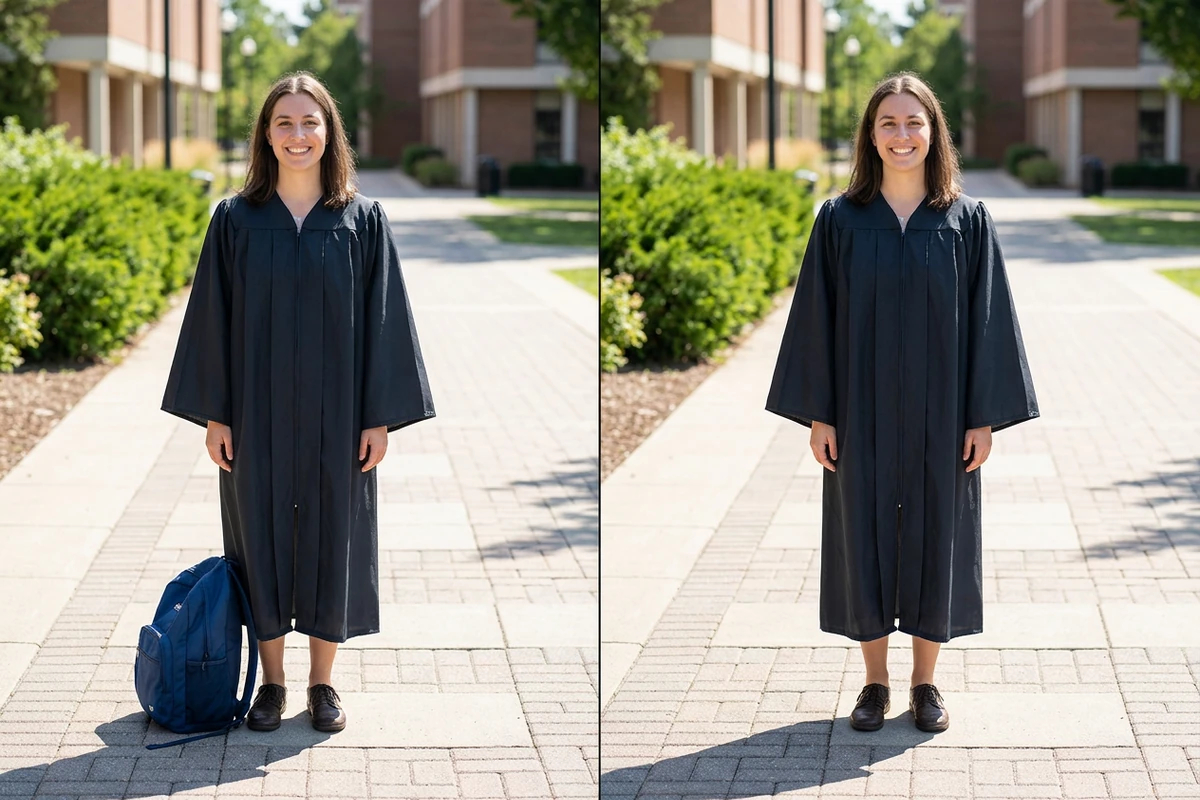
Remove a small distraction behind the person in a photo.

AI image editor cleans a cluttered kitchen carafe still into a sage campaign product shot

Interior photos

Tidy visible clutter while checking wall and floor continuity.

From source to a finished edit

  1. Add your source

    Choose an image or video from your device. Start with the clearest original you have.

  2. Choose the edit

    Set the relevant controls, choose an available model and review the credits shown beside Generate.

  3. Compare and refine

    Inspect the finished result against the original. Check important details before downloading or starting another edit.

More image tools

Questions about your images

Are these my Ottermind credits?

Yes. Image tools use the same Ottermind credit balance. The price is confirmed before processing, and technical failures are refunded automatically.

Are my images public?

Your uploaded images and results are private to your account. Images are sent to the selected model provider for processing.

Can I continue on my phone?

Your processing tasks are saved to your account. Open History to return to a task and download its result.