Prompt Guidance
How to Write AI Prompts That Actually Work
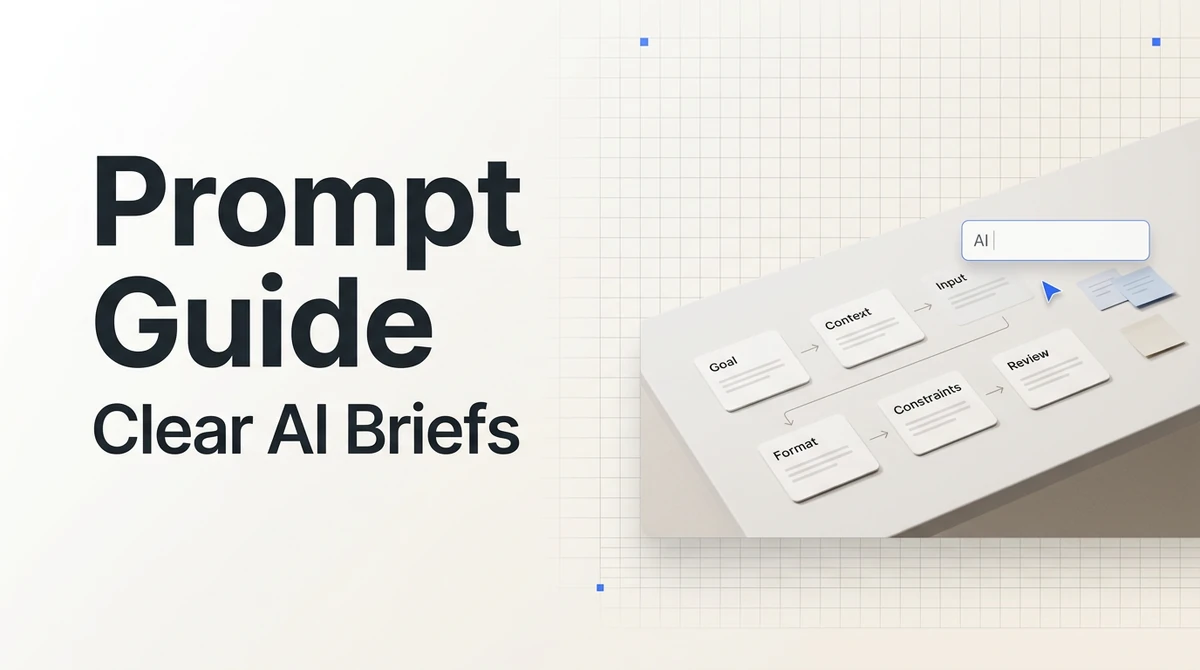
A good prompt is not a magic phrase. It is a clear task brief. It tells the AI what you want, what material to use, who the output is for, what format to follow, what not to invent, and what counts as a useful answer.
Some prompt guides are model-specific. A video generation prompt may focus on subject, motion, camera, style, and duration. An image prompt may focus on composition, lighting, material, and aspect ratio. A general-purpose prompt is different: it helps you explain knowledge work like research, writing, summarization, analysis, rewriting, and planning.
If you use Ottermind with web pages, PDFs, notes, meeting transcripts, or research material, this structure is especially useful. A clearer task brief leads to more reliable summaries, comparisons, drafts, and action plans.
The general prompt formula
For most knowledge-work tasks, use this structure:
Role / goal / context / input material / output format / constraints / acceptance criteriaYou do not need every field for every task. But once the task becomes complex, avoid one-line prompts like "summarize this." Give the model something closer to a work brief.
You are a [role]. Based on [input material], complete [task goal].

Context:
[Explain the audience, purpose, and situation.]

Output:
- [Result 1]
- [Result 2]
- [Result 3]

Requirements:
- [Format requirement]
- [Tone or style requirement]
- [Fact, privacy, copyright, or safety constraint]
- [Acceptance criteria]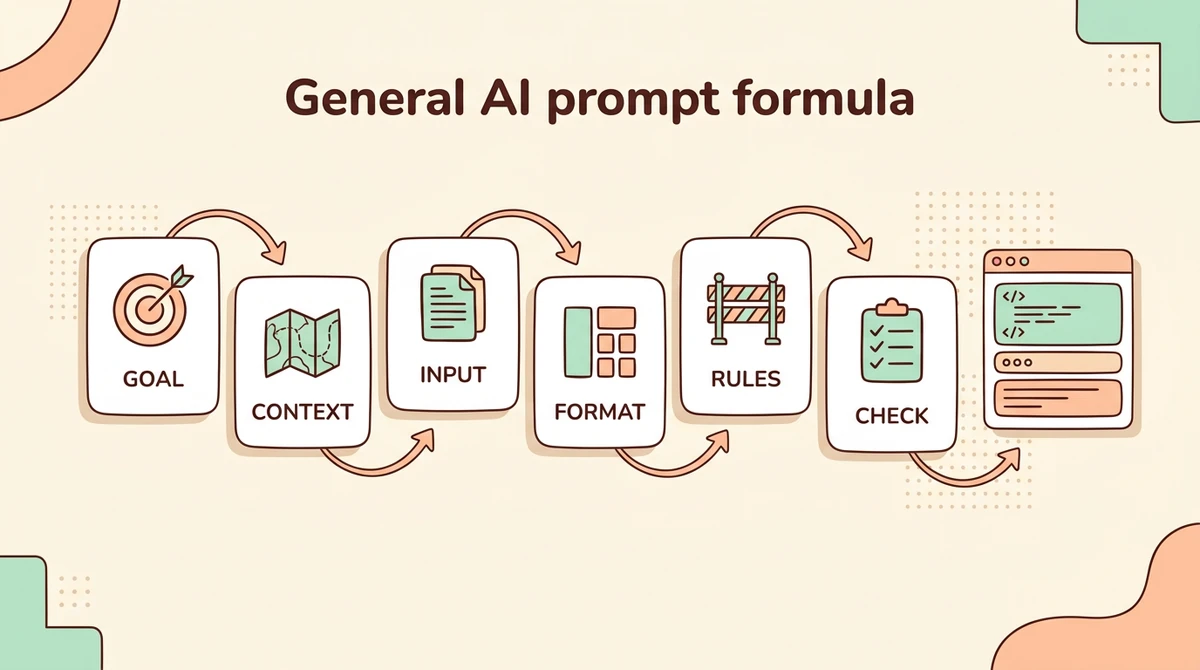
Start with the goal
Weak prompt:
Analyze this article.Better prompt:
Based on this article, extract 5 insights that would be useful for a product team. For each insight, include the supporting evidence, potential impact, and one possible next action.Before writing a prompt, ask:
- What action should the AI perform: summarize, compare, classify, rewrite, generate, inspect, or reason?
- Who will read the result: you, a team, a customer, an executive, or public users?
- How will the result be used: decision-making, reporting, publishing, execution, or discussion?
Add enough context
Context helps the model understand the judgment standard.
You are a B2B SaaS sales advisor. Write a follow-up email.

Context:
- The customer is an 80-person cross-border ecommerce company
- They saw a product demo last week
- They care most about knowledge-base maintenance and team collaboration
- The goal is to book a 30-minute solution discussion, not force a sale
Useful context includes the audience, stage, business goal, tone, prior events, and which facts are confirmed versus assumed.
Define the input material
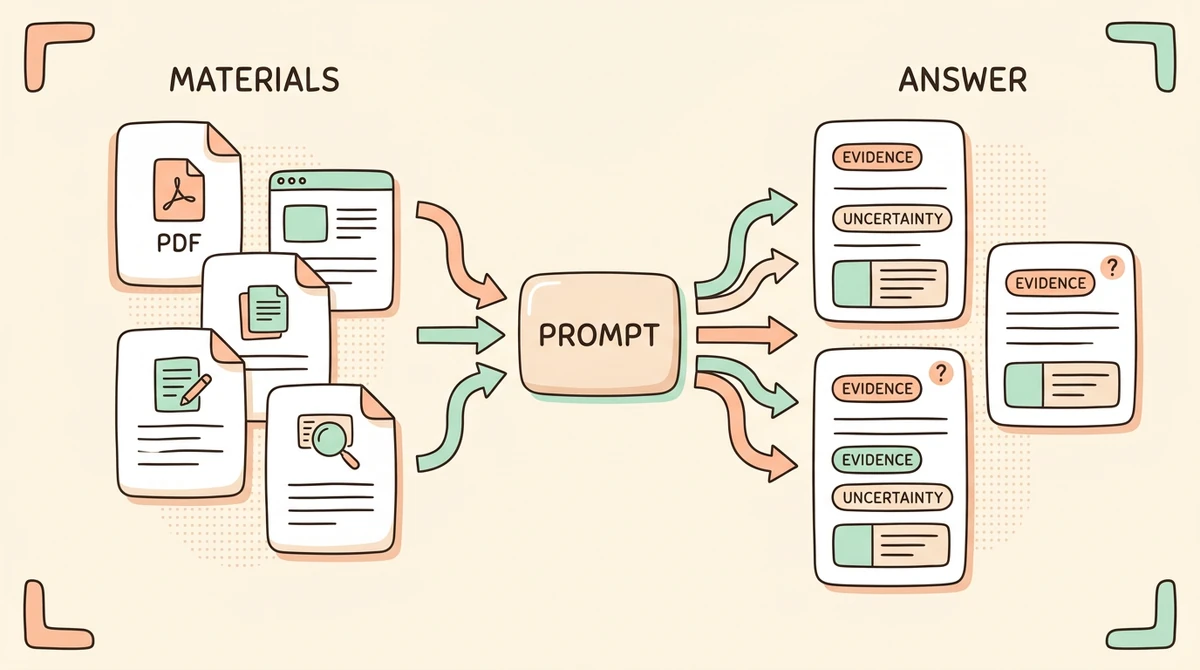
If you want the AI to answer from provided material, say so explicitly.
Only answer based on the content inside <materials>. Do not introduce outside information. If the material is insufficient, say "there is not enough information in the material to determine this."

<materials>
Paste web pages, PDF notes, meeting transcripts, interview notes, or research excerpts.
</materials>
For larger material sets, ask the model to extract facts before analyzing:
First extract facts from the material. Do not give recommendations yet.

Output:
- Key facts
- Numbers or metrics
- People, companies, products, or dates mentioned
- Uncertain information that needs verification
- Evidence that can support later analysis
Extract first, analyze second. It is usually more reliable than asking for everything at once.
Specify the output format
Weak prompt:
Summarize this meeting.Better prompt:
Turn this meeting transcript into:

1. Meeting conclusions: 3 bullets or fewer
2. Action items: grouped by owner
3. Risks and blockers: only items leadership needs to see
4. Questions to confirm before the next meeting: no more than 5

Keep the language concise. Do not retell the whole meeting.
Output formats can be lists, tables, emails, outlines, JSON, or step-by-step plans. If the result needs to go into a document, email, deck, or task system, define the format upfront.
Add constraints
Constraints reduce drift, hallucination, and unusable style.
Common constraints:
- Do not invent information that is not in the material
- Do not use exaggerated marketing language
- Stay under a specific length
- Do not expose sensitive personal information
- Do not treat a single example as a general rule
- Label assumptions and uncertainty
Requirements:
- Only use the material I provided
- Do not add company data that is not in the material
- If the conclusion depends on an assumption, list the assumption separately
- Use a professional tone and avoid exaggerated phrases
Write acceptance criteria
Tell the AI what a good result looks like.
A good result should:
- Help the reader understand the main conclusion in 2 minutes
- Support each conclusion with evidence from the material
- Include recommendations a product team can act on
- Mark uncertain information clearly
- Stay under 800 words
For important outputs, ask the AI to check its own result:
After generating the answer, review it against the acceptance criteria. If anything does not meet the criteria, revise the answer directly.Example: research summary prompt
You are a research analyst. Based on <materials>, create a research summary for a product team.

Context:
We are evaluating a new product direction and need to understand user problems, market signals, and risks.

<materials>
Paste web pages, PDF notes, user interviews, Reddit discussions, competitor pages, or industry report excerpts.
</materials>

Output:
1. Key conclusions: up to 5
2. User pain points: ordered by importance
3. Supporting evidence: one source note per pain point
4. Product opportunities: possible directions to test
5. Risks and uncertainty: what still needs verification
6. Next research questions: 5 questions to investigate

Requirements:
- Only answer from the material
- Do not invent data
- Say when evidence is insufficient
- Keep the language concise for internal product discussion
Example: meeting notes to action list
You are a project manager. Turn the meeting notes below into an executable action list.

<meeting_notes>
Paste meeting notes.
</meeting_notes>

Output:
- Meeting conclusions: no more than 3
- Action items: task, owner, deadline, dependencies
- Risks: only risks that affect progress or decisions
- Open questions: information that needs follow-up
- Ignore for now: details mentioned but not relevant to execution

Requirements:
- If owner or deadline is missing, write "not specified"
- Do not decide priority on behalf of the team
- Format it so it can be posted directly to a team channel
Common mistakes
Only saying "help me"
"Help me summarize," "help me analyze," and "write this" are too broad. Add the goal, audience, and output format.
Giving material without a task
The more material you provide, the clearer the task should be. Otherwise the model may summarize everything evenly instead of extracting what matters.
No material boundary
If you want source-grounded answers, say "only based on the provided material." Otherwise the model may mix in assumptions or outside knowledge.
No acceptance criteria
If you do not define what good means, the AI has to guess. For complex work, define the standard.
A simple Ottermind workflow
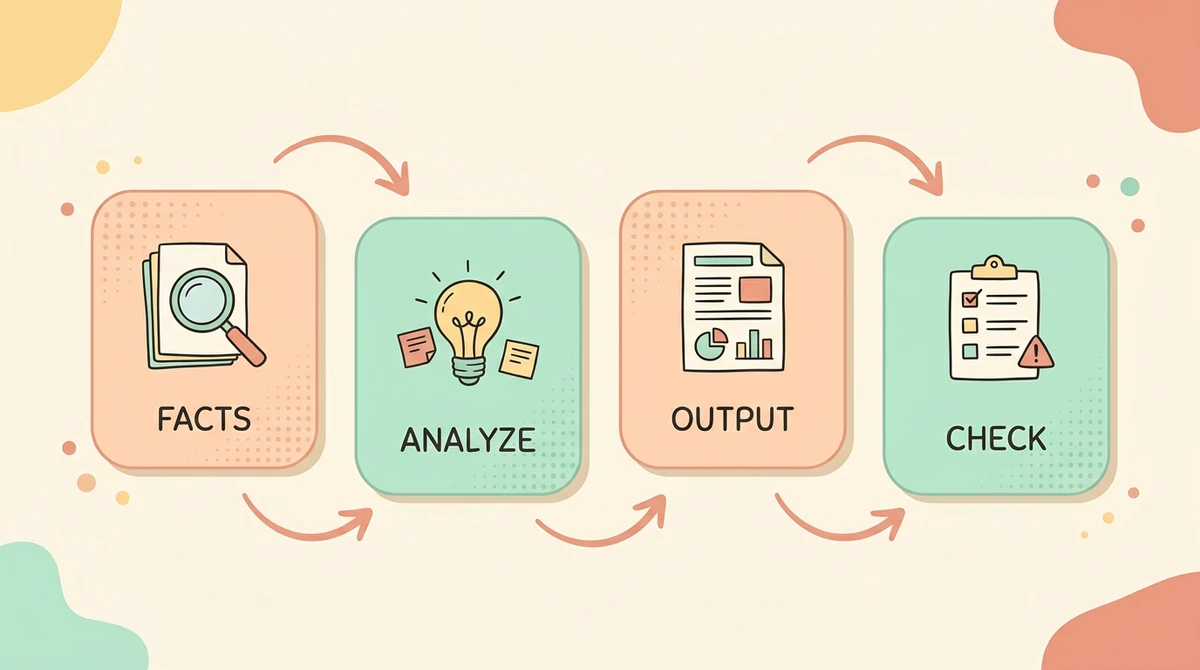
When working with material in Ottermind, use prompts in stages:
- Extract facts: what is definitely in the material?
- Analyze meaning: what problems, opportunities, or patterns appear?
- Generate output: turn the findings into a summary, report, action list, or draft
- Check risk: what is unsupported or needs human confirmation?
Do not put every complex task into one prompt. A staged workflow is usually more reliable: extract facts, analyze, generate, then check.
FAQ
How is a general prompt different from a model-specific prompt?
Model-specific prompts focus on a particular capability, such as camera movement for video or lighting for images. General prompts focus on knowledge work: goal, context, material, format, constraints, and acceptance criteria.
Should prompts be long?
No. They should be complete. Simple tasks can use short prompts. Complex tasks need more context and structure.
How do I reduce hallucinations?
Define the material boundary. Ask the AI to answer only from provided material, cite evidence, and say when information is insufficient.
What should I decide before writing a prompt?
Decide how the output will be used. A prompt for personal understanding is different from a prompt for a customer email, executive summary, product decision, or public post.
What prompts work well in Ottermind?
Ottermind is well suited for material-based work: summarizing web pages and PDFs, analyzing notes, comparing sources, turning meeting notes into action items, and generating drafts grounded in your own context.
References
- OpenAI: Best practices for prompt engineering with the OpenAI API
- OpenAI: Prompt engineering best practices for ChatGPT
- Anthropic: Prompt engineering overview
- Anthropic: Effective context engineering for AI agents
- Google AI for Developers: Prompt design strategies
- Microsoft Learn: Prompt engineering techniques