PC Builder AI

Tell Ottermind what the computer needs to do, how much you want to spend, and which constraints matter. This AI PC builder turns your brief into an interactive build page with component options, tradeoffs, product links, and questions to verify before buying.

Plan a PC with a budget of for . I am buying in , and my existing parts or preferences are . Provide a compatible full build, alternatives for key components, price-performance tradeoffs, and purchase links. Verify compatibility, pricing, and availability, and flag anything that still needs confirmation.

Start with a complete build brief

See how the PC Builder AI turns real requests into interactive build pages for very different budgets, workloads, and visual requirements.

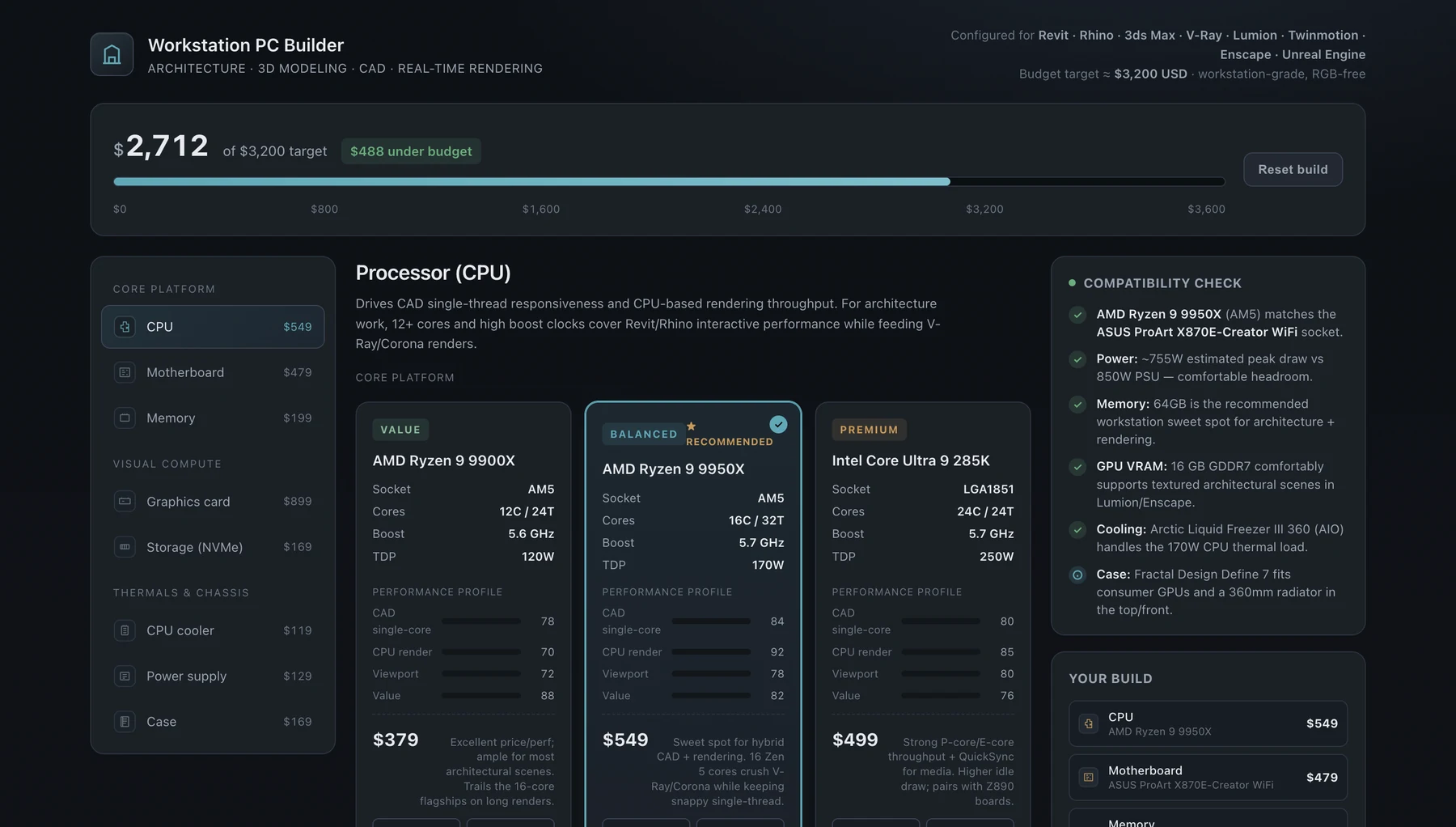
Interactive architecture workstation PC builder comparing processors, budget, and compatibility for a $3,200 build

A $3,200 workstation for architecture and rendering

Plan a professional workstation for architecture design, 3D modeling, CAD, and real-time rendering. The interactive build page compares multiple options for each component, explains performance and budget trade-offs, checks compatibility, and links to major e-commerce platforms in a restrained, non-gaming interface.

View conversation
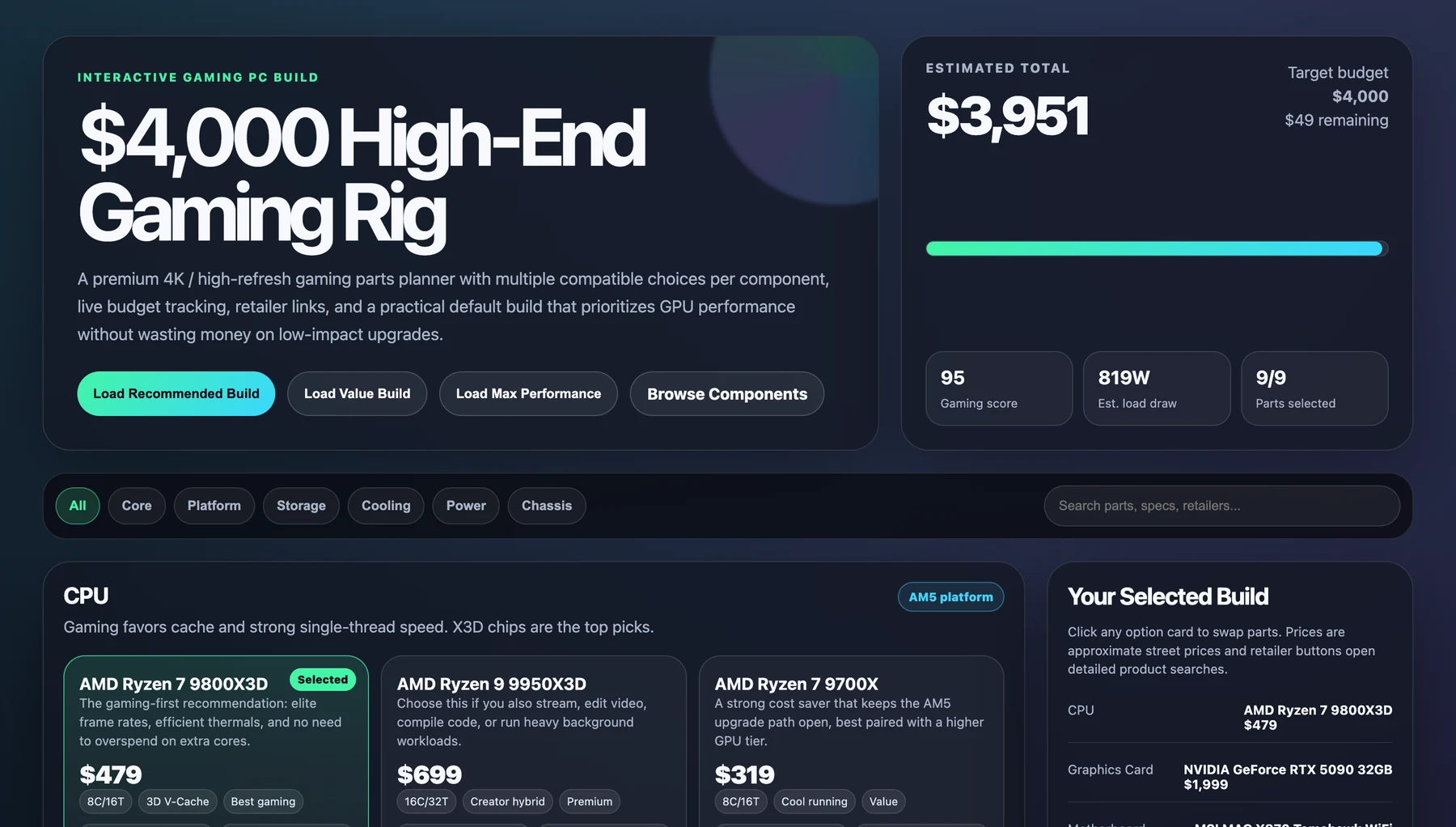
Interactive $4,000 high-end gaming PC builder with component choices, budget tracking, and selected parts

A $4,000 gaming PC with flexible component choices

Build a high-end gaming PC around a $4,000 budget without locking into one parts list. The gaming PC builder presents multiple choices for every major component, keeps the complete build easy to compare, and provides detailed product links from popular e-commerce platforms for final price and availability checks.

View conversation

Build the reasoning into the plan

The useful part of a PC Builder AI is not producing a long parts list. It is keeping the requirements, assumptions, alternatives, and unresolved decisions visible while the build changes.

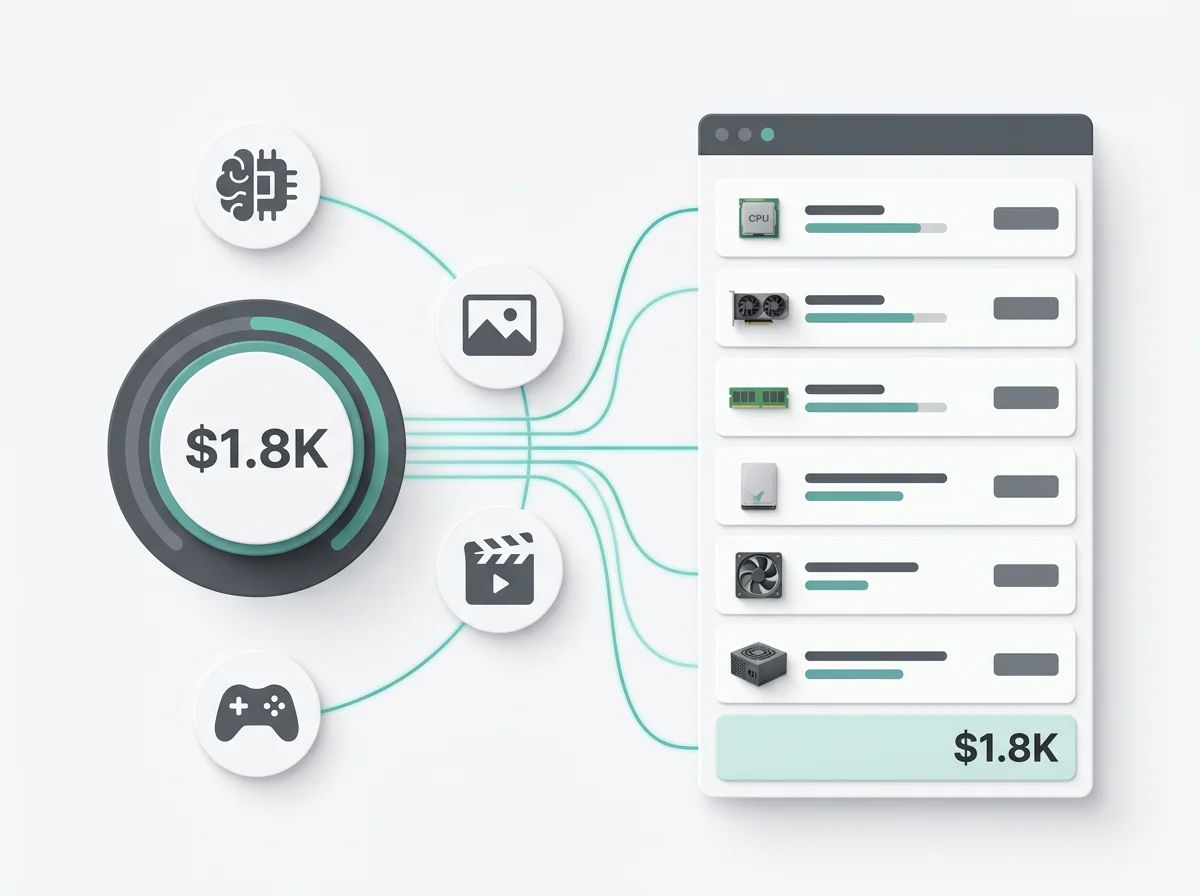
AI PC builder turning a budget and workload requirements into a complete component plan

Start with the constraints that change the recommendation

Budget, region, resolution, software, reusable parts, case size, noise, networking, and appearance can all change the build. The guided brief collects them before the research begins, so the first result has less missing context.

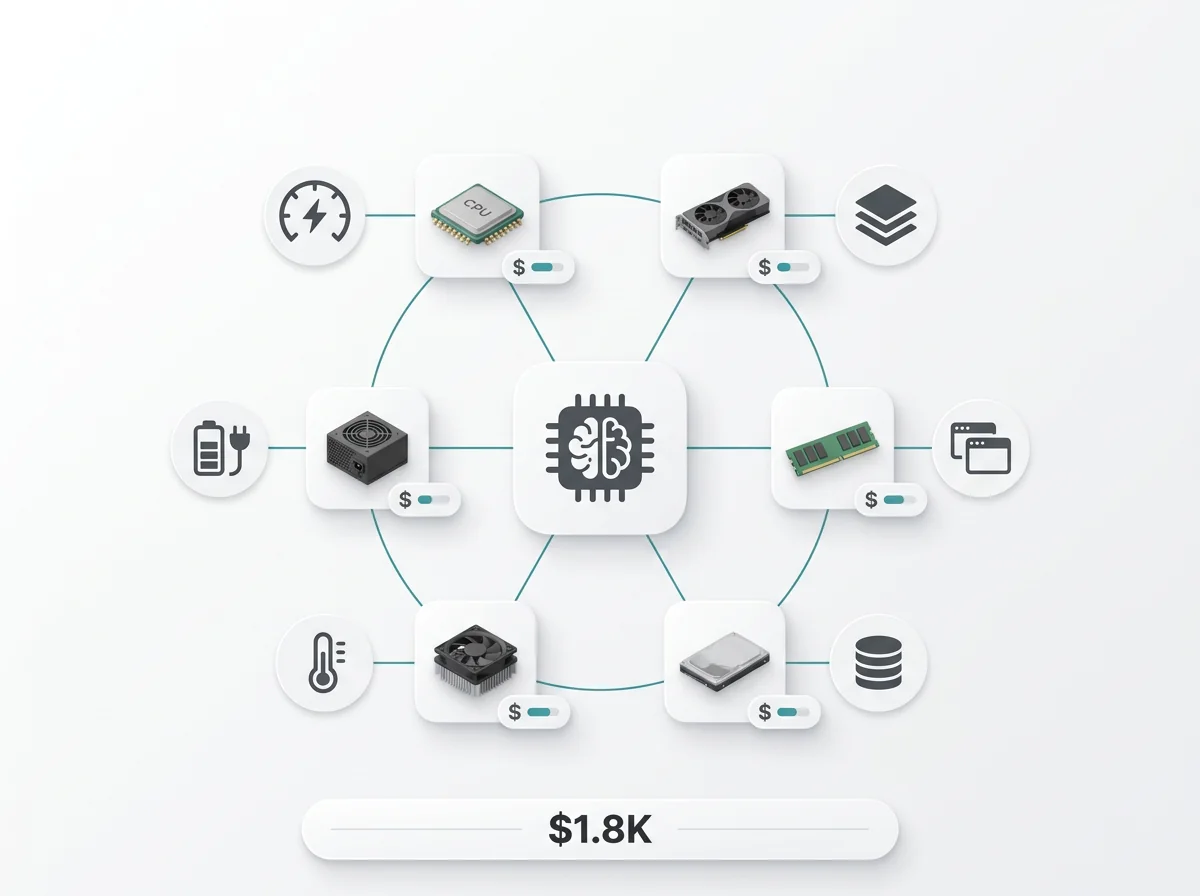
AI PC builder connecting component choices to performance, power, cooling, storage, and budget tradeoffs

Ask why each major component earns its place

The request asks Ottermind to explain the workload behind the CPU, GPU, memory, storage, cooling, and power choices. The interactive result keeps those reasons beside the component options instead of separating the list from the decision.

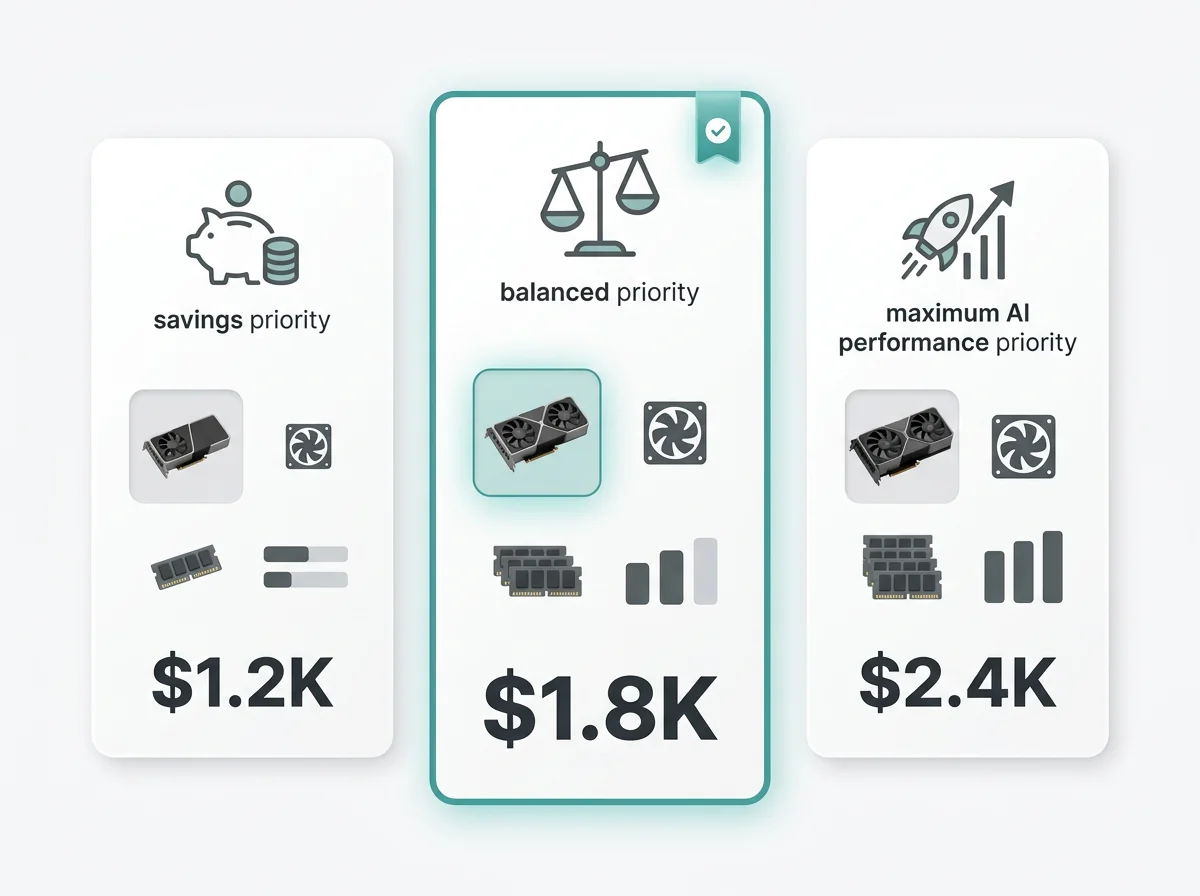
Three PC build proposals comparing savings, balanced, and maximum performance priorities

Compare alternatives in the same conversation

Continue in Studio to lower the budget, reuse a component, switch platforms, reduce noise, or prioritize a different application. The original requirements remain part of the conversation instead of being rebuilt for every variation.

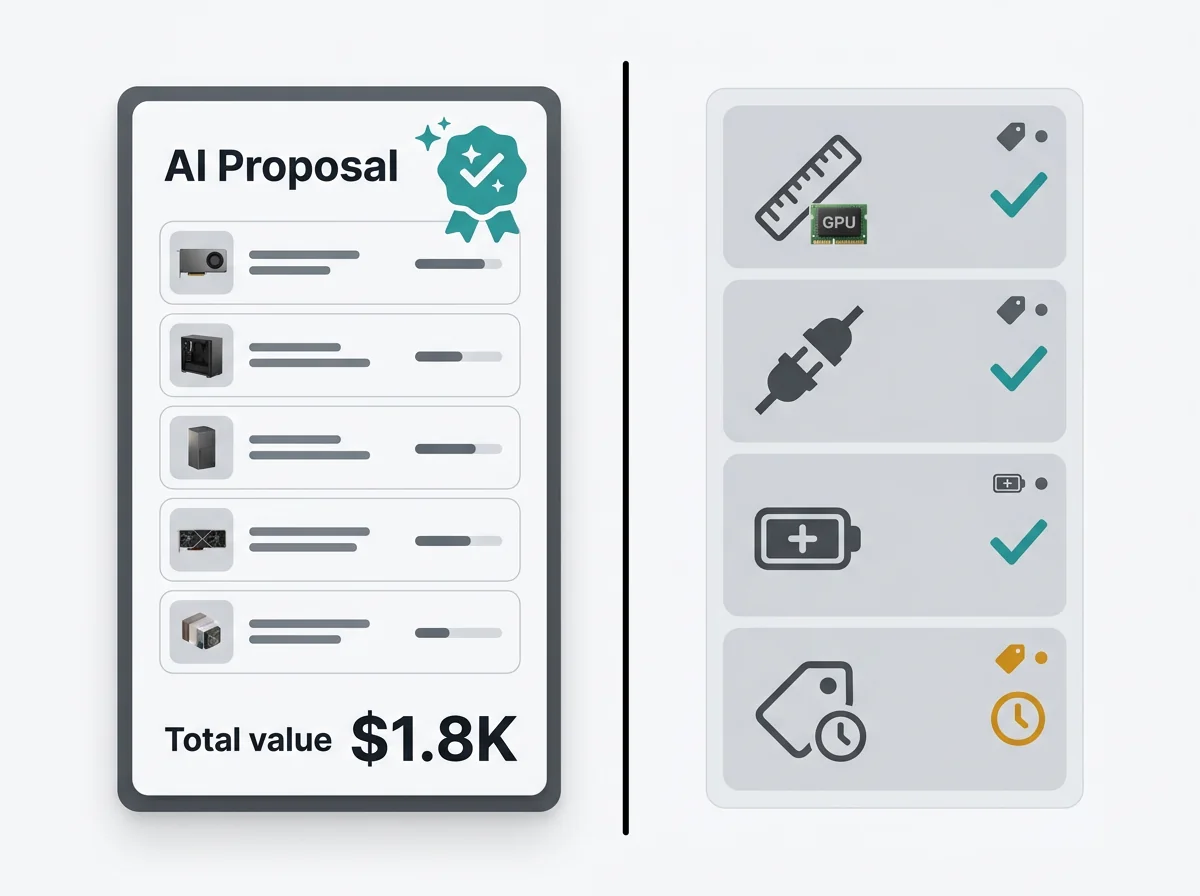
AI PC proposal shown separately from compatibility, power, fit, price, and availability verification

Keep the purchase checks separate from the recommendation

A model name in a table is not proof of compatibility, availability, or value. The output should identify the specifications and retailer details that still need confirmation before the user places an order.

A component shortlist is a research deliverable. See how AI research assistants handle source retrieval and verification before you trust prices, specifications, and compatibility claims.

AI research and retailer configurators solve different parts of the job

Use the PC Builder AI when you need help defining requirements, comparing tradeoffs, and revising the plan. Use a retailer or dedicated compatibility database when you need a live catalog, store-specific inventory, or structured compatibility filters.

Starting input

One-shot AI answer
Usually a short prompt
Retailer configurator
Parts selected from one catalog
Ottermind workflow
Budget, workload, region, existing parts, and preferences

Reasoning

One-shot AI answer
Often brief or implicit
Retailer configurator
Focused on available products
Ottermind workflow
Requested for each major budget and workload tradeoff

Alternatives

One-shot AI answer
Require another prompt
Retailer configurator
Limited to listed inventory
Ottermind workflow
Compared while the original brief stays in context

Price and stock

One-shot AI answer
May be stale or missing
Retailer configurator
Current within that retailer
Ottermind workflow
Must be sourced, dated, and checked before purchase

Compatibility

One-shot AI answer
Not guaranteed
Retailer configurator
Catalog filters can help
Ottermind workflow
Produces checks to review; does not guarantee compatibility

Revisions

One-shot AI answer
Context can be lost
Retailer configurator
Swap products inside the catalog
Ottermind workflow
Refine constraints in the same Studio conversation

PC planning tasks this workflow can support

Use the custom PC builder workflow for a complete system or for a narrower decision that still benefits from structured options and a reviewable result.

Compare budget allocations

See how moving budget between the CPU, GPU, memory, storage, cooling, and case changes the likely outcome before settling on one parts list.

Upgrade around existing parts

Start from exact model numbers for the motherboard, case, power supply, storage, monitor, or GPU and identify the specifications that constrain an upgrade.

Prepare a multi-retailer shortlist

Organize candidate products and dated links from multiple stores so the final review can account for regional price, stock, seller, warranty, and return terms.

Review the plan with someone else

Use the interactive page as a structured handoff for a colleague, client, system builder, or technical reviewer who needs to challenge assumptions before purchase.

How the PC Builder AI works

1

Describe the PC you want

Start with your budget, buying region, primary workload, target games or applications, existing parts, and preferences. Ask for an interactive build page when you want multiple component options, comparisons, and product links in one result.

2

Compare components and tradeoffs

Ottermind organizes a complete build, groups practical alternatives, and explains how major choices affect performance and budget. The result should keep compatibility questions visible and cite or date prices when current sources are available.

3

Review and refine the build page

Check retailer links, specifications, price, stock, warranty, and fit before buying. Continue in the same Studio conversation to change the budget, swap a component, compare another platform, or prepare the page for a technical review.

PC Builder AI questions

Answers to the practical questions that come up before starting a PC build in Ottermind.

Is this PC Builder AI free?

You can complete the build brief on this page. The research continues in Ottermind Studio, where sign-in and plan or model limits may apply. Check the plan shown to your account before starting a longer task.

Does it use real-time PC part prices?

This page does not contain a live retailer feed. Ask Ottermind to cite and date any price it finds, then confirm the exact model, seller, tax, shipping, stock, and return terms before buying.

Does Ottermind guarantee that every part is compatible?

No. The workflow can organize compatibility questions, but it does not replace manufacturer specifications or a dedicated parts database. Confirm socket and BIOS support, memory, clearances, cooling, power, and connectors for the exact product revisions.

Can I reuse parts I already own?

Yes. Include complete model numbers and any known limitations. A label such as 750 W PSU or ATX case is usually not enough to confirm quality, connectors, age, or dimensions.

What happens after I select Research my PC build?

The PC build assistant stages the completed brief and opens Studio. The request asks for a candidate parts plan, reasons, alternatives, and unresolved checks. The result appears in that conversation, where you can revise the budget or requirements.

Turn your requirements into a PC build brief

Give Ottermind the budget, workload, region, parts, and priorities that matter. Review the candidate plan, challenge the tradeoffs, and confirm final specifications and prices before you buy.