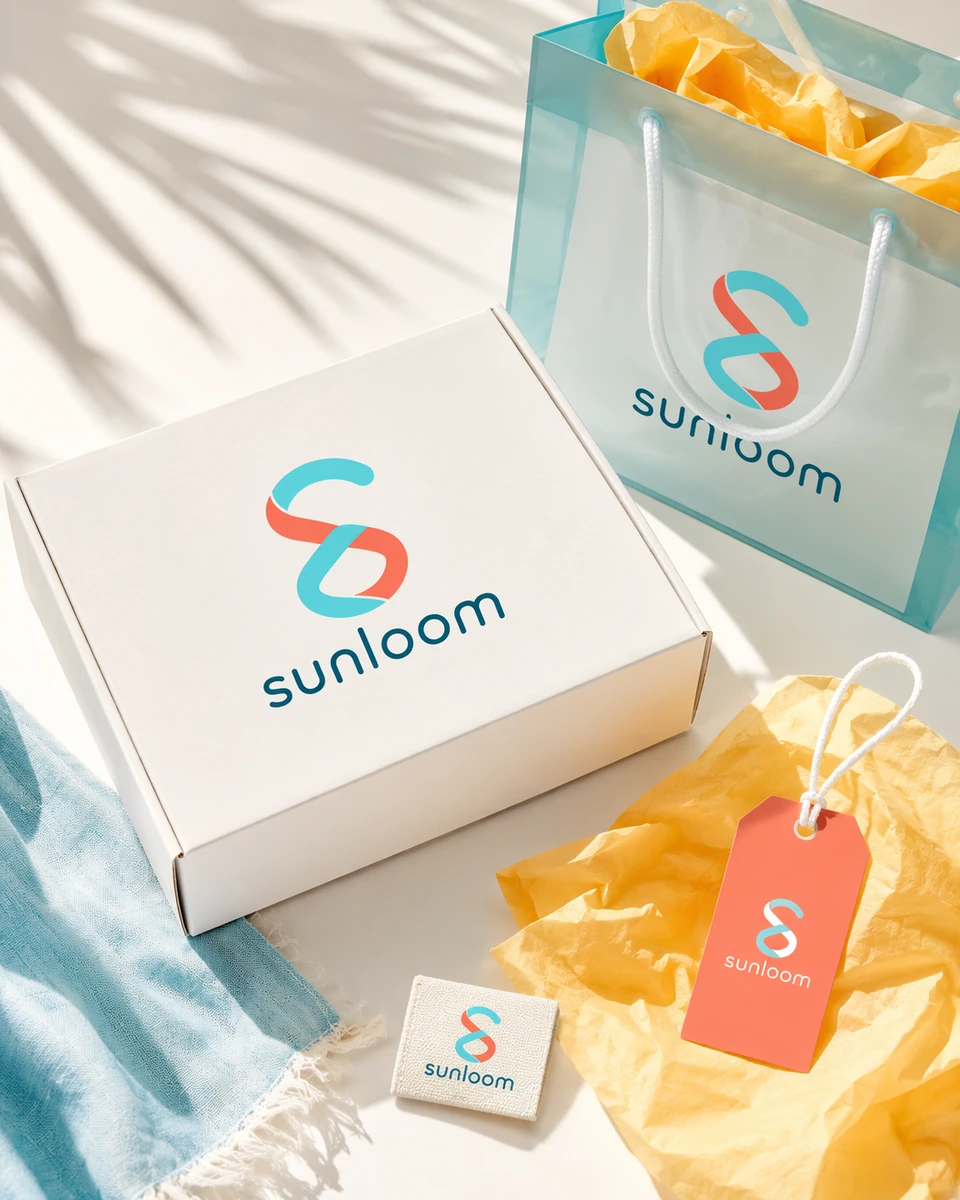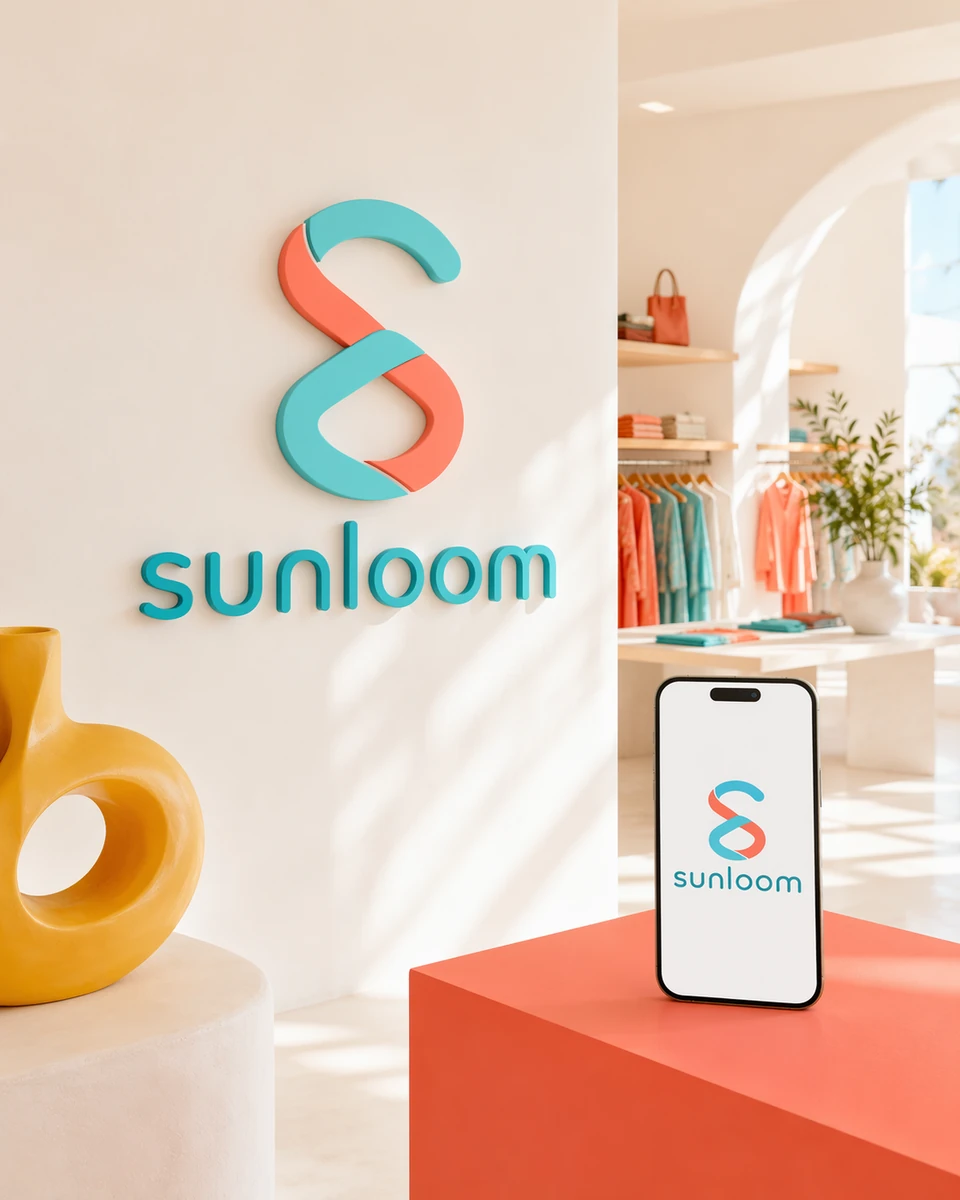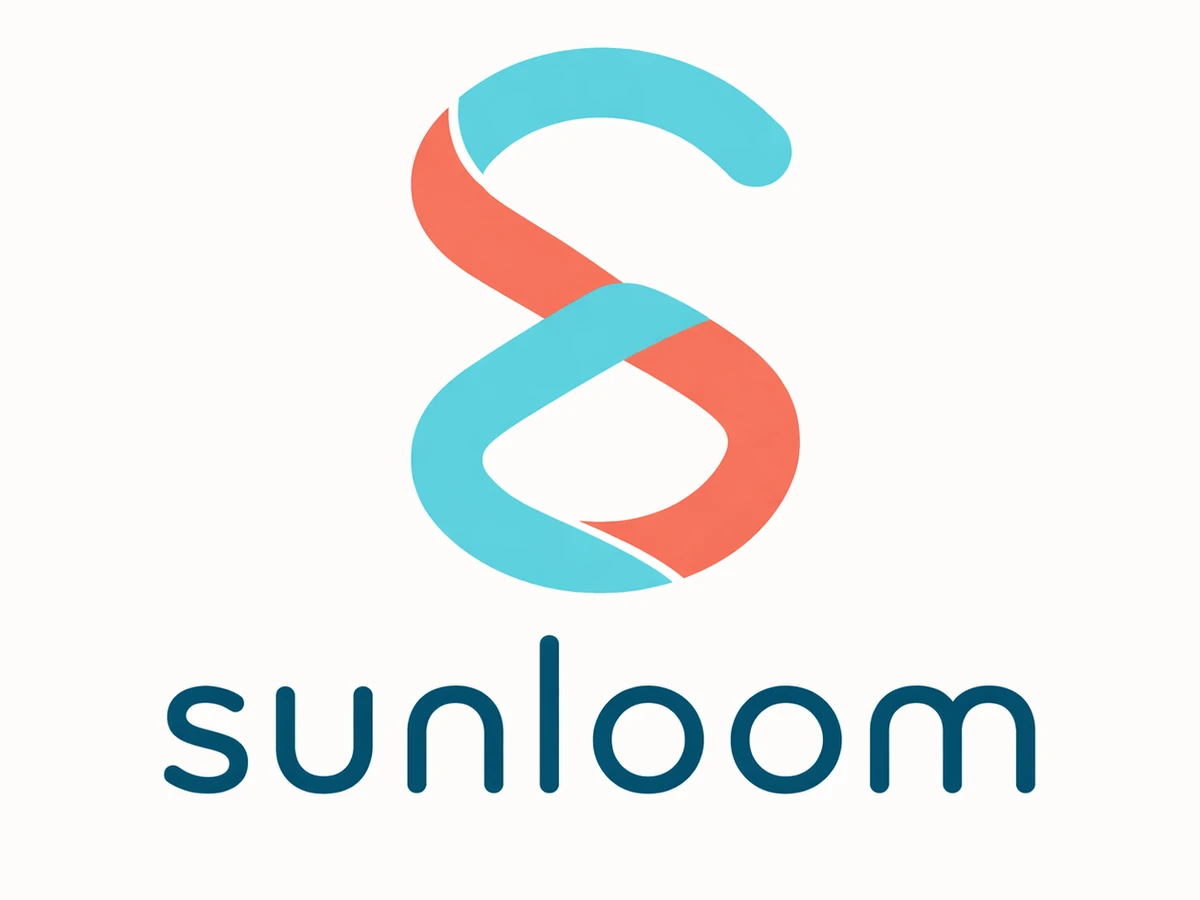
Create a bright primary logo for Sunloom, a contemporary resortwear brand, using an interwoven coral and aqua ribbon S symbol with a friendly lowercase wordmark in deep ocean teal on a clean warm-white background.
Use a focused brief, relevant references, and realistic brand applications to guide each concept and evaluate it beyond a standalone mark.
Describe the exact brand name, audience, personality, preferred shapes and colors, and symbols to avoid. Ottermind's AI logo generator uses that context to explore a mark and visual direction you can compare, refine, and test. Build supporting moodboards and visual references with Ottermind's AI image generator.
Add a sketch, moodboard, palette, or product reference and explain what it should influence. A friendly pet brand may call for warm color and simple geometry, while another audience needs a different tone. References guide the concept without asking the AI to copy an existing identity.
Review how the mark, color palette, and surrounding visual language work together across app icons, packaging, social profiles, presentations, or merchandise. Mockups help you judge the direction; confirm Studio downloads and prepare production-ready vector artwork separately when required. You can also test the identity inside a customer-facing layout with the AI menu generator.
Both can produce a starting point. The difference is whether the workflow begins with a fixed layout or a brand brief that can be discussed and revised.
Define where the identity must work so the first concept round addresses practical constraints.
Explore a primary mark, compact app icon, and favicon direction that remain clear across product UI, social profiles, and launch materials.
Create approachable identity directions for a shop, studio, restaurant, or service, then inspect signage, menu, uniform, and mobile-listing contexts.
Develop a wordmark or monogram that can identify newsletters, video covers, portfolios, presentations, and profile images without relying on a portrait.
Explore a distinct sub-brand or event mark while stating which elements should connect it to the parent identity and which can stand apart.
Planning the campaign around the finished identity? Compare the best AI tools for marketing teams.
Move from a focused brand brief to a concept you can evaluate and prepare for professional use.
Add the exact business name, offering, audience, personality, logo type, colors, intended placements, and symbols to use or avoid. Mention competitors only to clarify differentiation, not to copy their identities.
Continue in Studio to create several concepts. Compare them in one color, at small size, and in relevant contexts. Reject generic ideas, unreadable lettering, and concepts that resemble known marks.
Revise the strongest direction, proofread every letter, and confirm the Studio options available to your account. Complete trademark research and recreate approved artwork as a clean vector system when production requires it.
Practical answers about generating, refining, and using logo concepts with AI.
An AI logo generator turns a written brand brief into visual identity concepts. It can explore wordmarks, monograms, symbols, and combined marks, but the concepts still need design review, originality checks, and production preparation.
Include the exact brand name, what the business does, target audience, desired personality, preferred logo types, important use cases, color constraints, and symbols or visual cliches to avoid.
Yes. Ask for strategically different directions, such as a wordmark, monogram, abstract symbol, and combination mark. Compare the concepts in one color before choosing a palette or mockup.
You can add supported references through the prompt flow in Studio. Explain whether each file should guide shape, typography, color, composition, or general mood. Do not ask the model to copy another brand's protected logo.
No. Generation does not establish ownership, originality, registrability, or freedom to use a mark. Search relevant trademark records and consult a qualified professional for legal advice before adopting an identity.
Check the current download options in Studio for your method and account. Do not assume a generated image is a vector master, layered source file, transparent asset, or complete logo package. Production use may require redrawing the approved concept in vector software.
This page does not promise free, unlimited, or no-sign-up generation. You can prepare the brief here; Studio handles authentication, plan eligibility, available models, and any credit requirement.
Check whether it fits the brand position, reads at small sizes, works in one color, reproduces across intended media, and remains distinct from known competitors. Ask real audience members what they notice rather than explaining the concept first.
Bring the exact name, audience, personality, and practical constraints. Use the AI logo generator to explore several concepts, refine the strongest one, and complete legal and production checks before launch.