Your Face.
A Whole New Scene.
Swap faces in photos and videos. Choose the image or clip you want to edit, add a reference face, and create your result in Studio.
Iconic Scenes. One New Face.
Watch the same face take on familiar movie moments, from quiet close-ups to dramatic entrances.
A New Face That Fits Right In.
Believable face swaps come down to lighting, movement, and the details you keep.
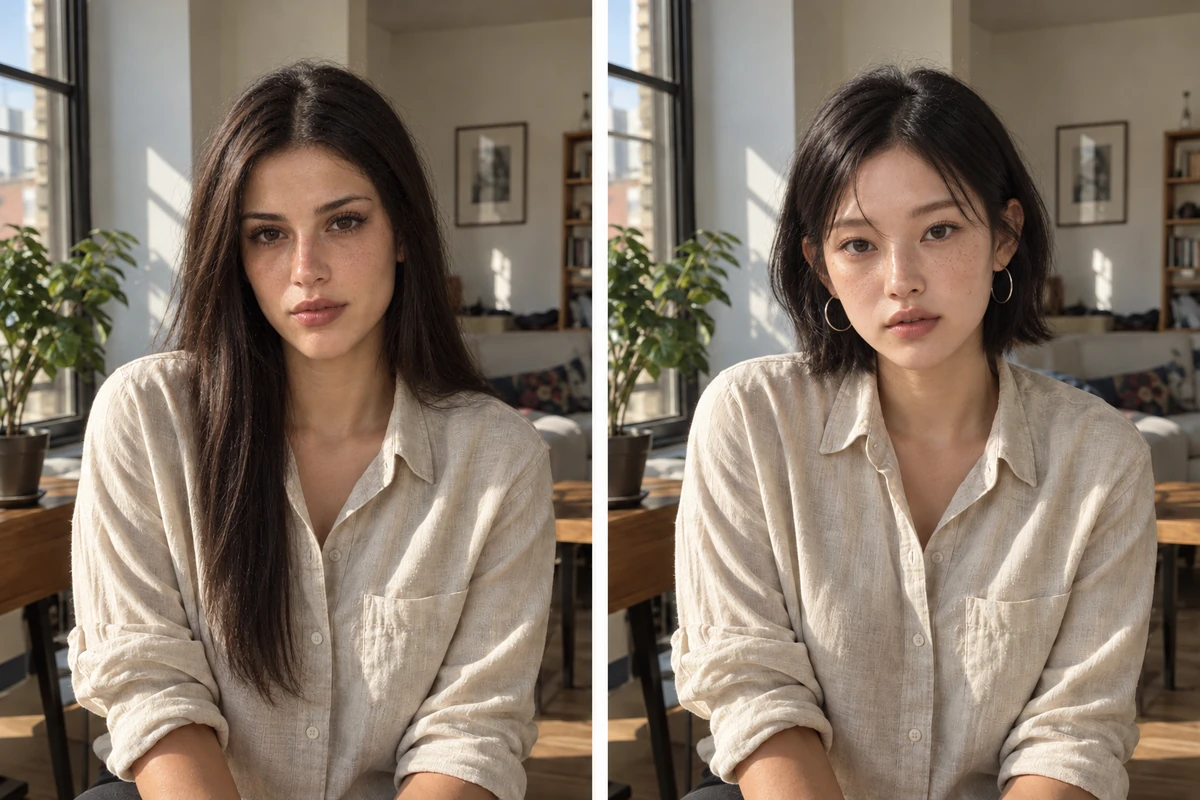
A new face in natural light.
Swap the face in a portrait while keeping the original lighting and mood. Natural skin texture and balanced shadows help the new identity fit the shot. Try a different look for a profile photo, a creative portrait, or a personal edit.
Upload a portrait to swap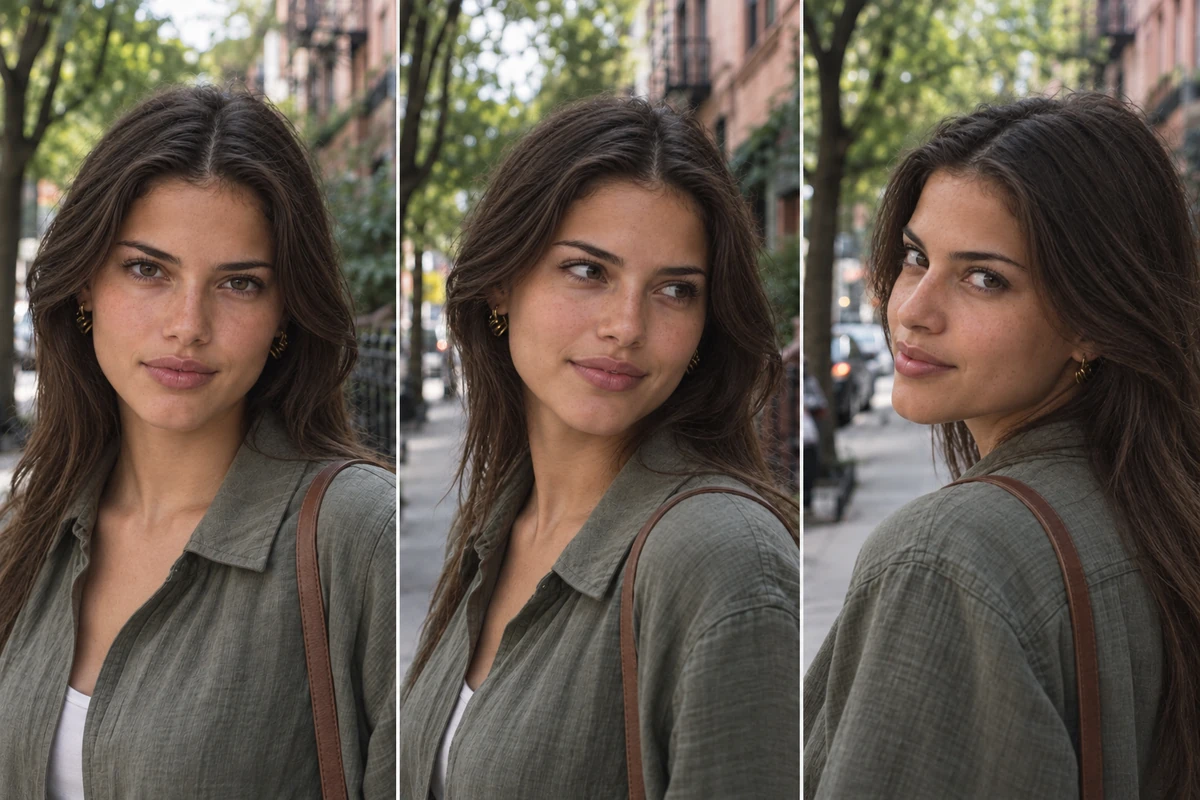
The same face, from every angle.
From a straight-on shot to a sideways glance, keep the reference face recognizable as the person turns and moves. Use a clear portrait to guide the identity, then review the details across your clip—from a brief smile to a glance back at the camera.
Try your face in a video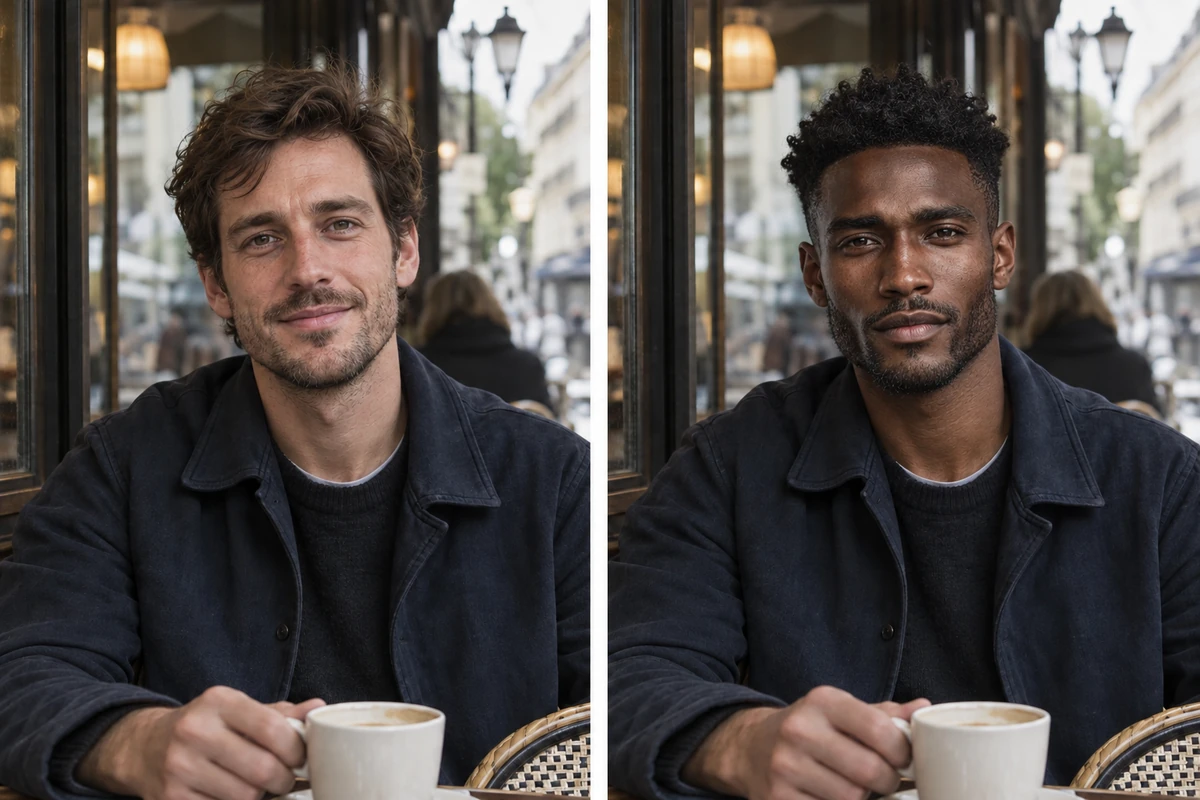
A new face. The same scene.
Change the face while keeping the outfit, background, and framing from the original shot. Recast a café conversation, a travel moment, or a favorite scene without starting from scratch. The edit stays focused on the person and the story already in the frame.
Recast a familiar sceneSwap Faces in Three Steps.
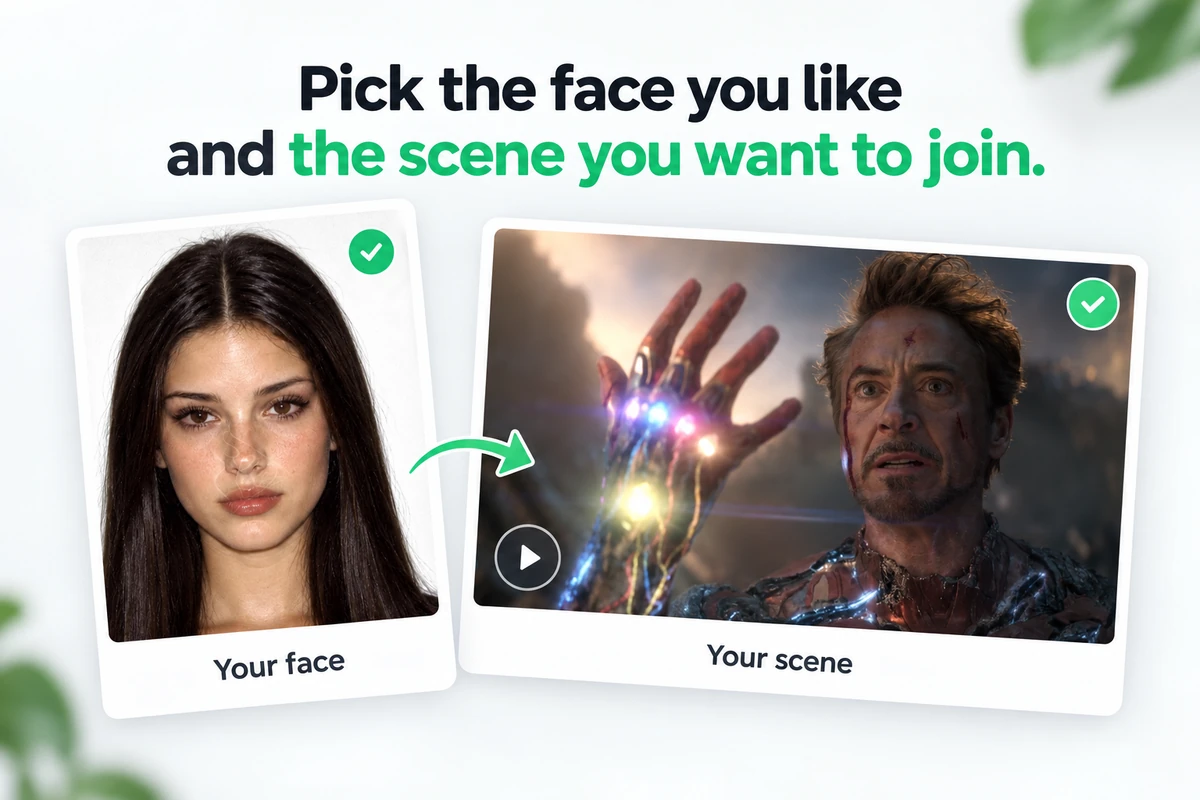
The same simple process works for photos and videos.
 1
Choose your files
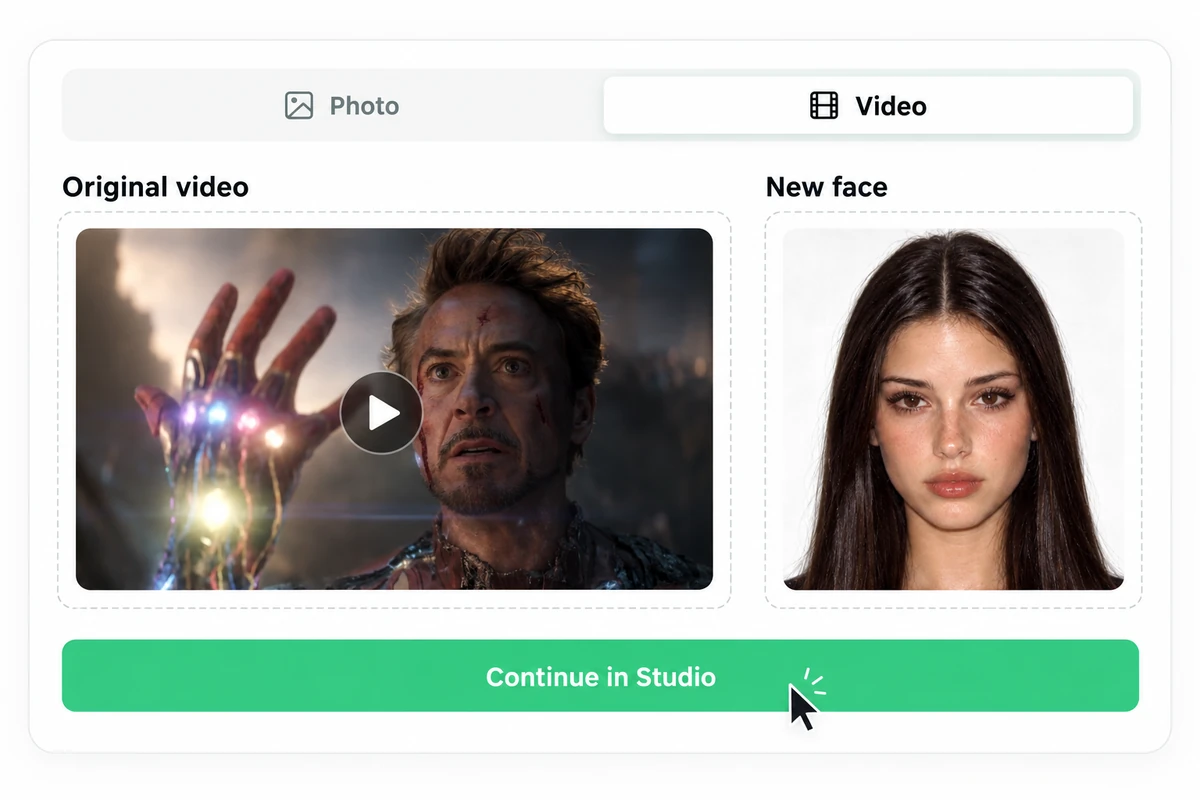
Pick the photo or video you want to edit and a clear picture of the face you want to use.
 2
Upload both files
Select Photo or Video, upload your original and reference face, then continue in Studio.
 3
Generate and download
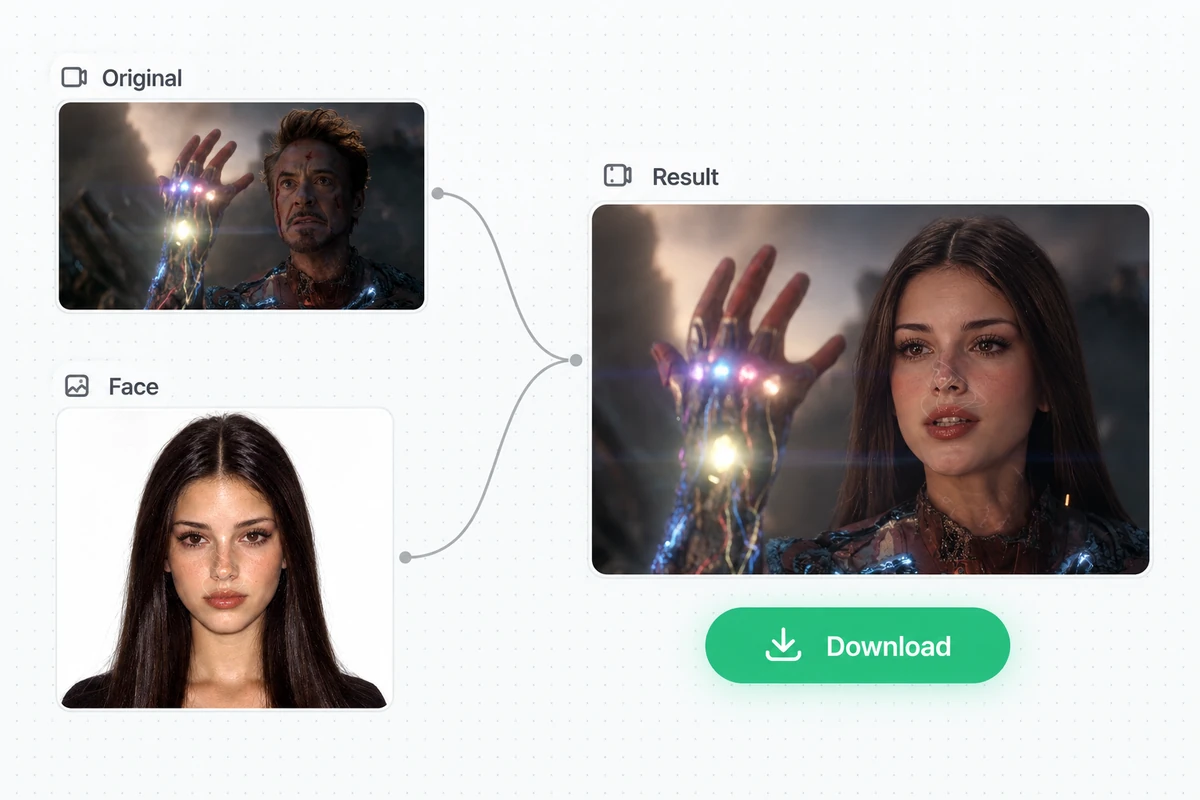
In Studio, review the available method and credit cost, generate your face swap, and download the result.
More Ways to Make It Yours.
Explore more ways to create and edit with OtterMind.
A Few Things Before You Swap.
Answers to common questions about swapping faces in photos and videos.
Yes. Select Photo or Video, upload the file you want to edit, and add a clear reference face photo.
Use a sharp, well-lit photo with one clearly visible face. Avoid heavy filters, sunglasses, or anything that covers the face.
The original is the photo or video you want to edit. The reference face is the person whose face you want to use in that scene.
No. Face swapping changes how someone looks in the video, not how they sound. Changing the voice is a separate editing task.
You can upload your files here, but generation happens in Studio. Continue there to review the available method and credit cost before generating and downloading your result.
Use your own face or a face you have permission to use. Make sure you also have the right to edit the original photo or video.
Still have a question? Get in touch.
Ready to give your scene a new face?
Start with a photo or video, add a reference face, and make a new version in Studio.
Start a face swap