Upload image

JPEG · PNG · WebP · 20 MB · 4096 × 4096 px

Settings
Scale
Private image
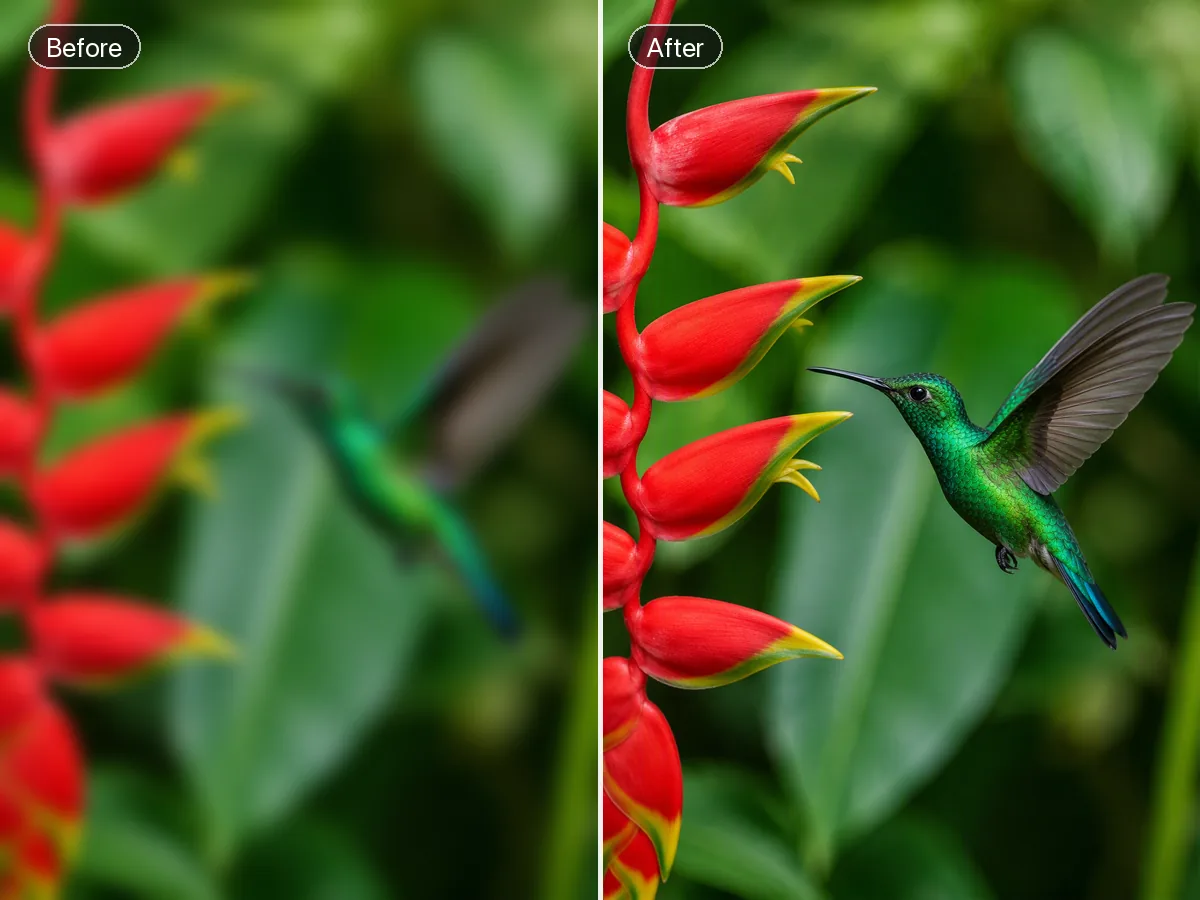
Sample photo: Improve image detail and clarity with adjustable enhancement and faithful reconstruction.
Sample photo

Improve image detail and clarity with adjustable enhancement and faithful reconstruction.

A motion-blurred ceramic artist portrait restored with clear natural facial, hair, apron, and clay detail
Illustrative reference, not a result from your upload. Review your own output against the source.

Explore the possibilities

Give everyday photos a clearer finish

Adjust enhancement strength to lift detail in portraits, products and travel photos. Compare fine textures at full size so the finish stays natural.

Controls and output options depend on the selected tool and available model.

Back to the editor

What you can do with Ottermind

Two professional portraits show the same woman in studio and office settings with natural facial detail preserved

Portraits

Bring out facial detail while checking skin texture and expression.

Polished pale-blue skincare tube beside an inset raw phone photo on a clean editorial background

Product listings

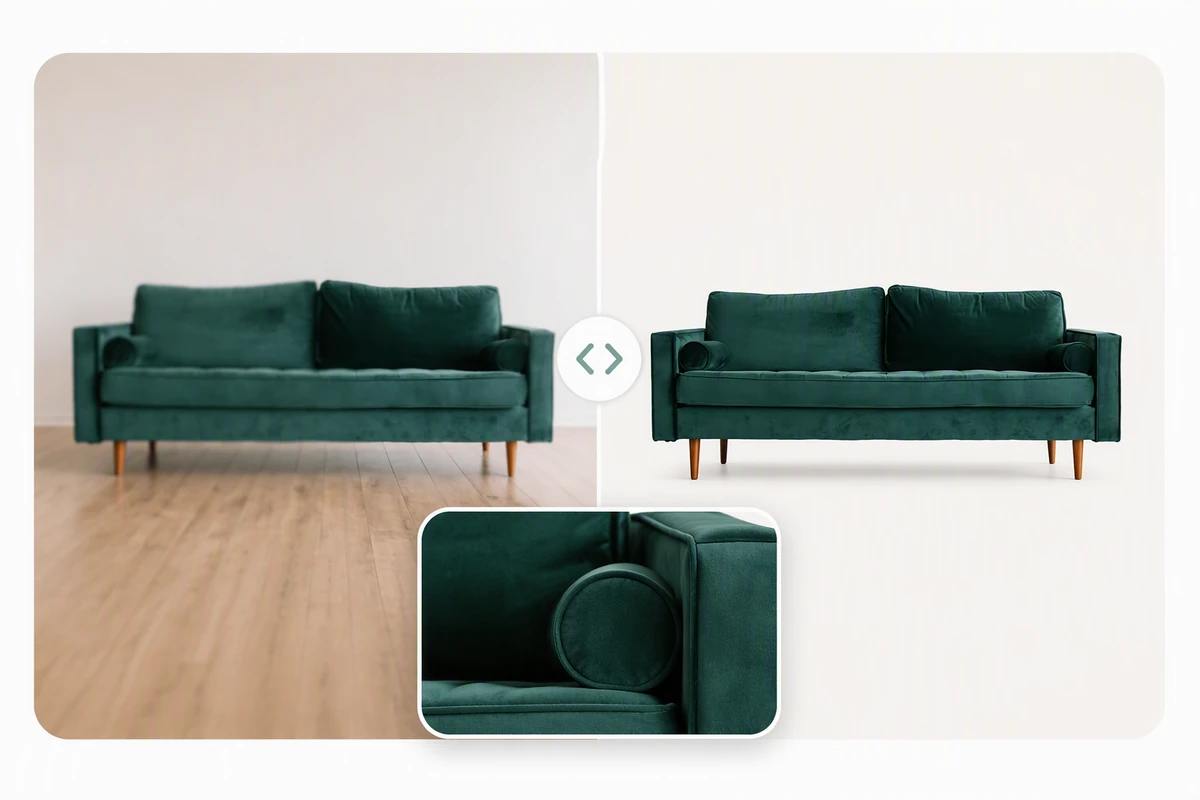
Clarify edges and materials before choosing a storefront image.

A restored alpine travel photo cropped into social, profile, and print-ready formats

Travel albums

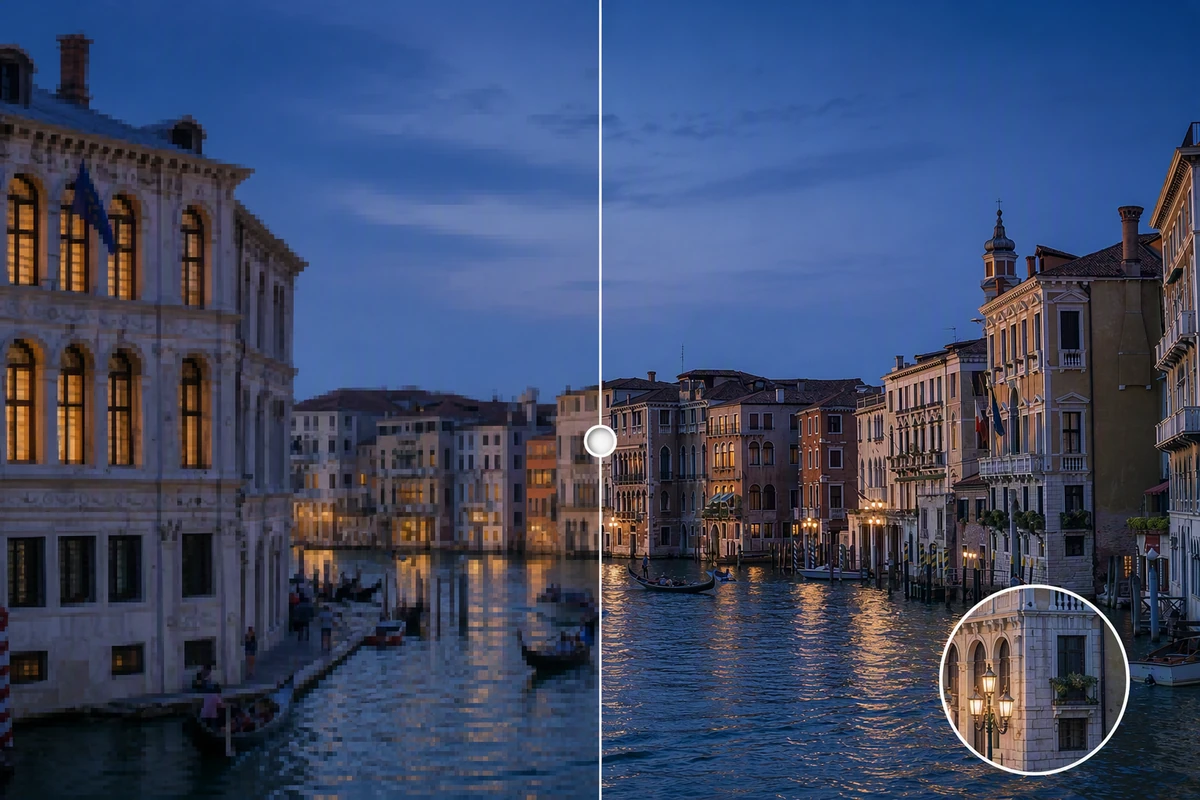
Improve buildings and scenery while retaining the original atmosphere.

Before-and-after of a colorful bookstore, heavily compressed on the left and finely detailed on the right.

Presentation visuals

Make a small reference photo easier to read on a slide.

From source to a finished edit

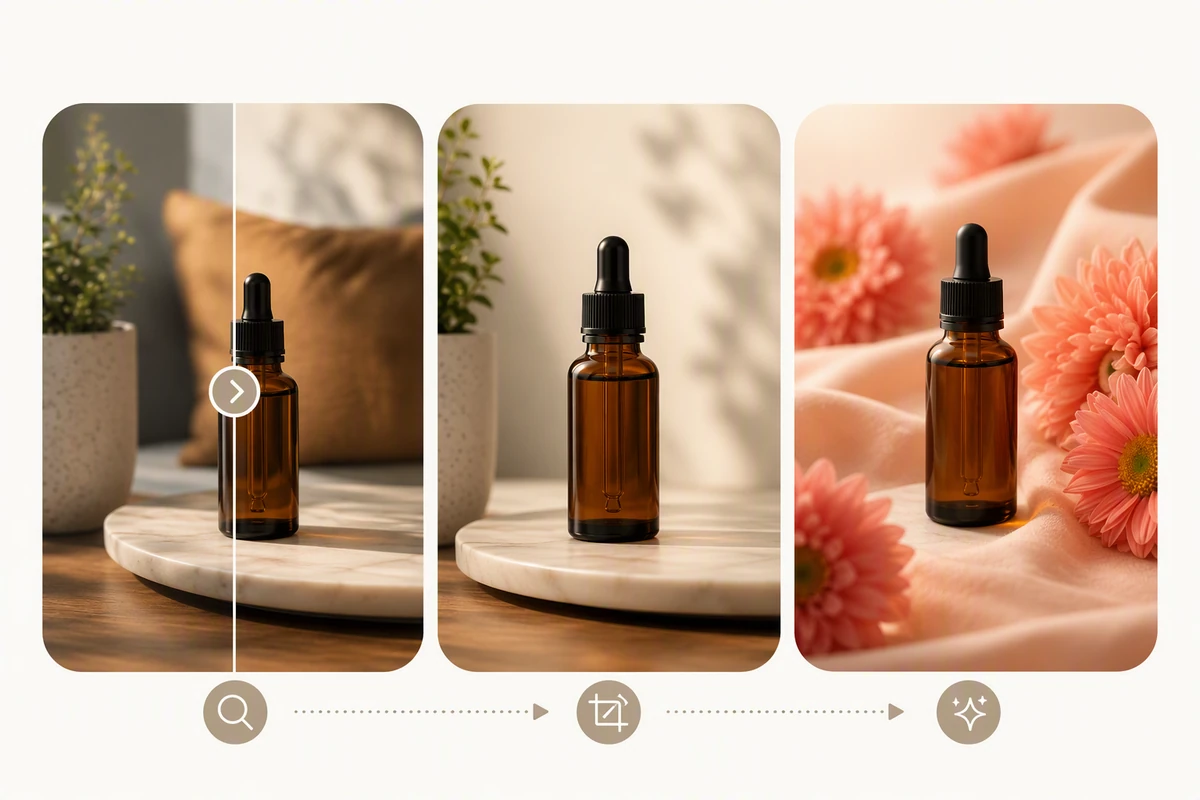
  1. Add your source

    Choose an image or video from your device. Start with the clearest original you have.

  2. Choose the edit

    Set the relevant controls, choose an available model and review the credits shown beside Generate.

  3. Compare and refine

    Inspect the finished result against the original. Check important details before downloading or starting another edit.

More image tools

Questions about your images

Are these my Ottermind credits?

Yes. Image tools use the same Ottermind credit balance. The price is confirmed before processing, and technical failures are refunded automatically.

Are my images public?

Your uploaded images and results are private to your account. Images are sent to the selected model provider for processing.

Can I continue on my phone?

Your processing tasks are saved to your account. Open History to return to a task and download its result.