Upload image

JPEG · PNG · WebP · 20 MB · 4096 × 4096 px

Settings
Private image
Sample photo: Explore new lighting directions and styles for portraits, products and scenes.
Sample photo

Explore new lighting directions and styles for portraits, products and scenes.

Ribbed amber candle jar shown in a neutral studio and a cozy dusk living room
Illustrative reference, not a result from your upload. Review your own output against the source.

Explore the possibilities

See the same subject in a new light

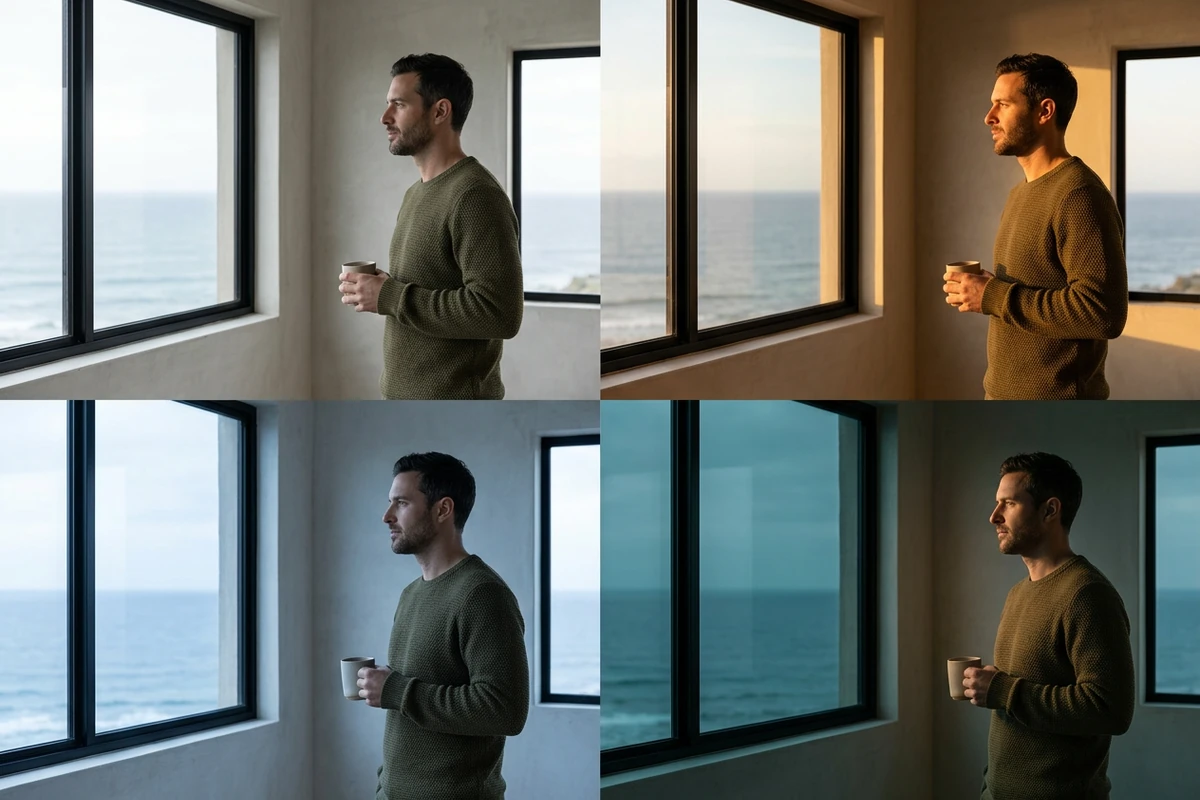
Choose a lighting direction and a natural, studio, sunset or moonlight style. Compare shadows and reflections so the subject sits believably in the scene.

Controls and output options depend on the selected tool and available model.

Back to the editor

What you can do with Ottermind

Matte black wireless headphones shown in a neutral studio and a warm walnut listening room

Studio products

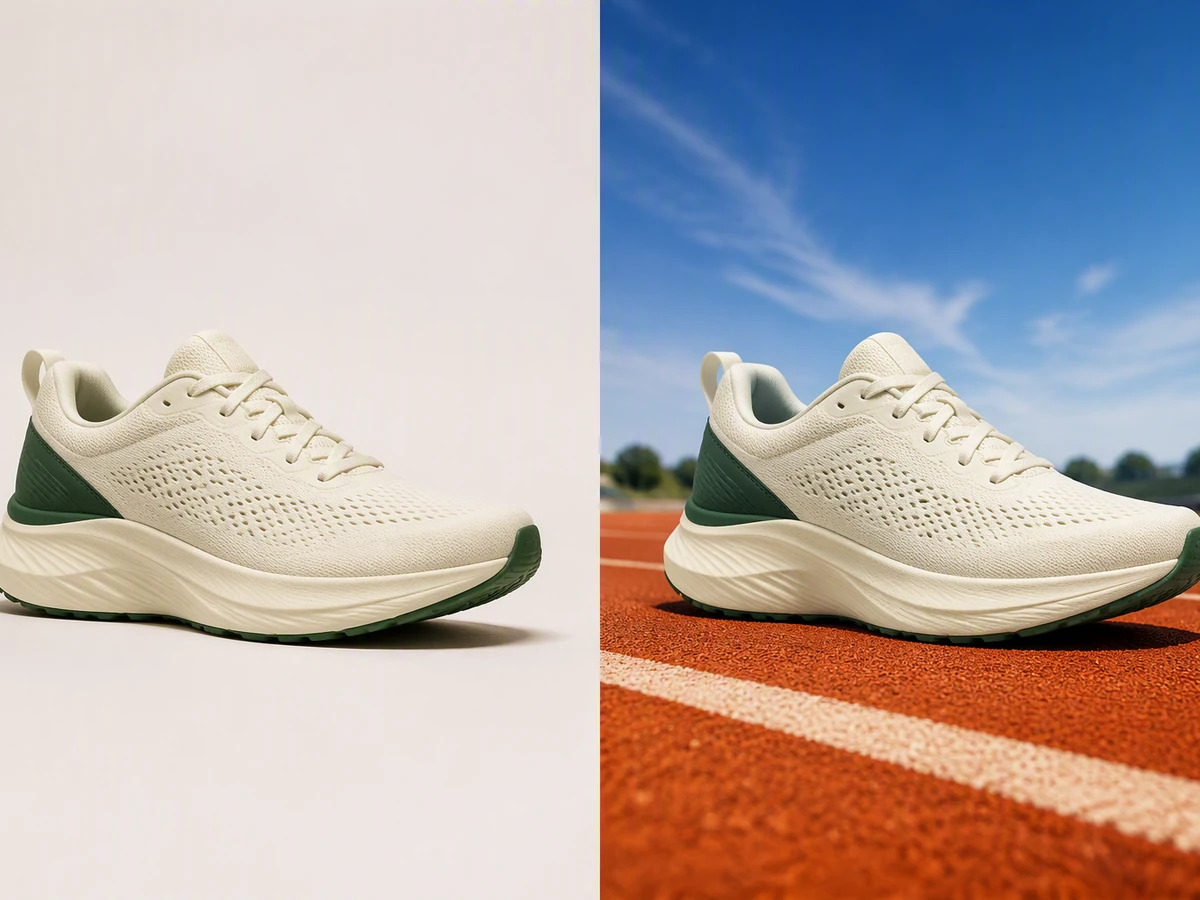
Explore controlled light that reveals a product’s shape and finish.

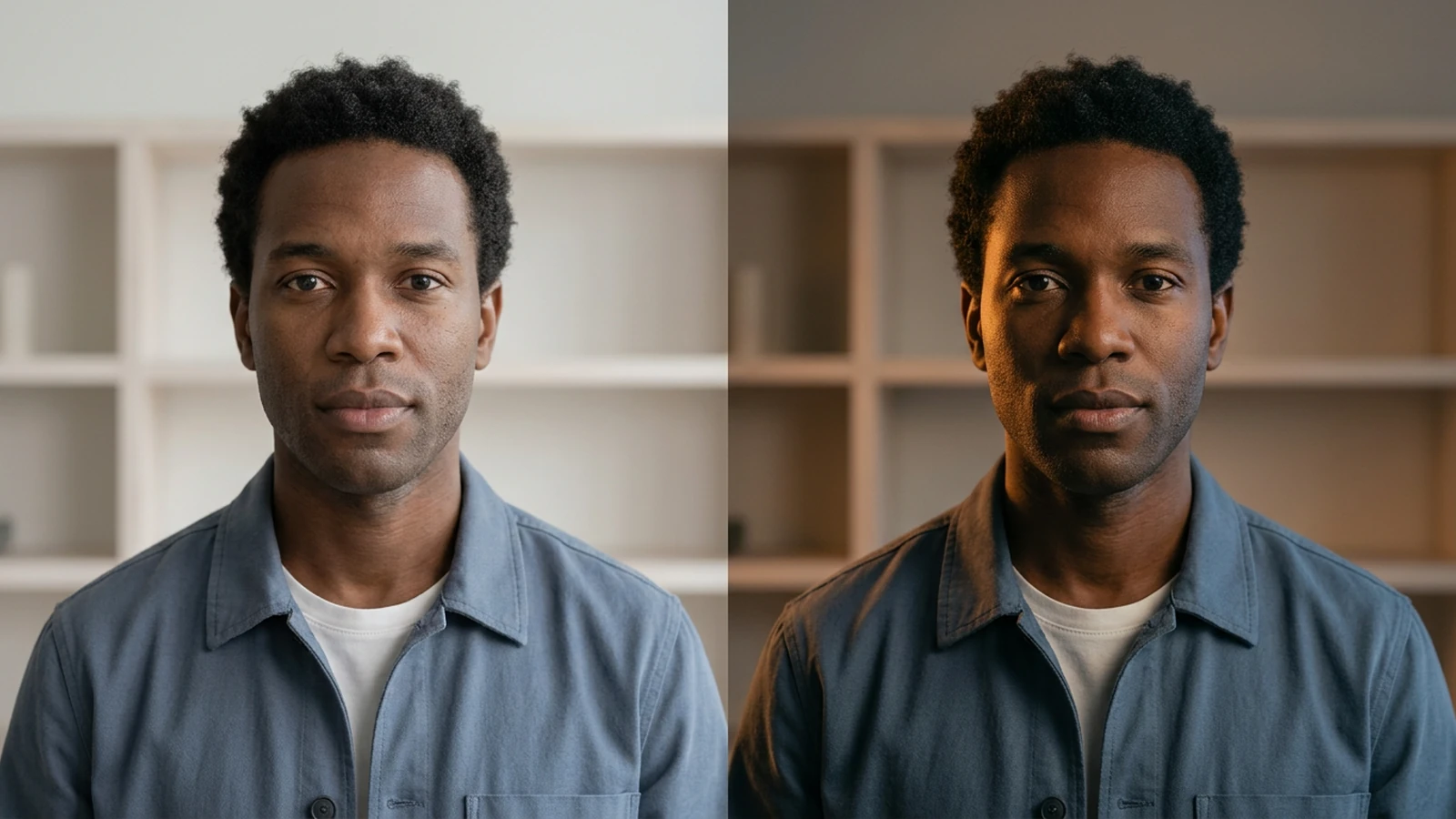
Adult with deep skin taking a clear portrait beside a window in even daylight

Portrait moods

Preview softer or more directional light on the same face.

Coral insulated travel tumbler shown in a neutral studio and beside a sunny swimming pool

Golden-hour scenes

Try warm evening light across a travel or lifestyle image.

Ribbed amber candle jar shown in a neutral studio and a cozy dusk living room

Campaign variations

Compare several lighting directions before choosing a visual mood.

From source to a finished edit

  1. Add your source

    Choose an image or video from your device. Start with the clearest original you have.

  2. Choose the edit

    Set the relevant controls, choose an available model and review the credits shown beside Generate.

  3. Compare and refine

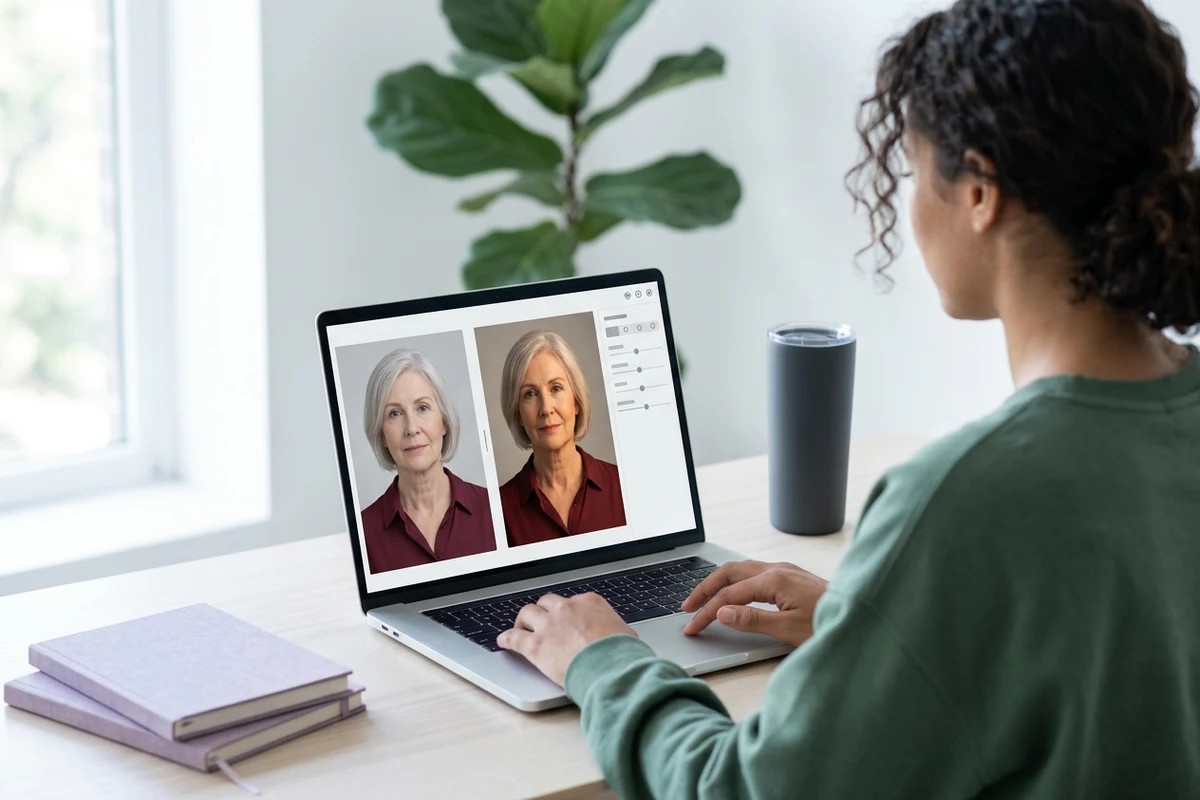
    Inspect the finished result against the original. Check important details before downloading or starting another edit.

More image tools

Questions about your images

Are these my Ottermind credits?

Yes. Image tools use the same Ottermind credit balance. The price is confirmed before processing, and technical failures are refunded automatically.

Are my images public?

Your uploaded images and results are private to your account. Images are sent to the selected model provider for processing.

Can I continue on my phone?

Your processing tasks are saved to your account. Open History to return to a task and download its result.