Larger prints
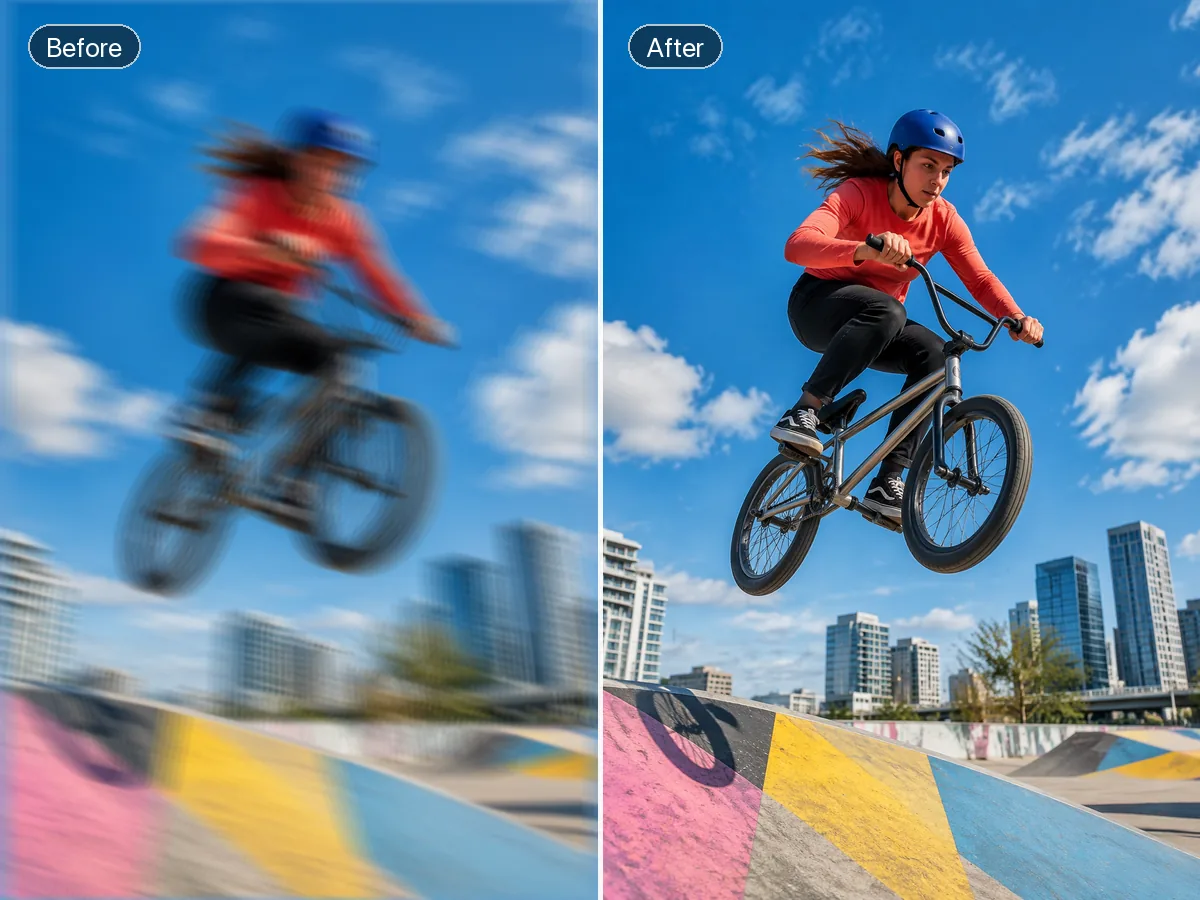
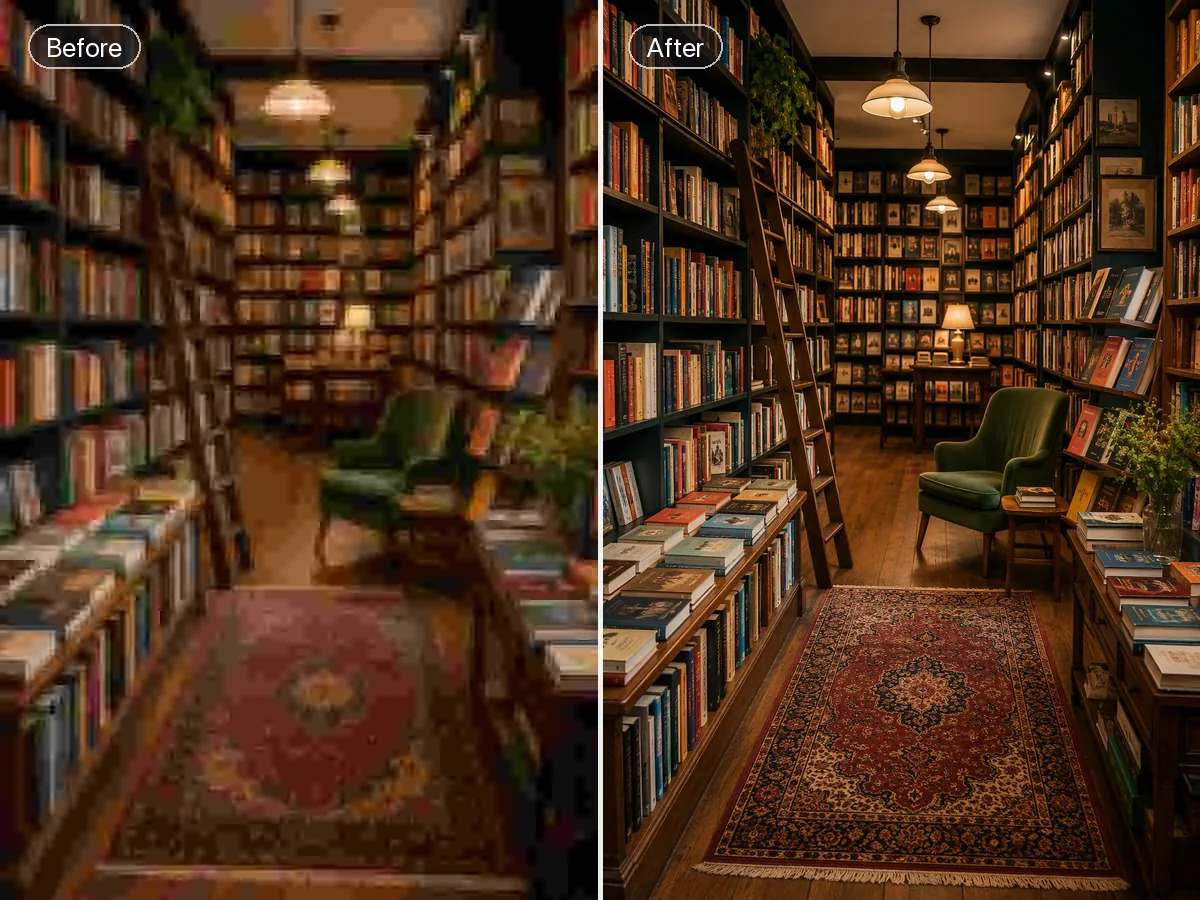
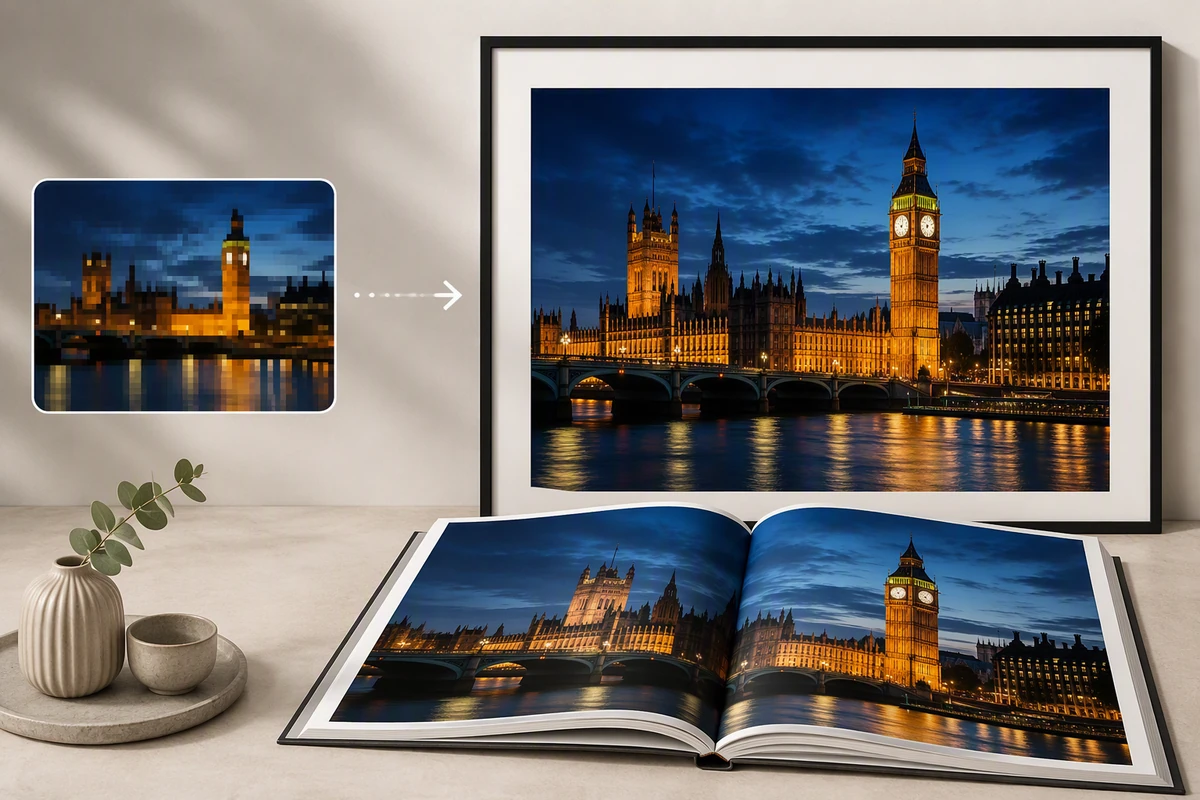
Prepare a favorite photo for a larger layout and inspect fine detail.
JPEG · PNG · WebP · 20 MB · 4096 × 4096 px

Enlarge photos and illustrations to 2x or 4x with optional face restoration.

Explore the possibilities
Choose 2× or 4× enlargement for your intended display. Use face restoration when appropriate, then inspect lettering and fine patterns at the final size.
Controls and output options depend on the selected tool and available model.
Back to the editor
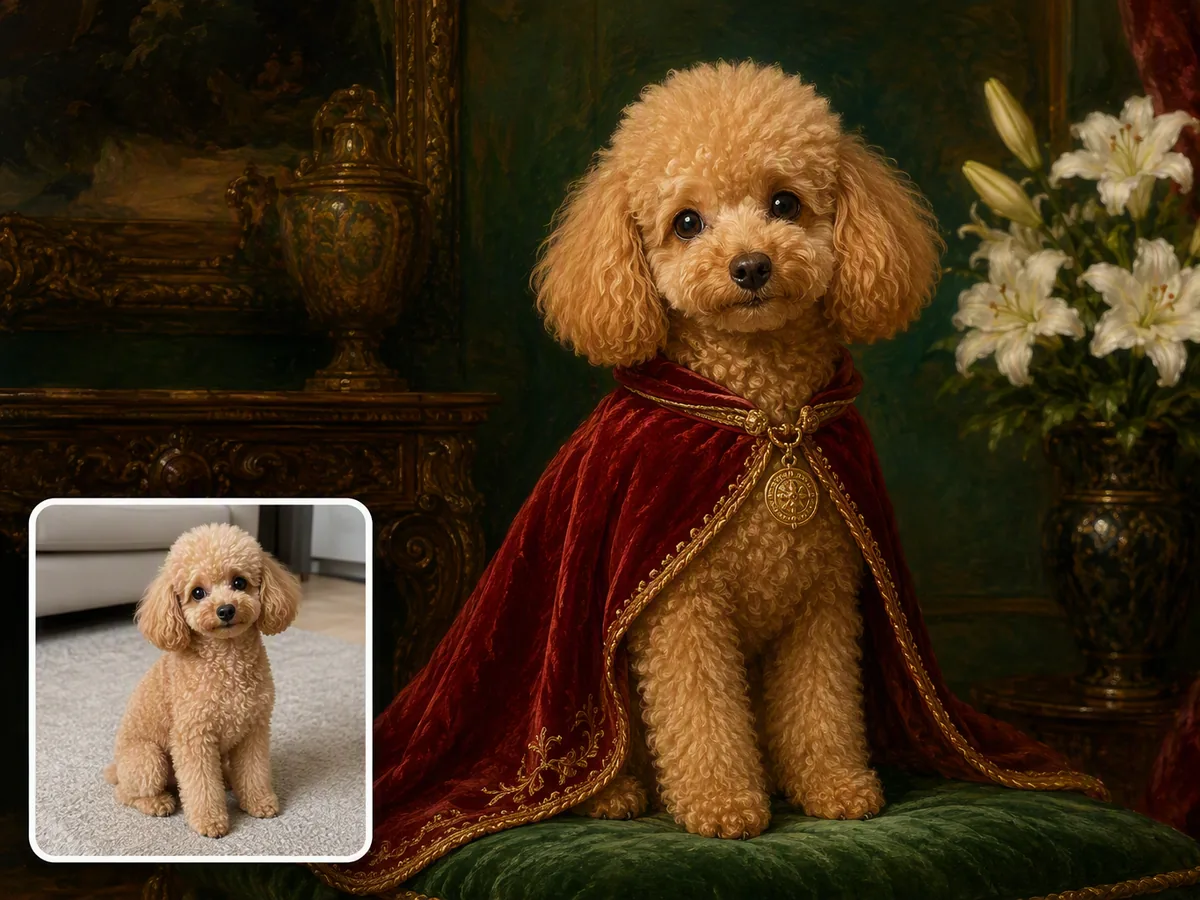
Prepare a favorite photo for a larger layout and inspect fine detail.

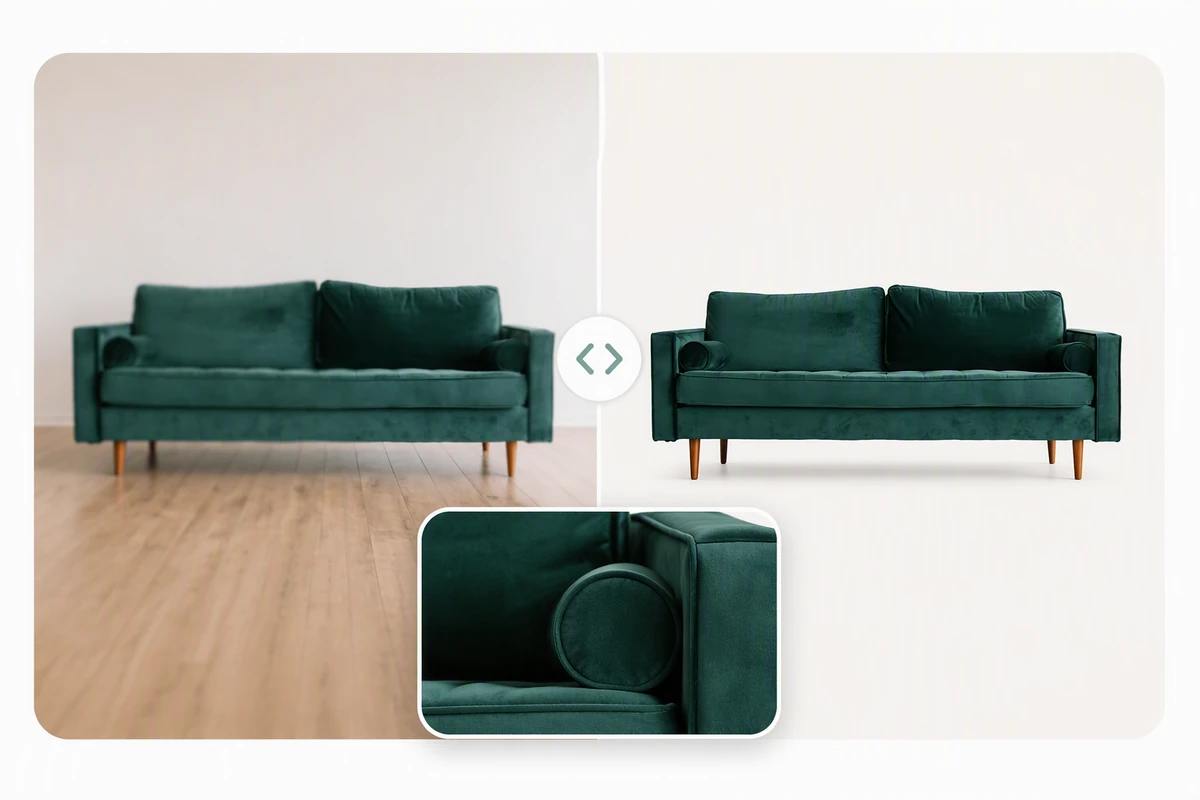
Enlarge a product view while checking labels and surface textures.

Give small artwork more pixels without losing its distinctive lines.

Fill a presentation canvas with a source that started small.
Choose an image or video from your device. Start with the clearest original you have.
Set the relevant controls, choose an available model and review the credits shown beside Generate.
Inspect the finished result against the original. Check important details before downloading or starting another edit.
Yes. Image tools use the same Ottermind credit balance. The price is confirmed before processing, and technical failures are refunded automatically.
Your uploaded images and results are private to your account. Images are sent to the selected model provider for processing.
Your processing tasks are saved to your account. Open History to return to a task and download its result.