Selection Guide
Best AI Tools for Marketing Teams in 2026

Marketing teams do not need more disconnected AI experiments. They need a reliable way to turn messy campaign intent into assets, pages, posts, reports, and follow-up work that the team can actually ship.
That difference matters. A marketer can use ChatGPT for brainstorming, Claude for long-form editing, Jasper for brand-aware copy, Canva for campaign visuals, Semrush for SEO, HubSpot for CRM, Buffer for social publishing, and a spreadsheet for reporting. Each tool can help. The hard part is keeping the campaign story, audience, claims, assets, and decisions connected.
So this guide is not just a list of popular tools. It is organized around a practical marketing question: which AI tools help a team move from strategy to publishable work without rebuilding context at every step?
If you already have a tool stack and need the operating method, use the AI marketing workflow guide to connect research, a campaign brief, channel assets, human review, and measurement.
The marketing workflow problem
Most marketing work crosses more boundaries than a single AI assistant can see. A real campaign often includes:
- A target audience, offer, positioning angle, proof points, and constraints
- Competitive research, search intent, customer objections, and existing brand assets
- A landing page, blog outline, email sequence, ad copy, social posts, video script, or sales enablement deck
- Review from product, design, legal, sales, leadership, and sometimes customers
- Performance reporting, experiment notes, content refreshes, and follow-up campaigns
Single-purpose AI tools are useful when one task is clear. A writing assistant can draft copy. A design tool can produce visuals. An SEO tool can find keywords. A CRM tool can personalize outreach.
But marketing teams often need the whole campaign to stay coherent. That is where an AI workspace or connected workflow becomes more valuable than another isolated prompt box.
Quick comparison: 8 best AI tools for marketing teams
| Tool | Starting Price (USD) | Category | Best For | Marketing Workflow Fit |
|---|---|---|---|---|
| Ottermind | US$20/mo | AI workspace | End-to-end campaign work | Briefs, SEO outlines, landing pages, ads, decks, scripts, image prompts, reports, and handoff |
| ChatGPT | Free; Plus US$20/mo | AI assistant | Early strategy and ideation | Audience research, hooks, copy options, summaries, and campaign planning |
| Claude | Free; Pro US$20/mo | Writing assistant | Long-form marketing writing | Messaging docs, landing page drafts, newsletters, critique, and editorial polish |
| Jasper | From US$69/mo (US$59/mo annual) | Marketing copy platform | Brand-aware content production | Campaign copy, brand voice, content templates, and team review workflows |
| Canva | Free; Pro from US$15/mo | Design assets | Visual campaign production | Social graphics, one-pagers, thumbnails, simple videos, and branded templates |
| Semrush | Free; from US$117/mo (annual) | SEO and competitive research | Search demand and visibility | Keyword research, content gaps, competitor tracking, and content planning |
| HubSpot | Free tools; from US$20/seat/mo | CRM and marketing automation | Lifecycle marketing | Lead capture, email automation, CRM context, attribution, and customer journeys |
| Buffer | Free; from US$5/channel/mo | Social publishing | Social calendar execution | Scheduling, channel adaptation, lightweight analytics, and consistent publishing |
Prices are public US starting prices where listed, checked July 10, 2026. Billing cadence, taxes, usage limits, and regional availability vary; confirm on the linked pricing page before purchase.
Community discussions point to a recurring gap: writing faster is rarely the whole problem. Teams still need to decide what deserves attention, preserve a consistent message, and move work across research, creation, review, CRM, and reporting. That is why this guide compares workflow fit rather than treating every AI writing feature as interchangeable.
How we evaluated the tools
We used five marketing-team criteria:
- Campaign context: Can the tool work with audience notes, positioning, product facts, examples, files, and past decisions?
- Asset range: Can it help create real marketing artifacts such as briefs, landing pages, ads, emails, SEO outlines, social posts, scripts, visuals, decks, or reports?
- Workflow fit: Does it help strategy, content, design, product marketing, growth, sales, and leadership move together?
- Review control: Can humans edit, approve, reject, and redirect the work without losing the campaign thread?
- Measurement loop: Does it help the team learn from performance and turn that learning into the next campaign?
The best marketing AI stack is rarely one product. It is usually a connected set of tools, with one workspace holding the campaign story together and specialist tools handling the stages where they are strongest.
1. Ottermind
Best for: marketing teams that want one AI workspace for turning campaign intent into usable deliverables.
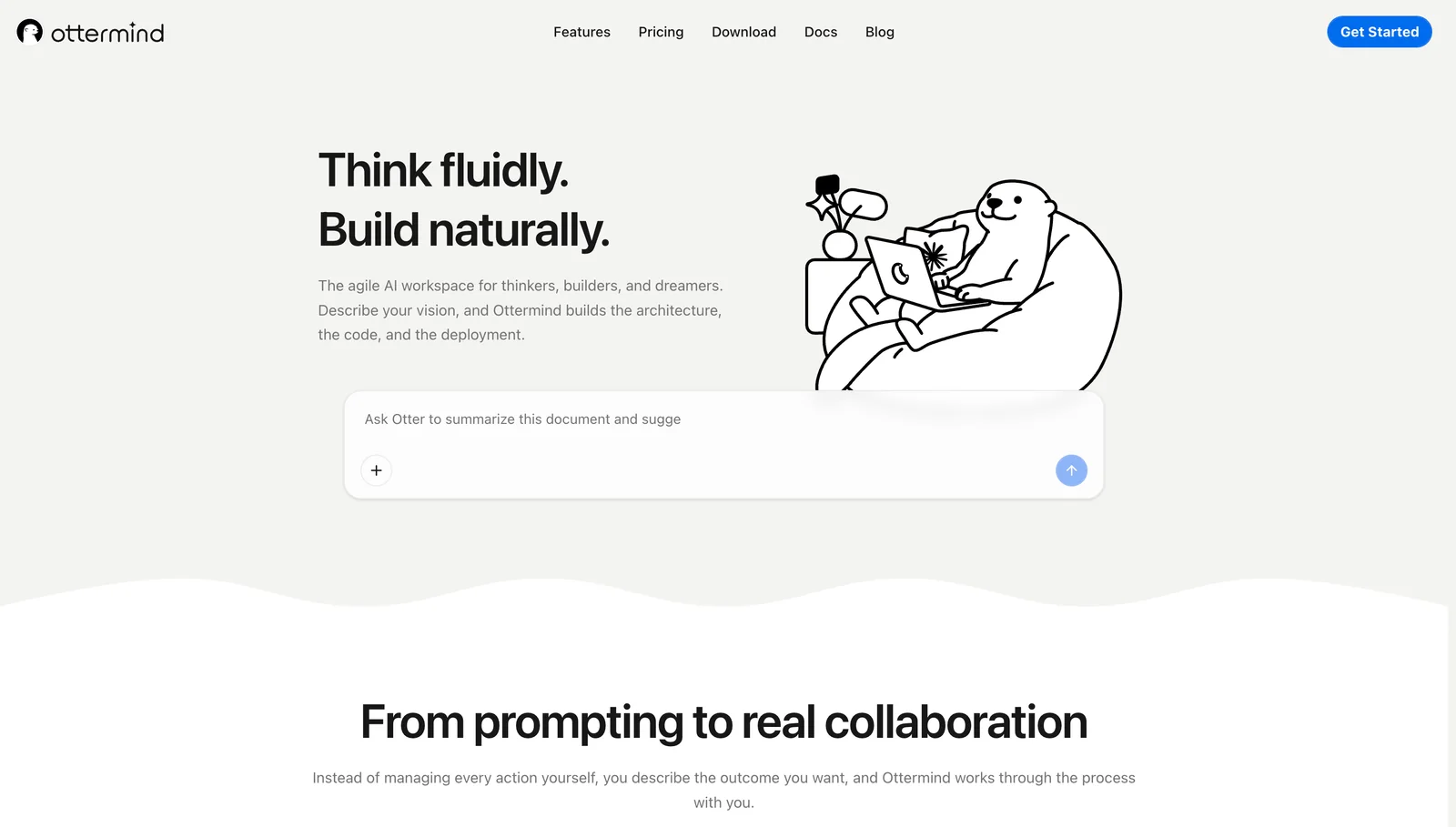
Ottermind is strongest when marketing work starts as a rough objective instead of a finished brief. A founder may ask for a launch campaign. A product marketer may have scattered notes from sales calls. A growth lead may need a landing page, ad angles, SEO brief, social posts, and a deck by the end of the week.
In many AI stacks, each of those outputs happens in a different place. The team rewrites the audience, offer, proof points, product details, and constraints for every tool. The result is familiar: a good blog outline here, a decent image prompt there, a sales email somewhere else, and no single campaign thread.
Ottermind is built for the connected version of that work. It can help teams turn a campaign idea into a brief, search-driven content plan, landing page copy, ad concepts, video script, presentation outline, image prompts, sales enablement notes, and a reporting checklist in one workspace.
For narrower production tasks inside that campaign, use the AI menu generator for restaurant collateral, the AI quote generator for reviewed quote graphics, or the AI story generator when a campaign idea needs a narrative and scene plan.
Where Ottermind excels:
- Keeping campaign context attached to every deliverable
- Turning rough inputs into multiple marketing assets
- Helping non-technical teammates create structured work from files, notes, and examples
- Connecting planning, writing, creative direction, research, automation, and follow-through
Where it falls short:
- It is not meant to replace every specialist marketing platform
- It works best when the team provides real product facts, examples, and constraints
- Teams still need human review for claims, brand fit, legal risk, and performance decisions
Use Ottermind when the marketing job crosses boundaries: strategy into landing page, research into SEO brief, campaign idea into visuals, launch plan into sales enablement, or results into the next experiment.
2. ChatGPT
Best for: fast marketing ideation, broad reasoning, and first drafts.
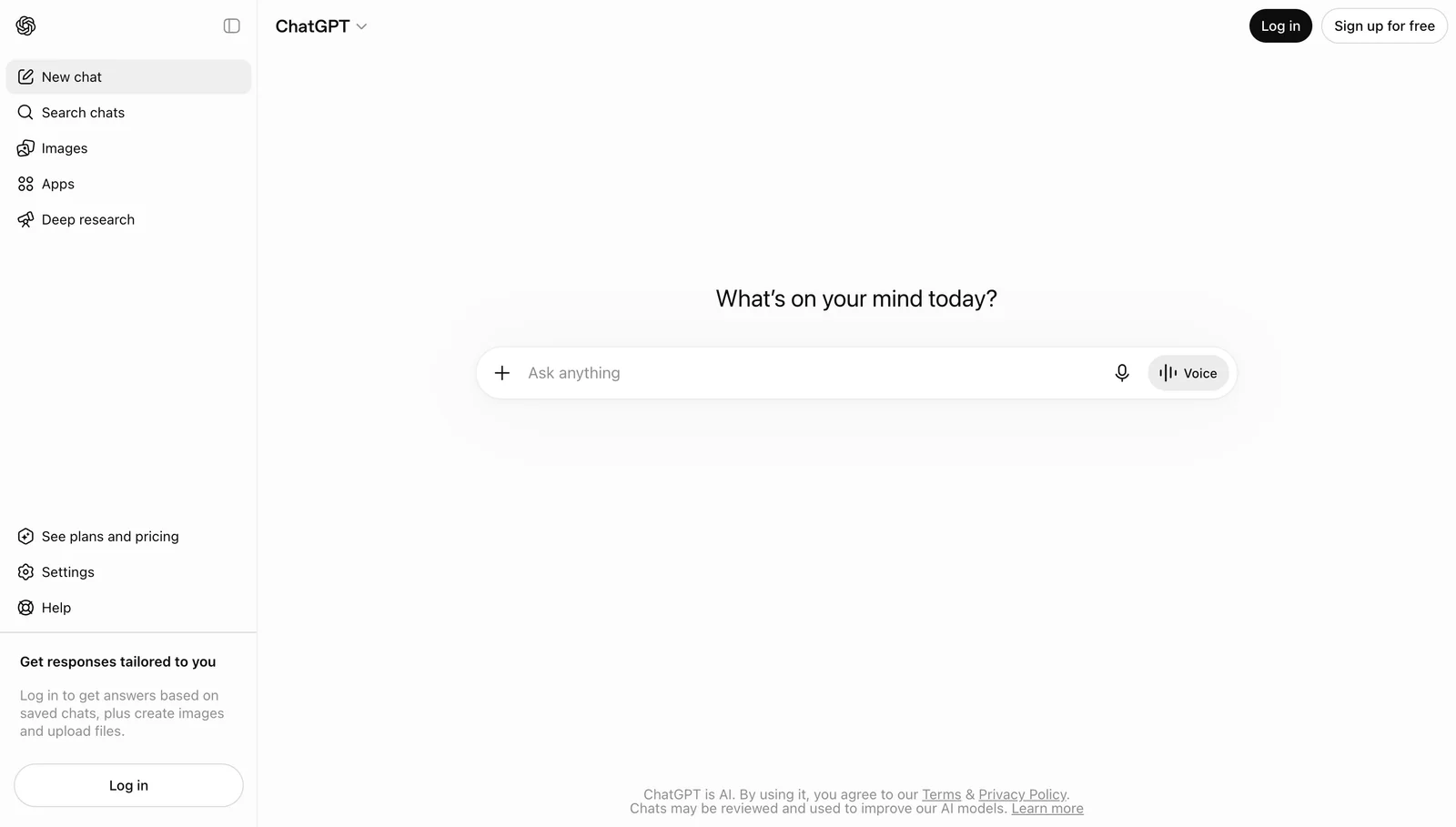
ChatGPT is still one of the easiest AI tools for marketers to adopt because it is flexible. It can help with campaign angles, audience research questions, headline options, ad variants, blog outlines, summaries, naming, email drafts, and quick explanations.
Where it excels:
- Generating many angles quickly
- Turning a vague request into a draft structure
- Summarizing research notes and customer language
- Producing options for headlines, hooks, subject lines, and positioning
Where it falls short:
- Campaign context can scatter across separate chats
- Brand voice and product accuracy still need guardrails
- It does not naturally manage the full publish-review-measure loop
Bottom line: ChatGPT is a strong thinking partner for marketers. It is less complete as the campaign operating layer.
3. Claude
Best for: long-form copy, messaging clarity, and careful editorial review.
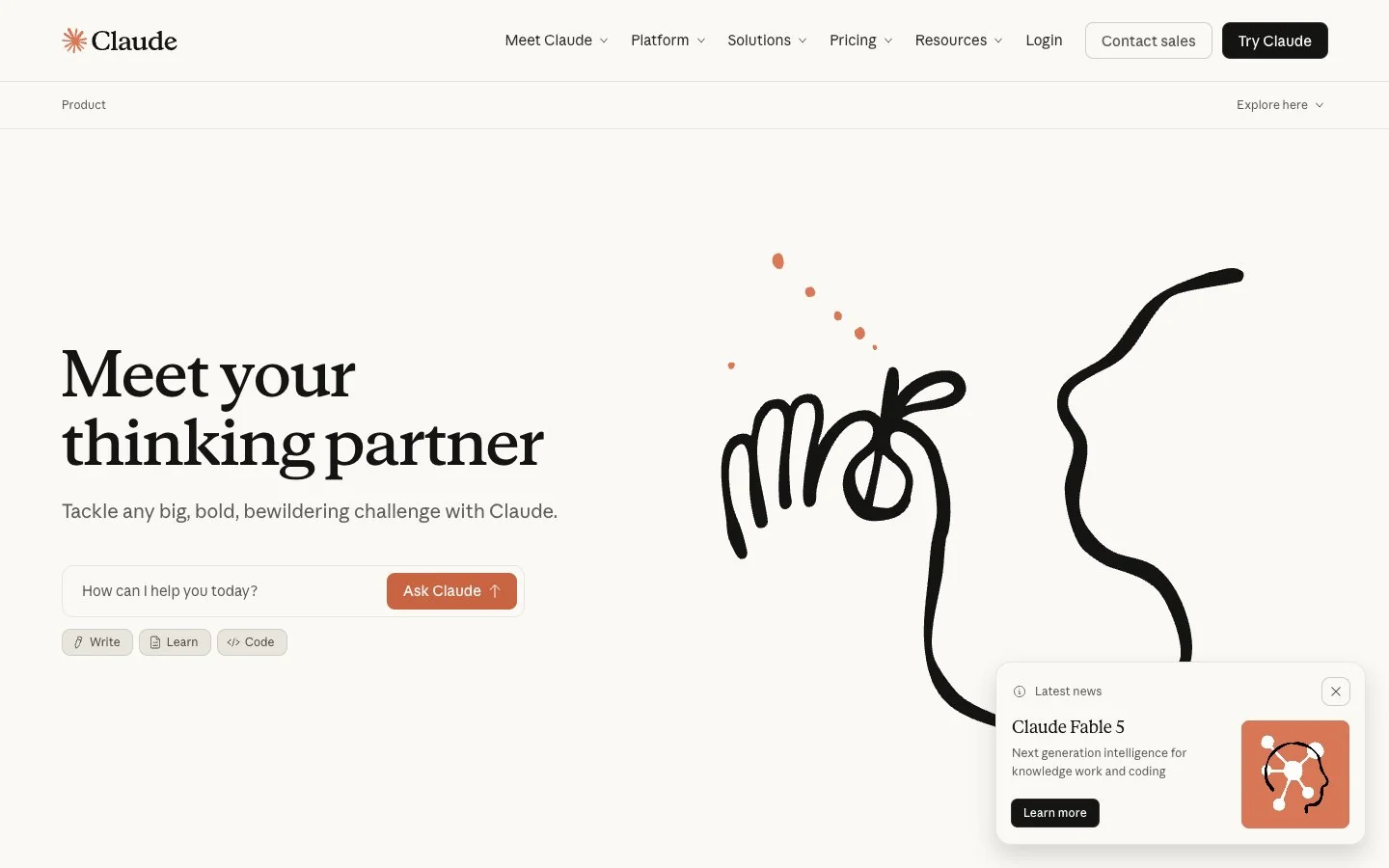
Claude is a strong choice when the work depends on nuance. Marketing teams can use it to rewrite a landing page, turn customer notes into a messaging memo, critique a launch narrative, edit a newsletter, or polish a long guide without making the copy feel too mechanical.
Where it excels:
- Long-form marketing writing and editing
- Critiquing unclear positioning or overclaimed copy
- Turning messy notes into cleaner narratives
- Preserving a calmer tone across longer documents
Where it falls short:
- It still behaves like an assistant, not a full campaign workflow
- Creative assets, publishing, CRM, SEO data, and reporting live elsewhere
- Teams need a separate system for approvals and downstream work
Bottom line: Claude is one of the best tools for careful marketing writing. Pair it with a workflow layer when the writing needs to become a campaign.
4. Jasper
Best for: brand-aware copy production for marketing teams.
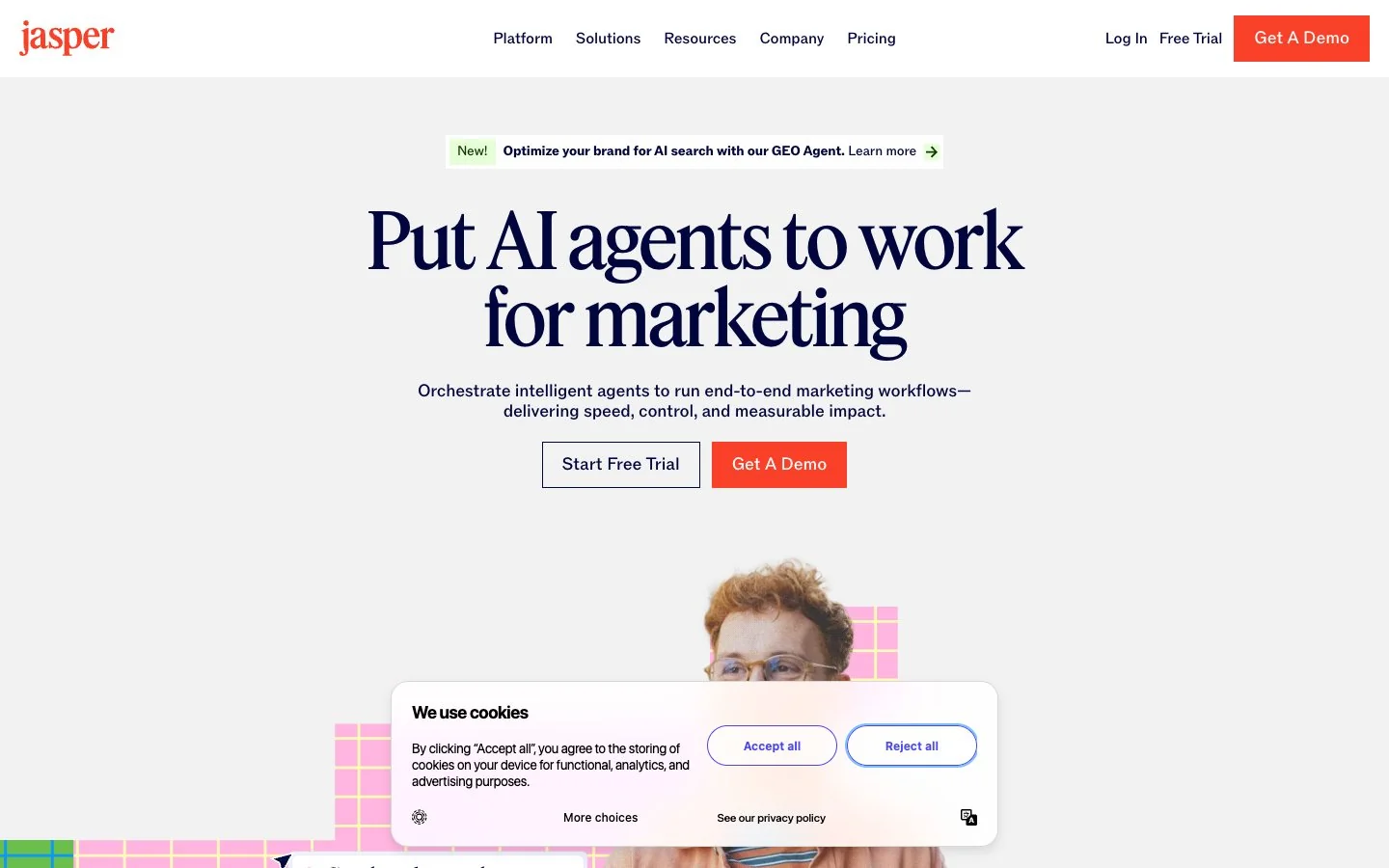
Jasper is designed specifically for marketing content. It is useful when a team wants reusable brand voice, campaign templates, content production workflows, and a more marketing-native interface than a general chat assistant.
Where it excels:
- Producing repeatable marketing copy with brand guidance
- Helping teams create campaign copy, blog drafts, ads, and emails
- Supporting content workflows that need consistency across contributors
- Giving marketers a purpose-built environment instead of a blank chat
Where it falls short:
- It is strongest in copy production, not every marketing function
- Teams still need original strategy, product truth, and performance judgment
- It may overlap with general assistants if the team does not need brand workflows
Bottom line: Jasper is a good fit when brand voice and repeatable content production matter more than broad agentic workflow.
5. Canva
Best for: visual campaign assets, social graphics, simple videos, and branded templates.
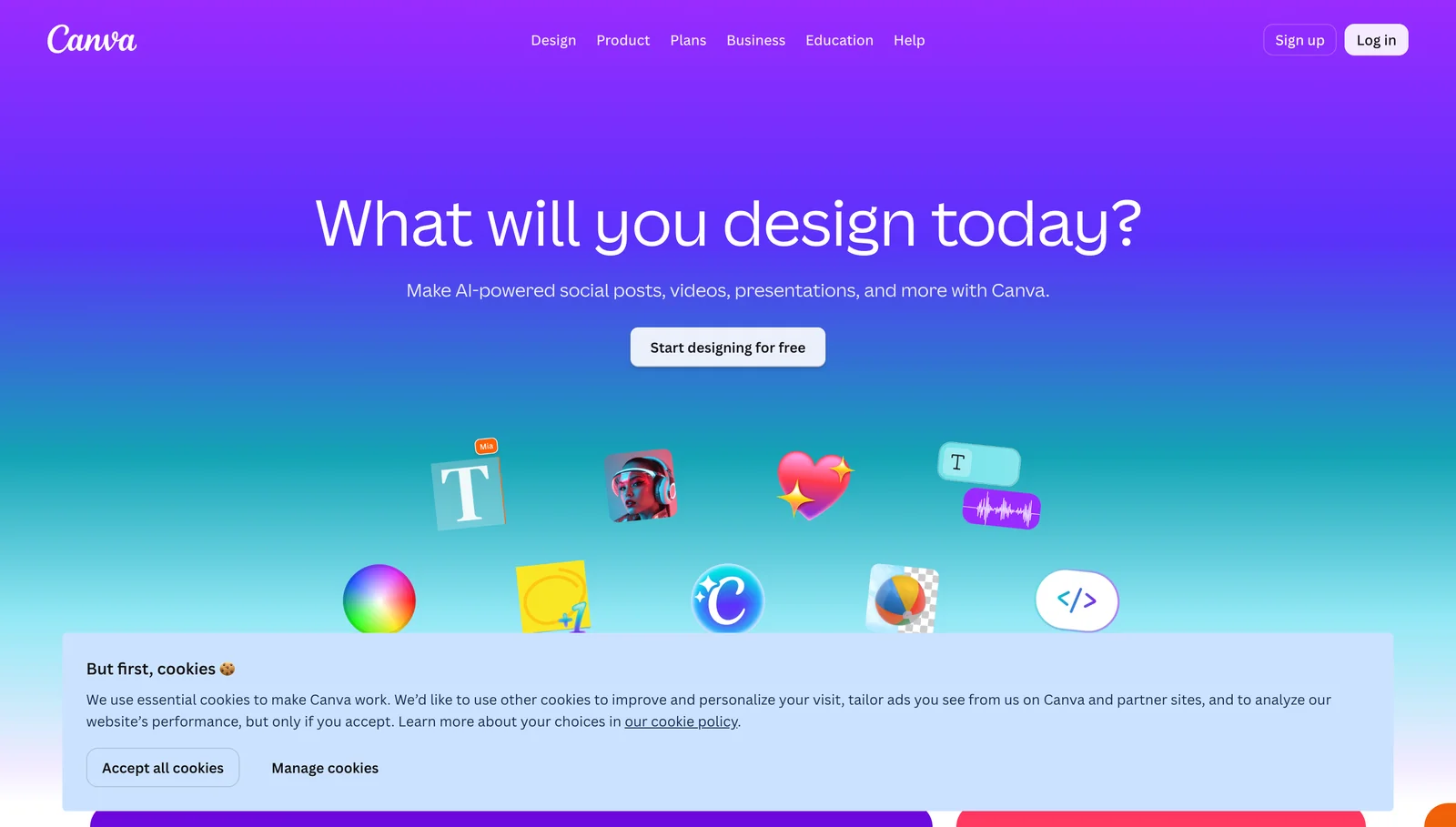
Canva helps marketing teams produce usable visual assets without turning every request into a full design cycle. Social posts, thumbnails, one-pagers, ad mockups, lightweight videos, event graphics, and internal campaign decks are natural fits.
Where it excels:
- Fast visual production for non-designers
- Brand kits and reusable templates
- Social, campaign, presentation, and lightweight video assets
- Iteration once the message and audience are clear
Where it falls short:
- It is not a replacement for senior brand or product design
- AI-generated visuals still need accuracy and brand review
- It does not manage the strategy, SEO, CRM, or reporting parts of the campaign
Bottom line: Canva is a strong creative production layer. It works best after the campaign message is clear.
6. Semrush
Best for: SEO research, competitive visibility, and content planning.
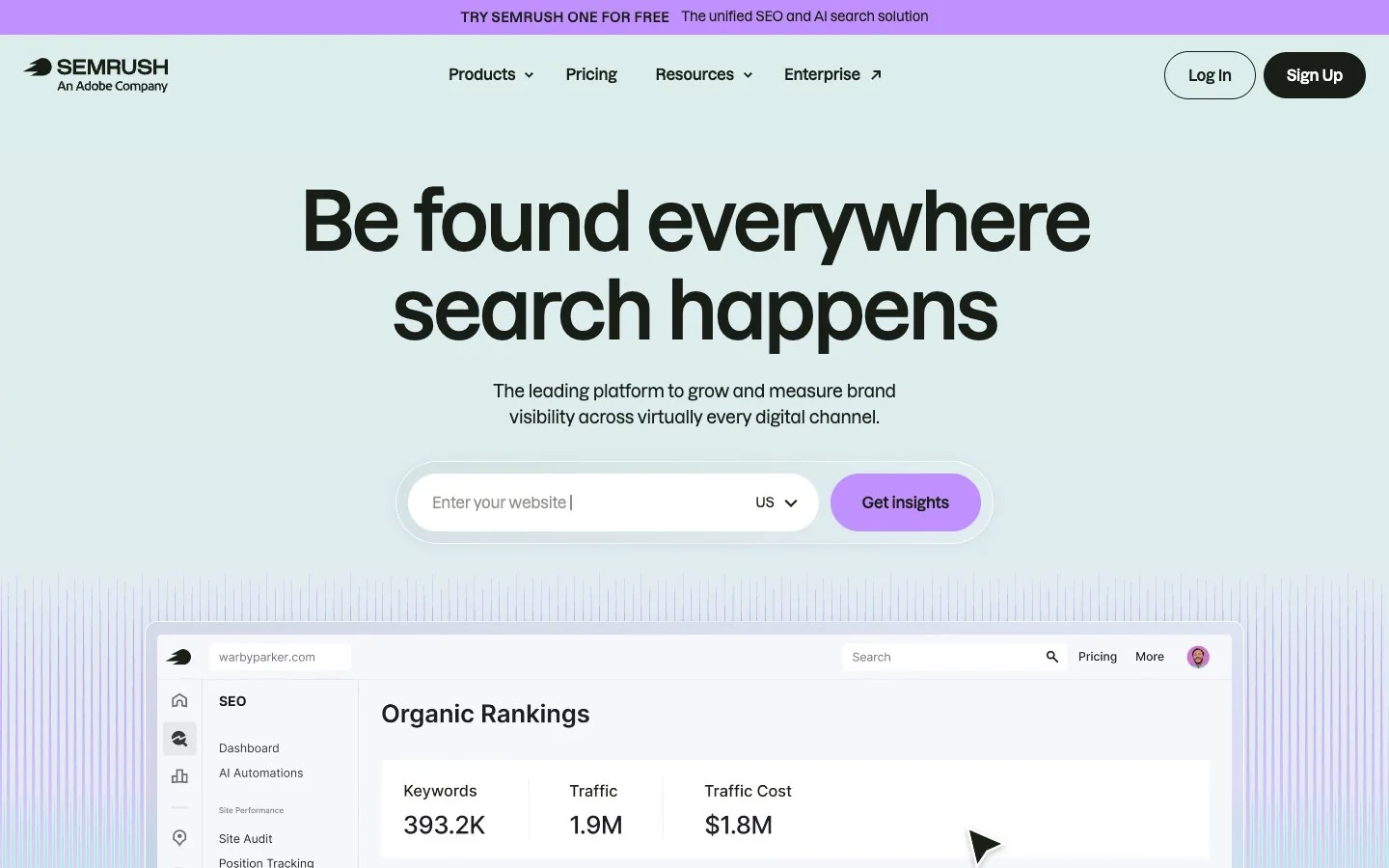
Semrush belongs in a marketing AI stack because many campaigns depend on search demand and competitor movement. It helps teams understand keywords, content gaps, backlinks, ranking changes, paid search signals, and visibility trends.
Where it excels:
- Keyword research and search intent planning
- Competitor and content gap analysis
- Organic visibility tracking
- Turning SEO opportunities into content priorities
Where it falls short:
- SEO data still needs interpretation and prioritization
- It does not write the full campaign by itself
- Teams need a separate workflow for briefs, drafts, design, approvals, and publishing
Bottom line: Semrush is strongest when the marketing question is search-driven: what should we create, refresh, target, or monitor?
7. HubSpot
Best for: CRM-connected marketing, lead capture, lifecycle campaigns, and attribution.
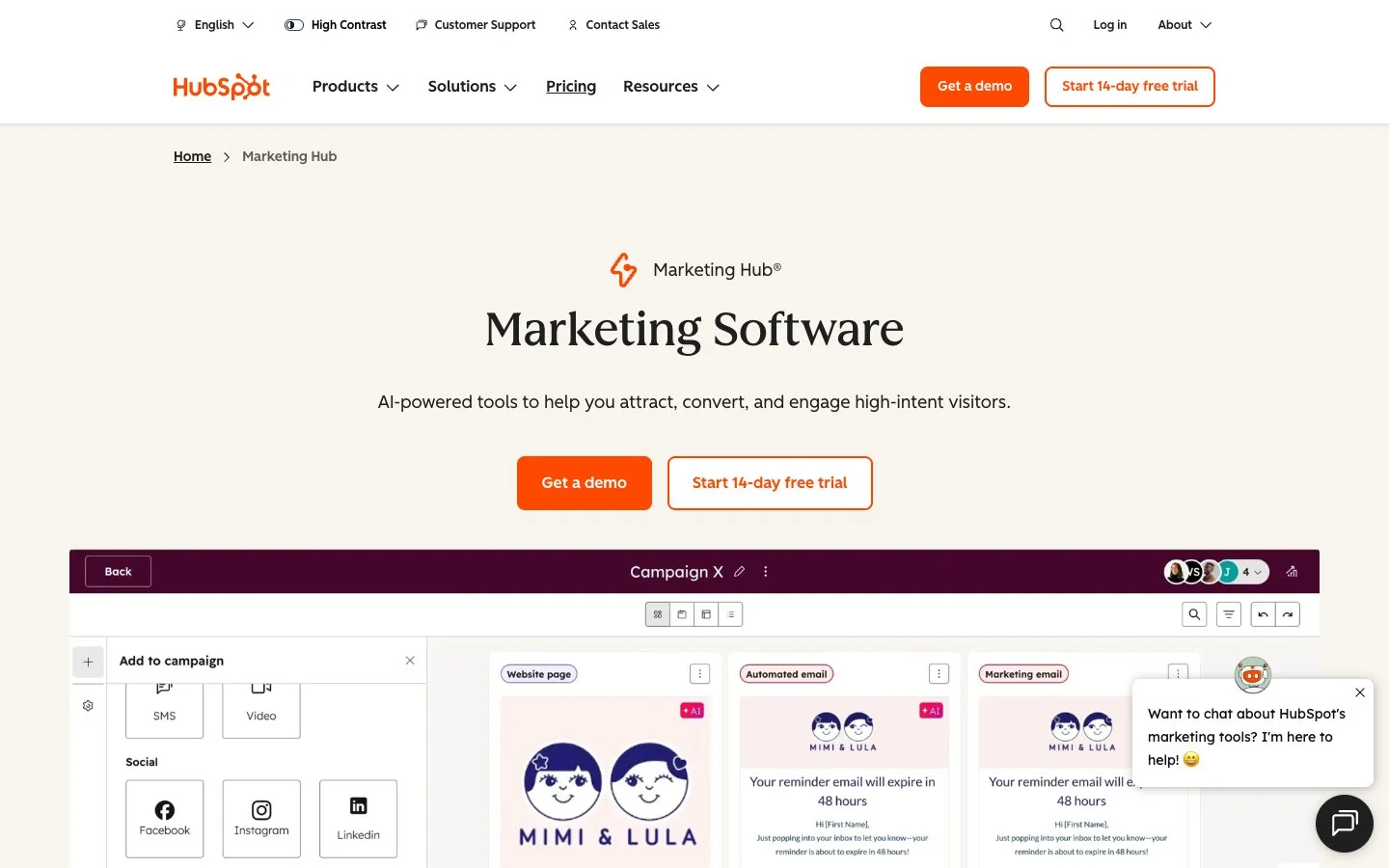
HubSpot is a good fit when marketing work needs to connect to leads, customers, email automation, forms, landing pages, sales context, and reporting. AI features can help accelerate content and operations, but the core value is that marketing activity is close to customer data.
Where it excels:
- CRM-connected campaign execution
- Email, forms, lead capture, landing pages, and automation
- Sales and marketing alignment
- Reporting on lifecycle movement and campaign performance
Where it falls short:
- Setup and governance matter a lot
- It can feel heavy if the team only needs content drafting
- Creative strategy and message quality still depend on the team
Bottom line: HubSpot is best when the campaign needs to become a customer journey, not just a content asset.
8. Buffer
Best for: social scheduling, channel adaptation, and lightweight analytics.
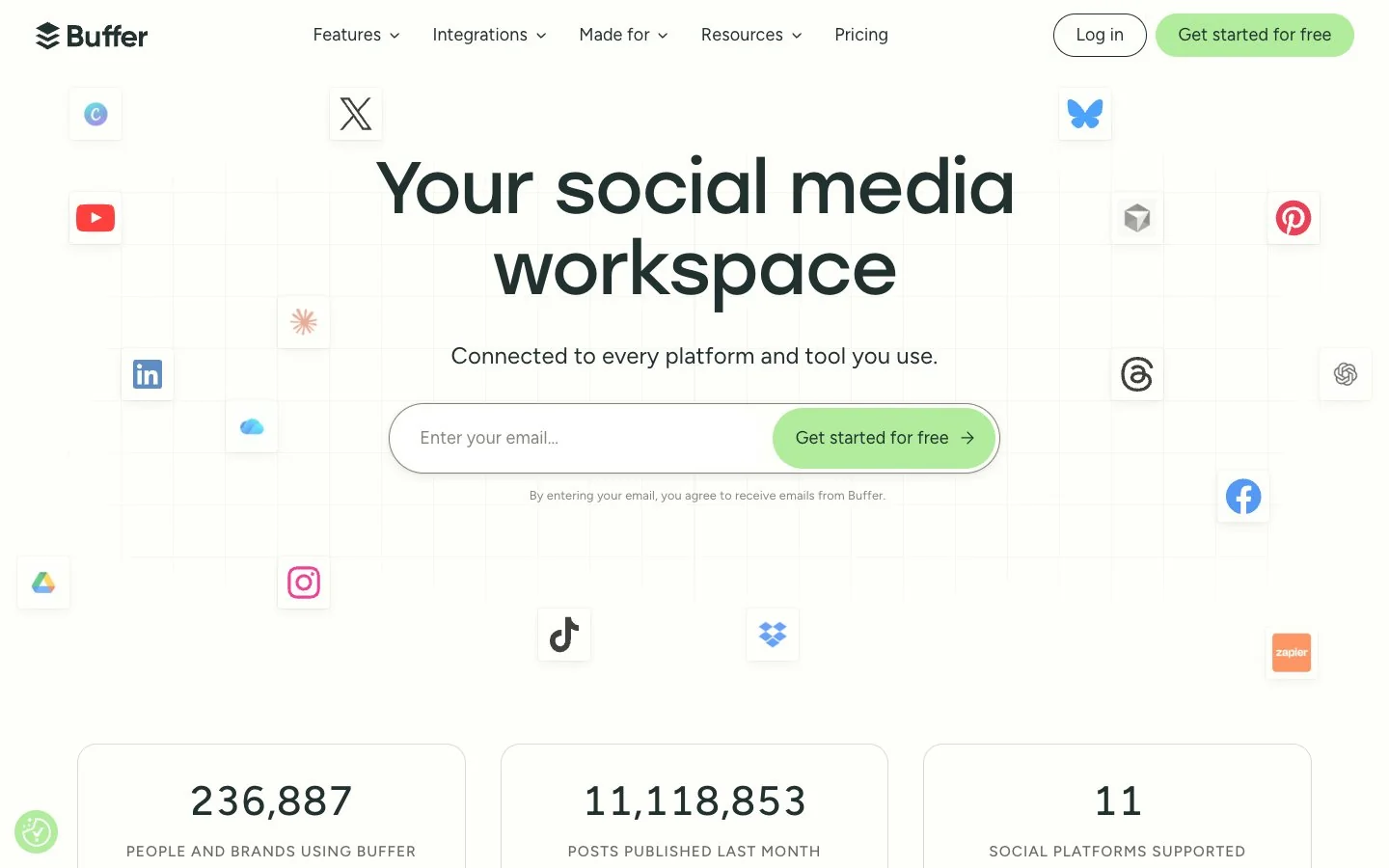
Buffer is useful when the marketing team needs a clean way to plan, schedule, adapt, and measure social content across channels. It is less about deep strategy and more about making consistent publishing easier.
Where it excels:
- Social calendar planning
- Scheduling posts across channels
- Repurposing content into channel-specific variants
- Lightweight performance review
Where it falls short:
- It does not replace campaign strategy or creative direction
- Social analytics are only one part of the full marketing picture
- Teams still need a place to connect social work to landing pages, launches, and sales goals
Bottom line: Buffer is a practical publishing layer for teams that need social consistency without a heavy social suite.
The Ottermind view: choose by campaign stage
Marketing teams get better results when they choose tools by workflow stage instead of brand name.
| Campaign Stage | Best First Tool | Why |
|---|---|---|
| Campaign strategy | Ottermind or ChatGPT | Turn messy intent into audience, offer, positioning, channels, and asset plan. |
| Messaging and long-form copy | Claude or Jasper | Draft, critique, and polish copy with better structure and voice. |
| SEO planning | Semrush and Ottermind | Find demand, then turn it into briefs, outlines, and content plans. |
| Visual assets | Canva | Create social graphics, simple videos, one-pagers, and launch visuals. |
| Lifecycle automation | HubSpot | Connect content to CRM, email, leads, journeys, and attribution. |
| Social publishing | Buffer | Schedule posts and keep channels moving consistently. |
| Campaign reporting | Ottermind | Summarize results, explain what changed, and plan the next experiment. |
The practical question is not "which marketing AI tool is best?" It is "which tool should own this part of the campaign?"
A simple decision rule
Use this rule when building a marketing AI stack:
- If the work crosses strategy, copy, creative assets, and reporting, start with Ottermind.
- If the team is still exploring angles, use ChatGPT.
- If the output is long, nuanced, or executive-facing, use Claude.
- If brand voice and repeatable marketing copy are central, test Jasper.
- If the team needs fast visual assets, use Canva.
- If the campaign depends on search intent, use Semrush.
- If the campaign depends on CRM and lifecycle automation, use HubSpot.
- If the campaign depends on consistent social publishing, use Buffer.
FAQ
What is the best AI tool for marketing teams in 2026?
There is no single best tool for every marketing team. Ottermind is the best fit when the work spans strategy, writing, creative direction, files, deliverables, and follow-through. ChatGPT and Claude are strong assistants. Jasper is useful for brand-aware copy. Canva, Semrush, HubSpot, and Buffer are strong specialist tools.
What AI tool should I use for campaign planning?
Use Ottermind when the campaign needs multiple deliverables and shared context. Use ChatGPT when you mainly need quick options, angles, or a first draft. Use Claude when the campaign depends on a careful narrative or long-form writing.
What AI tool is best for SEO content?
Use Semrush for keyword research, competitor visibility, and content gaps. Use Ottermind or Claude to turn that research into briefs, outlines, drafts, refresh plans, and editorial review.
What AI tool is best for social media marketing?
Use Ottermind or ChatGPT to create campaign angles and post variants. Use Canva for visuals. Use Buffer to schedule and monitor publishing across channels.
How does Ottermind help marketing teams?
Ottermind helps marketing teams keep the campaign thread connected. A team can move from research and positioning to landing pages, blog outlines, ad variants, image prompts, scripts, decks, handoff notes, and reporting without restarting context in every tool.
