Plan a seasonal setting for an existing product clip, keeping packaging and brand colors consistent.
MP4, MOV, WebM · 200 MB · 2 minutes · up to 4K
Creative reference: a product-led campaign with a distinct setting, color palette and camera movement.
Explore the possibilities
Creative reference: a product-led campaign with a distinct setting, color palette and camera movement.
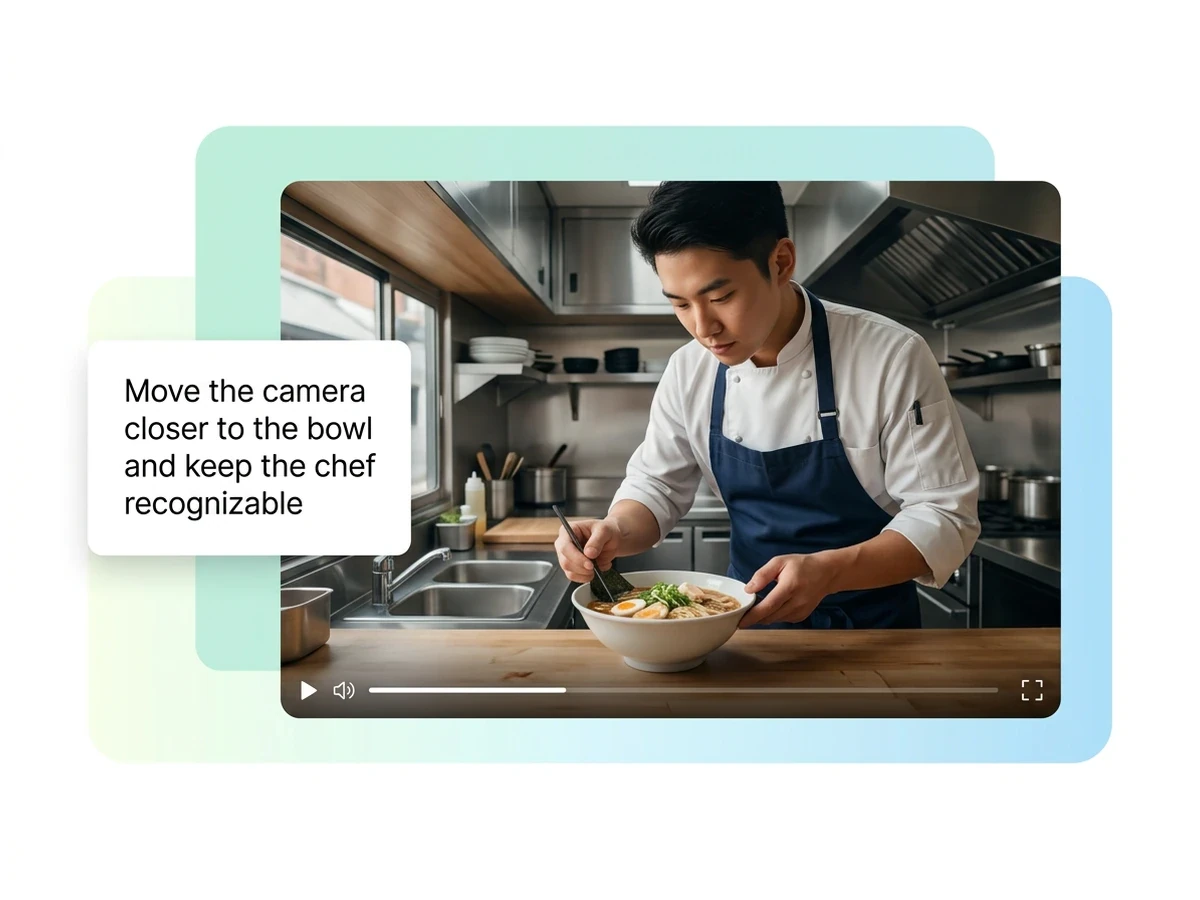
Describe the setting, style and elements to preserve. Select a supported clip and output resolution, then check whether motion and product identity stay consistent.
Controls and output options depend on the selected tool and available model.
Back to the editor
Plan a seasonal setting for an existing product clip, keeping packaging and brand colors consistent.

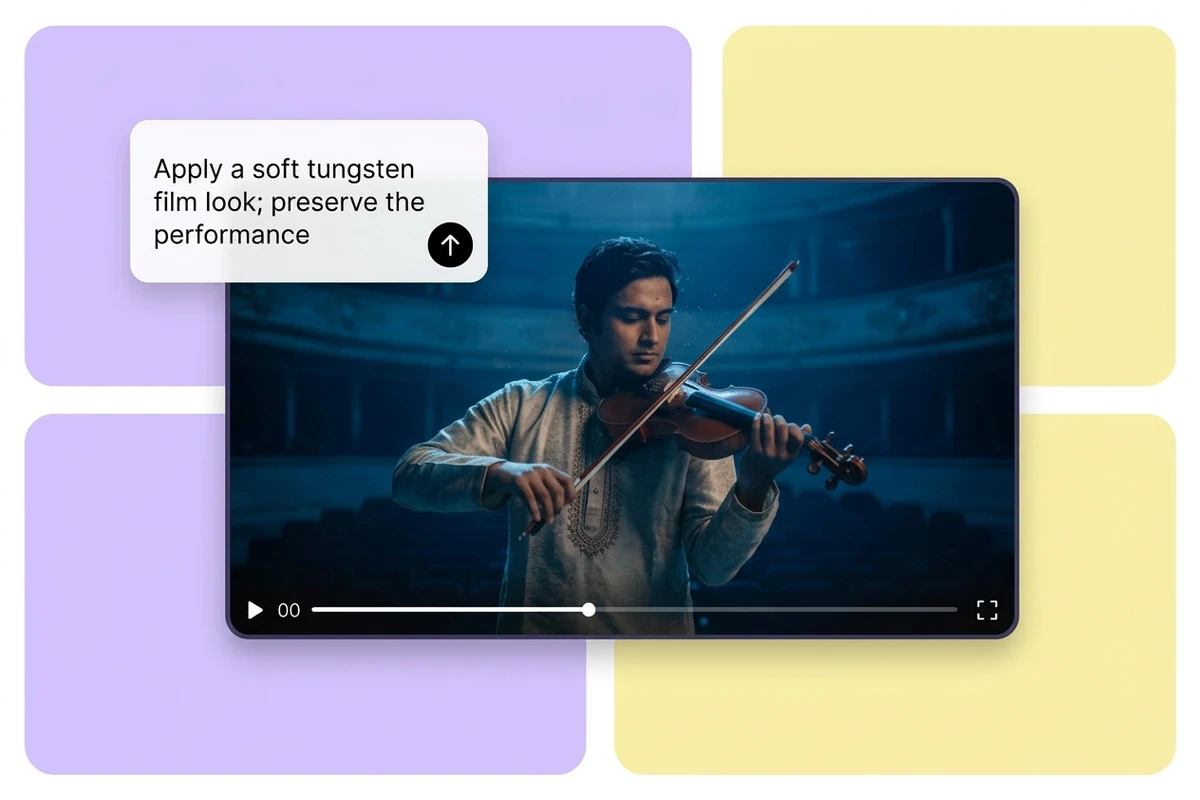
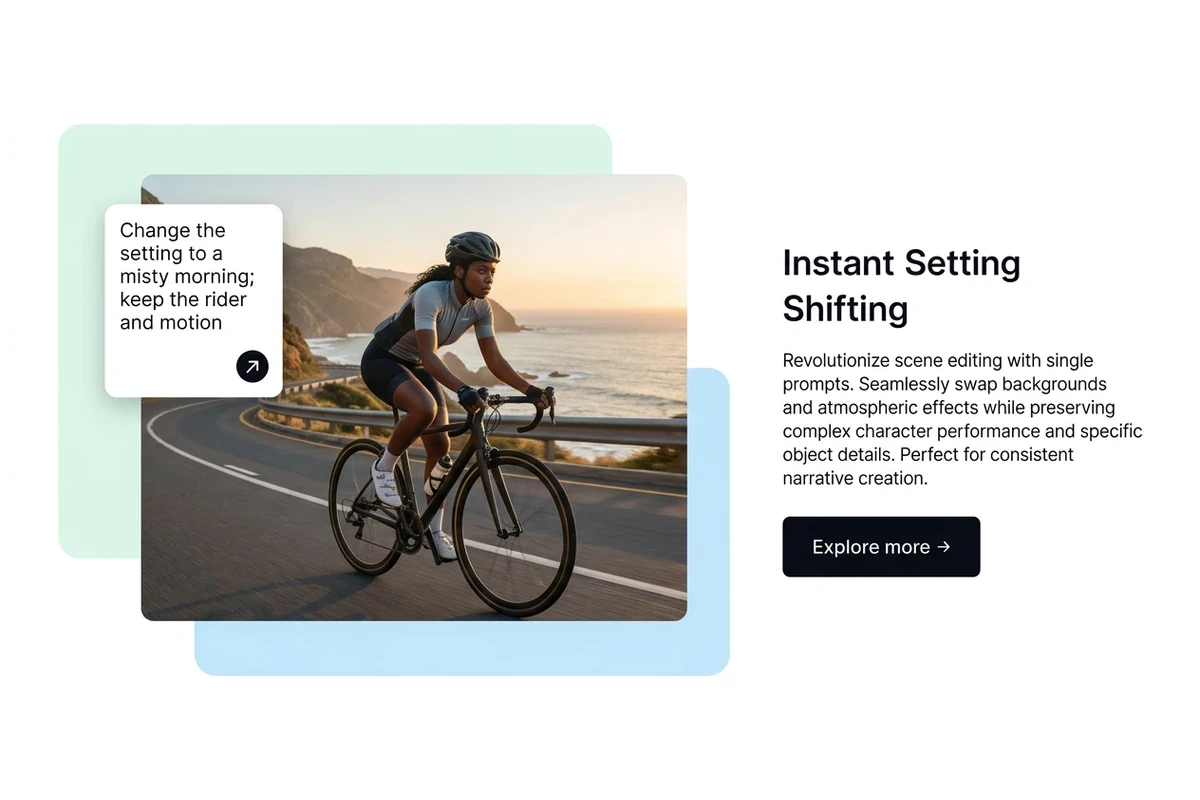
Describe a different time of day for a travel sequence while retaining the composition and action.

Prepare a visual style for a music clip and identify the elements that must remain recognizable.

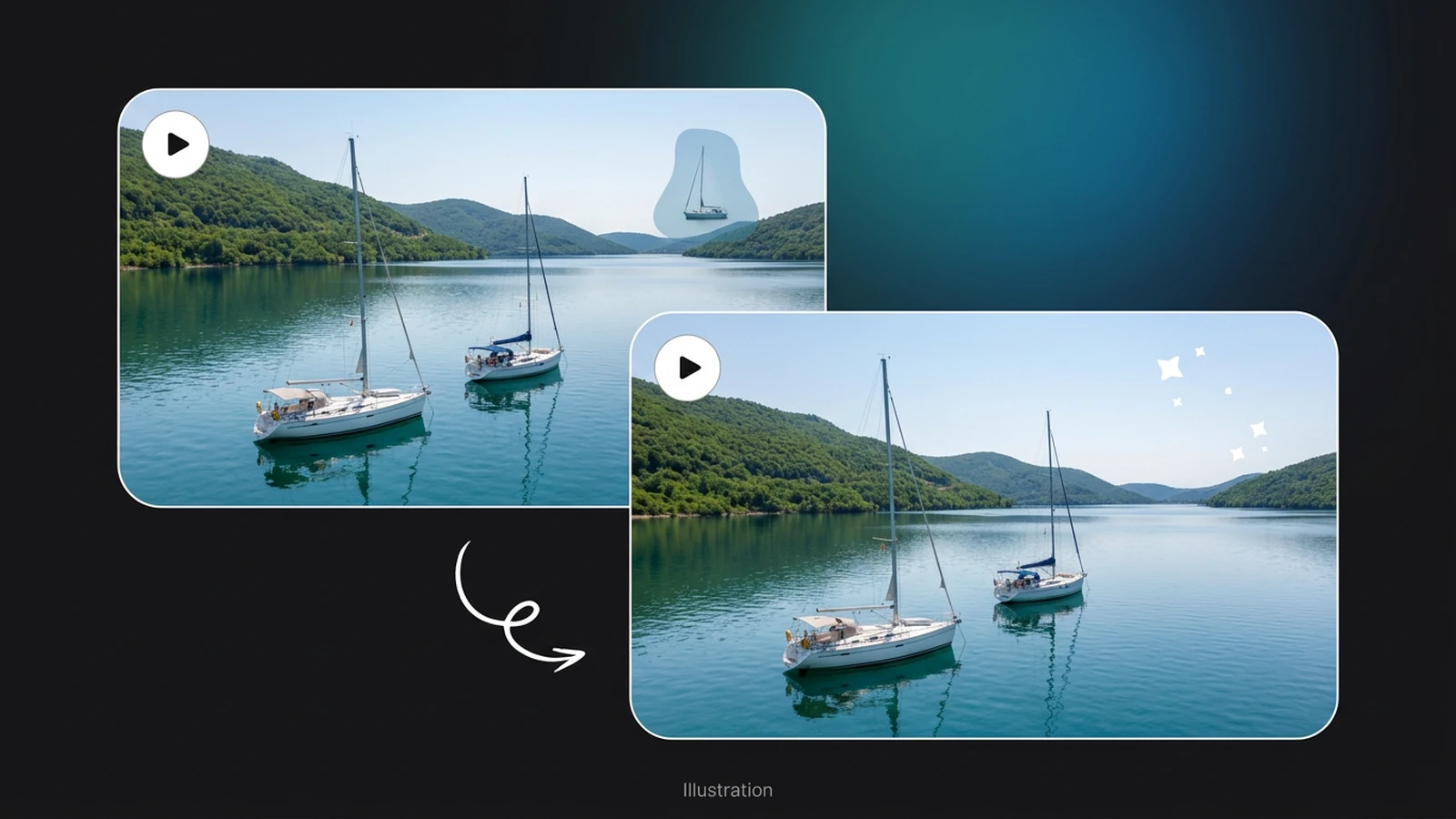
Specify changes to a social ad without changing the message, product identity or intended audience.
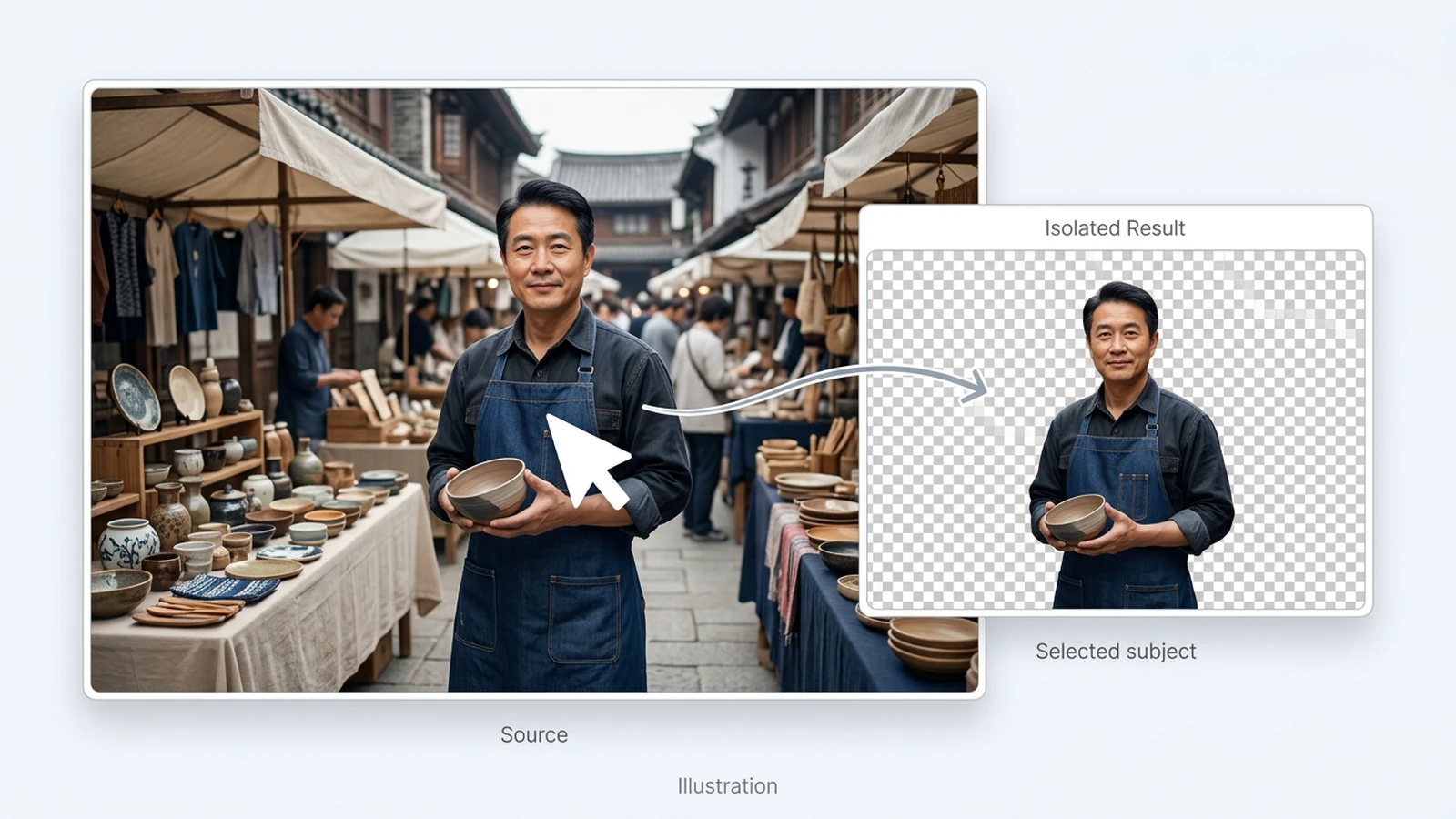
Choose an image or video from your device. Start with the clearest original you have.
Set the relevant controls, choose an available model and review the credits shown beside Generate.
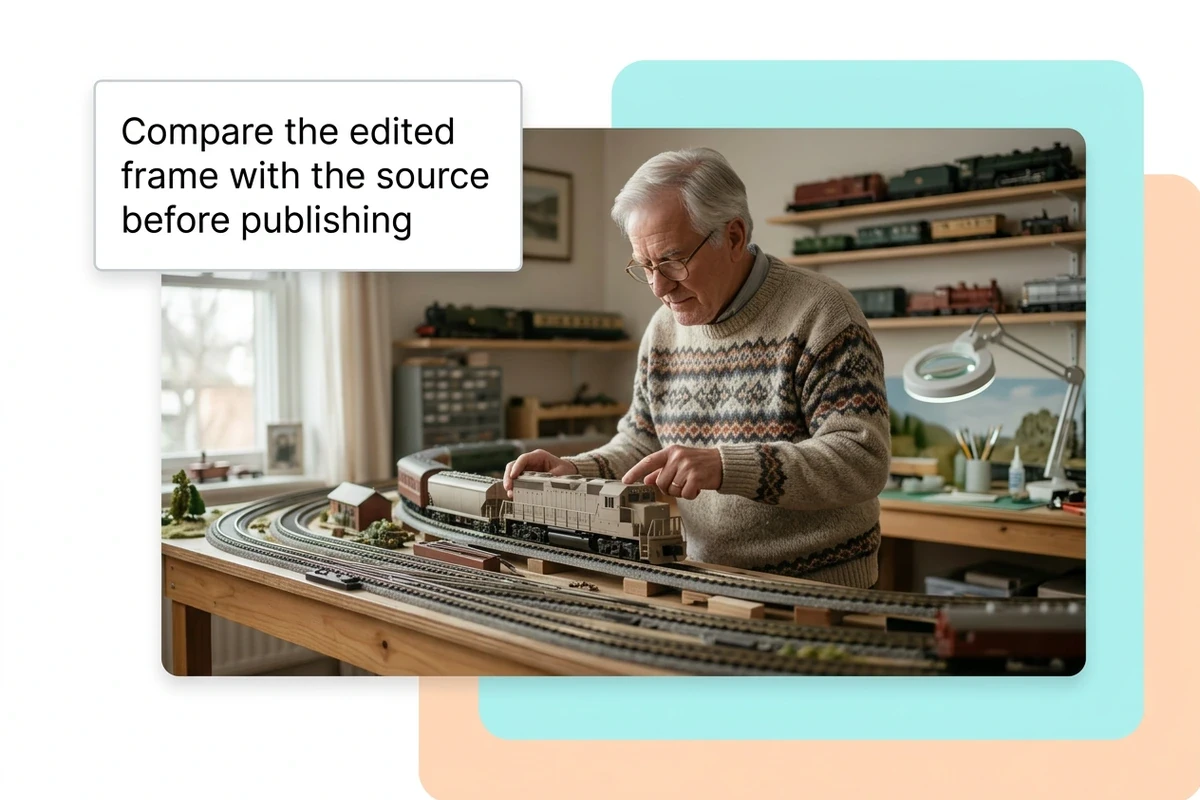
Inspect the finished result against the original. Check important details before downloading or starting another edit.
Models marked available can process videos. Available tools and clip limits depend on the selected model.
Video tools use your existing Ottermind balance, including free credits. The Generate button shows the quoted cost before processing.
Local selections can be restored in this browser for up to 24 hours. Generating uploads the selected media to your private Library, where inputs and results remain until you delete them.