Selection Guide
8 Best AI Video Generators in 2026

The best AI video generators serve different production needs. Choose Ottermind for a reusable prompt-to-production workflow, Runway for advanced creative control, HeyGen for avatar videos, Lovart for agent-led campaign production, Kling AI or Luma Dream Machine for visual iteration, Google Veo for high-fidelity generation, and Adobe Firefly for generation plus creative refinement. The best choice depends on the video you need to deliver, not which demo looks most impressive.
This guide compares eight credible options by workflow, output fit, control, consistency, and the cost of reaching an approved clip. It uses official product sources and community pain points; it does not claim that every tool was hands-on tested under identical settings.
Quick comparison of the best AI video generators
| Tool | Best for | Main tradeoff to verify |
|---|---|---|
| Ottermind | Prompt-to-production workflows | Generation and export options for your project |
| Runway | Advanced creative control | Iteration needed for consistent shots |
| HeyGen | Avatar and presenter videos | Avatar, voice, and localization quality |
| Lovart | Agent-led campaign production | Model routing, control, and workflow fit |
| Kling AI | Quality-versus-cost iteration | Consistency across repeated generations |
| Luma Dream Machine | Fast visual exploration | Duration, export, and production fit |
| Google Veo | High-fidelity generation | Current model version and access route |
| Adobe Firefly | Integrated creative production | Available models, controls, and terms |
If you are choosing an AI video generation platform, begin with the final deliverable. A localized presenter video, cinematic product shot, social variation, and reusable campaign workflow require different controls.
How we evaluated these AI video generators
We compared each product across six practical dimensions:
- Output fit: cinematic footage, avatars, social clips, or broader production work
- Prompt adherence: whether the result follows the requested subject, action, framing, and mood
- Consistency: whether people, objects, lighting, and motion remain coherent
- Creative control: support for source images, camera direction, editing, or scene structure
- Iteration workflow: how easily a team can revise and compare versions
- Production readiness: current speed, cost, export, watermark, and commercial-use conditions
Community discussions show why visual quality alone is not enough. Users also compare affordability, ease of use, model choice, consistency, and iteration cost. These discussions identify decision criteria; they are not verified performance tests.
Community decision signals: Affordability, ease of use, and model choice, quality, consistency, and iteration cost
Pricing, credits, resolutions, durations, model access, watermarks, and commercial terms change frequently. Recheck them on the official product page before purchasing or publishing.
What counts as an AI video generator?
This guide includes foundation models, dedicated generators, avatar tools, and creative suites because users encounter all of them while choosing AI video creation software. They are not identical. A foundation model may create impressive footage but offer little project structure. An avatar product may be the better choice for training content. An end-to-end product can generate video without being the underlying foundation model. For the wider model landscape, see our comparison of the best AI models.
1. Ottermind: best for prompt-to-production workflows
Ottermind's AI Video Generator can start with text prompts, images, scripts, or source material. It helps shape mood, pacing, content beats, scenes, shots, captions, visual prompts, and audio notes, then keeps the work available for refinement in its studio. When the narrative and scene plan need to come first, begin with the AI story generator and carry the approved moments into video production.
Choose Ottermind when the production process matters as much as the first clip: the brief, source assets, storyboard, generations, failures, feedback, and approved output remain connected. It is an AI video generation product, not a foundation video model. See the Seedance video workflow examples for a related reusable process.
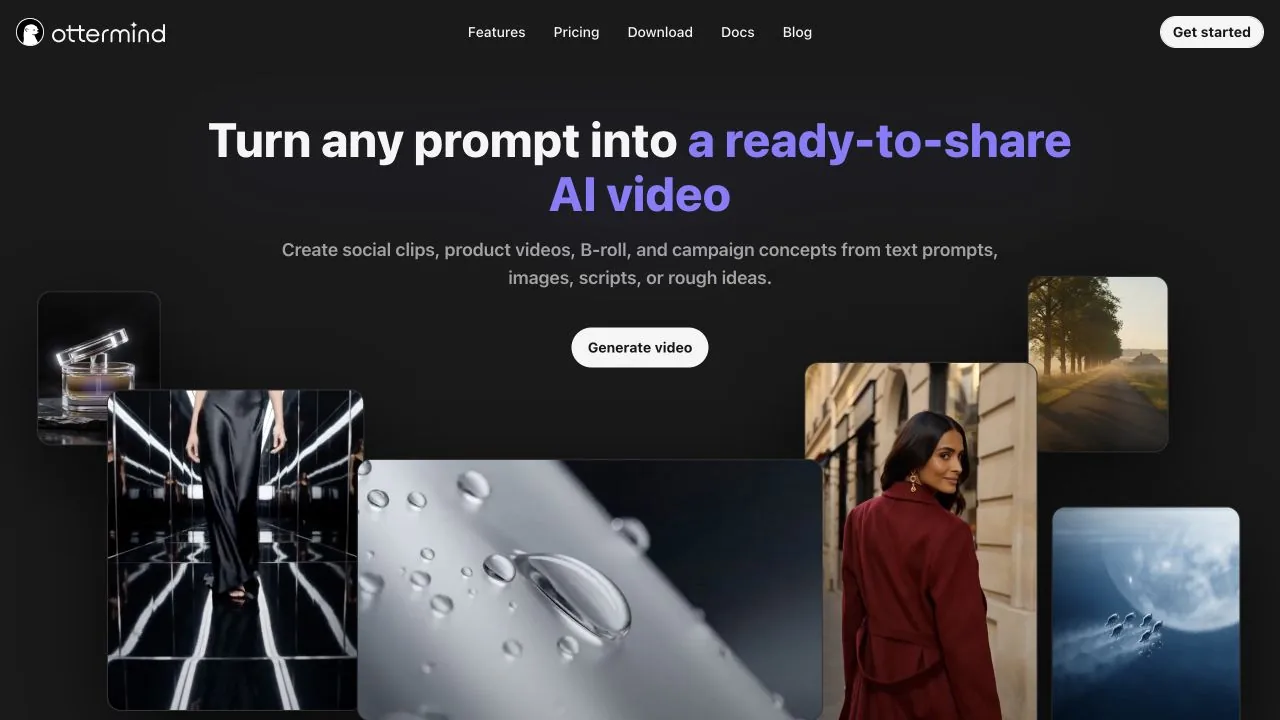
Official Ottermind sources: AI Video Generator, Seedance workflow examples
2. Runway: best for advanced creative control
Runway describes Gen-4.5 around motion quality, prompt adherence, and visual fidelity. It belongs on the shortlist for filmmakers and creative teams that want deliberate visual direction and can compare multiple generations.
Test Runway with your real subject and camera instructions. The practical question is how much iteration it takes to preserve the required motion, composition, and consistency across several shots.
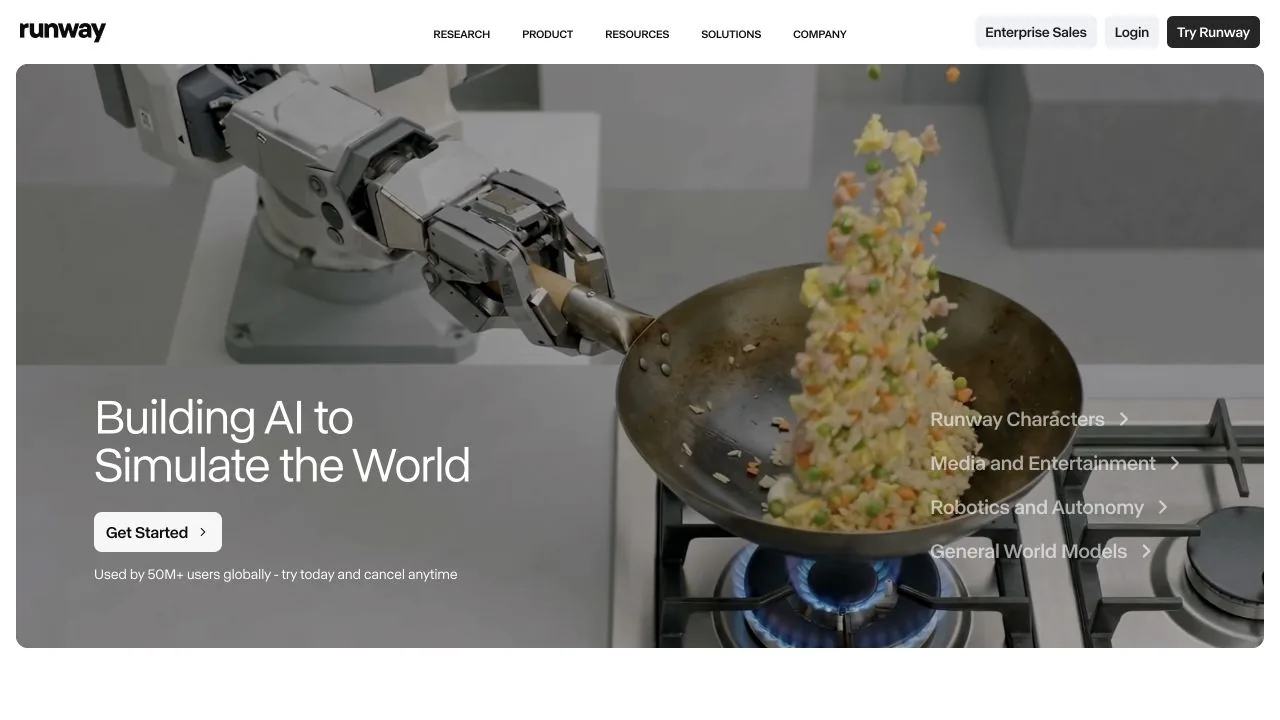
Official Runway source: Introducing Runway Gen-4.5
3. HeyGen: best for avatar and presenter videos
HeyGen is the clearest specialist here for avatar, personalization, and translation-oriented workflows. It fits training, onboarding, sales, and localized presenter videos better than a cinematic generator does.
Evaluate the avatar, voice, pacing, pronunciation, and localization with your actual script. Consent and identity review also matter when a real person's appearance or voice is involved.
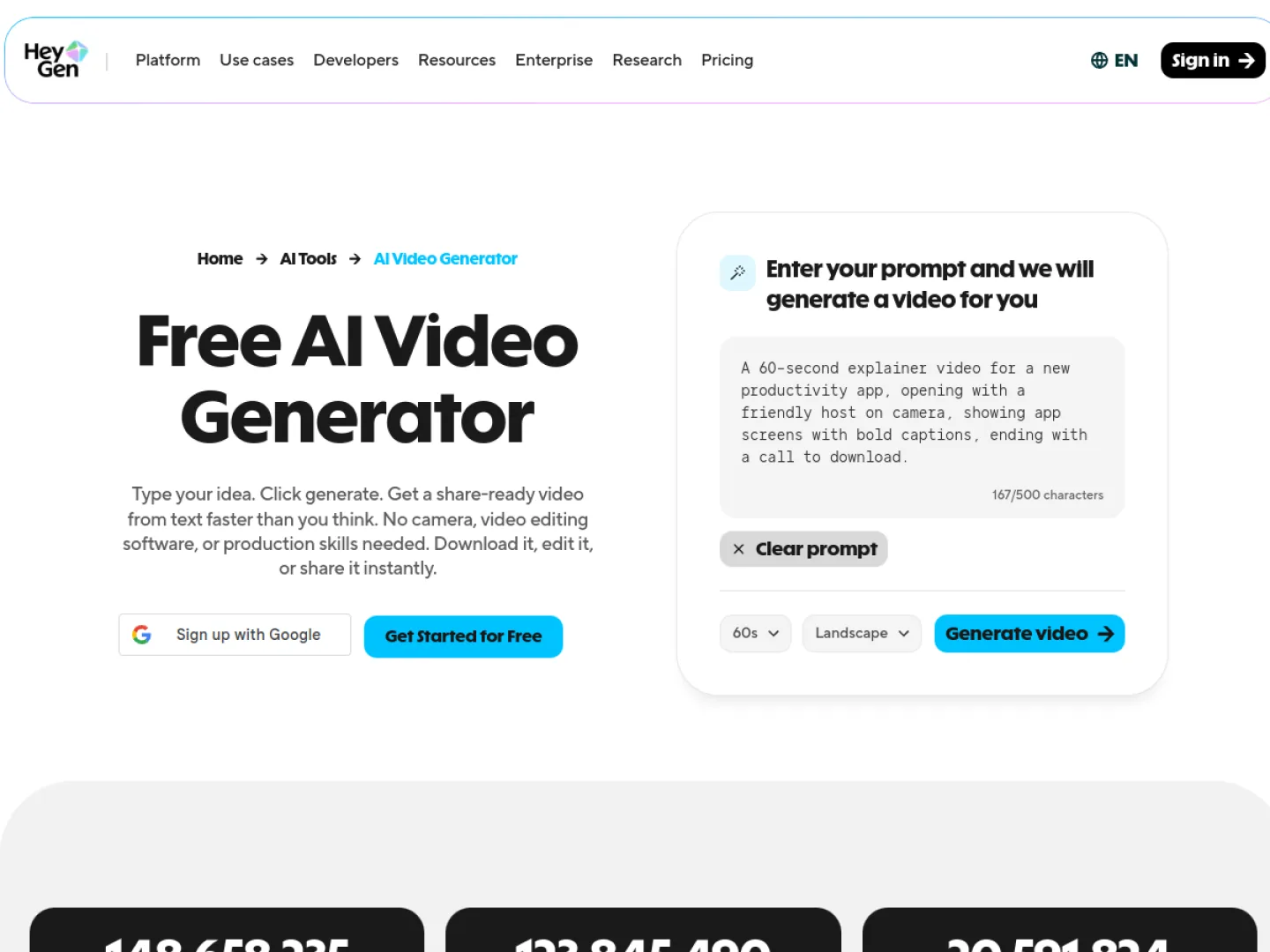
Official HeyGen source: HeyGen AI Video Generator
4. Lovart: best for multi-asset campaign production
Lovart is an AI design agent that can turn a brief into coordinated creative assets, including finished videos. Its official documentation says it routes work across image and video models, keeps graphics, ads, slides, and videos on one canvas, and exports production files including MP4.
Choose Lovart when a campaign needs video alongside product images, social creative, or other brand assets. Its Video Skills are designed to build shot lists, consistent characters, and transitions from a brief. Treat it as an agent-led production workspace, not a foundation video model, and verify which routed models and controls fit the project.
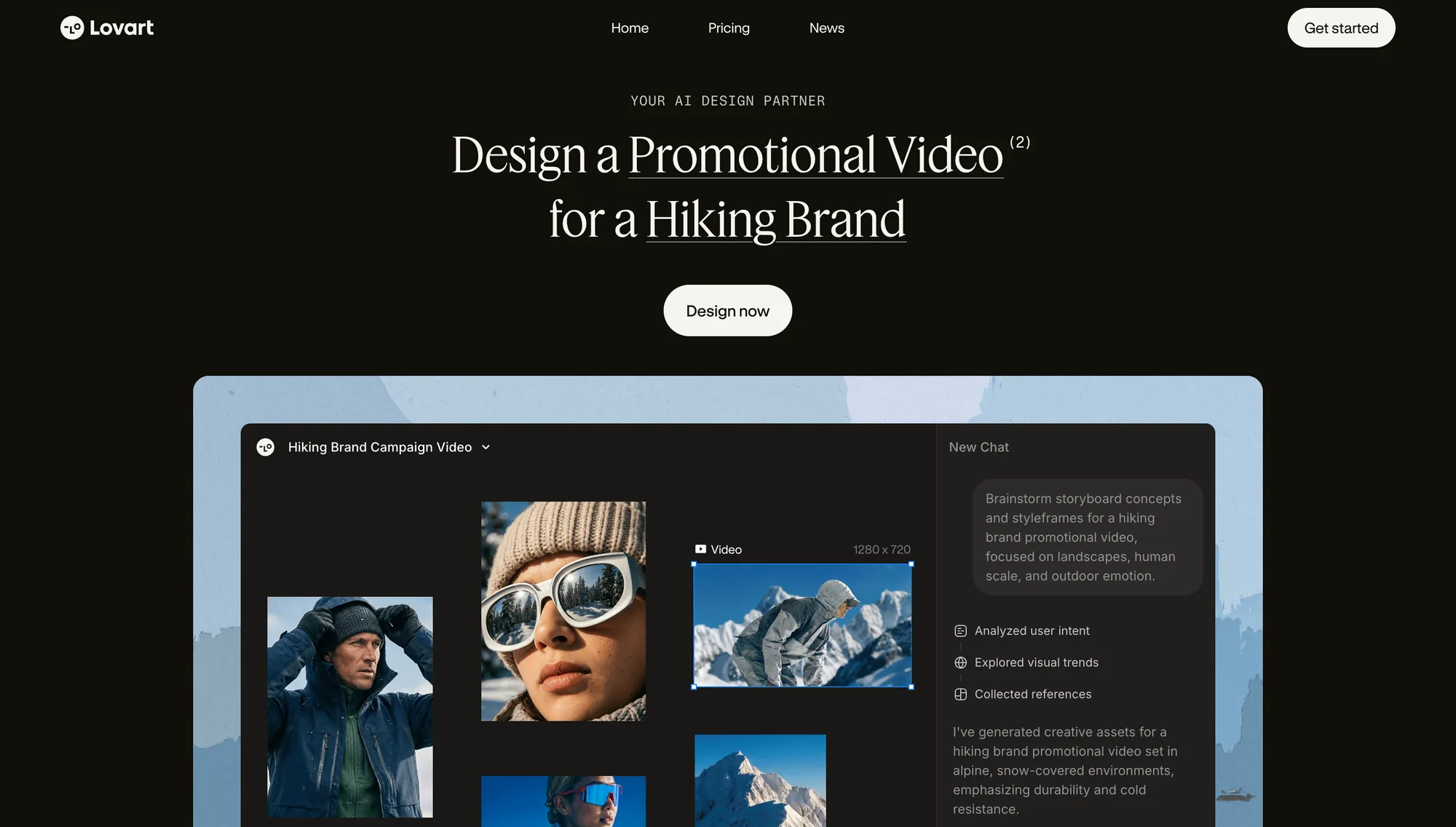
Official Lovart source: How Lovart Works
5. Kling AI: best for quality-versus-cost iteration
Kling AI presents a creative studio for generating images and videos. It suits creators who want to move between still references and motion while comparing several alternatives.
Community opinions about quality and cost are subjective, so run a representative task. Count how many attempts are needed for one usable clip; the cheapest plan is not necessarily the cheapest workflow.
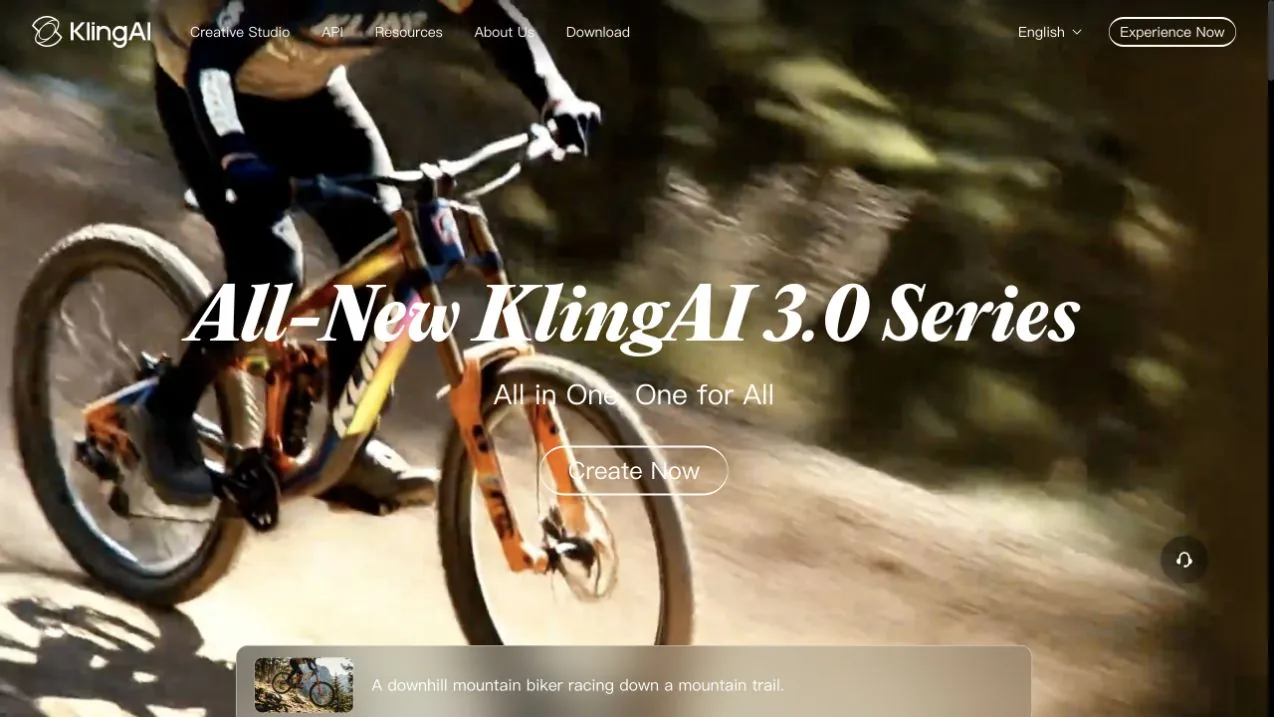
Official Kling AI source: Kling AI creative studio
6. Luma Dream Machine: best for fast visual exploration
Luma Dream Machine provides an AI video generation workflow suited to rapid visual concepts and motion studies. It is useful when a designer wants to test how a still composition or short prompt behaves in motion.
Verify current models, controls, duration, resolution, watermark, and export limits. Fast generation only helps if the output can continue into the production workflow.
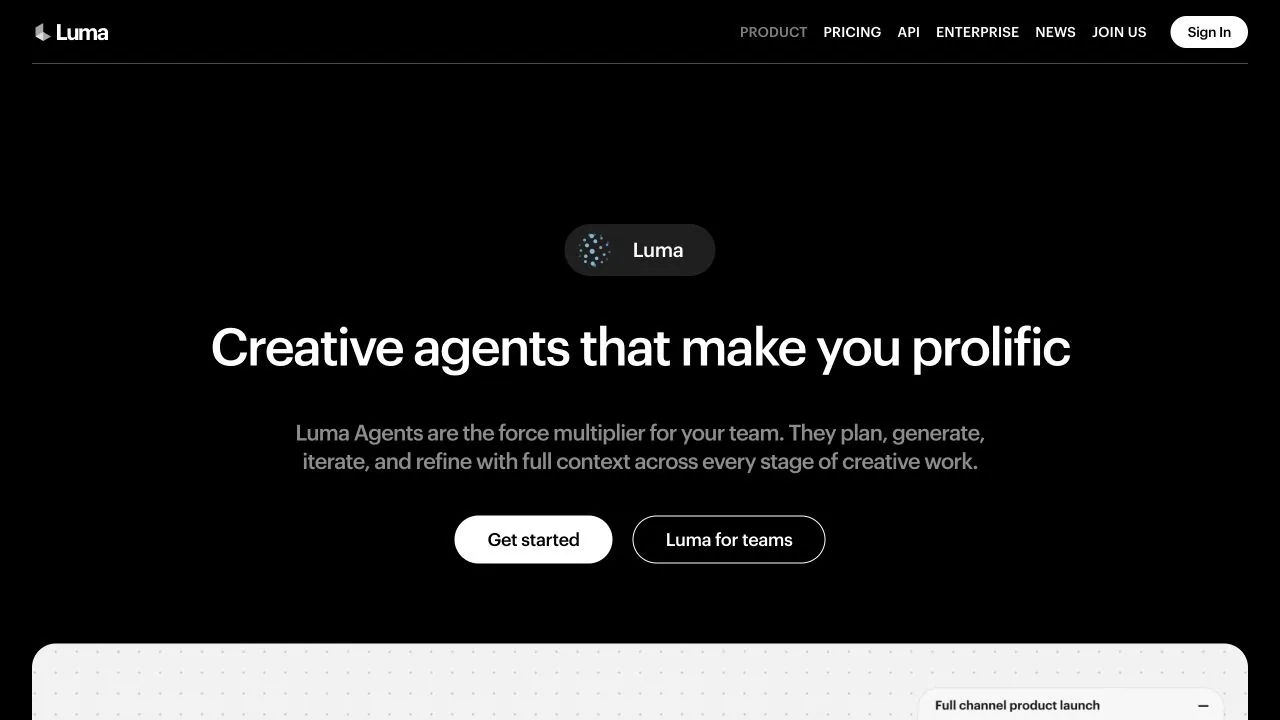
Official Luma source: Luma Dream Machine
7. Google Veo: best for high-fidelity generation
Google DeepMind presents Veo as its video generation model. It is a natural shortlist option when high-fidelity output leads the decision and the available Google access route fits the team.
Test the current version with your own prompt or source image. Compare quality together with consistency, generation cost, and the number of attempts needed for a connected sequence.
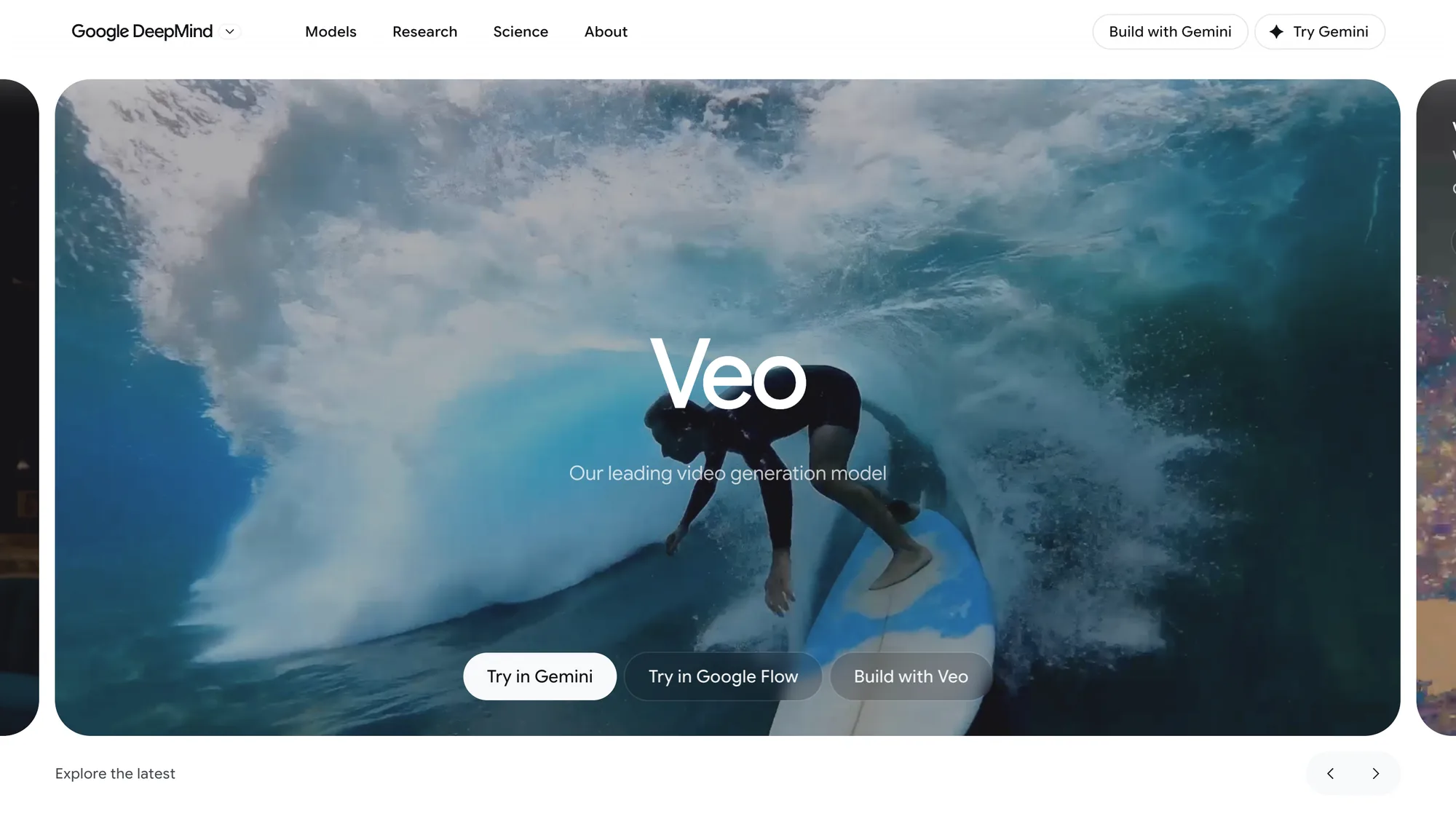
Official Google source: Google DeepMind Veo
8. Adobe Firefly: best for integrated creative production
Adobe Firefly generates video from text or uploaded images and includes controls to edit, refine, and extend clips. Its official page also presents multiple video models within the workspace.
Firefly makes sense when generation and creative refinement should remain connected. Verify which models, controls, credits, exports, and commercial terms apply to the current plan.
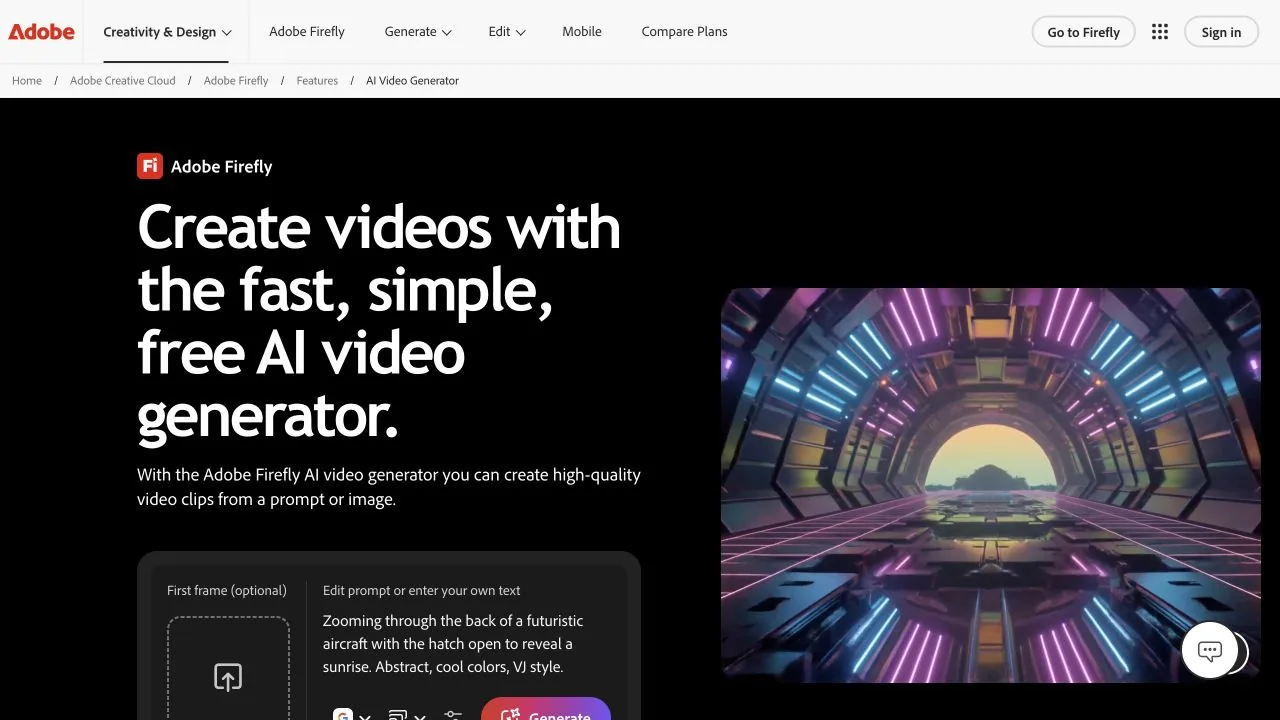
Official Adobe source: Adobe Firefly AI Video Generator
How to choose the best AI video generator for your workflow
First, run one representative task across a shortlist. Keep the subject, action, camera direction, style, aspect ratio, and intended channel as consistent as each product allows. Inspect failures, not only the best output: subject drift, implausible motion, ignored camera direction, changing product details, or a clip that cannot extend into a sequence.
Then calculate the cost of an approved result. Include generations, review time, editing, and failed attempts rather than comparing subscription prices alone. Finally, verify rights for the plan, model, inputs, outputs, watermark, and distribution channel.
For most teams, the decision is straightforward:
- Choose Ottermind for video generation with prompts, storyboards, source context, and reusable workflow.
- Choose Runway, Veo, Kling AI, or Luma for different forms of visual generation and model exploration.
- Choose HeyGen for avatar-led presenter content.
- Choose Lovart when one brief must produce video together with coordinated campaign and design assets.
- Choose Adobe Firefly when generation and refinement need to remain in one creative environment.
Common comparison mistakes
Do not choose from showcase reels alone, treat avatar tools and foundation models as equivalent, optimize only for free credits, or ignore failed generations. The best AI video generator is the one that repeatedly reaches the required deliverable with acceptable review effort, not the one with the most dramatic demo.
FAQ
What are the best AI video generators in 2026?
The leading shortlist depends on the task: Ottermind for prompt-to-production workflows, Runway for creative control, HeyGen for avatars, Lovart for agent-led campaign production, Kling AI and Luma for iteration, Veo for high-fidelity generation, and Adobe Firefly for integrated production.
Can Ottermind generate videos and video prompts?
Yes. Ottermind can begin with a prompt, image, script, product note, or source material, create video direction and storyboard-level prompts, and continue refining the work in its studio.
Which AI video generator is best for avatar videos?
HeyGen is the specialist in this shortlist for avatar, personalization, and translation-oriented presenter videos. Test it with the real script and target languages before committing.
What should I check before commercial use?
Check current plan and model terms, rights to every input, consent requirements, watermark and export rules, and the final output for inaccurate people, products, brands, or claims.
