AI Influencer Generator

Lock a reusable virtual creator, then generate matching stills and short videos across scenes. Continue in Studio and review face, wardrobe, and tone before publishing.

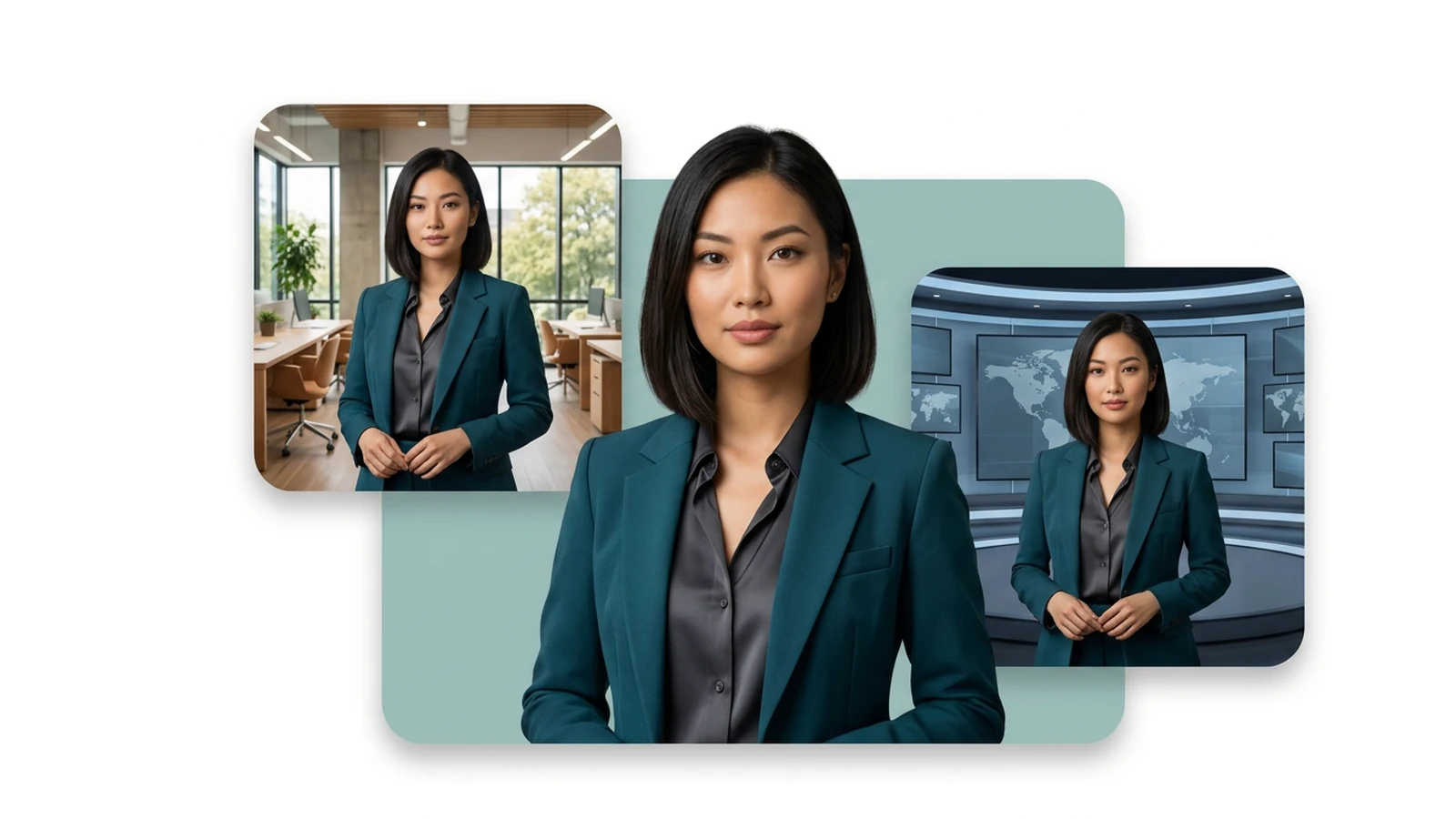
Collage of an East Asian AI influencer with a dark bob in a teal blazer, large center portrait with office and news-studio insets on a sage panel floating on white

Build the person first, then the posts

An AI influencer generator is useful when the same face, wardrobe rules, and tone must survive new scenes—not when you only need one pretty one-off portrait. Start with an identity brief, approve a small still library, then animate only the frames that hold. Use Avatar Maker from Photo when you need a single photo-based avatar instead of a reusable channel persona, and continue with Image to Video once an approved still is ready for controlled motion.

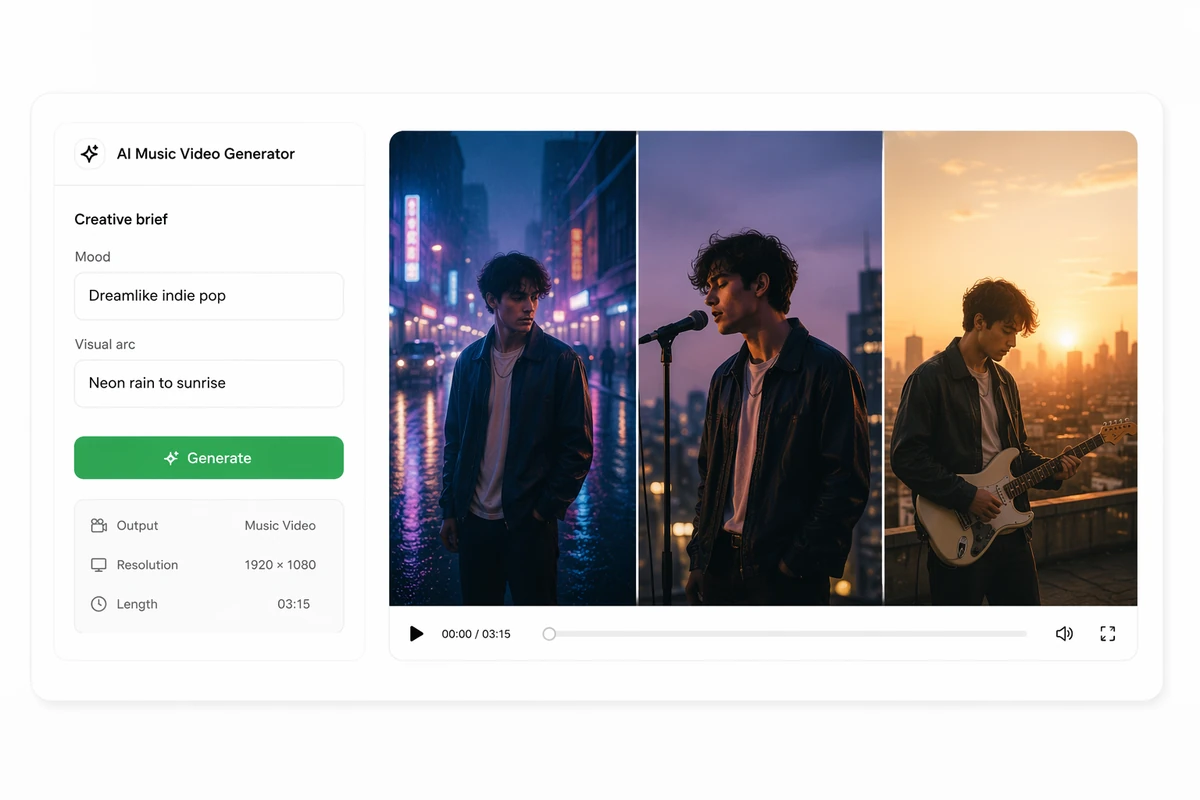
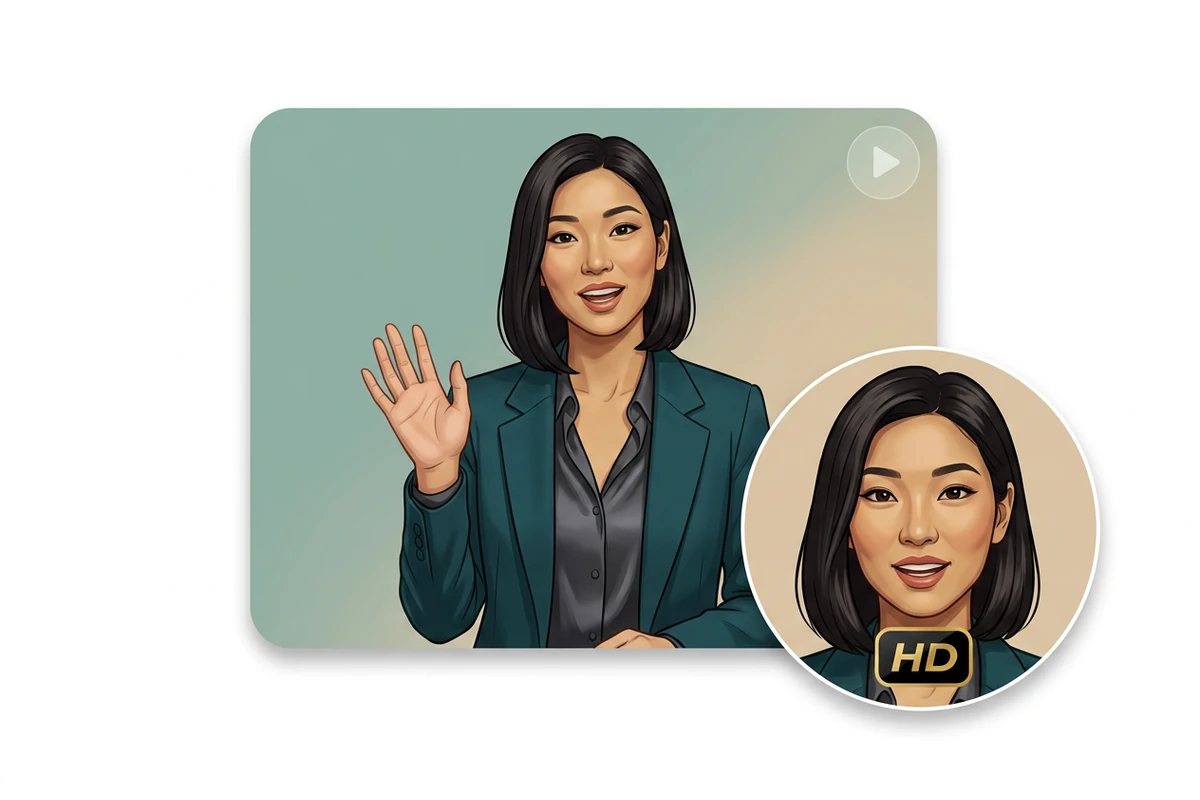
Rounded video thumbnail of a dark-bob AI influencer waving, with circular HD face inset and play icon, floating on white

Create high-quality AI influencer videos

Turn approved stills into short, natural-looking clips for social posts, explainers, and campaign cutdowns. Keep motion modest so identity stays stable, then polish talking performance with AI Lip Sync Tool when the character needs to speak clearly.
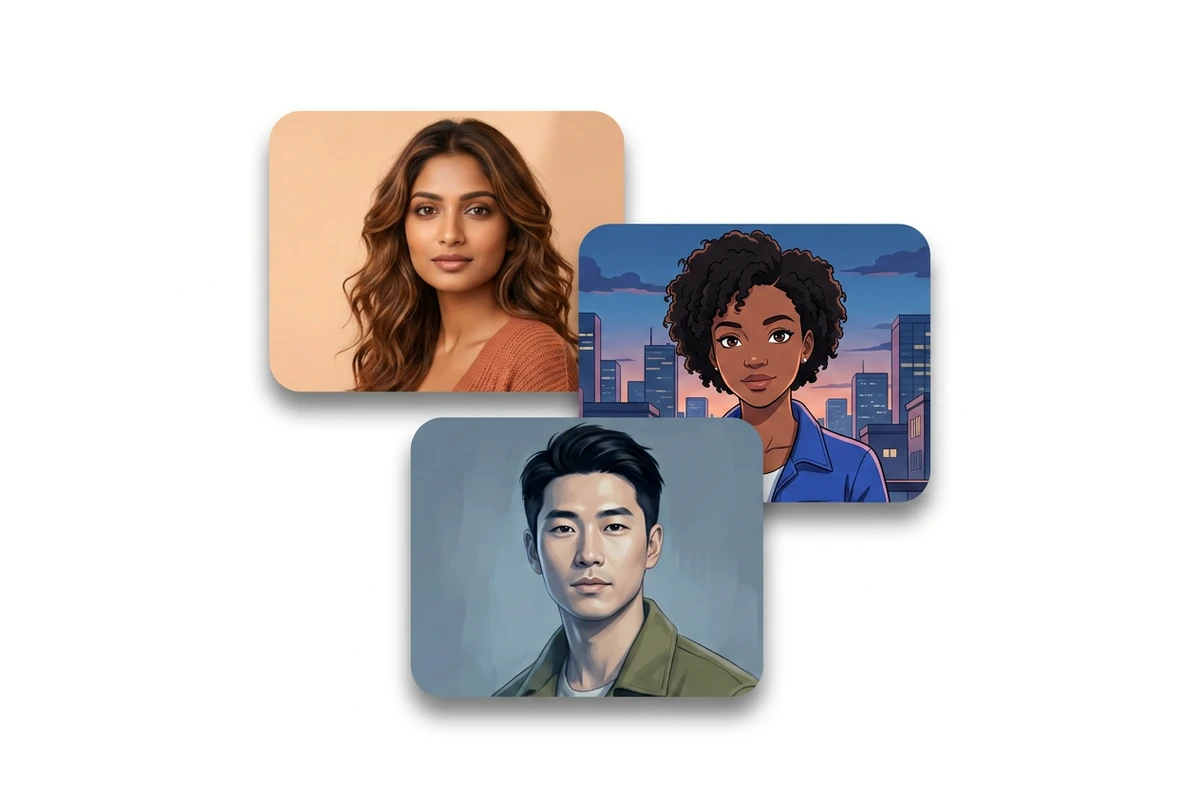
Three overlapping style cards of South Asian photoreal, Black anime, and East Asian painterly portraits floating on white canvas

Produce the same creator in different styles

Keep one identity brief while exploring realistic photography, cinematic lighting, illustration, or softer digital art looks. Change style and scene language deliberately so the face and wardrobe rules stay recognizable across the set.

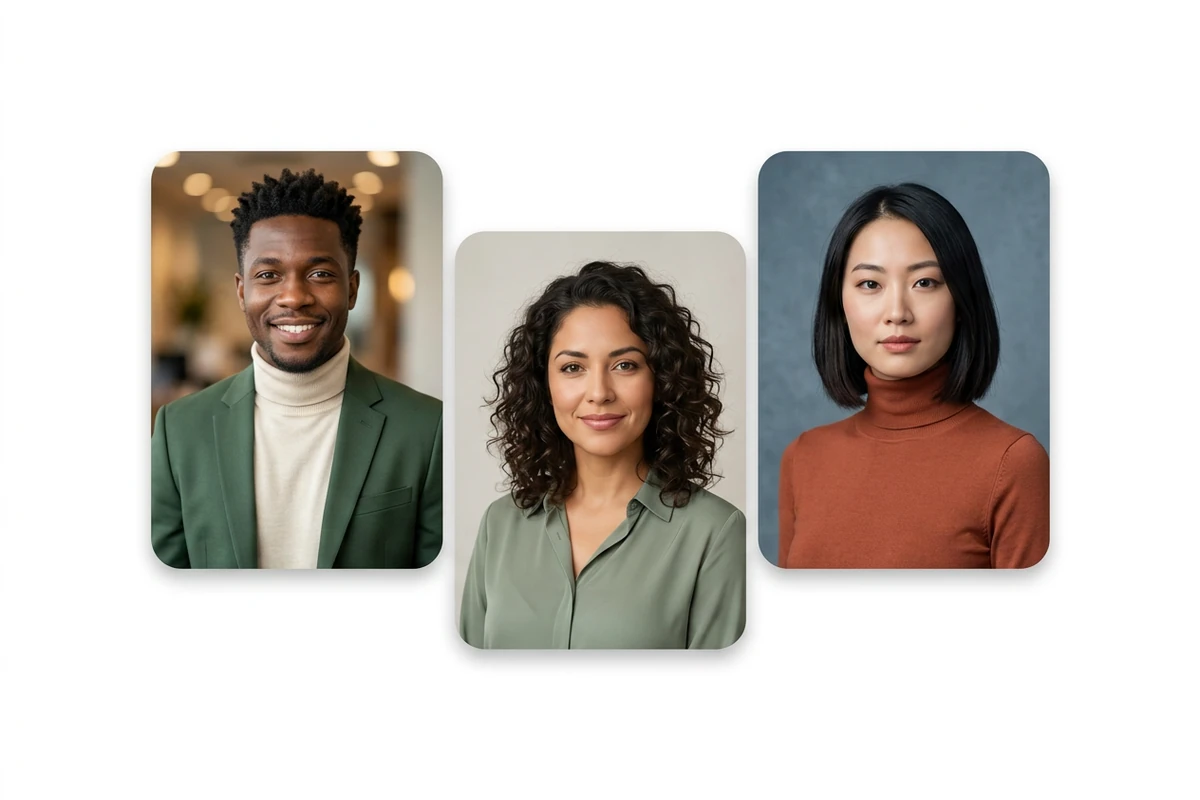
Three staggered vertical portrait cards of diverse AI influencers floating on an empty white field

Build a reusable influencer still library

Generate clean portraits and scene stills before you chase volume. A small approved set becomes the reference pack for later clips, carousels, and product placements, and pairs well with AI Product Video Ads when the next job is a product-led cutdown.

What you can do with an AI influencer generator

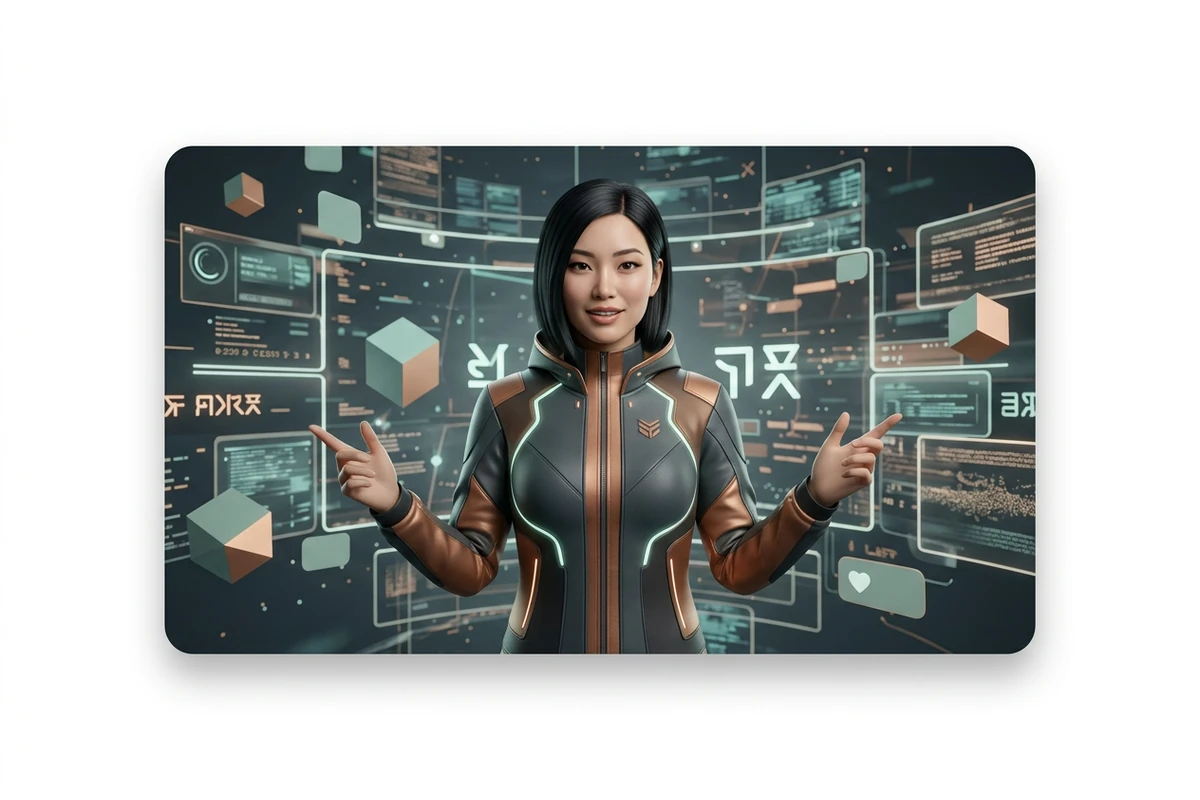
Rounded card on white showing a futuristic digital influencer in charcoal-copper techwear amid sage and copper holographic UI

Digital Influencer

Define one creator for a niche channel, generate matching lifestyle stills, then cut short clips for a week of posts without booking a shoot. For trend-led short concepts without a locked persona, continue with AI Reel Maker.

Three locks before you scale the feed

Define the persona, approve stills, then animate only what holds.

1

Lock face traits, age range, hair, wardrobe rules, tone of voice, and the audience promise. Separate fixed identity details from changeable outfits and locations.

2

Generate a small set of portraits and scene stills. Keep only frames where face, proportions, and wardrobe stay recognizable before you add motion.

3

Use the strongest approved stills for short clips with limited motion. Review identity across frames, then continue refining the brief and exports in Studio.

Continue in Studio

Why creators choose Ottermind

Keep identity locked, scenes intentional, and the next video step connected.

Identity before volume

Start from a reusable brief instead of regenerating a new face each post.

Stills guide the motion

Approve stills first so video inherits a stable face and wardrobe.

Scene with boundaries

Change location and outfit while keeping the locked identity language.

Visible review loop

Compare frames for drift before you treat a clip as campaign-ready.

Connected next steps

Move into reels, demos, or lip-sync when the persona task is complete.

Continue in Studio

Keep the brief, stills, and review notes together as the project evolves.

Frequently asked questions

What is an AI influencer generator?

It is a workflow for creating a reusable virtual creator—one face, style, and voice—then producing photos and short videos of that same identity across scenes. The useful result is a consistent content set, not a single random portrait.

How do I keep the same face across images and videos?

Lock an identity brief, approve a small still library, reuse those references, and keep core face and wardrobe language unchanged between prompts. Animate only approved frames with limited motion, then review for drift before publishing.

Should I generate video before stills?

Usually no. Stills are easier to inspect for identity, anatomy, and wardrobe. Start motion from the strongest approved frames with Image to Video so early errors are not amplified across a clip.

Can Ottermind guarantee perfect character consistency?

No. Generative models can still drift between scenes or frames. Treat consistency as a reviewable workflow—references, short clips, and human approval—rather than a guaranteed lock on every generation.

Is this the same as a user persona generator?

No. A research persona describes audience needs and jobs to be done. An AI influencer is an on-camera identity for content production. Use User Persona Generator for research profiles and this page for visual creator assets.

Can I use AI influencer content commercially?

Only when you have the rights to the inputs and the resulting assets for your use case, and when you follow platform disclosure rules for synthetic media. Keep source briefs and approved frames so commercial review stays auditable.

Discover more

More from the blog

Bring the identity brief into Studio

Define the face, wardrobe rules, and first scenes, then continue generating stills and short clips in Ottermind Studio with the brief kept in project context.

Continue in Studio