






User Persona Generator for Evidence-Backed Product Profiles

Paste research notes, segment goals, and product context. Generate a structured persona draft, then revise fields and confidence labels before you share.

AI writing
Claude
GitHub
Google
Linear
Microsoft
Monday
Netlify
Notion
OpenAI
Sentry
Slack
Stripe
Supabase
Claude
GitHub
Google
Linear
Microsoft
Monday
Netlify
Notion
OpenAI
Sentry
Slack
Stripe
Supabase
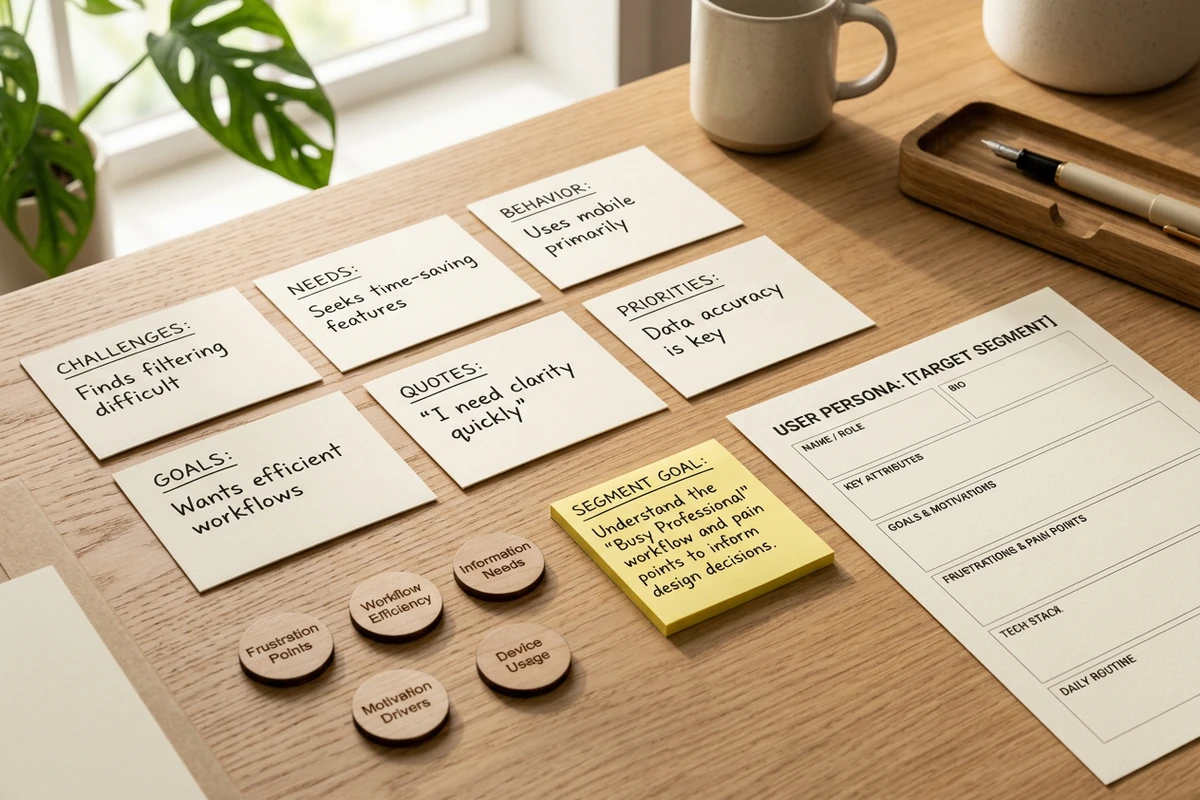
Research board with interview note cards, survey theme chips, and a segment goal sticky note beside a blank persona outline.

Brief the research before the persona card

Start this user persona generator with segment goals, interview excerpts, survey themes, or analytics notes—not a job title alone. A short research brief keeps the draft tied to observed behavior instead of invented demographics. When notes are long, condense them first with the Text Summarizer or structure call transcripts with the AI Note Taker.
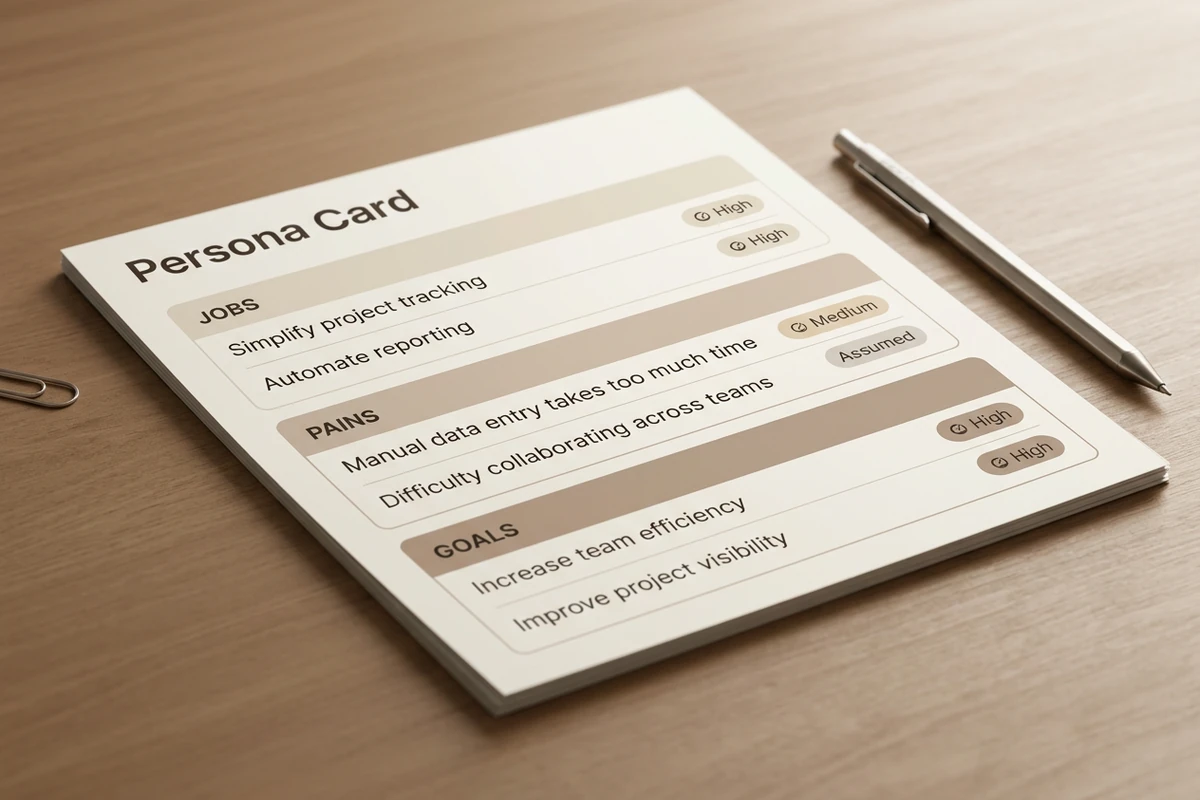
User persona card with Jobs, Pains, and Goals sections, each tagged High, Medium, or Assumed confidence labels.

Label confidence on every persona field

Ask for jobs, pains, goals, triggers, and objections in separate blocks, then mark each field as supported, partial, or assumed. That split makes proto-personas safe for alignment and research-backed fields safe for roadmap calls. A second revise pass usually catches stereotype drift better than regenerating from scratch. Sharper revision prompts follow How to Write AI Prompts That Actually Work.

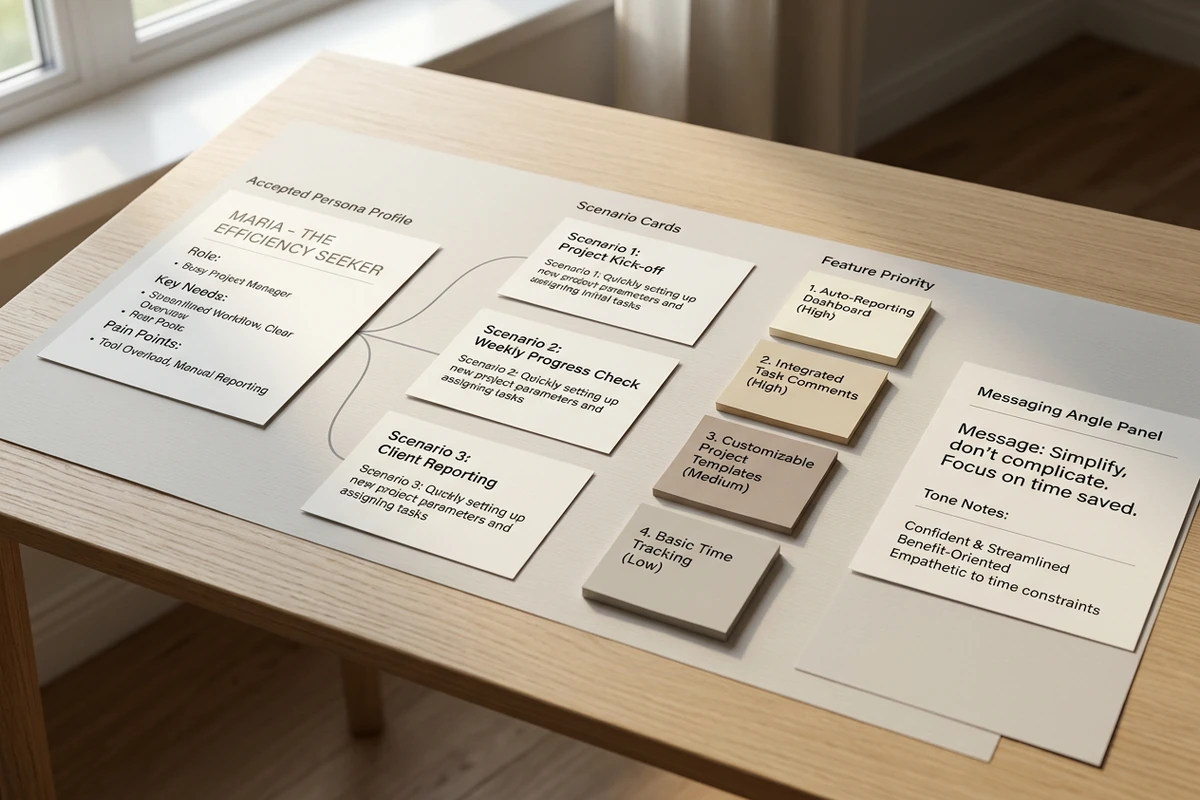
Accepted persona profile linked to scenario cards, feature priority sticky notes, and a messaging angle panel on a desk.

Connect the persona to product decisions

Request scenario prompts, prioritization questions, and messaging angles that trace back to the persona fields you accepted. Keep unsupported traits out of roadmap slides. After the profile is stable, draft outreach with the AI Email Generator or test campaign hooks with the AI Social Media Post Generator.

How to use this user persona generator

Step 01

Lock the research brief

Paste interview notes, survey themes, or analytics observations. Add segment boundaries, product context, and fields you need. Refuse title-only asks like “make a marketing persona.”

Step 02

Generate the first draft

Produce a scannable profile you can evaluate: separate jobs from pains, keep goals outcome-focused, and flag anything the research does not support.

Step 03

Run a confidence and use pass

Cut assumed demographics, tighten evidence links, and confirm every roadmap or messaging claim traces to accepted research before you share.

Why creators choose Ottermind

Research before demographics

Brief segment goals and observed behavior so the user persona generator does not invent a fictional stock-photo character.

Project context retained

Keep interview excerpts, prior personas, and product notes organized while you refine the next segment profile.

Focused revision passes

Ask separately for confidence labels, scenario prompts, or messaging angles without discarding the research brief.

Compare segment variants

Generate a narrow and a broader segment read against the same research before you pick a primary persona.

Continue in Studio

Take the accepted persona into Studio with the original research still attached for deeper scenario work.

FAQ

What is a user persona generator?

A user persona generator turns research notes into a structured profile you can edit. In Ottermind, you supply segment goals, interview excerpts, or analytics themes, generate a draft with collaborating agents, then revise fields and confidence labels before sharing. It does not replace live user research or guarantee product-market fit.

What should I paste into the prompt?

Paste interview quotes, survey themes, support patterns, segment boundaries, and the product context the persona must inform. Ask for jobs, pains, goals, triggers, and objections in separate blocks. Title-only prompts such as “SaaS buyer persona” usually return generic stereotypes.

How is this different from a bio generator?

A bio generator writes a short public profile for a person or brand. This user persona generator builds a decision artifact for product and marketing teams: jobs, pains, goals, confidence labels, and scenario prompts tied to research. For a concise public bio, use the Bio Generator.

What are confidence labels for?

They separate supported research from assumptions. Mark a field Supported when interview or analytics evidence backs it, Partial when evidence is thin, and Assumed when you are aligning hypotheses before new research. That keeps proto-personas useful without pretending every trait was validated.

Can this replace interviews or analytics?

No. Ottermind helps structure and revise inside the workspace. You still need real research, stakeholder review, and updated evidence as behavior changes. Critical roadmap or campaign decisions stay with your team.

What should I create after the persona?

Save the accepted profile with its research brief. Draft participant outreach with the AI Email Generator. Test messaging angles with the AI Social Media Post Generator. When notes grow, compress them with the Text Summarizer.

Discover more

What they say about Ottermind

Ottermind helped us turn a rough campaign brief into several strong visual directions without losing the original intent. We could compare different compositions, keep the references beside the work, and refine the strongest concept in one place. That made the entire review process feel faster and much more focused.

Maya Chen - Product Marketing Lead

More from the blog

Build your next user persona from real research

Bring segment goals, interview notes, and product context. Generate a structured persona with this user persona generator, label confidence carefully, and keep the brief connected in Ottermind.

Create user persona


