






AI Paragraph Generator

Describe the topic, audience, and tone, generate a clear paragraph, then refine structure and voice with the brief still attached.

AI writing
Claude
GitHub
Google
Linear
Microsoft
Monday
Netlify
Notion
OpenAI
Sentry
Slack
Stripe
Supabase
Claude
GitHub
Google
Linear
Microsoft
Monday
Netlify
Notion
OpenAI
Sentry
Slack
Stripe
Supabase
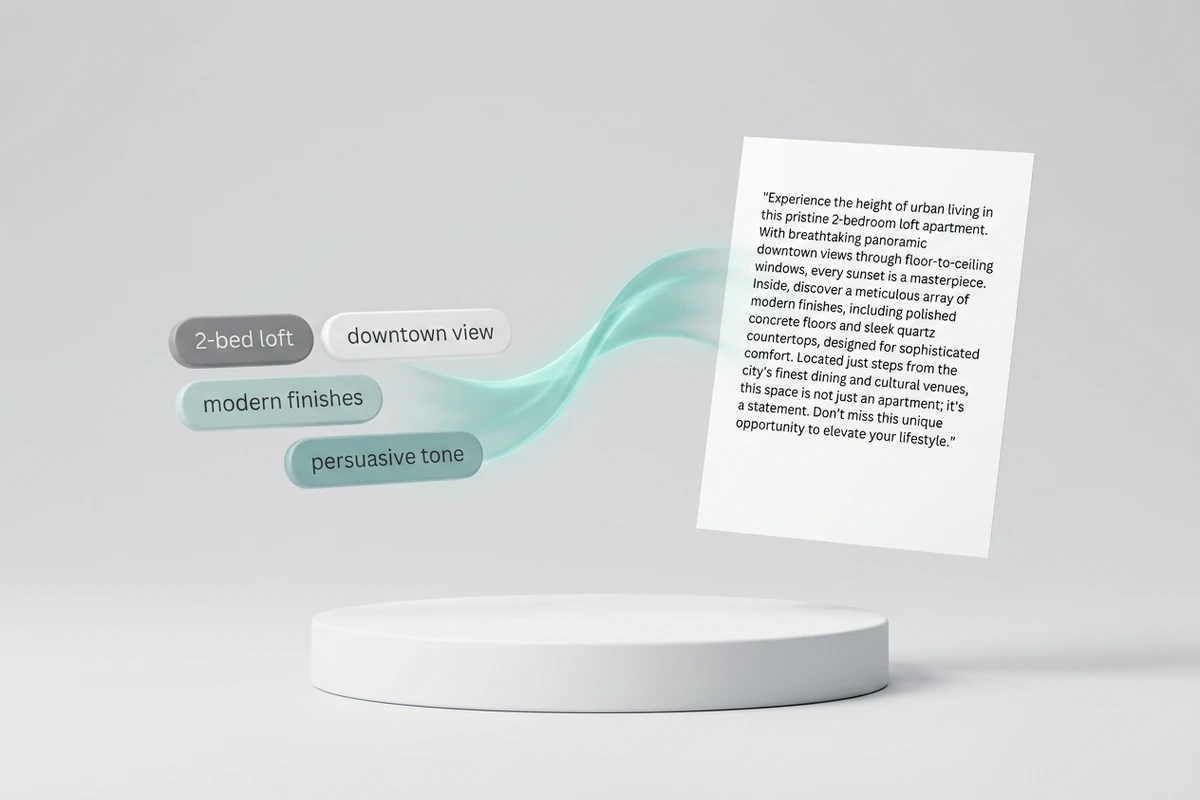
Keyword chips flowing into a polished real-estate paragraph draft on a floating page above a white studio pedestal

Turn an Idea into a Detailed Draft

Start with keywords, a sticky-note outline, or an unfinished opener. Ask the AI Paragraph Generator for a complete paragraph with a clear topic sentence, supporting detail, and a clean close. Typical jobs include listing copy, cover-letter openings, sales pitches, and executive summaries. Keep prompts concrete with the How to Write AI Prompts That Actually Work, then verify facts before sharing.
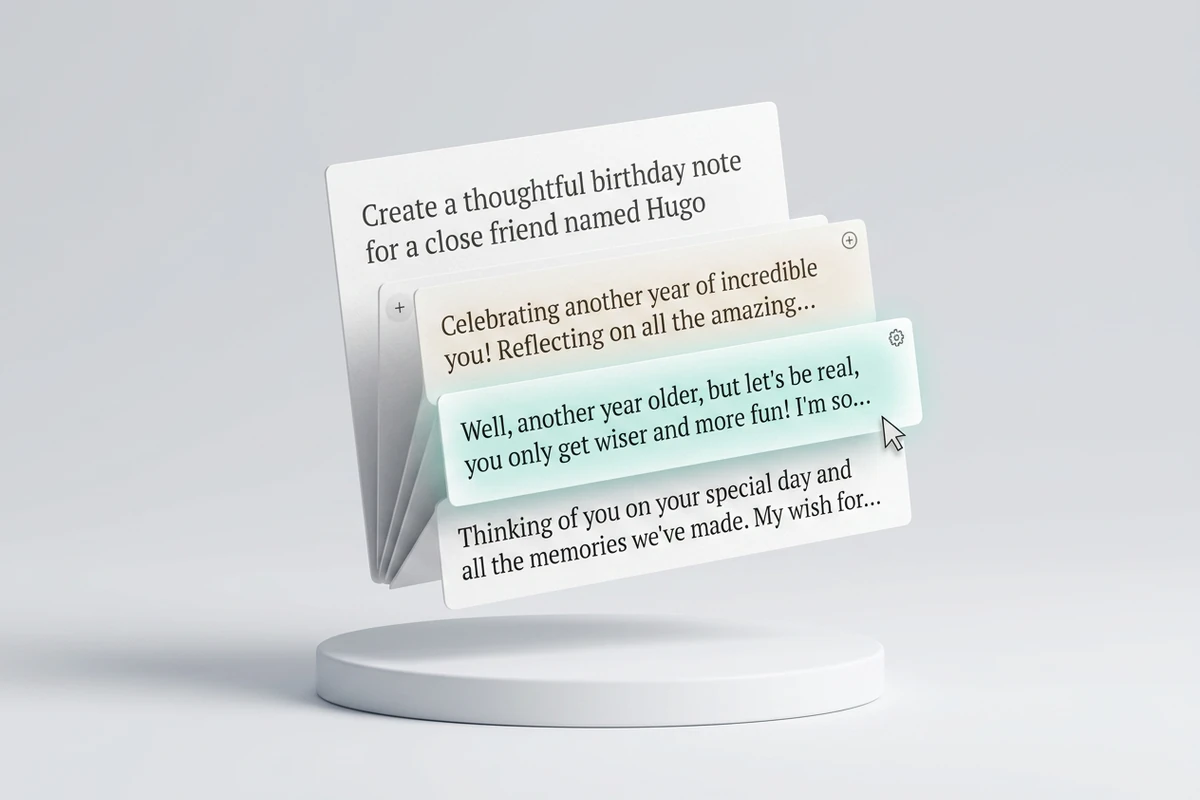
Brief card with three alternate birthday-paragraph openings fanned above a white studio pedestal

Brainstorm Fresh Paragraph Angles

When the blank page stalls you, request several openings instead of one safe paragraph. Compare benefit-led, story-led, and proof-led angles against the same brief, then keep the strongest path. Expand a short line from the Slogan Generator into body copy, or draft newsletter intros without forcing one voice onto every format.

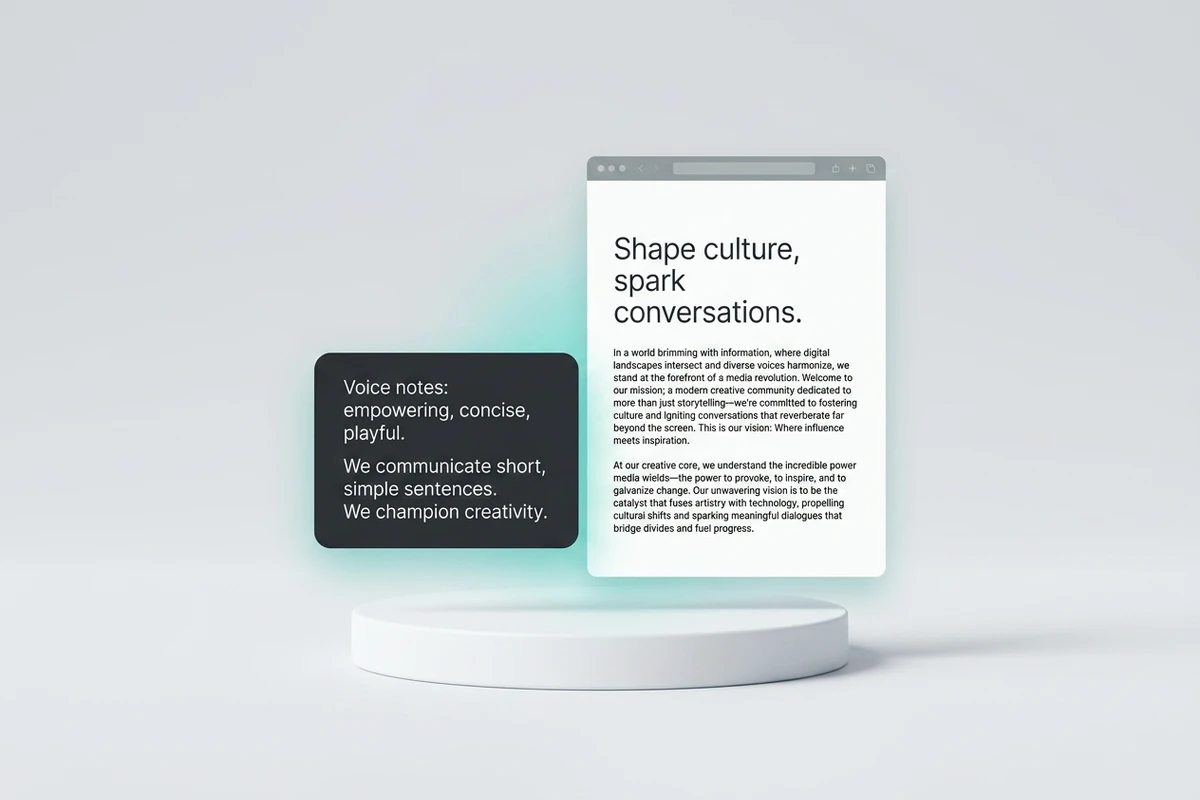
Voice notes card beside an on-tone paragraph document above a white studio pedestal

Match a Consistent Writing Voice

Vague tone labels rarely stick. Paste sample lines, preferred words, and phrases to avoid so each AI Paragraph Generator result keeps the same cadence and vocabulary. Revise one attribute at a time while preserving approved facts. When the paragraph becomes campaign creative, continue in the AI Social Media Post Generator.

How to Use the AI Paragraph Generator

Step 01

State the Brief

Name the audience, purpose, length target, tone, and claims that must stay accurate before you generate.

Step 02

Generate the First Paragraph

Ask for one coherent paragraph or a few alternate openings. Compare each result to the brief, not only to how polished it sounds.

Step 03

Revise Voice and Clarity

Request focused edits for clarity, voice, or structure. Keep verified facts, then continue related writing in Studio.

Why creators choose Ottermind

Brief-Led Drafts

Agents can work from your notes and constraints instead of inventing a paragraph from a lonely keyword.

Context Stays Nearby

Voice samples, outlines, and decisions remain organized around the project while you iterate.

Focused Revisions

Change one issue at a time—tone, length, or evidence—without discarding the parts that already work.

Clear Task Boundaries

Keep paragraphs here, then use the AI Story Generator for scene-level narrative next.

Real Work Continuity

Carry an approved paragraph into emails, decks, listings, or career docs such as the AI Resume Builder.

Visible Control

Review every AI Paragraph Generator draft before it leaves the workspace, and keep critical actions under your approval.

FAQ

What Is an AI Paragraph Generator?

An AI Paragraph Generator turns a topic, keywords, or source notes into a coherent block of sentences with a shared focus. Useful results still depend on your brief and human review for accuracy and fit.

What Should I Enter First?

Bring the purpose, audience, must-include facts, length target, and tone cues. A short outline or voice sample helps more than a one-word topic. Gather unfinished research with tools covered in best AI research assistants before drafting.

Can It Match My Brand or Personal Voice?

Yes, when you supply concrete guidance: sample paragraphs, preferred words, phrases to avoid, and audience expectations. Vague labels alone usually produce generic prose. Save the voice brief with the project so later revisions stay consistent.

How Is This Different from an Essay Writer?

This AI Paragraph Generator focuses on one polished paragraph or a few competing openings. The Essay Writer is better for longer academic structure, sectioning, and citation workflows.

Will the Paragraph Be Ready to Publish as-Is?

Treat every result as a draft. Verify facts, remove unsupported claims, and adjust voice for the real audience. AI can invent plausible details, so keep humans accountable for public or client-facing copy.

What Should I Create after the Paragraph?

Place the approved copy into the channel that needs it, then develop related assets. Short brand lines belong in the Slogan Generator.

Discover more

What they say about Ottermind

Ottermind helped us turn a rough campaign brief into several strong visual directions without losing the original intent. We could compare different compositions, keep the references beside the work, and refine the strongest concept in one place. That made the entire review process feel faster and much more focused.

Maya Chen - Product Marketing Lead

More from the blog

Draft Your Next Paragraph with Context Attached

Bring a brief or voice sample into Studio, generate a coherent paragraph with the AI Paragraph Generator, then revise tone without rebuilding the source material.

Generate a Paragraph


