AI Note Taker for Clear Action Items

Paste meeting context or recording notes. Generate a structured summary with decisions and action items, then keep the result connected for follow-up work.

AI writing
Claude
GitHub
Google
Linear
Microsoft
Monday
Netlify
Notion
OpenAI
Sentry
Slack
Stripe
Supabase
Claude
GitHub
Google
Linear
Microsoft
Monday
Netlify
Notion
OpenAI
Sentry
Slack
Stripe
Supabase
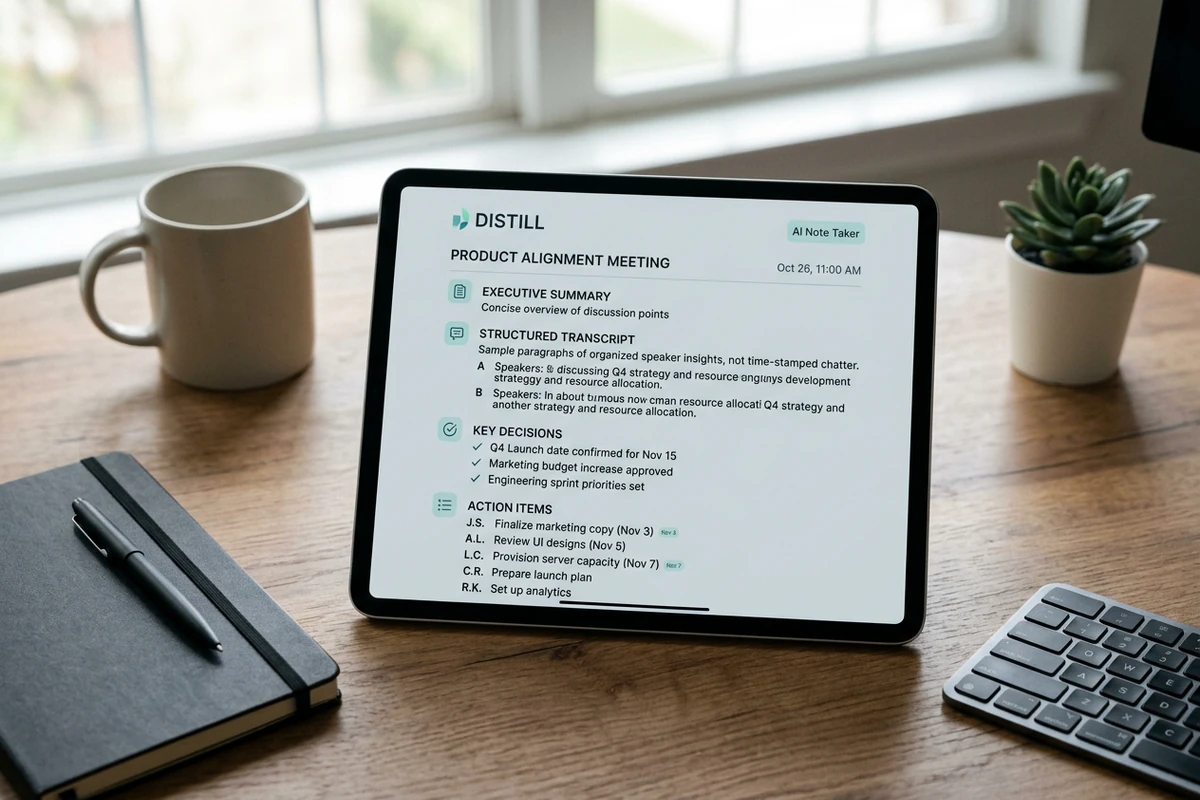
Tablet on a wooden desk showing Distill structured meeting notes with summary, transcript, decisions, and action items

Distill recordings into usable notes

An AI note taker should do more than dump a transcript. In Ottermind Distill, recordings can become transcripts, summaries, decisions, key points, and next steps you can actually review. Paste the rough notes here first, then keep refining the structure. Sharper prompts follow How to Write AI Prompts That Actually Work.
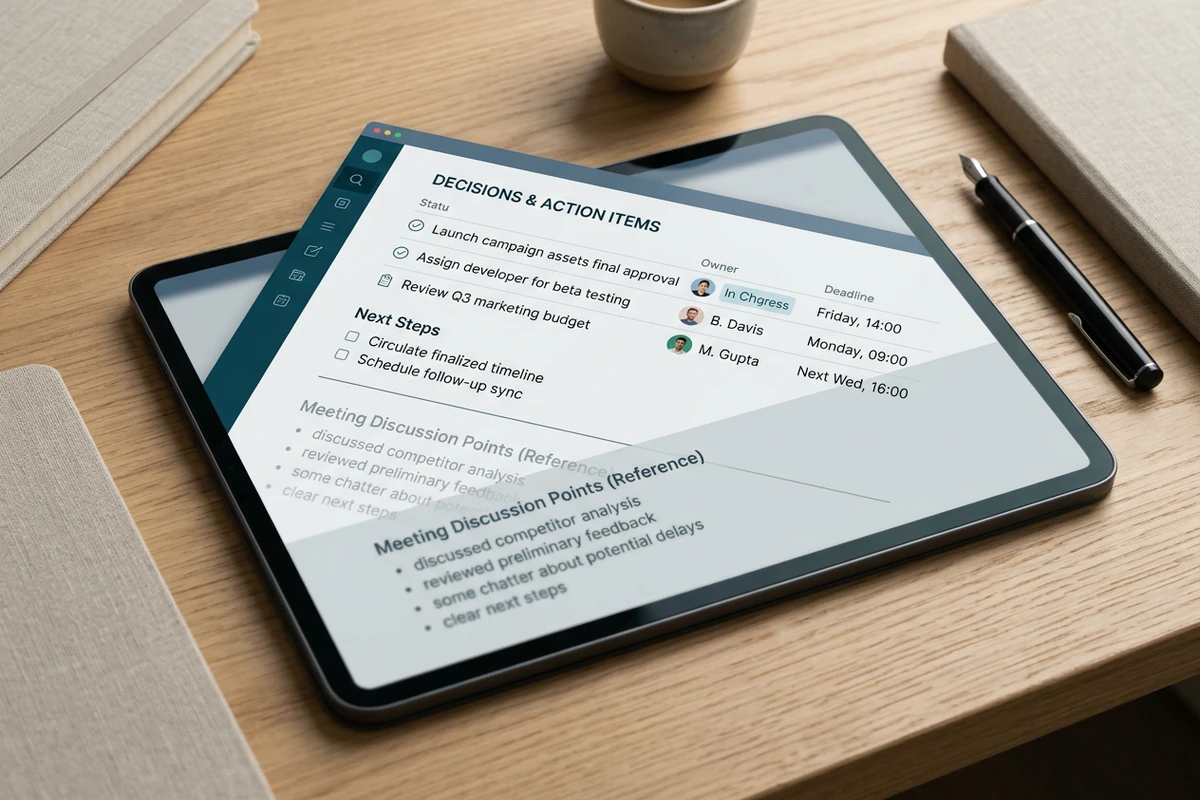
Tablet screen highlighting decisions and action items with owners and deadlines, separated from meeting discussion points

Separate decisions from chatter

Ask the AI note taker to list decisions and action items apart from side talk, then name an owner for each follow-up. That keeps the page useful after the call ends instead of hiding tasks inside a wall of text.

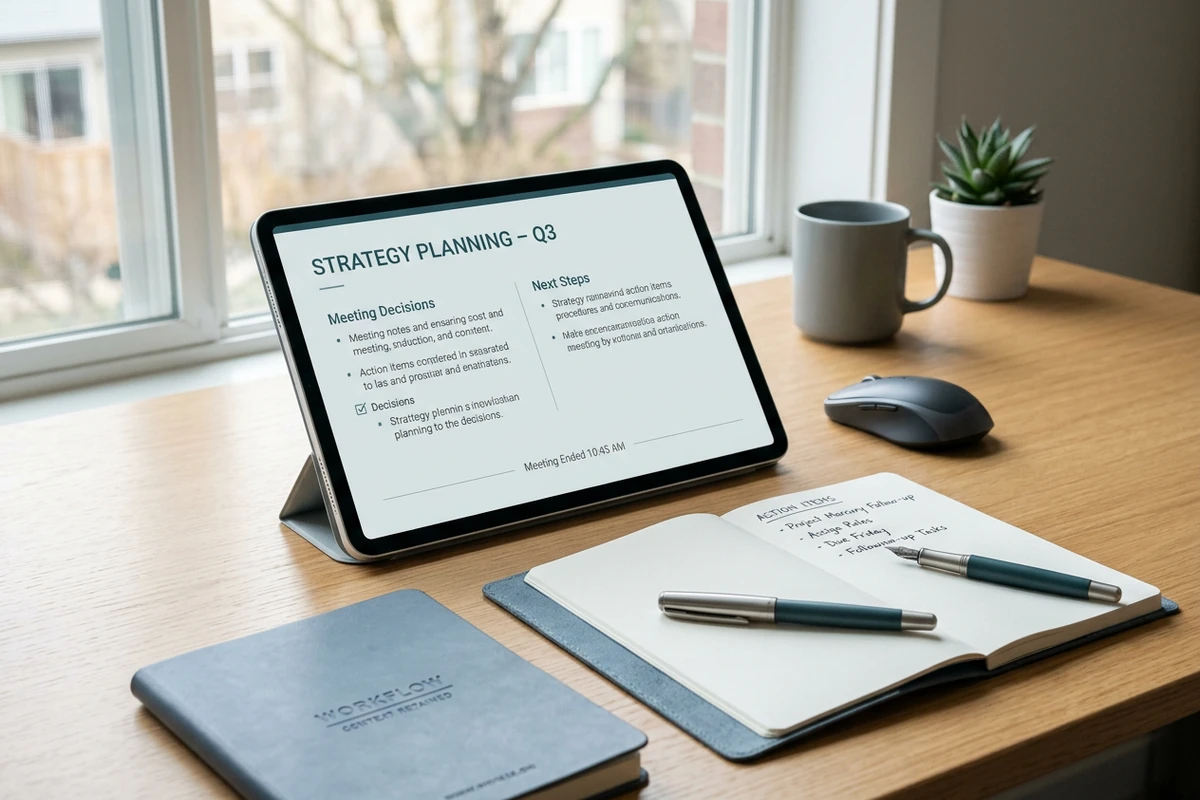
Tablet with retained meeting decisions and next steps beside an open notebook of follow-up action items on a desk

Keep meeting context for later work

Important recording context can stay organized around the project so later tasks do not restart from memory. Use the AI note taker output as the brief for docs, updates, or research follow-through. Expand a finding into longer writing with the Essay Writer.

How to use this AI note taker

Step 01

Add the meeting context

Paste transcript excerpts, recording notes, or bullet capture. Name the meeting type, attendees, and any deadlines that must stay accurate.

Step 02

Generate structured notes

Create a summary, decision list, and action items you can scan instead of rereading every line of raw conversation.

Step 03

Tighten owners and next steps

Ask for clearer owners, shorter bullets, or a brief format, then confirm every commitment before you share the notes.

Why creators choose Ottermind

Structure before polish

Lock summary, decisions, and action items before you rewrite prose or share the notes.

Context stays attached

Keep the original meeting notes organized with the project while you revise the distill.

Focused revision passes

Request separate passes for owners, deadlines, or a shorter brief without losing facts.

Compare note formats

Try a decision log, standup digest, or client brief against the same source notes.

Continue in Studio

Take the selected notes into Studio with the meeting context still attached for follow-up tasks.

FAQ

What is an AI note taker?

An AI note taker turns conversation capture into structured notes you can review: summary, decisions, and action items. In Ottermind, Distill can turn recordings into transcripts and follow-ups, and this page helps you shape that output from the notes you provide.

Does Ottermind join Zoom or Teams as a bot?

No. This page does not claim Zoom or Microsoft Teams meeting bots. Ottermind can capture meetings and ideas through recording, then turn that material into transcripts, summaries, decisions, and next steps. You stay in control of what is recorded and shared.

What should I paste into the prompt?

Include the meeting purpose, rough notes or transcript excerpts, attendee names when relevant, and any deadlines or owners you already know. Ask explicitly for a summary, decisions, and action items. Clear source material produces notes you can verify quickly.

How is this different from a raw transcript?

A transcript preserves everything said. An AI note taker should separate decisions and owners from side discussion so the team can act. Ask for that split in the prompt, then edit anything the model mislabels before you send the notes.

Can I use it for interviews and standups?

Yes. Name the meeting type in the prompt. Interviews need key points and open questions. Standups need blockers, owners, and what shipped. Keep quotes and commitments exact, and do not invent details the notes do not support.

What should I create after the notes?

Save the approved brief with the source notes. Compress a line with the Slogan Generator, or keep digging with best AI research assistants.

Discover more

What they say about Ottermind

Ottermind helped us turn a rough campaign brief into several strong visual directions without losing the original intent. We could compare different compositions, keep the references beside the work, and refine the strongest concept in one place. That made the entire review process feel faster and much more focused.

Maya Chen - Product Marketing Lead

More from the blog

Start your next meeting brief

Bring recording notes or transcript excerpts. Generate a structured summary with this AI note taker, confirm decisions and owners, and keep the work moving in Ottermind.

Take notes