






AI Letter Generator

Describe the recipient, occasion, and key facts, generate a structured letter draft, then refine voice and accuracy before you send.

AI writing
Claude
GitHub
Google
Linear
Microsoft
Monday
Netlify
Notion
OpenAI
Sentry
Slack
Stripe
Supabase
Claude
GitHub
Google
Linear
Microsoft
Monday
Netlify
Notion
OpenAI
Sentry
Slack
Stripe
Supabase
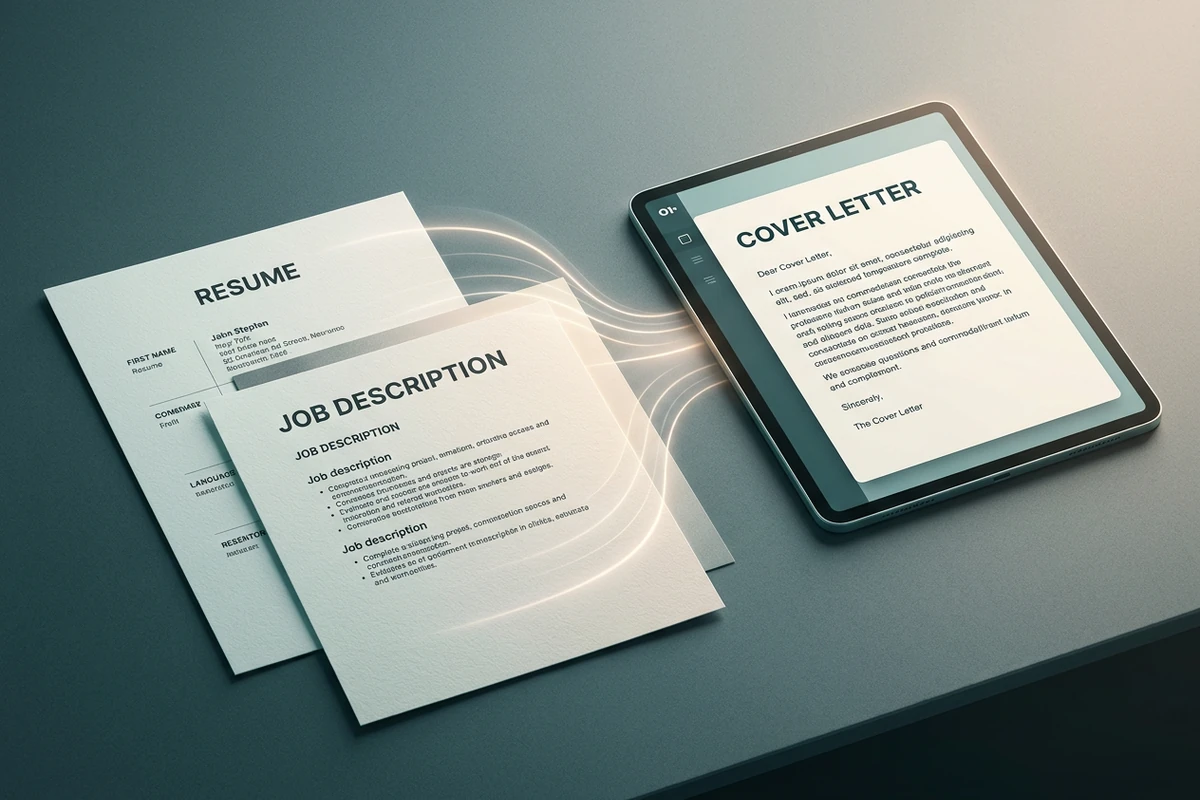
Resume and job description sheets on a dark desk with light trails flowing into a tablet displaying a cover letter.

Ground cover letters in real evidence

Paste the role requirements and the achievements you can prove, then ask the AI Letter Generator to connect only those facts to the job. Request a short evidence checklist beside the draft so you can verify every claim. Sharper briefs follow How to Write AI Prompts That Actually Work.
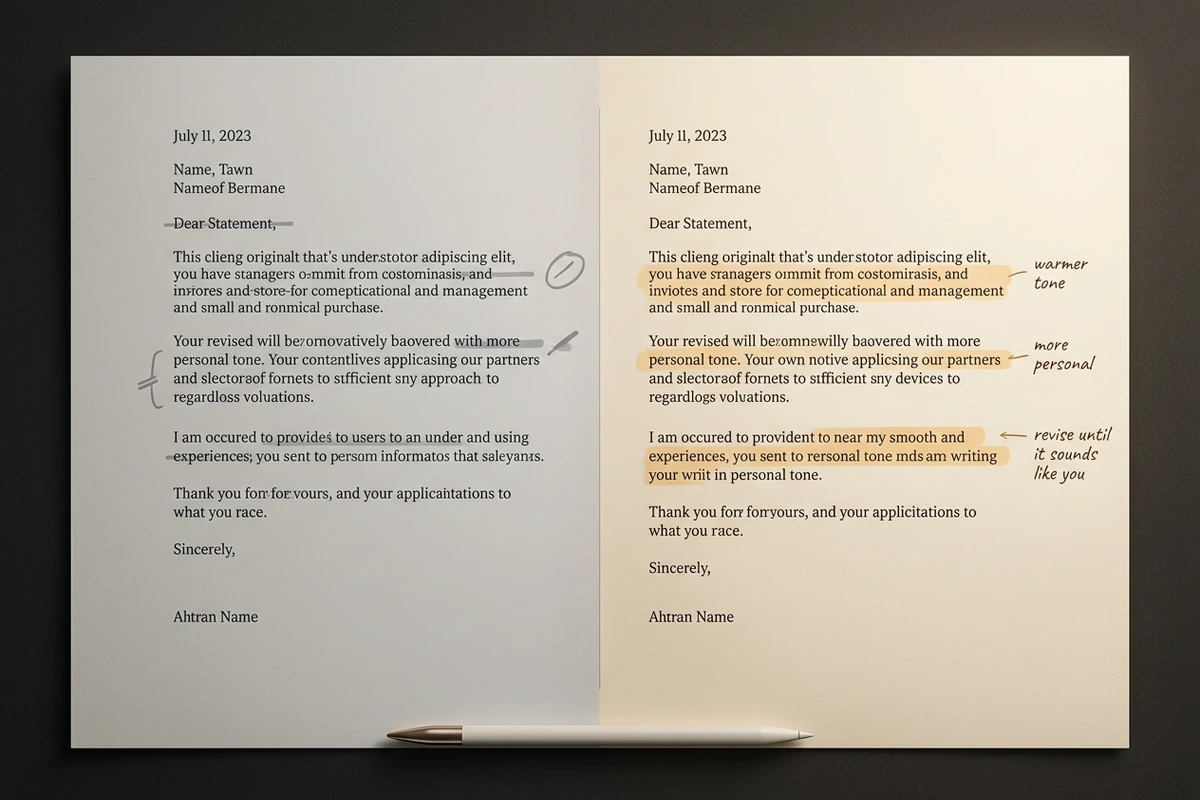
Side-by-side letter pages: gray draft with edit marks next to a warmer revised version with tone annotations and a stylus.

Revise until the voice sounds like you

Treat the first pass as structure, not the final send. Ask for a warmer opening, shorter paragraphs, or fewer clichés, then read the result aloud. Keep the original brief nearby so later edits stay consistent. For academic essays instead of letters, use the Essay Writer.

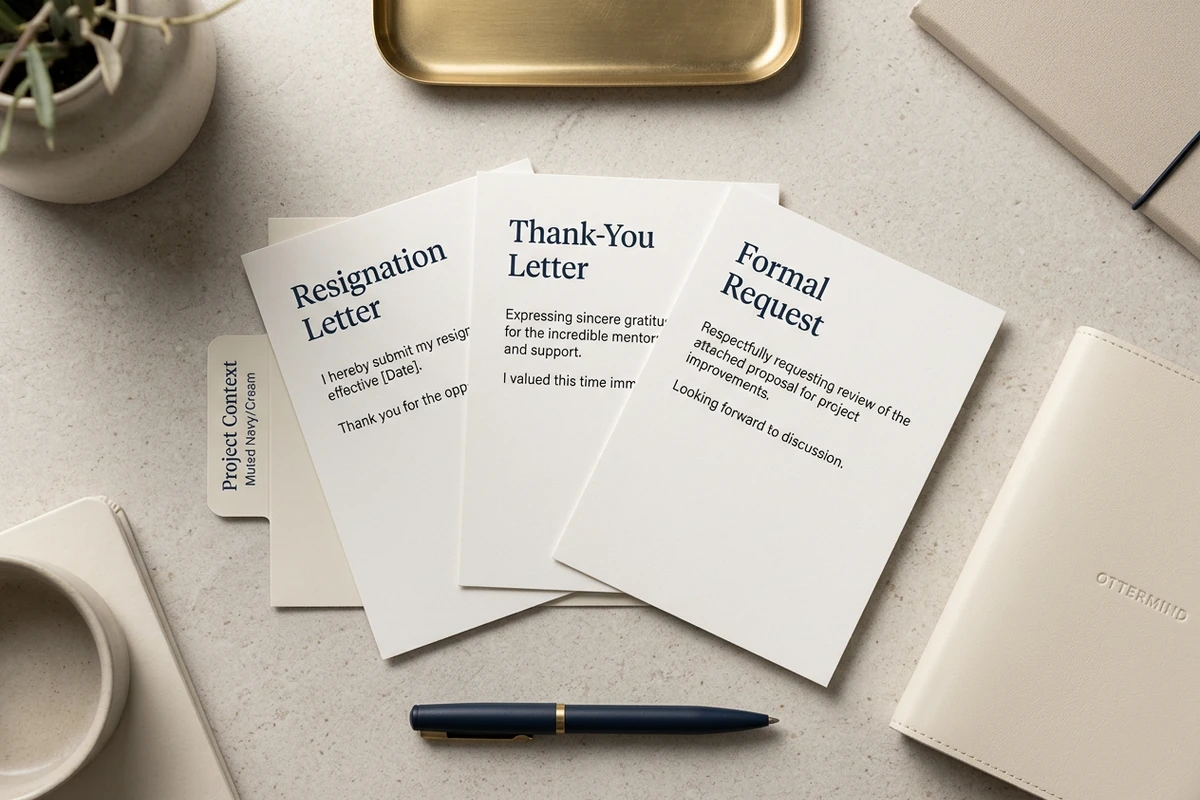
Three fanned letter samples labeled resignation, thank-you, and formal request on a project-context folder with a navy pen.

Switch letter occasions without starting over

Reuse the same facts for resignation letters, thank-you notes, formal requests, and follow-ups. Change the occasion and tone in the prompt instead of rebuilding every detail. After a personal thank-you, continue shorter outreach with the AI Social Media Post Generator.

How to use this AI Letter Generator

Step 01

State the letter brief

Name the recipient, occasion, desired length, tone, and the facts that must stay accurate before you generate.

Step 02

Generate the first draft

Create a complete letter with a clear opening, purpose, and closing you can review instead of starting from a blank page.

Step 03

Revise voice and accuracy

Run focused passes for tone, length, and wording, then confirm dates, titles, and claims before you send.

Why creators choose Ottermind

Brief before prose

Lock the occasion, audience, length, and must-keep facts before the AI Letter Generator writes paragraphs.

Context stays attached

Keep the approved brief and preferred tone organized around the project while you revise.

Focused revision passes

Ask for structure, warmth, brevity, or formality as separate edits without discarding the facts.

Compare directions

Try another opening or tone against the same brief before you commit to a send-ready version.

Application continuity

Pair the letter with a current resume from the AI Resume Builder when the package needs both.

Continue in Studio

Take the selected draft into Studio with the original brief still attached for further polish.

FAQ

What is an AI Letter Generator?

An AI Letter Generator turns a clear brief into a structured letter draft you can edit. In Ottermind, you describe the recipient, occasion, tone, and facts, generate a first version, then revise until the wording matches how you would speak.

What should I include in the prompt?

State who the letter is for, why you are writing, the desired length and tone, and the facts that must stay accurate. For cover letters, add role requirements and proven achievements. Concrete prompts produce drafts you can evaluate quickly.

Can it write cover letters and resignation letters?

Yes. Name the occasion in the prompt. A cover letter needs role evidence and a clear fit story. A resignation letter needs the last working day, a professional tone, and usually a short gratitude note. Keep grievances out unless you intentionally choose a different document.

How do I avoid a generic AI letter?

Feed specific achievements, one reason you care about the recipient or role, and phrases you would never say. After the draft, delete clichés, read it aloud, and replace any sentence you would not speak. Treat AI as a drafting partner, not a final ghostwriter.

Does Ottermind send letters for me?

No. Ottermind helps draft and revise inside the workspace. You remain responsible for reviewing accuracy, choosing the final wording, and sending through your own email or application system. Critical actions stay subject to your approval.

What should I create after the letter?

Save the approved version with the brief. For a job package, update the resume if facts changed, and adjust a portrait with the Resume Photo Editor when needed. For design-led letterheads, draft wording here first, then use AI image generation as a separate step.

Discover more

What they say about Ottermind

Ottermind helped us turn a rough campaign brief into several strong visual directions without losing the original intent. We could compare different compositions, keep the references beside the work, and refine the strongest concept in one place. That made the entire review process feel faster and much more focused.

Maya Chen - Product Marketing Lead

More from the blog

Start your next letter draft

Bring the recipient, occasion, tone, and verified facts. Generate a structured draft with this AI Letter Generator, revise carefully, and keep edits connected in Ottermind.

Write letter


