Meme Generator
Create image memes and animated GIFs with GPT Image 2.6. Start with a photo or template and add your own twist.

Drag and drop an image, or choose from the gallery below.
Find a meme to make your own
Choose a template for your next meme.
GPT Image 2.6, now in Ottermind
Animate a photo with GPT Image 2.6, add text to a static image, or edit your own SVG.
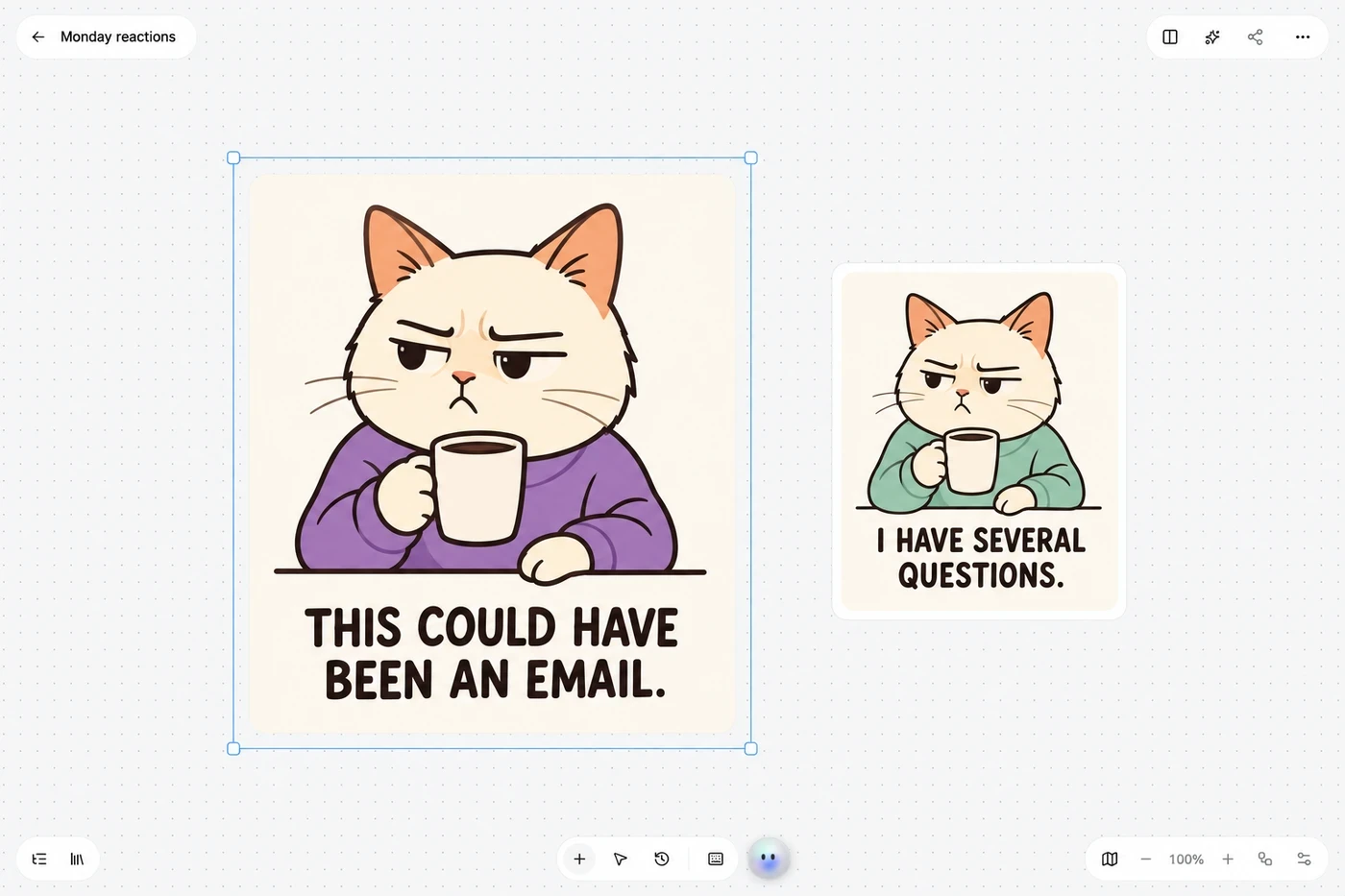
Add text to a photo or edit an SVG
Keep your photo as it is and add a caption. Upload an editable SVG to change existing text and colors before downloading it.
Create your meme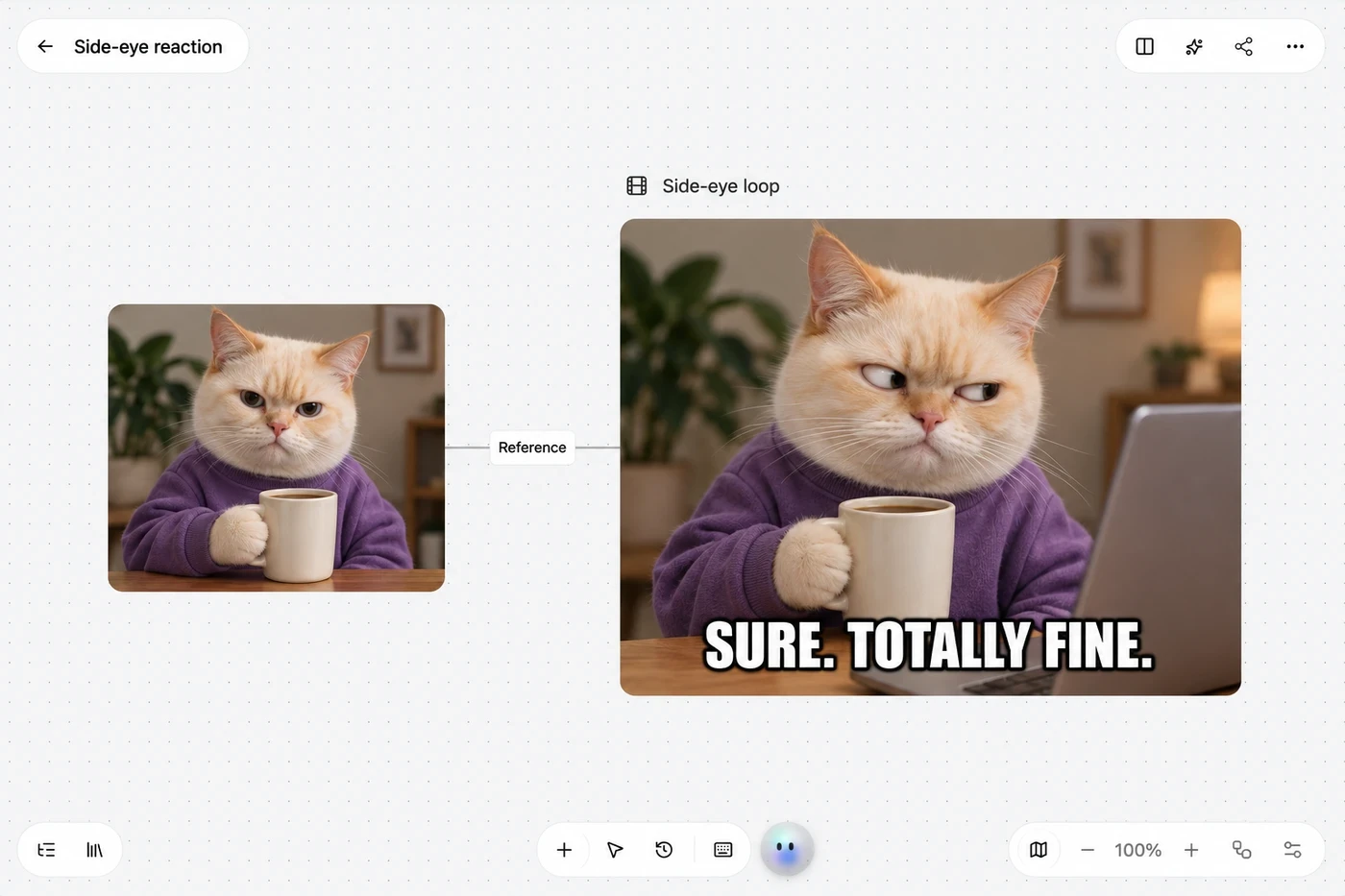
GIF memes with the right reaction
Start with a still image and describe the reaction: a slow side-eye, a small celebration, or a moment of panic. GPT Image 2.6 turns that idea into a short GIF loop, so the expression and timing can carry the joke. Add a caption when you want one.
Make a GIF memeHow to make a meme
Choose an image, add your instructions, then generate and download in Studio.
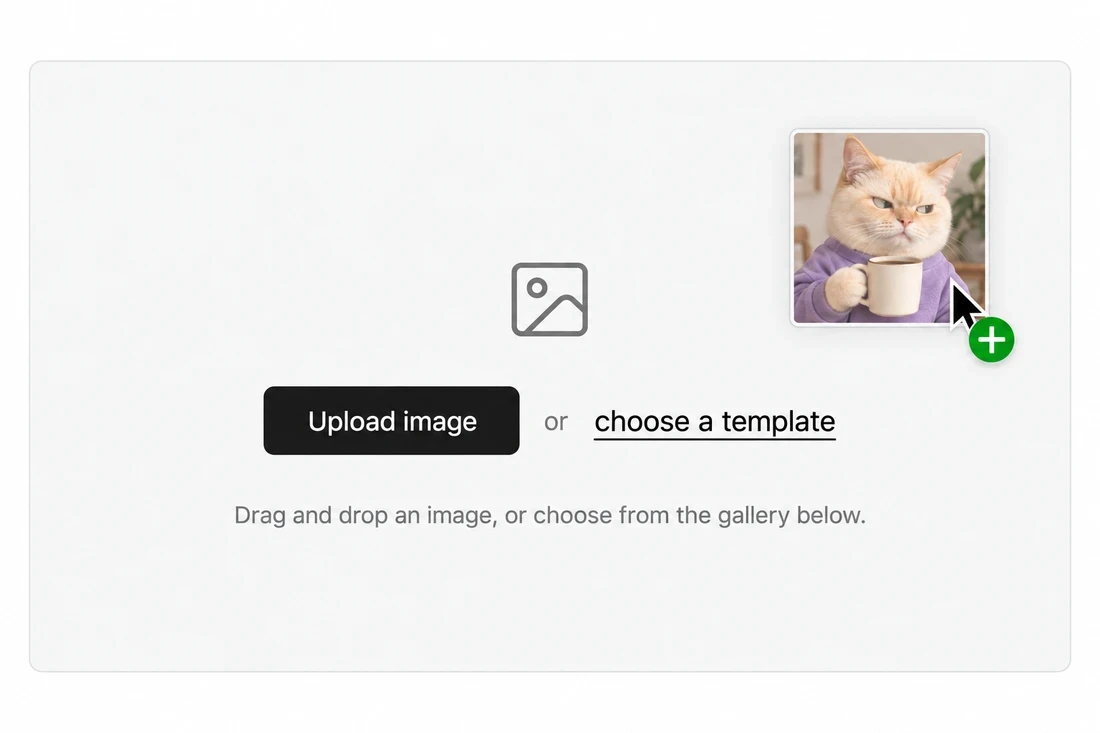 1
Upload or choose a template
Upload your own image, or choose a meme from the template library below. That image will be the starting point for your meme.
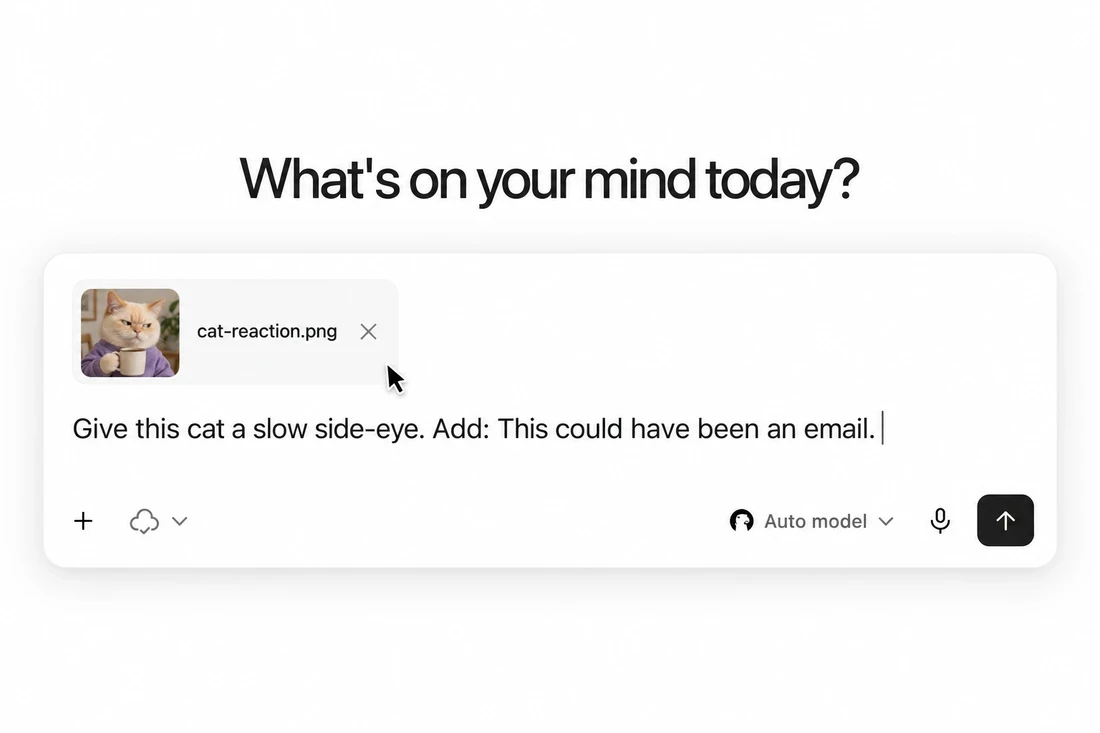 2
Add words or describe a reaction
Type a caption for a static image. For a GIF, describe how the subject should move or react.
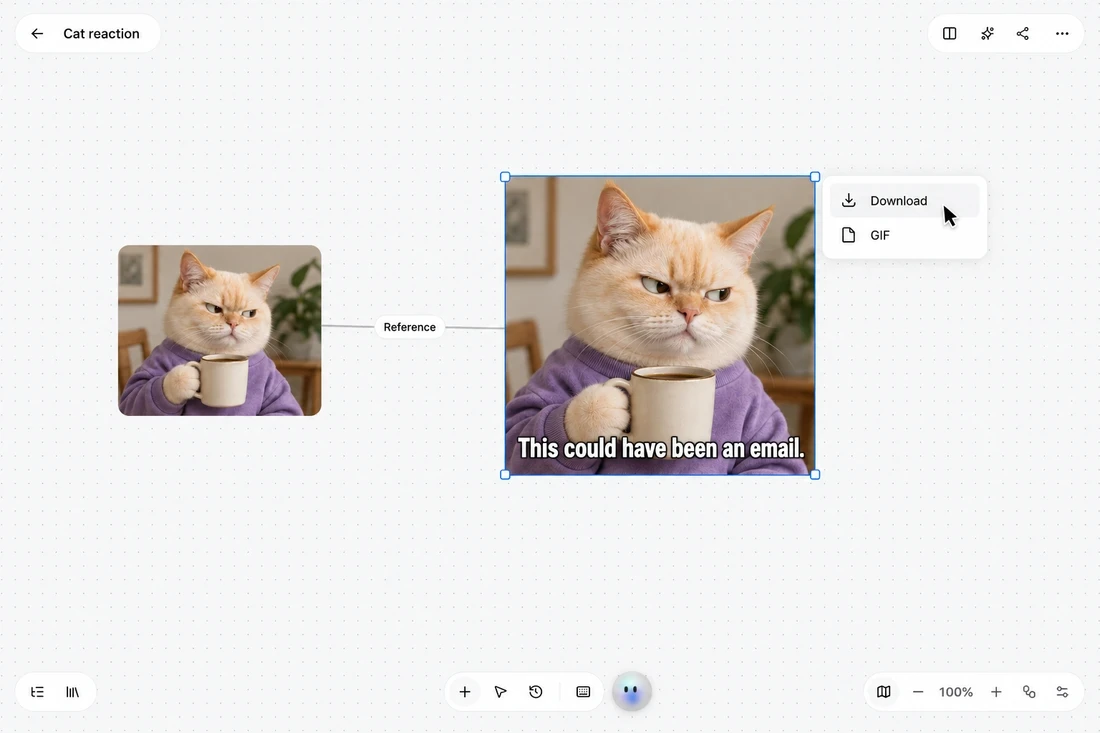 3
Preview and download in Studio
Open Studio with your image and instructions. Preview the result and download it there.
Frequently asked questions
How do I make a meme?
Upload an image or choose a template. Add a caption for a static meme, or switch to GIF and describe the reaction you want.
Do I have to write a caption?
For a static photo, type a caption or choose No caption. In GIF mode, you can also leave the caption blank and let AI write one.
Will AI change the caption I write?
Studio uses your text as supplied for a static caption. For GIFs, check the model’s lettering before downloading.
What does GIF meme do?
GIF meme turns your static image into a short looping animated reaction. You can add your own caption, ask AI to write one, or create a text-free animation.
Can I upload my own image?
Upload a JPG, PNG, or WebP up to 12 MB, or an editable SVG up to 1 MB in static mode.
What can I change in an SVG meme?
Choose a vector element to change its color or edit its existing text. The available controls depend on the source SVG.
Can I use these templates commercially?
Check the rights for the original image, recognizable people, and any other material before sharing your meme or using it commercially.
Your next great meme starts here
Find the reaction. Add your words. Make something worth sending.
Create your meme