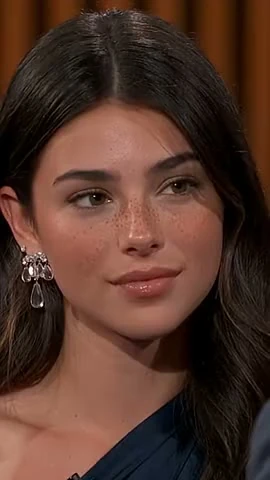

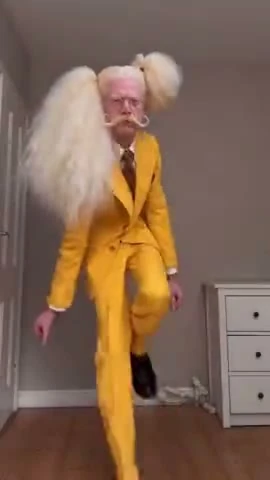
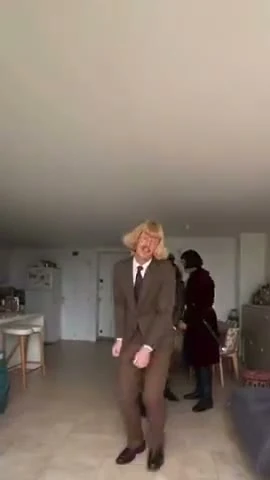
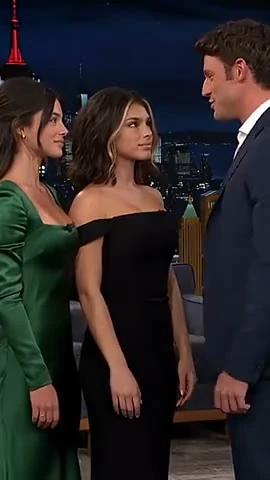

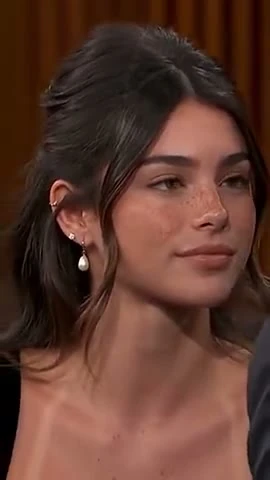


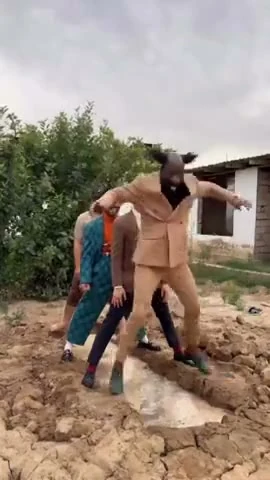
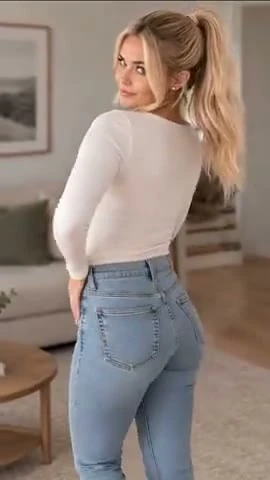
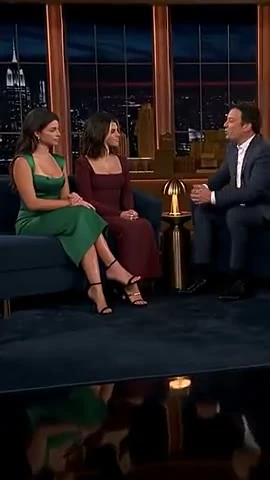

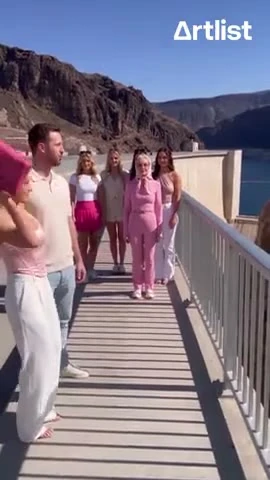

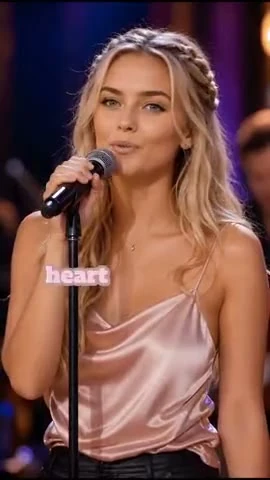
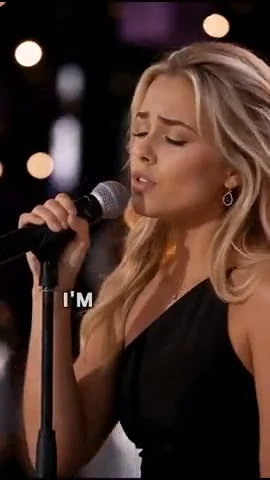
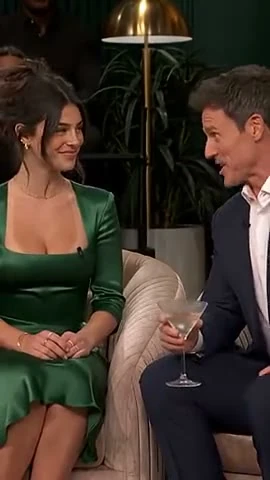
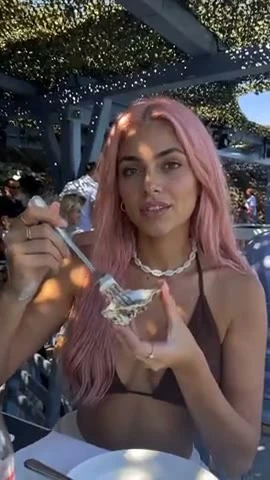
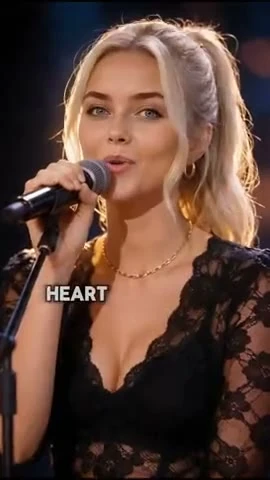
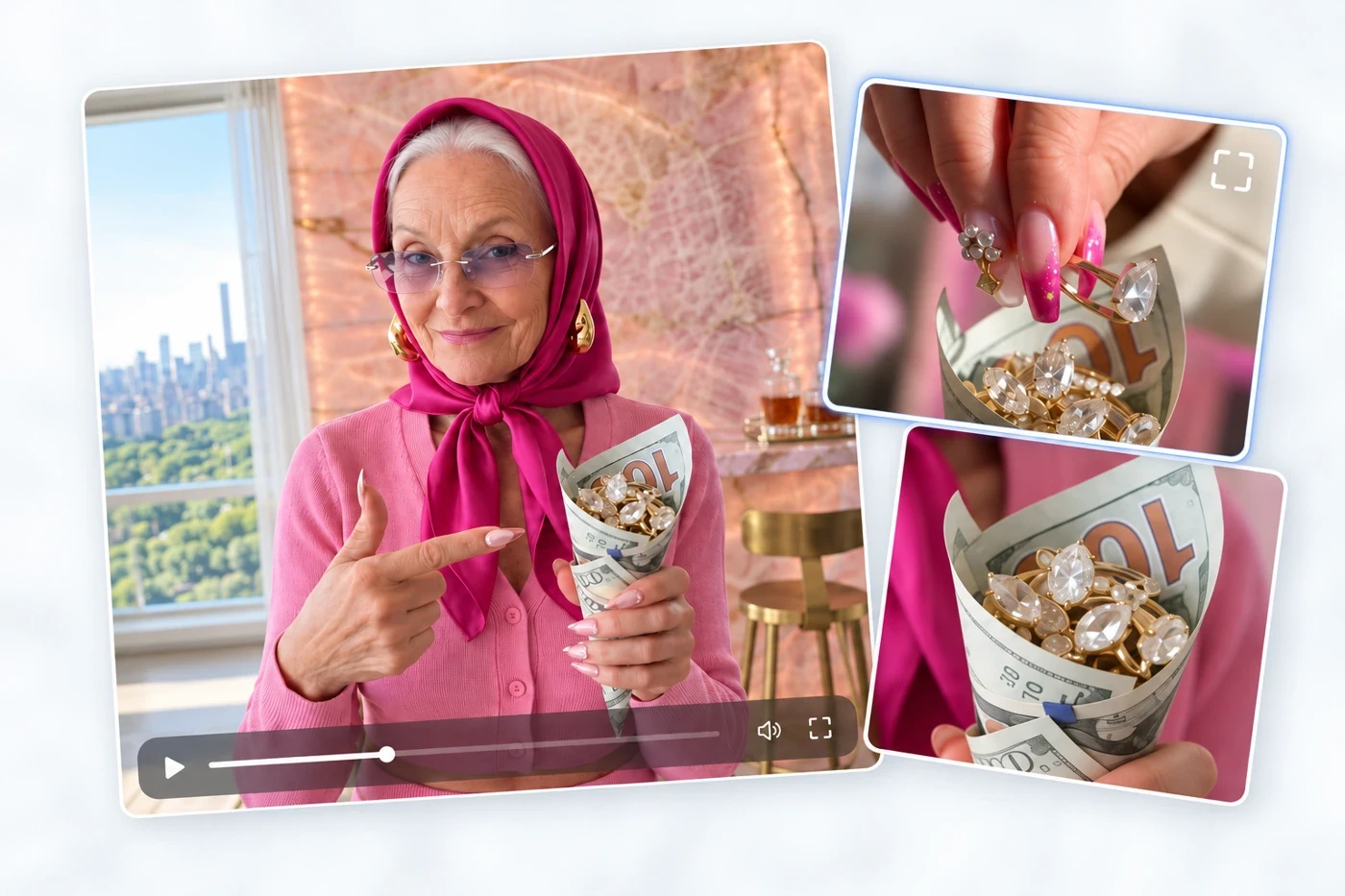
See Your Reference, Shot by Shot
Review the opening hook, framing, camera movement, and cuts in your reference video, shot by shot. See how the sequence is put together before you make your own version.
Remake a meme or trending video with your own character, product, or story. Ottermind’s Viral Video Remake skill breaks down the reference and helps you create your own version in Studio.
Drag the divider to compare the reference video with your Ottermind remake.
Explore video remakes created with Ottermind and shared on @inspia.ai.
Review the breakdown before you create, decide what to keep or change, and refine your remake in Studio.
Review the opening hook, framing, camera movement, and cuts in your reference video, shot by shot. See how the sequence is put together before you make your own version.
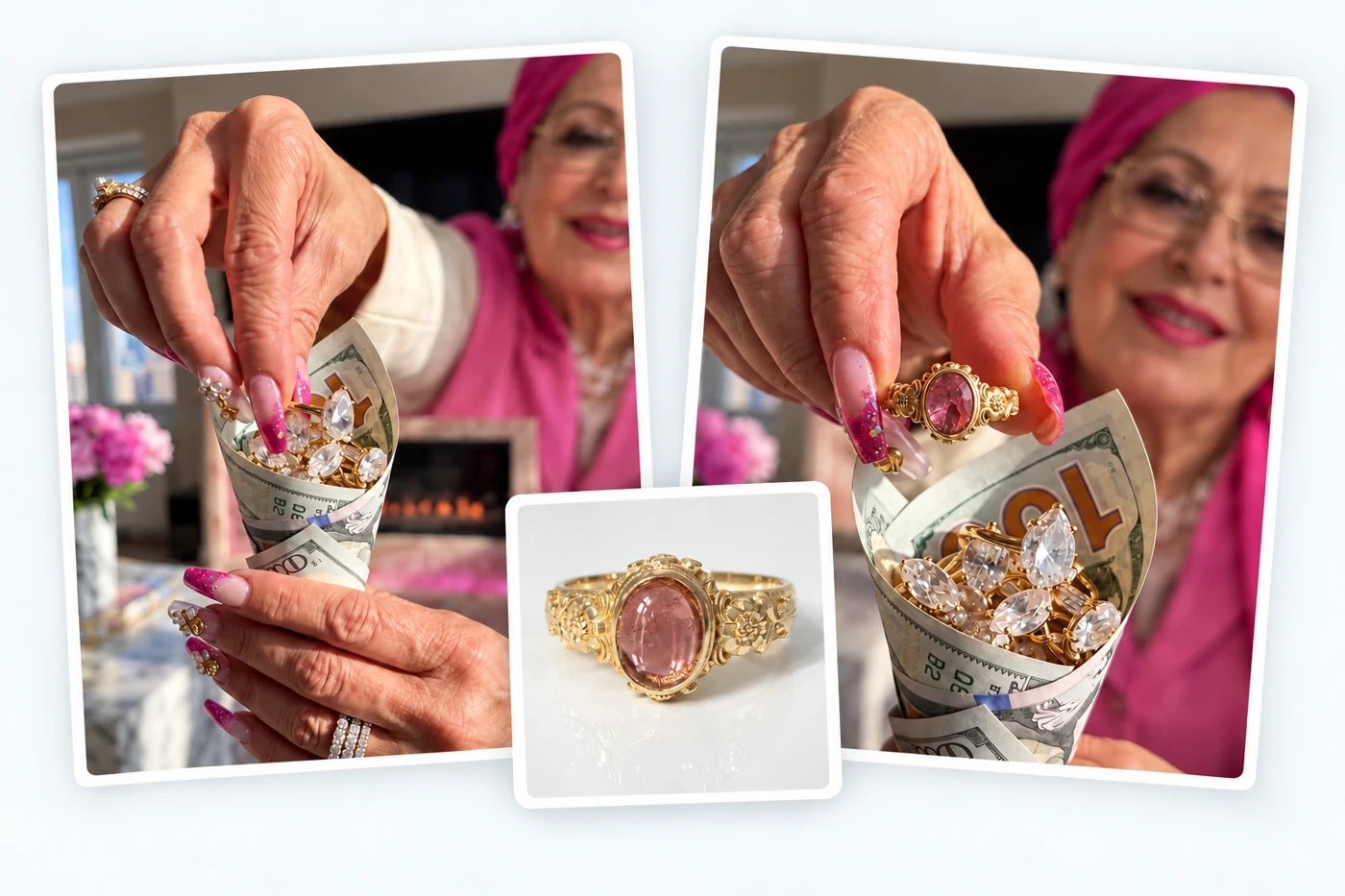
Build a new storyboard around your product, character, or idea. Keep the parts of the reference you like and change the scenes, subjects, or message to fit your story.
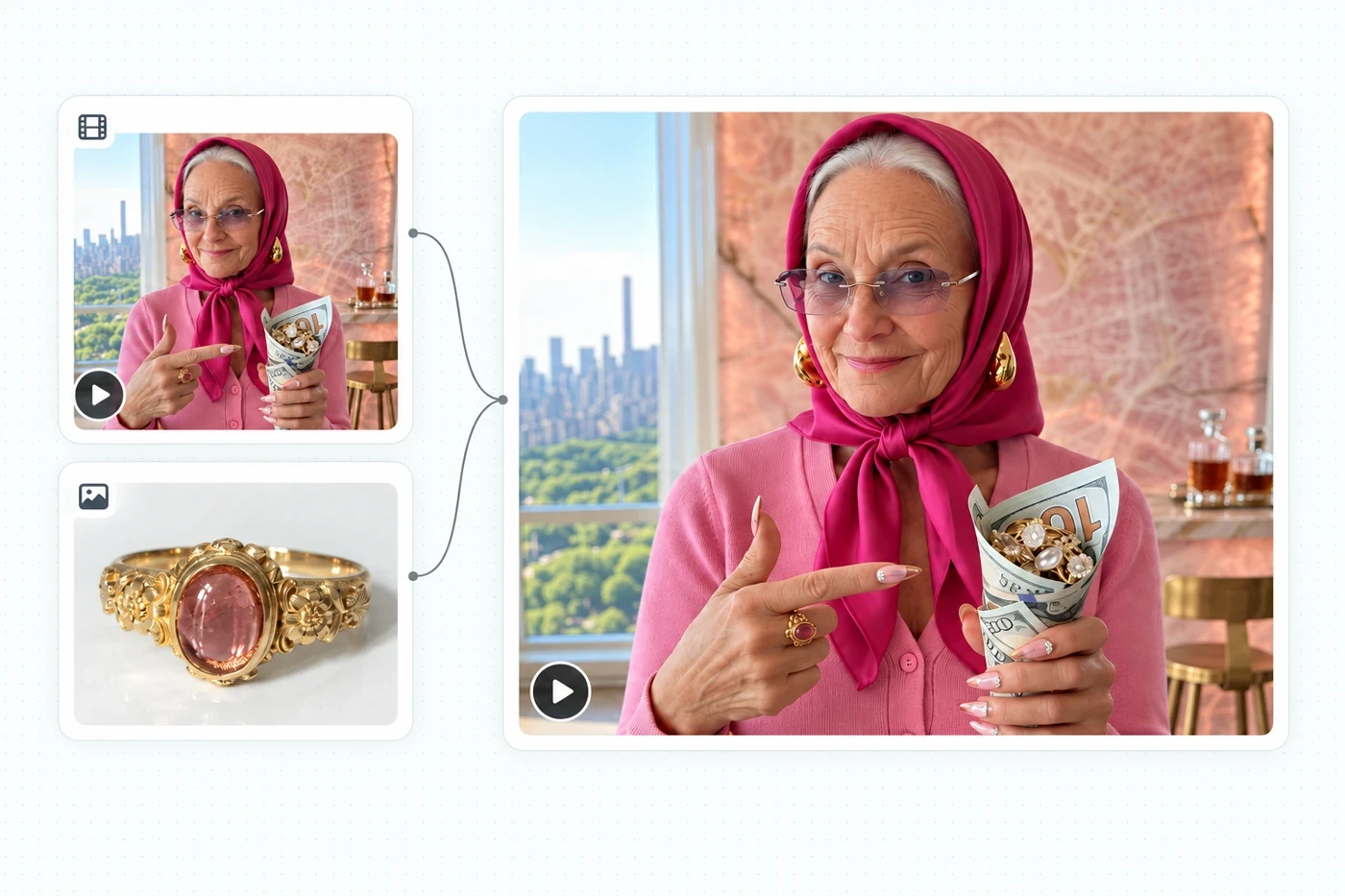
Keep your reference video, breakdown, storyboard, images, and clips together in Studio. Reuse product and character references to help keep their appearance consistent across shots.
From a reference clip to your own video in three steps.
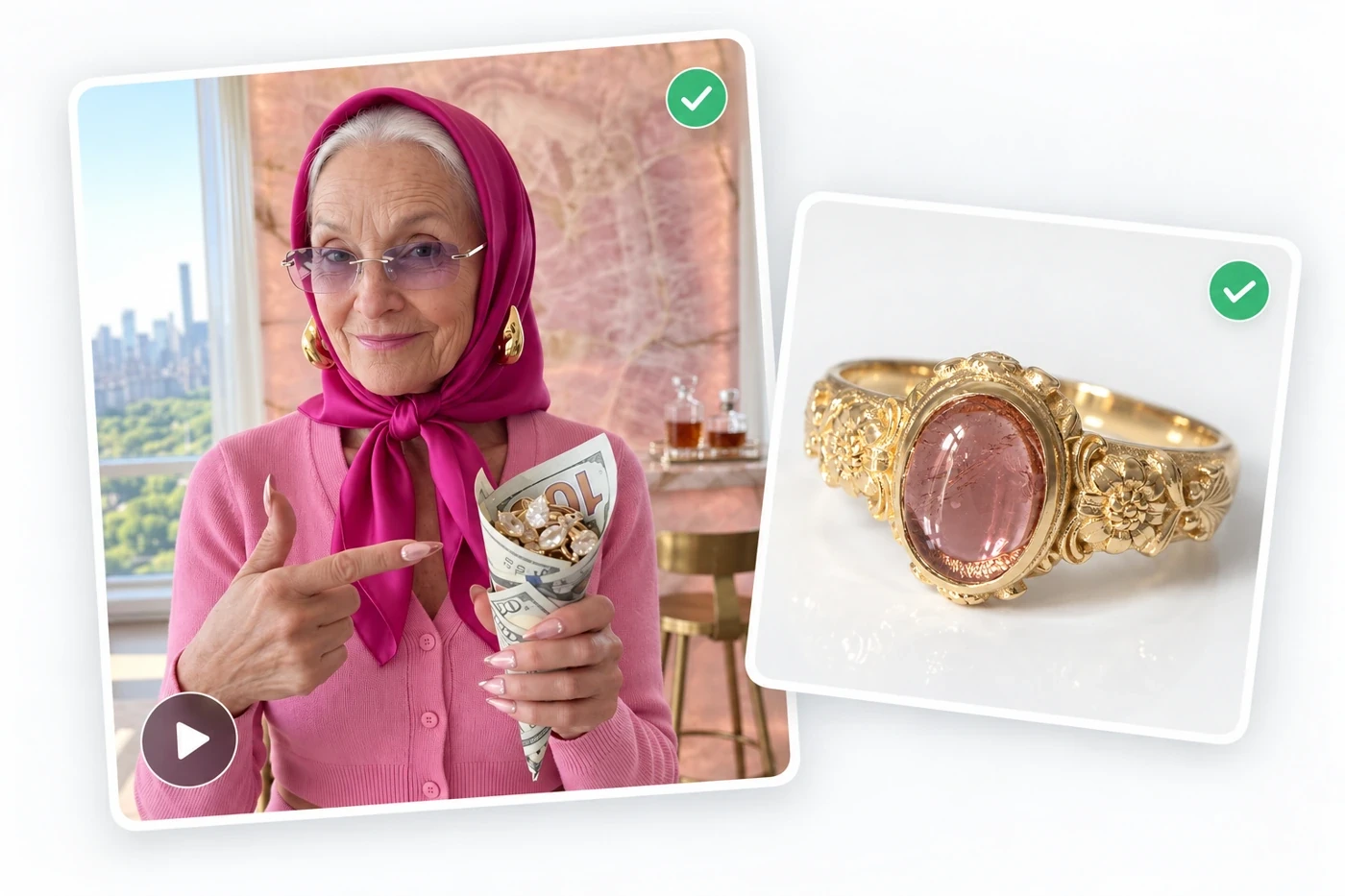
Pick a meme or video you want to recreate. Gather any product images, character references, or story details for your version.
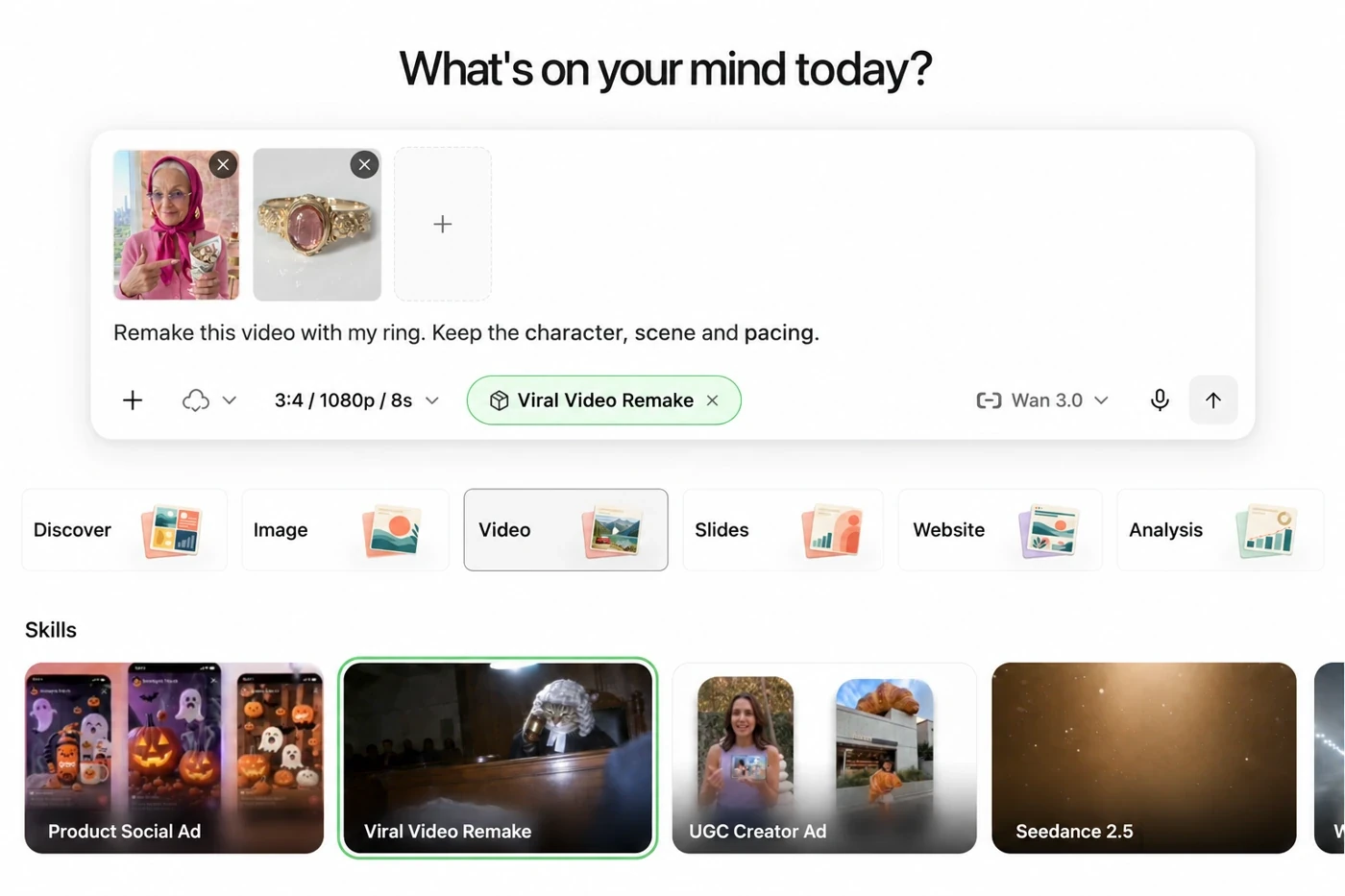
In Studio, select the Viral Video Remake skill. Add your reference video and any images, then describe what you want to change.
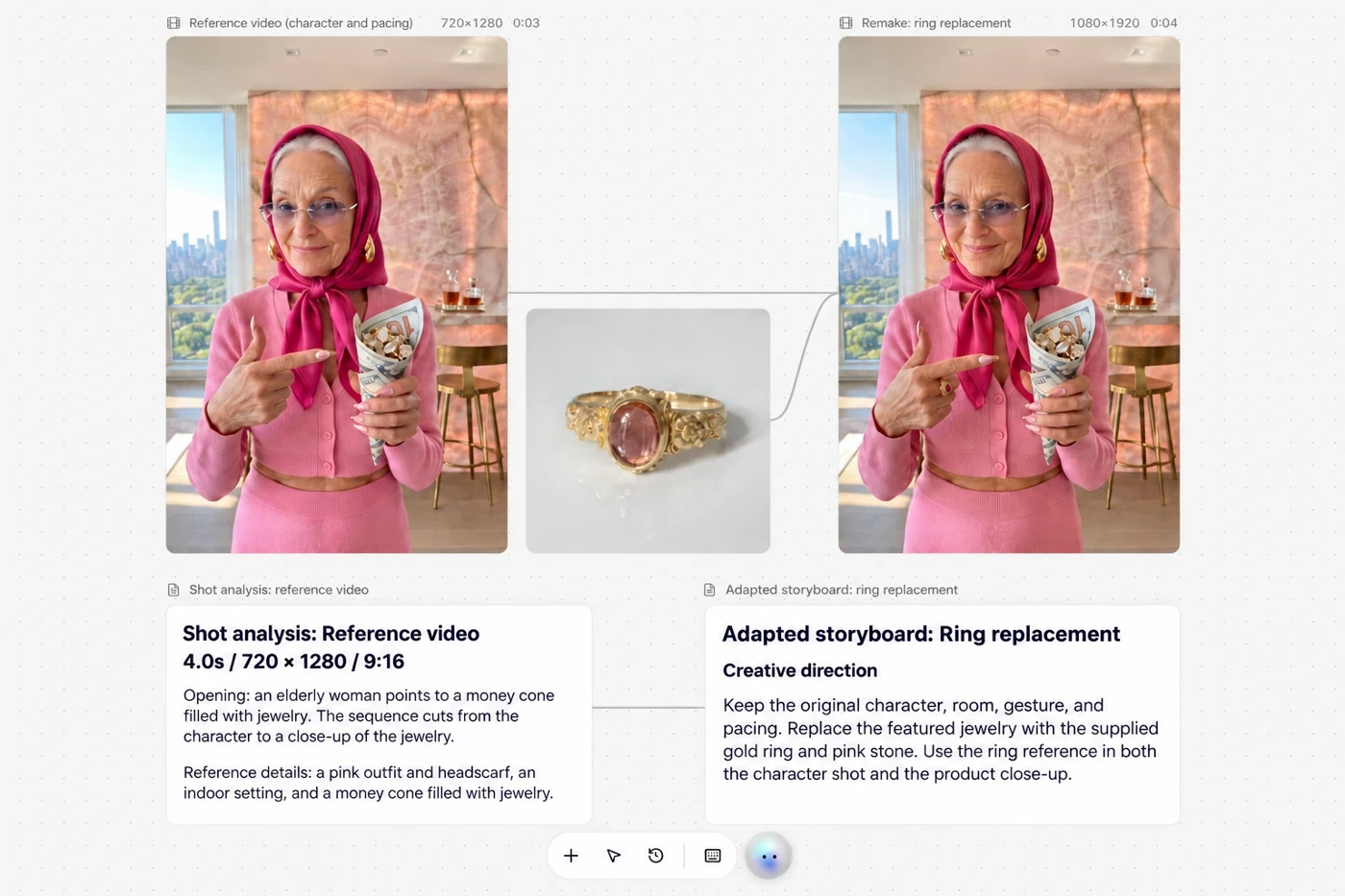
Review the video breakdown and adapted storyboard, then generate and refine your storyboard images and video clips in Studio.
Choose a character inspired by popular AI videos from our AI character library. Use their reference images in Studio to give them a role in your own story.
Keep creating with more Ottermind tools.
It helps you remake a meme or trending video with your own character, product, or story. Ottermind’s Viral Video Remake skill analyzes the reference, adapts the storyboard, and generates storyboard images and video clips in Studio.
A reference video and a short description of what you want to change. Add product images or character references if you have them. You don’t need a finished script.
For a reference video, use MP4, MOV, or WebM. Product images and character references can be added in Studio.
Yes. You can review the shot-by-shot breakdown, opening hook, pacing, and visual style on the canvas before generating video clips.
By default, a structure-based remake follows the reference’s opening, pacing, and visual style while allowing shots to be combined or split. For a closer match, choose a shot-by-shot remake, which uses the reference’s shot lengths, framing, and camera movements as a guide.
The skill uses reference images of your product and recurring characters when generating scenes. Reusing those images helps keep their appearance consistent across shots, and you can review and refine the results on the canvas.
By default, the skill creates a 9:16 vertical remake with the same duration as the reference. You can request a different aspect ratio, such as 16:9 or 1:1, or a duration such as 15 or 30 seconds.
Use it for character-led memes, comedy clips, creator content, product demos, or brand stories. Start with a video format you like, then adapt it around your own subject and message.
Bring a reference video and an idea for your version. Use your own character, product, or story and create it in Studio.
Start Your Remake