
Clean catalog shots
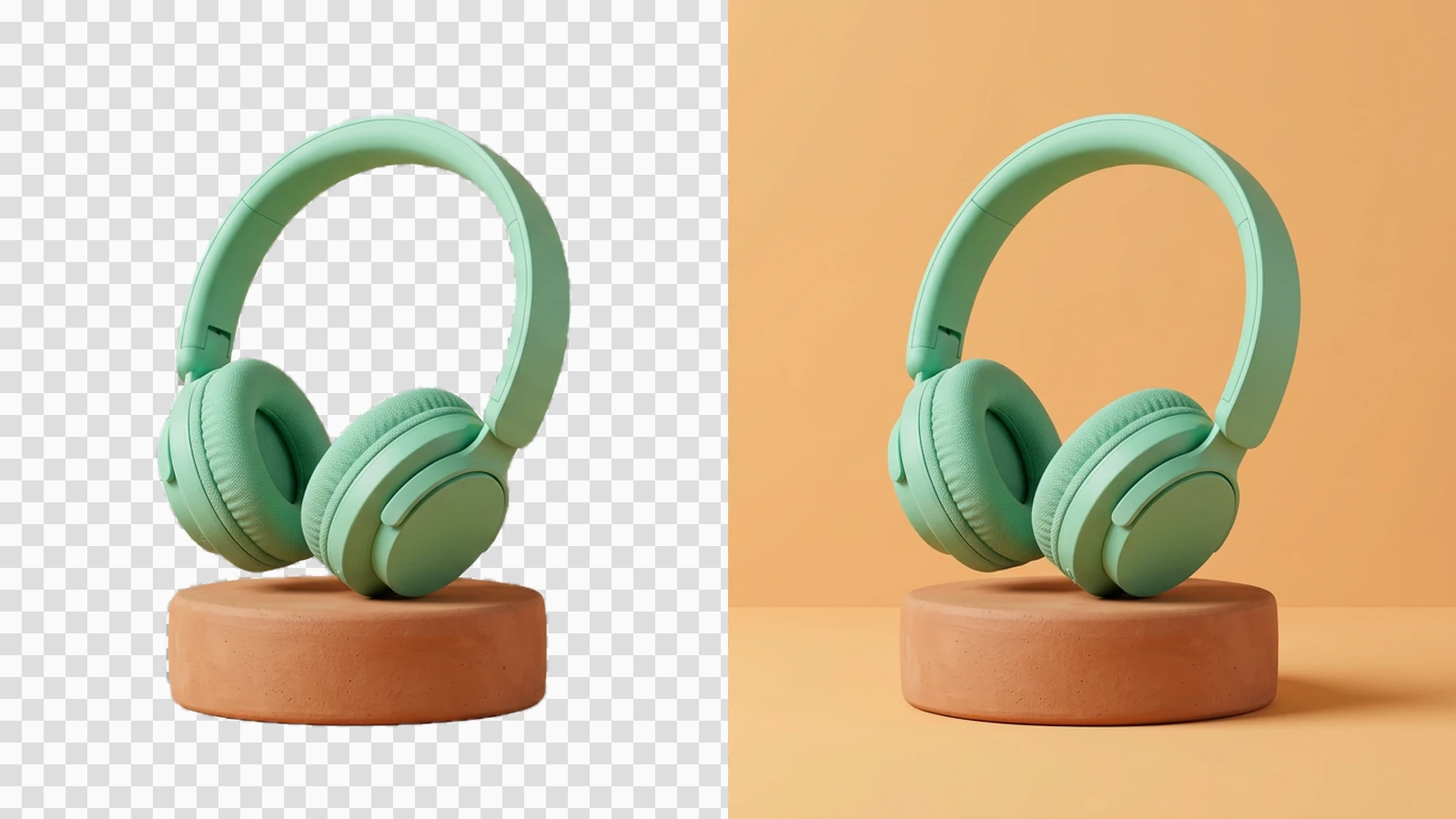
Place a product on a consistent background for a collection.
JPEG · PNG · WebP · 20 MB · 4096 × 4096 px

Create a transparent cutout or replace the background with a solid color.

Explore the possibilities
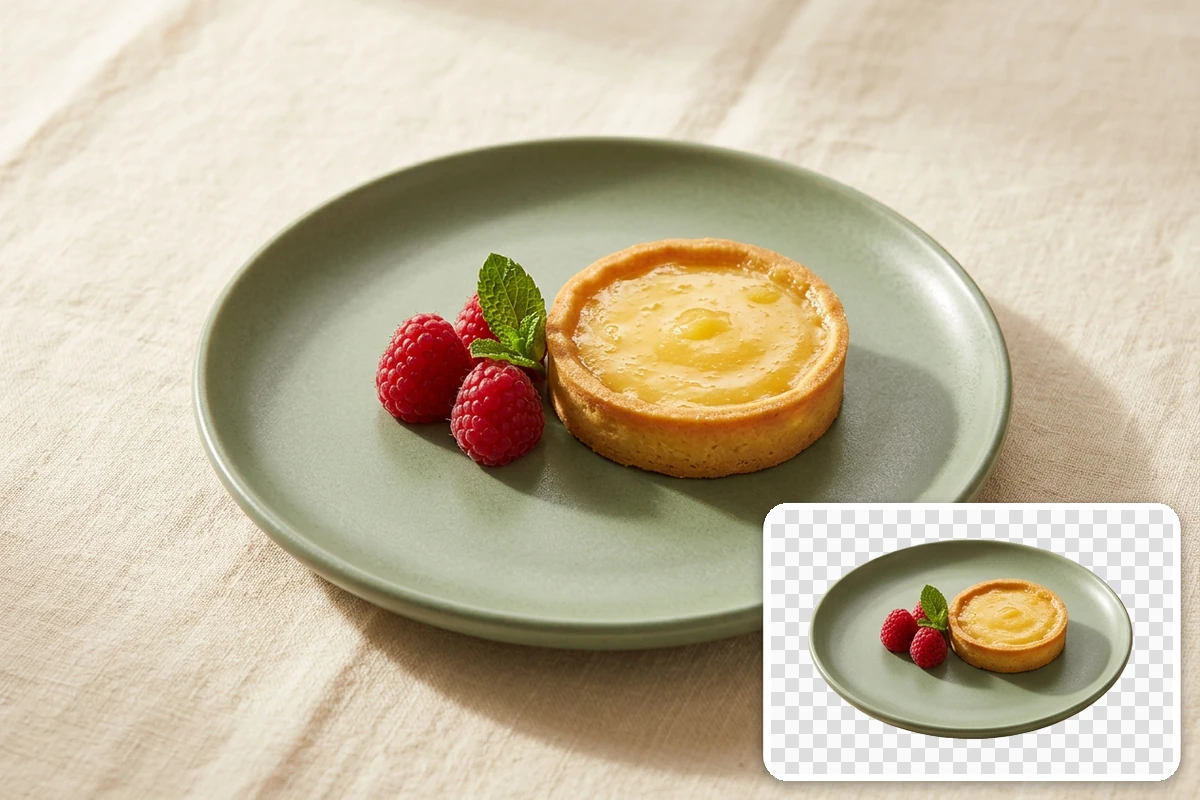
Choose a transparent or solid background to isolate your subject. Inspect hair, curved edges and contact shadows before placing the cutout in a new design.
Controls and output options depend on the selected tool and available model.
Back to the editor
Place a product on a consistent background for a collection.

Separate a portrait for a team page or speaker card.

Leave room around the subject for headlines and graphic elements.

Reuse an isolated subject across slide background colors.
Choose an image or video from your device. Start with the clearest original you have.
Set the relevant controls, choose an available model and review the credits shown beside Generate.
Inspect the finished result against the original. Check important details before downloading or starting another edit.
Yes. Image tools use the same Ottermind credit balance. The price is confirmed before processing, and technical failures are refunded automatically.
Your uploaded images and results are private to your account. Images are sent to the selected model provider for processing.
Your processing tasks are saved to your account. Open History to return to a task and download its result.