Upload image

JPEG · PNG · WebP · 20 MB · 4096 × 4096 px

Settings
Private image
Sample photo: Replace a selected area with a description while keeping the surrounding image.
Sample photo

Replace a selected area with a description while keeping the surrounding image.

Desk lamp moves from a cluttered workspace into a clean marble campaign scene
Illustrative reference, not a result from your upload. Review your own output against the source.

Explore the possibilities

Change one area with a clear direction

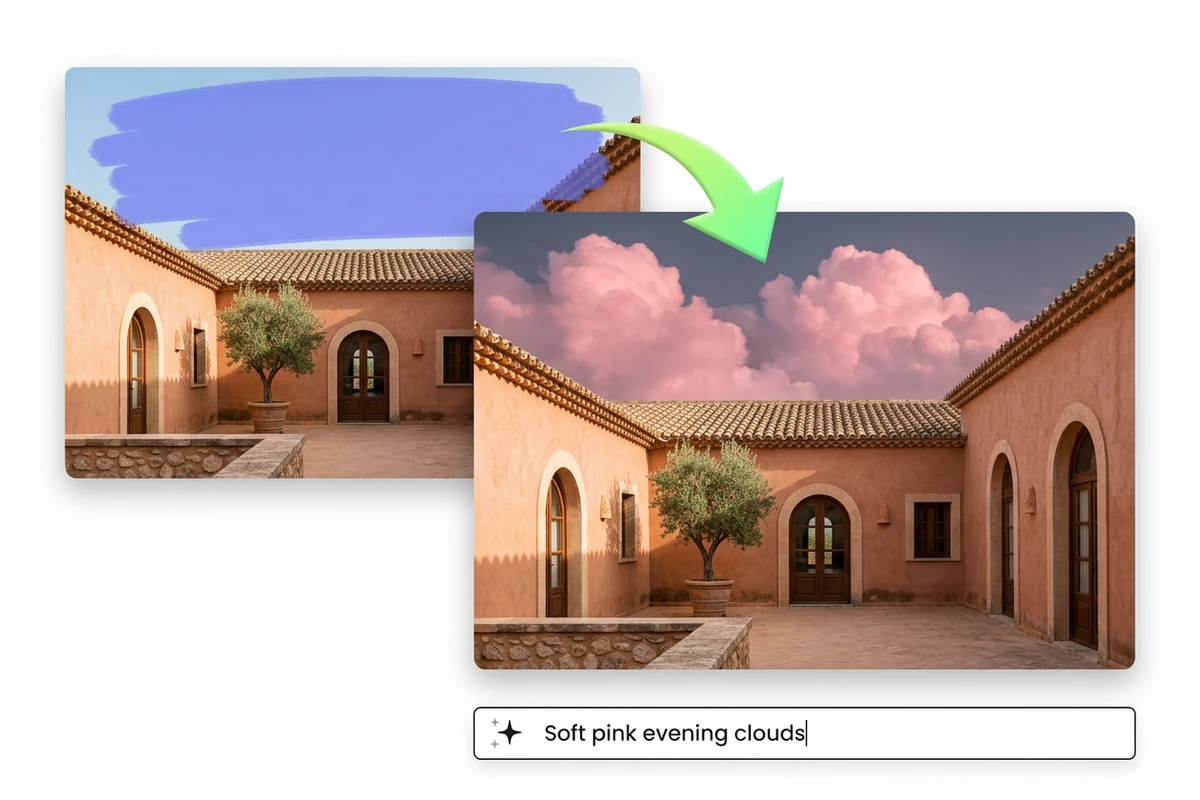
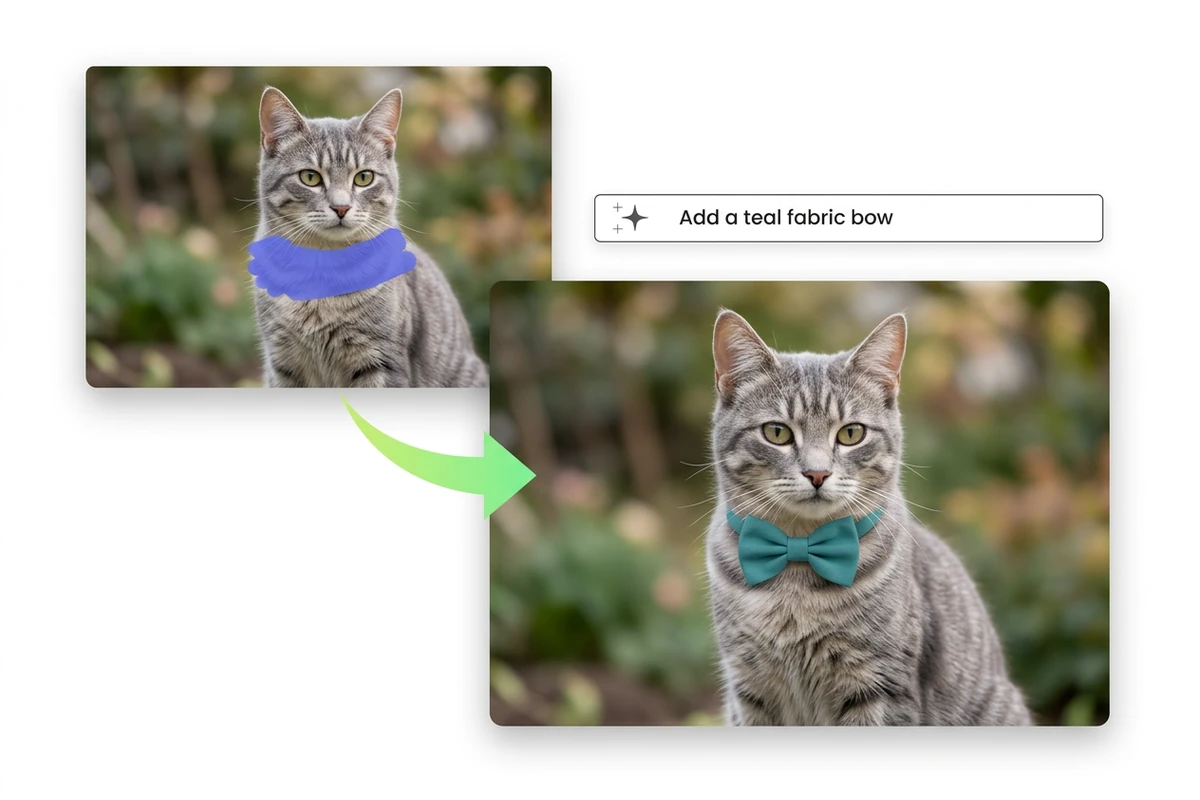
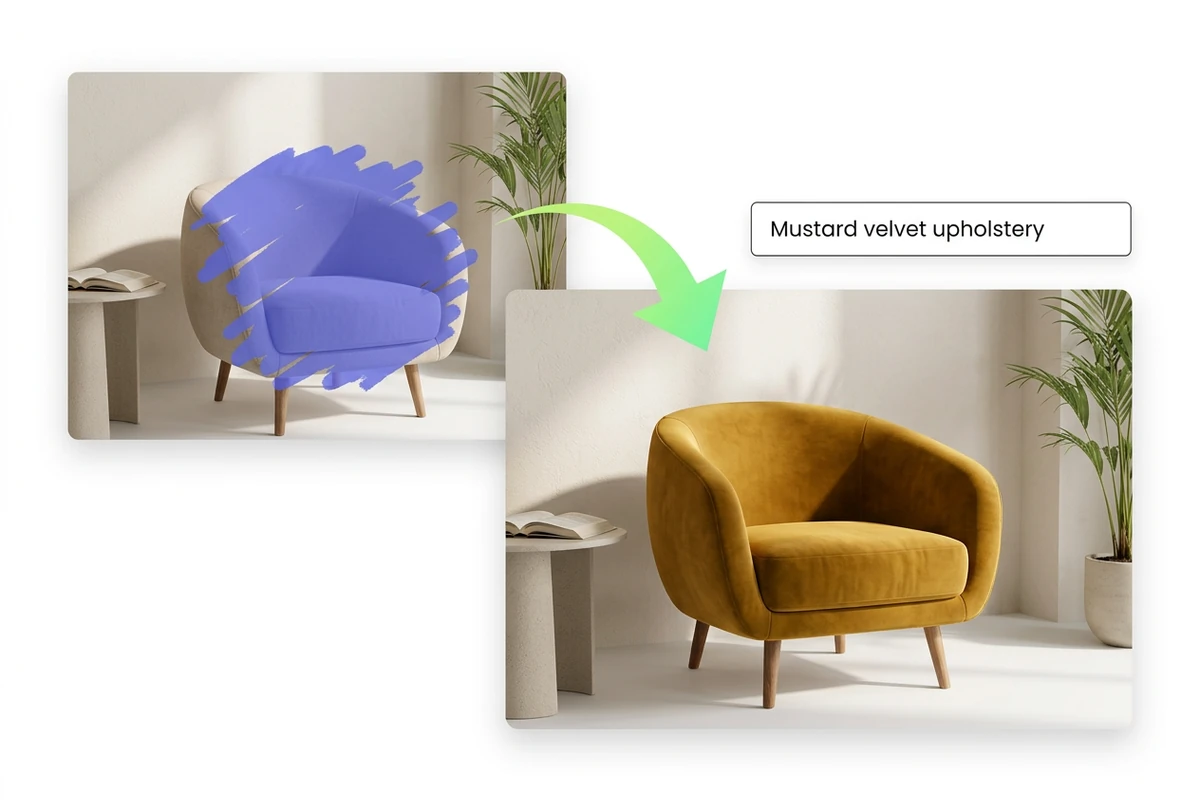
Paint the whole area you want to change, then describe the replacement and its lighting. Include a little surrounding context so edges can blend naturally.

Controls and output options depend on the selected tool and available model.

Back to the editor

What you can do with Ottermind

Desk lamp moves from a cluttered workspace into a clean marble campaign scene

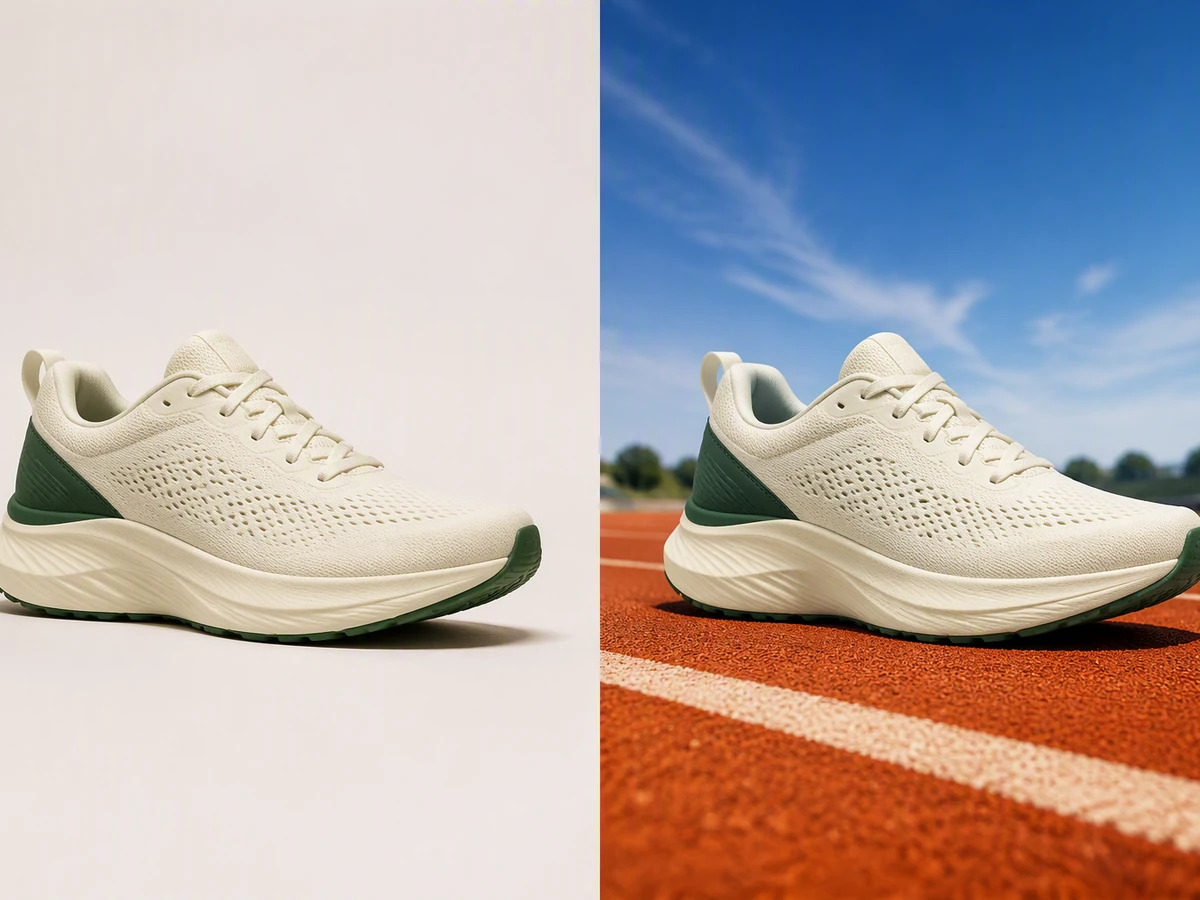
A new background

Select the entire background, including gaps around the subject.

Side-by-side interior photo with the same armchair changed from mustard yellow to teal.

Different materials

Preview a new fabric or finish in a selected area.

Glass carafe catalog shot staged onto a spa campaign board with stone tray

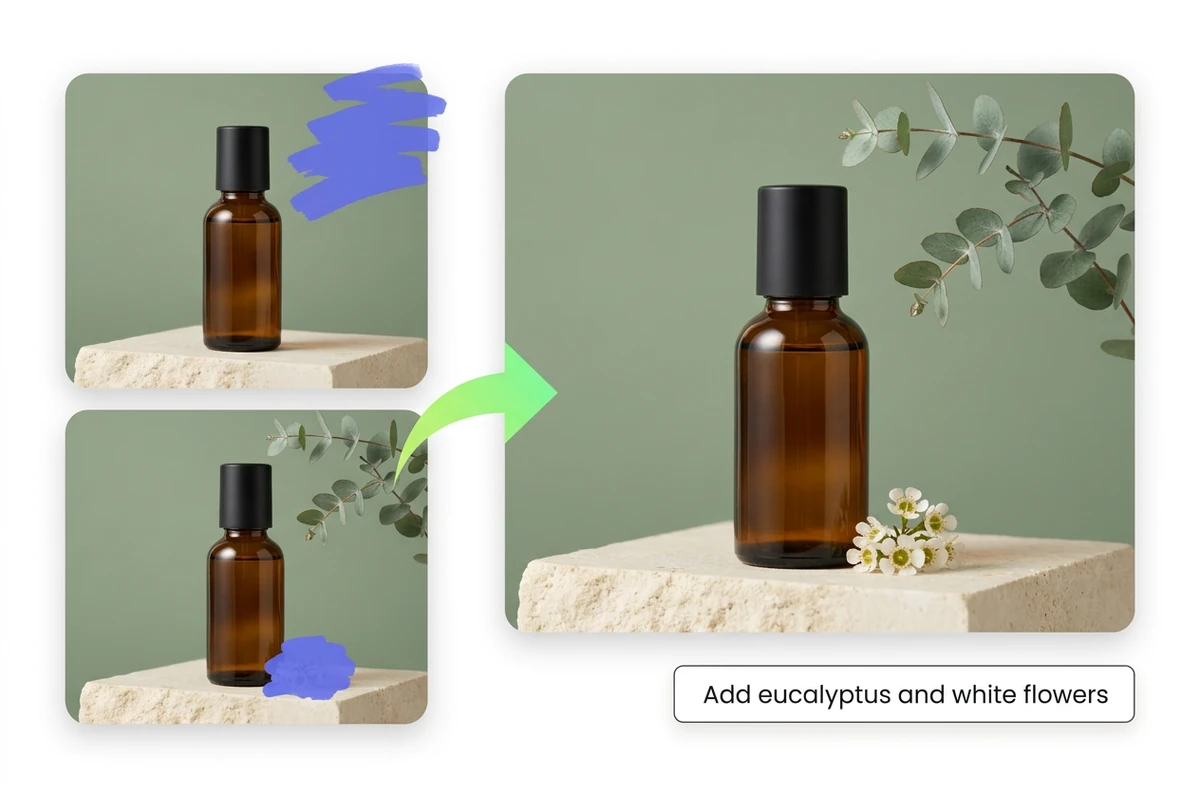
Small replacements

Swap a prop while keeping the wider composition coherent.

Wireless earbuds ad cleans from a cluttered desk into a gradient studio still

Seam repairs

Refine the transition around a previous edit or replacement.

From source to a finished edit

  1. Add your source

    Choose an image or video from your device. Start with the clearest original you have.

  2. Choose the edit

    Set the relevant controls, choose an available model and review the credits shown beside Generate.

  3. Compare and refine

    Inspect the finished result against the original. Check important details before downloading or starting another edit.

More image tools

Questions about your images

Are these my Ottermind credits?

Yes. Image tools use the same Ottermind credit balance. The price is confirmed before processing, and technical failures are refunded automatically.

Are my images public?

Your uploaded images and results are private to your account. Images are sent to the selected model provider for processing.

Can I continue on my phone?

Your processing tasks are saved to your account. Open History to return to a task and download its result.