






Upload image

JPEG · PNG · WebP · 20 MB · 4096 × 4096 px

Settings
Aspect ratio
Private image
Sample photo: Expand the scene by redrawing the full image from your original, with a consistent subject and natural surroundings.
Sample photo

Expand the scene by redrawing the full image from your original, with a consistent subject and natural surroundings.

Tight citrus tart crop expands into a wide banner with linen table setting
Illustrative reference, not a result from your upload. Review your own output against the source.

Explore the possibilities

Give your composition room to grow

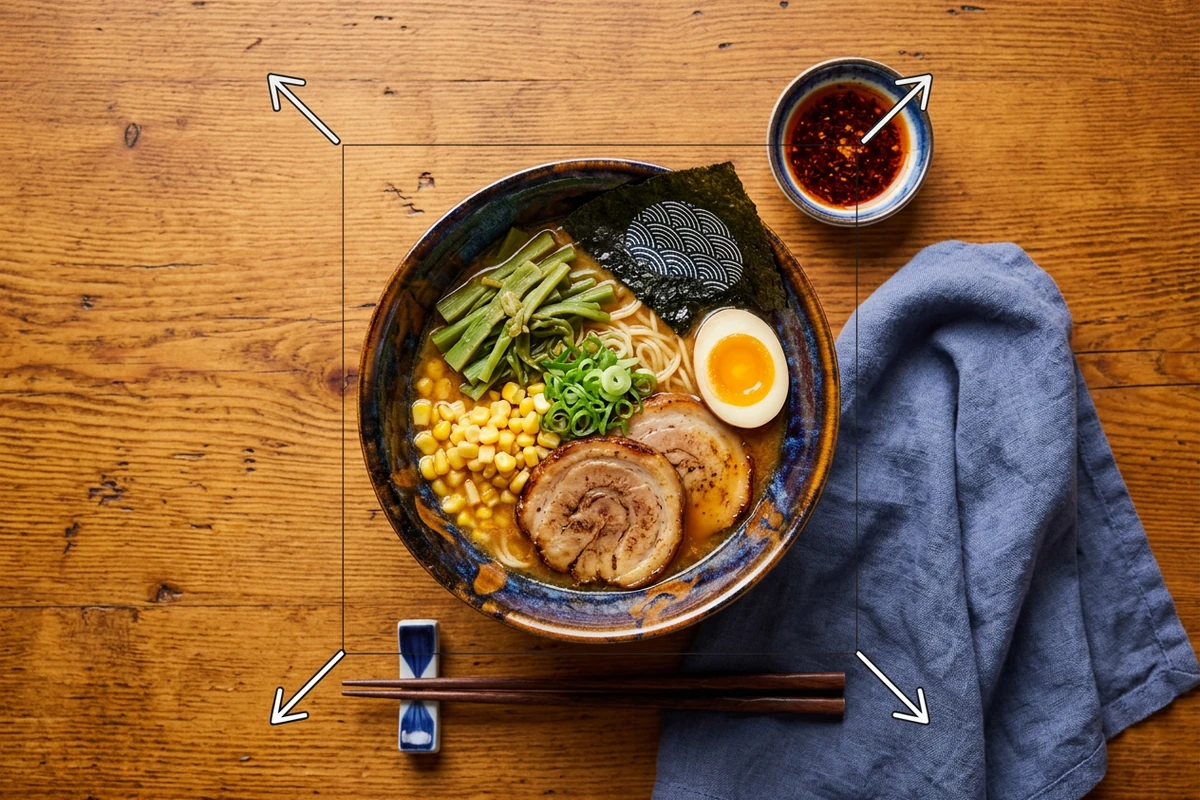
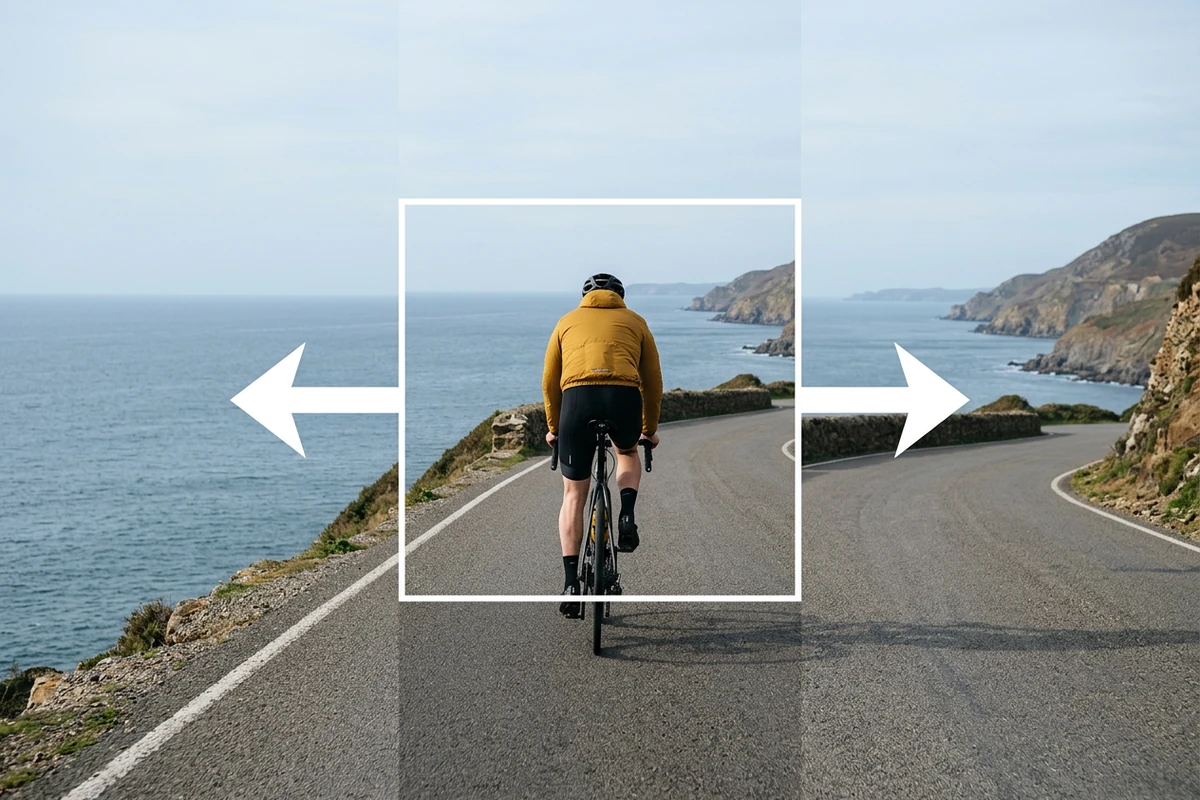
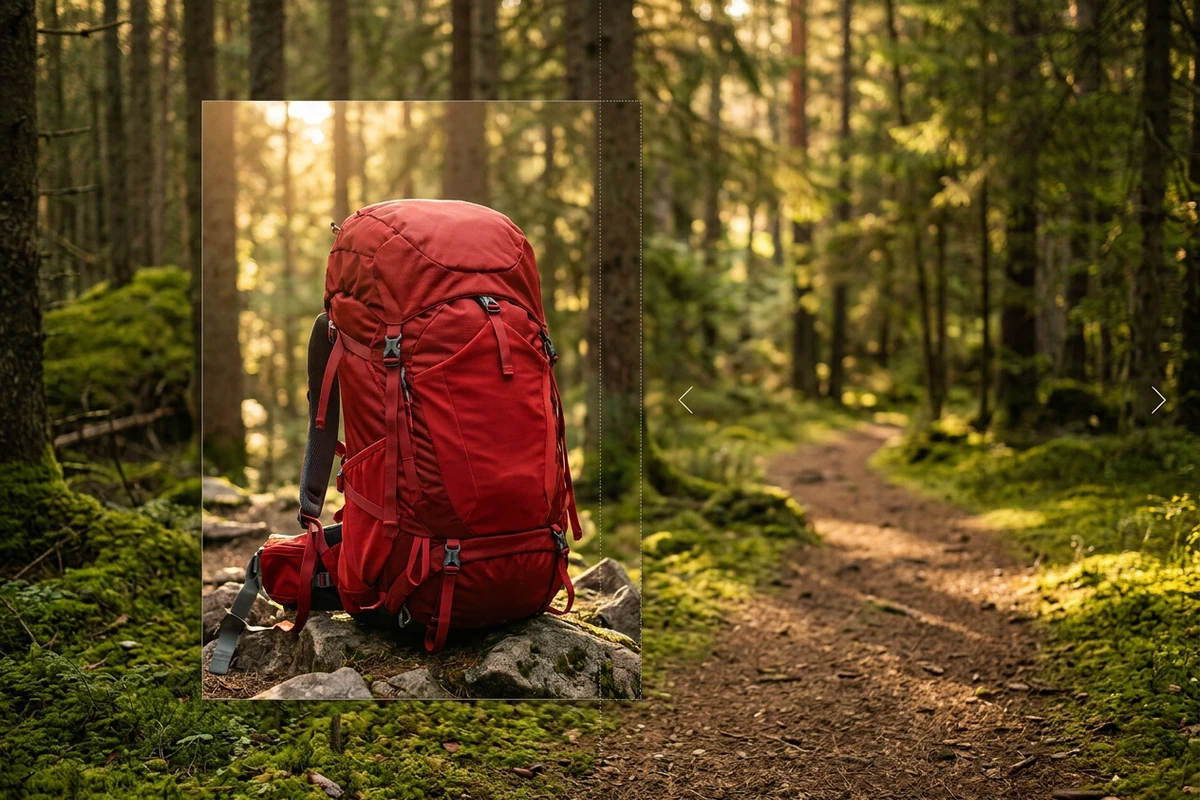
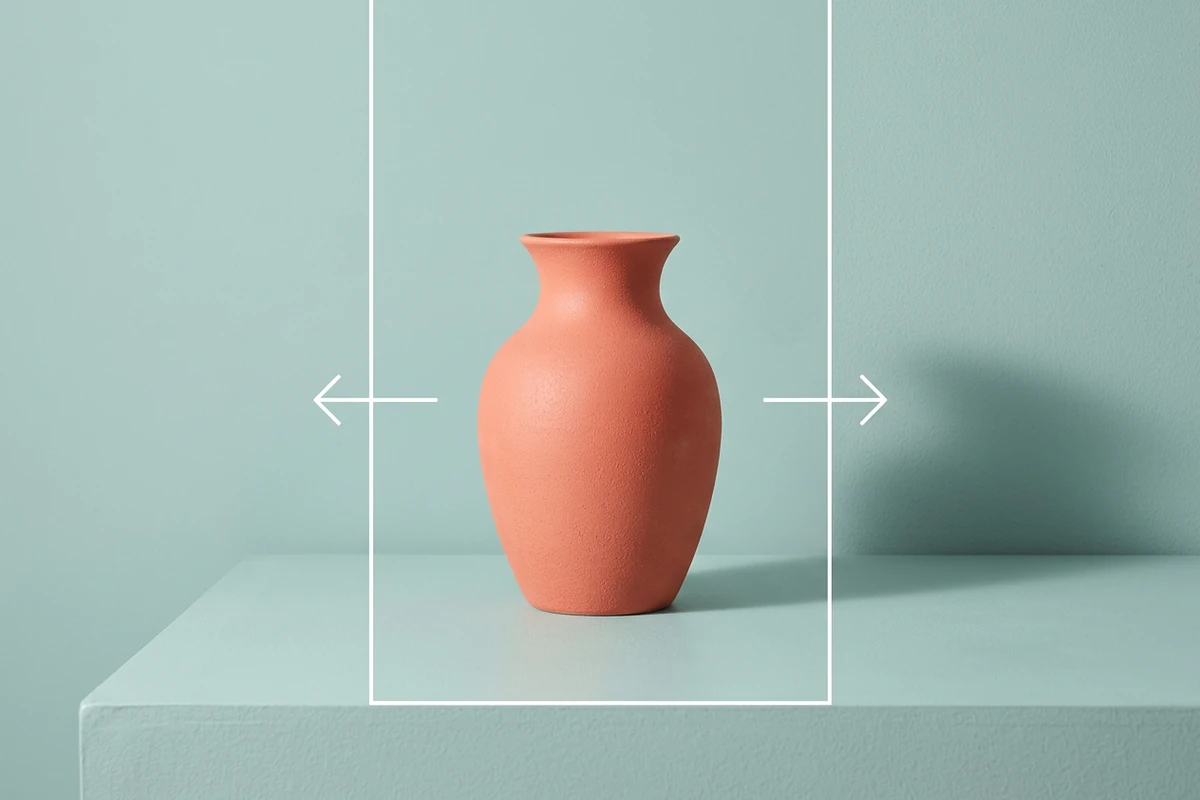
Choose the target aspect ratio and position the source inside the larger canvas. The model redraws the scene to connect the new surroundings with the original subject.

Controls and output options depend on the selected tool and available model.

Back to the editor

What you can do with Ottermind

AI image extender expands a tight fox crop into a wide snowy mountain scene

Vertical stories

Adapt a landscape image with more space above and below.

Tight citrus tart crop expands into a wide banner with linen table setting

Wide banners

Extend a composition sideways to leave room for a headline.

Botanical candle still expanded from a square feed crop into a wide banner frame

Product campaigns

Build breathing room around an item for several ad placements.

Before-and-after comparison of a loosely framed portrait edited into a clean centered professional avatar

Balanced portraits

Rework a tight crop into a more spacious composition.

From source to a finished edit

  1. Add your source

    Choose an image or video from your device. Start with the clearest original you have.

  2. Choose the edit

    Set the relevant controls, choose an available model and review the credits shown beside Generate.

  3. Compare and refine

    Inspect the finished result against the original. Check important details before downloading or starting another edit.

More image tools

Questions about your images

Are these my Ottermind credits?

Yes. Image tools use the same Ottermind credit balance. The price is confirmed before processing, and technical failures are refunded automatically.

Are my images public?

Your uploaded images and results are private to your account. Images are sent to the selected model provider for processing.

Can I continue on my phone?

Your processing tasks are saved to your account. Open History to return to a task and download its result.