Upload image

JPEG · PNG · WebP · 20 MB · 4096 × 4096 px

Settings
Private image
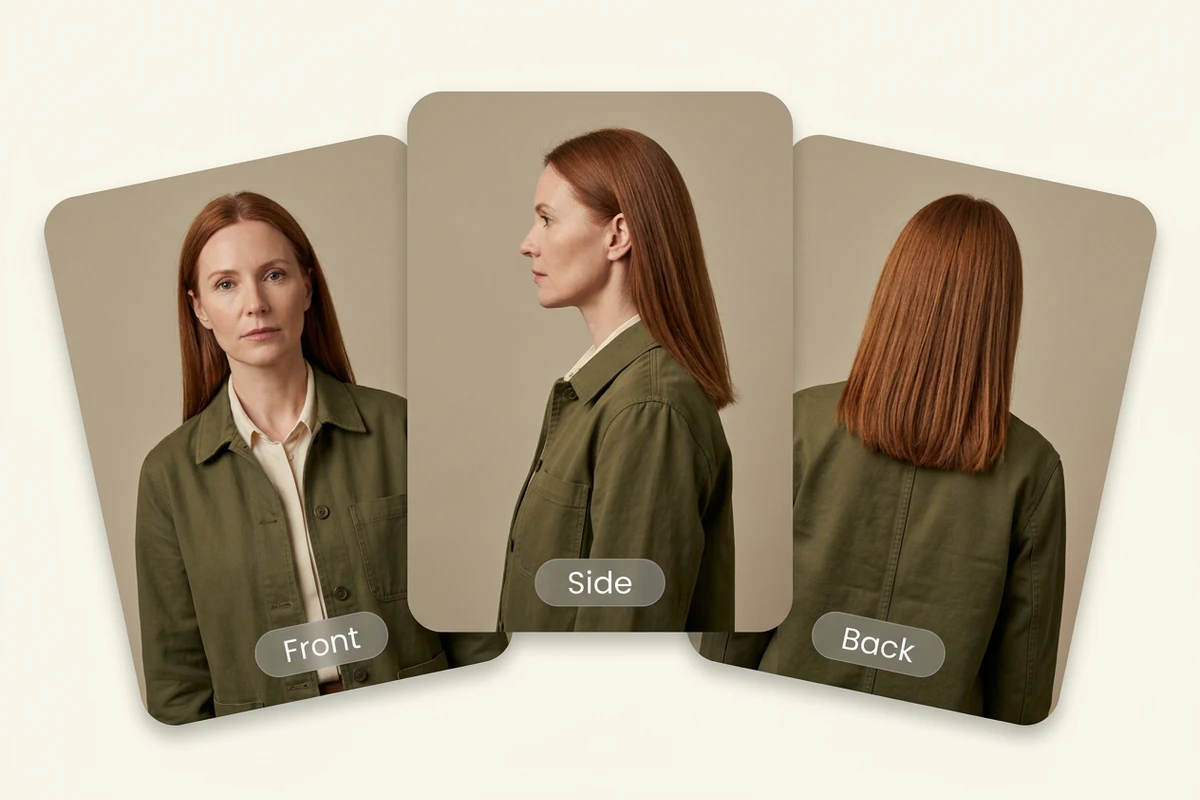
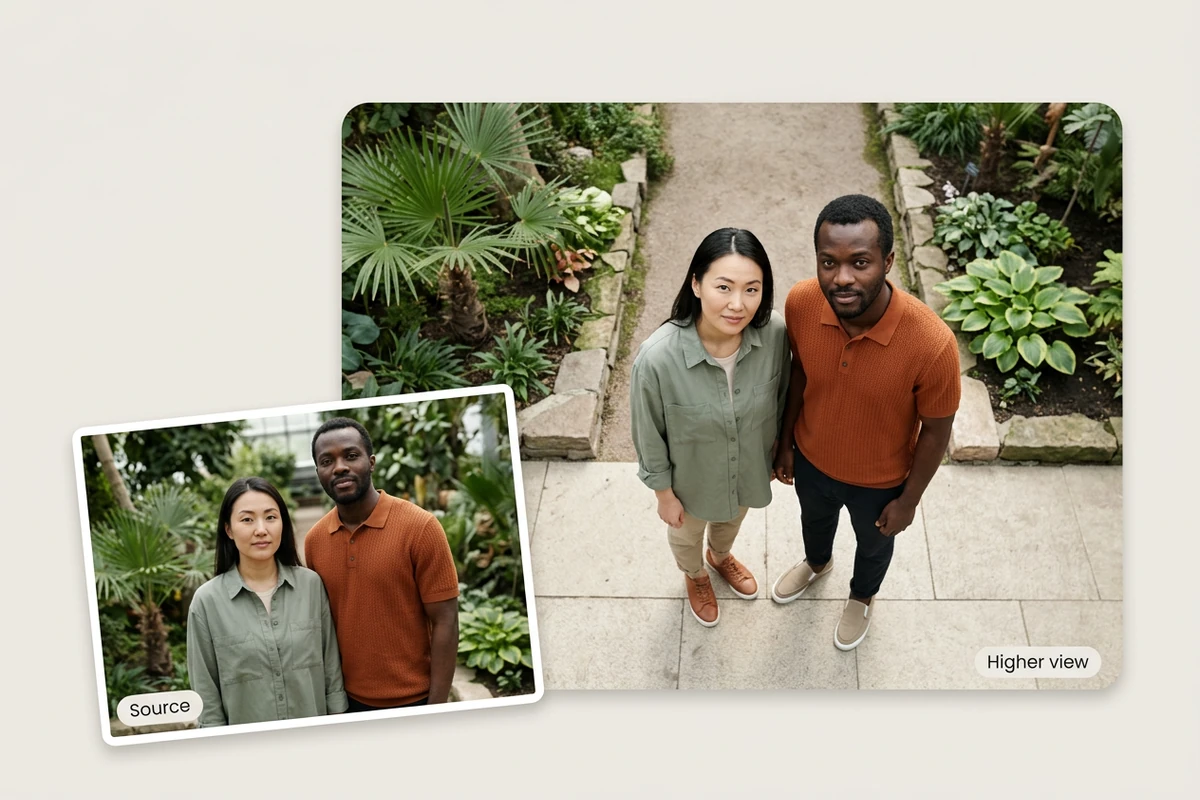
Sample photo: Explore new perspectives with horizontal rotation, tilt and camera distance.
Sample photo

Explore new perspectives with horizontal rotation, tilt and camera distance.

Structured cobalt handbag shown on a neutral plinth and in a modern gallery setting
Illustrative reference, not a result from your upload. Review your own output against the source.

Explore the possibilities

Explore another view of your idea

Adjust rotation, tilt and camera distance to explore a new composition. Unseen surfaces are generated, so check product geometry and identity before using the result.

Controls and output options depend on the selected tool and available model.

Back to the editor

What you can do with Ottermind

Structured cobalt handbag shown on a neutral plinth and in a modern gallery setting

Product viewpoints

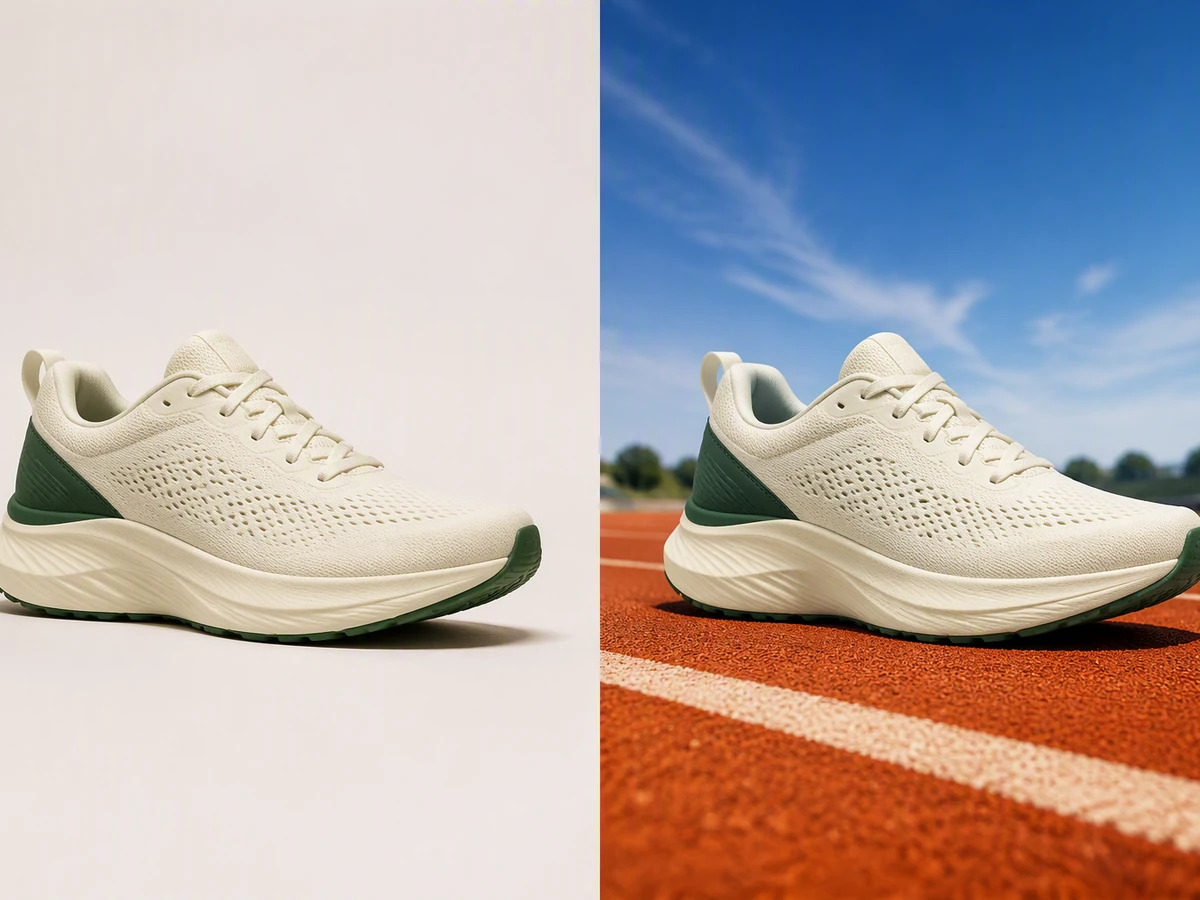
Preview a different view of an item for a campaign concept.

Classic teal road bicycle shown at a slight angle on a transparent background.

Camera studies

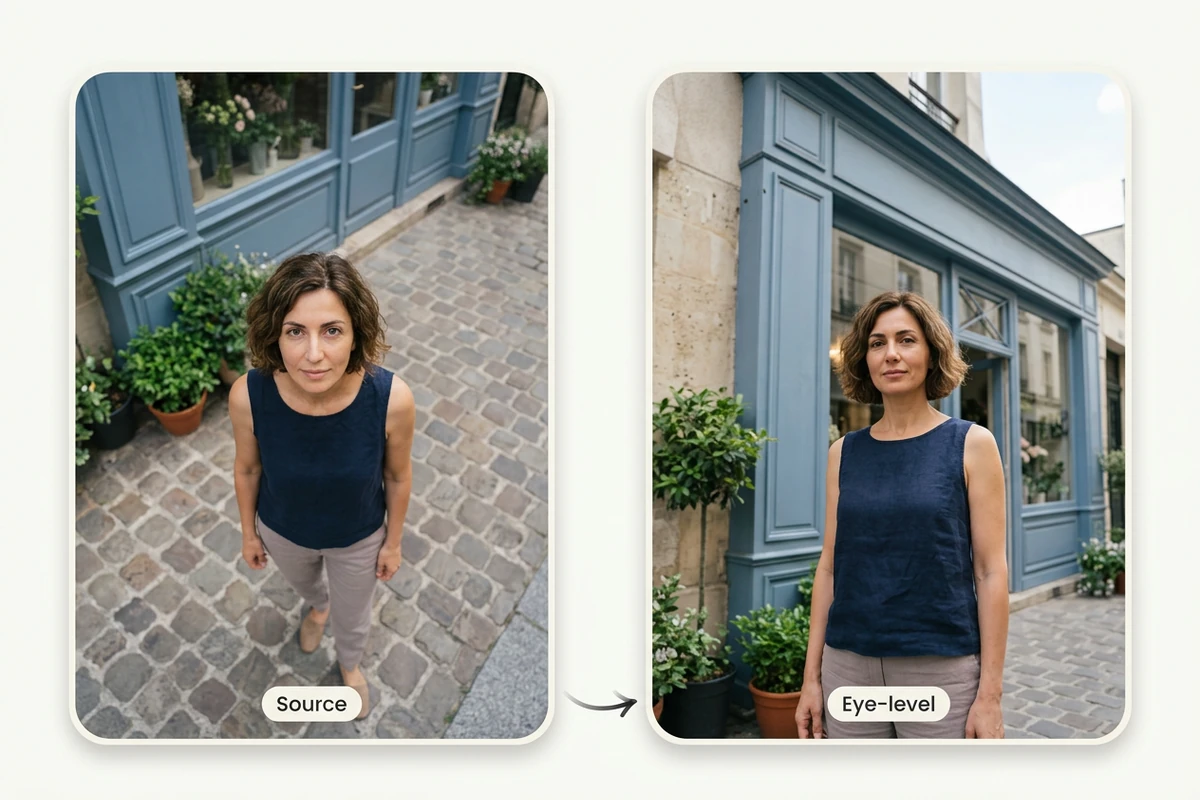
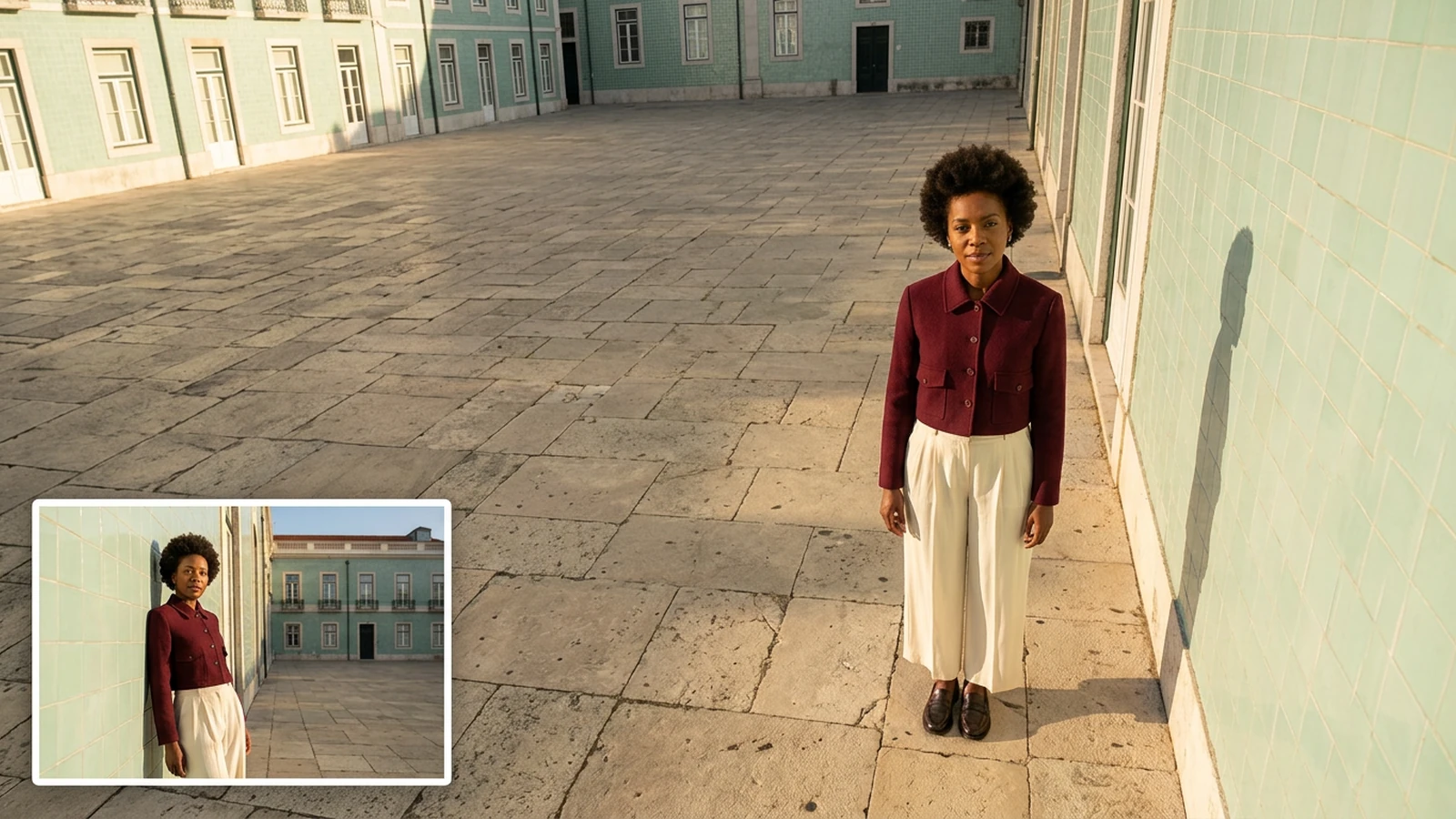
Compare a higher or lower viewpoint for a scene.

Unbranded ceramic pour-over coffee maker being used at a bright breakfast table

Composition options

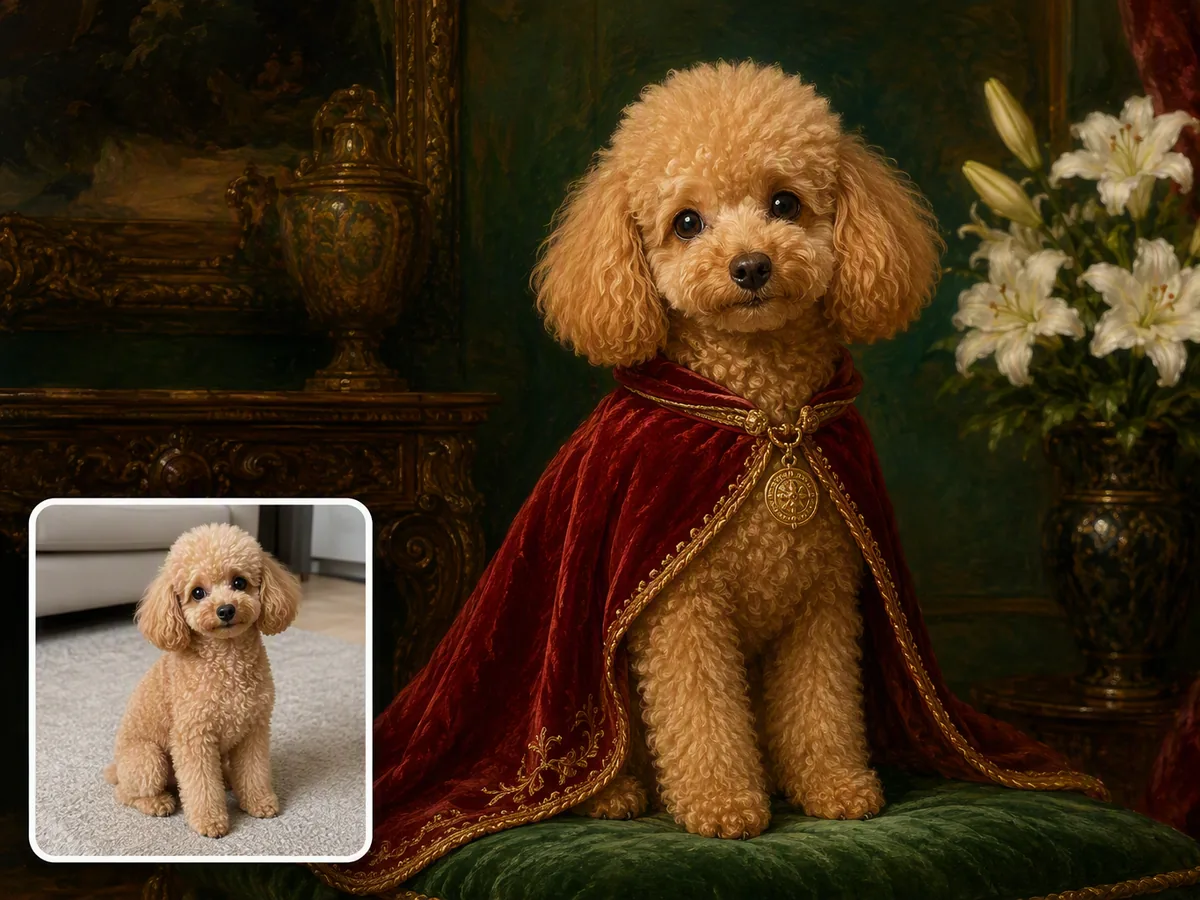
Try a closer or wider interpretation around the same subject.

Several ad hook variations generated from one product photo

Storyboard references

Explore camera directions before planning a shoot or animation.

From source to a finished edit

  1. Add your source

    Choose an image or video from your device. Start with the clearest original you have.

  2. Choose the edit

    Set the relevant controls, choose an available model and review the credits shown beside Generate.

  3. Compare and refine

    Inspect the finished result against the original. Check important details before downloading or starting another edit.

More image tools

Questions about your images

Are these my Ottermind credits?

Yes. Image tools use the same Ottermind credit balance. The price is confirmed before processing, and technical failures are refunded automatically.

Are my images public?

Your uploaded images and results are private to your account. Images are sent to the selected model provider for processing.

Can I continue on my phone?

Your processing tasks are saved to your account. Open History to return to a task and download its result.