






Meeting Minutes Generator for Decisions and Action Items

Brief attendees, agenda topics, decisions, and action owners. Generate scannable meeting minutes, then revise until every task has a name and a due date.

AI writing
Claude
GitHub
Google
Linear
Microsoft
Monday
Netlify
Notion
OpenAI
Sentry
Slack
Stripe
Supabase
Claude
GitHub
Google
Linear
Microsoft
Monday
Netlify
Notion
OpenAI
Sentry
Slack
Stripe
Supabase
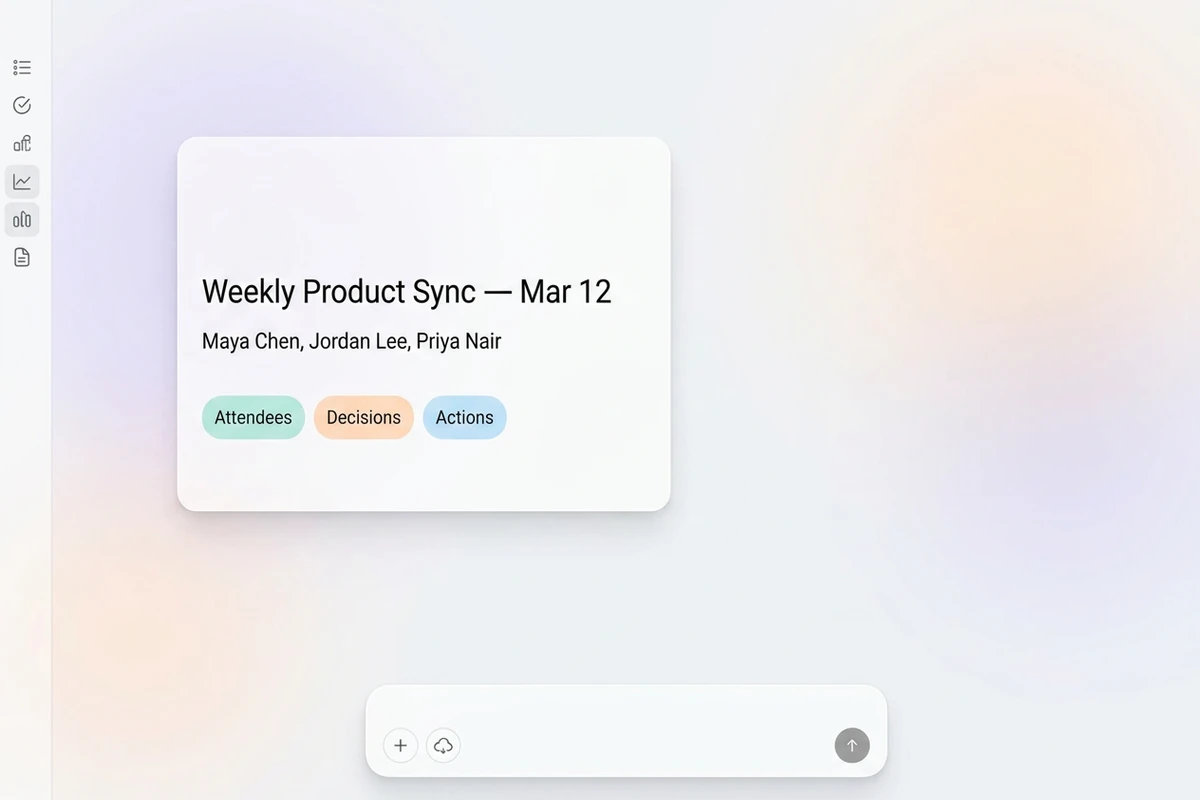
Soft asymmetric composer card with meeting title, attendees, and Attendees, Decisions, and Actions chips on quiet pastel mist.

Brief outcomes, not every sentence

Start this meeting minutes generator with the meeting title, attendees, agenda topics, and what was decided or assigned. Vague “summarize the call” prompts return walls of dialogue nobody rereads. If you still need a recording-to-notes workflow first, use the AI Note Taker.
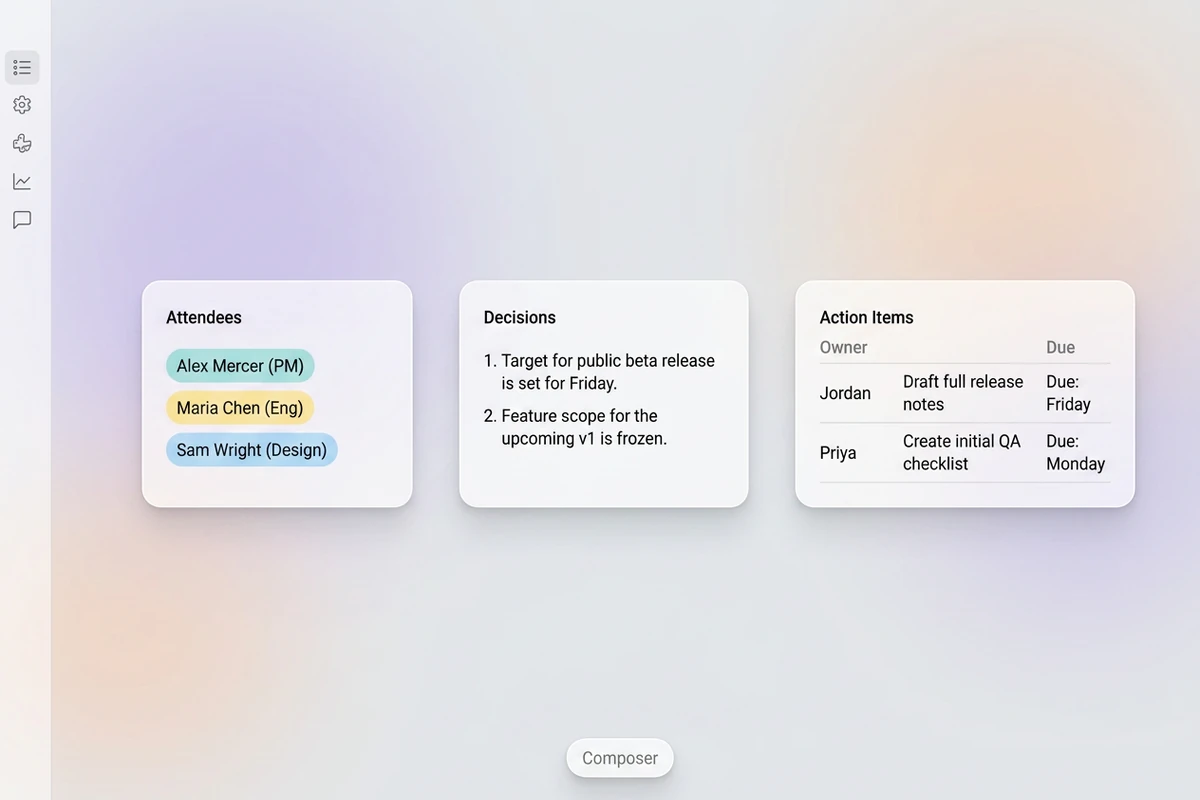
Soft beat-strip workspace with three panels for Attendees, Decisions, and Action items showing Owner and Due.

Structure decisions and owners

Ask for header, attendees, agenda sections, explicit decisions, and action items as verb + task + owner + due date. A revise pass that names owners usually beats regenerating from a messy transcript. Sharper revision prompts follow How to Write AI Prompts That Actually Work.

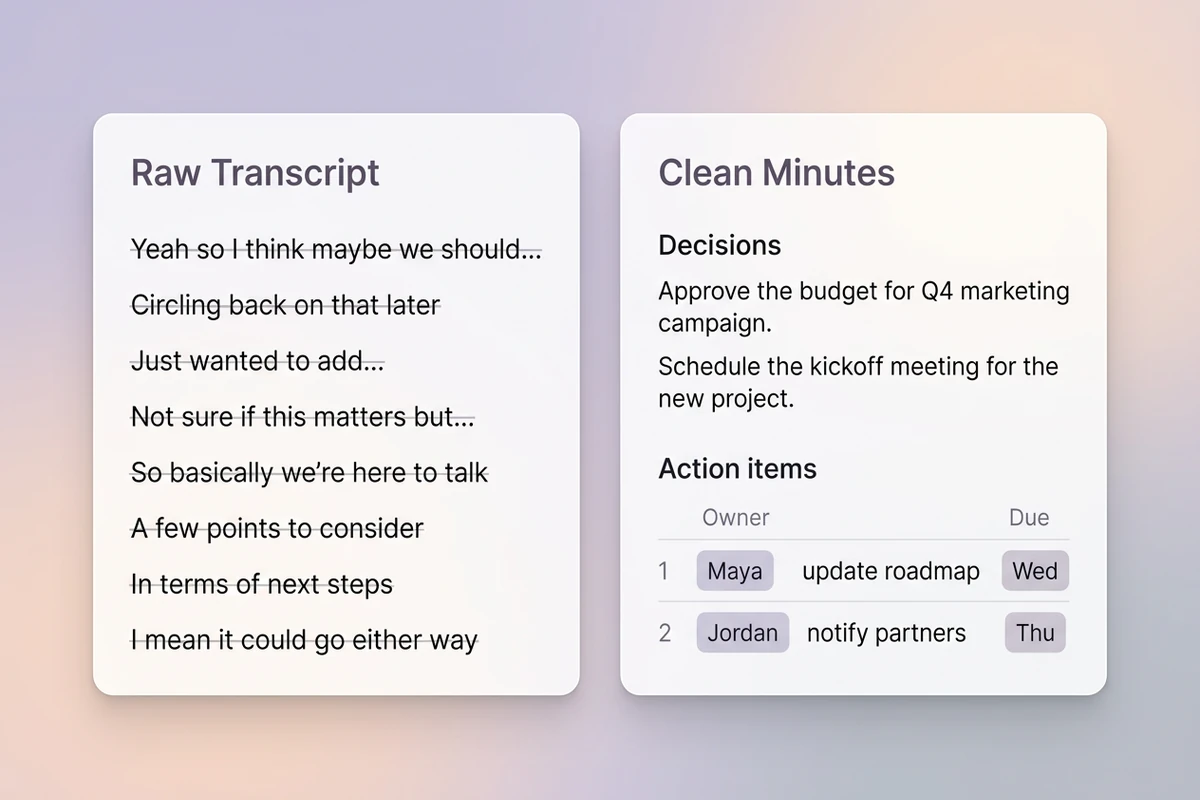
Soft split comparison of a raw transcript fluff wall versus clean decisions and owner-due action items.

Cut transcript fluff before you send

Remove side chatter, opinions, and “the team will look into it.” Flag missing owners or dates instead of inventing them. After minutes are stable, share with the AI Email Generator or brief stakeholders with the Executive Summary Generator.

How to use this meeting minutes generator

Step 01

Lock the outcome brief

List title, date, attendees, agenda topics, decisions, and any known actions. Refuse empty “make nice minutes” prompts with no facts.

Step 02

Generate the first draft

Produce a scan-friendly record: decisions up top of each topic, then owner-due actions, then parked questions.

Step 03

Run an accountability pass

Check owners and dates against the brief, then send only after a human would defend the record.

Why creators choose Ottermind

Decisions before dialogue

Brief what was agreed so this meeting minutes generator does not dump a transcript nobody will reread.

Project context retained

Keep prior agendas, owners, and open questions organized while you refine the same meeting thread.

Focused revision passes

Ask separately for sharper decisions, missing due dates, or fewer opinions without discarding the brief.

Compare minutes variants

Generate a short standup version and a fuller governance version against the same outcomes.

Follow-up writing continuity

Circulate approved minutes with the AI Email Generator once owners and dates are locked.

Continue in Studio

Take the accepted meeting minutes into Studio with the original outcome brief still attached for final polish.

FAQ

What is a meeting minutes generator?

A meeting minutes generator turns meeting facts into a structured record with attendees, decisions, and action items. In Ottermind, you supply outcomes and owners, generate with collaborating agents, then verify before sharing. It does not replace facilitation judgment or invent who owns a task.

What should I include in the prompt?

Include meeting title, date, attendees, agenda topics, decisions in plain language, and action items with owners and due dates when known. Vague “summarize everything said” prompts usually return unread fluff.

How is this different from an AI note taker?

An AI note taker captures and distills recordings or live notes. Meeting minutes are the shareable decision record with owners and due dates. For recording-first capture, use the AI Note Taker.

Can this invent owners or deadlines?

It should not. Instruct the draft to use only supplied facts and to flag missing owners or dates instead of guessing. You remain responsible for the circulated record.

What makes a good action item?

Use verb + specific task + named owner + due date. “The team will look into pricing” is not an action item; “Priya drafts pricing options by Thursday” is.

What should I create after the meeting minutes?

Verify owners and dates, then send with the AI Email Generator. For a one-page stakeholder brief of the same outcomes, use the Executive Summary Generator.

Discover more

What they say about Ottermind

Ottermind helped us turn a rough campaign brief into several strong visual directions without losing the original intent. We could compare different compositions, keep the references beside the work, and refine the strongest concept in one place. That made the entire review process feel faster and much more focused.

Maya Chen - Product Marketing Lead

More from the blog

Draft meeting minutes people can act on

Bring attendees, decisions, and owner-due actions. Generate clear meeting minutes with this meeting minutes generator, revise carefully, and keep the outcome brief connected in Ottermind.

Write minutes


