Executive Summary Generator for Decision-Ready One-Page Briefs

Brief the objective, key findings with metrics, recommendation, and the decision needed. Generate a scannable one-page executive summary, then revise for accuracy before you send.

AI writing
Claude
GitHub
Google
Linear
Microsoft
Monday
Netlify
Notion
OpenAI
Sentry
Slack
Stripe
Supabase
Claude
GitHub
Google
Linear
Microsoft
Monday
Netlify
Notion
OpenAI
Sentry
Slack
Stripe
Supabase
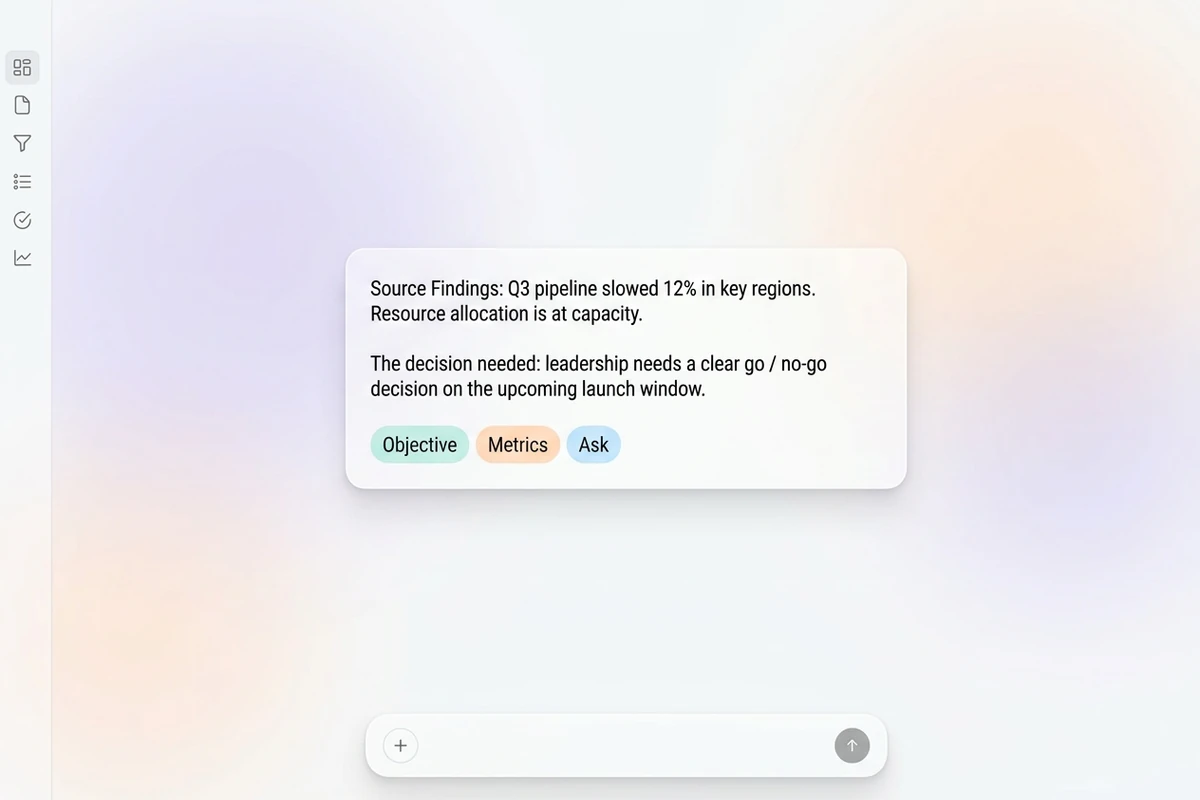
Soft floating composer card with source findings, a decision ask, and Objective, Metrics, and Ask chips on quiet pastel mist.

Brief the decision before you summarize

Start this executive summary generator with the objective, the audience, two or three findings you can defend with numbers, and the decision or approval you need. Paste-only prompts often bury the ask under background. If you only need a shorter general overview first, use the Text Summarizer, then return here for a decision-ready structure.
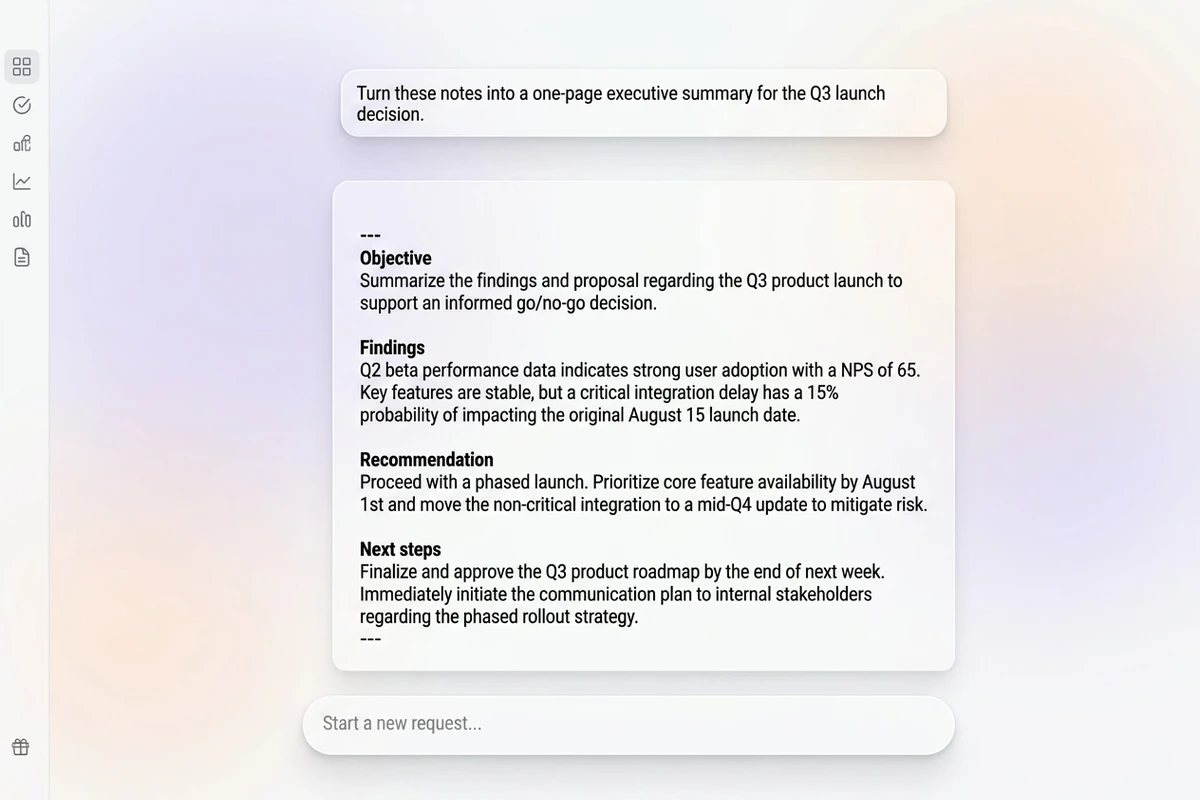
Soft chat-style workspace with a brief card above a one-page executive summary showing Objective, Findings, Recommendation, and Next steps.

Structure a summary leaders can act on

Ask for objective, key findings with metrics, recommendation, risks or constraints, and next steps with owners or dates. A revise pass that moves the decision to the top usually beats regenerating from scratch. Sharper revision prompts follow How to Write AI Prompts That Actually Work.

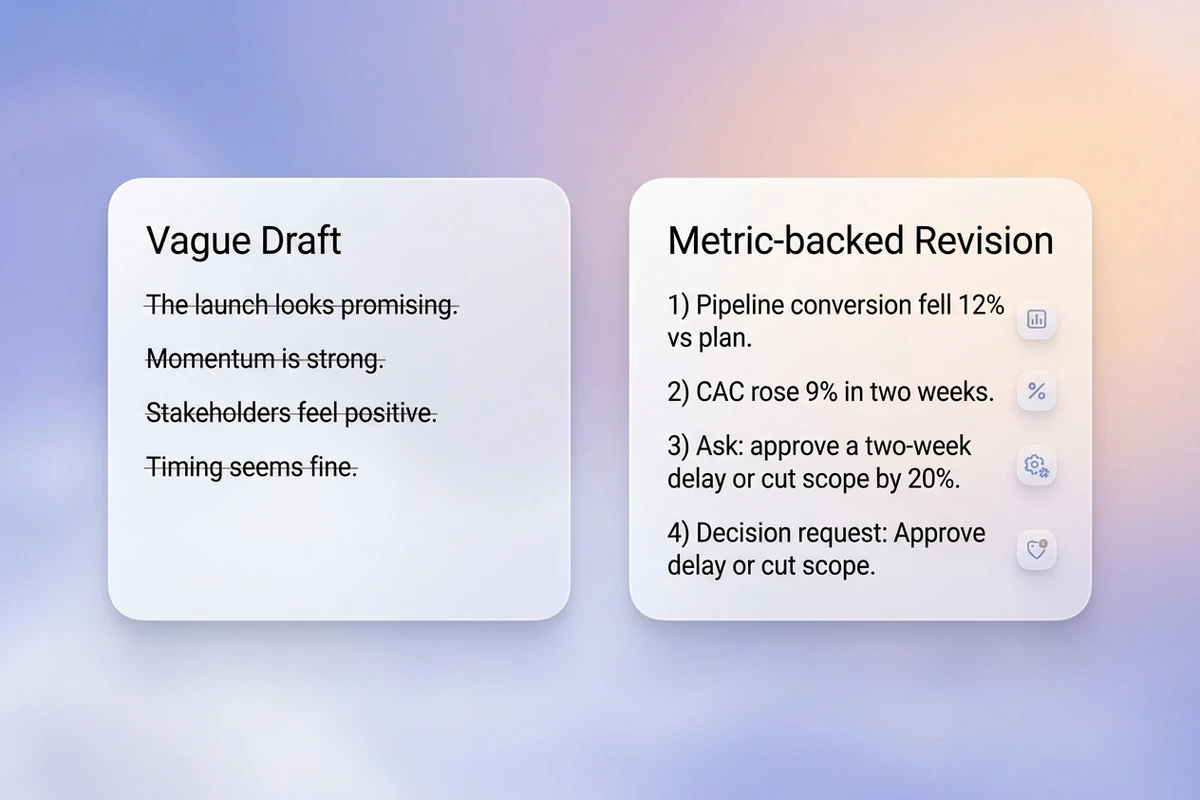
Two soft floating cards comparing a vague struck-through draft with a metric-backed revision that includes a clear decision request.

Replace fluff, then verify every number

Cut vague adjectives, invented ROI, and findings that are not in your source. Keep the approved brief attached for the next memo. After the draft is stable, send it with the AI Email Generator or turn meeting notes into input with the AI Note Taker.

How to use this executive summary generator

Step 01

Lock the decision brief

List document type, audience, objective, findings with metrics you can verify, the decision needed, and top risks. Refuse “summarize this” with no ask.

Step 02

Generate the first draft

Produce a structure you can evaluate: purpose, evidence, recommendation, constraints, and what happens next.

Step 03

Run an accuracy and action pass

Confirm every number against the source, then share only after a reader could decide from the summary alone.

Why creators choose Ottermind

Decision before background

Brief the ask and evidence so this executive summary generator does not bury leaders in context-first fluff.

Project context retained

Keep approved metrics, audience, and prior memos organized while you draft the next executive summary.

Focused revision passes

Ask separately for brevity, board tone, or a stronger decision ask without discarding the brief.

Compare audience variants

Generate a board version and an investor version against the same findings before you choose.

Continue in Studio

Take the accepted executive summary into Studio with the original brief still attached for final polish.

FAQ

What is an executive summary generator?

An executive summary generator turns objectives, findings, and a decision ask into a short, scannable brief for stakeholders. In Ottermind, you supply the evidence and the approval you need, generate a structured draft with collaborating agents, then revise accuracy before sharing. It does not replace your judgment or invent metrics missing from the source.

What should I include in the prompt?

Include the document type and audience, the objective, two or three findings with metrics when you have them, the recommendation or decision needed, risks or constraints, and preferred tone or length. Vague “summarize this report” prompts usually hide the ask and return generic fluff.

How long should an executive summary be?

Most stakeholder briefs work best as one scannable page—often roughly 250–400 words or a short set of labeled sections. Complex proposals may run longer, but if leaders cannot find the decision and next steps quickly, the summary is too diffuse.

How is this different from a text summarizer?

A general summarizer shortens content. An executive summary is a decision aid: objective, evidence, recommendation, risks, and next steps. For a plain cut-down of a long text, use the Text Summarizer. Use this page when the reader must approve or act.

Can this invent metrics for me?

It should not. Instruct the draft to use only numbers from your brief and to flag gaps instead of fabricating ROI, timelines, or market sizes. You remain responsible for every claim in the final summary.

What should I create after the executive summary?

Verify numbers against the source document, then send with the AI Email Generator. If your input started as a meeting, capture notes with the AI Note Taker before regenerating a tighter brief.

Discover more

What they say about Ottermind

Ottermind helped us turn a rough campaign brief into several strong visual directions without losing the original intent. We could compare different compositions, keep the references beside the work, and refine the strongest concept in one place. That made the entire review process feel faster and much more focused.

Maya Chen - Product Marketing Lead

More from the blog

Draft your next executive summary from a clear ask

Bring the objective, findings you can prove, and the decision needed. Generate a scannable executive summary with this executive summary generator, revise carefully, and keep the brief connected in Ottermind.

Write summary