Selection Guide
Best AI Tools for Consultants in 2026
The best AI tools for consultants are not eight interchangeable chatbots. They solve different parts of an engagement. Ottermind is useful for keeping research and related deliverables connected; ChatGPT and Claude handle broad analysis and drafting; Perplexity supports current web research; NotebookLM works from a controlled source set; Fireflies captures meetings; Gamma drafts visual narratives; and Microsoft 365 Copilot fits teams delivering in Word, Excel, and PowerPoint.
Start with the engagement bottleneck, not the longest feature list. Research needs traceable sources, meetings need consent, and client deliverables need human review.
Research and disclosure: Ottermind publishes this guide and is included. We reviewed official product, help, pricing, and privacy materials on July 17, 2026. We did not run a controlled productivity benchmark or test every product with the same client dataset. Features, limits, and prices can change.
Best AI tools for consultants: quick comparison
| Tool | Best for | Useful input | Main output | Important limitation |
|---|---|---|---|---|
| Ottermind | Connected consulting projects | Goals, files, links, notes, and project context | Research, reports, presentations, and related deliverables | Specialist systems may still be better for one narrow task |
| ChatGPT | General analysis and first drafts | Questions, files, instructions, and connected sources | Analysis, outlines, tables, drafts, and research reports | Citations and conclusions still require source review |
| Claude | Long documents and nuanced writing | Reports, transcripts, policies, and detailed context | Memos, critiques, summaries, and polished drafts | Team data controls differ from consumer plans |
| Perplexity | Current web research | Market, company, competitor, and regulatory questions | Cited research answer and source list | A citation does not prove the source supports every claim |
| NotebookLM | Source-grounded synthesis | A selected collection of documents, sites, audio, or slides | Briefings, cited answers, notes, and structured summaries | It is bounded by the sources you provide or discover |
| Fireflies.ai | Meeting capture and follow-up | Recorded meetings | Transcript, summary, topics, and action items | Recording requires appropriate notice and consent |
| Gamma | Fast presentation drafts | Prompt, notes, or an outline | Visual deck or presentation-style document | Client-ready decks usually need factual and brand review |
| Microsoft 365 Copilot | Work inside Office | Organizational files, email, meetings, and Office documents | Word drafts, Excel analysis, and PowerPoint presentations | Value depends on Microsoft 365 setup, access, and data quality |
What consultants actually need from an AI tool
We evaluated each product against shared consulting requirements:
- Evidence and context: Can you inspect sources and work from approved client material?
- Deliverable fit: Does the result become an editable memo, proposal, report, model, deck, or follow-up?
- Data controls: Is the selected plan appropriate for the material?
- Workflow cost: Does it remove a bottleneck or duplicate another subscription?
Official documentation establishes features, not output quality. Test finalists on the same task and remove confidential details unless approved.
1. Ottermind: best for connected client deliverables
Best for: engagements that move from mixed source material to several related outputs.
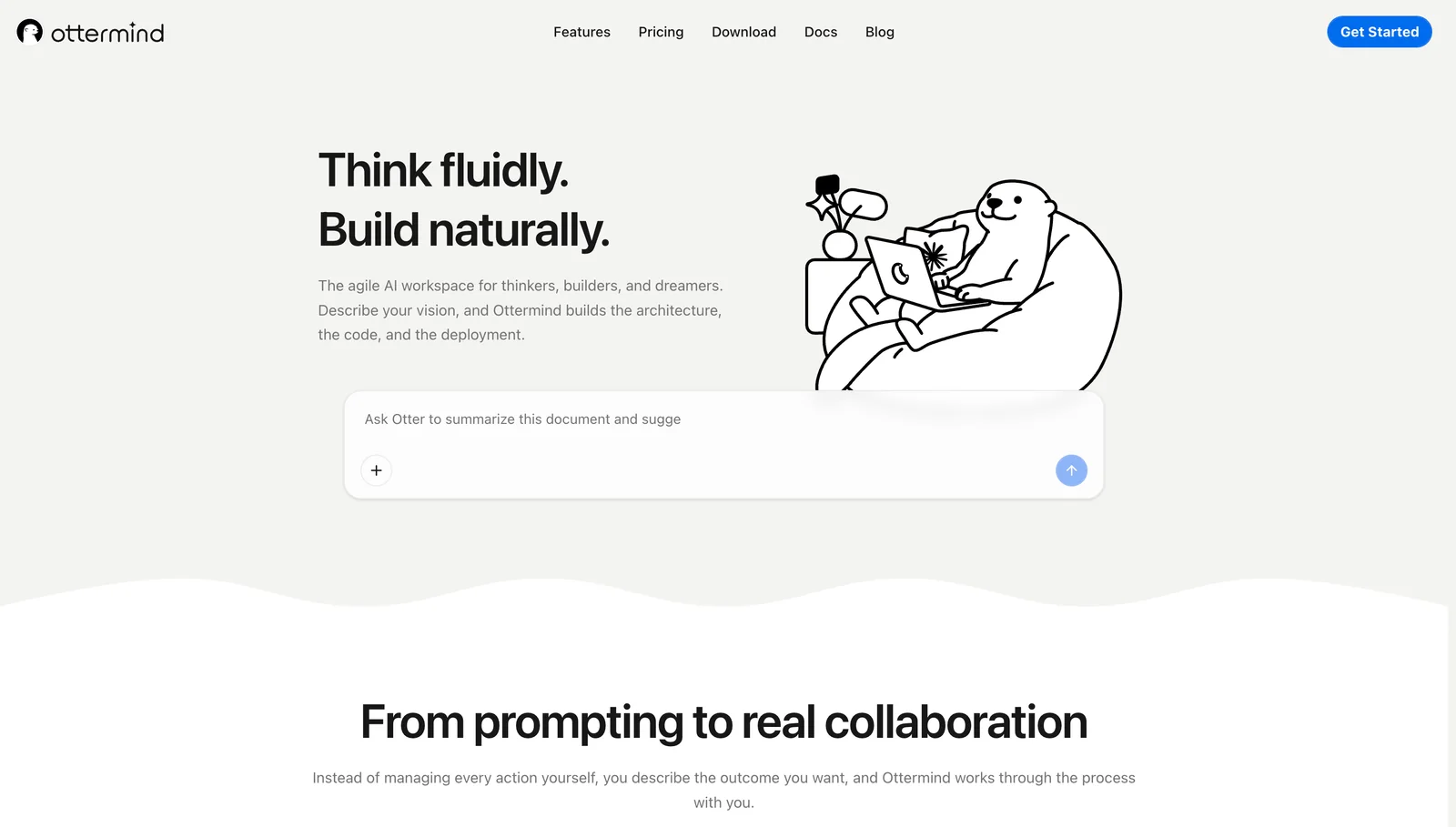
Ottermind is an AI agent workspace for researching, analyzing, transforming, and operating digital tasks. A consultant can begin with a goal, files, links, and notes, then develop related research, reports, presentations, and follow-up work.
Choose it when a deck depends on earlier research or several deliverables must use the same assumptions. Choose a specialist when the only requirement is meeting transcription or spreadsheet modeling.
Ottermind has paid features and a credit system whose consumption can vary by model, complexity, file size, and processing time. Check the current account offer before comparing complete-project cost.
2. ChatGPT: best general-purpose consulting assistant
Best for: framing problems, analyzing files, generating alternatives, and producing structured first drafts.
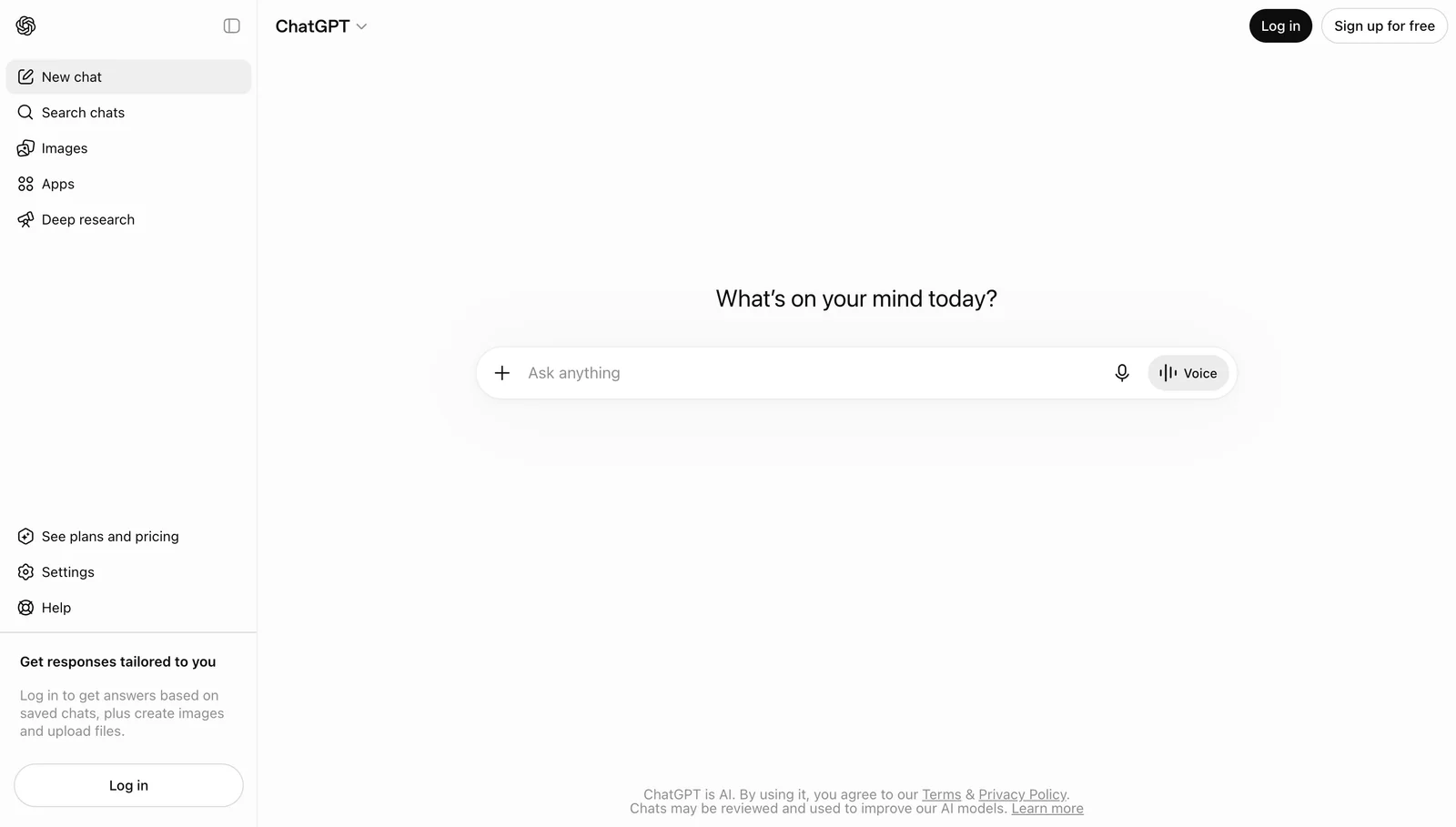
ChatGPT can support market questions, interview synthesis, issue trees, proposal outlines, executive summaries, and basic data analysis. Deep Research handles broader web investigation, while eligible plans offer Projects and connected company sources.
Its breadth is also the risk: a fluent answer can hide a weak assumption. Specify the decision, evidence, audience, format, and exclusions. Open sources, inspect calculations, and compare consumer settings with Business or Enterprise controls before uploading protected information.
3. Claude: best for long documents and careful writing
Best for: reading substantial material and turning it into a coherent memo, report, critique, or client communication.
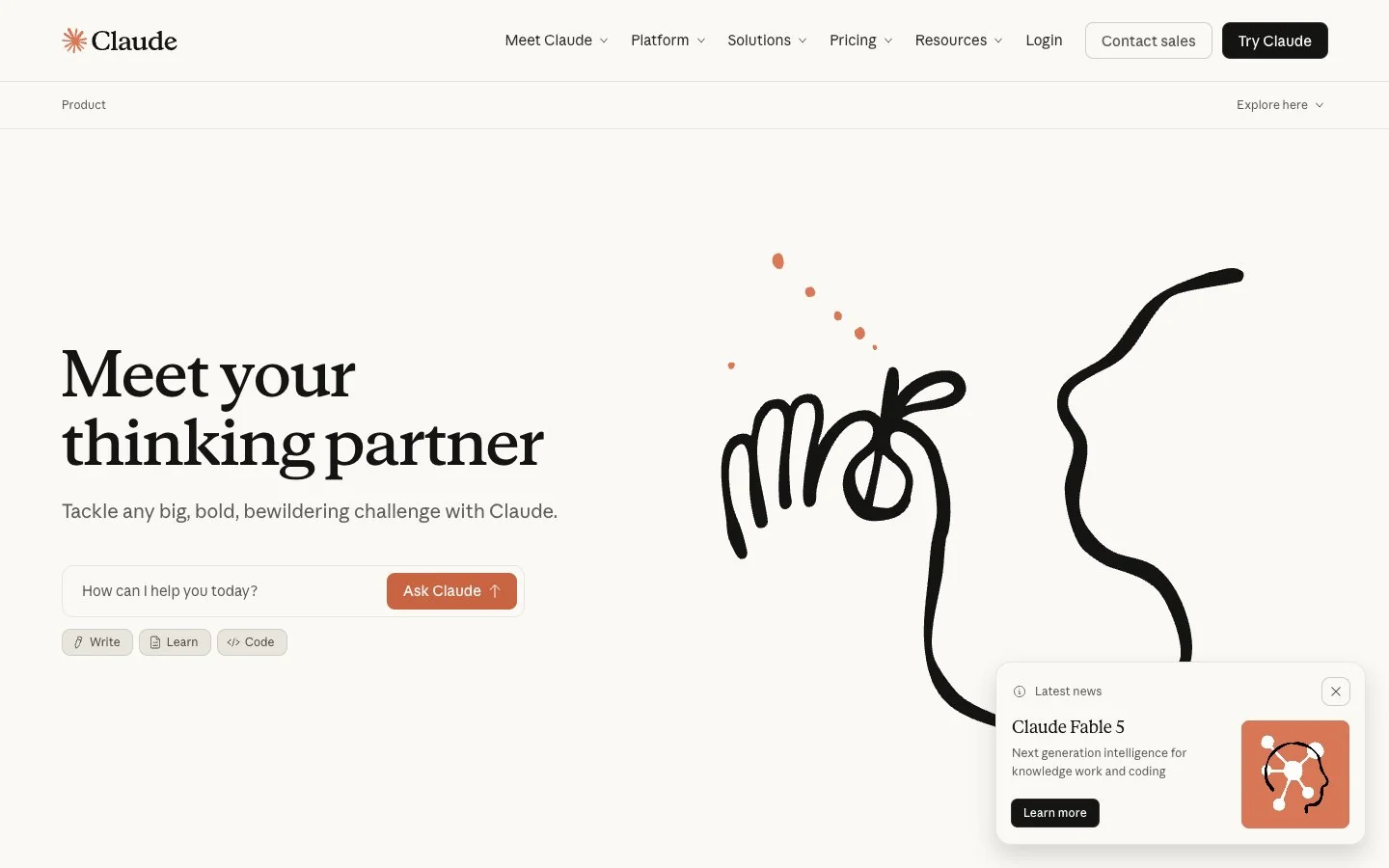
Claude fits long transcripts, policies, research reports, or prior deliverables where nuance must survive a longer draft. Work plans offer Projects and knowledge features; Team and Enterprise add organizational controls.
Use it to challenge an argument, identify missing evidence, or restructure a report. Anthropic states that Claude for Work data is not used for model training unless a customer opts in; consumer and work accounts follow different terms.
4. Perplexity: best for current, cited web research
Best for: market scans, competitor updates, company preparation, and questions that depend on recent public information.
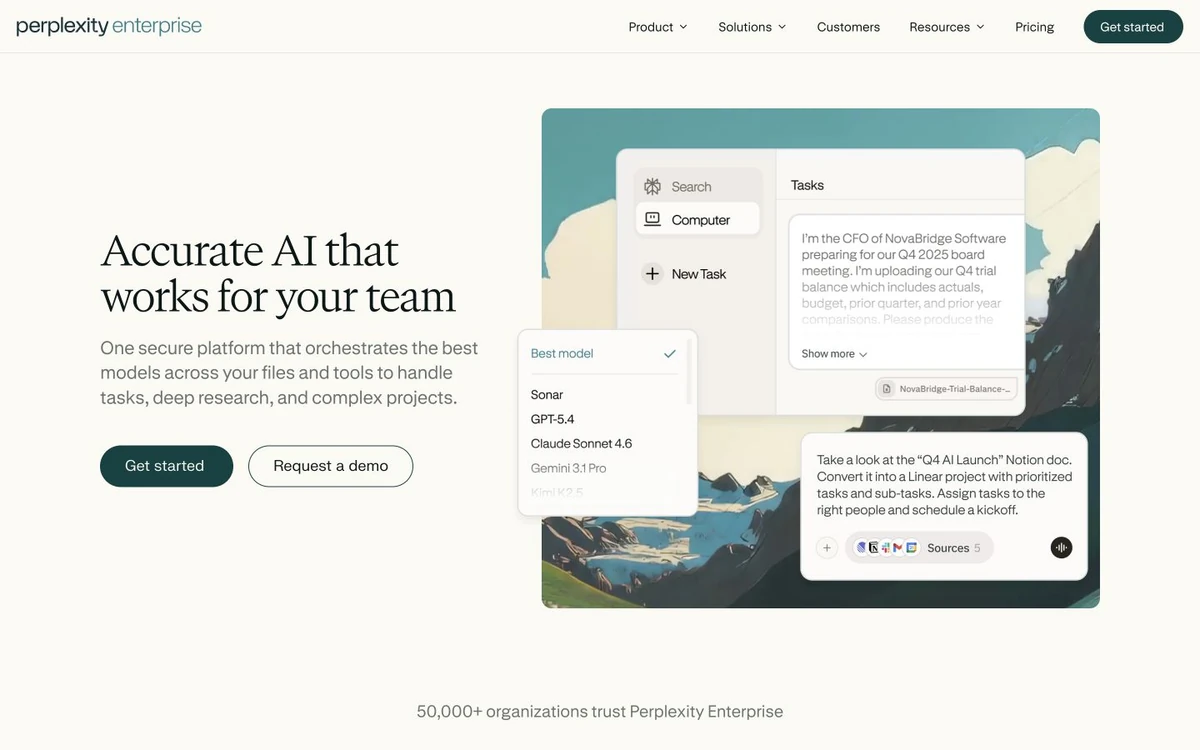
Perplexity combines web search with synthesized answers and linked sources for initial market maps, recent announcements, regulatory discovery, and client preparation.
Treat the answer as a research index, not a finished finding. Follow material citations and prefer primary sources. Perplexity documents an opt-out for training on individual plans and says Enterprise data is not used for model training; confirm settings before entering client information.
5. NotebookLM: best for a controlled source set
Best for: synthesizing documents that the consultant or client has deliberately selected.
NotebookLM accepts PDFs, web pages, Google and Office files, audio, and pasted text. Answers are grounded in selected sources with inline citations, helping compare transcripts or build an approved evidence pack.
It may decline when information is absent, but grounding does not guarantee correctness. Check citations in context. Google publishes separate protections for qualifying Workspace accounts, so confirm the account type before using confidential material.
6. Fireflies.ai: best for meeting capture
Best for: turning discovery calls, workshops, and project meetings into searchable records and follow-up.
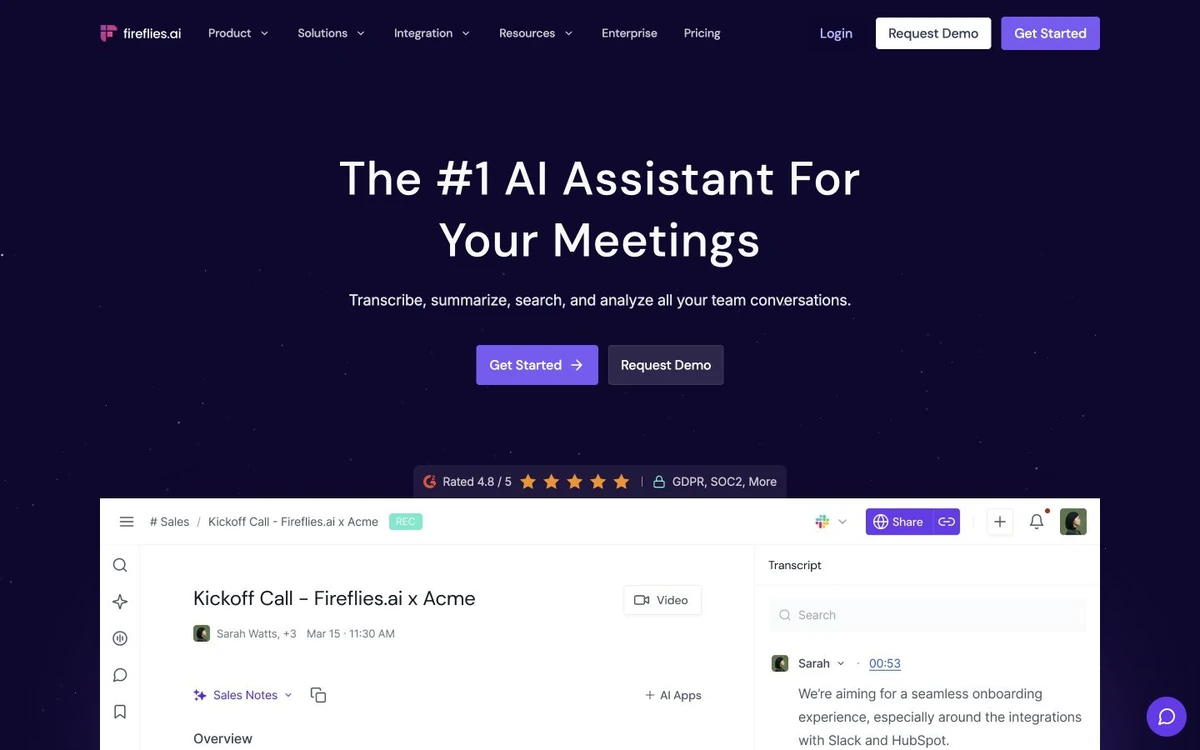
Fireflies.ai records or imports meetings and produces transcripts, summaries, and action items, helping consultants trace themes, commitments, and unresolved questions.
Fireflies provides notification and consent controls, but the consultant remains responsible for law, client policy, contracts, and participant expectations. Notify attendees, restrict access, verify the transcript, and follow engagement retention rules.
7. Gamma: best for fast presentation drafts
Best for: converting an approved argument or outline into a visual narrative quickly.
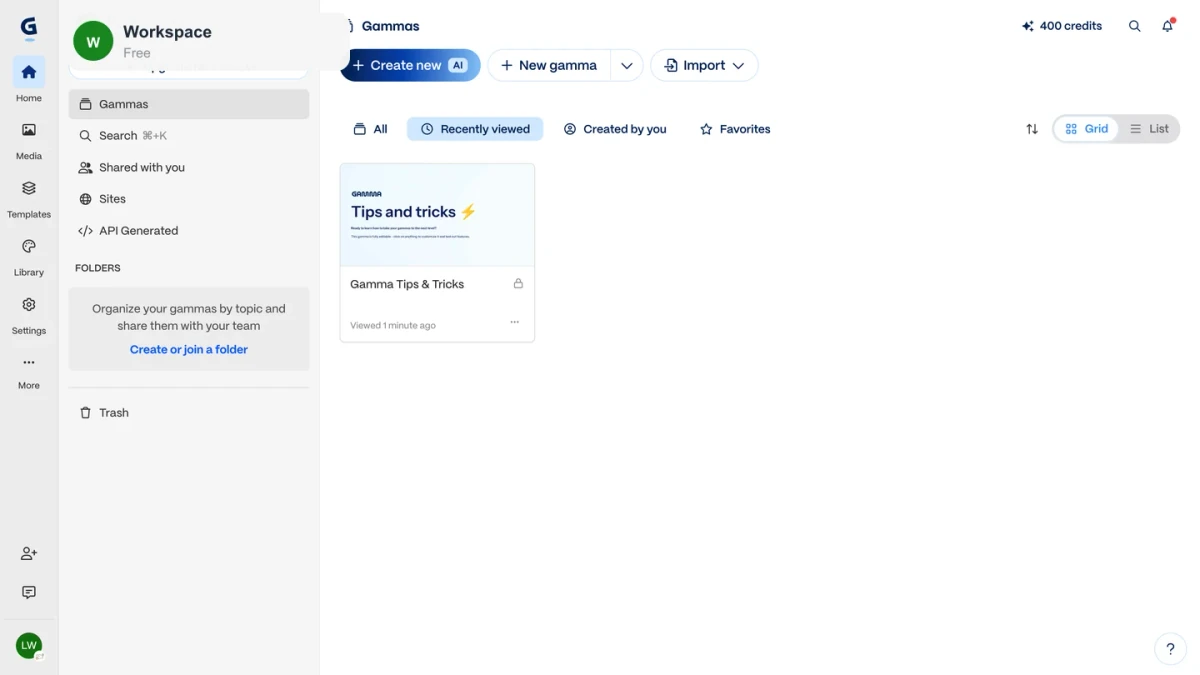
Gamma turns outlines into presentation-style pages for storyline reviews and early client-deck drafts.
Use it after the reasoning is sound. Verify numbers and quotes, replace generic imagery, apply brand rules, and test the client's required export. For deeper comparison, see the best AI presentation makers.
8. Microsoft 365 Copilot: best for Office-based delivery
Best for: consulting teams whose review and delivery already happen in Word, Excel, PowerPoint, Outlook, and Teams.
Microsoft 365 Copilot works inside Office applications and can use organizational context the user may access. It reduces handoff when analysis, reports, and decks must remain in Excel, Word, and PowerPoint.
Results depend on permissions, file organization, and source quality. Review formulas, citations, speaker notes, and access before delivery. Compare the current offer with licenses the firm already owns.
A practical AI stack for a consulting engagement
Do not buy all eight. Assign one tool to each bottleneck:
- Discovery: capture an approved meeting with Fireflies, or use human notes when recording is inappropriate.
- Evidence pack: collect client-approved files and public sources in NotebookLM; use Perplexity for current external discovery.
- Analysis: use ChatGPT or Claude to test hypotheses, expose gaps, and structure findings.
- Connected deliverables: use Ottermind when the same context must become a report, proposal, presentation, and follow-up work.
- Final format: use Gamma for a fast visual draft or Microsoft 365 Copilot when the deliverable must stay in Office.
An independent consultant may need one general assistant plus one specialist. Related artifacts may benefit from a connected AI agent workspace.
How to use AI without weakening client trust
Before putting client material into any AI system:
- Check the engagement letter, client policy, approved subprocessors, and recording rules.
- Review the selected plan's current retention and training terms.
- Remove unnecessary names, credentials, personal data, and commercial details.
- Separate sourced facts from AI suggestions and consultant judgment.
- Verify calculations, citations, recommendations, tone, and final files.
No product badge makes a workflow automatically compliant. The consultant remains accountable for inputs and client deliverables.
Frequently asked questions
What are AI tools used for in consulting?
Consultants use AI for research, document review, analysis, proposals, reports, presentations, meetings, and repeatable workflows. The right tool depends on the required evidence and output.
What is the best AI tool for consultants?
There is no universal winner. Choose Ottermind for connected deliverables, ChatGPT for broad analysis, Claude for long documents, Perplexity for current web research, NotebookLM for selected sources, Fireflies for meetings, Gamma for deck drafts, or Microsoft 365 Copilot for Office delivery.
Can consultants use AI with confidential client data?
Only when the contract, client policy, plan, data terms, controls, and law permit it. Use minimum necessary data and obtain recording consent where required.
Which AI tool is best for consulting presentations?
Gamma is useful for a fast visual draft, Microsoft 365 Copilot fits PowerPoint-based teams, and Ottermind fits research-to-deck work. The final choice depends on source handling, brand control, editability, and required export format.
Should consultants use one AI tool or a stack?
Start with one general tool and add a specialist only for a proven bottleneck. A smaller stack is easier to govern, learn, and evaluate than several overlapping subscriptions.
The right stack leaves inspectable work at every stage. Use Ottermind when research, analysis, reports, presentations, and next steps need to remain connected, then keep a consultant responsible for every claim and recommendation delivered to the client.
