Selection Guide
Best AI Presentation Makers in 2026
The best AI presentation maker is not simply the one that makes the prettiest slide. For real work, the harder problem is turning messy material into a story: notes, PDFs, research, product specs, numbers, screenshots, customer quotes, and a decision the audience needs to make.
That is why this guide focuses on the tools that repeatedly appear in current presentation-maker comparisons: Gamma, Canva, Beautiful.ai, Plus AI, Presentations.AI, Pitch, and Microsoft Copilot, plus Ottermind for research-to-deck workflows.
The practical question is: which AI presentation maker helps you create a deck your team can actually review and use?
The presentation workflow problem
Most AI presentation tools promise speed. Speed is useful, but teams usually need more:
- A clear audience and purpose
- Source material that should not be invented
- A narrative arc, not just slides
- Editable output
- Visual structure that fits the content
- Export or sharing that matches the team's workflow
- A review process before the deck is used
Some tools are great at making a beautiful draft. Others are better for Google Slides, PowerPoint, diagrams, startup storytelling, or converting existing text. Ottermind's angle is different: it is strongest when the deck starts from files, research, product context, and other messy inputs.
Benchmark and product references: Manus AI presentation makers benchmark, Gamma pricing, Canva pricing, Beautiful.ai pricing, Plus AI, Presentations.AI, Pitch, Microsoft Copilot
Community discussions make the distinction clear: generated slides are not the same as a usable presentation. The recurring friction is turning messy source material into a coherent story, then retaining enough control to revise the result. That is why this guide tests narrative support and editability, not visual polish alone.
If Skywork is on your shortlist, read the Skywork AI Review for a source-based assessment of its research-led slides, credit economics, revision experience, billing, and public user feedback.
Quick comparison: 8 best AI presentation makers
| Tool | Category | Best For | Presentation Workflow Fit |
|---|---|---|---|
| Ottermind | AI workspace | Research-to-deck workflows | Best when the deck starts from files, notes, research, or product context |
| Gamma | AI presentation/doc builder | Fast visual narratives | Great for polished story drafts and presentation-style pages |
| Canva | Design platform | Branded visual decks | Strong templates, brand kits, assets, and team-friendly editing |
| Beautiful.ai | Presentation design tool | Polished business decks | Good for clean layouts and professional slide structure |
| Plus AI | Google Slides add-on | Google Slides teams | Useful when the deck must stay inside Slides |
| Presentations.AI | AI deck generator | Business presentation drafts | Good for prompt-to-deck and branded business decks |
| Pitch | Collaborative deck platform | Team presentation workflows | Strong for collaboration, sharing, and startup/product decks |
| Microsoft Copilot | PowerPoint-native AI | Microsoft 365 teams | Best when the team already works in PowerPoint |
How we evaluated the tools
We used six criteria:
- Source handling: Can the tool work from notes, docs, research, or pasted material?
- Narrative quality: Does it create a clear deck story or only slide fragments?
- Editability: Can the team revise the output without starting over?
- Visual quality: Does it look credible without hours of cleanup?
- Export and sharing: Does it fit PowerPoint, Google Slides, web, or team review?
- Review control: Can people check claims, numbers, and sources before presenting?
We also reviewed benchmark-style presentation pages. The strongest ones do not only show pretty slides. They explain the test method, evaluation criteria, tradeoffs, and which tool fits which job.
1. Ottermind
Best for: teams that need to turn research, notes, files, and product context into a deck.
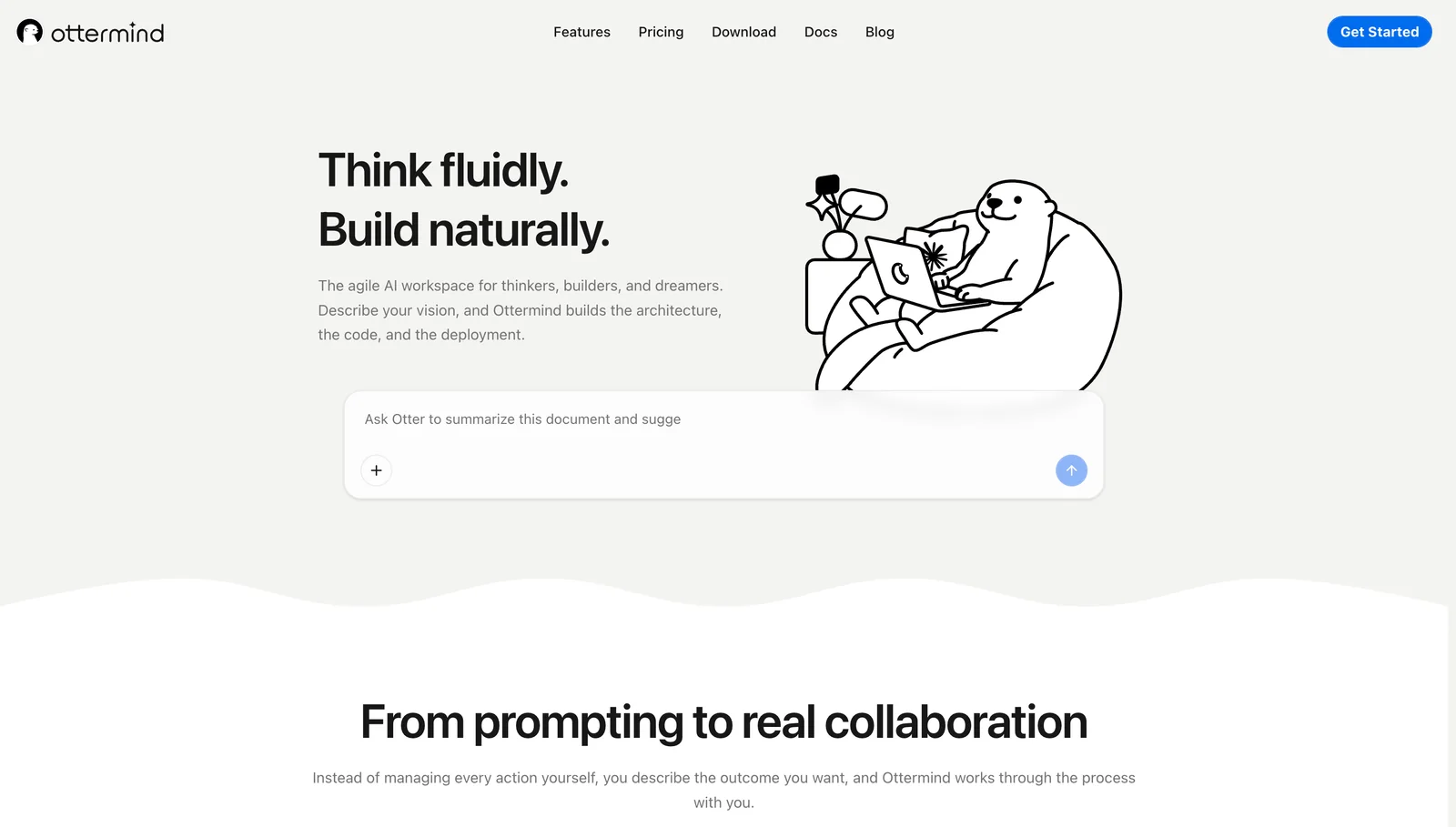
Ottermind is not only a slide generator. Its AI PPT generator sits inside a broader AI workspace, which makes it especially useful when the presentation is the final artifact of a larger task.
A product team may start with customer notes, competitor links, a PDF, screenshots, and a roadmap idea. A marketing team may start with campaign notes, a launch brief, visual direction, and performance data. A founder may start with market research and a pitch narrative.
Ottermind helps structure the material before it becomes slides. That matters because a deck built from weak thinking still needs cleanup, no matter how pretty it looks.
When the deck needs a quotation-led visual, the AI quote generator provides a focused workflow for drafting original wording or checking an existing quotation before turning it into an image.
Where Ottermind excels:
- Turning messy source material into a presentation outline
- Keeping research, product context, and slide narrative connected
- Helping teams create related deliverables such as briefs, scripts, visuals, and follow-up notes
- Supporting workflows where the deck is one output among many
Where it falls short:
- Teams may still use specialist slide tools for final design polish
- The best results come from real source material and review
- It is less ideal if all you need is a one-click template deck
2. Gamma
Best for: fast, polished narrative decks.
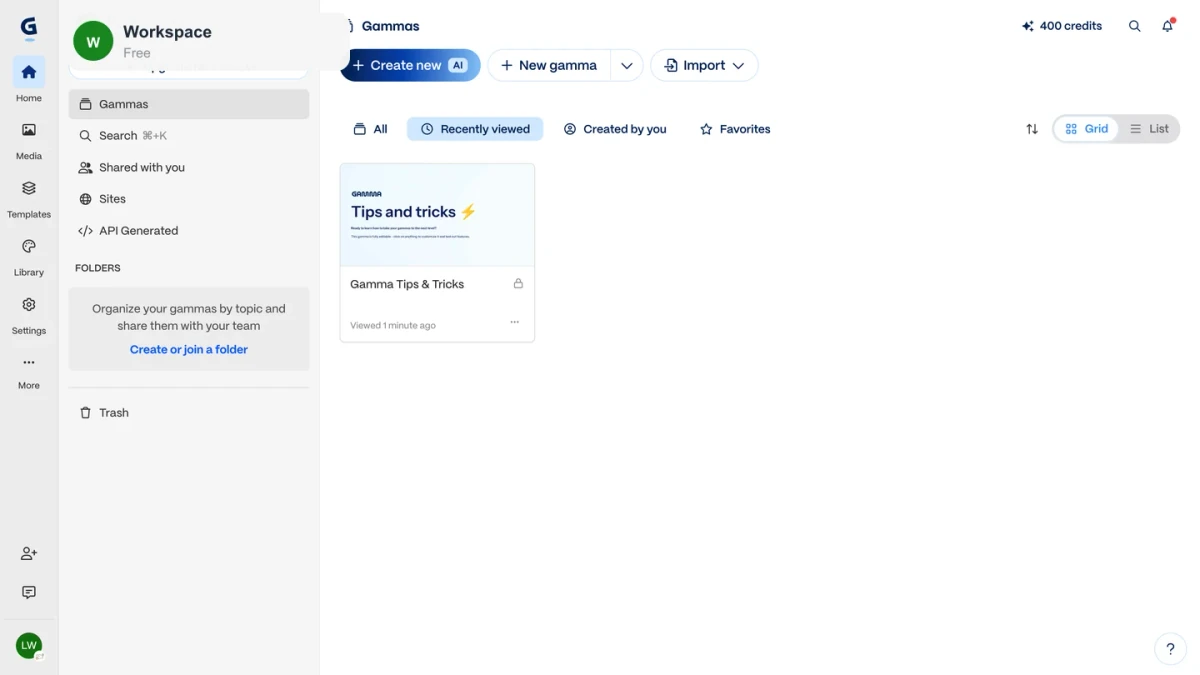
Gamma is one of the strongest choices when you want to turn an outline into a good-looking presentation quickly. It is especially useful for product updates, explainers, internal narratives, and lightweight public-facing pages.
Where it excels:
- Fast deck generation from prompts and outlines
- Clean visual structure
- Narrative-style presentations
- Easy iteration for non-designers
Where it falls short:
- Source accuracy still needs review
- Some teams may need more control over PPT or Google Slides output
- The deck can feel generic if the input is generic
3. Canva
Best for: branded visual decks and design assets.
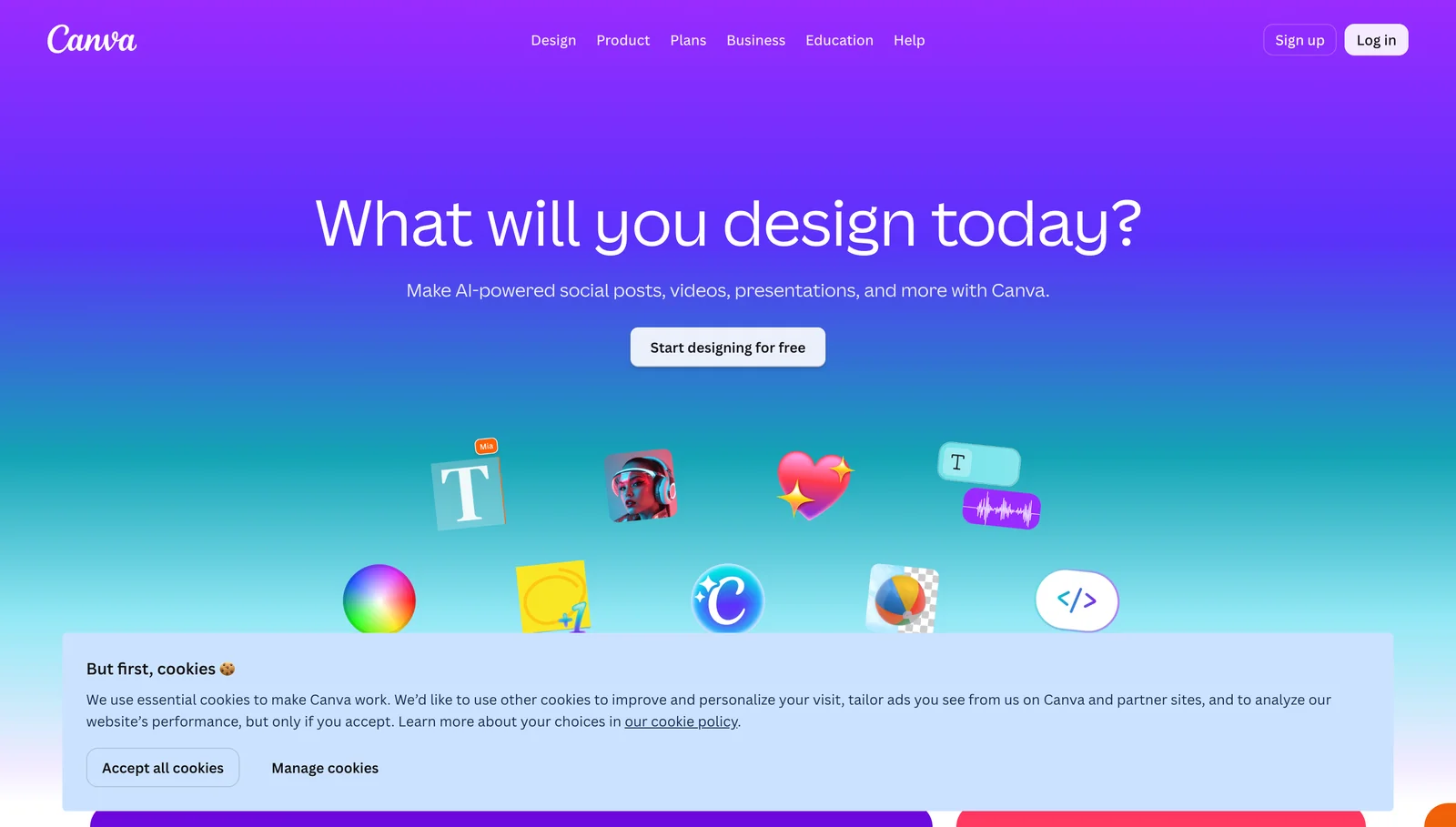
Canva is strong when the deck needs to live inside a broader visual system. Templates, brand kits, stock assets, and design tools make it useful for marketing, sales, education, and social content.
Where it excels:
- Beautiful templates and design assets
- Brand-friendly visuals
- Non-designer editing
- Presentations that connect to social and campaign assets
Where it falls short:
- The AI-generated story may need rewriting
- Research and source handling are not the main strength
- Complex business decks may still need narrative work elsewhere
4. Beautiful.ai
Best for: polished business presentations.
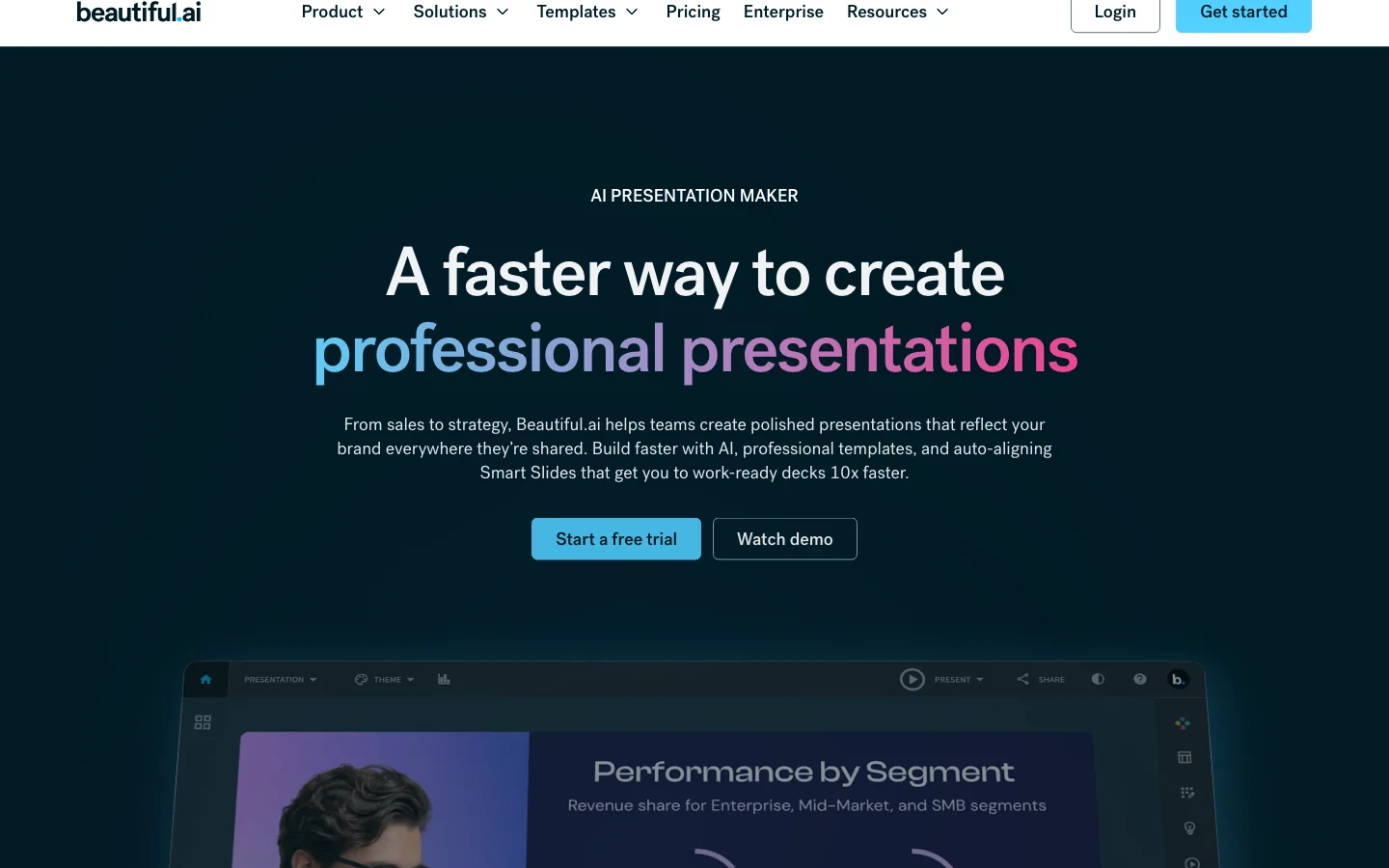
Beautiful.ai is useful when layout quality and a professional look matter. It helps teams avoid manual slide tweaking by keeping slide design structured.
Where it excels:
- Business-friendly layouts
- Consistent slide design
- Professional visual polish
- Teams that want design guardrails
Where it falls short:
- It is more presentation-centered than workflow-centered
- Source material and research need to be prepared elsewhere
- Deep customization may be harder than in traditional slide tools
5. Plus AI
Best for: teams that work in Google Slides.
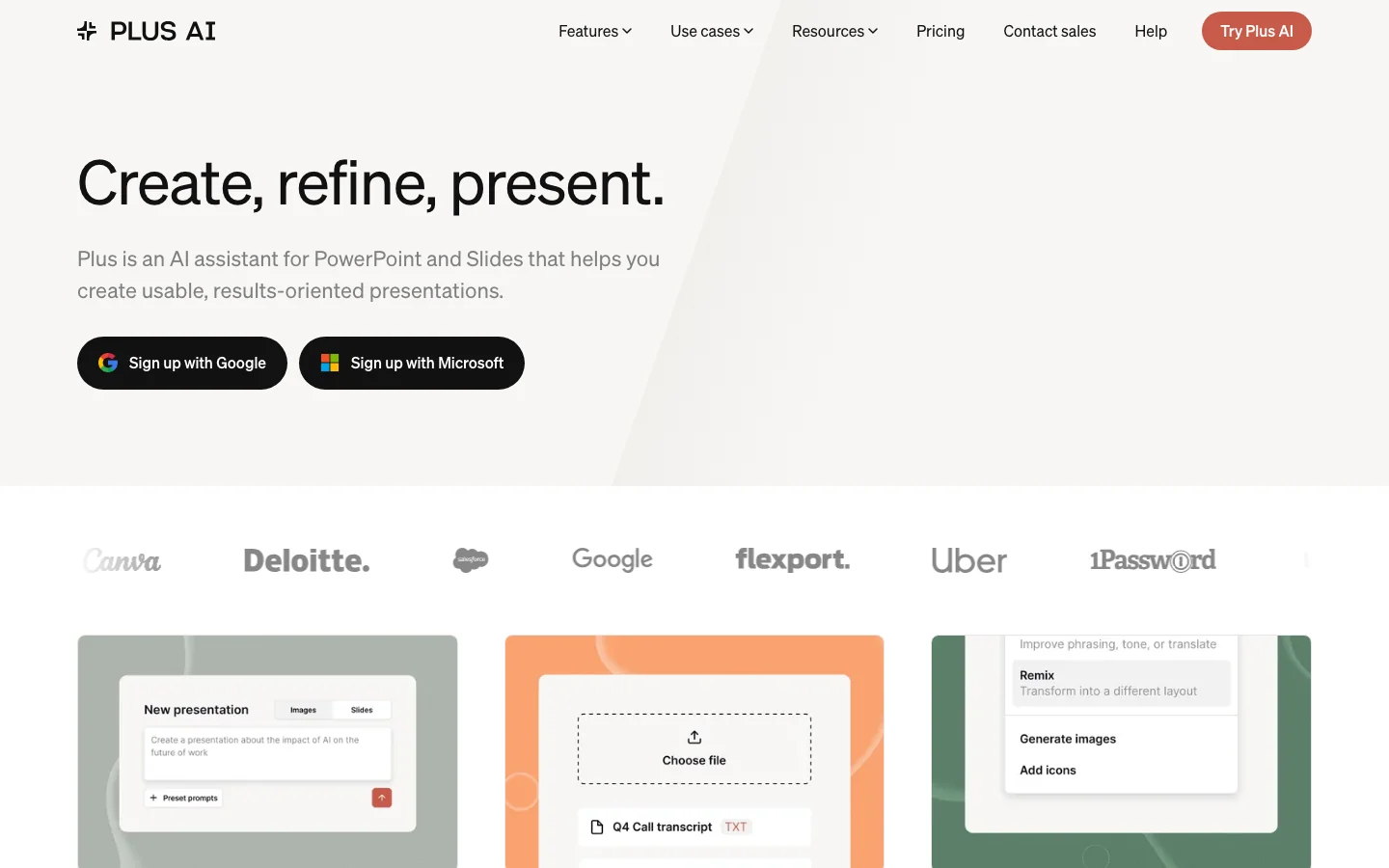
Plus AI is useful when the final deliverable must remain in Google Slides. That matters for teams with established review, sharing, and editing processes.
Where it excels:
- Google Slides-native workflow
- Generating and editing slide content
- Keeping teams in a familiar deck environment
- Drafting slides from prompts or source material
Where it falls short:
- It is less of an end-to-end research workspace
- Visual quality depends on templates and input
- Broader campaign or product context may live elsewhere
6. Presentations.AI
Best for: prompt-to-deck business presentations.
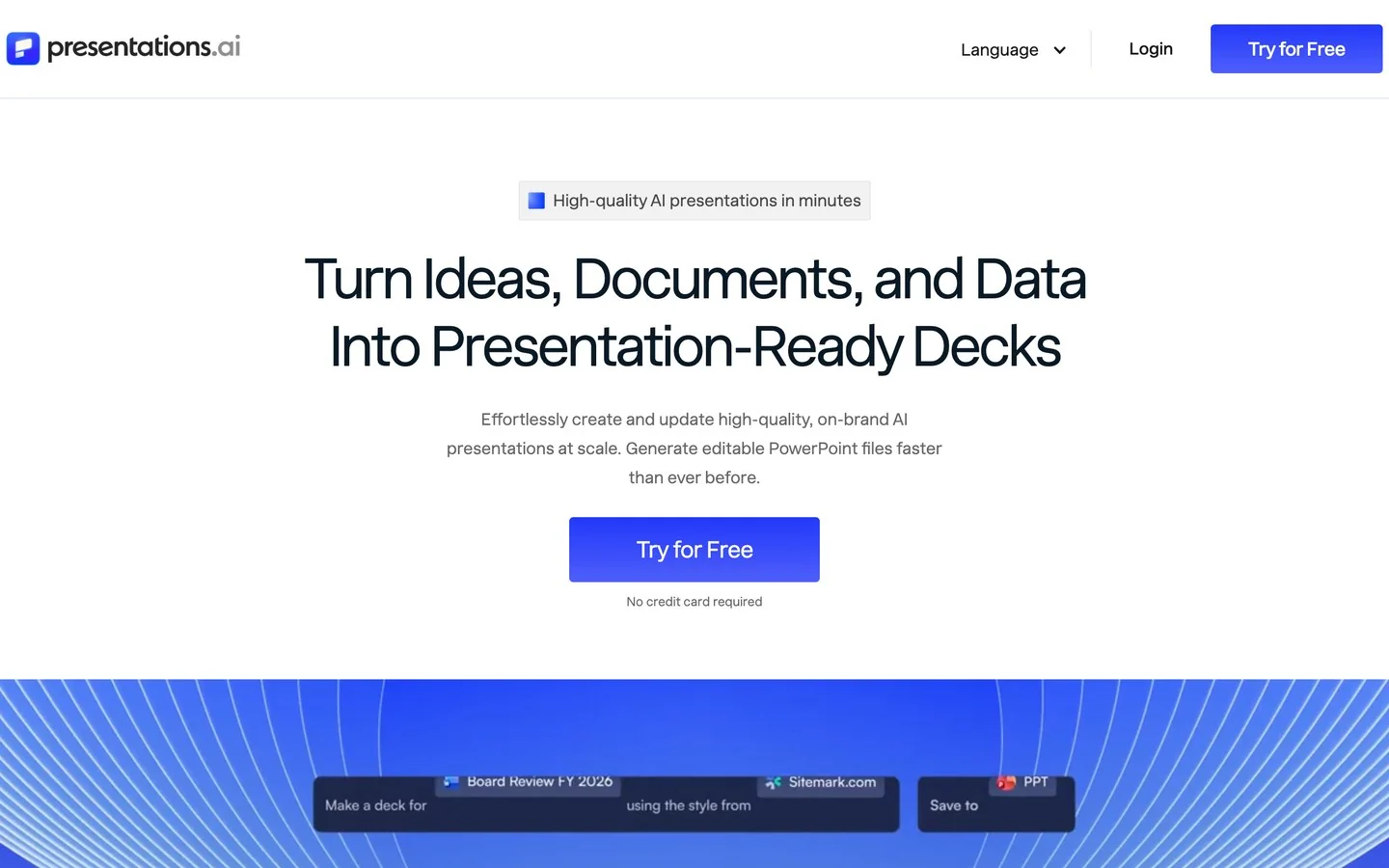
Presentations.AI is a dedicated AI deck generator for business users. It is useful when the team needs a fast presentation draft with structure and visual consistency.
Where it excels:
- Fast business deck generation
- Template-driven presentation creation
- Useful first drafts from prompts
- Presentation-specific workflow
Where it falls short:
- Source verification still matters
- Some outputs may need heavy editing for high-stakes use
- It is not a broader AI workspace
7. Pitch
Best for: collaborative presentation workflows.
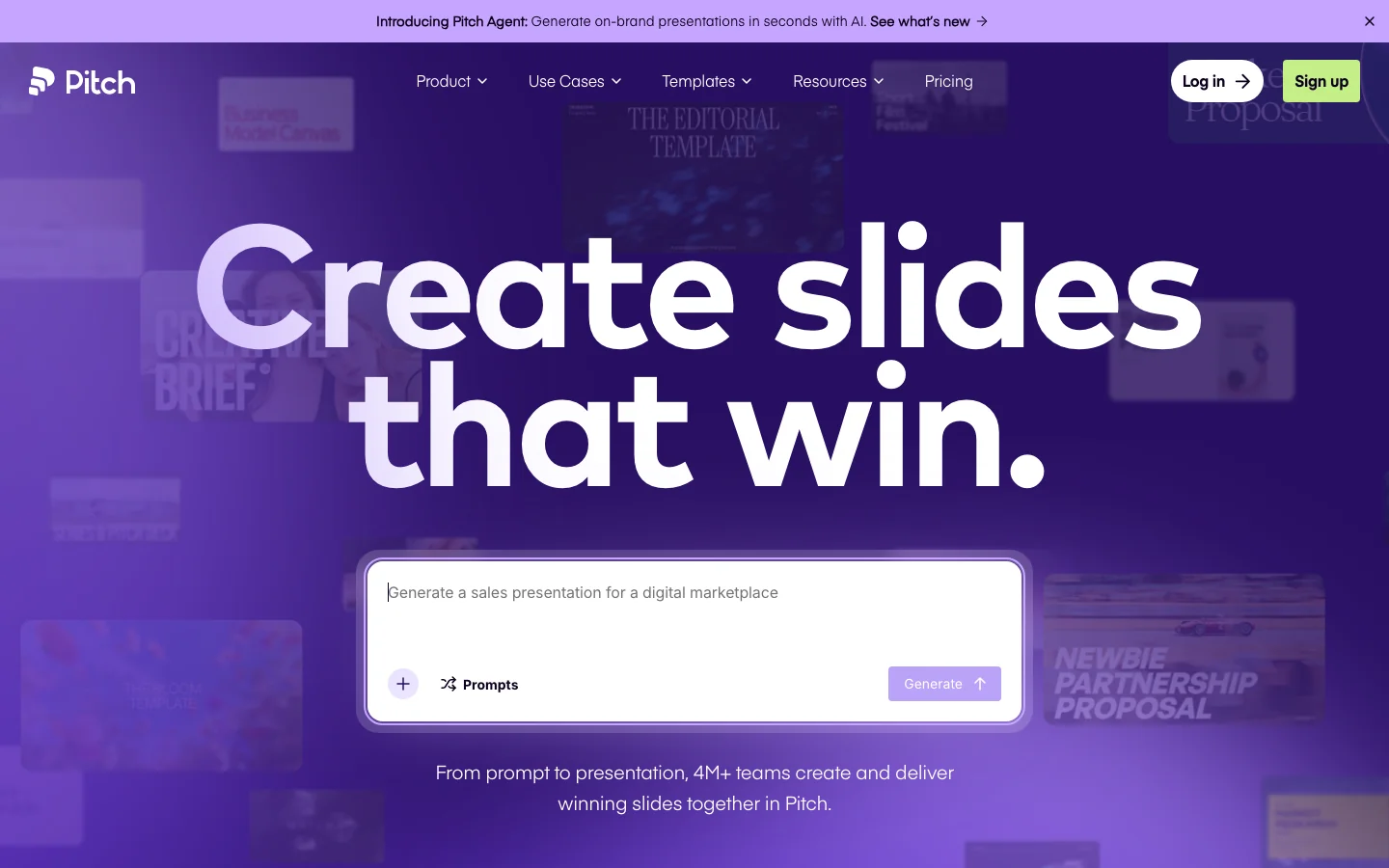
Pitch is useful when the deck is a team object: something people comment on, revise, share, and reuse. AI can help with drafting, but the broader value is collaboration.
Where it excels:
- Team presentation workflows
- Templates and collaboration
- Startup and product deck management
- Sharing and iteration
Where it falls short:
- It is not primarily an autonomous research tool
- AI generation is only part of the value
- Teams still need to prepare the core narrative
8. Microsoft Copilot for PowerPoint
Best for: PowerPoint-native teams.
For companies that live in Microsoft 365, Copilot is the natural AI presentation option. It fits best when documents, collaboration, and final decks already happen inside the Microsoft ecosystem.
Where it excels:
- PowerPoint-native workflow
- Familiar editing and sharing
- Enterprise fit for Microsoft teams
- Working close to Office documents
Where it falls short:
- It is strongest inside the Microsoft environment
- Non-Microsoft teams may prefer more flexible tools
- The deck still needs human storytelling judgment
How to choose the best AI presentation maker
| If you need... | Start with... |
|---|---|
| A deck based on files, research, product notes, or messy source material | Ottermind |
| A fast, polished narrative deck | Gamma |
| Branded visuals and campaign assets | Canva |
| Professional business slide layouts | Beautiful.ai |
| Google Slides-native AI | Plus AI |
| Prompt-to-deck business drafts | Presentations.AI |
| Collaborative team decks | Pitch |
| PowerPoint-native AI | Microsoft Copilot |
Final verdict
If you only need a beautiful first draft, Gamma, Canva, Beautiful.ai, and Presentations.AI are all worth testing. If your team lives in Google Slides or PowerPoint, Plus AI or Microsoft Copilot may fit better. If the deck is a team artifact, Pitch is a strong collaborative option.
If the hard part is turning source material into a clear story, Ottermind is the better starting point. It helps with the work before the slides: research, structure, product context, narrative, visuals, and follow-up.
The best AI presentation maker is the one that matches the real source of your presentation problem.
Frequently asked questions
What is the best AI presentation maker in 2026?
For fast visual decks, Gamma, Canva, Beautiful.ai, and Presentations.AI are strong choices. For research-to-deck workflows, Ottermind is a better fit because it starts from files, notes, and project context.
Which AI presentation maker works with Google Slides?
Plus AI is a strong option for Google Slides workflows. Some other tools can export or share in ways that fit Slides, but native workflow matters if your team edits there every day.
Which AI presentation maker works best with PowerPoint?
Microsoft Copilot is the most natural fit for PowerPoint-native teams. Ottermind can help before PowerPoint by turning source material into structure and narrative.
Can AI turn documents into presentations?
Yes. Many tools can turn text or documents into slide drafts. The important question is whether the tool creates a coherent story rather than simply splitting text into slides.
How do I avoid generic AI slides?
Give the tool real source material, a clear audience, the decision the deck should support, constraints, examples, and review criteria. Generic prompts usually produce generic decks.
