Selection Guide
Best AI Agent Workspaces in 2026
The best AI agent workspace is not the one with the flashiest chatbot. It is the one that can keep context, use tools, run tasks, and leave behind work a person can actually review.
That is why this guide looks beyond the usual assistant names. ChatGPT and Claude matter, but the agent workspace category is getting more interesting: desktop agents, cloud task agents, no-code agent builders, GTM agents, internal knowledge agents, browser agents, and workflow automation agents.
So this guide is organized around a practical question: which AI agent workspaces help people move from intent to completed work, instead of only generating another answer?
For a concrete marketing use case, the AI marketing workflow guide shows how one approved evidence set can drive a brief, landing page, email, ads, and a sales deck with human review gates.
What makes an AI agent workspace different?
An AI agent workspace usually combines several of these capabilities:
- Project context, files, memory, and reusable instructions
- Multi-step planning and task execution
- Browser, desktop, SaaS, or API actions
- Agent templates or reusable workflows
- Human review, approvals, and auditability
- Deliverables such as reports, decks, lists, automations, apps, or CRM updates
The category is broad. A sales team may need Clay or Relevance AI. An operations team may need Lindy, Gumloop, Zapier Agents, or n8n. A founder or product team may need Ottermind or Manus for broader task execution.
Quick comparison: 8 best AI agent workspaces
| Tool | Category | Best For | Workspace Fit |
|---|---|---|---|
| Ottermind | AI workspace | Turning ideas, files, and context into deliverables | Research, writing, decks, creative direction, automation, and follow-up in one workflow |
| Manus | General-purpose agent workspace | Cloud/desktop task execution | Browser and computer-style workflows, research, apps, slides, and autonomous tasks |
| Relevance AI | No-code AI agent platform | Sales, marketing, support, and ops agents | Build and deploy repeatable agents without a traditional engineering team |
| Lindy | AI employee / automation workspace | Admin, sales, support, and operations | Practical for recurring workflows that need agents plus app actions |
| Gumloop | AI workflow automation | Visual AI workflows | Good for teams that want to chain AI, web data, documents, and actions |
| Zapier Agents | Business automation agents | SaaS workflows across many apps | Best when the agent needs to connect existing business tools |
| n8n | Automation platform with AI workflows | Technical operations automation | Flexible for teams that want self-hosting, APIs, and custom workflow logic |
| Clay | GTM agent workspace | Prospecting and enrichment | Strong for go-to-market teams that need data, enrichment, and AI research |
Benchmark and product references: Manus agent benchmark examples, Relevance AI marketplace, ColdIQ AI agents directory, Zapier AI agents overview, Vellum Manus alternatives, Taskade Manus review
Community discussions surface a more practical concern than whether an agent can finish a demo: teams need systems they can trust with messy inputs, sensitive data, and work that must survive handoff. That is why this guide weighs permissions, review points, and repeatability alongside raw automation.
For a current single-product example, the Skywork AI Review separates research-led artifact quality from credits, revision costs, subscription terms, and support feedback.
How we evaluated the workspaces
We used six criteria:
- Context: Can the workspace use files, notes, project memory, and prior decisions?
- Execution: Can it take actions, use tools, or run workflows beyond drafting?
- Repeatability: Can a team turn a useful agent into a reusable workflow?
- Reviewability: Can a person inspect, edit, approve, or reject the result?
- Role fit: Is it built for a real job such as sales, ops, support, research, or founder work?
- Handoff: Can the result become a report, deck, app, CRM update, automation, or next task?
The best agent workspace depends on the work. A broad autonomous agent and a no-code sales agent builder are not solving the same problem.
1. Ottermind
Best for: teams that need one workspace for ideas, files, research, writing, decks, creative direction, and follow-up.
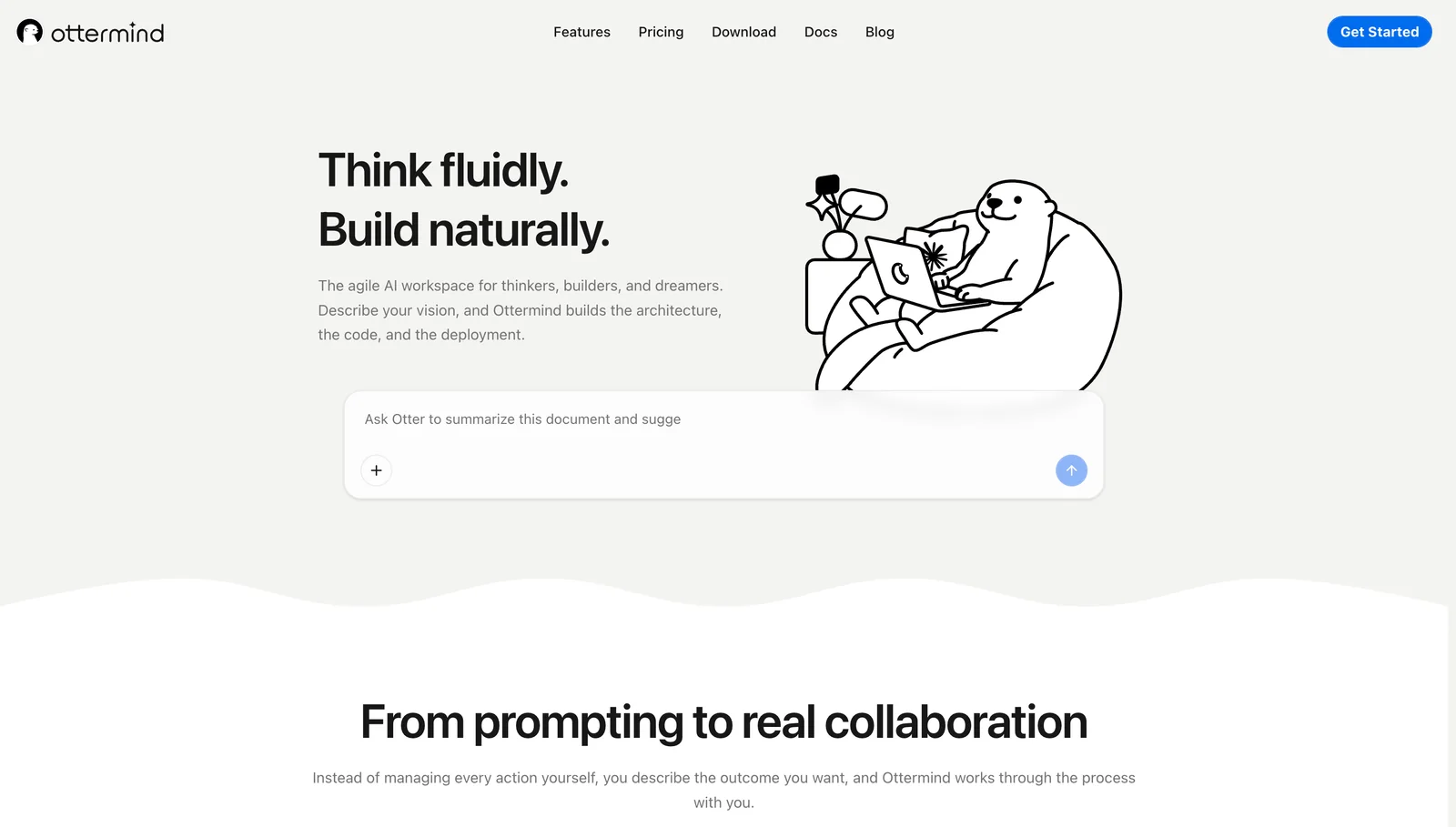
Ottermind fits the messy middle of work. A founder may start with links, notes, product ideas, and a deadline. A product team may need research, a brief, a PRD, a deck, and launch copy. A marketer may need a campaign plan, SEO outline, image prompts, and reporting notes.
Instead of forcing each step into a separate AI tab, Ottermind keeps the work connected. It is strongest when the output is not just a message, but a chain of deliverables.
Where Ottermind excels:
- Turning rough intent and source material into structured deliverables
- Keeping files, memory, tools, and agent work in one place
- Helping non-technical teammates create substantial work
- Connecting research, writing, slides, creative assets, and follow-up tasks
Where it falls short:
- It is not a replacement for every specialist automation or coding tool
- It works best when the user gives real context and reviews the output
- Highly technical teams may still want dedicated workflow engines or IDE agents
2. Manus
Best for: autonomous cloud or desktop-style task execution.
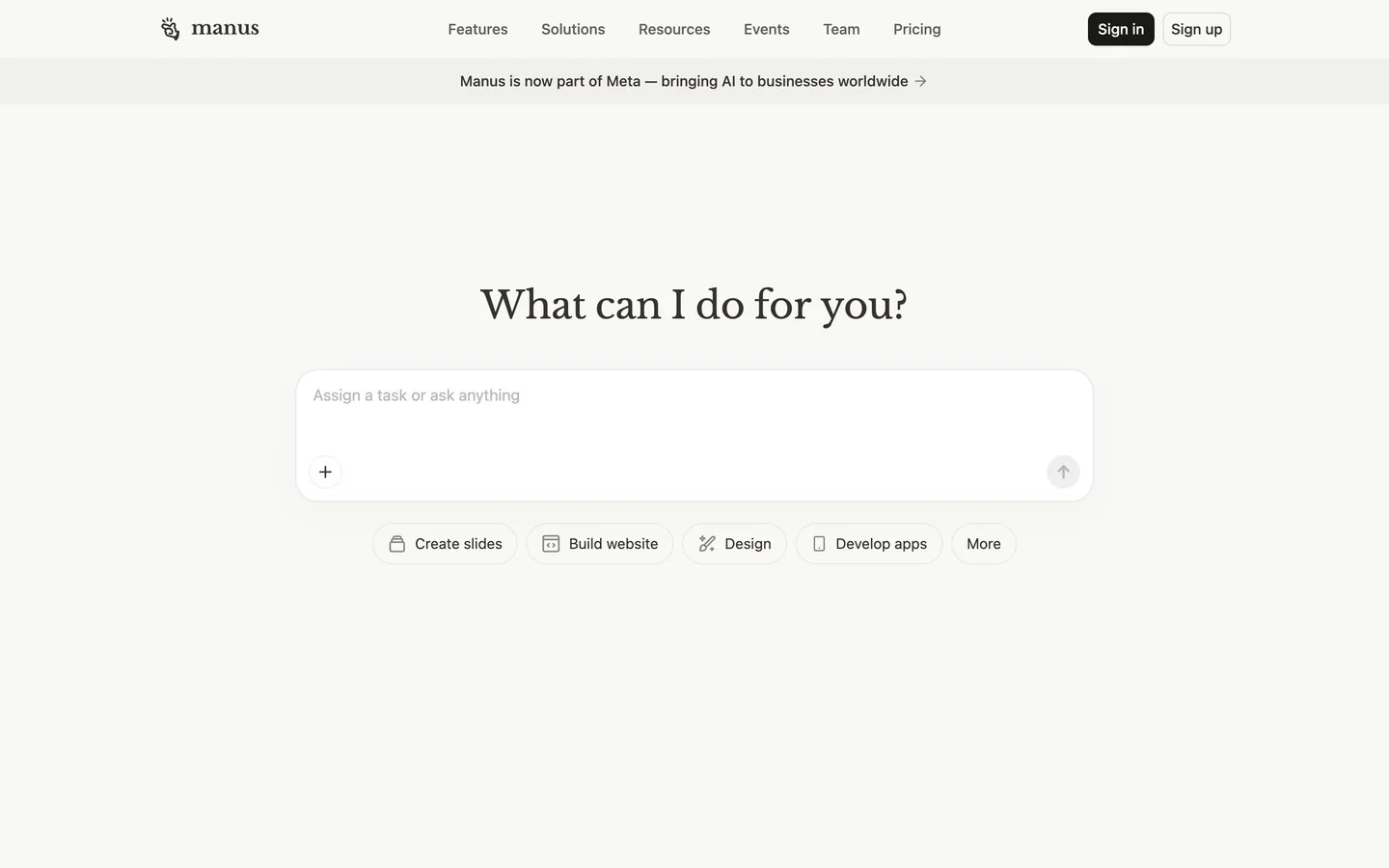
Manus is a useful benchmark because its blog and product direction lean heavily into the idea of an agent that can run tasks, build apps, create slides, browse, and work inside a cloud computer or desktop-like environment.
Where it excels:
- Multi-step autonomous tasks
- Research-to-artifact workflows
- App, slide, and browser-assisted tasks
- Showing what a broad agent workspace can look like
Where it falls short:
- Broad autonomy raises trust and verification questions
- Teams still need to inspect sources, actions, and outputs
- It may feel too general unless the workflow is well-defined
3. Relevance AI
Best for: no-code agents for sales, marketing, support, and operations.
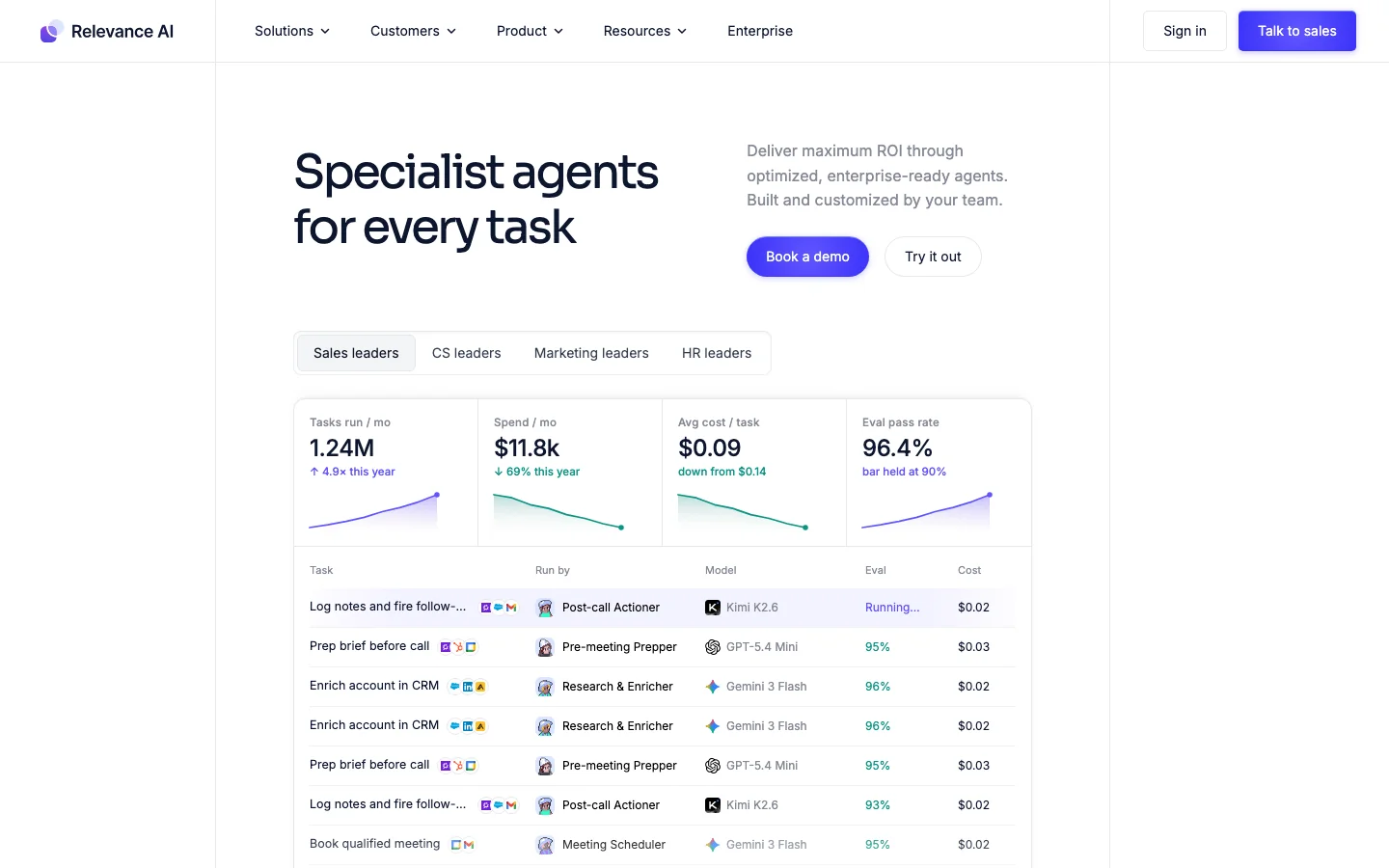
Relevance AI is a strong example of a specialist agent workspace. Instead of asking one general AI to do everything, teams can create agents for recurring business jobs such as lead research, customer support, enrichment, outbound prep, and internal workflows.
Where it excels:
- No-code agent creation
- Large marketplace of agent templates
- Sales, marketing, support, and operations use cases
- Repeatable workflows instead of one-off prompts
Where it falls short:
- It is better for defined workflows than open-ended creative work
- Teams need to choose and maintain the right agents
- It may not replace a broader workspace for writing, decks, or product work
4. Lindy
Best for: AI employees that help with recurring business operations.
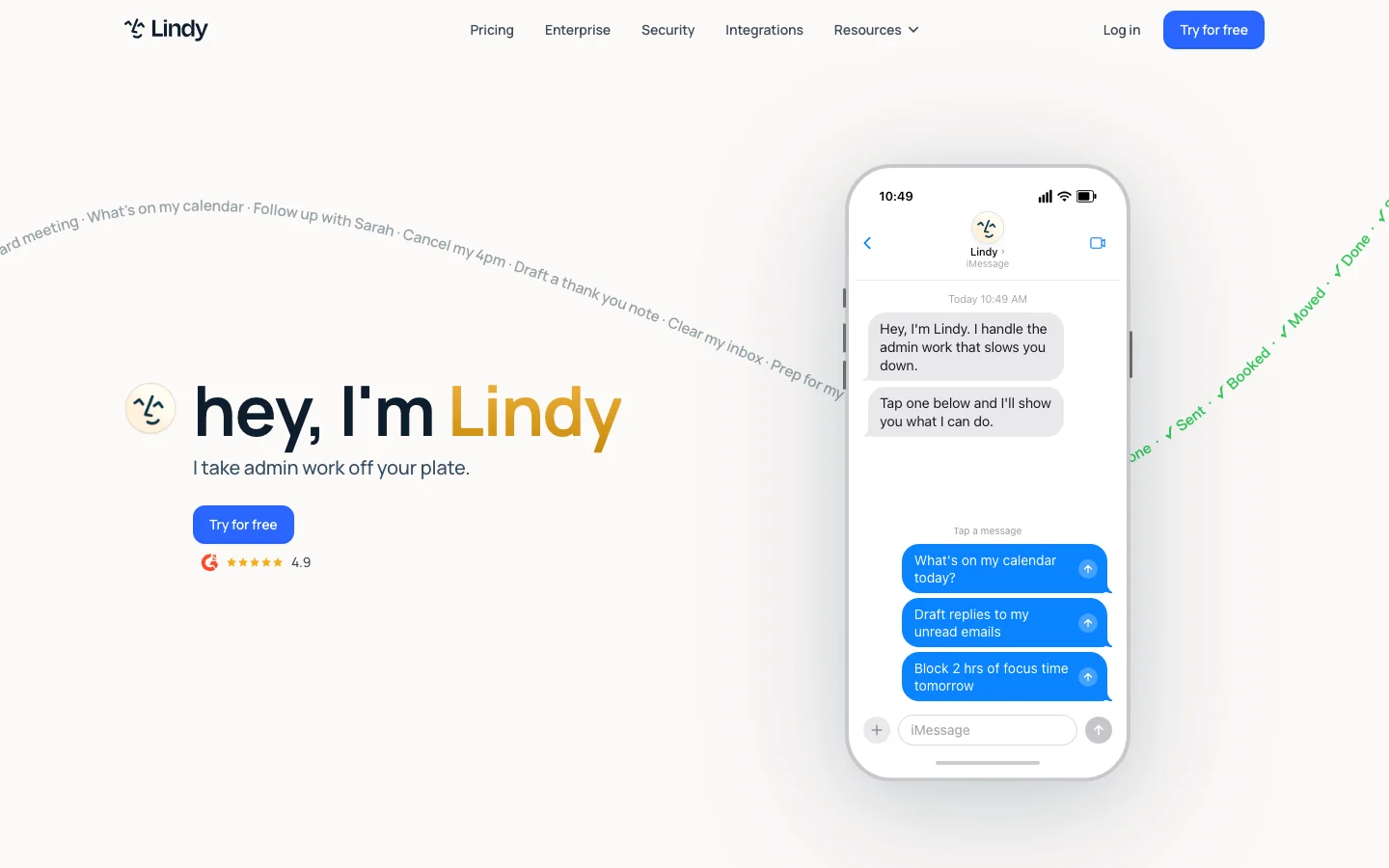
Lindy is useful when the problem is operational: scheduling, inbox work, CRM updates, support workflows, customer follow-up, or routine coordination.
Where it excels:
- Recurring admin and ops workflows
- Agents that interact with business apps
- Small teams that want leverage without hiring for every process
- Human-in-the-loop automation
Where it falls short:
- It is less of a creative workspace
- Workflows still need setup and quality control
- It is strongest when the process is already understood
5. Gumloop
Best for: visual AI workflow automation.
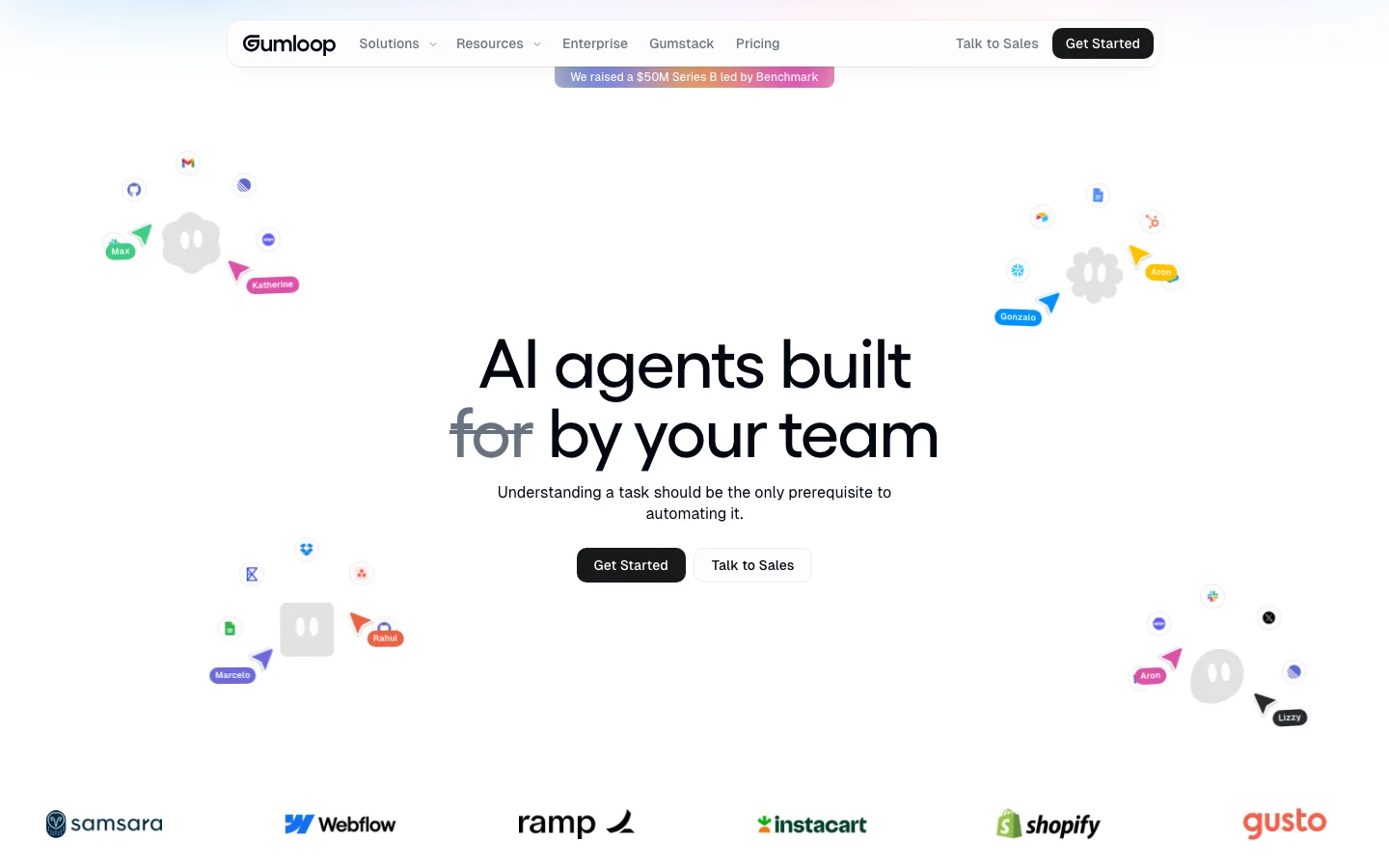
Gumloop is a good fit when teams want to chain data, AI steps, web actions, and business logic into visual workflows. It is closer to an AI-native workflow builder than a chat assistant.
Where it excels:
- Visual workflow design
- Chaining AI with data and web actions
- Automating repeated knowledge work
- Operations, growth, and internal process workflows
Where it falls short:
- It requires a workflow mindset
- Open-ended writing and strategy may belong elsewhere
- Complex workflows need testing and maintenance
6. Zapier Agents
Best for: agents connected to existing SaaS tools.
Zapier matters because many business workflows already live in SaaS apps. If the task touches forms, calendars, CRM, spreadsheets, email, support tickets, or notifications, the integration network becomes the advantage.
Where it excels:
- Broad app connectivity
- Business process automation
- Human-in-the-loop operational workflows
- Teams that already know the process they want to automate
Where it falls short:
- It can feel operational rather than creative
- Complex automation still needs governance
- It is not the best place to create narrative deliverables
7. n8n
Best for: flexible AI workflows with more technical control.
n8n is useful for teams that want automation flexibility and are comfortable with APIs, self-hosting, or more technical workflow design. It can support AI-powered automations without hiding the mechanics.
Where it excels:
- Custom workflow automation
- API-heavy operations
- Self-hosting and technical control
- Combining AI steps with traditional automation logic
Where it falls short:
- Less friendly for non-technical users
- Requires maintenance
- It is a workflow engine, not a general creative workspace
8. Clay
Best for: GTM research, enrichment, and outbound workflows.
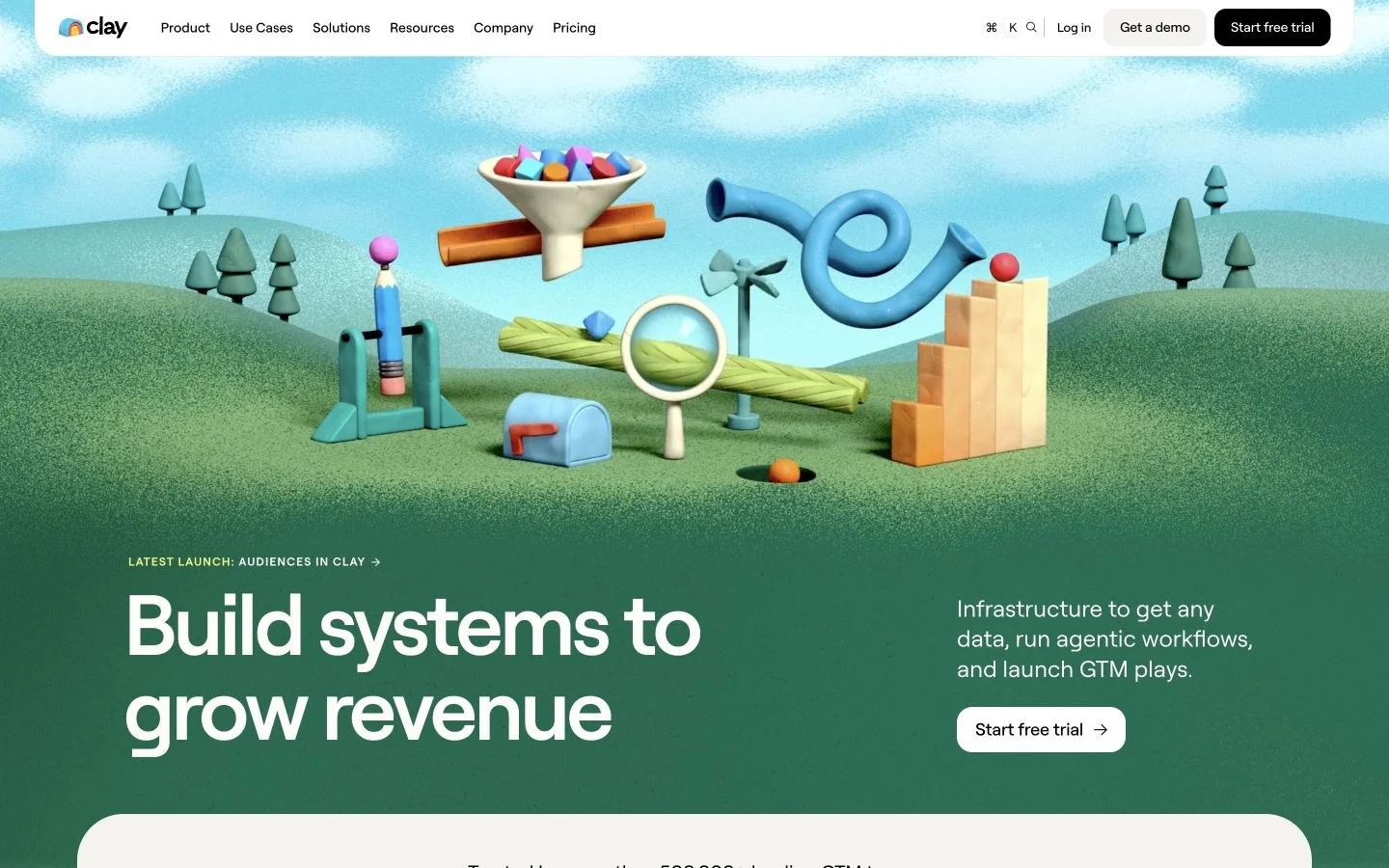
Clay is a specialist workspace for go-to-market teams. It brings data sources, enrichment, AI research, and workflow logic into prospecting and sales operations.
Where it excels:
- Lead enrichment and account research
- Sales and marketing data workflows
- AI-assisted GTM operations
- Teams that care about prospecting quality and personalization
Where it falls short:
- It is not a broad workspace for every team
- Best suited to GTM workflows
- It requires a clear data and outbound strategy
How to choose the right AI agent workspace
| If your job is... | Start with... |
|---|---|
| Turning messy ideas, files, and context into deliverables | Ottermind |
| Running broad autonomous cloud or desktop tasks | Manus |
| Building no-code business agents | Relevance AI |
| Automating recurring admin and ops work | Lindy |
| Designing visual AI workflows | Gumloop |
| Connecting SaaS workflows | Zapier Agents |
| Building technical automations | n8n |
| Automating GTM research and enrichment | Clay |
Final verdict
The agent workspace category is splitting into real subcategories. That is good. A single general assistant should not be expected to handle every job equally well.
Ottermind is the best fit when the user needs one connected workspace for deliverables: research, writing, decks, creative direction, files, and follow-up. Relevance AI, Lindy, Gumloop, Zapier, n8n, and Clay are better when the job is a repeatable business process. Manus is the clearest benchmark for broad autonomous research and computer-style tasks.
The right question is not "which agent is smartest?" It is: what work should this agent reliably finish?
Frequently asked questions
What is an AI agent workspace?
An AI agent workspace is a place where AI can use context, tools, files, memory, and workflows to help complete work, not only answer questions.
What is the difference between an AI agent and an AI workflow?
An agent can decide or act within a task. A workflow is a repeatable process. In practice, the most reliable systems often combine both: agents for flexible judgment and workflows for structure.
Which AI agent workspace is best for small businesses?
Small businesses should start with the job. Ottermind is strong for deliverables, Relevance AI and Lindy for business agents, Clay for GTM, and Zapier or n8n for automation.
Do AI agent workspaces replace human review?
No. They reduce manual work, but important outputs still need human review, especially claims, customer communication, code, financial data, and public content.
Why not just use ChatGPT or Claude?
ChatGPT and Claude are powerful assistants, but many teams need workflow structure, connected tools, reusable agents, app actions, files, memory, or handoff. That is where agent workspaces become useful.
