






Text Summarizer for Key Next Steps

Paste the document text you need shortened. Distill a summary with key points and next steps, then revise carefully in Studio.

AI writing
Claude
GitHub
Google
Linear
Microsoft
Monday
Netlify
Notion
OpenAI
Sentry
Slack
Stripe
Supabase
Claude
GitHub
Google
Linear
Microsoft
Monday
Netlify
Notion
OpenAI
Sentry
Slack
Stripe
Supabase
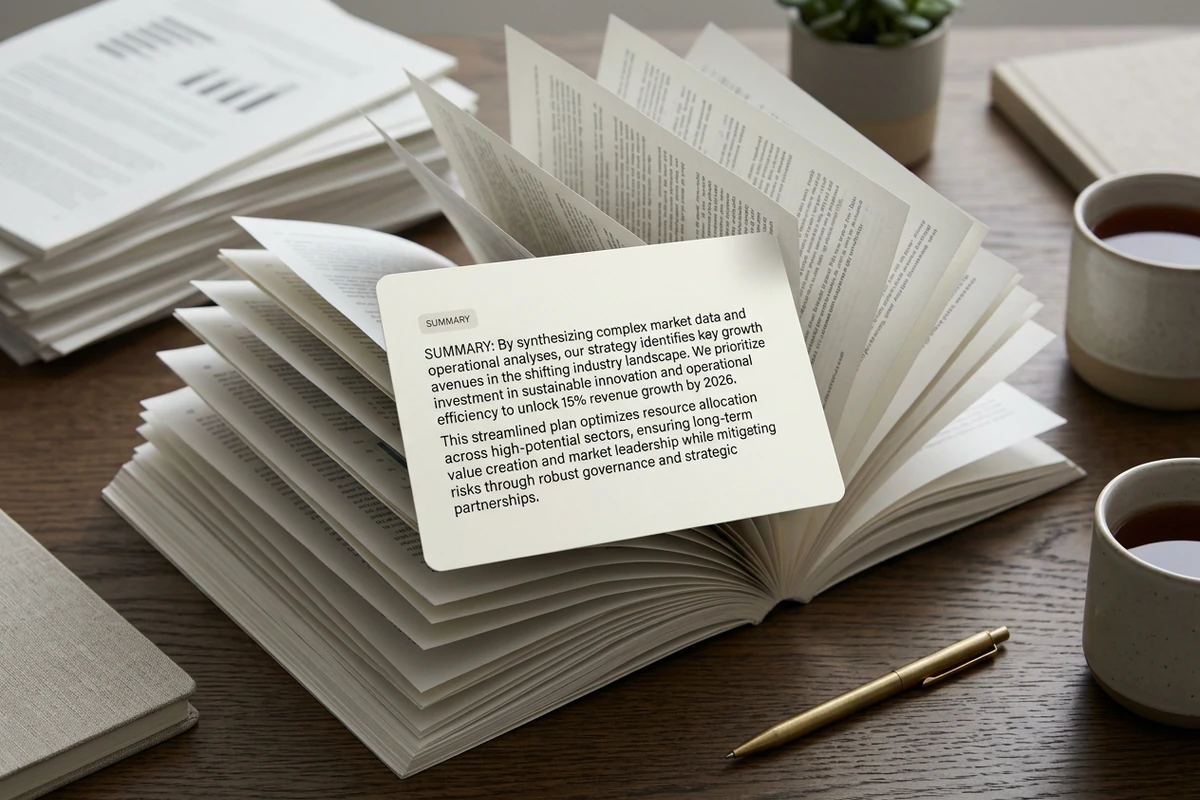
Open report pages on a wooden desk with a cream card titled Summary showing a short distilled paragraph beside a pen and tea mugs.

Condense complex pasted text

Paste the report, brief, or notes you already have on hand, then ask this text summarizer for a shorter reading that keeps the main argument intact. Name the audience and the desired length so Distill focuses on what you need next. Sharper Distill requests follow How to Write AI Prompts That Actually Work.
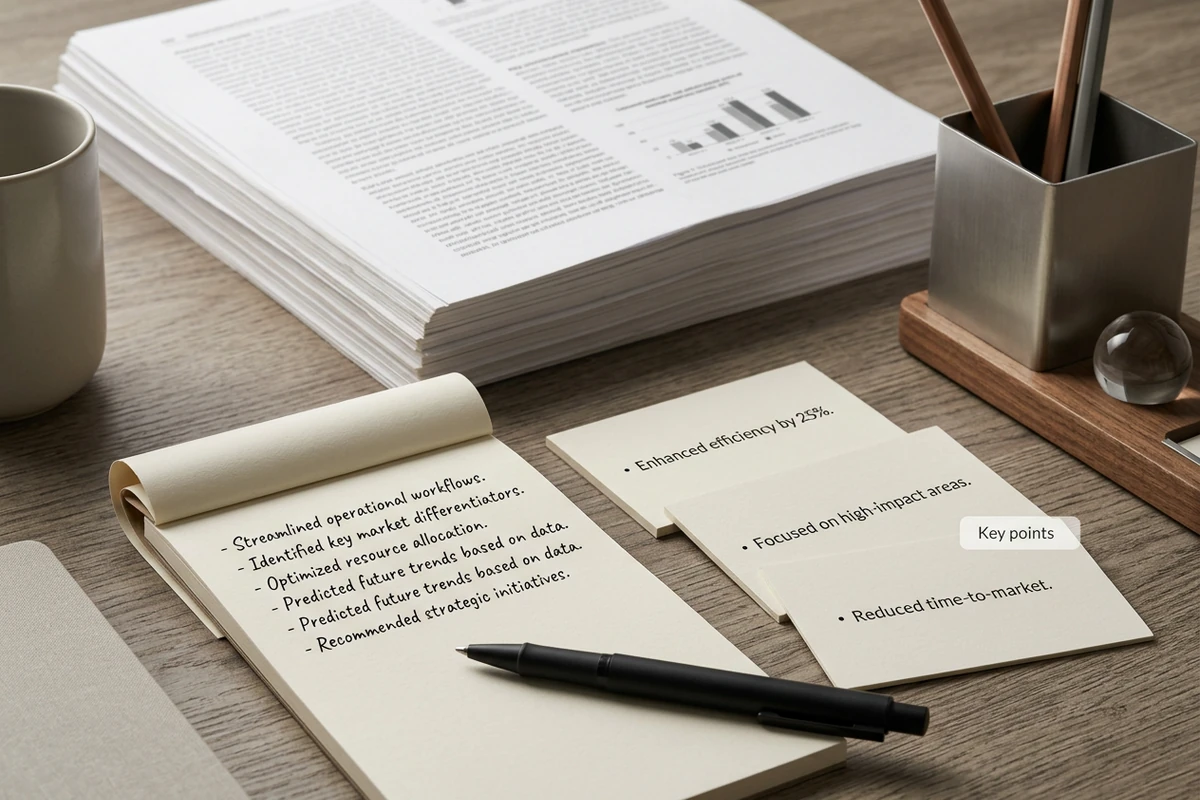
Dense document pages behind a spiral notepad and small cards listing short key-point bullets on a wooden desk.

Pull key points you can scan

Ask for key points as a separate list so important claims do not hide inside a long paragraph. Keep source wording nearby while you check each bullet against the original passage. For research-heavy reading, continue with best AI research assistants.

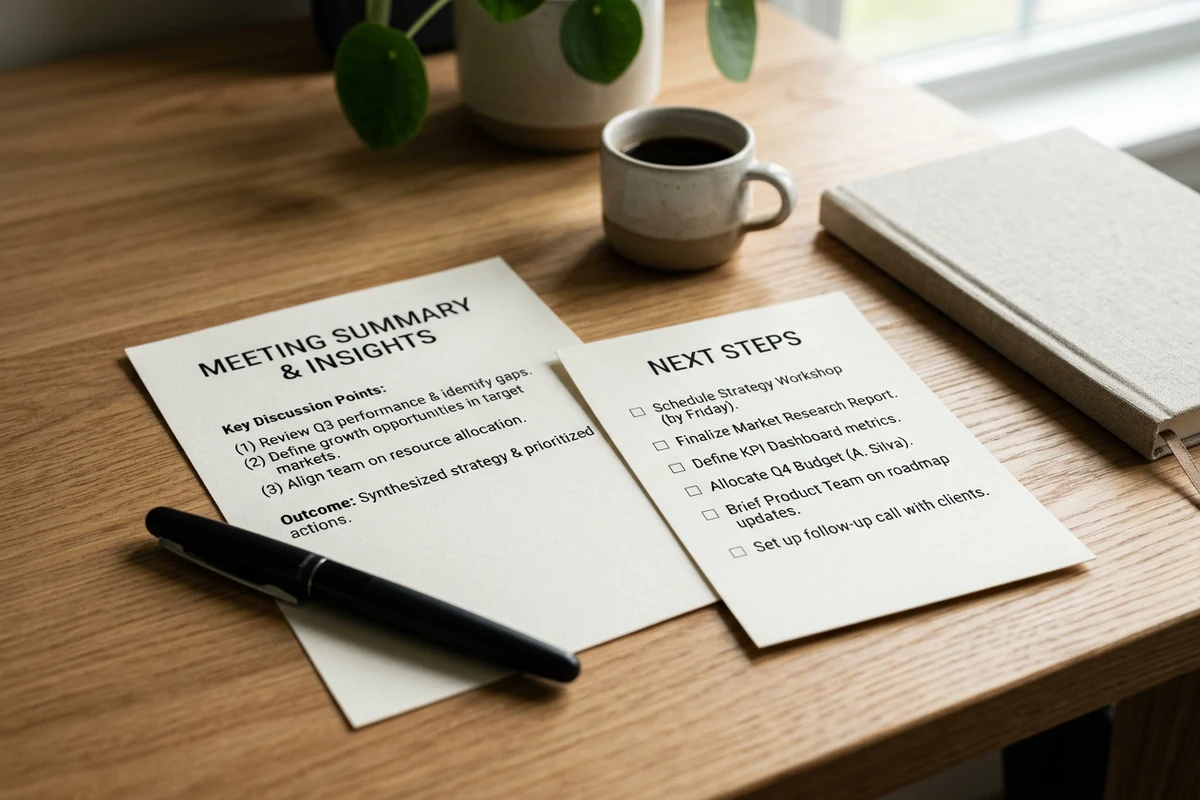
Two cream cards on a light desk: a meeting summary sheet beside a Next steps checklist with a pen and coffee mug.

Turn reading into next steps

After the summary, request concrete next steps tied to owners, dates, or open questions in the pasted text. Treat the Distill list as a working draft, then verify every commitment before you assign work. When a summary must become a longer draft, move into the Essay Writer.

How to use this text summarizer in 3 steps

Step 01

Paste the source

Add the document text you need shortened, plus audience, length, and any names, dates, or decisions that must stay exact in the Distill result.

Step 02

Choose the Distill shape

Ask for a summary alone, key points, next steps, or all three so the Distill output matches the document you will send or file next.

Step 03

Verify, then continue

Compare the Distill result with the source, fix any drift, and keep the approved summary attached for later revisions in Studio.

Why creators choose Ottermind

Summary plus action

This text summarizer can return a Distill summary, key points, and next steps instead of only a shorter paragraph.

Paste what you control

Work from document text you provide, so this text summarizer stays tied to the passage you control.

Honest review loop

Treat every summary as provisional and recheck names, numbers, and commitments against the source.

Output shapes you choose

Request bullets, a brief paragraph, or a follow-up list that matches the next document you must write.

Context stays attached

Keep source text, Distill request, and revisions together while you refine. Continue outreach in the AI Letter Generator.

Continue in Studio

Carry the accepted summary into Studio for another Distill pass or related draft. Shape headlines with the Slogan Generator.

FAQ

What does this text summarizer do?

It helps Distill long pasted notes or document text into a shorter summary, key points, and optional next steps. You review the Distill result in Ottermind, then revise until the reading is usable for meetings, reports, or follow-up writing.

What input works best?

Paste the passage you want shortened and say who will read it. Add required length, must-keep facts, and whether you need key points or next steps. Clear instructions help this text summarizer produce output you can evaluate quickly.

Can it summarize PDFs or web URLs automatically?

This page is built for pasted text and document context you provide in the prompt. If you have a PDF or webpage, extract the relevant text first, then paste that passage into the text summarizer.

Will the summary be perfectly accurate?

No. AI summaries can miss nuance, invent details, or soft-pedal decisions. Always compare the Distill output with the original before you share it or assign work. For career documents after summarizing notes, try the AI Resume Builder.

How do I get next steps instead of only a shorter paragraph?

Ask explicitly for next steps, owners, dates, and open questions after the summary. Separating those fields makes action items easier to verify than burying them inside a single shortened paragraph.

What should I do after I accept a summary?

Keep the source and Distill result attached, then turn the reading into the next deliverable. For short campaign copy, continue with the AI Social Media Post Generator.

Discover more

What they say about Ottermind

Ottermind helped us turn a rough campaign brief into several strong visual directions without losing the original intent. We could compare different compositions, keep the references beside the work, and refine the strongest concept in one place. That made the entire review process feel faster and much more focused.

Maya Chen - Product Marketing Lead

More from the blog

Start with this text summarizer

Paste the document text you need shortened, request a Distill summary with key points and next steps, verify every claim against the source, and keep revisions connected in Ottermind.

Summarize text


