Selection Guide
Best AI Research Assistants in 2026: 8 Tools Compared
The best AI research assistants are not interchangeable. Perplexity is a strong first stop for fast web research, ChatGPT and Gemini are better suited to long, multi-source reports, NotebookLM is especially useful when your own source collection matters, and Elicit or Consensus are stronger for peer-reviewed literature. Ottermind fits a different point in the workflow: keeping files, research context, and the deliverables that follow connected in one workspace.
Choose by the evidence you need, not by the longest feature list. A useful assistant should find relevant sources, show where claims came from, compare documents, and produce a reviewable output. None removes the need to verify important sources.
Quick comparison: 8 AI research assistants by task
| Tool | Best for | Main source type | Citation traceability | Multi-document work | Typical output |
|---|---|---|---|---|---|
| Perplexity | Fast web research | Live web + uploads | Linked inline sources | Yes | Concise answers and research reports |
| ChatGPT Deep Research | Complex, controlled investigations | Web + files + connected apps | Citations and source links | Yes | Structured, downloadable reports |
| Gemini Deep Research | Google-connected research | Google Search + files + Drive and other selected sources | Linked sources | Yes | Reports, Docs exports, and optional visuals |
| NotebookLM | Research grounded in a curated source set | Uploaded sources + imported web research | Inline citations linked to source passages | Strong | Briefings, study guides, reports, and other source-based formats |
| Elicit | Systematic literature research | Academic papers + clinical trials + uploads | Sentence-level citations and supporting quotes | Strong | Evidence tables, reviews, and research reports |
| Consensus | Evidence-based academic questions | Peer-reviewed papers | Inline citations and evidence views | Strong in Deep review | Answers, literature reviews, and exports |
| Paperguide | Academic reading through writing | Research papers + uploaded documents | Citations with access to supporting source text | Strong | Literature tables, reviews, and cited drafts |
| Ottermind | Turning research context into connected deliverables | Files, links, notes, and project context | Verify important sources in the originals | Strong workflow fit | Reports, decks, plans, and follow-up work |
How we compared these tools
This is a documented-capability comparison, not a controlled benchmark. Product capabilities and plan information were checked against official documentation on July 17, 2026. We also reviewed the current Google results and research discussions.
We used four primary criteria:
- Retrieval quality: Live web, peer-reviewed literature, a selected corpus, or a combination?
- Citation traceability: Can you move from a claim to its source or supporting passage?
- Multi-document analysis: Can the assistant compare sources and preserve disagreements?
- Report production: Does the result become a structured, reviewable report?
Prices and limits change frequently, so check the official plan before a large project. If you are comparing the underlying model rather than the finished research product, use our guide to the best AI models instead.
What citation quality actually means
"Includes citations" is only the first level of research quality. A useful evaluation separates four questions:
- Is there a real source? Open the URL and confirm the document exists.
- Does the source contain the claimed information? A relevant page can still fail to support a specific statement.
- Can you locate the evidence quickly? Passage-level citations and supporting quotes reduce verification time.
- Were important counterexamples omitted? A well-cited report can still be incomplete or one-sided.
For consequential work, verify primary documents, dates, quotations, calculations, and decision-changing claims. An AI report is an organized research layer, not final authority.
The best AI research assistants for different workflows
1. Perplexity: best for fast web research
Perplexity is useful when you need a quick map of a current topic and want source links beside the answer. Advanced Deep Research can cross-reference more sources, analyze uploaded documents, and produce a longer report. Its speed and search-first interface are advantages; the limitation is that linked sources still require inspection, especially when a summary combines several claims.
2. ChatGPT Deep Research: best for controlled, structured reports
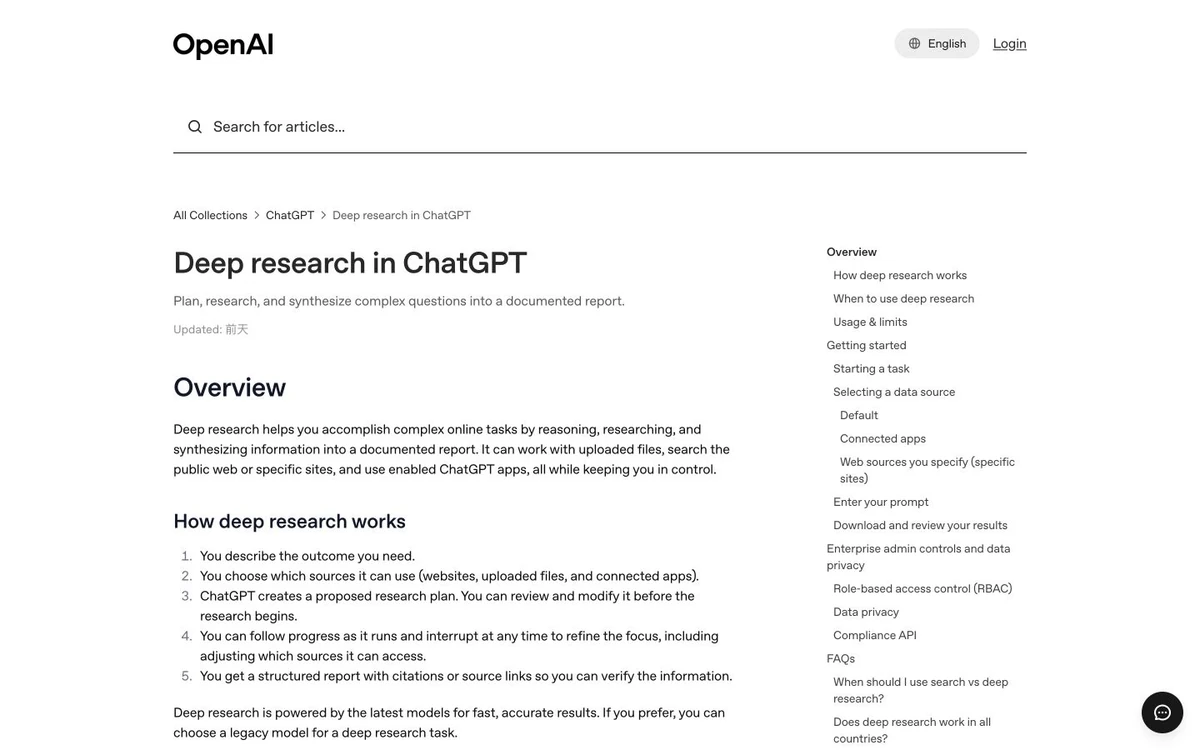
ChatGPT Deep Research works across the public web, uploaded files, selected websites, and supported connected apps. You can edit its research plan and receive a documented report with citations or source links, downloadable as Markdown, Word, or PDF. It fits investigations with several subquestions, but its breadth makes source selection and plan review important.
3. Gemini Deep Research: best for Google-connected research
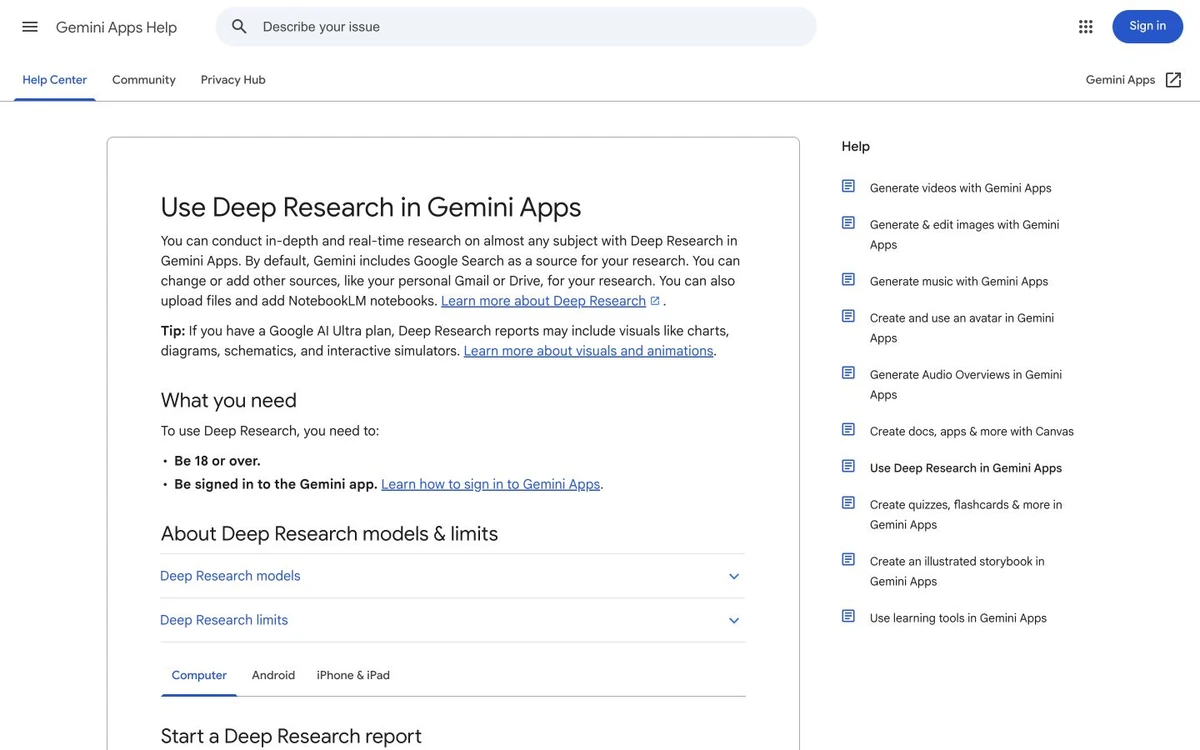
Gemini uses Google Search by default and can add uploaded files, Gmail, Drive, or NotebookLM notebooks when available. Users can edit the plan and export reports to Google Docs. Choose it when web and internal material meet in the Google ecosystem. Limits and visual features vary by plan and source configuration.
4. NotebookLM: best for a curated source collection
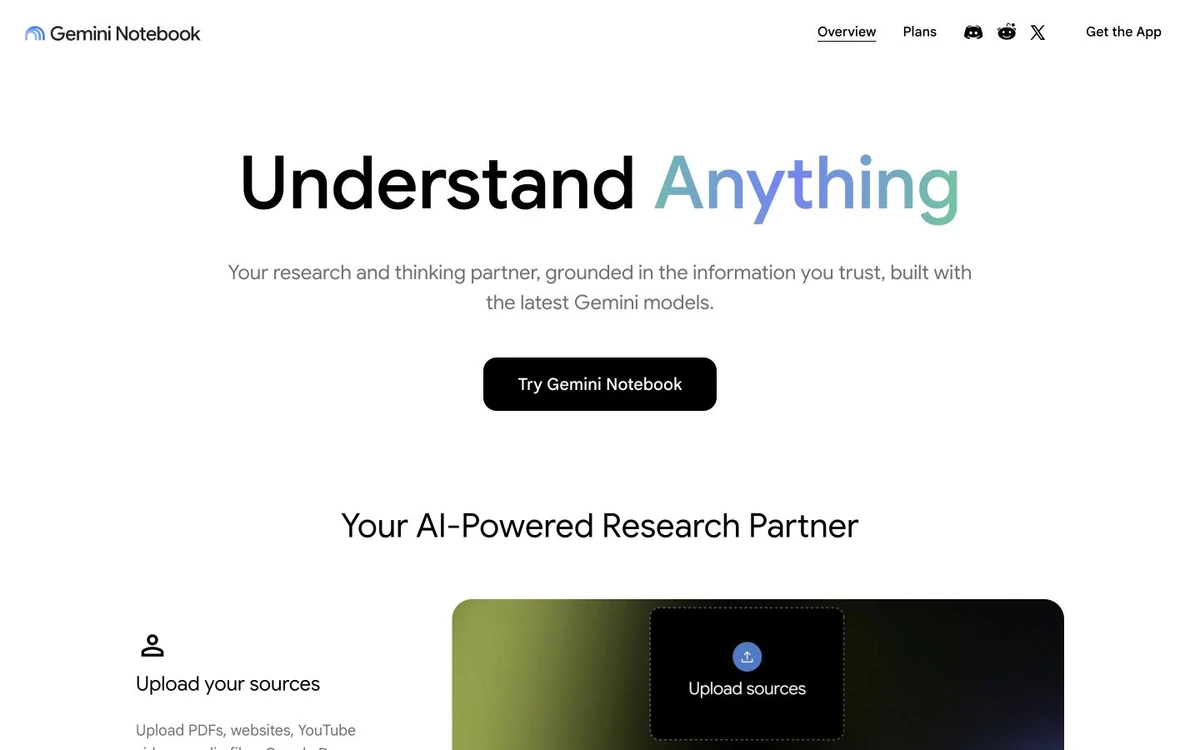
NotebookLM is strongest when answers must stay grounded in sources you control. It supports documents, presentations, spreadsheets, web pages, audio, video transcripts, and other formats. Citations can reveal quoted text and navigate to the relevant location. It also offers Deep Research for importing web sources, but its distinctive value remains selecting and questioning a curated corpus.
5. Elicit: best for systematic literature research
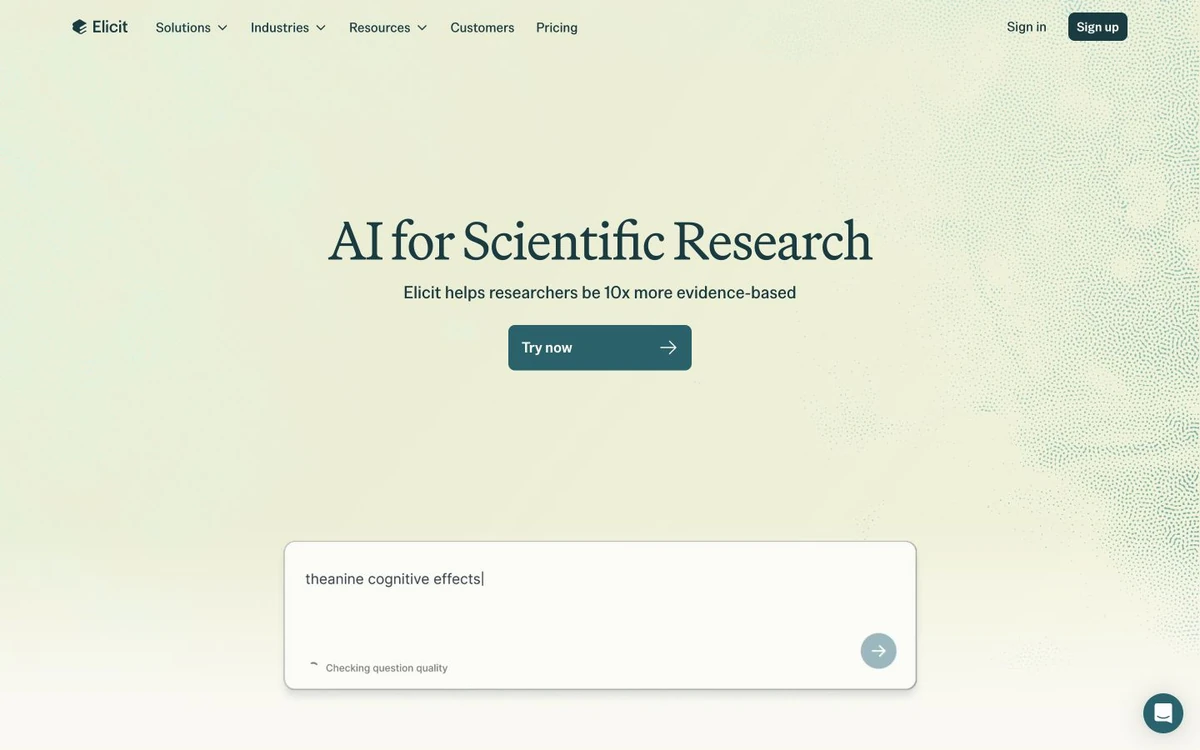
Elicit is designed around academic evidence rather than the open web. It supports paper screening and extraction and generates literature reviews with sentence-level citations linked to supporting quotes. Its systematic review workflow documents search, screening, extraction, and synthesis. It is strong for evidence tables, but not the default for breaking news or broad market intelligence; advanced scale and exports require paid plans.
6. Consensus: best for focused evidence questions
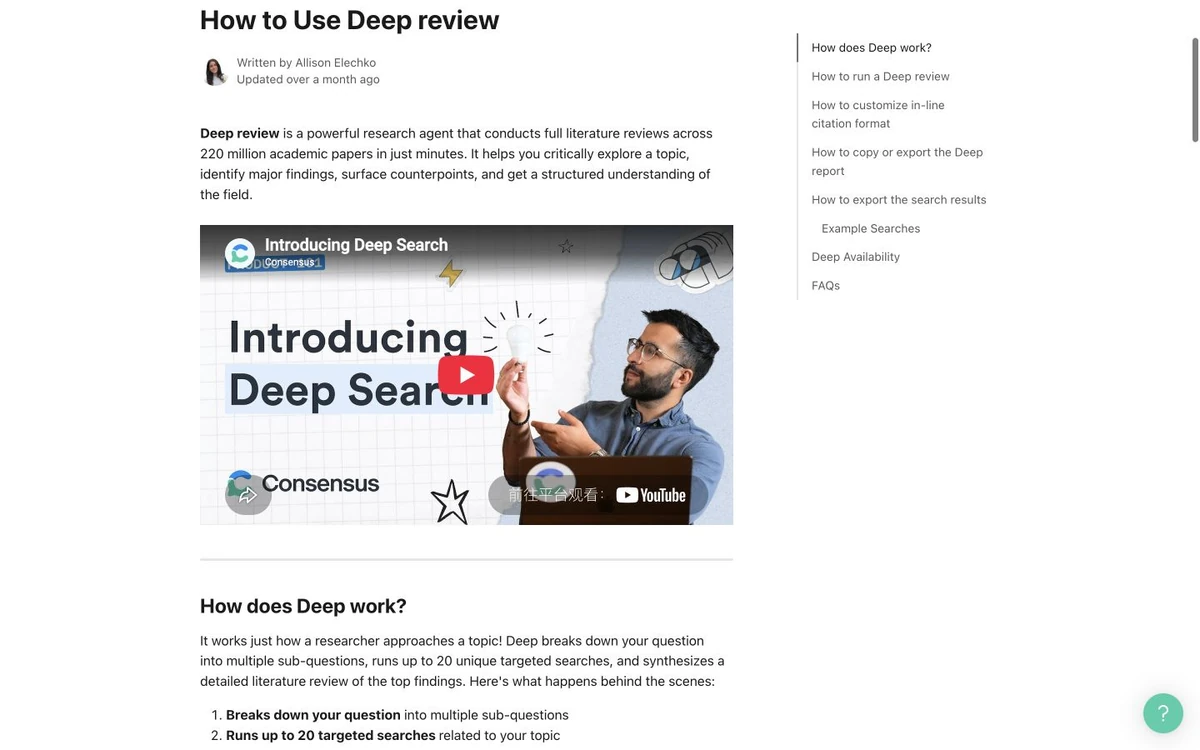
Consensus grounds answers in peer-reviewed papers. Research Agent plans multi-step searches, while Deep review produces structured literature reviews with claims, evidence, citations, visuals, and exports. It works when published research can answer the question, not when the best evidence is current product or market information. Check whether an analysis used full text or only an abstract.
7. Paperguide: best for research reading through cited writing
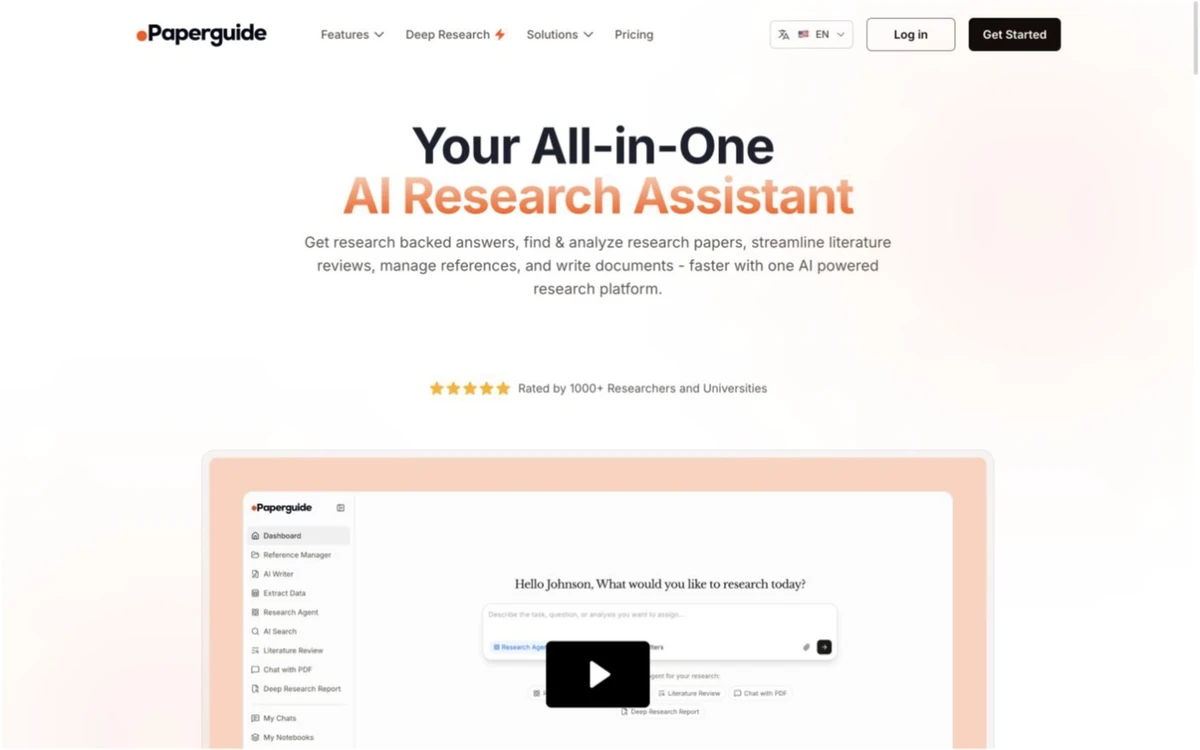
Paperguide combines academic search, paper analysis, literature review, reference management, and writing. It emphasizes cross-paper data comparison, supporting source text, and reports or drafts connected to references. It fits a workflow from discovery to writing, but may be excessive for a quick evidence question; professional web research may still need a general assistant.
8. Ottermind: best for research that must become deliverable work
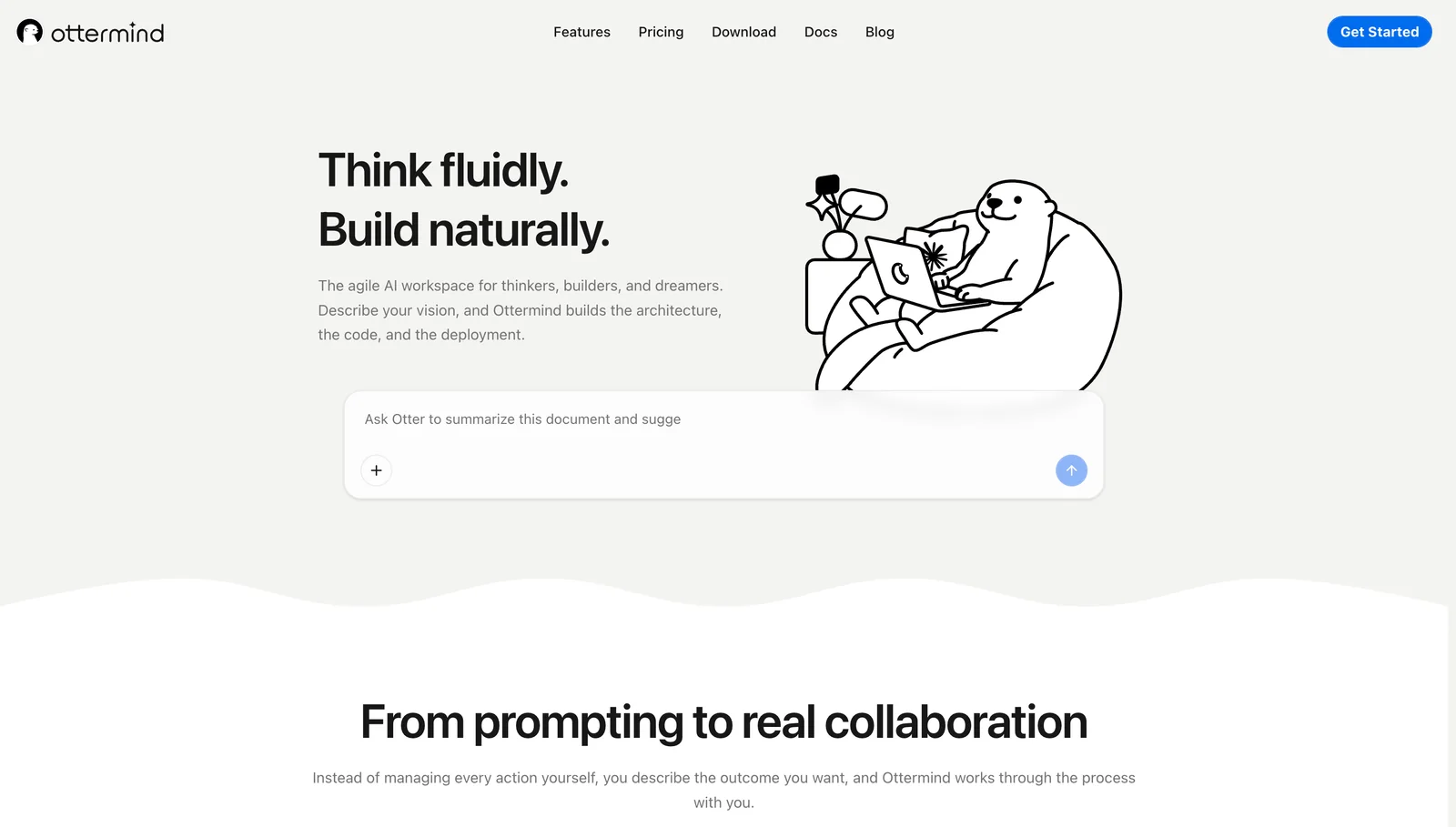
Ottermind is a connected AI workspace rather than an academic database. Bring files, links, notes, project context, and an outcome into one place, then continue into a report, presentation, plan, or follow-up task. It should not replace source verification or a specialist literature database. Use it when success means turning evidence and decisions into reviewable work.
If the task also needs persistent tools, automation, or reusable agents, see how this differs from the products in our AI agent workspace comparison.
Which research assistant should you choose?
- Choose Perplexity for fast source discovery on a current web topic.
- Choose ChatGPT Deep Research for a long investigation with a controlled source plan and downloadable report.
- Choose Gemini Deep Research when Google Search, Drive, Gmail, or NotebookLM sources are central.
- Choose NotebookLM when you already have a trusted collection of documents and need grounded cross-source questions.
- Choose Elicit for systematic reviews, screening, and structured extraction from academic papers.
- Choose Consensus for focused questions that should be answered from peer-reviewed evidence.
- Choose Paperguide when academic discovery, reference management, analysis, and writing need to stay together.
- Choose Ottermind when research must continue into a connected report, deck, plan, or operational deliverable.
A multi-tool workflow is often more honest than one "best" product: discover current sources, analyze a trusted corpus, add academic evidence, then assemble the final project.
Common mistakes when using AI for research
- Trusting the citation marker: Open the source and confirm that it supports the exact claim.
- Mixing evidence universes: An academic corpus, live web search, and an internal document library answer different questions.
- Uploading sensitive files without checking policy: Review the product's data controls, retention, access, and workspace settings first.
- Reading only the synthesis: Important caveats often live in methods, tables, footnotes, or contradictory sources.
- Starting without an output definition: Specify audience, date range, acceptable sources, report format, and decisions the research must support.
Frequently asked questions
What is the best free AI research assistant?
NotebookLM offers a useful free allowance for source-grounded document work, while Elicit and Consensus provide limited free academic research. Perplexity can handle occasional web questions. Check current limits before a large review.
Which AI is best for research paper writing?
Elicit, Consensus, and Paperguide align better with academic evidence than a general chatbot. Paperguide extends into cited writing and references; Elicit is stronger for structured reviews and extraction. Read every paper you cite.
Is NotebookLM better than a deep research agent?
NotebookLM is usually better when your selected sources define the truth boundary. A deep research agent is better when the task requires discovering current information across the web. NotebookLM now supports web Deep Research too, but its core advantage remains grounded work inside a curated notebook.
Are AI-generated citations reliable?
They are useful navigation aids, not proof. Verify that the source exists, contains the relevant evidence, supports the precise claim, and is appropriate for the decision. Prefer tools that expose supporting passages or make it easy to return to the original context.
Turn research into a deliverable
Research rarely ends with a list of links. If your next step is a report, presentation, plan, or coordinated project, bring the source material and desired outcome into Ottermind. Keep the evidence, context, decisions, and deliverables connected, with human review where accuracy matters most. If that deliverable is a deck, our AI presentation maker guide covers the next decision.
Sources
- OpenAI: Deep research in ChatGPT
- Google: Use Deep Research in Gemini Apps
- Google: Learn about NotebookLM
- Google: Use chat in NotebookLM
- Perplexity: Advanced Deep Research
- Elicit: Pricing and research workflows
- Elicit: Systematic Literature Reviews
- Consensus: How to use Deep review
- Paperguide: AI Research Assistant
