






Bio Generator for Clear, Credible Profiles Built From Your Facts

Provide verified facts, choose the reader and point of view, then generate personal bio versions you can compare and refine.

AI writing
Claude
GitHub
Google
Linear
Microsoft
Monday
Netlify
Notion
OpenAI
Sentry
Slack
Stripe
Supabase
Claude
GitHub
Google
Linear
Microsoft
Monday
Netlify
Notion
OpenAI
Sentry
Slack
Stripe
Supabase
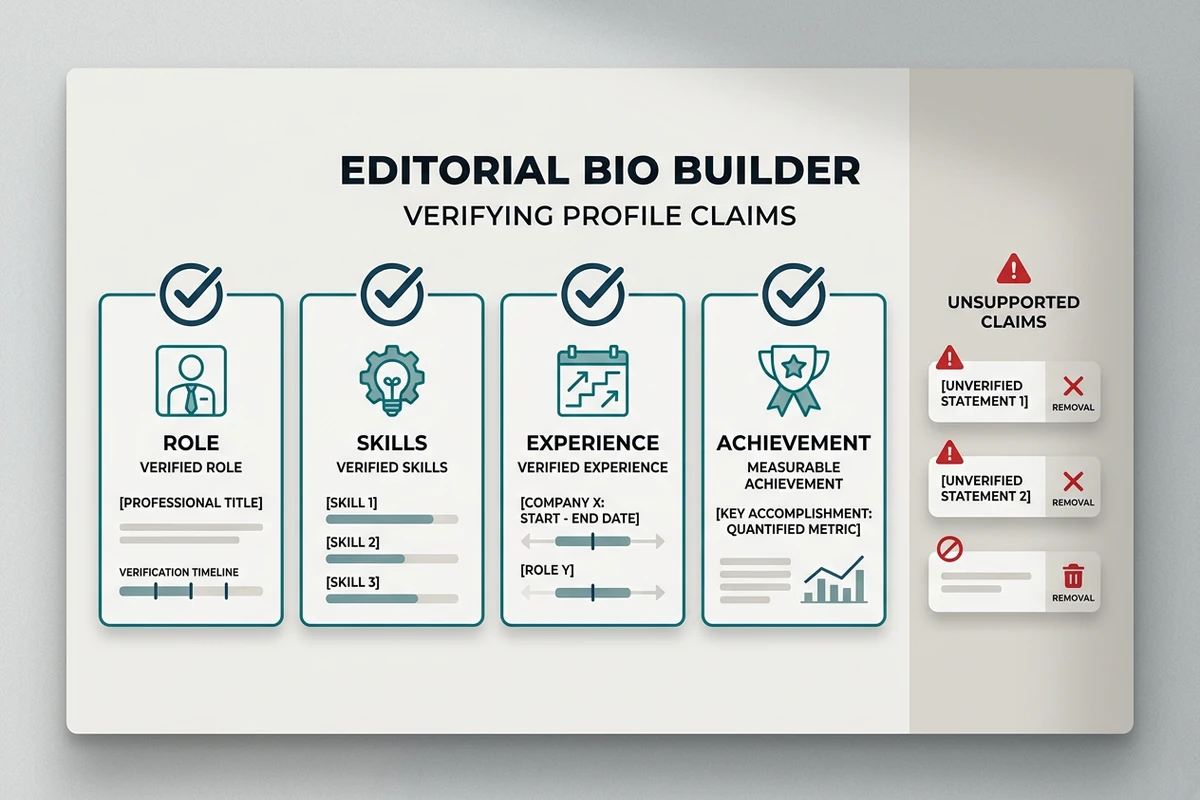
Editorial workspace with verified cards for role, skills, experience, and achievements separated from unsupported claims.

Build from facts you can defend

List your role, relevant experience, skills, and one or two achievements before the Bio Generator writes. Mark anything uncertain for omission instead of letting polished language turn it into a claim. Gather career evidence in the AI Resume Builder, or distill an interview with the AI Note Taker.
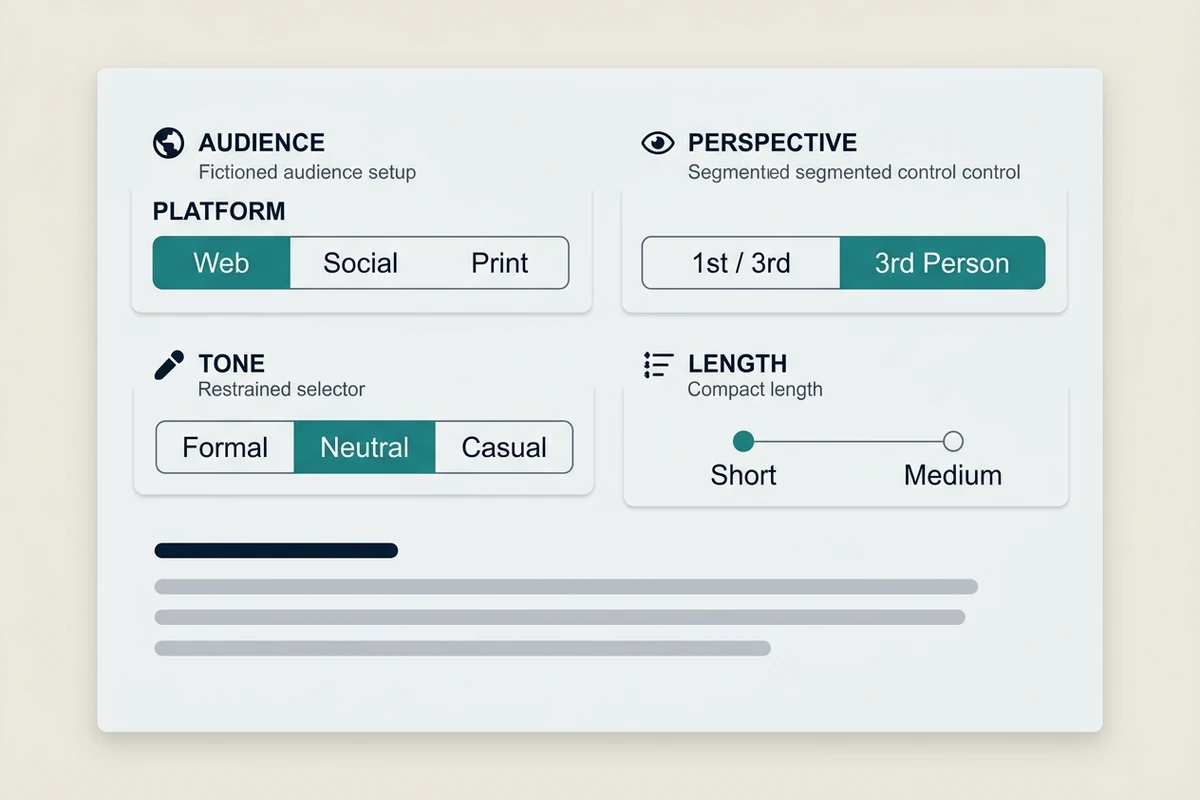
Audience setup panel with platform, perspective, tone, and bio length controls.

Choose the reader before the voice

Name where the bio will appear and who will read it, then choose first or third person, tone, and length. A professional bio on a portfolio About page needs different emphasis from a conference card. Keep naming work in the Username Generator and post writing in the AI Social Media Post Generator.

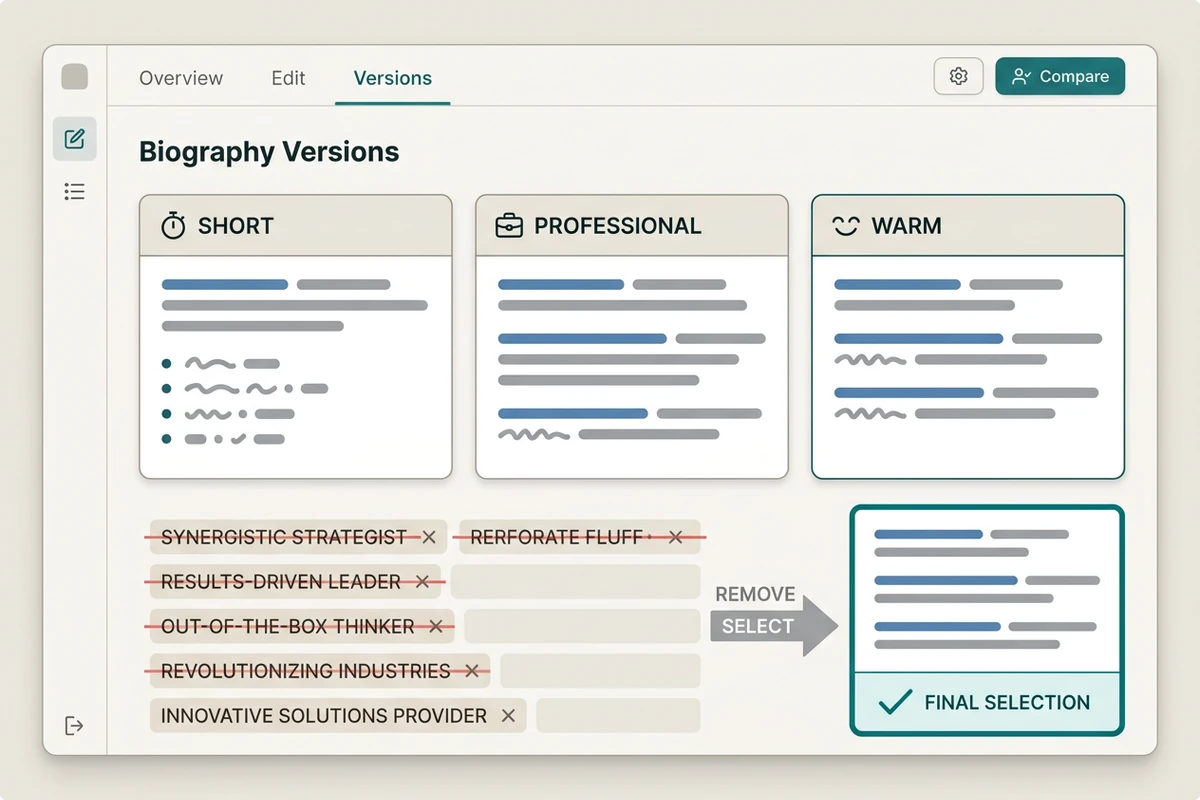
Comparison workspace showing short, professional, and warm bio versions, removed corporate fluff, and a selected final version.

Compare versions, then cut the fluff

Generate short, professional, and warm versions from the same fact set. Compare what each version emphasizes, circle unsupported praise, and remove phrases that could describe anyone. Keep the final bio focused on profile context; use the Cover Letter Generator when a job application needs a role-specific argument.

How to use the Bio Generator

Step 01

Supply the fact set

Separate confirmed roles, skills, experience, and achievements from impressions. Tell the Bio Generator to omit any detail that is not in your source list.

Step 02

Define audience and format

State the placement, reader, first or third person, tone, and length. These choices determine what deserves the limited space and how the bio should sound.

Step 03

Compare and verify

Review the three versions against the same facts. Delete generic praise, confirm names and numbers, and select the version that best serves the intended reader.

Why creators choose Ottermind

Facts stay visible

Keep source notes beside the draft so every role, skill, and achievement remains reviewable.

One brief, several versions

Change length or warmth while holding the audience and verified fact set constant.

Focused revision passes

Ask separately for less self-promotion, tighter wording, or a clearer opening instead of restarting.

Preferred voice can persist

Project context can keep approved phrases, tone decisions, and factual boundaries organized for later edits.

Outreach stays separate

Use the AI Email Generator when the approved bio needs an accompanying introduction message.

You choose the final claim

Agent work remains visible, so you can reject unsupported wording before the bio leaves the workspace.

FAQ

What should I put into a Bio Generator?

Provide your current role, relevant experience, specific skills, verified achievements, intended reader, placement, preferred point of view, tone, and word limit. Add facts you want omitted as clearly as facts you want included.

Should a professional bio use first or third person?

Use first person when you speak directly on a personal About page or portfolio. Third person often fits speaker pages, company profiles, and event programs. Follow the destination's convention when one is specified.

How long should my bio be?

Match the available space and the reader's decision. A compact card may need 30 to 60 words, while an About section can support more context. Keep one verified master brief and generate length-specific versions from it.

How do I stop an AI bio from sounding boastful?

Replace unsupported adjectives with concrete responsibilities, skills, or outcomes. Remove claims such as visionary or industry-leading unless you can substantiate them. Read the draft aloud and cut any sentence that sounds like a sales pitch rather than you.

Can this write a resume or dating profile too?

This page is for profile and About bios. Build a structured employment document with the AI Resume Builder. Dating profiles, cover letters, usernames, and social posts have different readers and should use their own briefs and tools.

Where can I use the finished bio?

Use the approved version on a portfolio, speaker page, company profile, author page, or About section when its tone and length fit. For a full personal site, continue with the AI Website Builder and preserve the verified wording.

Discover more

What they say about Ottermind

Ottermind helped us turn a rough campaign brief into several strong visual directions without losing the original intent. We could compare different compositions, keep the references beside the work, and refine the strongest concept in one place. That made the entire review process feel faster and much more focused.

Maya Chen - Product Marketing Lead

More from the blog

Write a personal bio you can stand behind

Bring the reader, format, and verified facts. Use the Bio Generator to compare clear versions, remove generic claims, and approve wording that sounds like you.

Generate bio


