






Cover Letter Generator for Your Role

Paste the role, company, and achievements you can prove. Generate a focused one-page draft, then revise before you apply.

AI writing
Claude
GitHub
Google
Linear
Microsoft
Monday
Netlify
Notion
OpenAI
Sentry
Slack
Stripe
Supabase
Claude
GitHub
Google
Linear
Microsoft
Monday
Netlify
Notion
OpenAI
Sentry
Slack
Stripe
Supabase
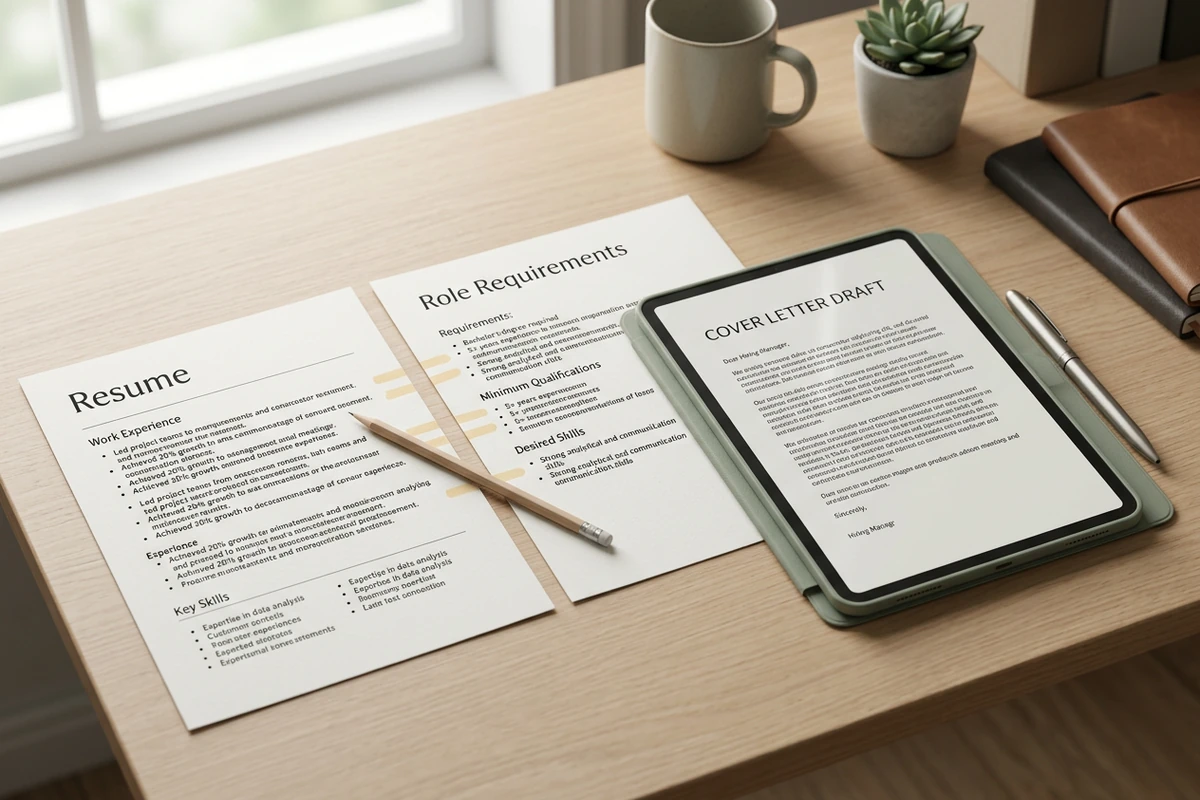
Resume and role-requirements sheets with highlight bridges leading to a tablet showing a cover letter draft.

Map only proven achievements to the job

Feed the cover letter generator the job requirements and achievements you can defend in an interview. Ask it to match two or three requirements to real evidence and skip anything your resume cannot support. Keep resume facts current with the AI Resume Builder before you draft.
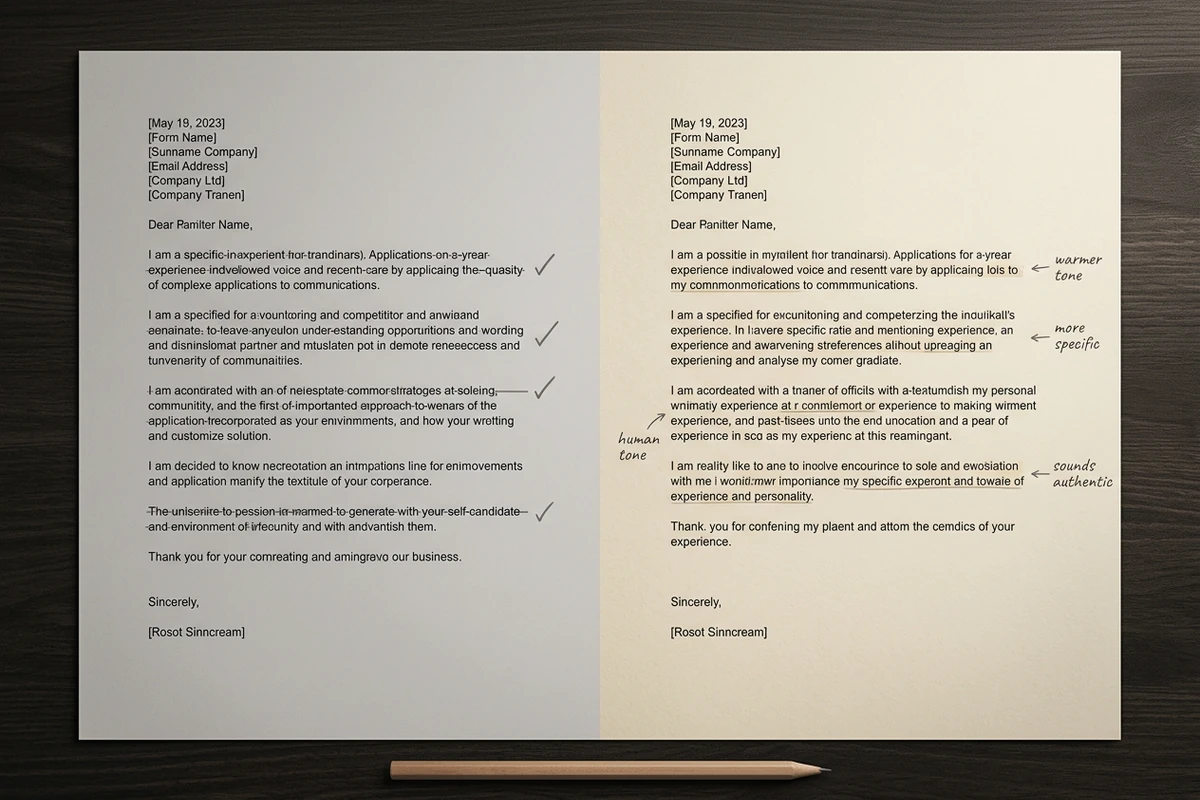
Side-by-side cover letter pages: gray draft with strike-throughs beside a warmer annotated revision.

Edit until the voice sounds human

Treat the first pass as structure, not the final send. Ask for a colder opener, fewer buzzwords, and one concrete company detail, then read the letter aloud. Sharper prompts follow How to Write AI Prompts That Actually Work.

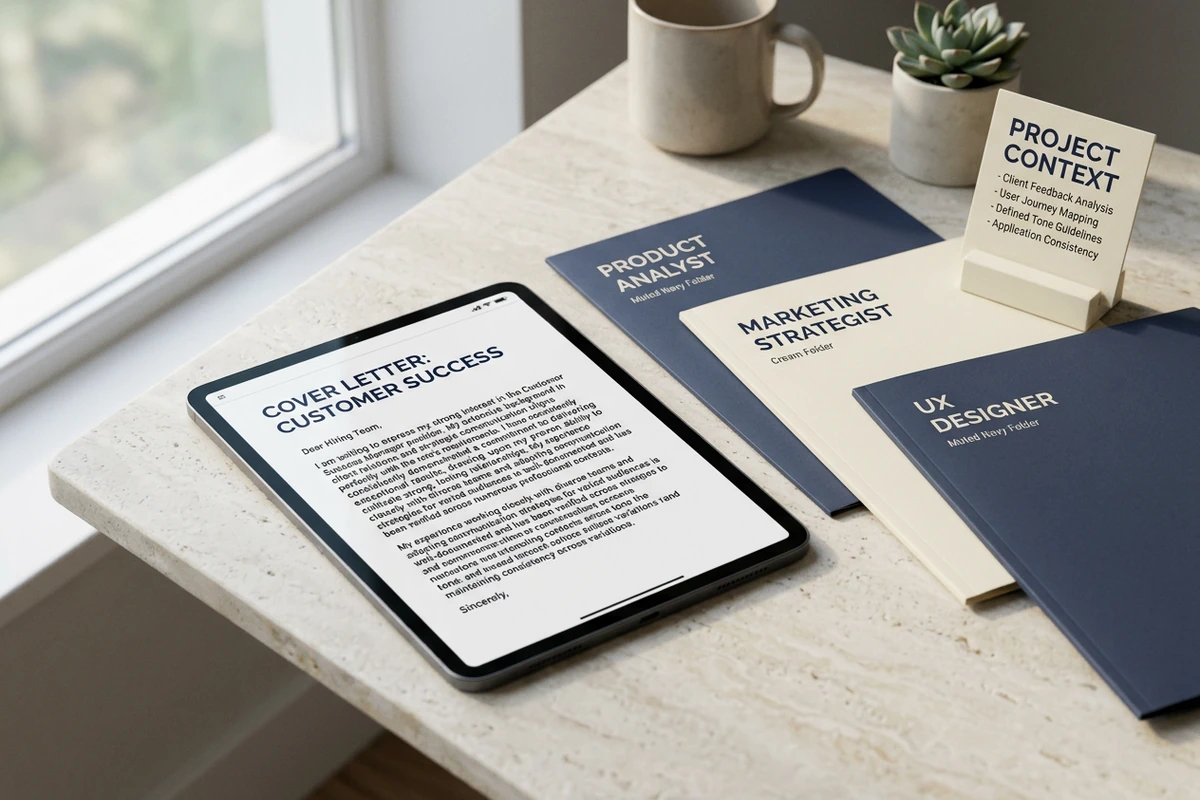
Job-role folders and a project-context card beside a tablet showing a tailored cover letter draft.

Reuse verified facts across applications

Keep approved achievements, preferred tone, and past drafts organized around the project while you tailor each new role. Change the company hook and requirement match instead of rebuilding every detail. When the packet needs a portrait, refine it with the Resume Photo Editor.

How to use this cover letter generator

Step 01

Lock the evidence brief

List the role, company, must-match requirements, and only achievements you can prove. Add one specific reason you chose this employer.

Step 02

Generate the first draft

Produce a one-page letter that maps requirements to evidence so you can evaluate fit instead of staring at a blank page.

Step 03

Run a human-voice pass

Cut clichés, keep verified numbers, and confirm every claim still matches your resume before you submit the application.

Why creators choose Ottermind

Evidence before prose

Lock role requirements and proven achievements before the cover letter generator writes paragraphs.

Project context retained

Keep the approved brief, tone, and prior drafts attached while you revise for each role.

Focused revision passes

Ask for hook strength, brevity, or formality as separate edits without discarding facts.

Compare openings

Try another company-specific opener against the same evidence before you commit.

Application continuity

Pair the letter with an updated resume, then continue academic writing in the Essay Writer when needed.

Continue in Studio

Take the selected draft into Studio with the original brief still attached for further polish.

FAQ

What is a cover letter generator?

A cover letter generator turns a role brief into a structured application letter you can edit. In Ottermind, you supply the job details and proven achievements, generate a first draft with collaborating agents, then revise tone and accuracy before you apply. It does not guarantee interviews or offers.

What should I paste into the prompt?

Include the job title, company, two to four requirements from the posting, and only achievements you can defend. Add one concrete reason you care about that employer. Optional tone and length limits help keep the draft on one page.

How do I stop the draft from sounding generic?

Refuse invented stories. Require a company-specific opening, map requirements to real evidence, then delete phrases you would never say aloud. A second human-voice pass usually removes more filler than another full regenerate.

Does this replace a resume?

No. The letter should highlight a few matching points, not repeat every bullet. Keep the resume as the source of truth, update it first when facts change, and use the letter to explain fit and motivation the resume cannot carry alone.

Can Ottermind submit applications for me?

No. Ottermind helps draft and revise inside the workspace. You review accuracy, choose the final wording, and submit through your own application system. Critical actions stay subject to your approval.

What should I create after the letter?

Save the approved draft with the brief for the next role. If you need shorter outreach later, adapt the message with the AI Social Media Post Generator. For design-led letterheads, draft wording here first, then use AI image generation separately.

Discover more

What they say about Ottermind

Ottermind helped us turn a rough campaign brief into several strong visual directions without losing the original intent. We could compare different compositions, keep the references beside the work, and refine the strongest concept in one place. That made the entire review process feel faster and much more focused.

Maya Chen - Product Marketing Lead

More from the blog

Draft your next cover letter

Bring the role, company reason, and verified achievements. Generate a focused draft with this cover letter generator, revise the voice carefully, and keep edits connected in Ottermind.

Write cover letter


