Zoom In to Earth

Turn a person or place into a cinematic journey from orbit to ground. Describe the starting image, landing point, pace, and format, then continue in Ottermind Studio.

Make the landing point the story

A convincing zoom in to earth video is a camera plan, not only a fast scale change. Start with an image that has a clear subject, name the geographic landing point, choose the route between orbit and ground, and set the pace for the final screen. Ottermind keeps that context in one brief so you can carry the idea into Image to Video when you need to create new motion from a still image.

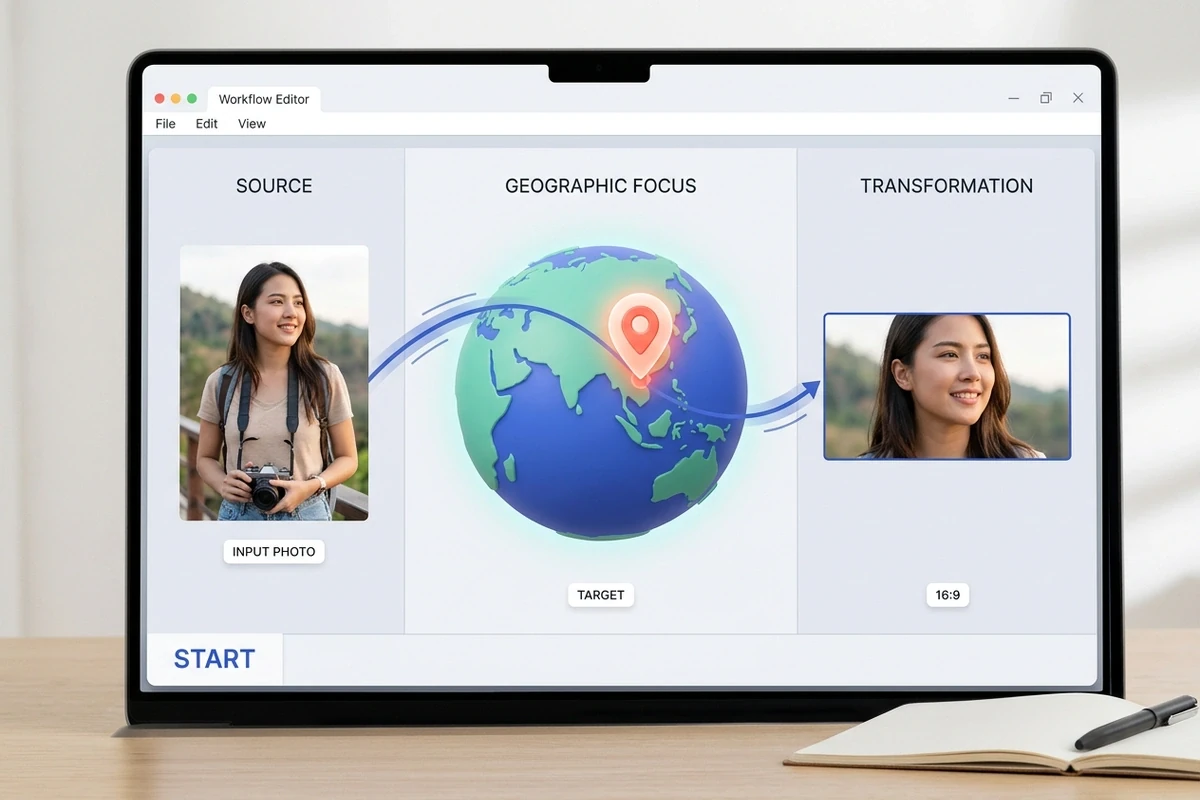
Editor view connecting a traveler portrait to a marked Earth destination

Lock the source and destination first

Give the workflow a recognizable starting frame and an unambiguous landing point. A portrait, landmark, or neighborhood view gives the camera something to resolve as it moves toward Earth. Include the crop, subject position, and destination name so the transition does not lose the person or place that makes the reveal meaningful.
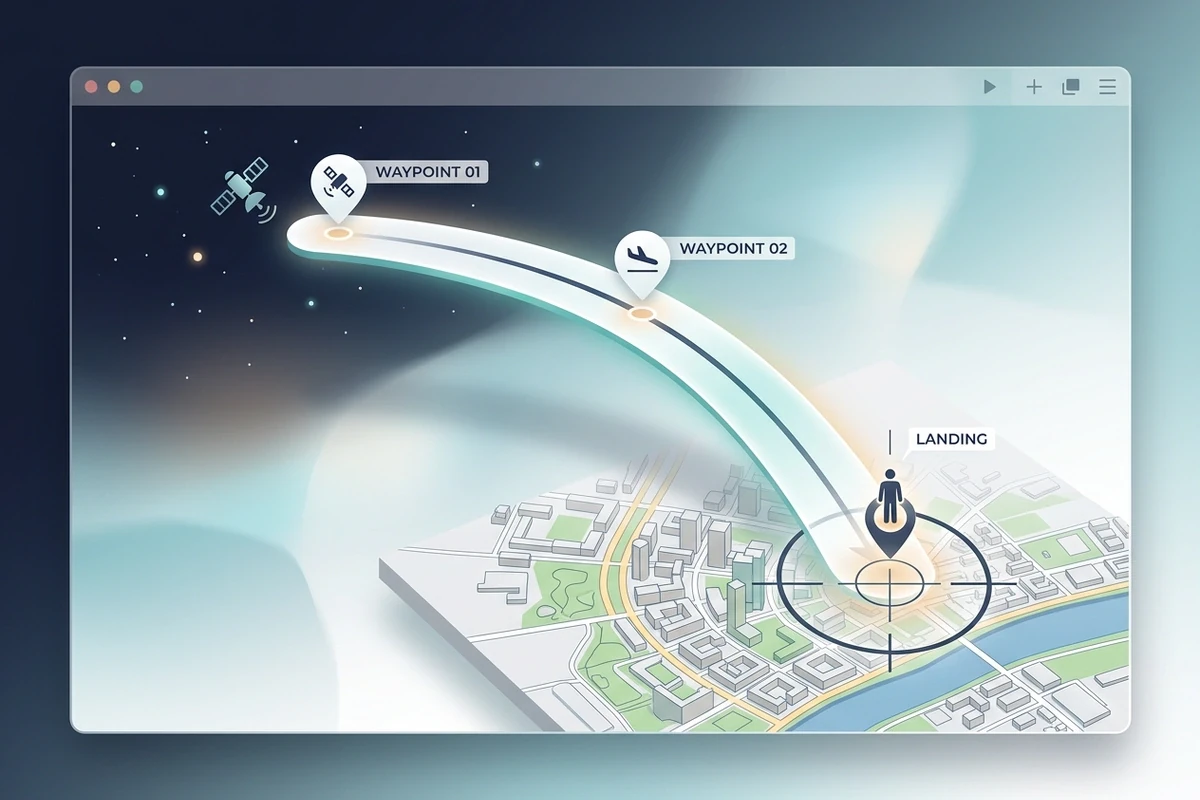
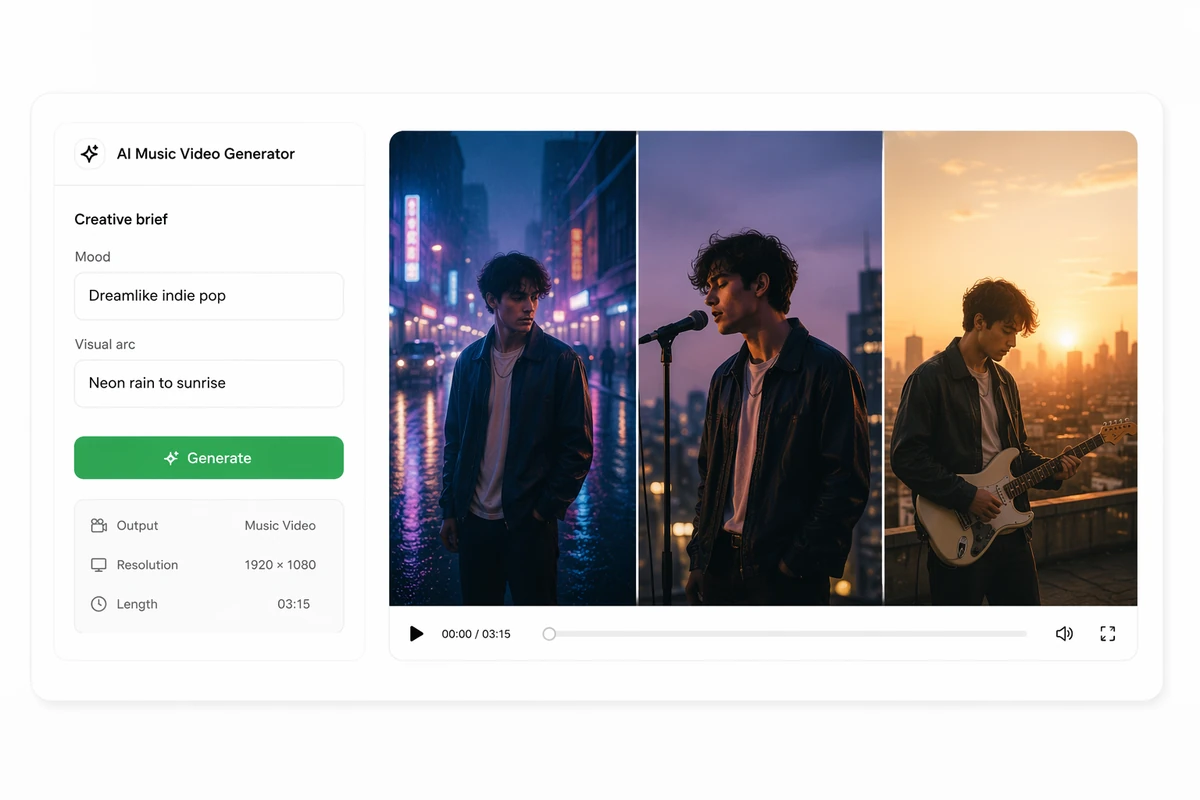
Camera path panel guiding a smooth route from orbit to a city destination

Shape a camera path people can follow

Describe whether the journey should move straight toward one pin, pause at a regional waypoint, or curve into the final approach. Calling out two or three visual checkpoints makes the motion easier to review and keeps the reveal from feeling like a random zoom. For a narrated product walkthrough rather than a map journey, continue with AI Video Demo.

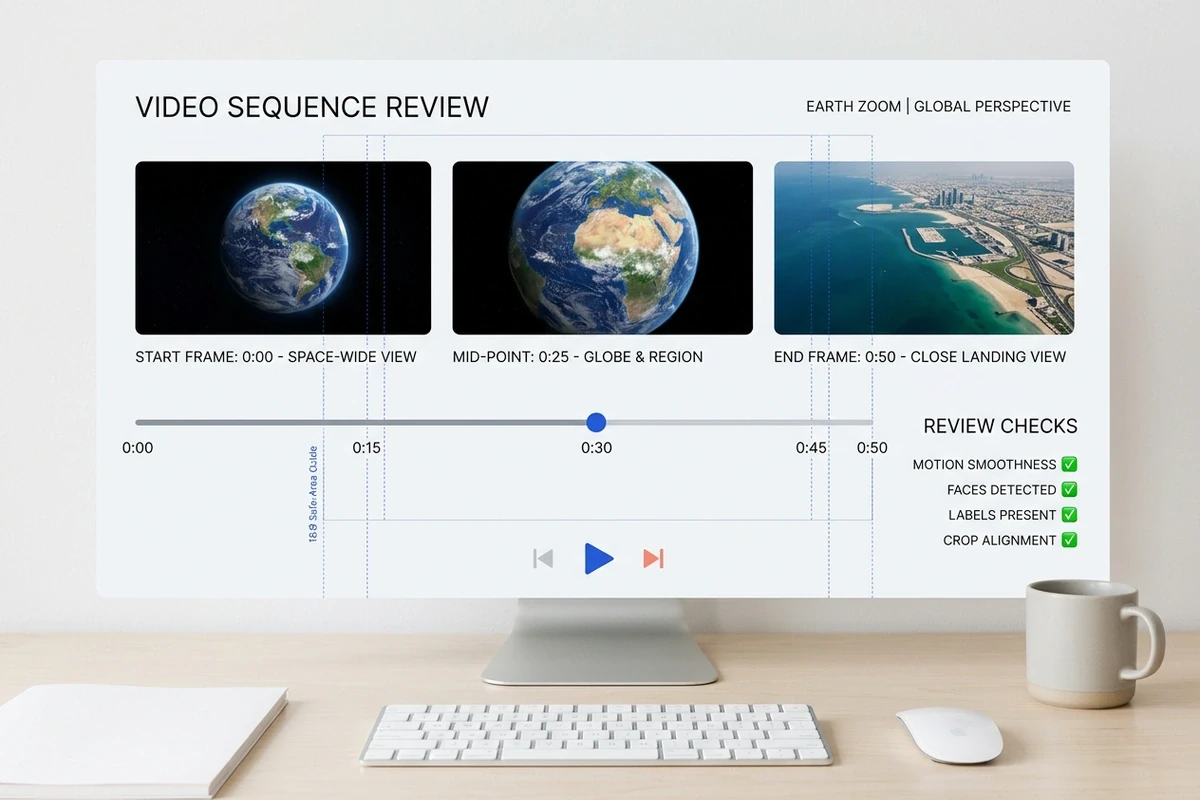
Timeline review comparing space, globe, and destination frames in a 16:9 guide

Review the final frame, not just the flight

The last seconds carry the location reveal. Compare the orbit, globe, and landing frames at the intended crop, then check faces, labels, edges, motion blur, and continuity. This source-to-landing review is the practical safeguard against a beautiful approach that ends on the wrong detail. Use Video Upscaler when an authorized finished clip also needs a clearer export.

What you can do with a zoom in to earth video

Travel creators, new homeowners, and outdoor hobbyists can turn one personal image into a location reveal that feels made for sharing.

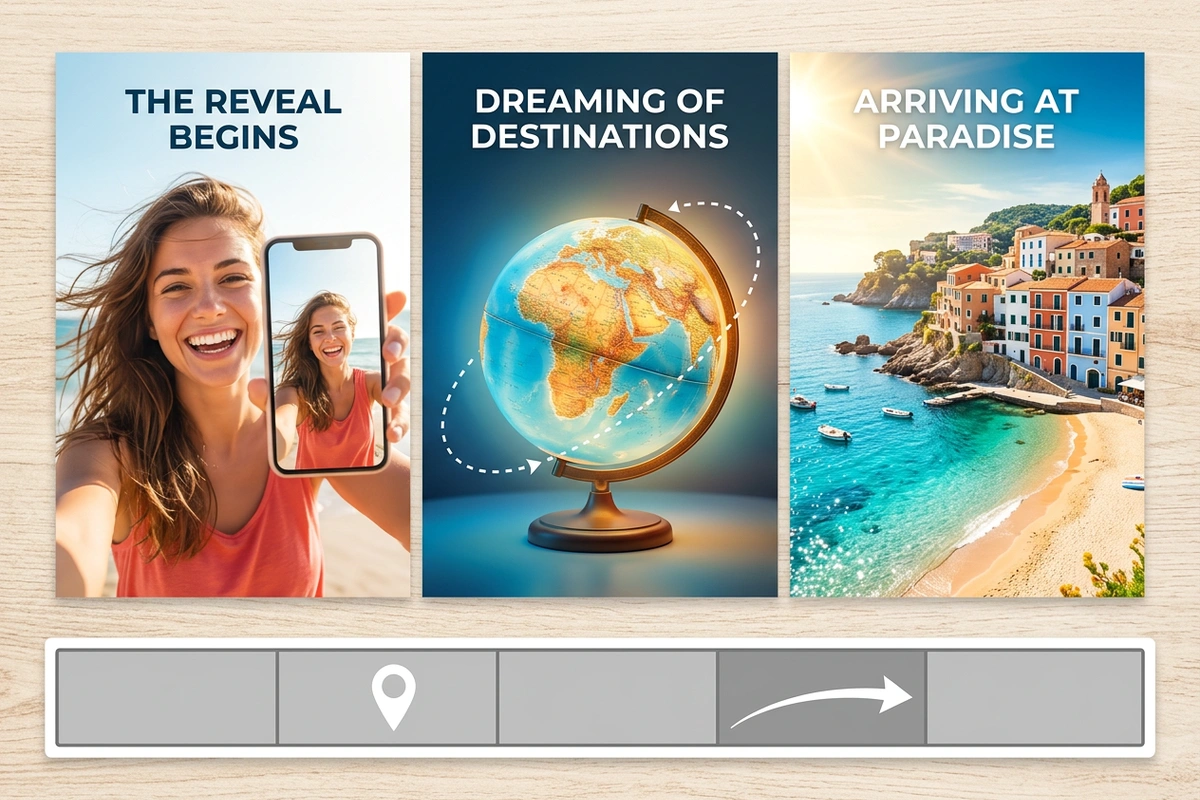
Traveler selfie transitioning through a globe to a sunny coastal destination

Turn a vacation selfie into a destination reveal

For travel creators and anyone recapping a trip, open on a selfie, food shot, or street photo, then land on the beach, city, or trail where it was taken. Add the place name and a beat of music so the zoom becomes the hook for an Instagram Reel or YouTube Short. Continue with AI Reel Maker for the rest of the recap.

Three passes for a believable Earth zoom

Set the scene, map the movement, then inspect the landing.

1

Select a photo or first frame with a visible subject and enough context to connect it to a place. Note the crop, orientation, and anything that must remain recognizable during the move.

2

Name the destination, intermediate waypoints, direction, speed, and pause length. Add the final aspect ratio and viewing context so the route is planned for the screen that will show it.

3

Review the start, globe, and destination moments together. Check that the subject, map detail, text, and motion stay coherent, then carry the corrected brief into the next video pass.

Create my Earth zoom

Why creators choose Ottermind

Keep the location, camera logic, and final viewing context connected.

Context that stays attached

Keep the source, destination, and decisions together as the brief evolves.

A route before a render

Describe waypoints and pacing before committing to a camera move.

Screen-aware framing

Plan crop and aspect ratio around where the finished clip will play.

Visible review loop

Compare the approach and landing instead of trusting a single preview.

Connected video work

Move from a location reveal into an AI Reel Maker, demo, or explainer workflow.

Build the next scene

Carry the reveal into AI Influencer Generator for the next scene, keeping its destination brief attached.

Frequently asked questions

What does zoom in to earth mean in a video?

It is a camera-style transition that starts with a broad view of space or the globe and moves toward a specific place on Earth. The useful result is a continuous approach with a clear landing point, not simply a faster scale change.

What image works best for an Earth zoom?

Use a sharp, recognizable opening image with a clear subject and enough visual context to connect it to a real place. Outdoor scenes, landmarks, and location-aware portraits give the camera more useful visual anchors than an indistinct indoor frame.

Can I choose the exact landing location?

State the destination as precisely as the workflow allows, including the city, landmark, neighborhood, or coordinate-like description. Add a final crop and the detail that should be visible when the camera settles; the page helps you carry those decisions into Studio.

How long should an Earth zoom video be?

Choose the duration from the story and viewing context. A short social intro can move quickly, while a lesson or property tour benefits from pauses at regional waypoints. Review the timing at the final playback size so the landing remains legible. For a multi-beat short, continue with AI Reel Maker.

Can Ottermind make the complete zoom video for me?

Ottermind can help turn your reference, destination, and camera brief into a connected video workflow in Studio. The exact output depends on the assets, instructions, and production steps you approve, so keep the source and final review in the loop rather than assuming every location detail will be recovered automatically.

Can I use map or satellite imagery commercially?

Use only imagery and footage you have permission to process and publish. Check the licensing, attribution, privacy, and platform rules for any map, satellite, portrait, or property source before delivering a commercial video. If the source is a creator clip with an overlay, review TikTok Watermark Remover only for footage you own or can edit.

Discover more

More from the blog

Turn your location into a reveal

Bring a personal photo, the place you want to reveal, and the mood for the landing. Build a cinematic zoom from Earth to your destination, then shape the timing and final frame for the way you plan to share it.

Create my Earth zoom