把下一個動作說具體
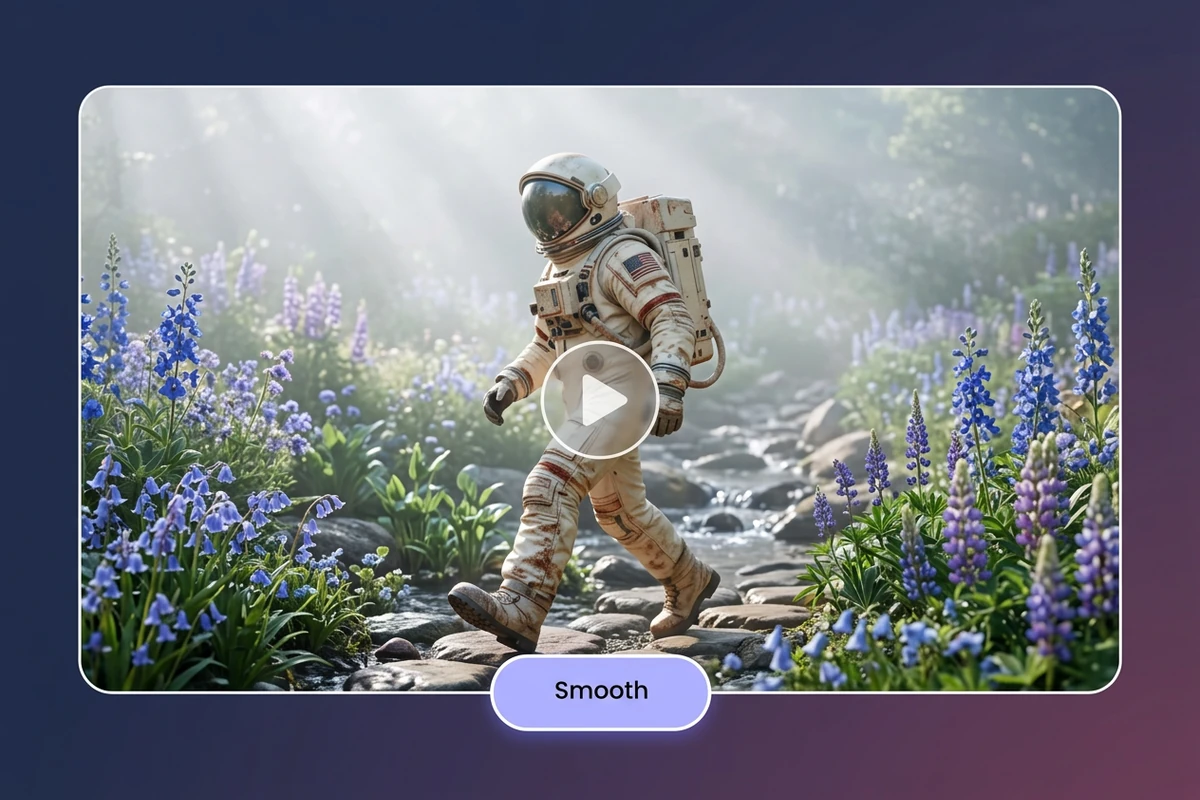
繼續往前走、完成揮手,或讓產品轉到最後一個角度,都能為續接提供明確方向。模型會參考影片和提示詞,因此應保留原有動作、環境與光線。先讓眼前的場景自然發展,避免突然換人或要求跳到不相關的場景。
MP4、MOV、WebM · 200 MB · 2 分鐘 · 最高 4K
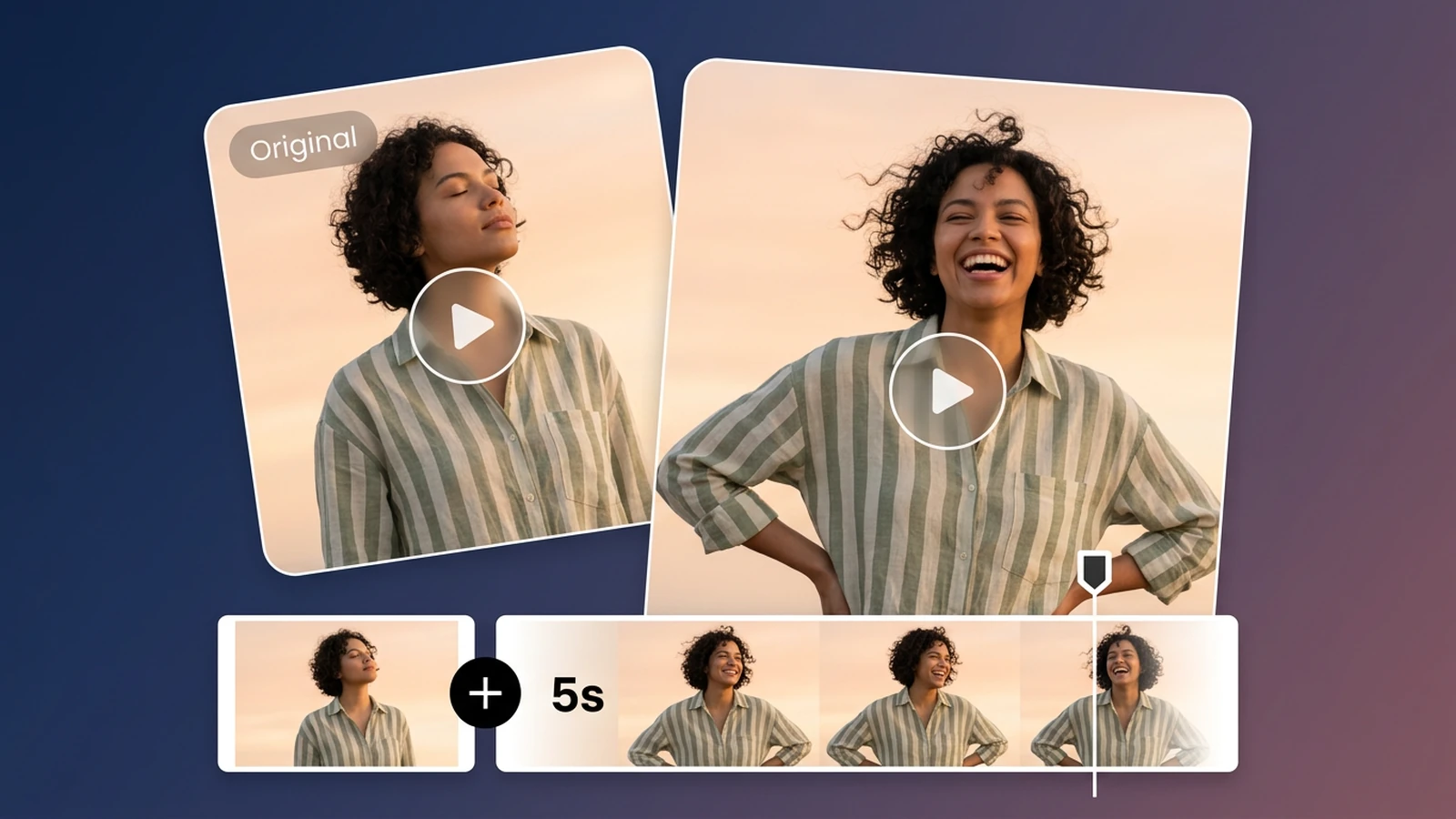
影片剛好停在動作還沒結束的時候?上傳片段、描述接下來的畫面,並在工作區選擇可用的延長秒數與輸出解析度,檢查結果後再決定是否使用。
AI 影片延長會依據上傳片段的結尾產生新畫面。描述下一步動作、選擇可用秒數,再對照原片確認銜接,適合為短片補上一小段結尾。循環播放、慢動作、定格、延伸畫布與完整時間軸剪輯各有不同用途;這裡處理的是片尾後面的動作延續。若還要修改既有片段的其他內容,可以使用AI 影片編輯器。
繼續往前走、完成揮手,或讓產品轉到最後一個角度,都能為續接提供明確方向。模型會參考影片和提示詞,因此應保留原有動作、環境與光線。先讓眼前的場景自然發展,避免突然換人或要求跳到不相關的場景。
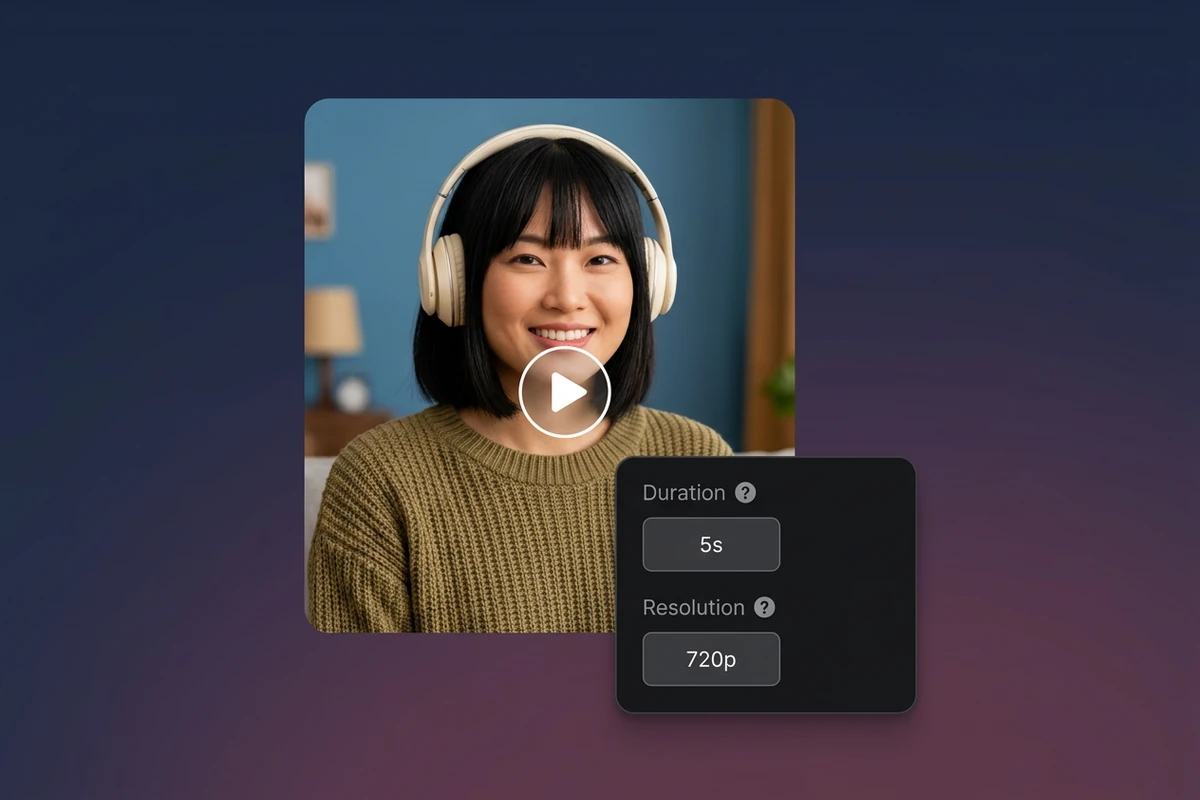
延長工具提供可選時長,預設為五秒,處理前會顯示點數預估。完成後連續播放原片結尾與新片段開頭,觀察人物、物件和運鏡是否突然改變。生成結果可能偏離原片,請保留兩份檔案,方便比較後再決定。若顆粒感影響接縫判斷,可以先用影片降噪處理,再比較兩段影片。
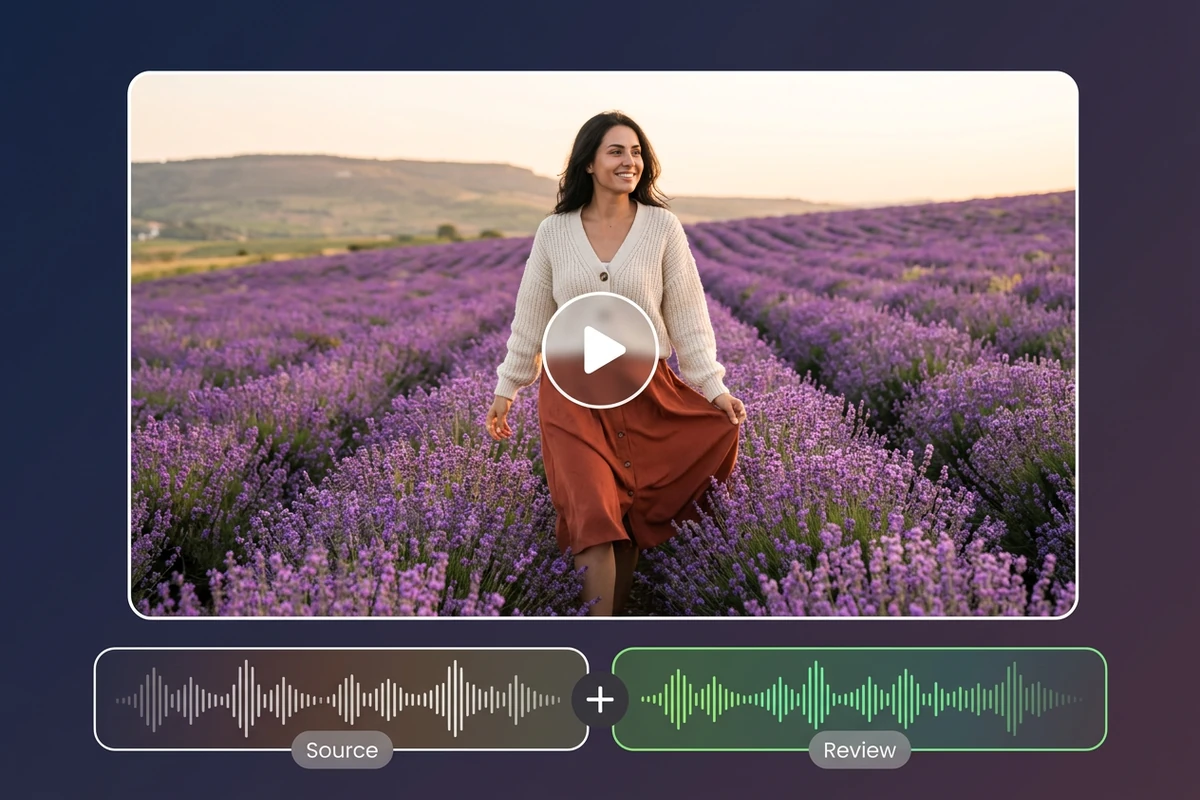
畫面看起來能接上,對白、背景音樂或環境音卻可能出現斷點。請一起播放原片與生成結果,檢查接點前後的聲音,必要時回到剪輯軟體調整。延長工具沒有獨立的音訊延長設定,不能假設聲音會自動接續。若成片需要換一段對白,可以用AI 對嘴同步工具配合新的語音。
上傳支援的影片、描述接續動作,選擇可用設定,再檢查原片與生成片段是否相符。
使用 MP4、MOV 或 WebM 檔案,大小不超過 200 MB、長度不超過 120 秒,影像尺寸不超過 4096 像素。請在本機保留原片備份。
寫出一個明確的後續動作,並說明要維持的主體、場景、移動方向與光線。工作區會顯示可用模型與預估資訊。
選擇可用的延長秒數和解析度,開始處理並檢查接點。確認新片段的開頭能配合原片,再下載或繼續剪輯。
說明接下來要發生什麼,不必手動重建每個影格。
從可用時長中選擇,為原片加入一段短續接。
依所選影片模型提供的選項,選擇輸出解析度。若需要另外提升解析度,可以使用影片超解析度工具。
上傳的片段為新生成部分的開頭提供畫面依據。
檢查接點與新增動作,再將片段加入剪輯。
重新取景、慢動作、循環播放或完整剪輯,請使用對應工具。
工作區會顯示所選模型支援的延長時長,延長工具預設為五秒。模型與素材限制可能影響是否能處理,請以當下的控制項和預估為準,不代表能選擇任意秒數或無限延長。
不會保證。工具依據原片結尾產生後續畫面,並未承諾最後會回到第一個影格。若目的是重複播放,請改用製作循環影片的流程。
目前提供接續提示詞、時長和解析度設定,沒有獨立的音訊延長控制項。請實際聆聽產生的結果,必要時在剪輯軟體完成聲音處理。
慢動作改變原有畫面的播放速度,定格則持續顯示同一個影格。AI 延長會在原片結尾之後產生新畫面,請依剪輯需求選擇合適方式。
影片延長是在片段結尾增加時間,不會重構畫幅。若需要不同的長寬比,請使用AI 影片重構畫幅或裁切流程。
不保證。明確的提示詞和相近的動作、光線有助於連貫,但人物外觀、畫面細節或鏡頭移動仍可能改變。請比較接點,不合適時修改提示詞或透過剪輯調整。