Higgsfield AI Genjutsu
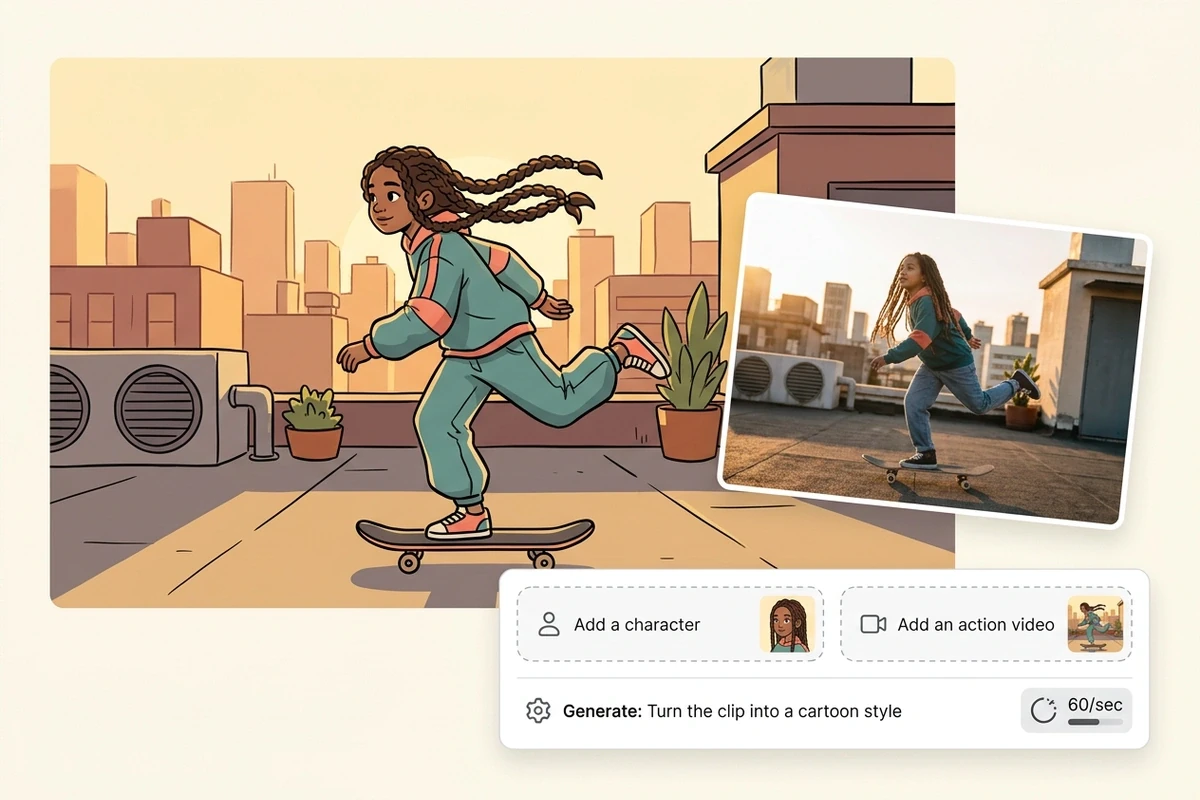
Genjutsu is Higgsfield's video-to-video tool: it keeps the motion of a source clip and swaps who performs it, where it happens, or one prop. This page is the free route to the same result.
Three Genjutsu-Style Swaps You Can Copy
Each prompt names what stays — the motion, the camera, the light — before it names what changes. That order is what keeps a swap looking like one take instead of two clips stitched together.
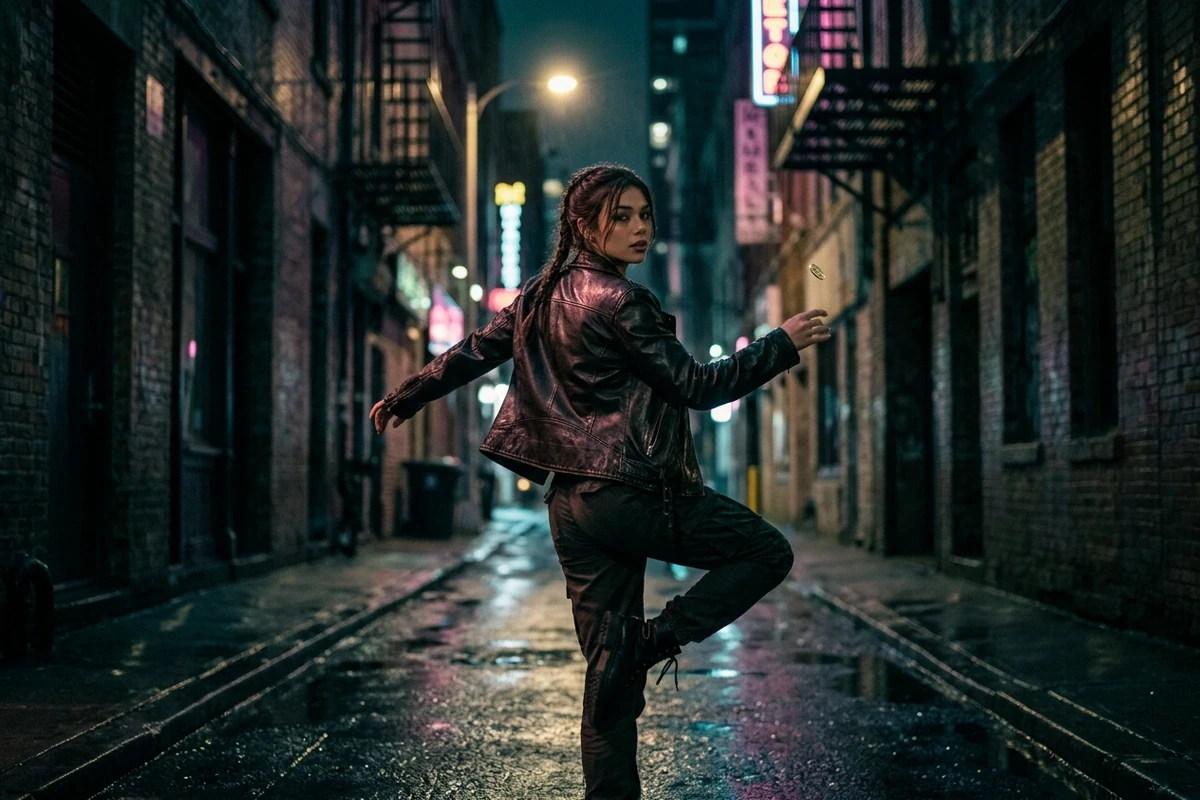
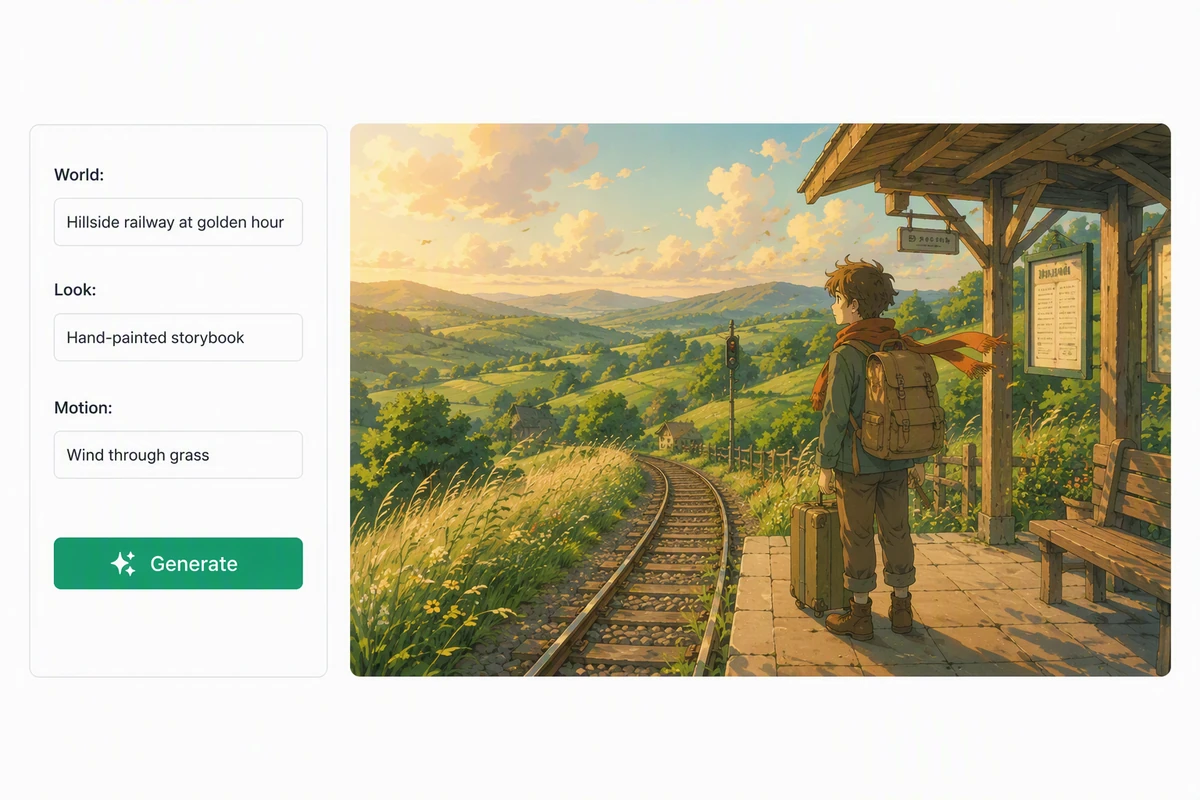
Same dance, new world
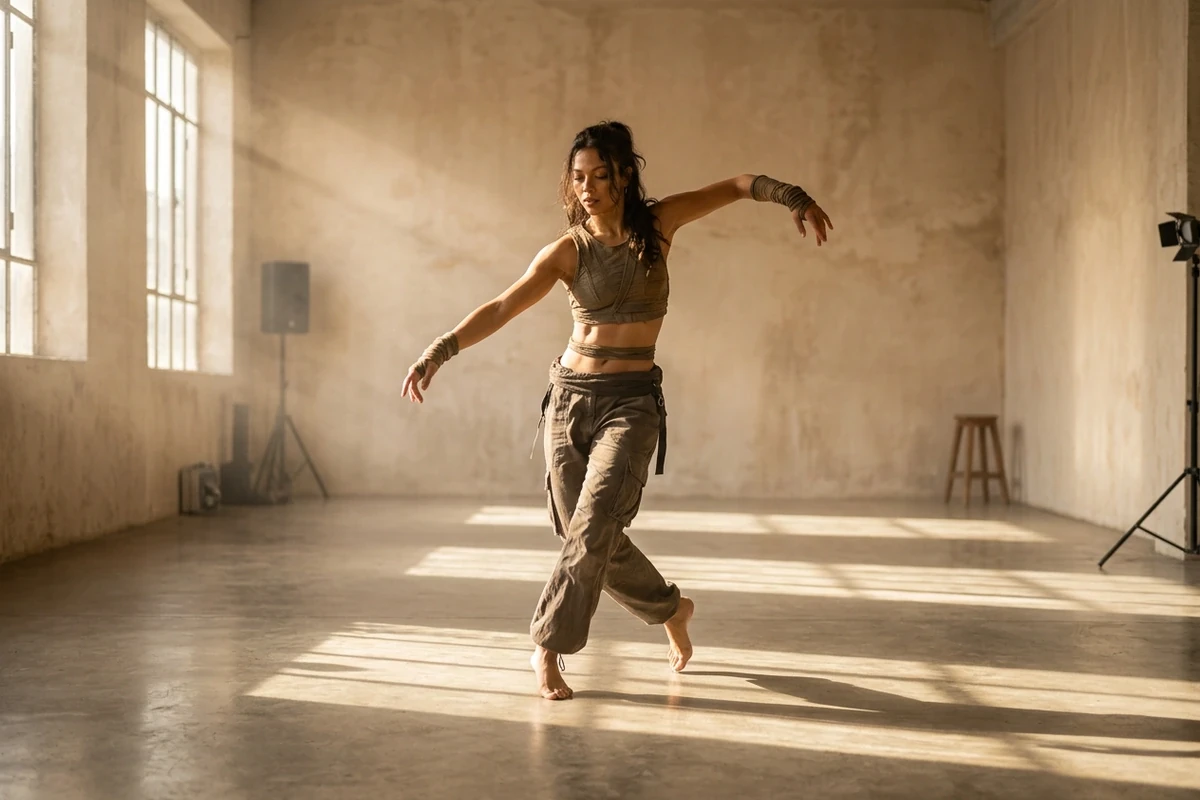
Same routine, new lead
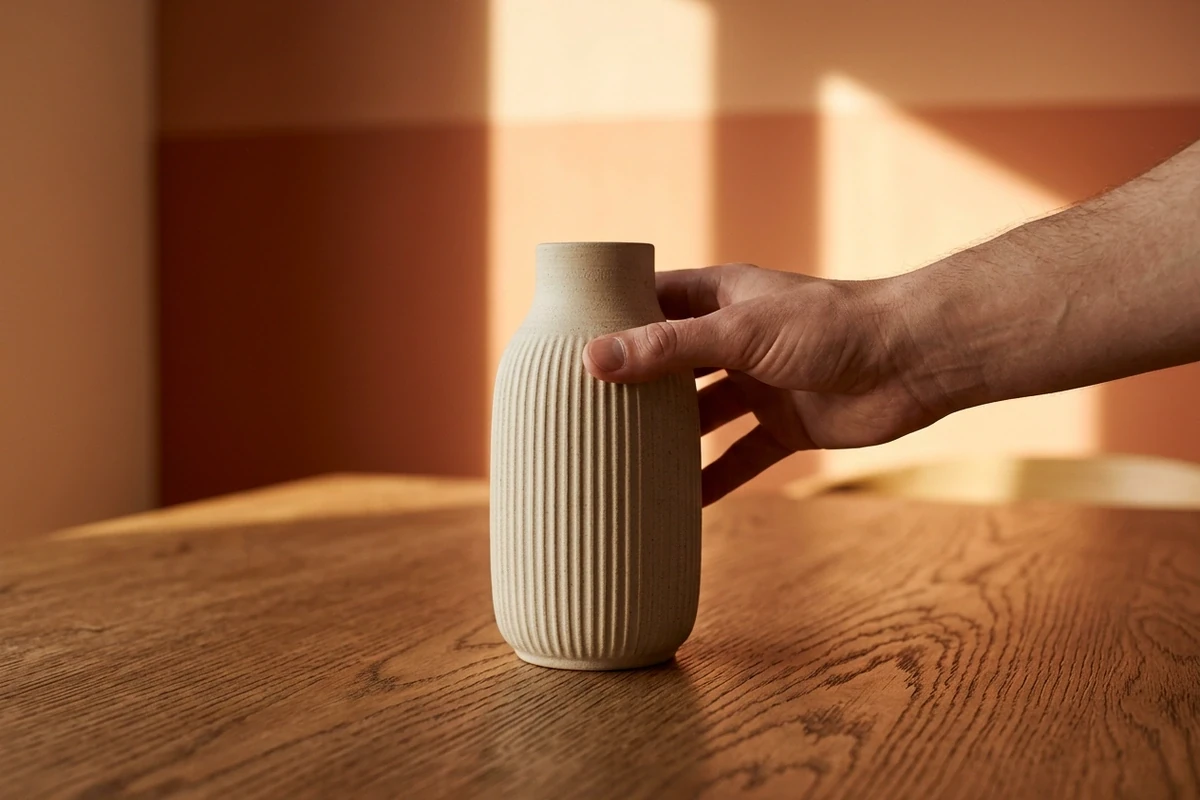
One prop swap, mid-move
Where a Motion Swap Breaks
Three things give a swap away: the new performer moves differently from the source, the light changes with the person, and a swapped prop stops touching the hand that holds it.
The motion is the expensive part
A swap works because the performance already exists: the timing, the weight, the little off-beat in the shoulder all come from the source clip, so the model only has to draw a different body doing the same thing. Say that out loud in the prompt — keep the routine, the camera and the timing — before you describe the new lead. If you are starting without a clip, the Photo to Video AI Free builds the motion from a still instead.
A new world is a light change first
Moving a performance somewhere else fails when only the background changes: the dancer keeps studio light while the street is neon, and the shot reads as a cut-out. Name the light the new place throws — sodium and magenta on the jacket — and the same AI Video Editor relights the body with the room.
Prop swaps fail on contact shadows
Replacing a mug with a vase looks fake the moment the fingers do not wrap the object or the shadow misses the table. Pin the position, the size in frame and the hand contact, then check the contact shadow. When the prop is the whole idea, the AI Image Generator is quicker for testing the look before you animate it.
How to Run a Genjutsu-Style Swap Here
Where a Motion Swap Earns Its Keep
One still covers most of what people want from this trend. The wording of the prompt changes with who is in the picture, not with the room.
One shoot, several leads
Reuse a finished routine for a second creator without reshooting it: the choreography is already approved, only the performer changes. The AI Video Editor takes the source and the description.
Testing a look before you shoot
Try three worlds against the same routine before you book a location. Wet neon, warm kitchen, empty gallery — the motion is free after the first pass.
Fixing one detail, not the take
The clip is right except for the object in the hand or the jacket colour. A single prop swap saves the take; the AI Image Generator settles the look first if you want to be sure.
Higgsfield Genjutsu FAQ
What is Higgsfield Genjutsu?
It is Higgsfield's video-to-video tool: you bring a source clip, and it re-renders the shot with a different performer, a different environment, or a different object while keeping the motion of the original. People use it to reuse choreography, restyle a scene, or fix one detail in a take.
How is this page different from using Genjutsu?
Genjutsu runs the swap on Higgsfield's own models and credits. Here you describe the swap in words and run it through the AI Video Editor, or build the shot from your photos if you have no source clip. Same outcome, different route, and you can try it without buying a subscription.
Is it free to try here?
You can run a first pass without signing up, so testing one swap costs nothing beyond the render itself. We do not promise unlimited free use, and account-gated capabilities stay gated.
Do I need a source clip?
No. With a clip, the existing motion carries the shot. Without one, generate the performance from a prompt and a photo — the Photo to Video AI Free is the shorter path.
Will the new performer keep my face?
Upload a clear, front-facing photo and name it as the only face reference, then state the rule twice: face shape, hair and age come from the photo, the body follows the original performance. A small face inside a group shot loses too much detail to hold.
Why does the swap look like two clips stitched together?
Usually because the light did not move with the person. The body keeps studio light while the new room is neon, or the shadow stays where the old floor was. Name the light of the new place and the shadow it throws and the seam mostly disappears.
Can I use a swapped clip commercially?
Treat the result as generated footage and check the rules of where you post it, plus anyone whose likeness appears. Do not present a generated performer as a real endorsement, and do not recreate a specific artist's likeness or a real product's packaging.
What happens to the clip and photos I upload?
They are used as the reference for the render you ask for. Keep to material you have the right to use, and avoid uploading footage of people who have not agreed to appear in a generated version.
Tools that restyle the same clip
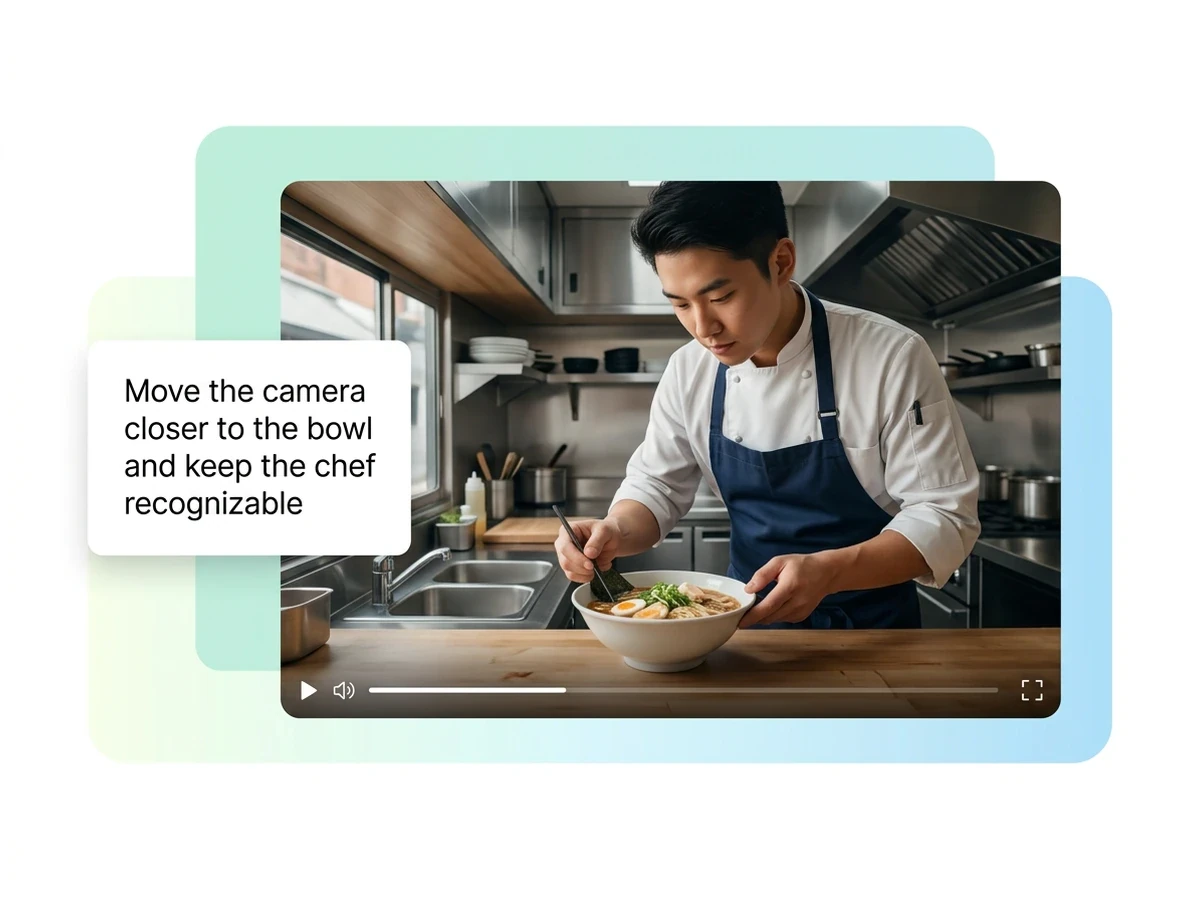

Try the swap before you pay for credits
Run one version here, compare it with your source, and keep the take that holds the motion. The clip you already shot is the expensive part.