






Poem Generator with Custom Rhyme and Imagery

Describe the moment, speaker, form, sound, and images you want. Generate a poem draft, then revise its language and structure with your context attached.

AI writing
Claude
GitHub
Google
Linear
Microsoft
Monday
Netlify
Notion
OpenAI
Sentry
Slack
Stripe
Supabase
Claude
GitHub
Google
Linear
Microsoft
Monday
Netlify
Notion
OpenAI
Sentry
Slack
Stripe
Supabase
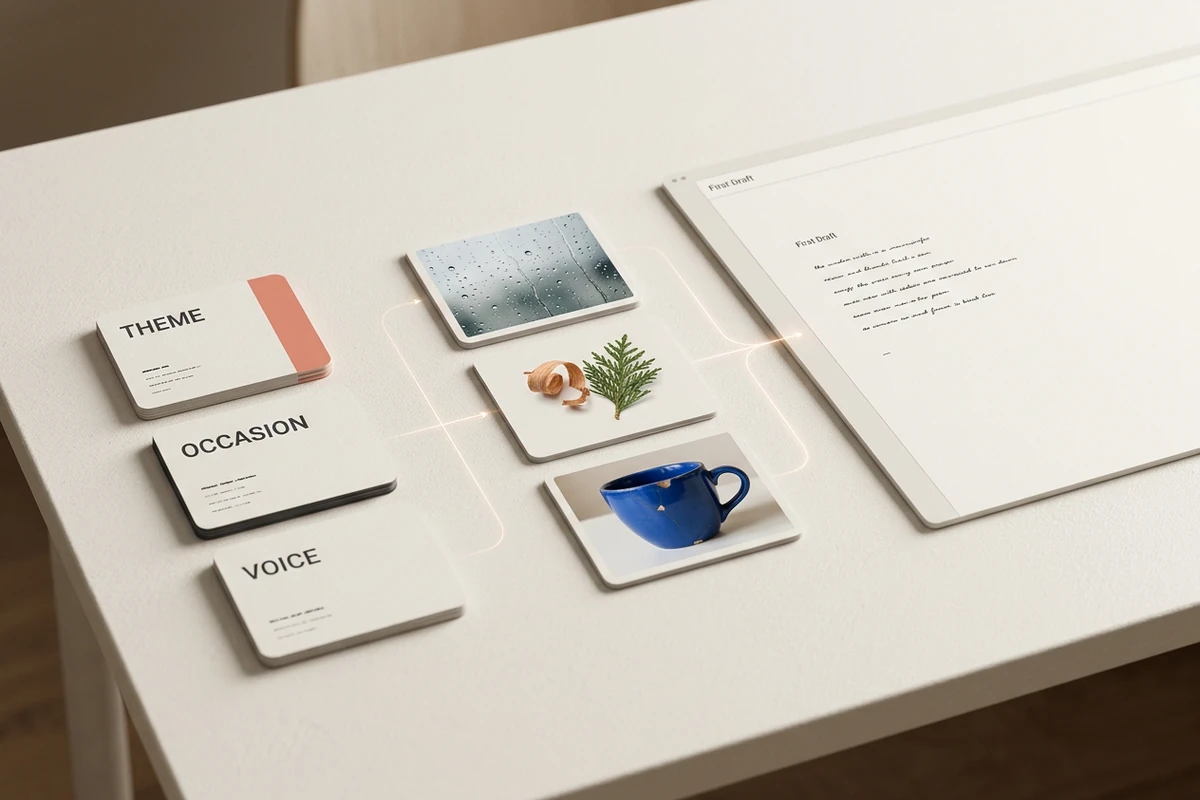
Poem brief cards for theme, occasion, and voice lead through rain, cedar, and a chipped blue cup to a paper-like first draft.

Begin with details only you would choose

A theme such as love or grief gives a direction, but concrete context gives the poem a pulse. Name the occasion, speaker, audience, memory, objects, sounds, and phrases to avoid. The poem generator can draft from those constraints while your project keeps the brief close for later passes. If the idea needs scenes and plot rather than verse, continue it in the AI Story Generator.
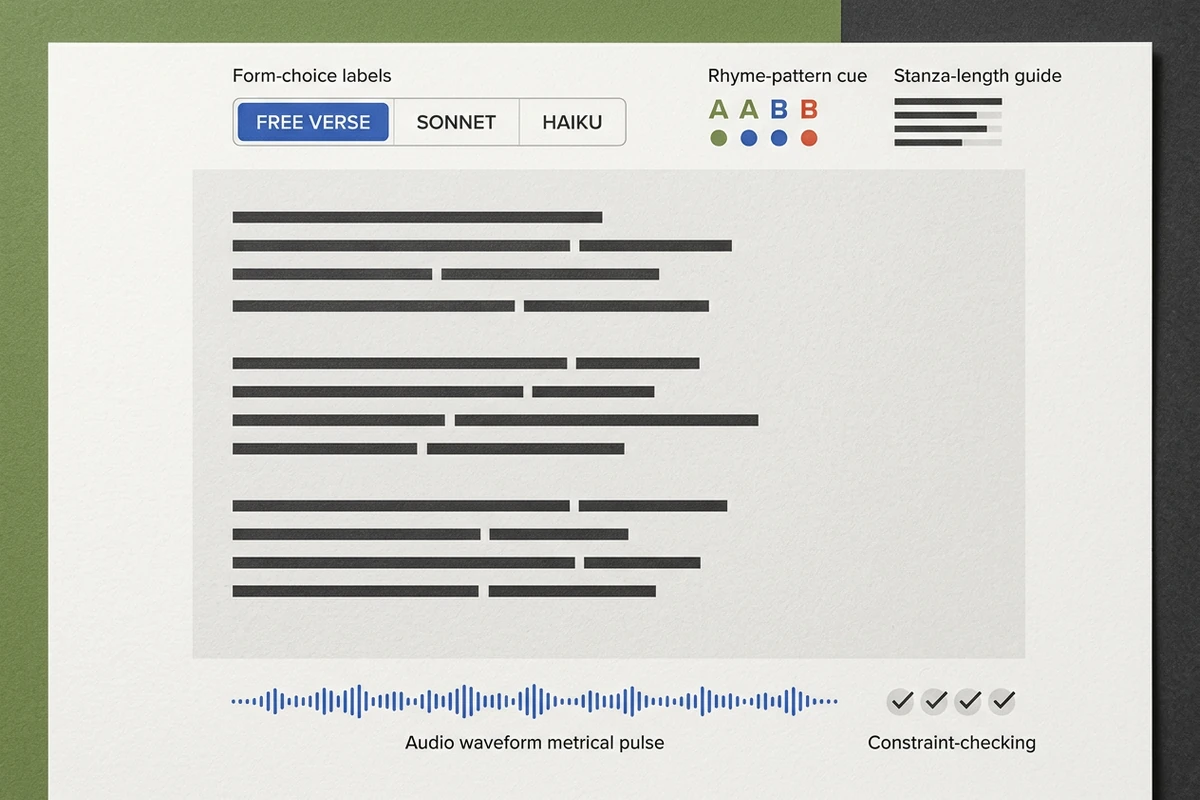
Poetry workspace with form choices, rhyme and stanza guides, abstract draft lines, constraint checks, and a read-aloud waveform.

Shape form without flattening the voice

Choose free verse, haiku, sonnet, limerick, acrostic, or another form, then state the rules that matter: line count, stanza pattern, rhyme scheme, meter, or no rhyme. Treat the result as a draft and check its structure yourself; a polished line can still force syntax or miss a syllable. Use the Sentence Rewriter when one line needs focused alternatives without reopening the whole poem.

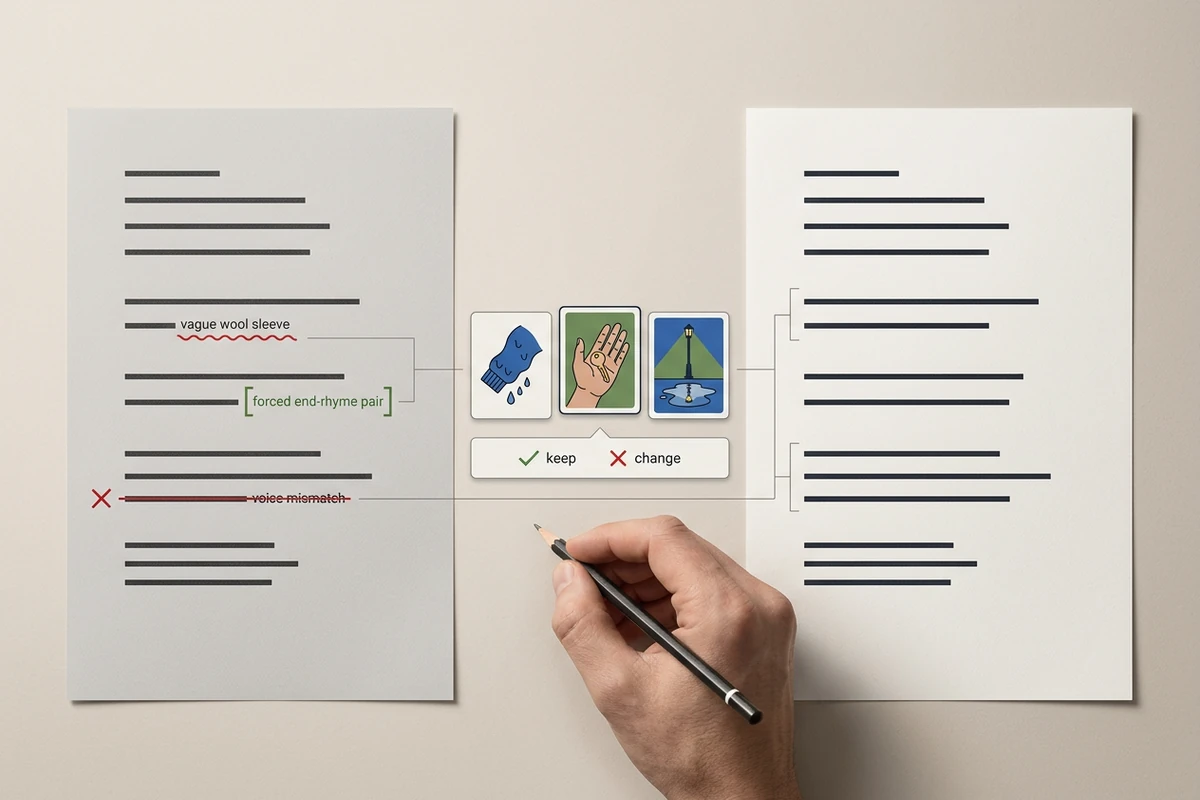
Before-and-after poem pages show marked line edits beside sensory context cards and a writer holding a pencil over revision controls.

Revise the draft, not just regenerate it

Paste the current poem and say what must remain: the speaker, emotional turn, key image, favorite line, or formal pattern. Then request one revision job at a time, such as replacing generic imagery, loosening forced rhyme, or sharpening the ending. Compare the changed lines against the original and keep the edits that sound like you. For prose surrounding the poem, move the approved context into the AI Paragraph Generator.

What you can do with Ottermind

Poems for meaningful occasions

Turn memories from a birthday, wedding, retirement, or memorial into a personal poem grounded in the people and details that made the moment matter.

Explore forms and styles

Try the same idea as a sonnet, haiku, acrostic, or free verse, then compare how each form changes the rhythm, mood, and emphasis.

Revise an existing draft

Keep the strongest lines while improving forced rhymes, generic imagery, or weak endings with focused alternatives instead of a full rewrite.

Adapt it for any format

Create versions for a card, spoken reading, or social post, adjusting the length and pacing while preserving the original voice and imagery.

How to use the poem generator in three passes

Step 01

Build the poem brief

Name the theme and occasion, then specify speaker, audience, form, rhyme, imagery, length, must-keep details, and anything the poem should avoid.

Step 02

Generate and inspect

Read the result aloud. Check whether its voice, images, line count, rhyme, and emotional turn actually follow the brief before polishing individual words.

Step 03

Revise with context

Preserve the lines and choices that work, identify exact weaknesses, and request focused alternatives. Make the final selection and edit in your own voice.

Why creators choose Ottermind

A Real Brief

Agents can work from memories, constraints, and revision notes instead of a one-word theme.

Context That Carries

Keep voice samples, draft history, preferred images, and decisions organized around the same project.

Focused Revision

Ask for line-level changes while preserving the images, turns, and phrases you already chose.

Clear Creative Boundaries

Use the Book Title Generator when naming a collection becomes the next separate task.

Work Beyond the Draft

Carry the approved poem into a personal note with the AI Letter Generator.

Visible Judgment

Review generated language and retain final control over what is edited, shared, or published.

Frequently asked questions

What should I include in a poem prompt?

Include the theme, occasion, speaker, audience, form, rhyme preference, concrete imagery, and target length. Add names, memories, phrases to keep, and language to avoid when they matter. A specific moment usually gives the poem generator more useful material than an abstract emotion alone.

Which poem form should I choose?

Choose a form for the effect you need. Free verse leaves room for natural speech; a sonnet supports a compressed argument or turn; haiku centers a brief image; limerick favors comic rhythm. If the idea needs sustained narrative, the AI Story Generator owns that longer task.

How do I stop the poem from sounding generic?

Replace broad emotions with observable details: an object, gesture, place, sound, or exact memory. State the speaker's relationship to the subject and list cliches to avoid. After generation, underline any line that could fit anyone's poem and revise it with more specific language.

Can I revise an existing poem instead of starting over?

Yes. Paste the draft, mark lines that must stay, describe the intended voice and form, and name one revision goal. Ask for alternatives rather than an unexplained full rewrite. For a single stubborn line, compare focused options in the Sentence Rewriter.

Does the poem generator guarantee originality or copyright clearance?

No. Generated text is not an originality check, plagiarism review, or copyright clearance. Search distinctive phrases, document your own revisions, and review the rules that apply to your intended use. Seek qualified advice when publication, competition terms, or commercial rights create material risk.

How should I prepare a poem for sharing?

Read it aloud, verify formal constraints, remove forced rhymes, and confirm every personal detail is appropriate for the audience. Make the final wording your own editorial decision. For a short social version, adapt the approved idea separately with the Instagram Caption Generator.

Discover more

More from the blog

Bring a Specific Poem Brief to the Page

Set the theme, occasion, voice, form, rhyme, imagery, and length, then use revision context to shape a draft you can judge line by line.

Generate a Poem


