AI Landing Page Builder

Describe your offer, audience, and CTA. Ottermind agents draft a focused landing page, help you revise sections with project context, and continue toward deployment.

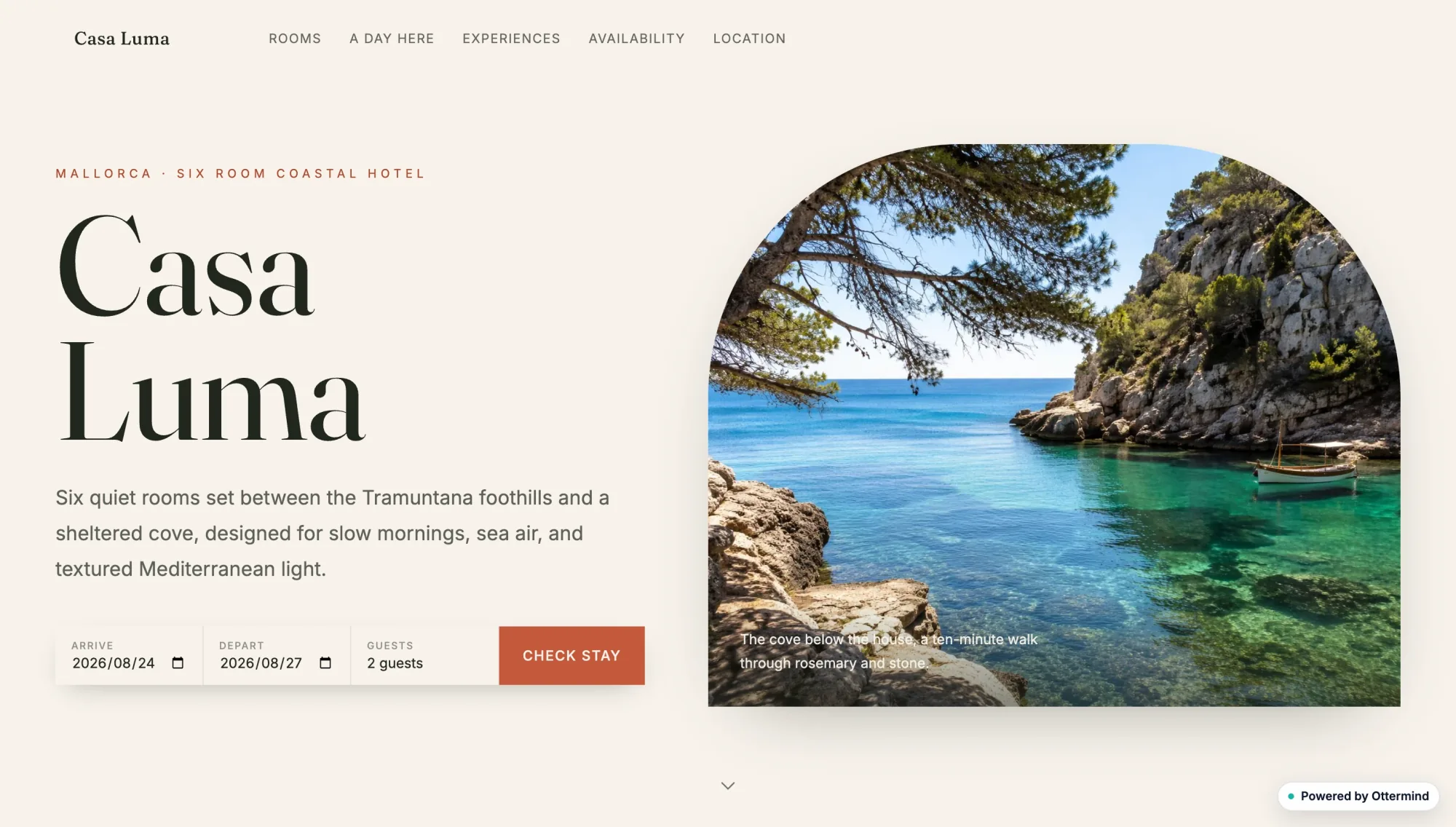
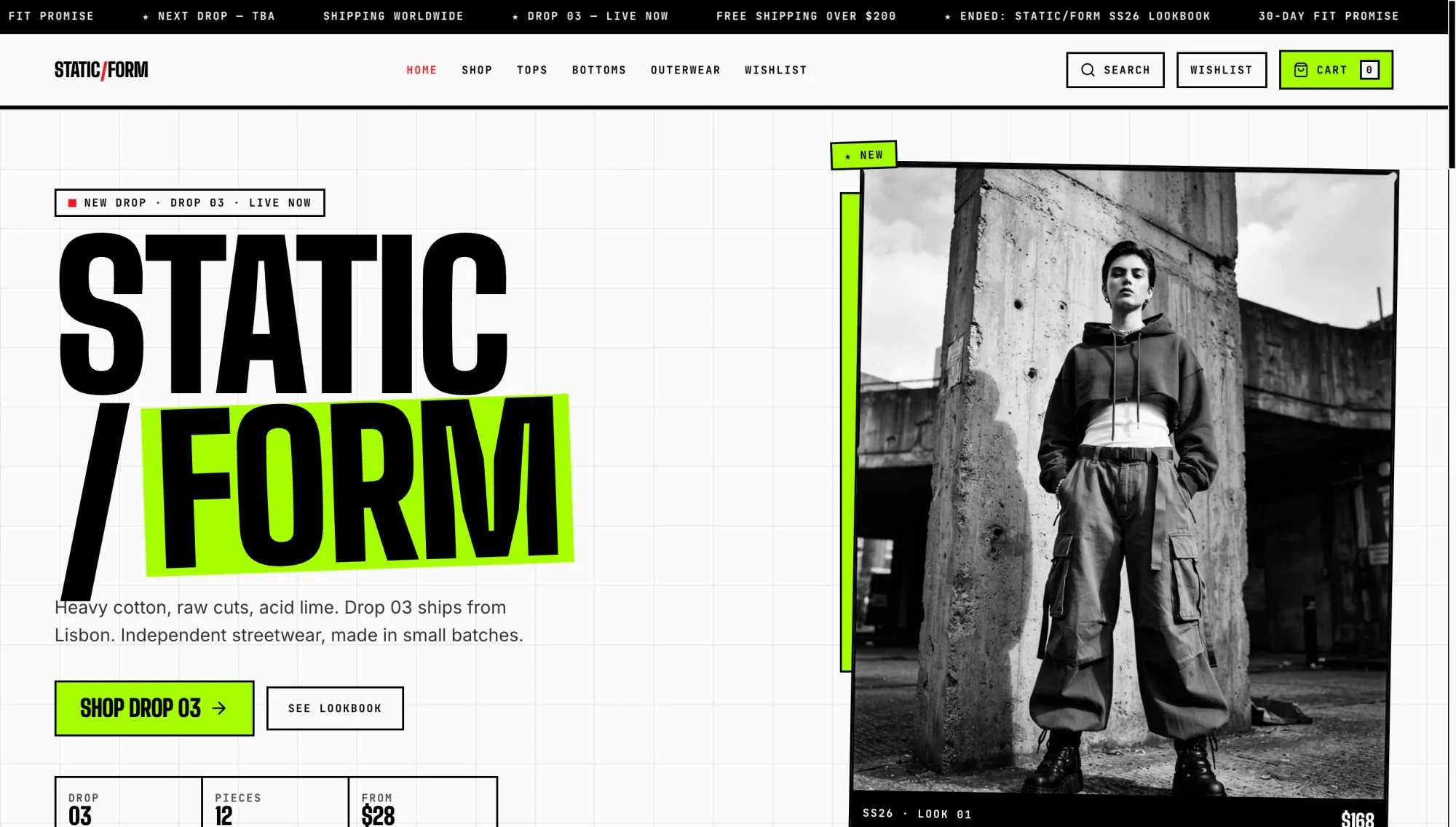
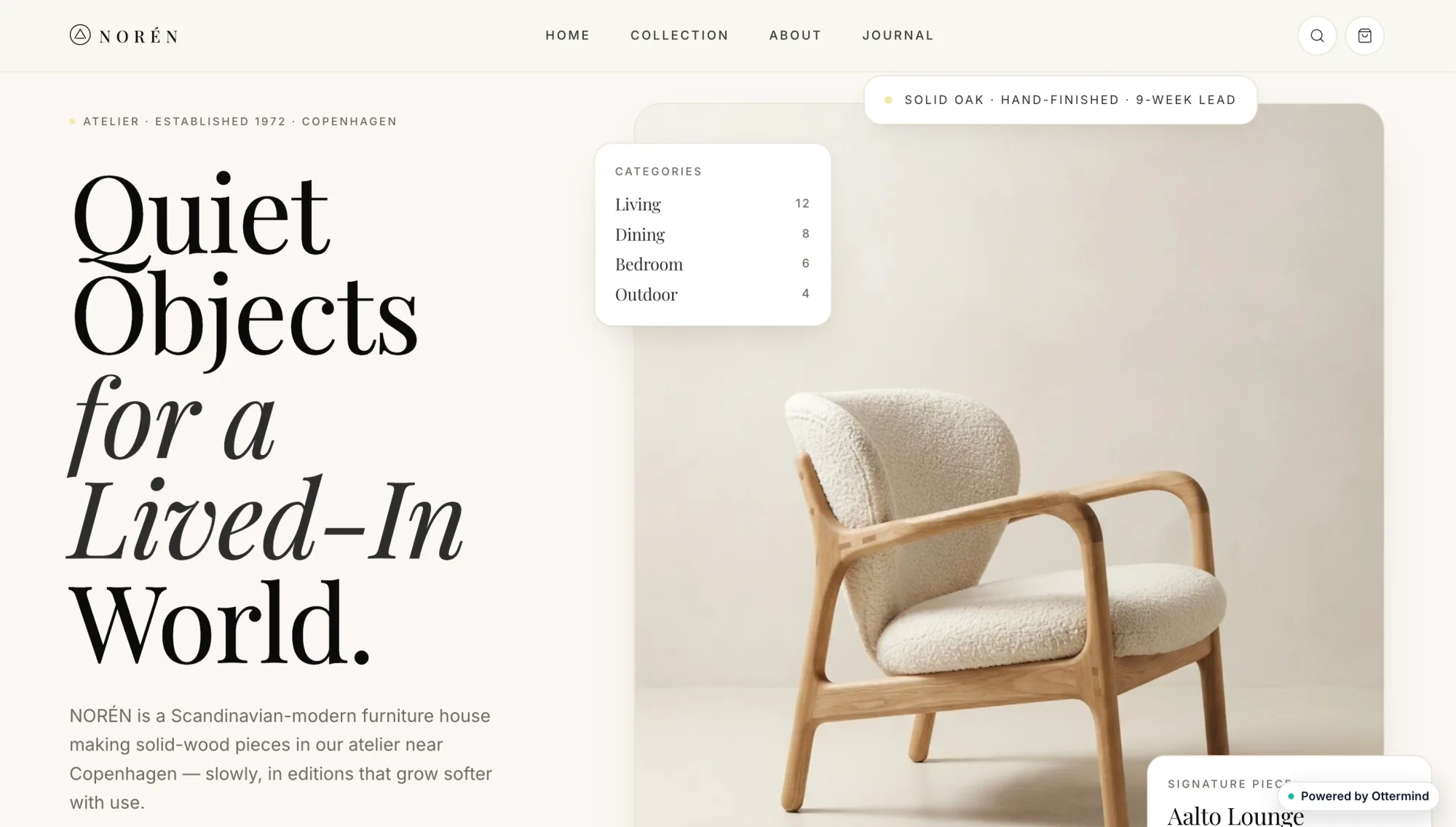
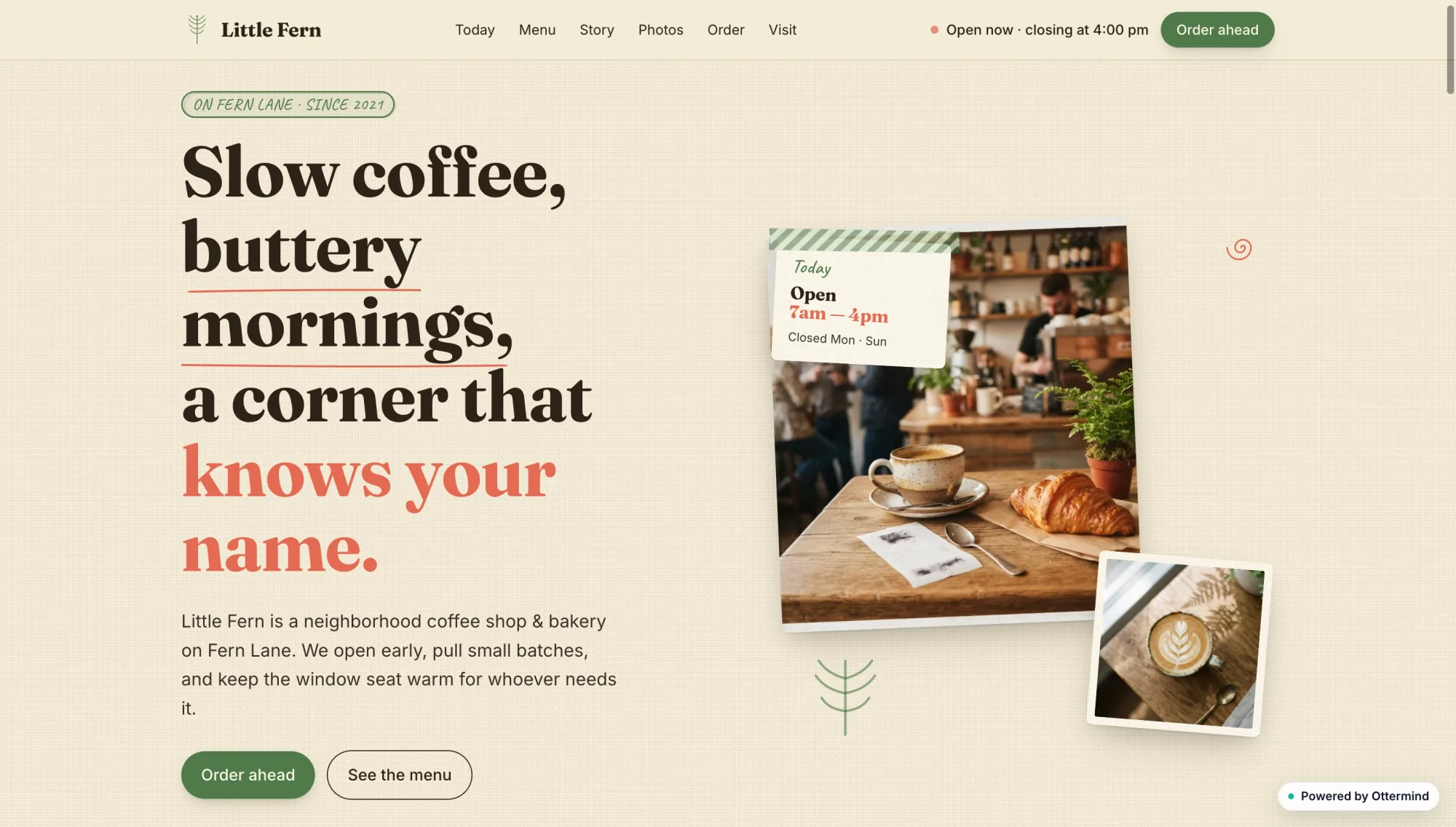
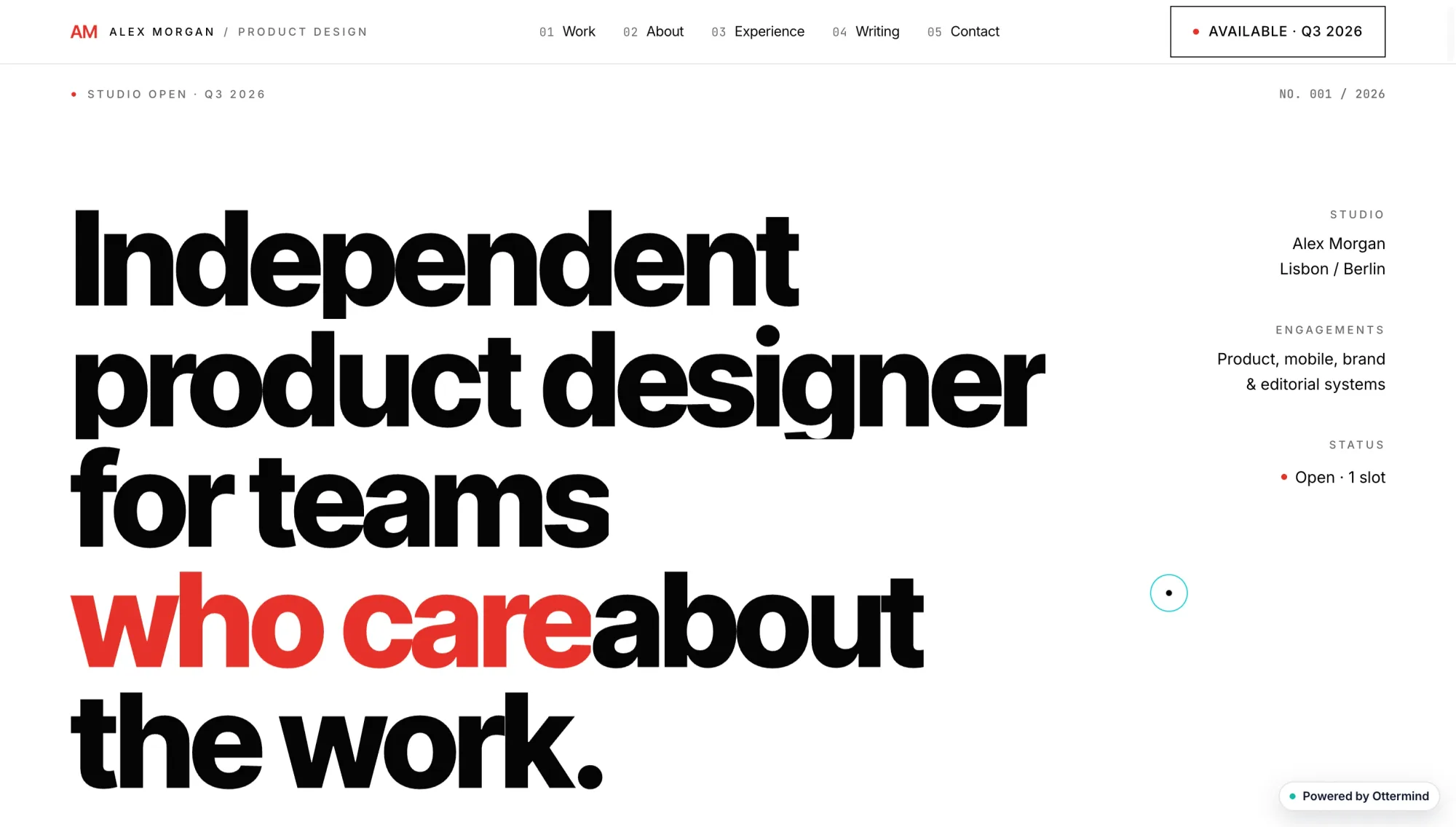
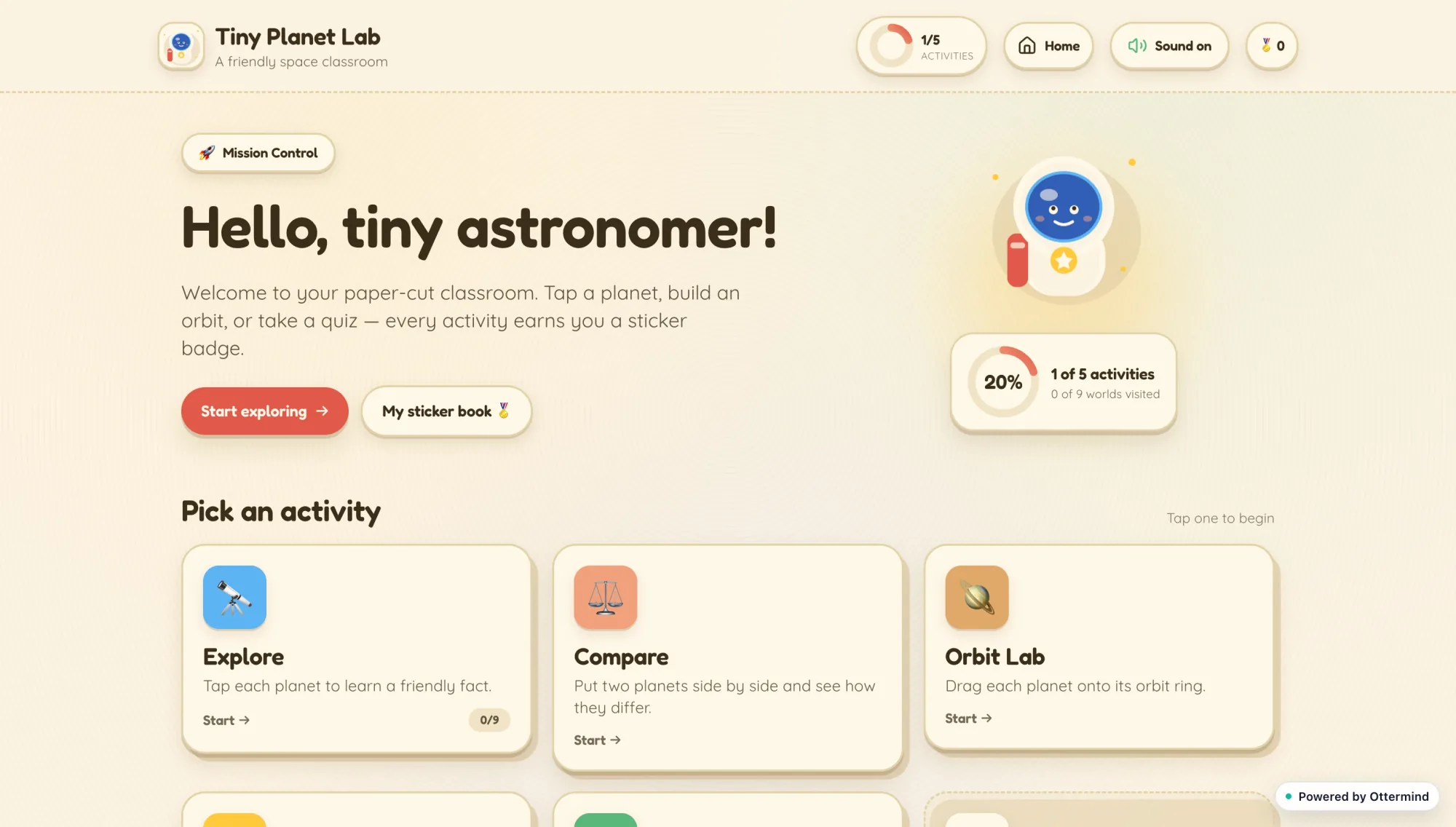
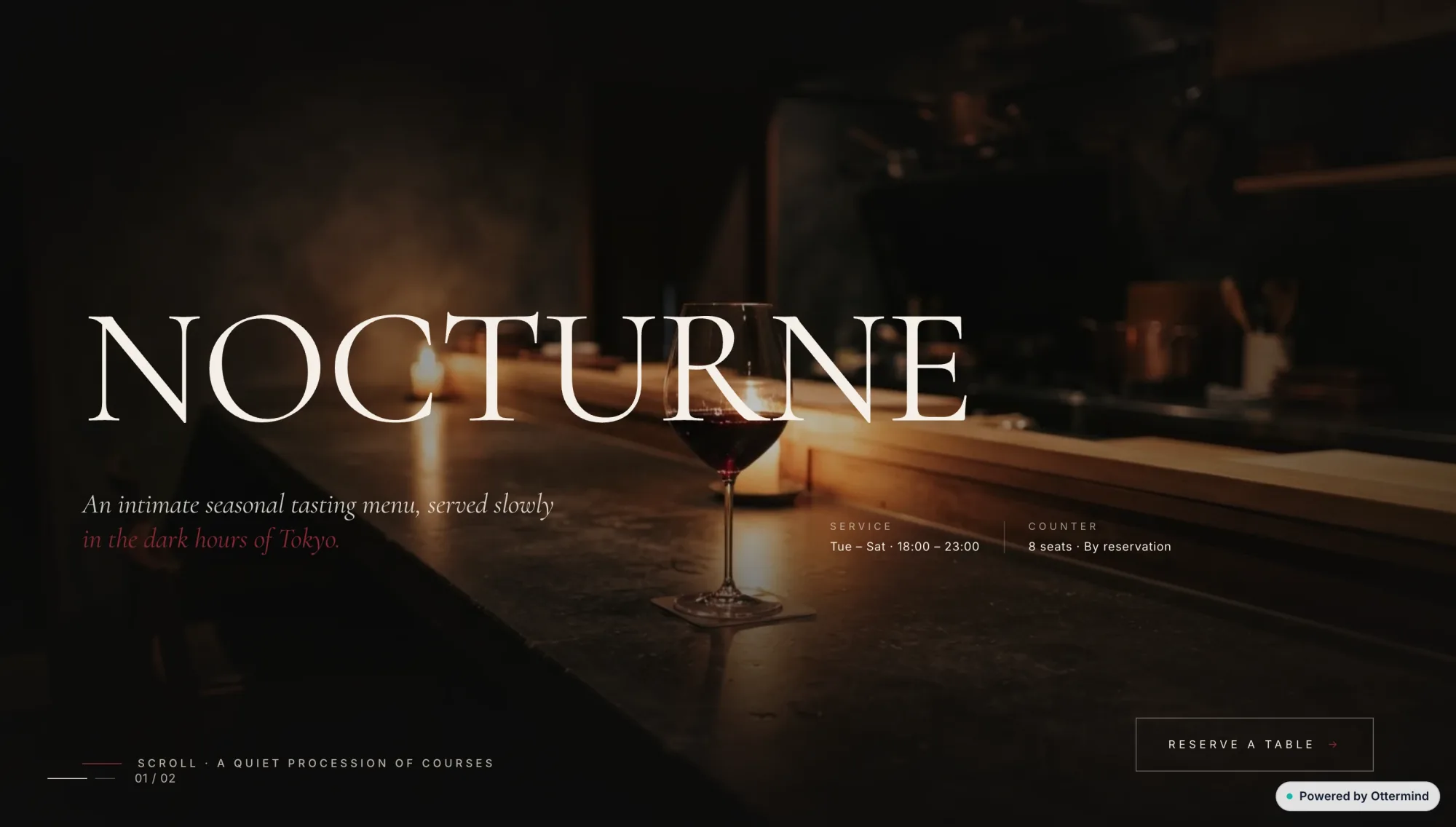
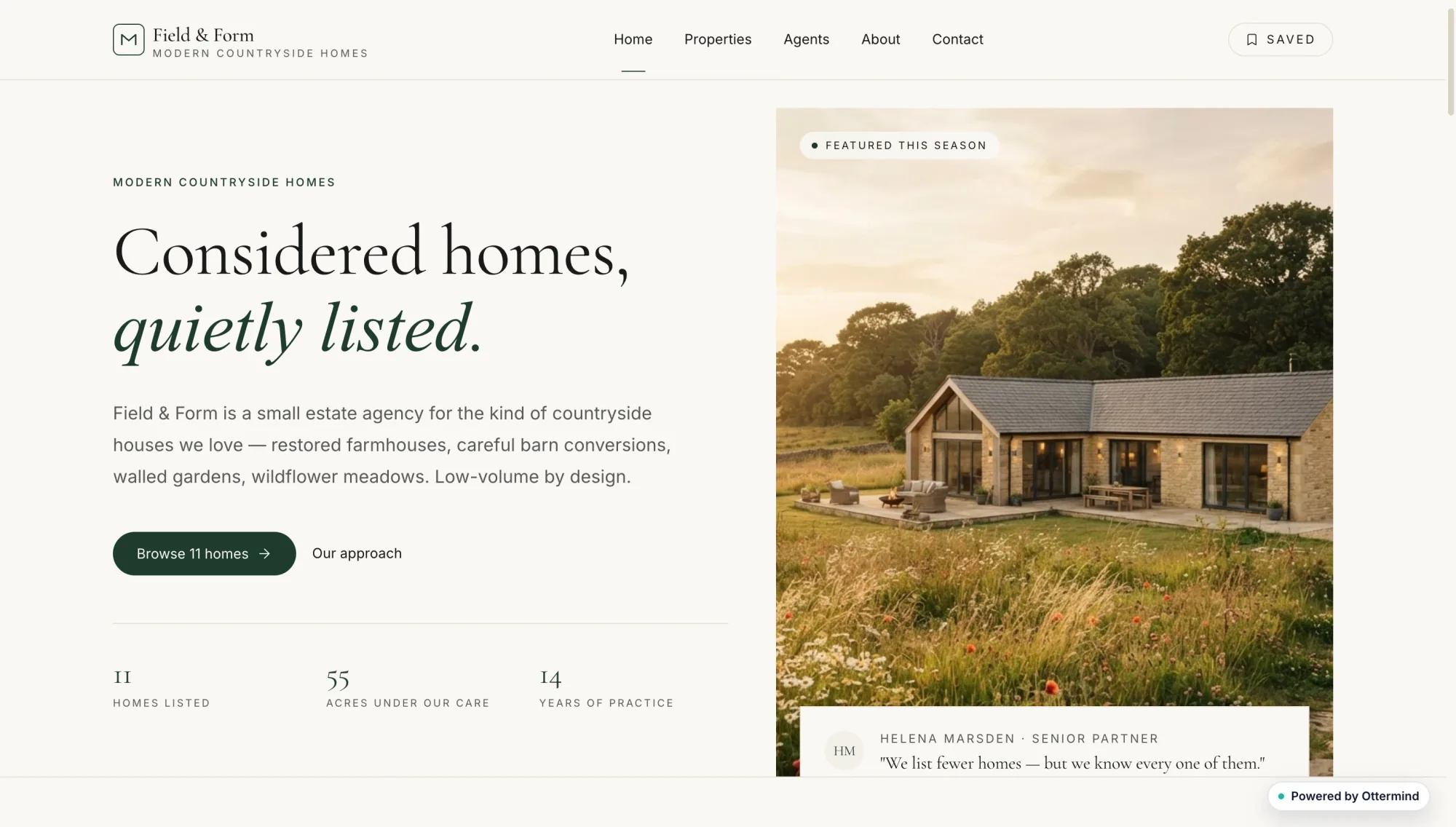
Casa Luma coastal hotel website with a seaside photograph and room booking detailsStatic Form streetwear shop website with bold black typography and a monochrome fashion photographNoren furniture website with a sculptural lounge chair and minimalist editorial typographyLittle Fern neighborhood coffee shop website with warm cafe photographs and red editorial typeAlex Morgan product designer portfolio with oversized black and red typographyTiny Planet Lab children's astronomy learning dashboard with activity cardsNocturne restaurant website with a dark candlelit dining photographField and Form countryside real estate website with a modern farmhouse photograph

Build a Conversion Page from One Clear Brief

An AI landing page builder turns a product, service, or campaign brief into a single-purpose page with a headline, proof, and CTA. Start with the offer, audience, promise, and next action, then let agents generate a first layout you can revise before publish. For broader multi-page site planning, continue in the AI Website Builder. If you are comparing a free AI landing page generator, treat free drafts as a starting point and verify domains, forms, tracking, and editing limits before you run paid traffic.

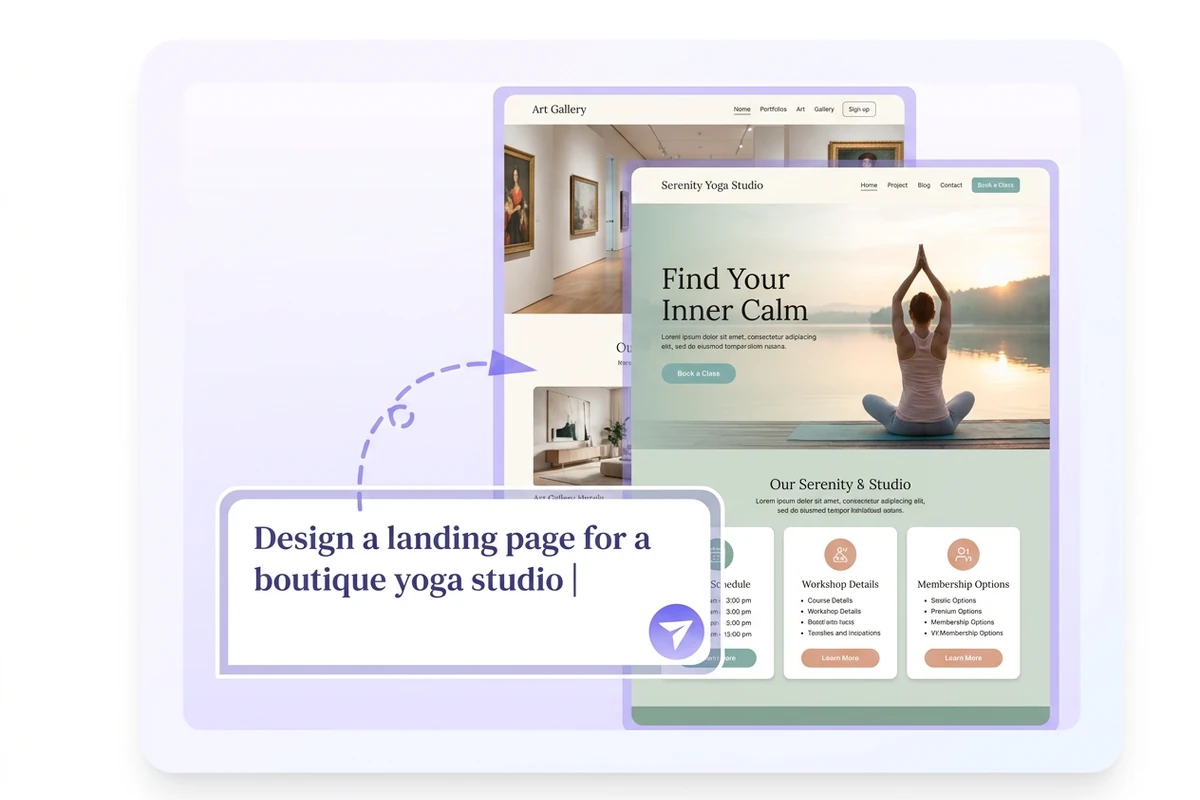
Prompt bar over stacked yoga-studio and gallery landing-page mockups on a soft lavender panel.

Turn a Brief into a Launch-Ready Landing Page

Describe the offer, audience, proof points, and CTA in plain language. Ottermind drafts hero copy, feature blocks, and a page structure you can open and review. A structured request beats a vague niche label; use this How to Write AI Prompts That Actually Work to state the promise, objections, and conversion goal before generation.
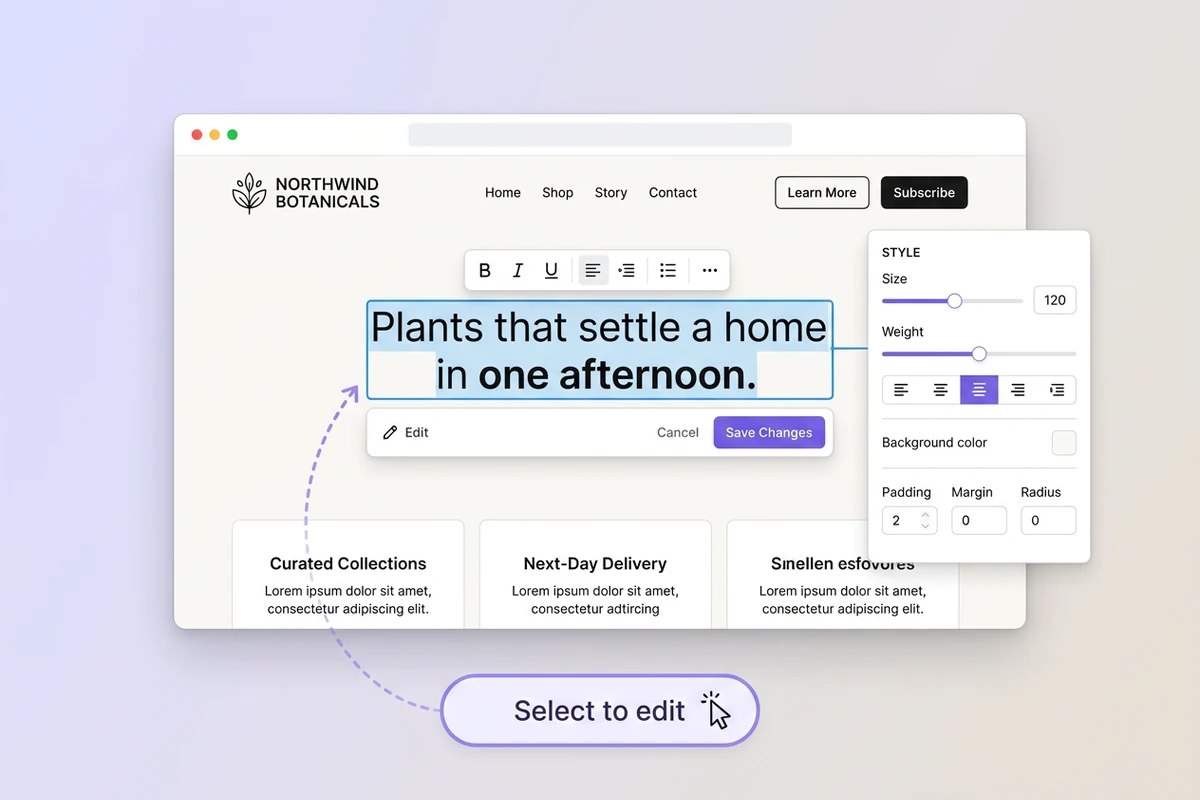
Visual editor selecting a Northwind Botanicals headline with a style side panel and Select to edit control.

Edit the Generated Page Without Starting Over

First drafts often need brand voice, section order, and CTA clarity fixes. Keep the same project open, select sections to revise, and ask agents to adjust layout, wording, and visuals while preserving the approved brief. Pair page edits with AI image generation when hero art or product shots need a clearer direction, then check mobile layout before another rewrite.

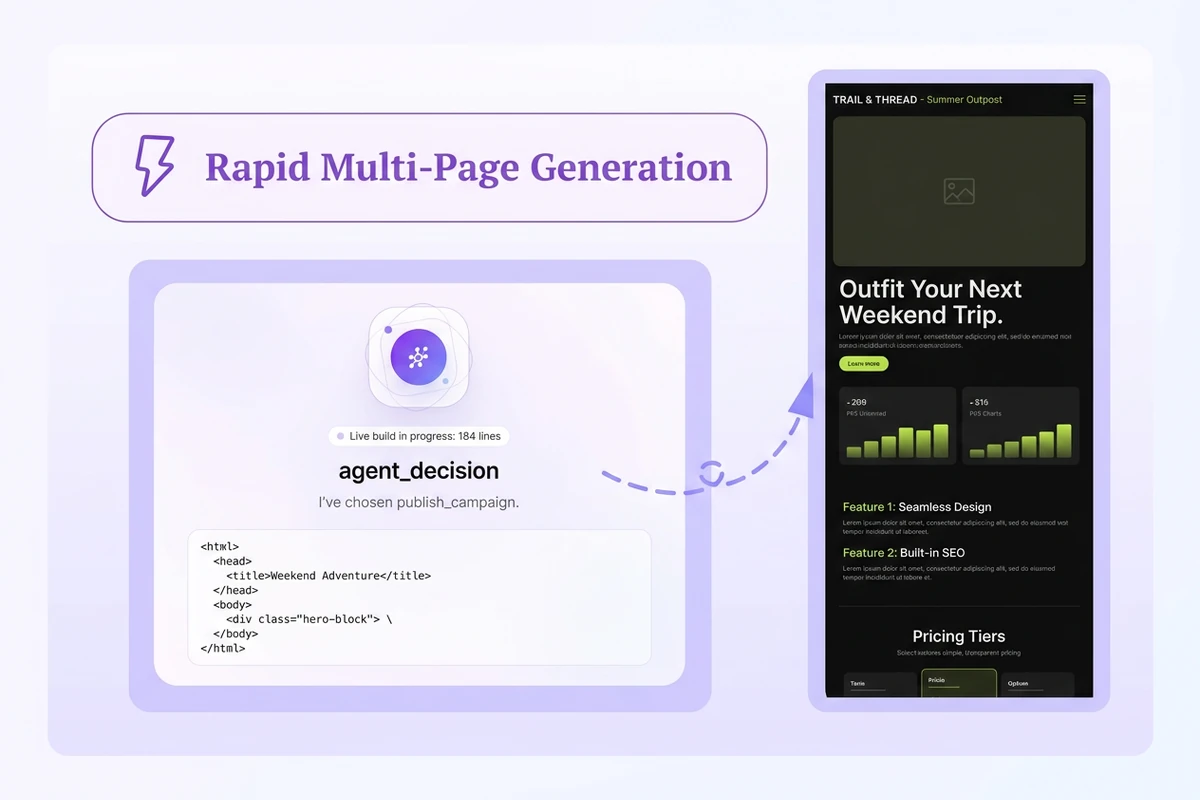
AI agent decision card with a dashed arrow to a Trail and Thread mobile campaign landing-page preview.

Spin Up Campaign Variants in Minutes

Need pages for ads, A/B headlines, or audience segments? Reuse the same offer brief, change one angle at a time, and generate focused variants instead of rebuilding from a blank canvas. Shape the lead line with the Slogan Generator, then keep each experiment tied to the same project memory so later revisions stay consistent.

How to Build and Publish the Page

Step 01

Define Offer, Audience, and CTA

Name the product or service, who it is for, the main promise, proof you can show, and the single action you want visitors to take. Keep the first page scoped to one campaign goal.

Step 02

Generate and Review the First Page

Send the brief to the AI landing page builder, open the draft, and check headline clarity, section order, mobile layout, and CTA placement. Note exact gaps such as weak proof, vague pricing, or missing objections.

Step 03

Revise, Validate, and Publish

Request focused edits, verify forms and tracking needs, then publish when the page matches the offer you intend to run. Replay the visitor path from headline to CTA on desktop and mobile before sharing the live URL.

Why creators choose Ottermind

Task-Focused Output

The workflow aims at a usable landing page for one offer, not a generic brochure dump or unfinished chat outline.

Project Context

Briefs, section decisions, and revision notes stay organized around the same campaign so later edits do not restart from zero.

Agent Iteration

Agents can inspect an observed issue, adjust copy or layout, and retry while critical publishing actions remain under your review.

Campaign Creative Support

Continue into visuals with the AI Poster Generator when the page needs matching launch creatives.

Multi-Step Build

Collaborating agents can divide drafting, visual direction, revision, and deployment prep while preserving one conversion goal.

Beyond a One-Off Draft

Unlike a free AI landing page generator one-off export, keep iterating here and continue into an AI Social Media Post Generator.

FAQ

What Is an AI Landing Page Builder?

It creates a single-purpose web page from a written brief: headline, benefits, proof, and CTA. Ottermind uses collaborating agents to draft the page, retain project context, and continue through revision toward a deployable experience instead of stopping at a static text outline.

How Is This Different from a Free AI Landing Page Generator?

Many free tools prioritize a quick hosted draft with caps on domains, forms, or editing depth. Ottermind focuses on agent-assisted building with project memory and multi-step revision. Compare publishing limits, brand control, and whether you can keep iterating the same campaign before you spend on ads.

What Should I Include in the First Prompt?

State the offer, audience, primary promise, proof points, objections to handle, visual tone, and exact CTA. Add constraints such as mobile-first layout, pricing teaser, or waitlist form. A testable brief leaves fewer critical decisions for the model to invent.

Can I Edit the Generated Landing Page?

Yes. Treat the first output as a draft. Keep the project open, report one issue at a time, and revise headline, sections, visuals, and CTA until the page matches your brand and offer. Critical actions still require your approval before publish.

When Should I Use a Traditional Landing Page Tool Instead?

Choose a conversion specialist when you already need advanced A/B routing, ad-to-page personalization, or mature analytics suites as the primary job. Use Ottermind when you need a fast first page, campaign variants, or a deployable draft you can refine with agents. For playable web experiences rather than lead pages, see the AI Game Maker.

Can I Promote the Page After Publishing?

Yes. After the landing page is clear, create matching launch assets with the AI Video Demo or social posts so the campaign message stays consistent from ad to page.

Discover more

What they say about Ottermind

We turned a rough launch brief into a complete site direction in one working session. The page structure, key messages, and calls to action stayed connected, so every revision improved the same idea instead of creating another disconnected mockup.

Maya Chen - Product Marketing Lead

More from the blog

Build Your Next Landing Page

Describe one offer, generate the page, revise the weak sections, and publish when the visitor path from headline to CTA is clear.

Build Landing Page