Restaurant Website Builder

Describe your restaurant, menu, hours, and guest next step. Ottermind agents draft a restaurant website, help you revise pages with project context, and continue toward deployment.

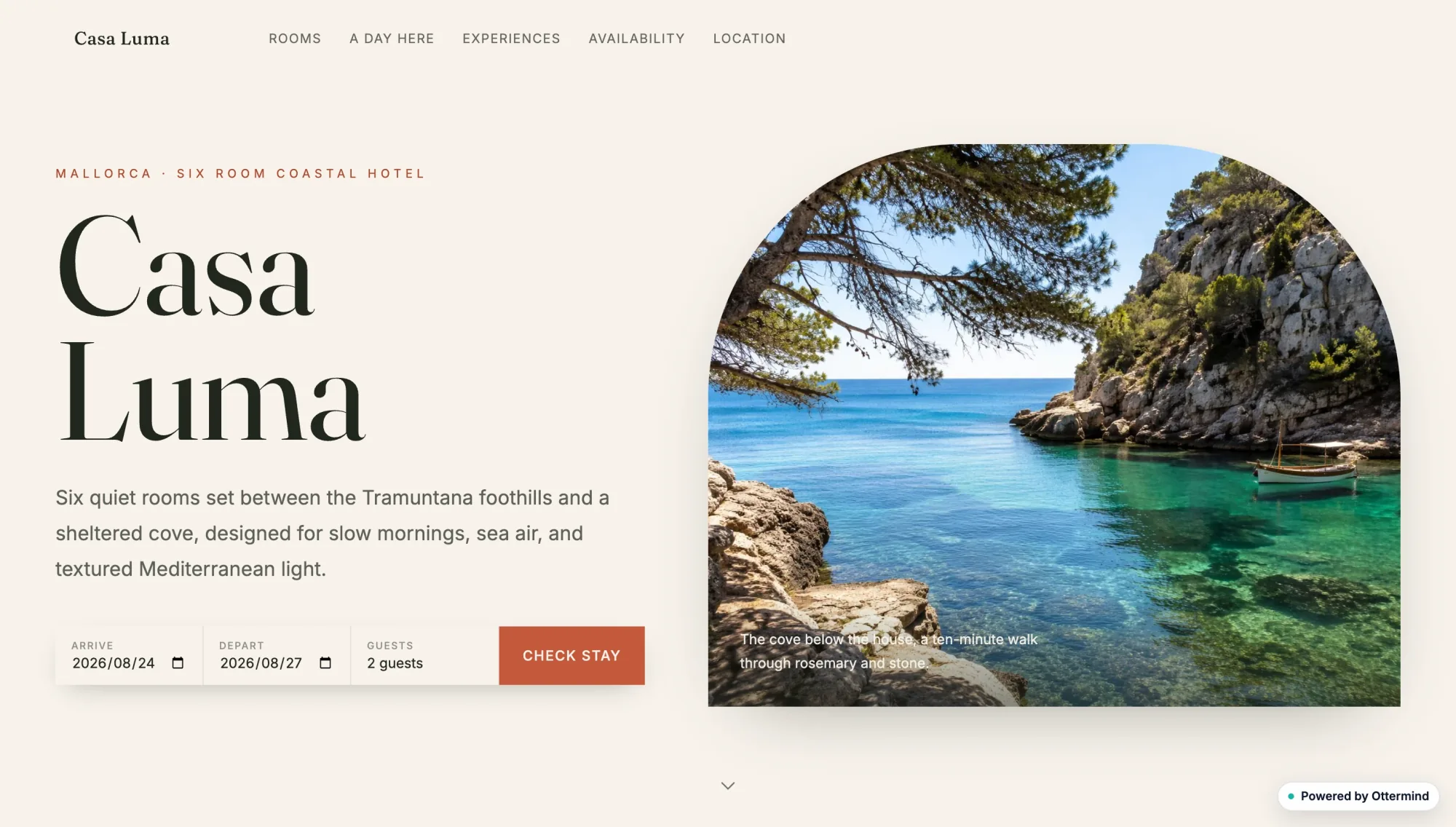
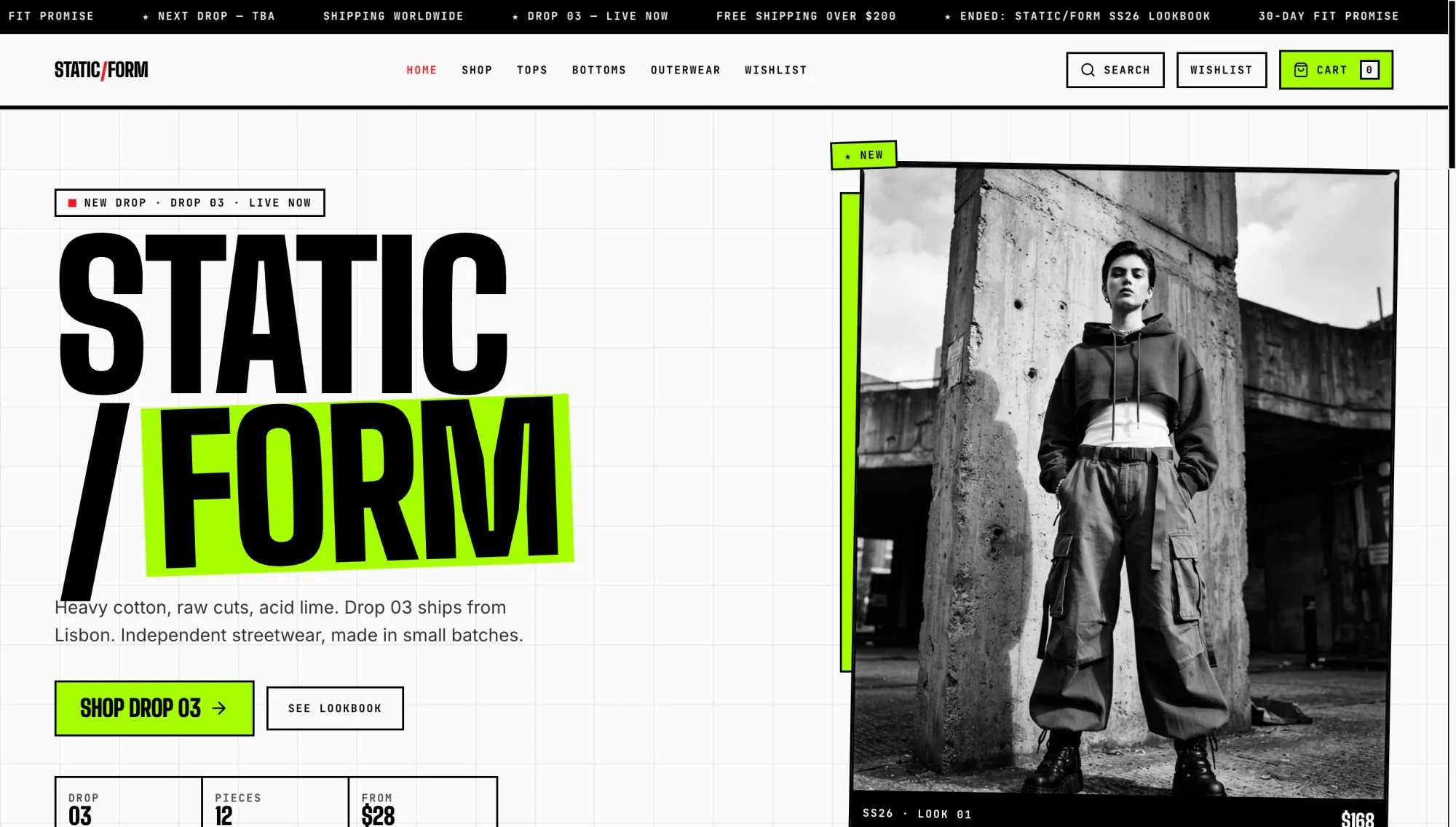
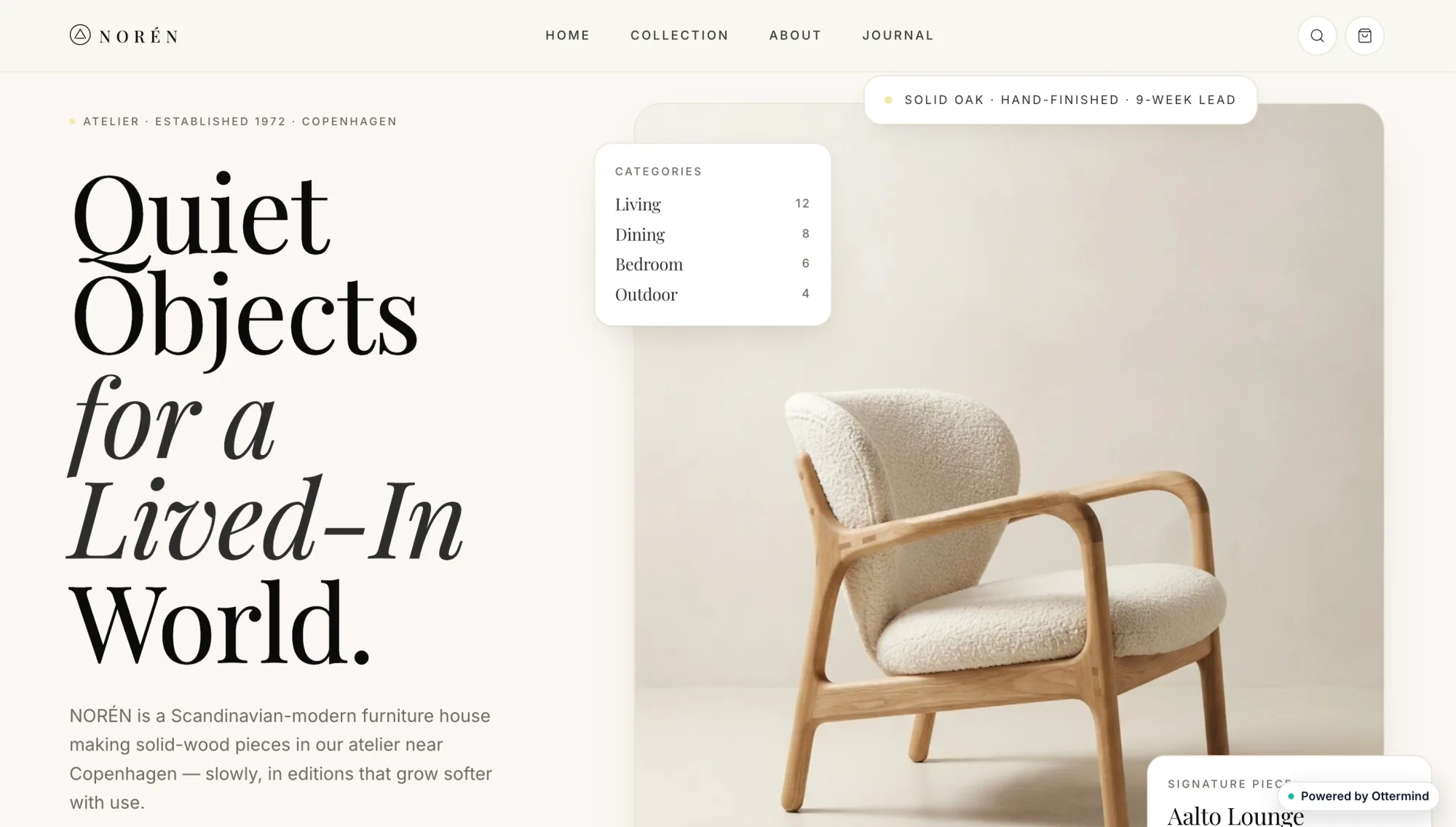
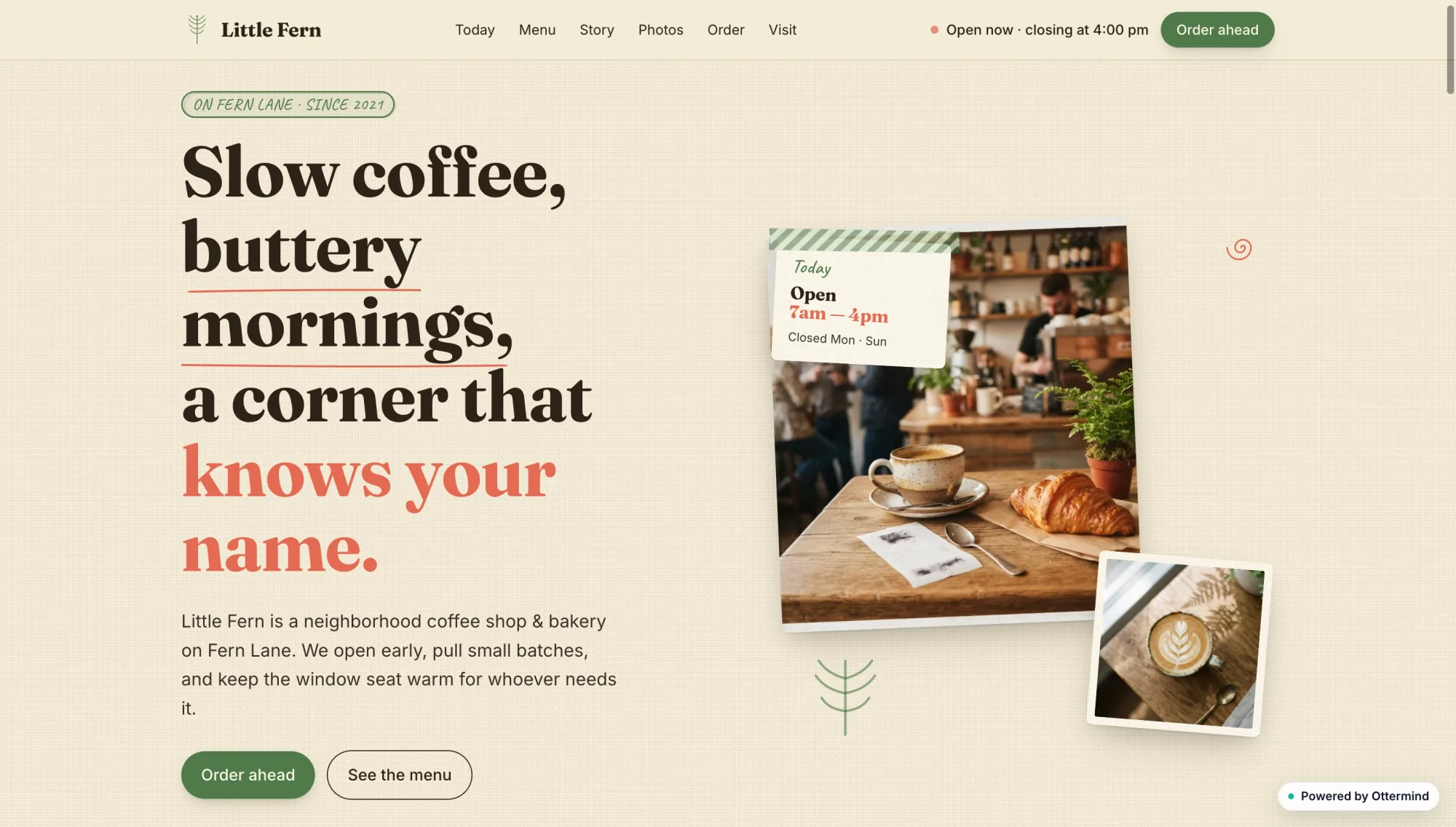
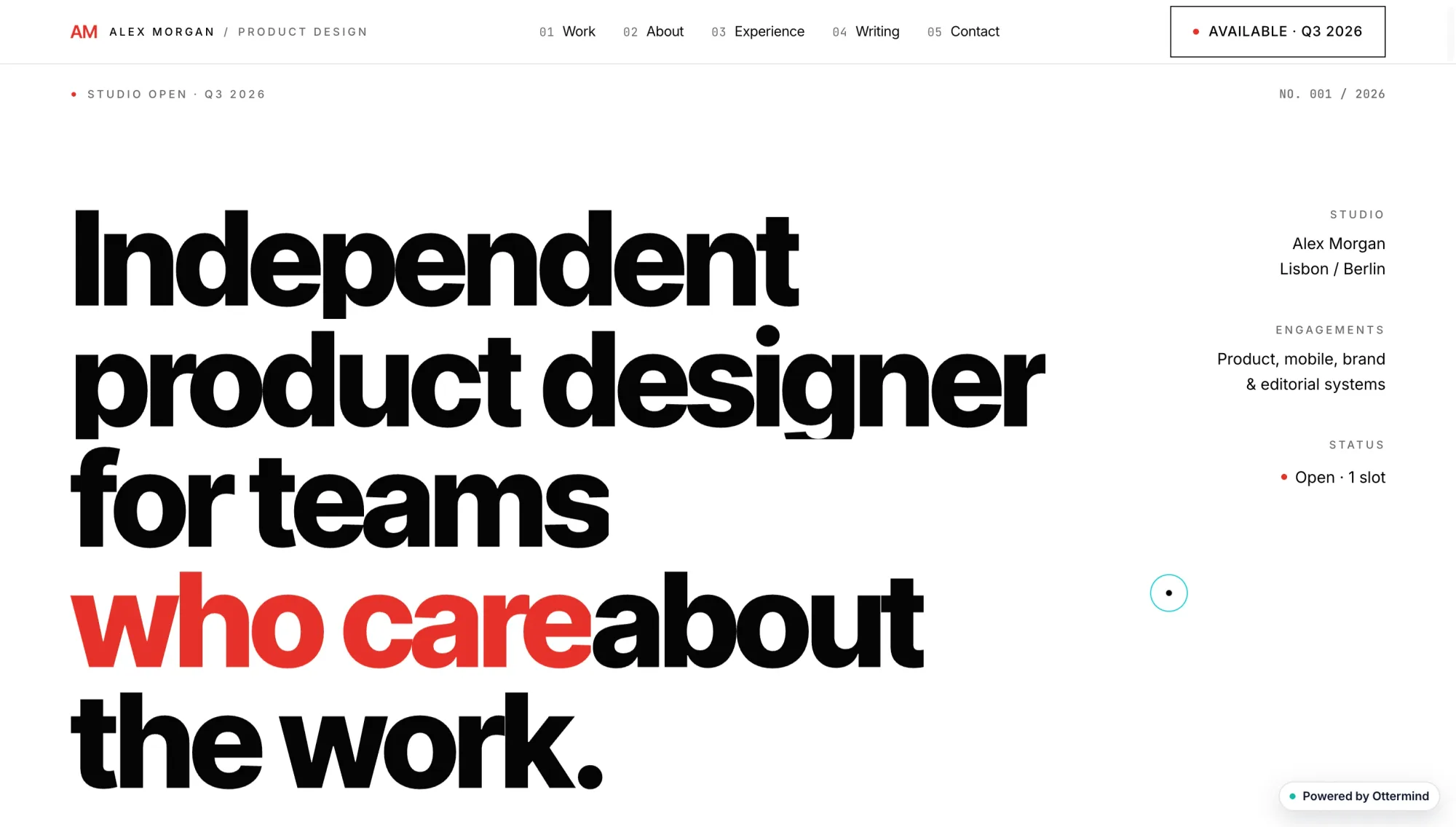
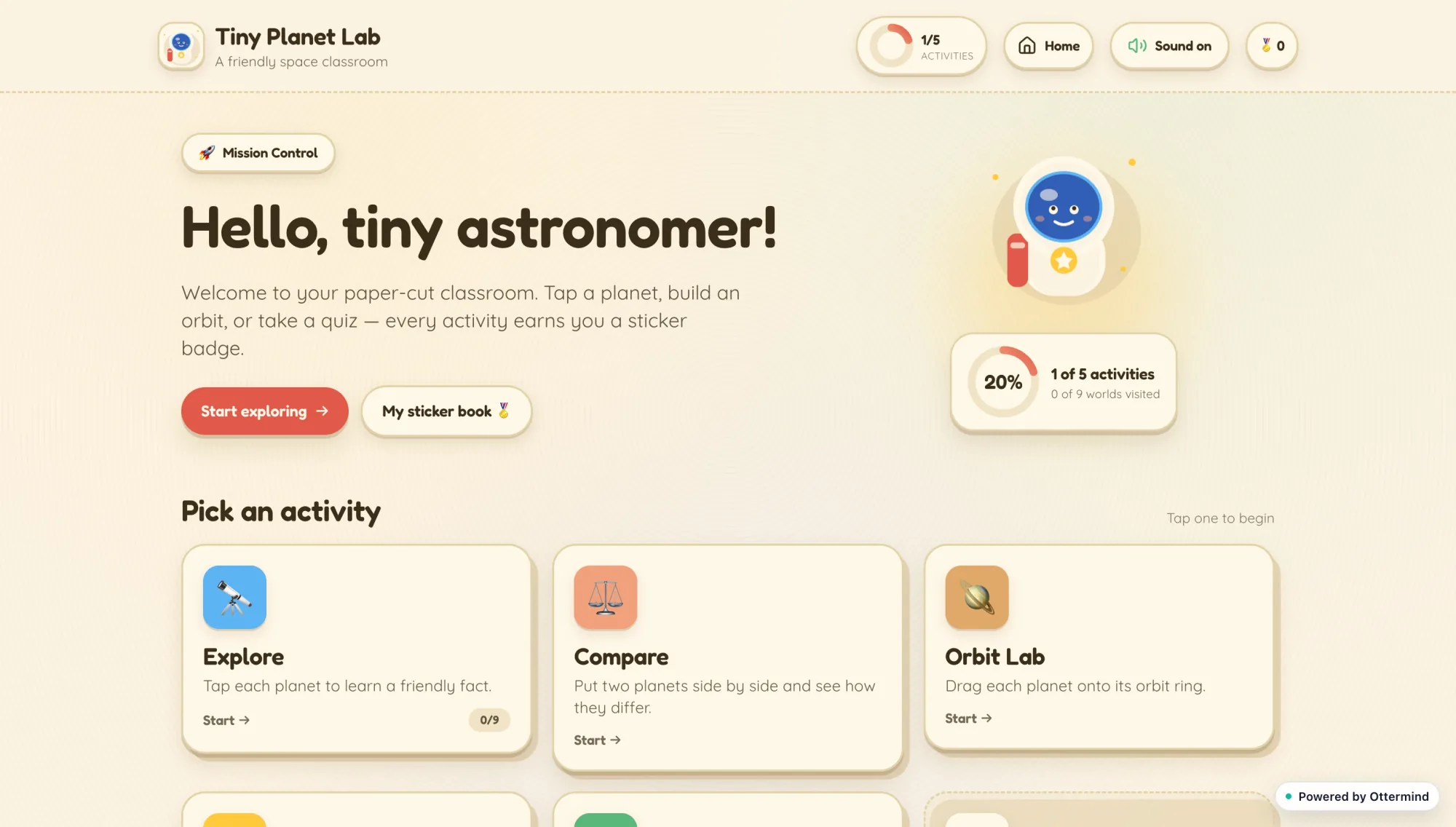
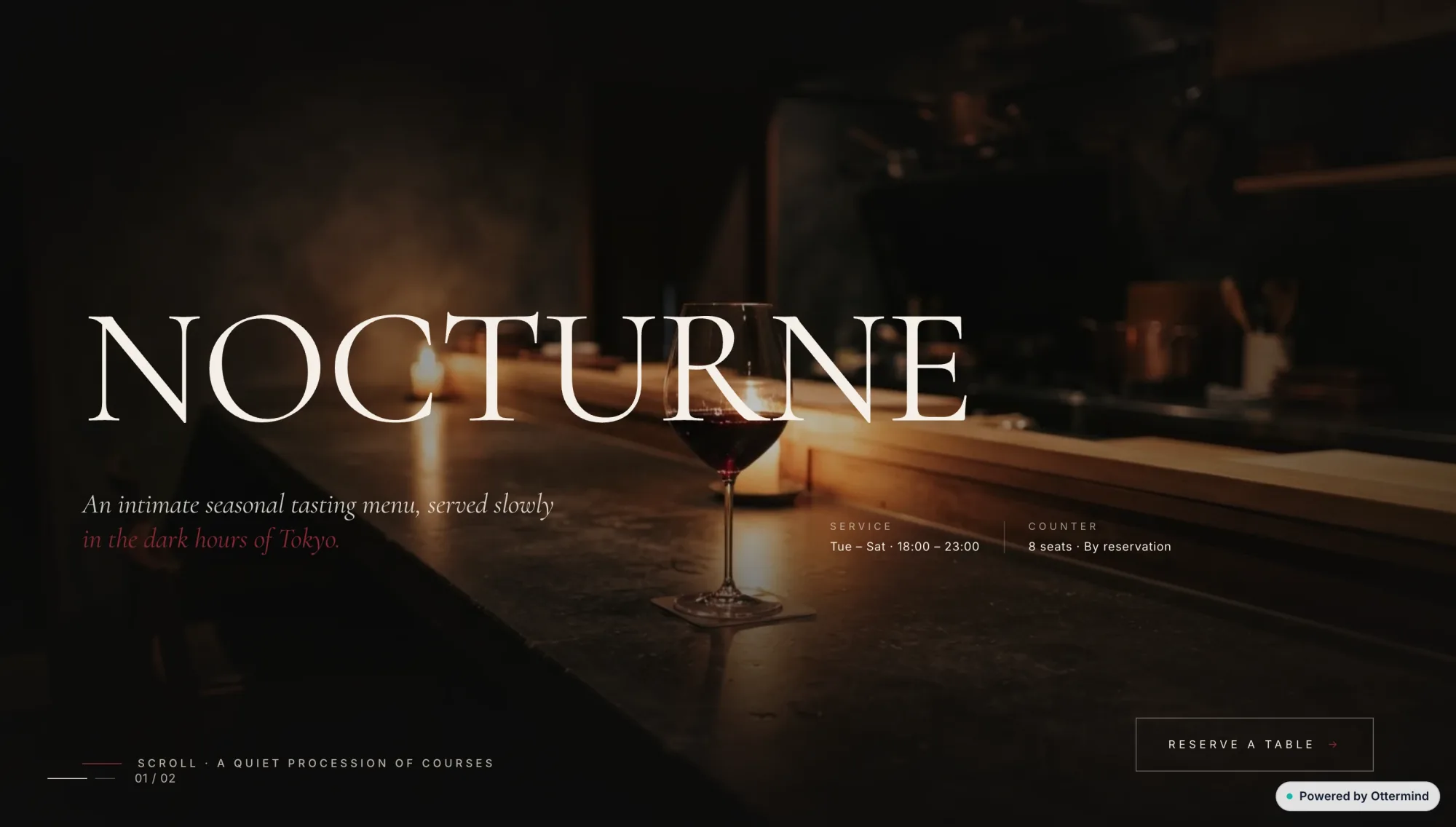
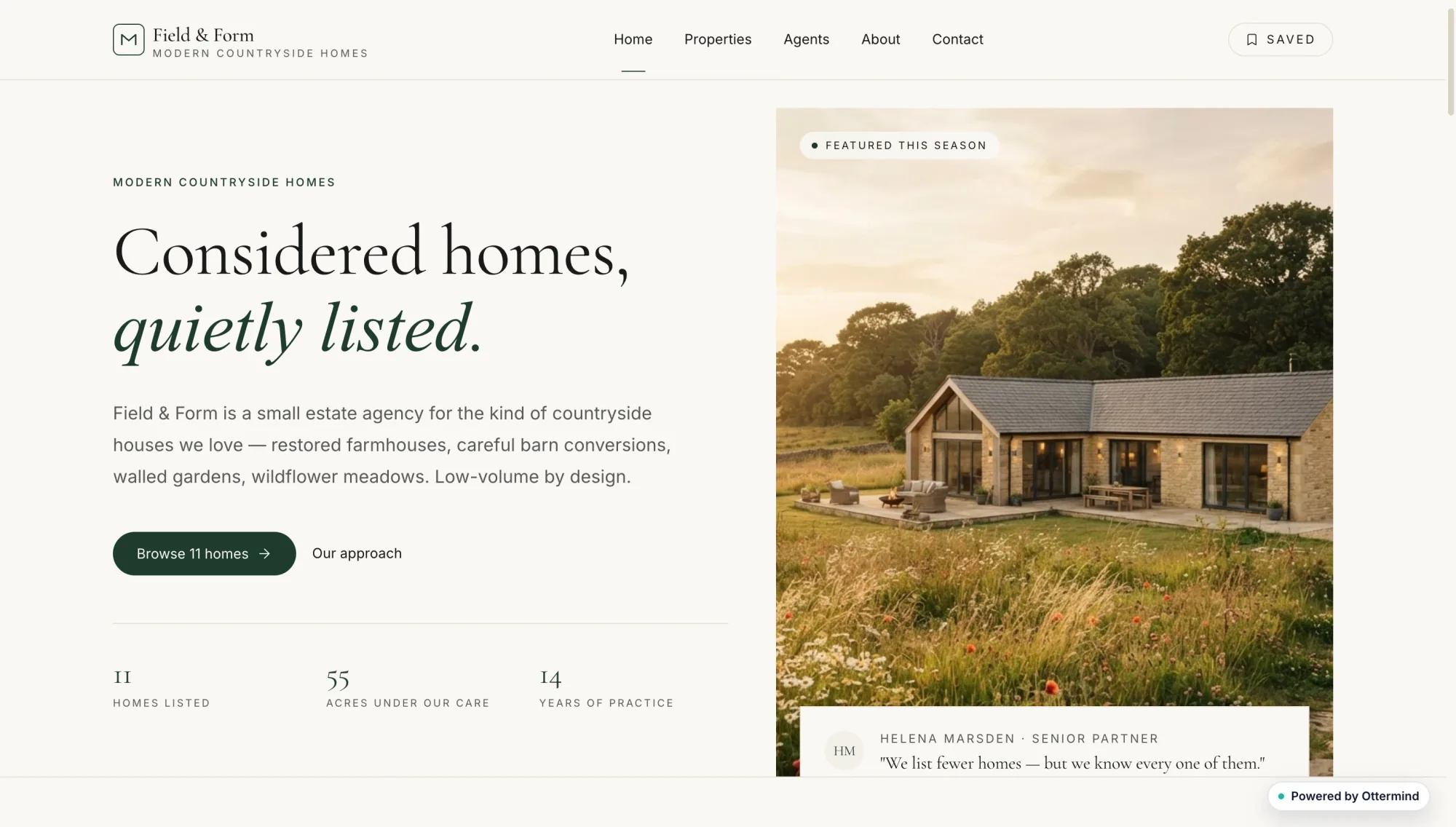
Casa Luma coastal hotel website with a seaside photograph and room booking detailsStatic Form streetwear shop website with bold black typography and a monochrome fashion photographNoren furniture website with a sculptural lounge chair and minimalist editorial typographyLittle Fern neighborhood coffee shop website with warm cafe photographs and red editorial typeAlex Morgan product designer portfolio with oversized black and red typographyTiny Planet Lab children's astronomy learning dashboard with activity cardsNocturne restaurant website with a dark candlelit dining photographField and Form countryside real estate website with a modern farmhouse photograph

Launch Guest-Ready Pages from One Restaurant Brief

A restaurant website builder should turn cuisine, location, and a guest next step into pages diners can use: a readable menu, hours, location details, and a clear path to book or inquire. Ottermind drafts that site from a plain-English brief, then keeps revisions in one project so agents can adjust layout and copy without restarting. Treat POS, loyalty, and hosted ordering as later choices once the presentation is solid. For broader multi-page planning, continue in the AI Website Builder.

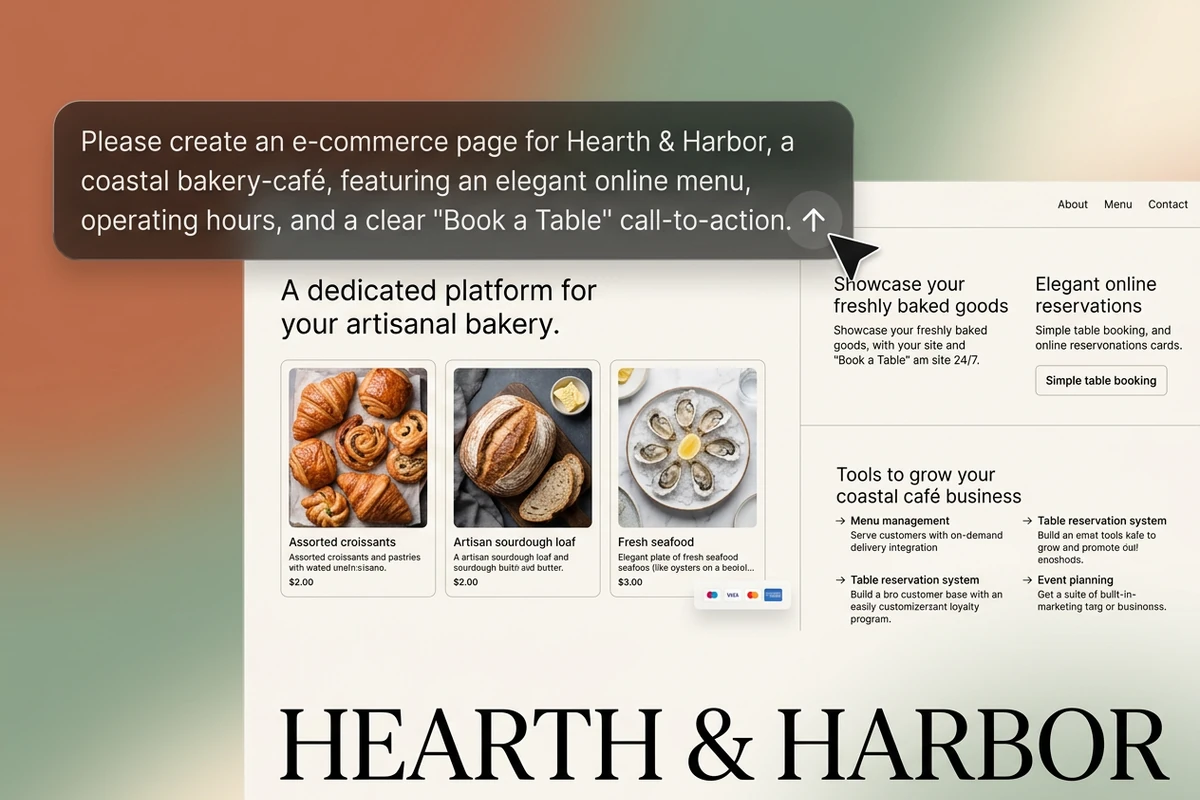
Dark chat prompt for Hearth & Harbor bakery-café over a cream restaurant menu preview with pastry photos.

Generate a Menu-Led Restaurant Site

State the concept, signature dishes, tone, hours, and the single action hungry visitors should take. A strong restaurant website builder prompt names cuisine, photography style, and whether guests should book, call, or ask about catering. Use AI image generation when food or interior shots need a clearer direction before you refine the pages.
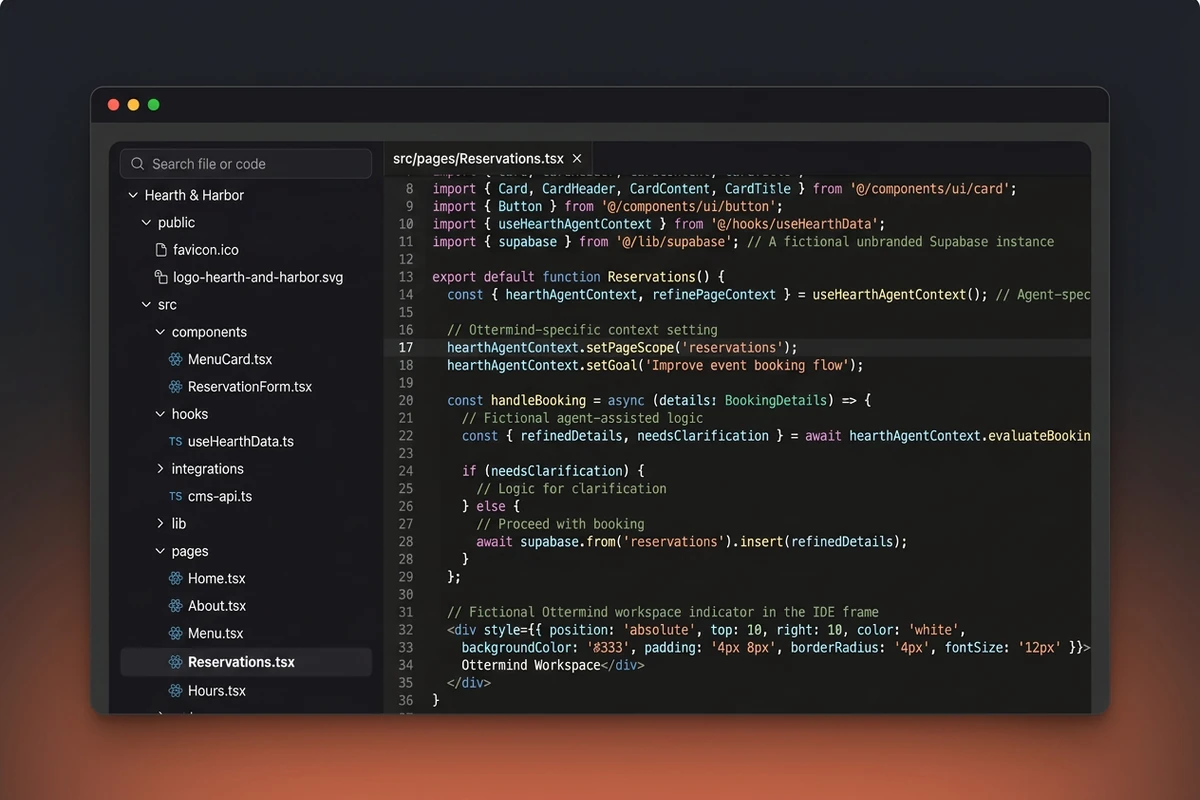
Dark code workspace with Hearth & Harbor project files and Reservations.tsx open.

Revise Hours, Menu, and Booking Together

Restaurant sites stall when menu updates, reservation links, and homepage copy live in separate tools. Keep files and feedback in one Ottermind project so agents can fix an outdated special or strengthen a Book a Table path without losing earlier choices. Shape a sharper homepage line with the Slogan Generator when the brand voice needs a cleaner lead.

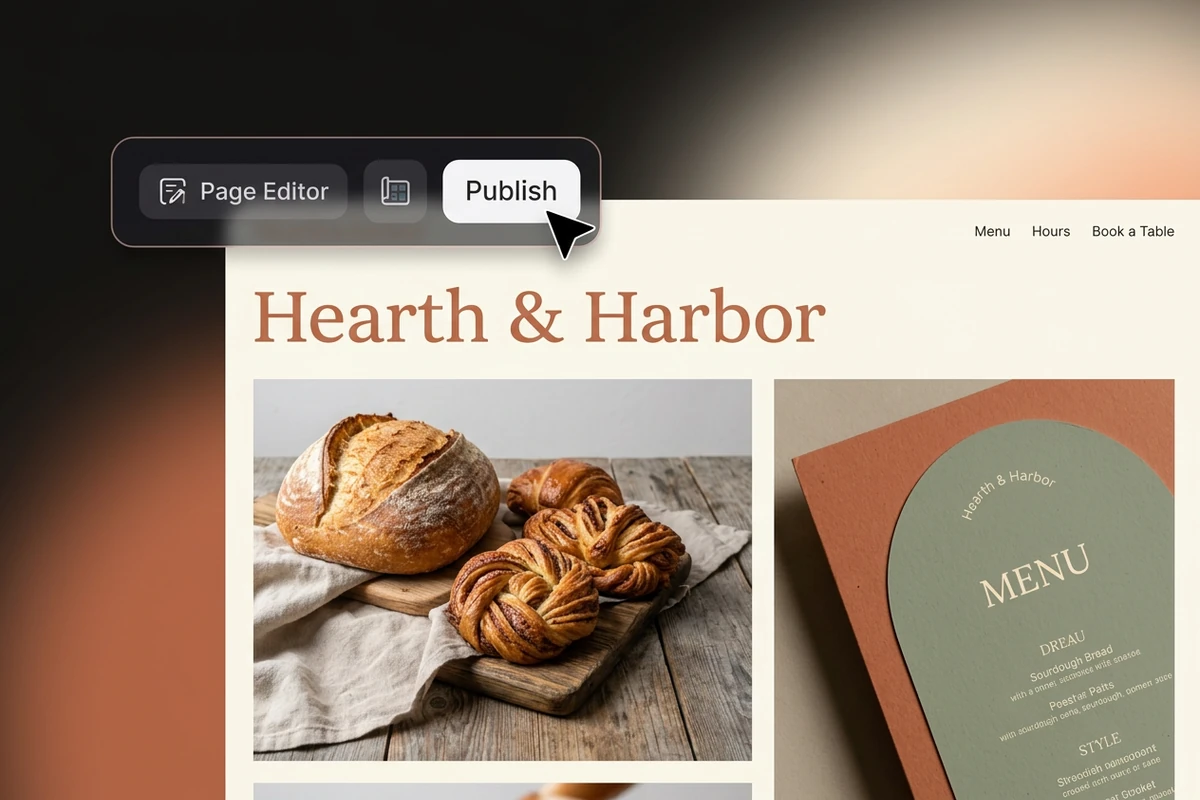
Visual editor preview of Hearth & Harbor bakery-café site with a Publish button hovered.

Publish When Guests Can Act

Before you share a live link, check that the menu is readable text, hours match your listings, the booking path works on mobile, and food photography still looks appetizing. Ottermind can continue toward a deployable website while you choose any ordering or reservation service separately. Promote the launch with the AI Social Media Post Generator once the site story is stable.

How to Create a Restaurant Website with Ottermind

Step 01

Define Cuisine, Menu, and Guest Action

List the restaurant concept, three to eight signature dishes, hours, location cues, photography tone, and whether visitors should book, call, or inquire.

Step 02

Generate and Inspect the Pages

Send the brief to Ottermind, open the draft, and check the homepage, text menu, hours block, mobile layout, and booking path. Note gaps such as a PDF-only menu or a buried contact button.

Step 03

Revise, Then Publish the Site

Request focused fixes, confirm hours and address still match your listings, and continue toward deployment when guests can complete the intended action. Connect ordering tools only after you choose the stack that fits your service model.

Why creators choose Ottermind

Guest-Ready Output

The workflow aims at browsable restaurant pages, not only a template gallery or feature comparison chart.

Project Memory

Menu decisions, files, and feedback stay attached to the same build as you revise hours or booking copy.

Focused Revision

Agents can inspect an observed layout issue, adjust the pages, and retry while you keep critical actions under review.

Food Visual Direction

Pair the site brief with AI image generation when dish photos need a deliberate campaign look.

Launch Creatives

Create matching posters in the AI Poster Generator after the restaurant story is set.

Deployment Path

Move from a drafted restaurant site to a deployable web experience without treating publishing as an afterthought.

FAQ

How Do I Create a Restaurant Website That Guests Can Use?

Start with cuisine, a text menu, hours, location, and one primary guest action. Generate pages with this restaurant website builder, inspect mobile readability, then revise until booking or contact works. Prefer HTML menu text over a PDF so guests can scan dishes without downloading a file.

How to Make a Website for a Restaurant Without an Agency

Describe the concept in plain language, generate a first draft, and keep edits in one project instead of juggling designers and scattered assets. Ottermind is an AI agent workspace for building websites, so you still approve critical changes. Hire an agency when you need custom photography direction or deep brand systems beyond a focused restaurant site.

Is This the Same as Wix Restaurants or Popmenu?

No. Restaurant SaaS platforms often bundle hosted ordering, loyalty, and POS-linked menus inside their product. Ottermind helps you draft and revise a branded restaurant website you can deploy, while you choose ordering or reservation services separately. Pick SaaS when you need those operations on day one; pick an AI-built site when presentation and iteration come first.

What Should the First Prompt Include?

Name the concept, location, three to eight dishes, tone, photography style, required pages, and the guest next step. Mention mobile layout and any parking, dietary, or catering note you need. A testable brief gives agents fewer decisions to guess on the first restaurant website draft.

Can Ottermind Connect Online Ordering Automatically?

Approved product facts do not establish a built-in POS, commission-free ordering cart, or guaranteed reservation network. Agents can help structure menu pages and booking or contact flows, but you still choose and configure the ordering provider that fits your kitchen. Review fees and menu sync before taking live orders.

When Should I Use a Campaign Landing Page Instead?

Use the AI Landing Page Builder for a single offer such as a tasting night or catering lead capture. Keep this restaurant website builder when guests need ongoing menu, hours, and location pages. For packaged goods beyond dining, see Create an Online Store for Free.

Discover more

What they say about Ottermind

We turned a rough launch brief into a complete site direction in one working session. The page structure, key messages, and calls to action stayed connected, so every revision improved the same idea instead of creating another disconnected mockup.

Maya Chen - Product Marketing Lead

More from the blog

Draft Your Restaurant Site and Keep Revising

Describe the cuisine and guest path, generate the first pages, inspect the menu and booking flow, then revise and publish the restaurant website you are ready to share.

Build My Site