Create an Online Store for Free

Describe what you sell and how it should look. Ottermind agents draft storefront pages, help you revise the catalog layout, and continue toward a deployable online store.

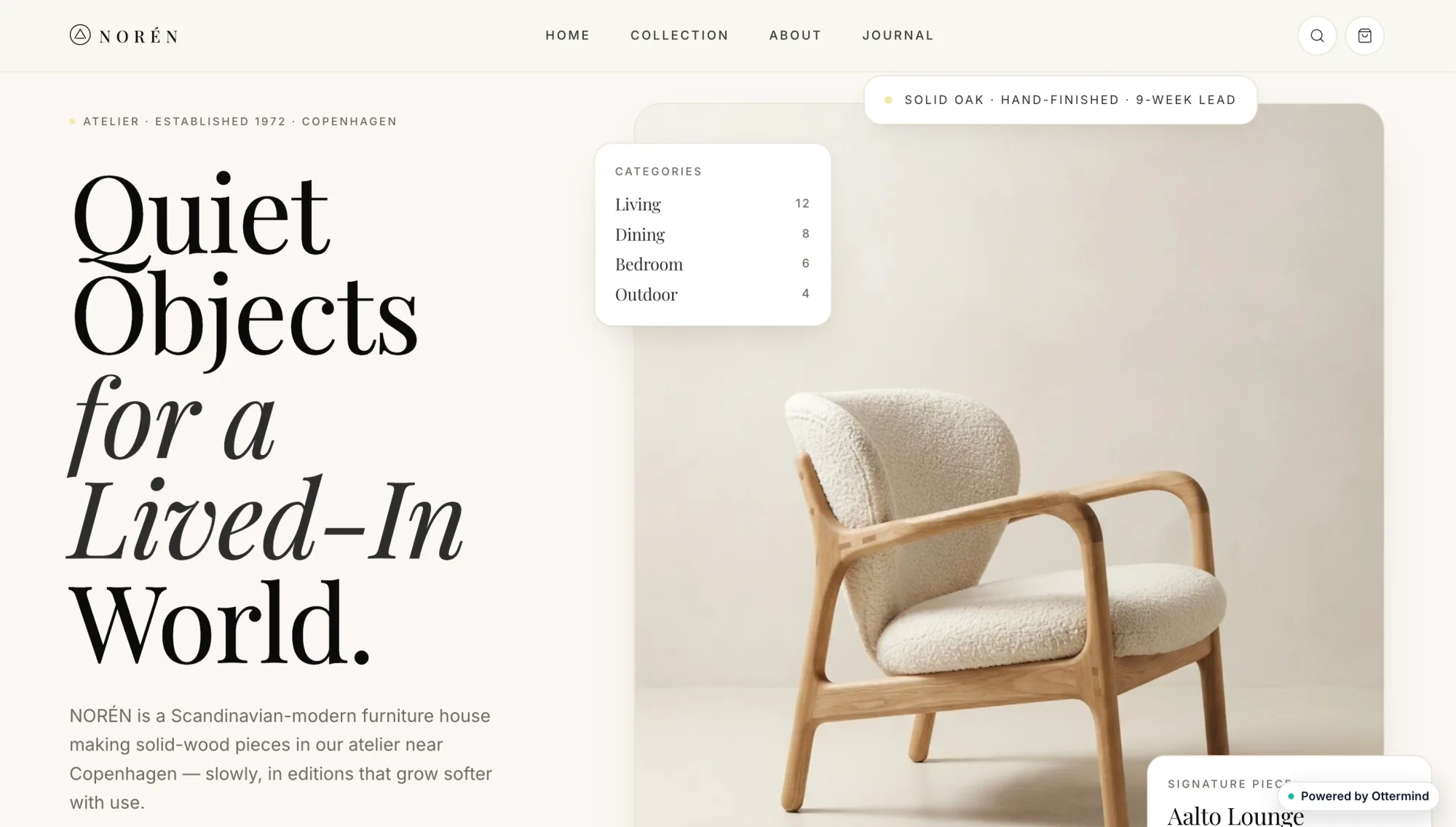
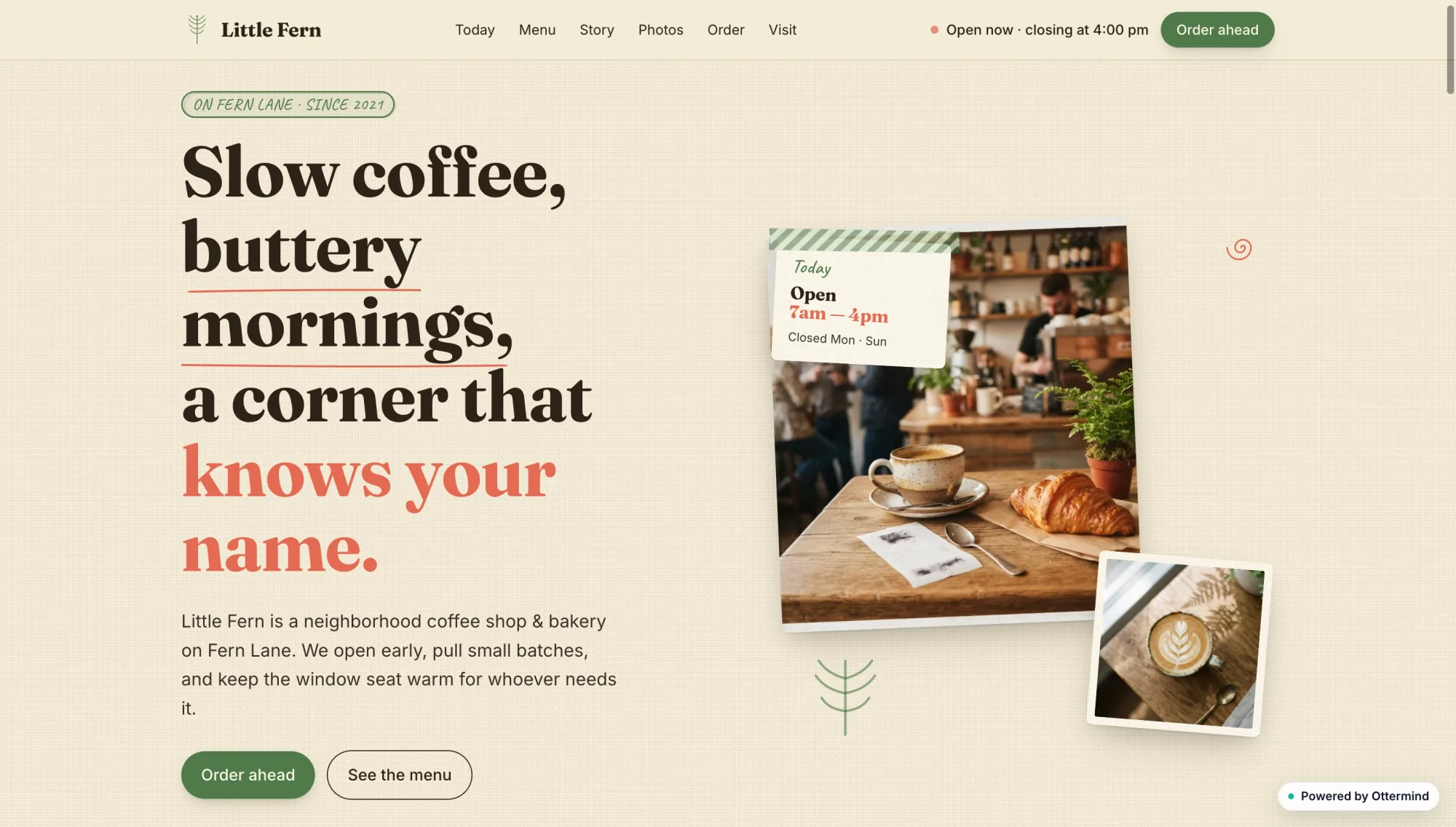
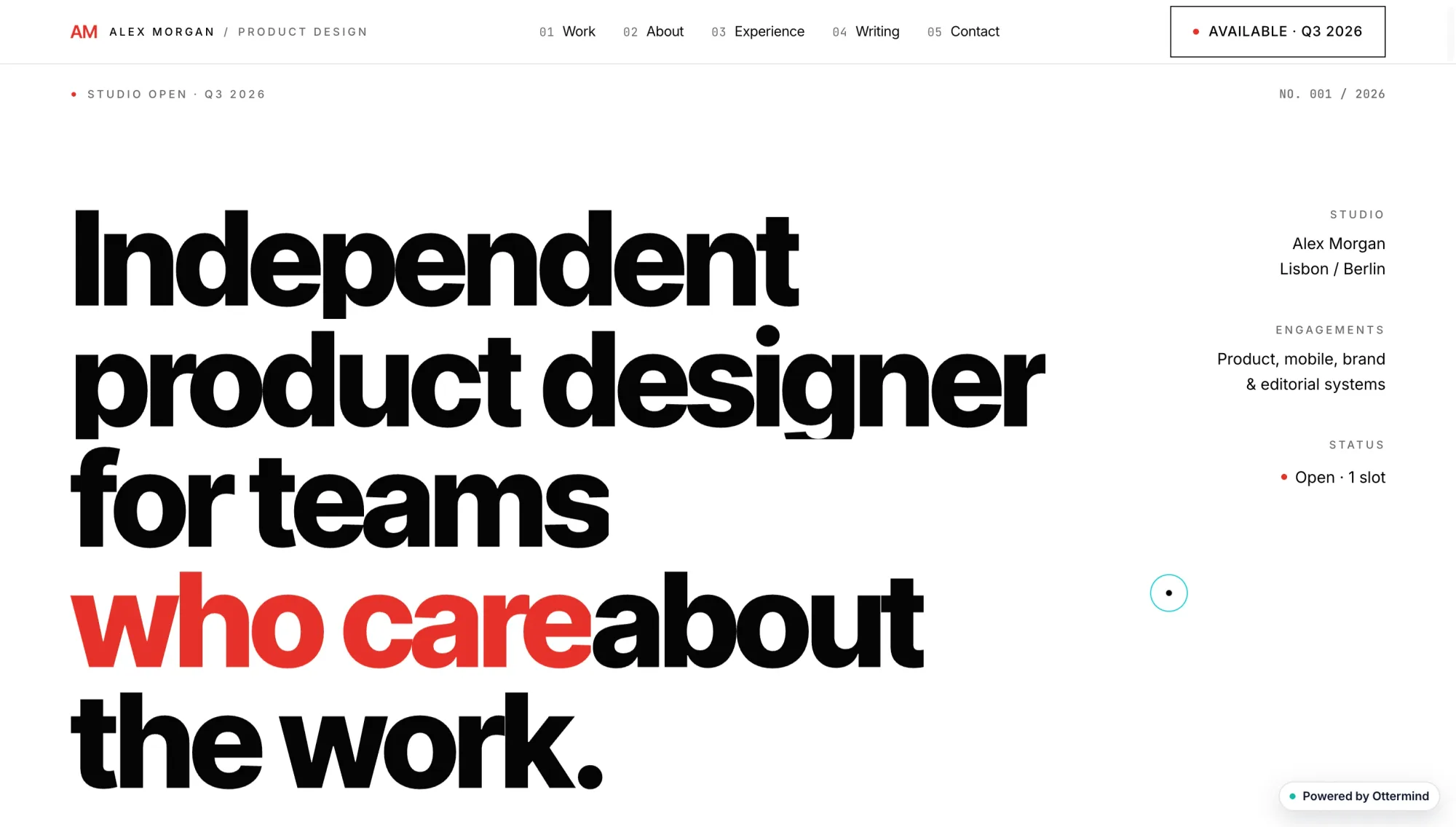
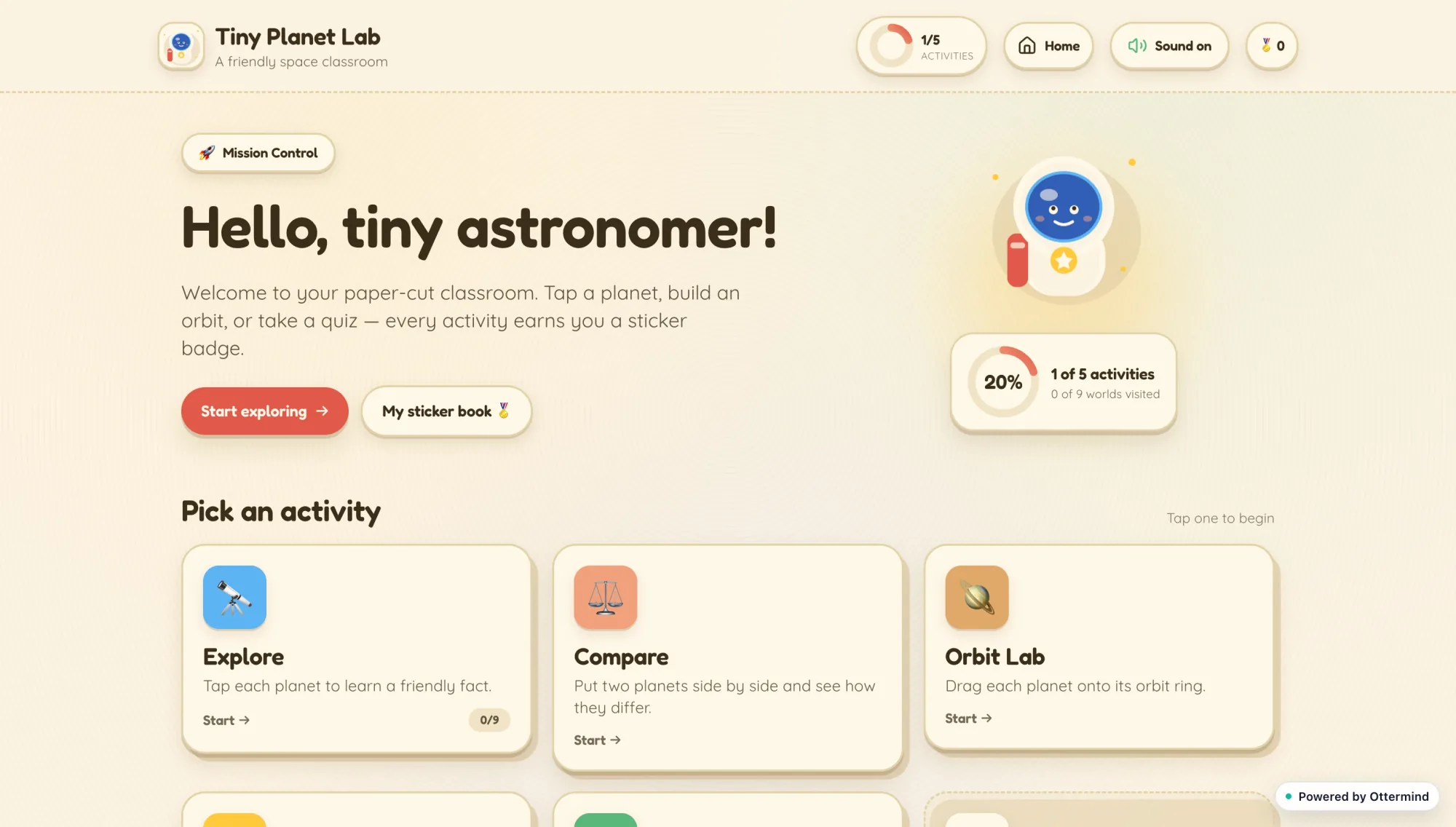
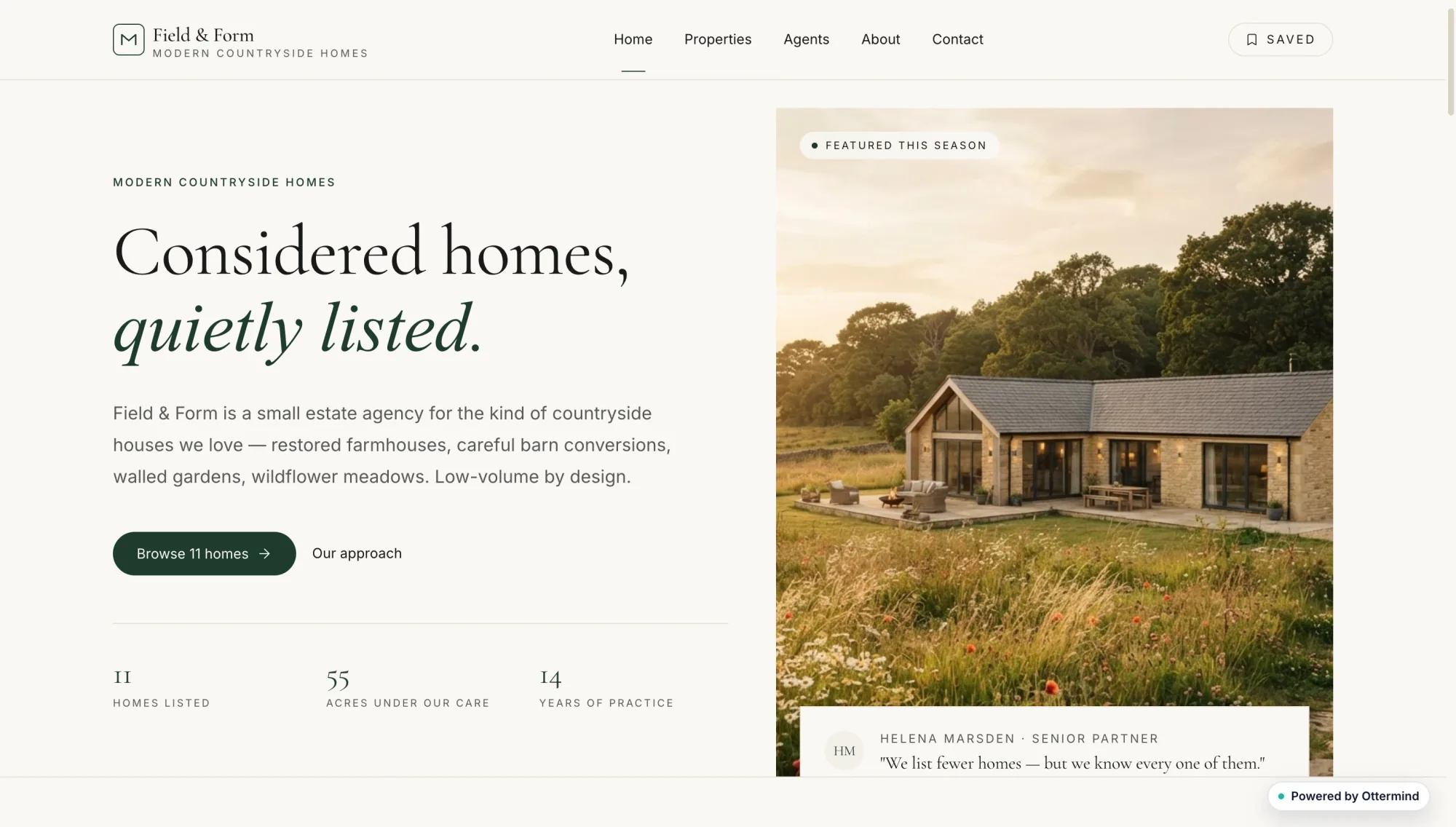
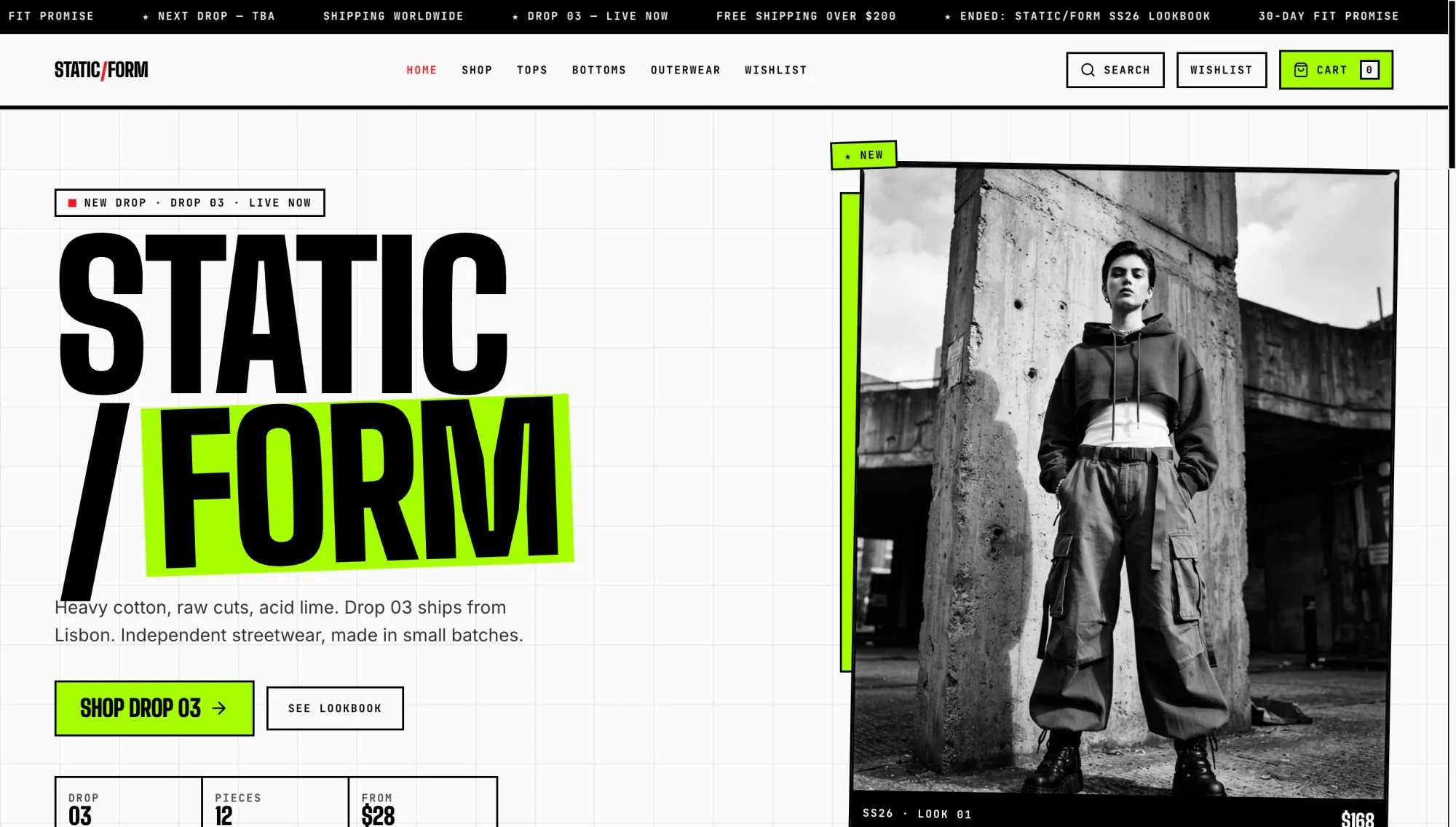
Casa Luma coastal hotel website with a seaside photograph and room booking detailsStatic Form streetwear shop website with bold black typography and a monochrome fashion photographNoren furniture website with a sculptural lounge chair and minimalist editorial typographyLittle Fern neighborhood coffee shop website with warm cafe photographs and red editorial typeAlex Morgan product designer portfolio with oversized black and red typographyTiny Planet Lab children's astronomy learning dashboard with activity cardsNocturne restaurant website with a dark candlelit dining photographField and Form countryside real estate website with a modern farmhouse photograph

Start a Storefront from One Clear Product Brief

People searching to create an online store for free usually want a usable shop without paying Shopify-level fees before the first sale. Ottermind helps you draft a branded storefront website from that brief: product pages, merchandising layout, and a publish path you can revise in one project. Treat hosted carts and payment plans as a later decision once the offer and presentation are clear. For broader multi-page site planning, continue in the AI Website Builder.

Dark chat prompt for a luxury perfume store over a monochrome product-page preview with three bottle photos.

Generate Product Pages from a Store Brief

State the niche, hero products, tone, and buyer path before you ask agents to build. A free online store builder prompt works best when it names catalog scope, photography style, and what shoppers should do next. Use AI image generation when product shots need a clearer visual direction before you refine the pages.

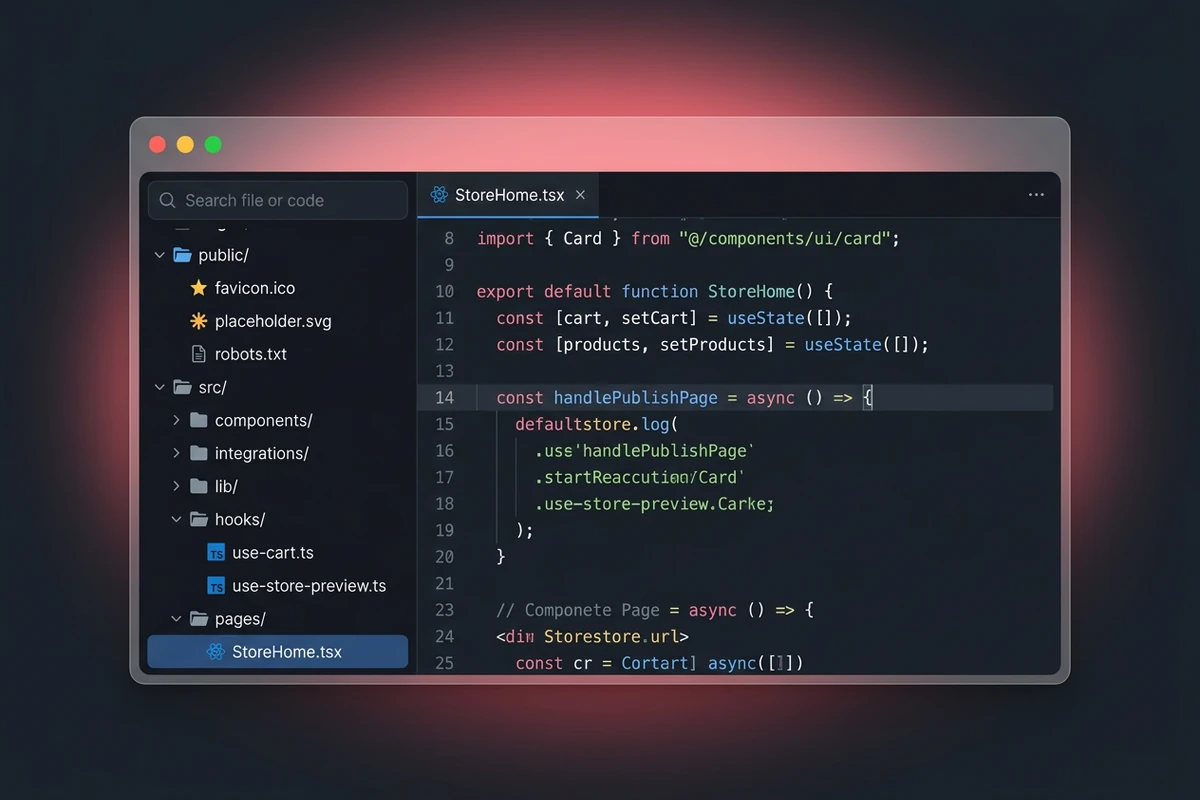
Dark code workspace with store project files and StoreHome.tsx open for an online storefront.

Keep the Store Build in One Project

Store files, copy decisions, and revision notes stay organized around the same build so agents can adjust layouts without losing earlier choices. That project context is how an AI online store builder stays coherent while you change pricing blocks, navigation, or product order. When brand language needs sharper lines for the homepage, draft candidates in the Slogan Generator and bring the winners back into the store brief.

Visual editor preview of an Atelier Voile fashion storefront with a Publish button hovered.

Publish When the Storefront Is Ready

Review the shop grid, product detail pages, mobile layout, and first-order path before you share a live link. Ottermind can continue from generation into deployment for a website experience, while payment gateways and platform fees remain separate choices you confirm for your selling model. Promote the launch with the AI Social Media Post Generator once the storefront story is stable.

How to Create an Online Store for Free with Ottermind

Step 01

Define the Offer and Catalog Scope

List the products you will sell first, the brand tone, photography style, shipping or pickup note, and the single action you want a shopper to take. Keep the first catalog small enough to review carefully.

Step 02

Generate and Inspect the Storefront

Send the brief to Ottermind, open the generated pages, and check the homepage, product details, navigation, and mobile layout. Note exact gaps such as missing variants, weak product copy, or an unclear checkout path.

Step 03

Revise, Then Publish the Site

Request focused fixes, confirm the storefront still matches the offer, and continue toward deployment when the presentation is ready. Connect payments and fulfillment only after you choose the selling setup that fits your catalog.

Why creators choose Ottermind

Storefront Output

The workflow aims at pages shoppers can browse, not only a theme gallery or a pricing comparison chart.

Project Memory

Product decisions, files, and feedback stay attached to the same store build as you revise.

Focused Revision

Agents can inspect an observed layout issue, adjust the pages, and retry while you keep critical actions under review.

Visual Merchandising

Pair the store brief with AI image generation when product photography needs a deliberate campaign look.

Launch Assets

Create matching promo posters in the AI Poster Generator after the storefront story is set.

Deployment Path

Move from a drafted storefront to a deployable web experience without treating publishing as an afterthought.

FAQ

Can I Really Create an Online Store for Free?

Many platforms advertise a free online store builder with hosting limits, transaction fees, or paid upgrades before payments unlock. Ottermind helps you draft and revise a storefront website from a product brief. Confirm each vendor's plan terms separately, and do not assume any one tool removes all hosting or payment costs.

Is an AI Storefront the Same as Shopify or Freewebstore?

No. Hosted ecommerce SaaS tools emphasize carts, payments, and seller dashboards inside their platform. Ottermind is an AI agent workspace for building websites and deployable experiences, which fits custom storefront presentation and iteration. Choose a hosted cart when you need checkout infrastructure today; choose an AI-built site when you need branded pages to validate the offer first.

What Should I Include in the First Store Prompt?

Name the niche, three to five products, tone of voice, photography style, required pages, and the shopper's next step. Mention mobile layout and any contact or order note you need. A testable brief gives agents fewer important decisions to guess when you create an online store for free as a first draft.

Can Ottermind Connect Payments Automatically?

Approved product facts do not establish a built-in payment processor or guaranteed free checkout. Agents can help structure product pages and site flows, but you still choose and configure the payment provider that fits your business. Review fees, compliance, and fulfillment before taking live orders.

When Should I Use a Traditional Ecommerce Platform Instead?

Prefer a dedicated ecommerce host when you need mature inventory, tax, shipping rules, or marketplace channels on day one. Use this AI online store builder when you want a focused branded storefront, rapid visual iteration, and a path to publish a website while you decide which selling stack to keep.

How Do I Promote the Store After Publishing?

Stabilize product names and the homepage story first, then create launch posts with the AI Social Media Post Generator and supporting creatives with the AI Poster Generator. Keep promotions tied to the same offer the live storefront actually shows.

Discover more

What they say about Ottermind

We turned a rough launch brief into a complete site direction in one working session. The page structure, key messages, and calls to action stayed connected, so every revision improved the same idea instead of creating another disconnected mockup.

Maya Chen - Product Marketing Lead

More from the blog

Draft Your Storefront and Keep Revising

Describe the catalog, generate the first pages, inspect the shopper path, then revise and publish the storefront you are ready to share.

Build My Store