Selection Guide
Best AI Tools for Product Teams in 2026
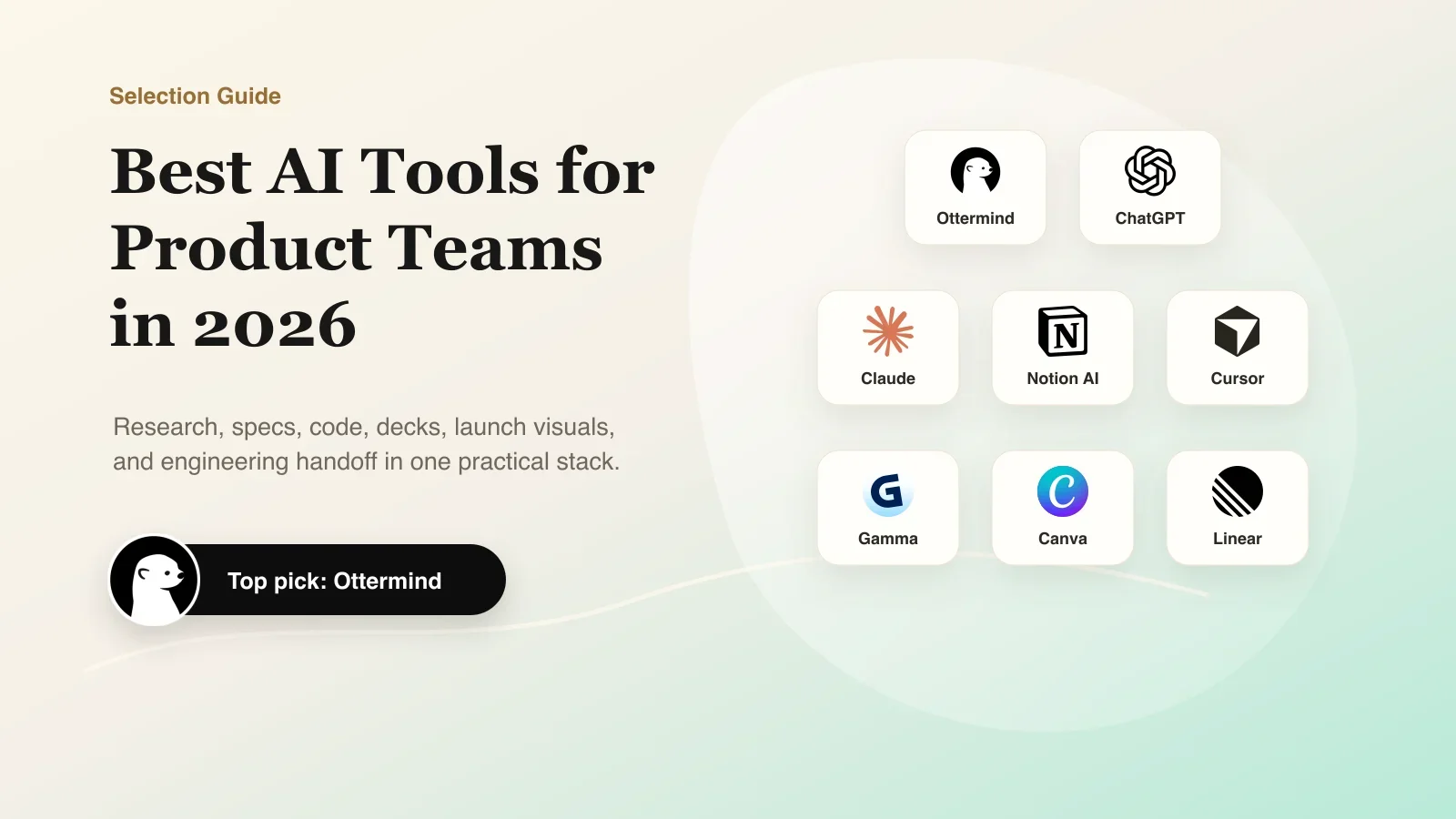
Product teams do not need one more AI tab. They need a way to turn rough product intent into work the team can actually review, ship, and reuse.
That distinction matters. A product manager can use ChatGPT to brainstorm a feature, Claude to polish a PRD, Notion AI to summarize meeting notes, Cursor to help engineers implement, Gamma to build a deck, Canva to create launch visuals, and Linear to track issues. All of those tools can be useful. The problem is that product context often falls apart between them.
So this guide is not ranked by hype alone. It is written around one practical question: which AI tools help product teams move from messy inputs to connected deliverables?
The product workflow problem
Most AI tool lists treat every tool as if it solves the same job. Product teams work differently. A real product workflow usually includes:
- Customer notes, support tickets, recordings, screenshots, and internal opinions
- A decision about what problem matters and what should not be built
- A PRD, brief, prototype direction, roadmap update, or launch narrative
- Review from design, engineering, marketing, leadership, and sometimes customers
- Follow-up work in code, slides, docs, visuals, and issue trackers
Single-purpose AI tools are valuable when one step is clear. A general assistant helps you think. A coding tool helps engineers modify code. A deck tool helps shape slides. A design tool helps create campaign assets.
But product teams often need the work to stay connected across steps. That is where an AI workspace or agentic workflow becomes more useful than another isolated chat.
Quick Comparison: 8 Best AI Tools for Product Teams
| Tool | Starting Price | Category | Best For | Product Workflow Fit |
|---|---|---|---|---|
| Ottermind | $20/mo | AI workspace | End-to-end product work | Idea to brief, PRD, deck, launch copy, research summary, and handoff |
| ChatGPT | Free; Plus $20/mo | AI assistant | Early thinking | Brainstorming, synthesis, copy options, explanations, and first drafts |
| Claude | Free; Pro $20/mo | Writing assistant | Long-form docs | PRDs, research memos, strategy docs, critique, and careful editing |
| Notion AI | Free; AI add-on from $10 | Knowledge tool | Team docs | Meeting notes, wiki pages, action items, and internal documentation |
| Cursor | Free; Pro $20/mo | AI coding | Implementation | Code changes, refactors, bug fixes, and codebase exploration |
| Gamma | Free; Plus from $9/mo | Presentations | Product decks | Roadmap stories, leadership updates, launch decks, and pitch material |
| Canva | Free; Pro from $120/yr | Design assets | Launch visuals | Social posts, one-pagers, thumbnails, campaign assets, and templates |
| Linear | Free; Basic $10/user/mo | Issue tracking | Engineering handoff | Turning approved product work into owned, trackable tasks |
Pricing checked July 2026: Ottermind pricing, ChatGPT pricing, Claude pricing, Notion pricing, Cursor pricing, Gamma pricing, Canva pricing, Linear pricing
How we evaluated the tools
We used four product-team criteria:
- Context: Can the tool work with messy source material, examples, files, and prior decisions?
- Deliverables: Can it create artifacts a product team actually uses, such as briefs, specs, slides, issue drafts, launch copy, tables, or handoff notes?
- Workflow fit: Does it help PM, design, engineering, marketing, support, and leadership move together?
- Control: Does the team stay able to review, edit, reject, and decide?
We also looked at public discussions from product managers, designers, developers, and productivity users. Those discussions are not a scientific benchmark, but they show a useful pattern: people like AI most when it saves time on a clear job, and they get frustrated when context, review, or handoff still has to be rebuilt manually.
Sources reviewed: AI tools for PMs, AI in daily product work, premium AI subscriptions for PMs, Cursor review discussion, Gamma AI discussion, Notion AI discussion, Canva design discussion, Linear/project management recommendation
1. Ottermind
Best for: product teams that want one AI workspace for moving from intent to usable deliverables.
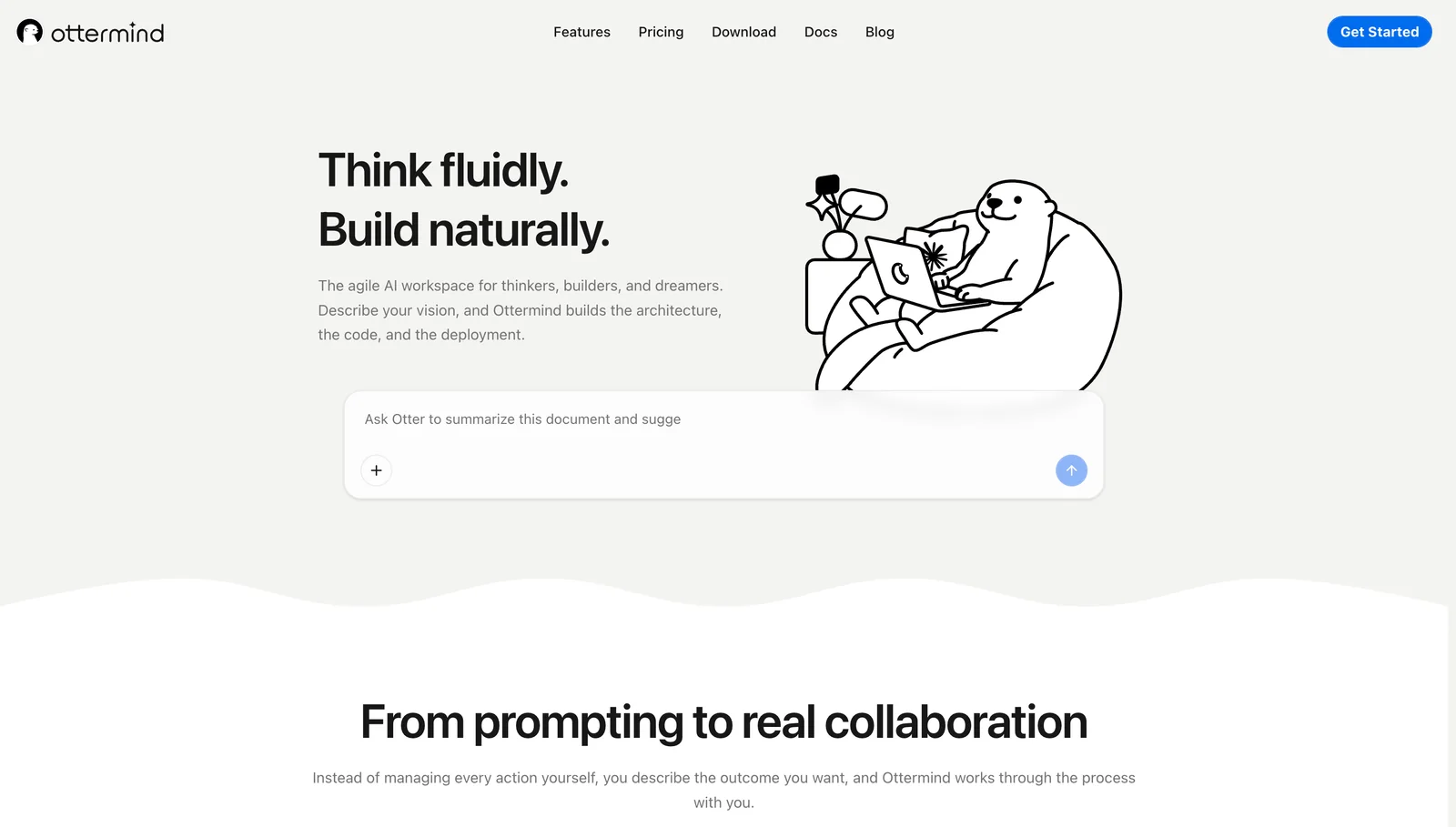
Ottermind is strongest when the work is not one prompt and one answer. Product work usually starts as an incomplete signal: a founder note, customer complaint, roadmap idea, screenshot, spreadsheet, support pattern, sales request, or meeting transcript. The useful output is rarely a single paragraph. It is a chain of decisions and artifacts.
For example, a product team may need to turn the same source material into a product brief, a PRD, a competitor summary, a prototype direction, a launch narrative, a deck outline, and next steps for design and engineering. In many AI stacks, each of those steps happens in a different tool, and the team has to keep re-explaining context.
Ottermind is built for the connected version of that workflow. It brings product intent, files, memory, tools, devices, and agent work into one workspace so teams can plan, build, automate, and deliver work instead of only drafting text.
Where Ottermind excels:
- Keeping product context attached to the work
- Turning rough input into multiple deliverables
- Helping non-technical teammates start meaningful product work
- Connecting planning, writing, analysis, creative assets, and follow-through
Where it falls short:
- It is not meant to replace every specialist tool
- It works best when the team provides source material, constraints, and review
- Engineers who only want AI pair programming inside an IDE may prefer Cursor for that specific stage
Use Ottermind when your product problem crosses boundaries: research into specs, specs into decks, decks into launch copy, product direction into engineering handoff.
2. ChatGPT
Best for: fast ideation, broad reasoning, and first drafts.
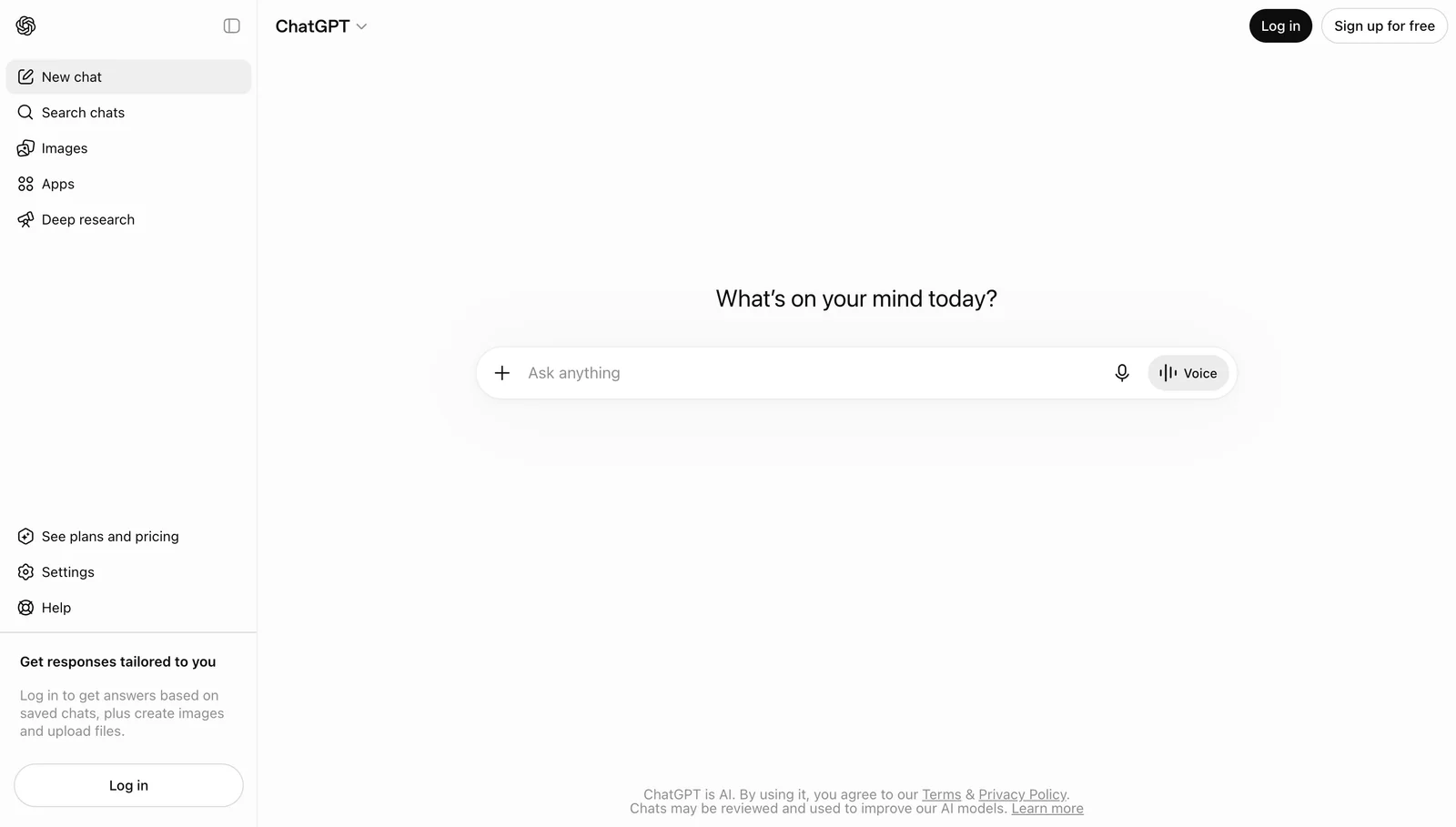
ChatGPT remains one of the easiest AI tools for product teams to adopt because almost anyone can find a use for it. Product managers use it for brainstorming, synthesis, user stories, edge cases, technical explanations, copy, positioning, and first-pass plans.
Where it excels:
- Quick exploration when the team is still thinking
- Summarizing notes and turning vague ideas into draft structure
- Generating options for copy, messaging, naming, and research questions
- Helping different roles get unstuck without learning a specialized tool
Where it falls short:
- Product context can get scattered across separate chats
- Outputs still need review, grounding, and organization
- Multi-step product work often needs a separate system for decisions and follow-up
Bottom line: ChatGPT is a great thinking partner. It is less complete as the product team's workflow layer.
3. Claude
Best for: long-form product writing, research synthesis, and careful editing.
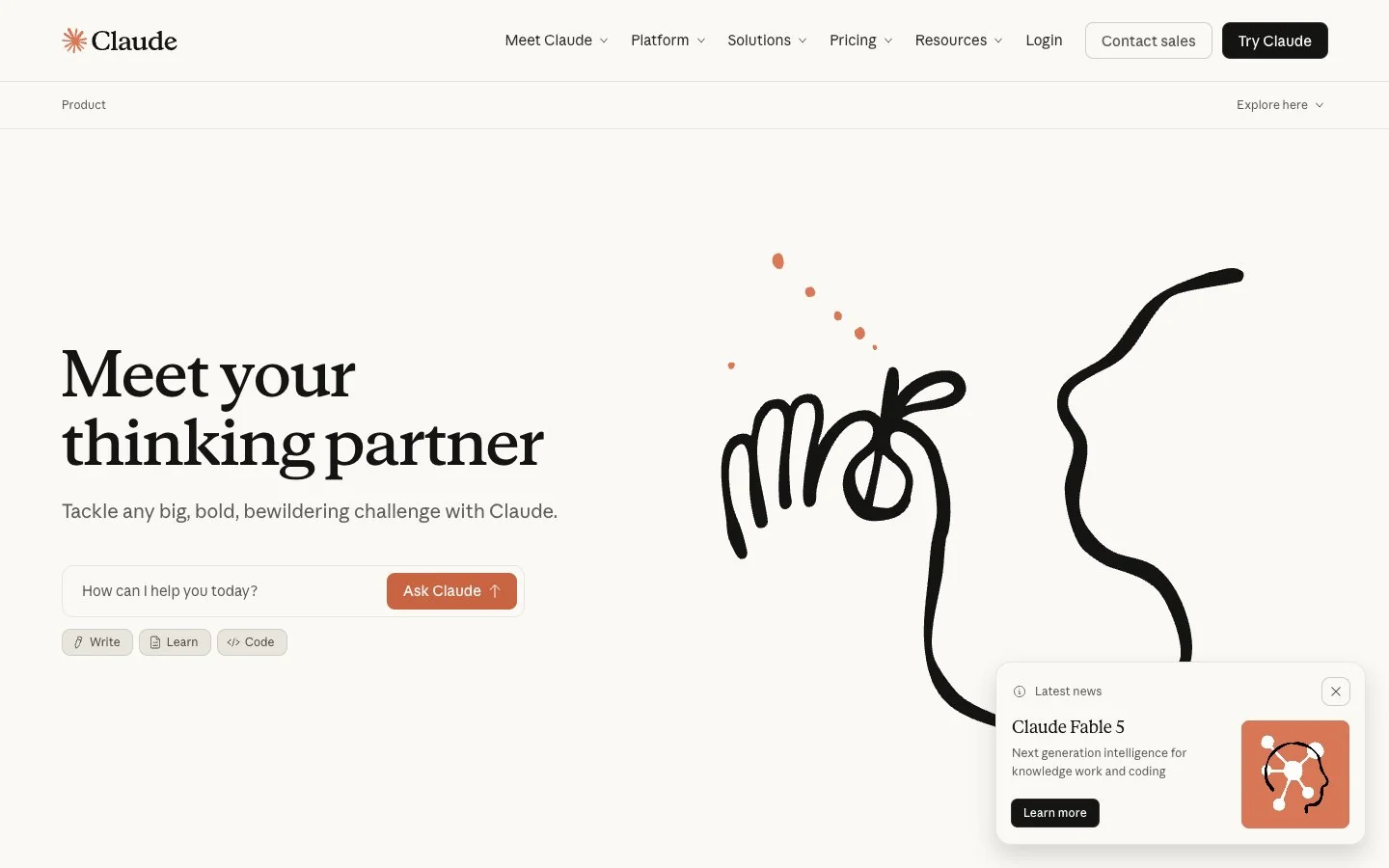
Claude is a strong choice when the work is document-heavy. It is especially useful for PRDs, strategy memos, research summaries, policy analysis, critique, and rewriting messy notes into clearer product writing.
Where it excels:
- Long context and nuanced writing
- Turning rough research into a readable memo
- Editing specs, narratives, and internal docs without flattening the tone
- Helping teams reason through tradeoffs in a more careful way
Where it falls short:
- It still behaves like an assistant, not a full product workflow
- Assets, project memory, code implementation, and issue tracking usually live elsewhere
- Teams still need a shared place to connect decisions to follow-up work
Bottom line: Claude is one of the best writing and synthesis tools on this list. Pair it with a workflow system when the output needs to become team action.
4. Notion AI
Best for: meeting notes, specs, internal docs, and team knowledge.
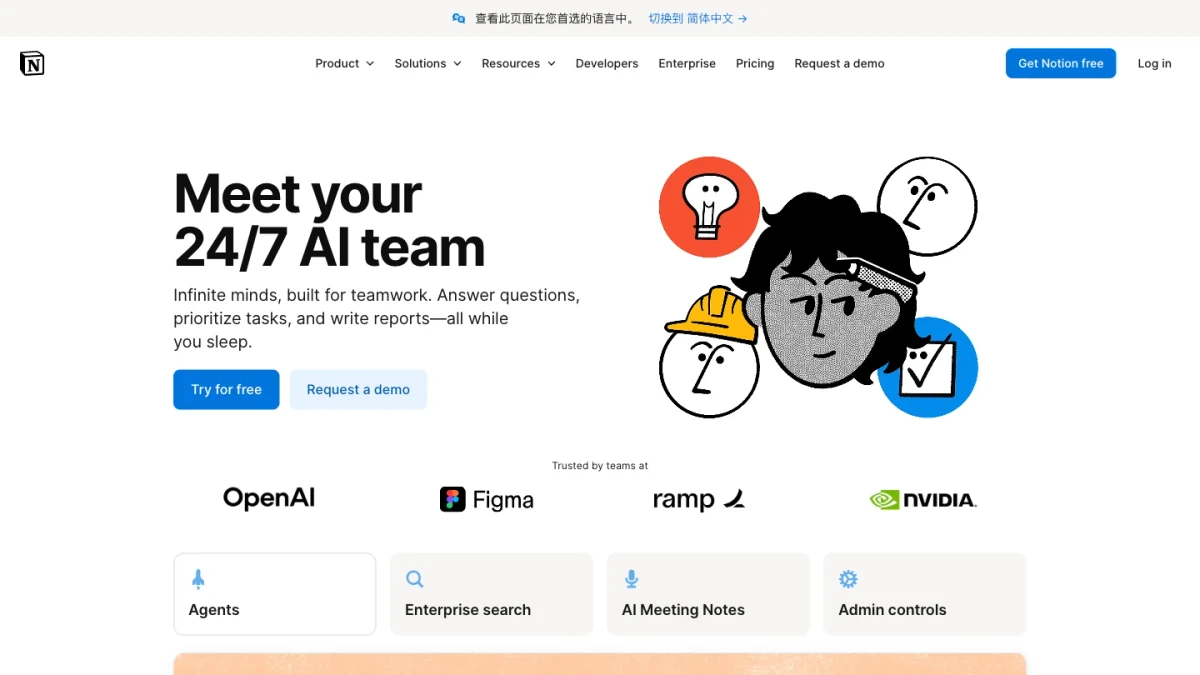
Notion AI makes sense when the team's product knowledge already lives in Notion. It can summarize meeting notes, rewrite specs, extract action items, clean up pages, and help teams search or transform internal knowledge.
Where it excels:
- Working close to existing docs and wikis
- Summarizing meeting notes and extracting next steps
- Helping teams rewrite, reformat, and search internal knowledge
- Reducing friction for teams already committed to Notion
Where it falls short:
- It is naturally document-centered
- More complex automation and cross-tool execution may feel limited
- It does not solve the entire workflow from product intent to delivery
Bottom line: Notion AI is useful as a knowledge layer. It is strongest when documentation is already the center of the team's operating system.
5. Cursor
Best for: engineering implementation inside the editor.
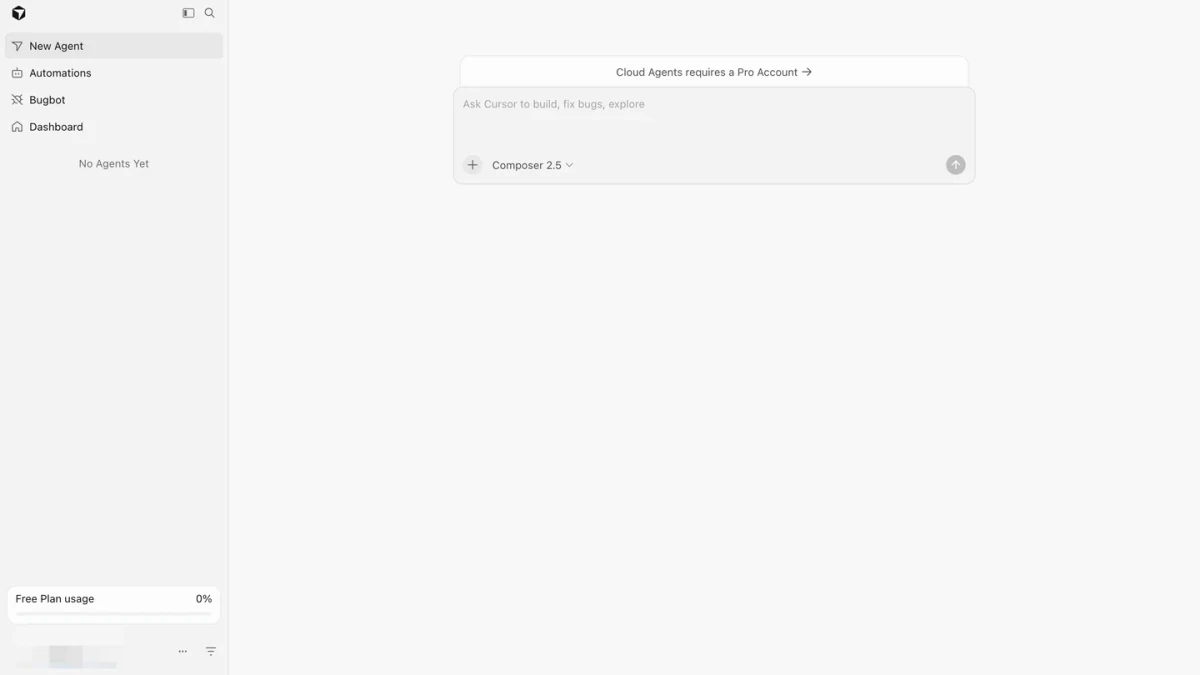
Cursor belongs on this list because product work eventually becomes software. Once direction is clear, Cursor can help engineers understand a codebase, make changes, refactor, and move faster inside an IDE.
Where it excels:
- Helping engineers implement well-scoped changes
- Reading code context and suggesting edits
- Speeding up refactors, bug fixes, and code exploration
- Bringing AI directly into the engineering environment
Where it falls short:
- It is less approachable for non-technical product stakeholders
- It works best after product discovery and specification are already clear
- Vague product tasks still need framing before they become good engineering tasks
Bottom line: Cursor is excellent at the implementation stage. It is not the best place to manage research, positioning, launch assets, or cross-functional product decisions.
6. Gamma
Best for: product decks, strategy narratives, and fast presentations.
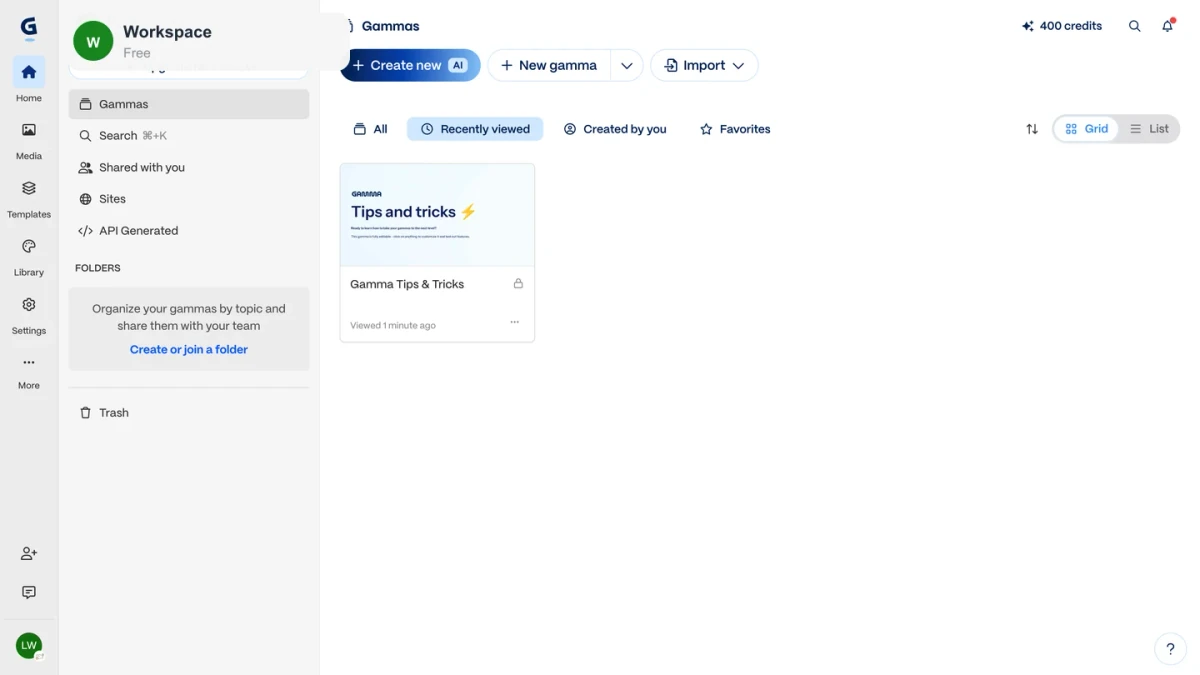
Gamma is useful when a product team needs a polished narrative quickly. It can turn an outline into a presentation for leadership updates, sales enablement, roadmap communication, founder pitches, or launch planning.
Where it excels:
- Turning rough outlines into visual presentation structure
- Speeding up deck creation for non-designers
- Helping teams communicate strategy and updates more clearly
- Making early versions of decks less painful to create
Where it falls short:
- The source material and judgment still need to come from the team
- Product claims, metrics, and positioning require careful review
- Decks are one artifact, not the whole product workflow
Bottom line: Gamma is best near the communication stage. It is a strong output tool, not the place where all product context should live.
7. Canva
Best for: lightweight launch visuals and marketing assets.
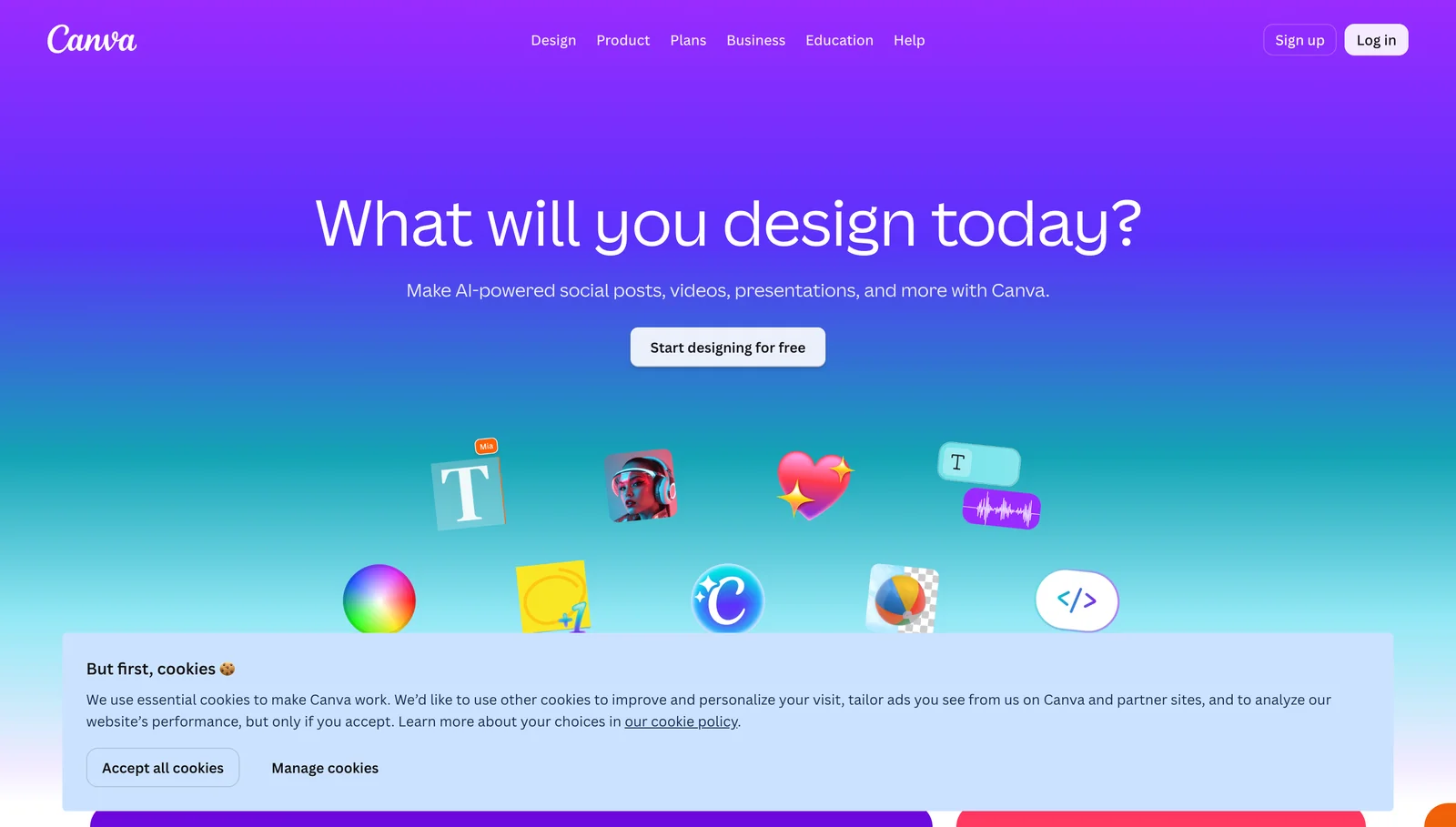
Canva helps product teams produce simple visual assets without waiting on a full design cycle. Launch graphics, social posts, product one-pagers, thumbnails, ads, and simple campaign visuals are natural fits.
Where it excels:
- Fast visual production for non-designers
- Team templates and brand-consistent lightweight assets
- Social, campaign, and launch materials
- Visual iteration when the messaging is already clear
Where it falls short:
- It is not a replacement for deep product design or professional brand systems
- AI-generated visuals still need brand and accuracy review
- It does not manage product context, tradeoffs, or decisions
Bottom line: Canva is best as the visual production layer near the end of a product workflow.
8. Linear
Best for: product and engineering issue flow.
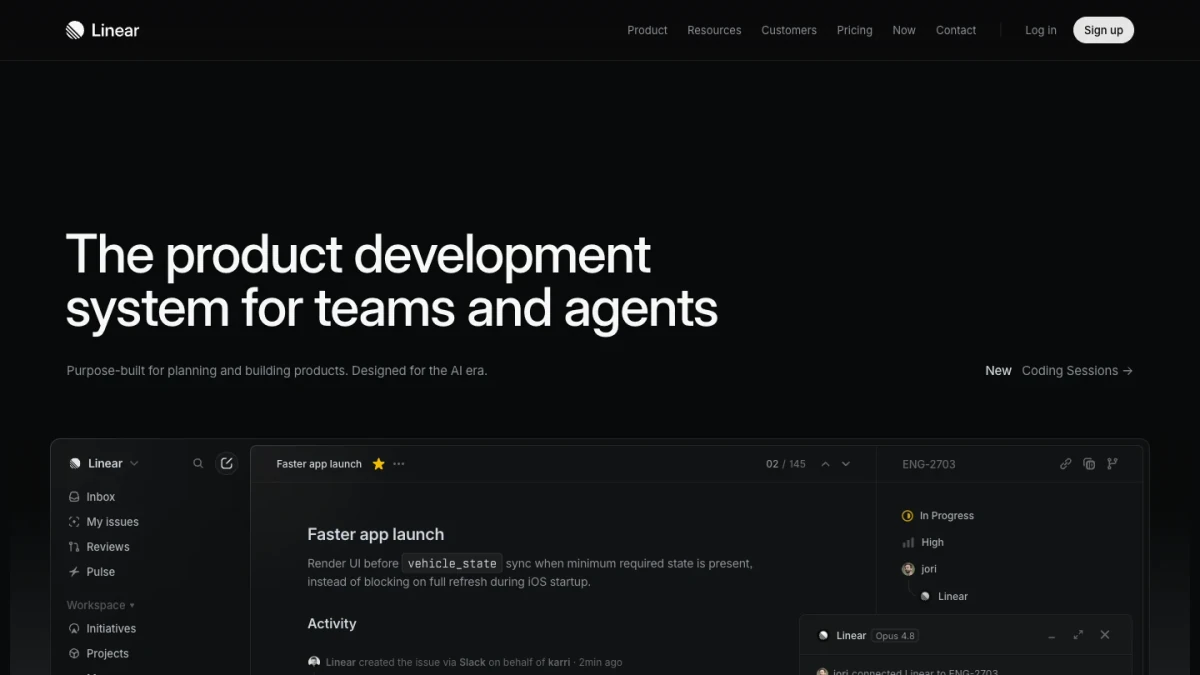
Linear is not a general AI assistant, but it belongs in a product team's stack because decisions eventually become owned work. A clean issue tracker keeps scope, ownership, status, and engineering handoff visible.
Where it excels:
- Fast, clean issue tracking
- Keeping product work close to engineering execution
- Turning approved work into tasks, projects, and cycles
- Helping teams avoid vague, ownerless follow-up
Where it falls short:
- It depends on the team maintaining good issue hygiene
- It becomes useful after the team has decided what should be built
- It does not replace discovery, writing, synthesis, or launch work
Bottom line: Linear is strongest once the work is defined enough to track.
How to choose by role
Different roles should not choose the same AI stack.
| Role | Start with | Add when needed |
|---|---|---|
| Product manager | Ottermind, ChatGPT, Claude | Notion AI for docs, Linear for issue flow |
| Founder | Ottermind, ChatGPT | Gamma for investor or strategy decks, Canva for launch assets |
| Designer | Ottermind, Canva | Gamma for narratives, Notion AI for research notes |
| Engineering lead | Cursor, Linear | Ottermind for product context before implementation |
| Product marketing | Ottermind, Claude, Canva | Gamma for launch decks and sales enablement |
| Small startup team | Ottermind, ChatGPT, Cursor | Linear when execution needs more structure |
The point is not to buy every AI tool. The point is to decide where the product context should live, then add specialist tools where they clearly speed up a specific stage.
Recommended stack
For most product teams, the practical stack looks like this:
- Ottermind as the connected workspace for product intent, files, memory, agents, and deliverables
- ChatGPT or Claude for general thinking, writing, and analysis
- Cursor for engineering implementation
- Gamma or Canva for decks and launch assets
- Linear for issue tracking and engineering handoff
- Notion AI if the team's docs and wiki already live in Notion
The risk is not using too little AI. The risk is spreading product context across too many disconnected tools.
FAQ
What is the best AI tool for product teams?
For a single general assistant, ChatGPT and Claude are strong. For a connected workflow that starts from product intent and moves toward deliverables, Ottermind is the better fit.
Is Ottermind a replacement for ChatGPT, Claude, or Cursor?
Not exactly. Ottermind is better understood as the workspace for connected product work. ChatGPT and Claude are strong assistants, and Cursor is a strong coding environment. Ottermind is strongest when a task needs context, planning, files, tools, and follow-through.
Should product teams use AI coding tools?
Yes, but mostly at the right stage. Cursor is strongest when engineering work is ready. Earlier product work usually needs research, specs, prototypes, launch assets, and handoff first.
Final recommendation
If your team only needs quick answers, start with ChatGPT or Claude. If engineers need code help, add Cursor. If the team lives in Notion, use Notion AI for docs. If the team needs decks or visual assets, Gamma and Canva are useful specialist tools.
But if the real problem is turning product intent into connected deliverables, start with Ottermind. That is where product teams get the biggest lift: not from another isolated response, but from keeping the work connected from idea to handoff.
