Selection Guide
Best AI Tools for Non-Technical Founders
Non-technical founders do not need more AI tabs. They need ways to turn an idea into proof: research, a landing page, a deck, a prototype, user feedback, a waitlist, and the next operating workflow.
That is why this list focuses on the tools that repeatedly show up in current founder and AI app-builder conversations: Lovable, Bolt, Replit Agent, v0, Framer, Softr, and Bubble, plus Ottermind as the connected workspace around the build.
The practical question is: which AI tools help a non-technical founder create something reviewable without pretending to be an engineer?
The non-technical founder workflow problem
Early founder work crosses many different jobs:
- Validate a market and understand competitors
- Explain the idea clearly
- Build a landing page or prototype
- Create a pitch deck and demo materials
- Collect leads and user feedback
- Run outbound or customer research
- Automate repetitive operating tasks
- Turn scattered notes into decisions
No single tool handles all of that perfectly. The best setup is usually a small stack, with one workspace holding the story together and specialist tools handling the stage they are best at.
Quick comparison: 8 best AI tools for non-technical founders
| Tool | Category | Best For | Founder Workflow Fit |
|---|---|---|---|
| Ottermind | AI workspace | Idea to deliverables | Research, briefs, decks, copy, image prompts, reports, and follow-up in one place |
| Lovable | AI app builder | Full-stack app prototypes | Turning plain-language product ideas into working web app drafts |
| Bolt.new | AI app builder | Rapid web app prototypes | Fast browser-based app generation and iteration |
| Replit Agent | AI coding/build workspace | App prototypes and technical exploration | Useful when a founder wants a working build without local setup |
| v0 | UI generation | Frontend concepts and components | Good for turning product ideas into interface drafts |
| Framer | Website builder | Polished startup sites | Strong for landing pages, launch pages, and visual web presence |
| Softr | No-code app builder | Internal tools and portals | Great for data-backed apps without a full engineering team |
| Bubble | No-code platform | More complex web apps | Powerful, but requires more product and system thinking |
Product and benchmark references: Lovable, Bolt, Replit Agent docs, v0, Framer, Softr, Bubble, Manus app builder benchmark
Community questions from non-technical builders repeatedly move past “can I make this?” to “how do I test, validate, and operate it once it exists?” That is why this guide separates idea-to-prototype speed from the practical work of verification, integrations, and launch readiness.
How we evaluated the tools
We used six founder criteria:
- Time to proof: Can the founder create something testable this week?
- Low technical setup: Does the tool avoid local dev setup and complicated infrastructure?
- Founder deliverables: Can it help with pages, decks, prototypes, research, GTM, or operations?
- Editability: Can the founder revise the output without starting from zero?
- Handoff: Can the output be shown to users, investors, contractors, or technical teammates?
- Context continuity: Can the founder keep the story, evidence, and decisions connected?
This is why the list includes very different tools. A founder does not only need an AI assistant. They need an execution stack.
1. Ottermind
Best for: founders who need one connected workspace for research, writing, decks, creative direction, and follow-up.
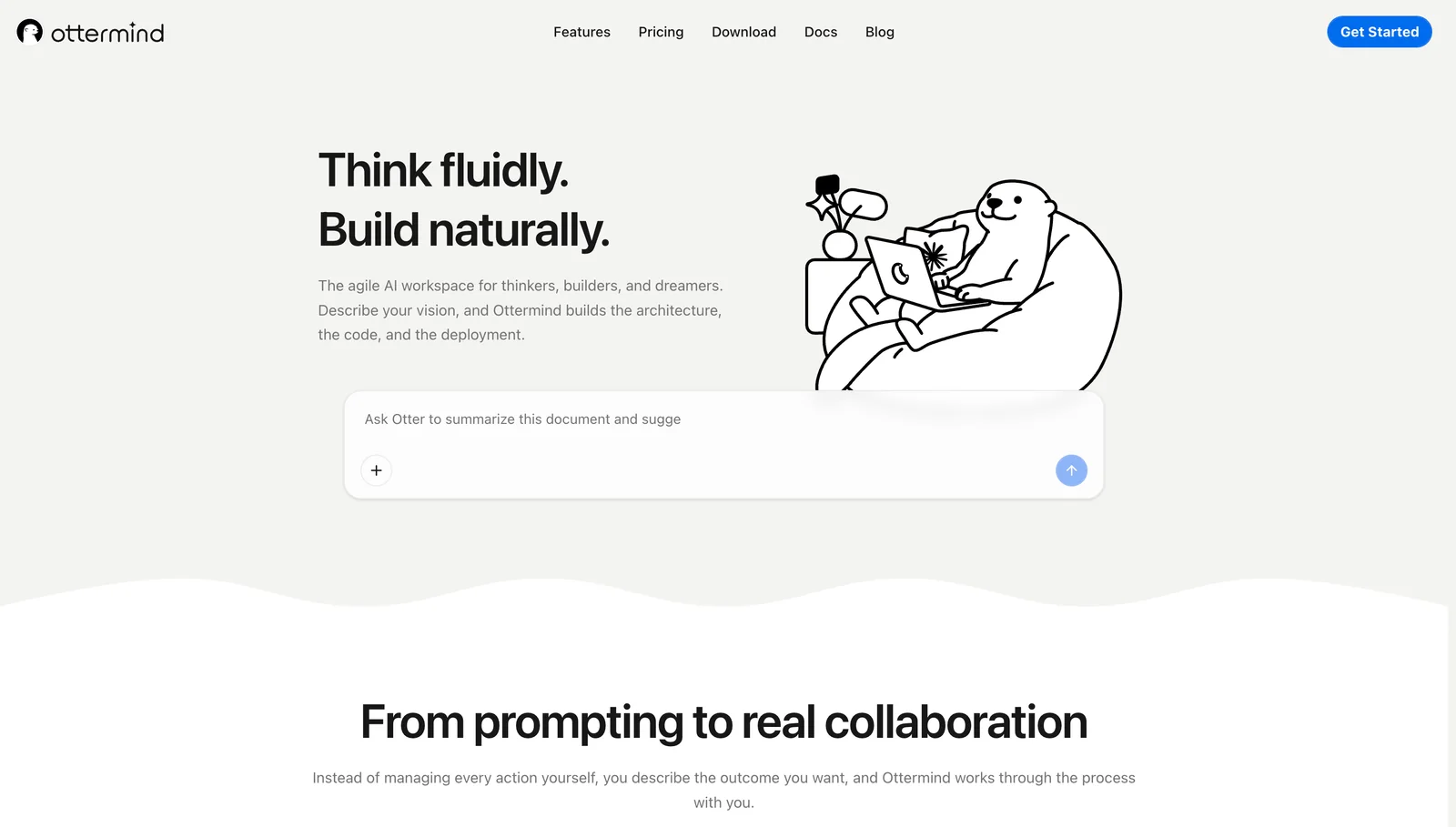
Ottermind is strongest when the founder has messy inputs: a rough idea, screenshots, market notes, a PDF, competitor links, customer feedback, and a vague sense of what needs to happen next.
It can help turn that material into a market scan, product brief, deck outline, landing page copy, user research plan, visual prompts, report, and next-action checklist. That makes it useful before and around specialist tools.
Where Ottermind excels:
- Turning rough founder intent into structured deliverables
- Keeping market research, positioning, copy, decks, and follow-up connected
- Helping non-technical founders move without becoming prompt engineers
- Creating multiple related outputs from the same context
Where it falls short:
- It is not a replacement for production engineering
- Final visuals, code, and legal/financial claims still need review
- Some builders will still prefer dedicated app tools for implementation
2. Lovable
Best for: turning product ideas into web app prototypes.
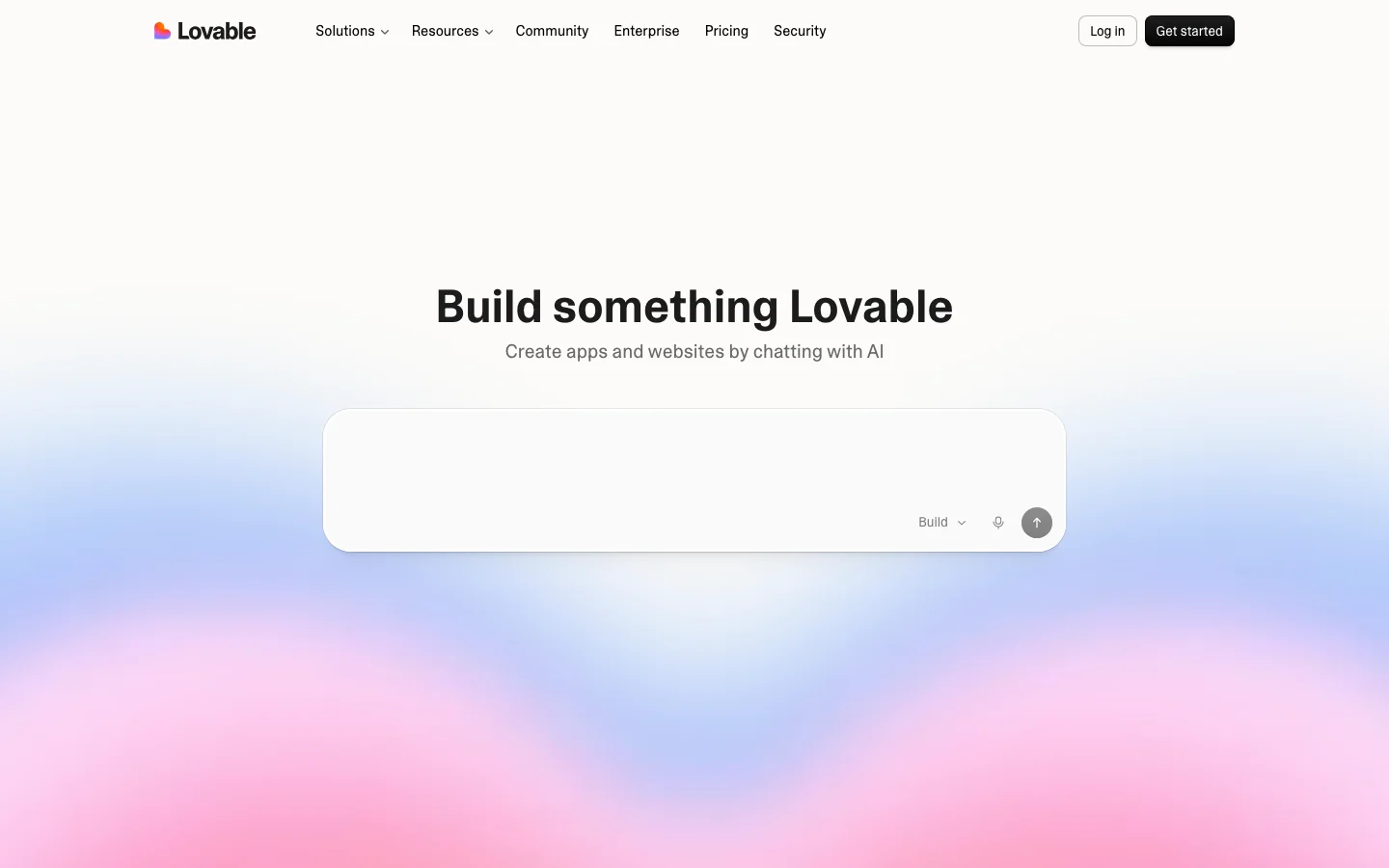
Lovable is popular because it makes app creation feel approachable. A founder can describe an app, iterate on the interface, and get closer to a working product without starting in an IDE.
Where it excels:
- App prototypes from natural language
- Fast UI and product iteration
- Helping non-technical founders communicate a product idea
- Early MVP exploration
Where it falls short:
- Production readiness still needs technical review
- Complex backends and edge cases require judgment
- The founder still needs clear product requirements
3. Bolt.new
Best for: rapid web app drafts in the browser.
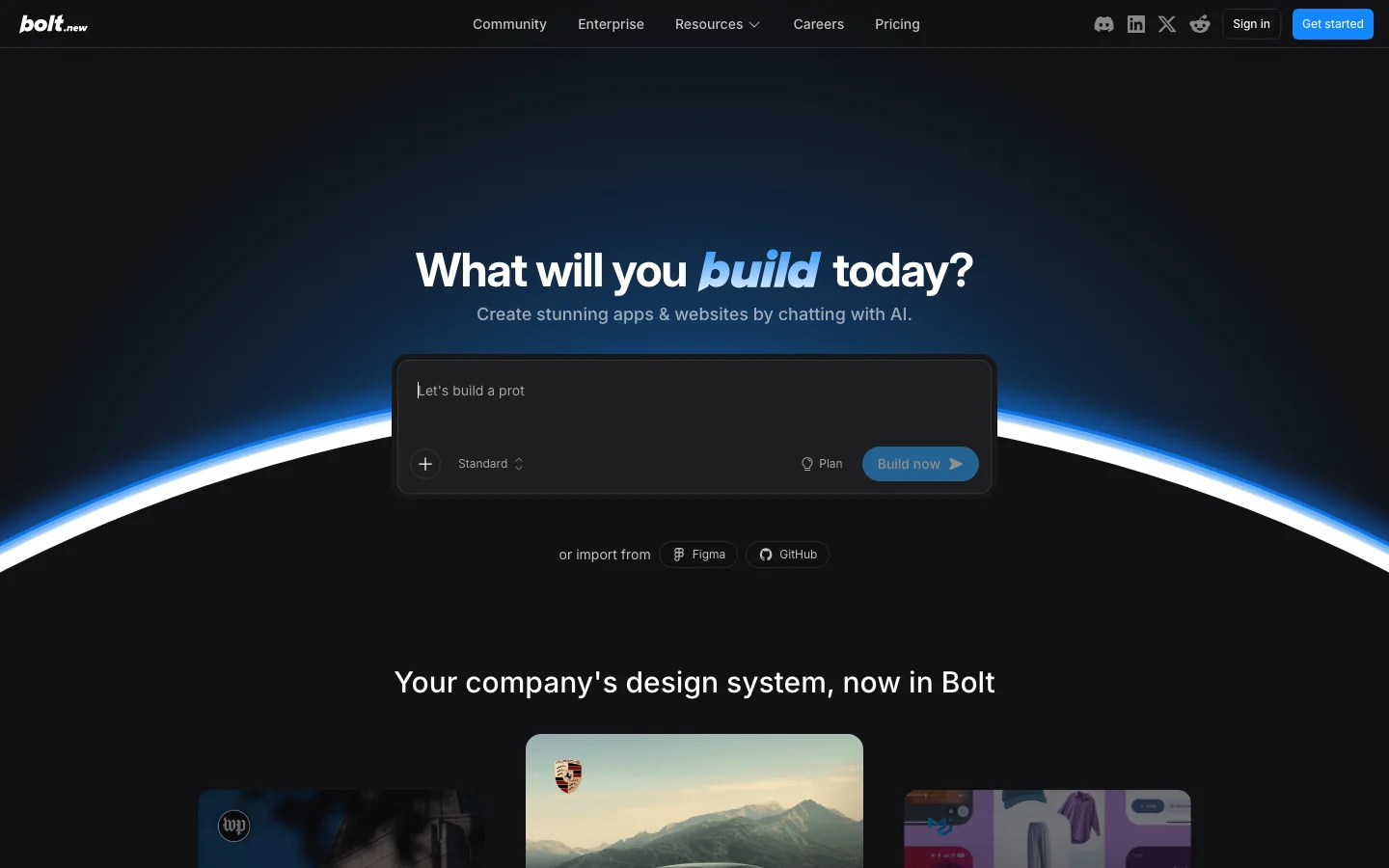
Bolt.new is useful when the founder wants to quickly generate and modify a web app. It is especially good for moving from idea to something visual and interactive.
Where it excels:
- Fast prototyping
- Browser-based development
- Iterating on frontend and app behavior
- Demos that make an idea tangible
Where it falls short:
- Generated code still needs review
- Product architecture can become messy without technical guidance
- Not every business idea should start with code
4. Replit Agent
Best for: app prototypes with a more complete build environment.
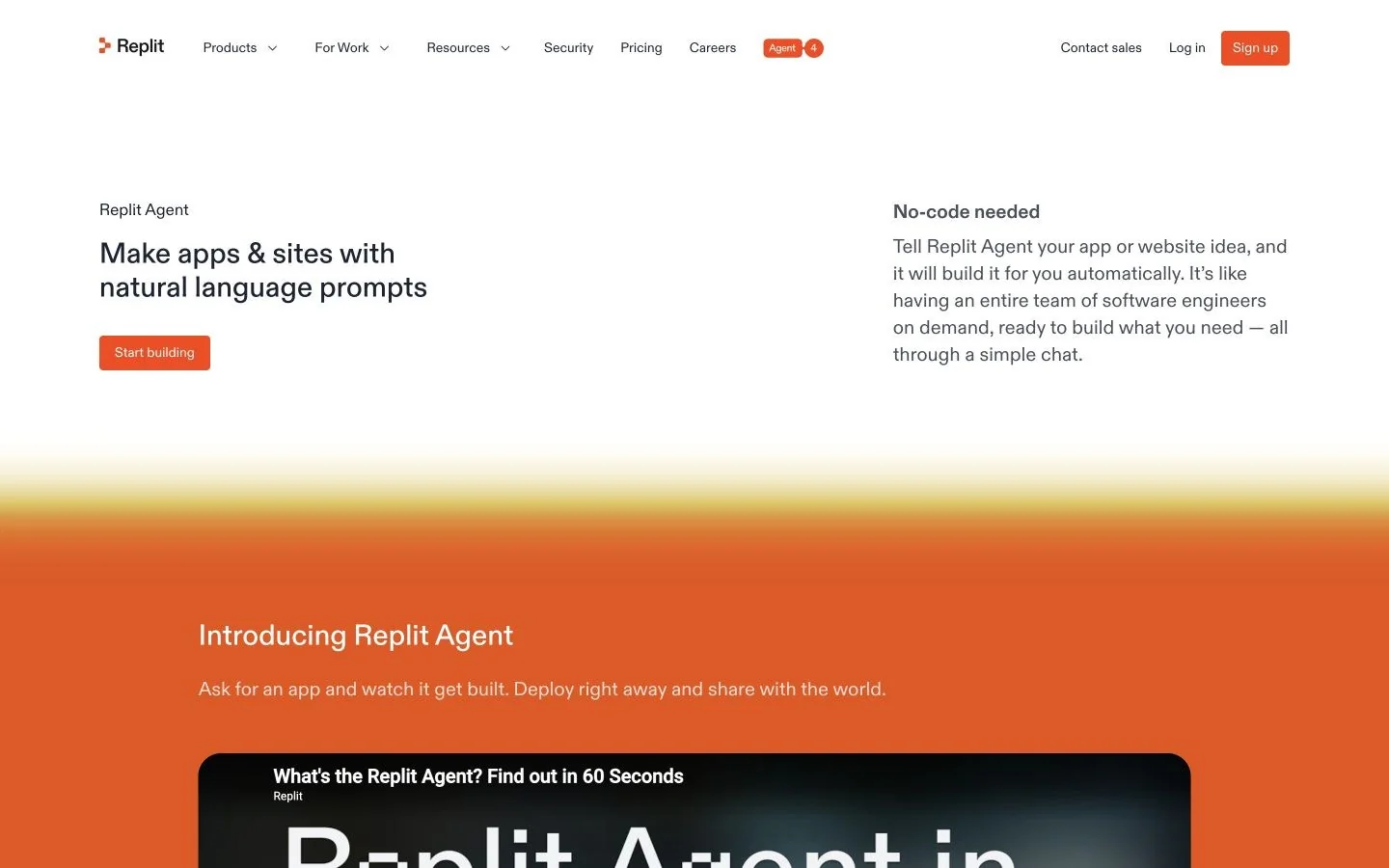
Replit Agent gives founders a way to explore software ideas without local setup. It is helpful when the task needs code, preview, and iteration in one place.
Where it excels:
- Building and previewing apps in the browser
- Helping founders experiment with real product behavior
- Reducing setup friction
- Bridging non-technical ideas and technical artifacts
Where it falls short:
- Production-quality apps still need engineering judgment
- Non-software founder work happens elsewhere
- The founder must be able to describe desired behavior clearly
5. v0
Best for: interface drafts and frontend concepts.
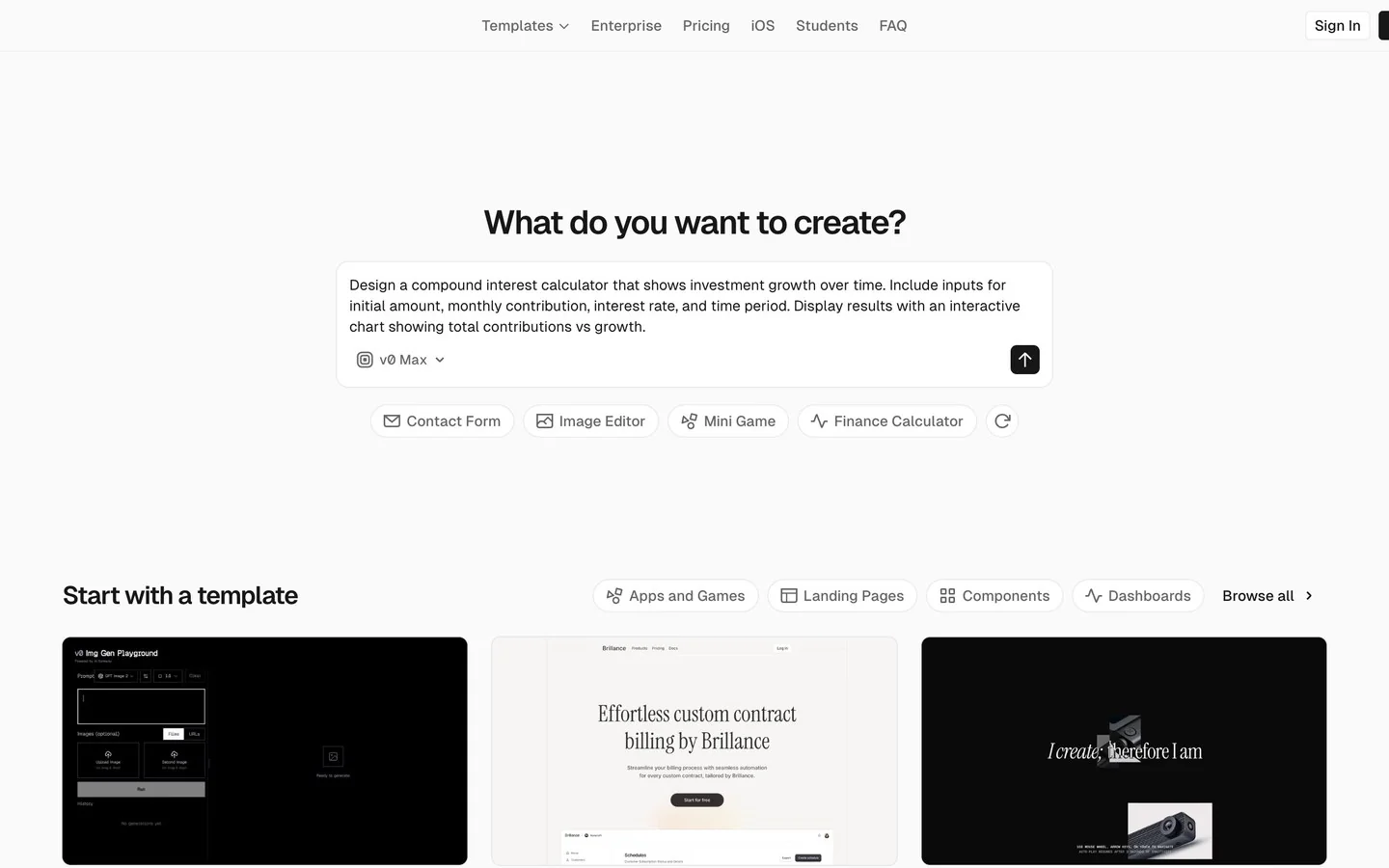
v0 is useful when the founder needs to see the product idea as a UI. It can generate components and interface concepts that help align design, product, and engineering conversations.
Where it excels:
- UI component generation
- Landing page and app interface drafts
- Design-to-code exploration
- Fast communication with technical teammates
Where it falls short:
- It is not a full business workflow
- Backend logic and production integration are separate work
- Visual drafts still need product judgment
6. Framer
Best for: polished startup websites and launch pages.
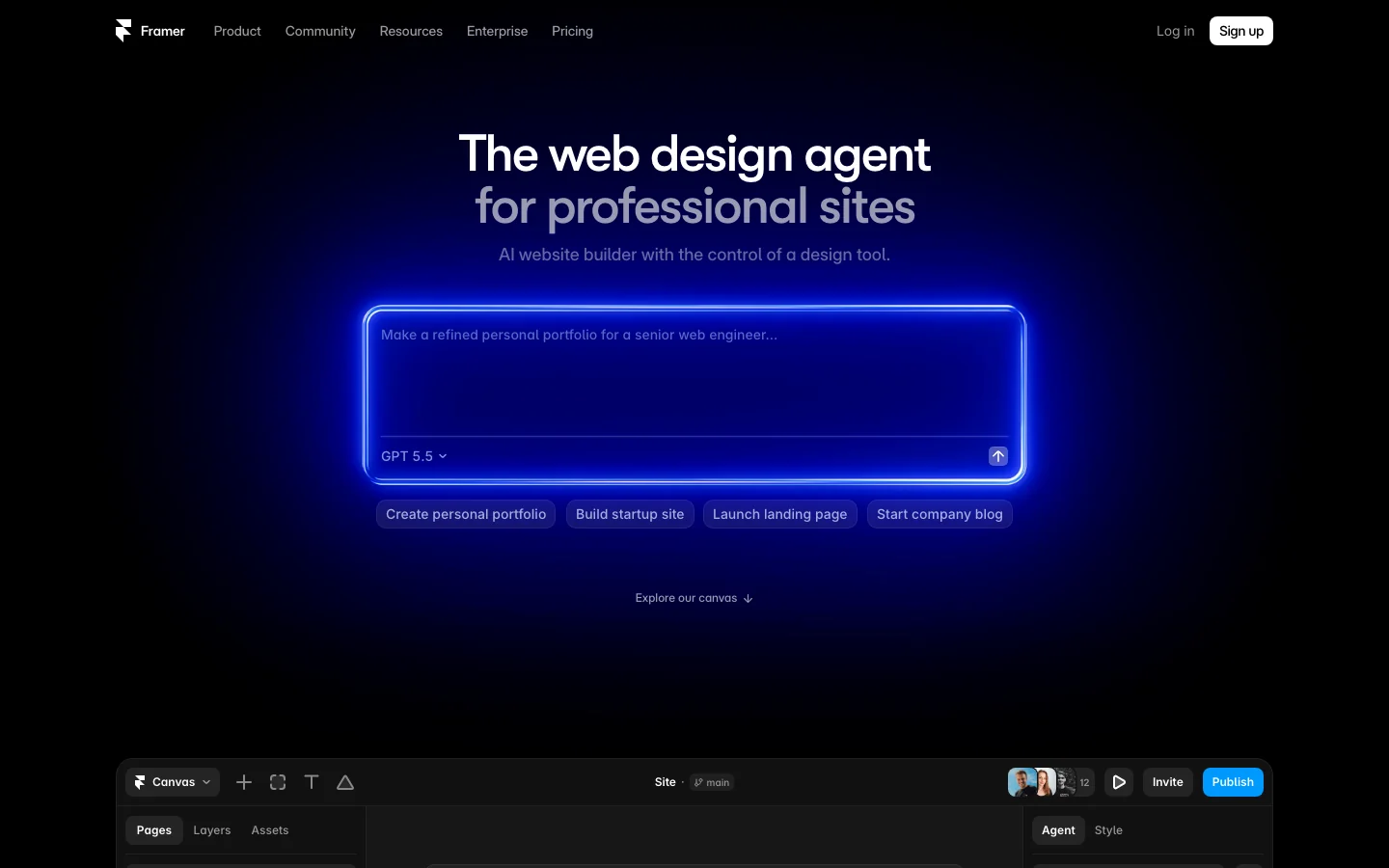
Framer is a strong option when the founder needs a professional web presence quickly. It is especially useful for landing pages, product pages, waitlists, and launch storytelling.
Where it excels:
- Polished visual websites
- Launch pages and marketing pages
- Fast design iteration
- Founder-friendly web publishing
Where it falls short:
- It does not validate the business by itself
- App logic and operations live elsewhere
- AI can help create pages, but positioning still matters
7. Softr
Best for: portals, internal tools, and data-backed no-code apps.
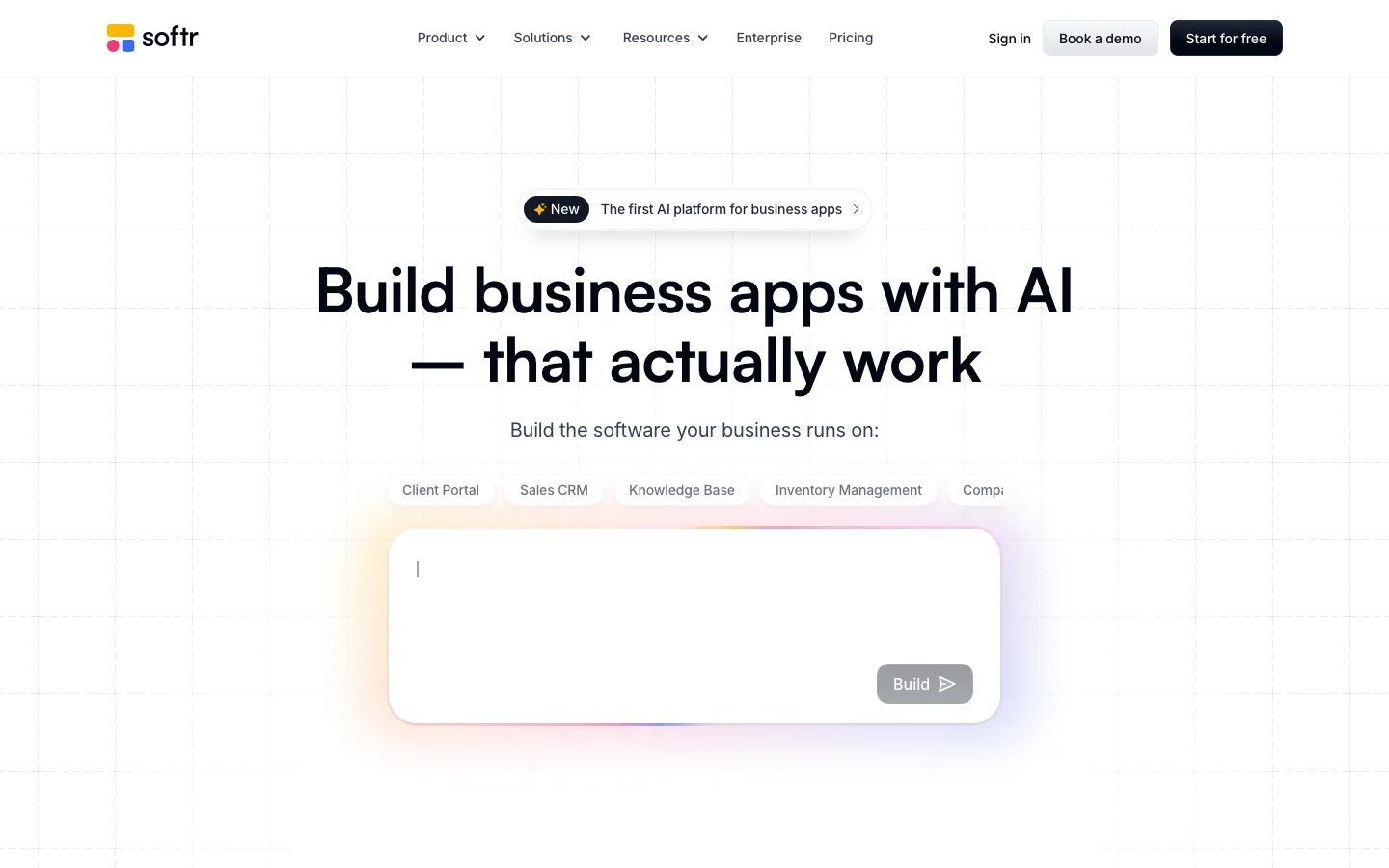
Softr is useful when the founder needs an app around structured data: directories, customer portals, internal dashboards, community tools, or lightweight marketplaces.
Where it excels:
- No-code web apps from data sources
- Portals and internal tools
- Faster MVPs for operational products
- Teams that want business apps without full custom development
Where it falls short:
- Flexibility depends on the use case
- Complex product logic may hit limits
- It works best when the data model is clear
8. Bubble
Best for: more complex no-code web apps.
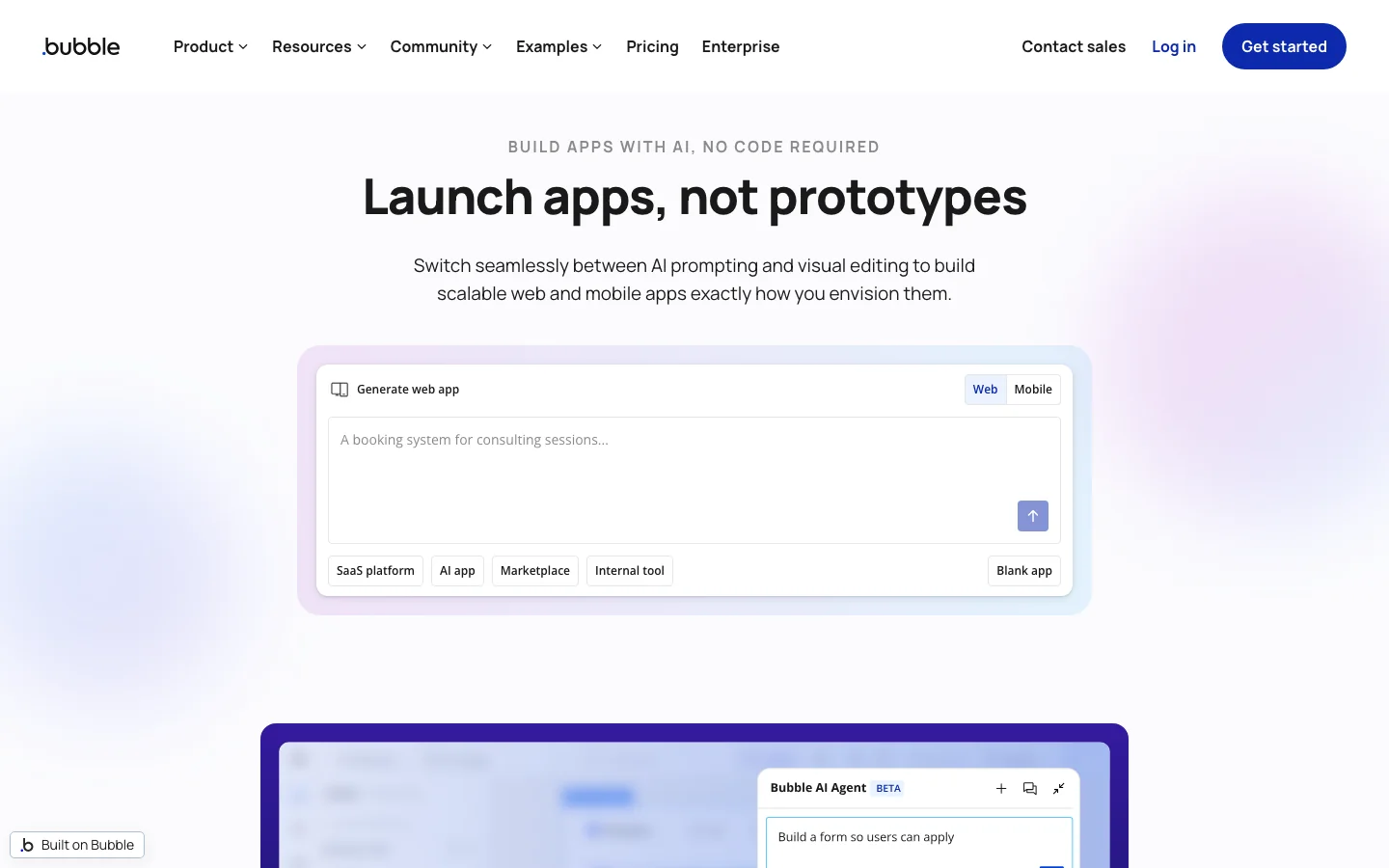
Bubble has a steeper learning curve than some AI-native builders, but it remains powerful for founders who want deeper no-code control.
Where it excels:
- Complex no-code app logic
- Custom workflows and data models
- More mature no-code app building
- Founders willing to invest time in the platform
Where it falls short:
- It is not as instant as prompt-to-app tools
- Architecture still matters
- Building well requires learning the system
Which tools should a founder choose first?
| Founder need | Best first picks |
|---|---|
| Turn messy ideas and research into deliverables | Ottermind |
| Build a web app prototype | Lovable, Bolt.new, Replit Agent |
| Generate frontend concepts | v0 |
| Publish a polished landing page | Framer |
| Build a data-backed no-code app | Softr, Bubble |
Final verdict
Non-technical founders should not judge AI tools only by how impressive the demo looks. Judge them by whether they create proof: a sharper market view, a clearer story, a working prototype, a better landing page, a stronger deck, a real lead list, or an automated workflow.
Ottermind is the best fit when the founder needs a connected place for thinking and deliverables. Lovable, Bolt, Replit, and v0 help make product ideas tangible. Framer helps with the public site. Softr and Bubble help when the product needs a no-code database or app layer.
The right stack depends on what is blocking the company this week.
Frequently asked questions
What is the best AI tool for non-technical founders?
If you need one connected workspace for research, writing, decks, and follow-up, start with Ottermind. If you need a prototype, try Lovable, Bolt.new, Replit Agent, or v0.
Can a non-technical founder build an app with AI?
Yes, AI app builders can help create prototypes and early versions. Production software still needs technical review, especially for security, data, payments, and reliability.
Which AI tools help founders get customers?
Ottermind can help with positioning, campaign planning, landing copy, and follow-up materials. For dedicated GTM enrichment or operations automation, founders may add a specialist tool later, but this shortlist focuses on the core build-and-launch stack.
Should founders use no-code tools or AI app builders?
Use AI app builders for fast exploration and no-code platforms when you need more structured control. Many founders use both: AI for speed, no-code for operational stability.
What should founders avoid?
Avoid shipping AI-generated claims, code, financial assumptions, or legal language without review. AI can create momentum, but the founder is still responsible for judgment.
