


AI Game Maker

Describe your game idea, let Ottermind build a playable game website, then test, refine, and deploy it from the same project.

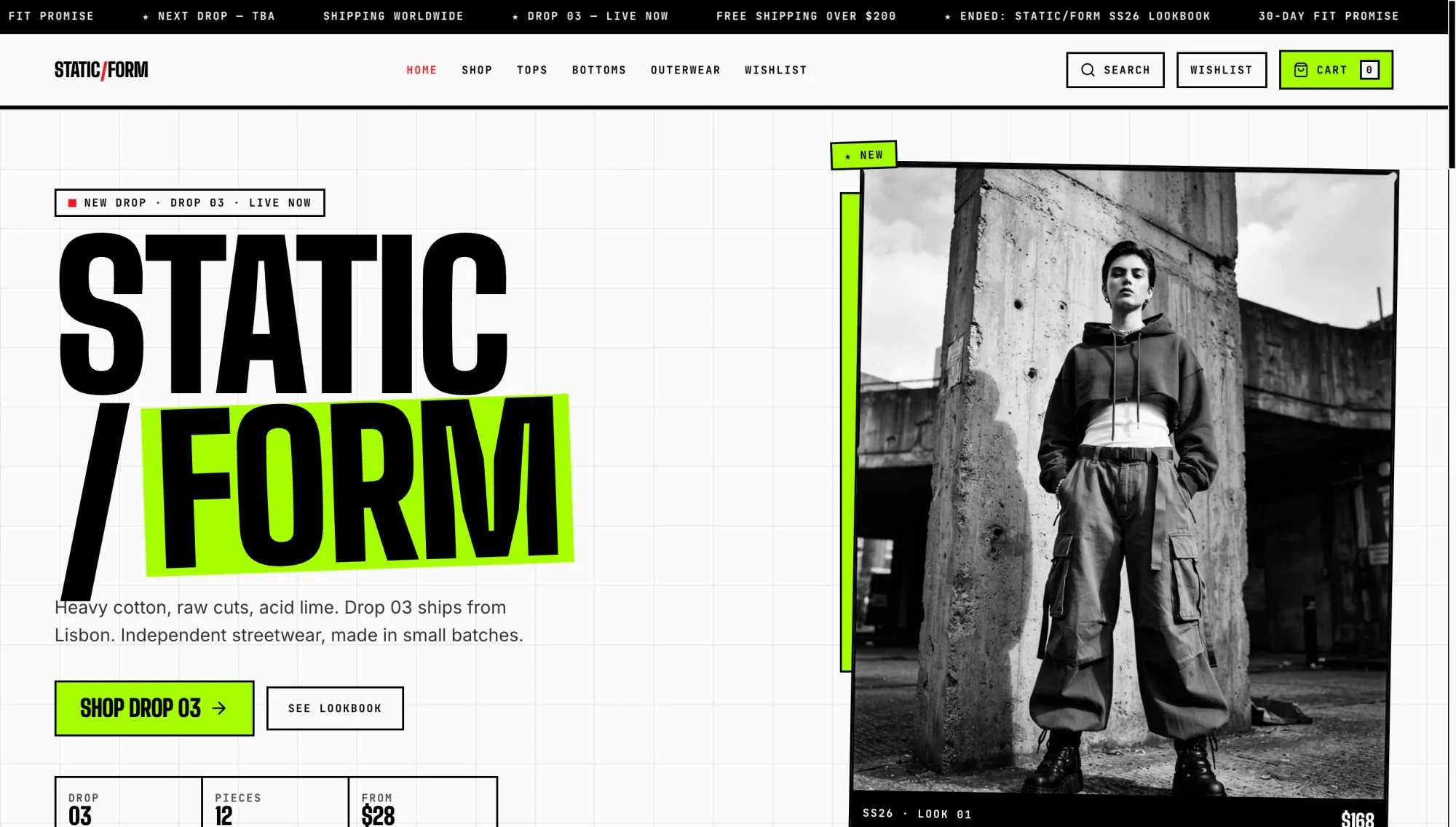
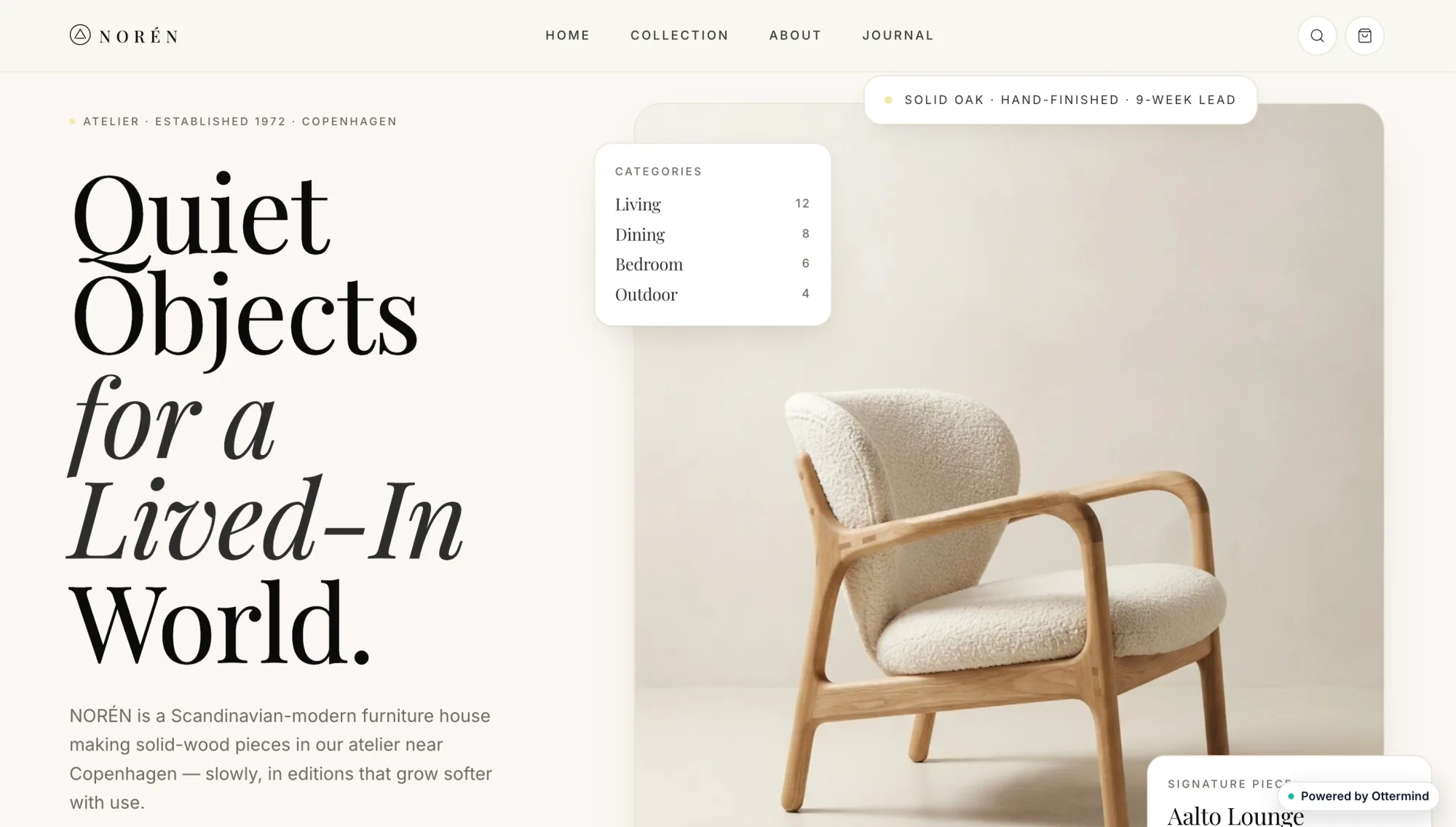
Casa Luma coastal hotel website with a seaside photograph and room booking detailsStatic Form streetwear shop website with bold black typography and a monochrome fashion photographNoren furniture website with a sculptural lounge chair and minimalist editorial typographyLittle Fern neighborhood coffee shop website with warm cafe photographs and red editorial typeAlex Morgan product designer portfolio with oversized black and red typographyTiny Planet Lab children's astronomy learning dashboard with activity cardsNocturne restaurant website with a dark candlelit dining photographField and Form countryside real estate website with a modern farmhouse photograph

Build a Game Website from One Clear Brief

An AI Game Maker turns a written game brief into a website people can play. Define the core action, controls, goal, failure state, visual direction, and intended session length. Ottermind agents can build the experience, inspect problems, revise the project, and prepare it for deployment. For broader site planning and publishing guidance, see the AI website builder.

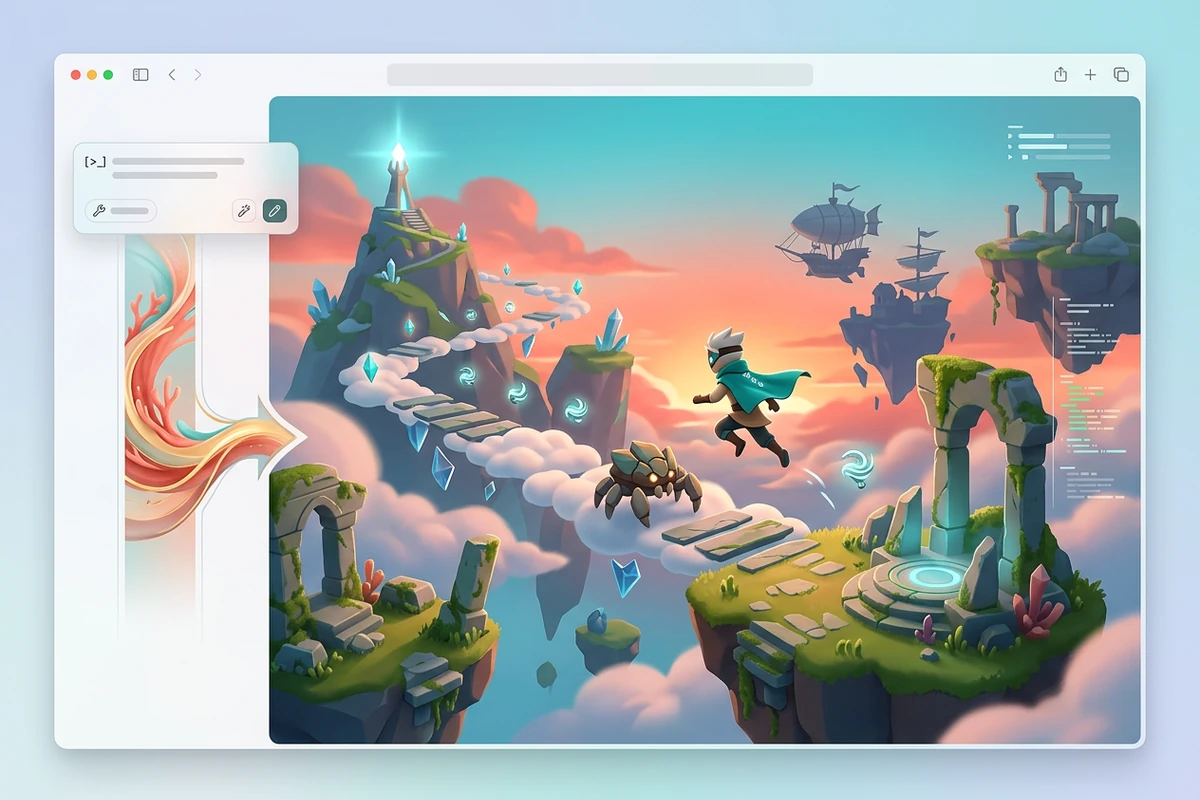
A playable fantasy sky-island game website generated from a natural-language prompt.

Generate a Playable First Build

Start with one loop that can be tested: what the player does, what changes, and how a round ends. A structured request beats a vague genre label; use this AI prompt guide to state controls, goal, hazards, feedback, and scope before the AI game builder creates the website.
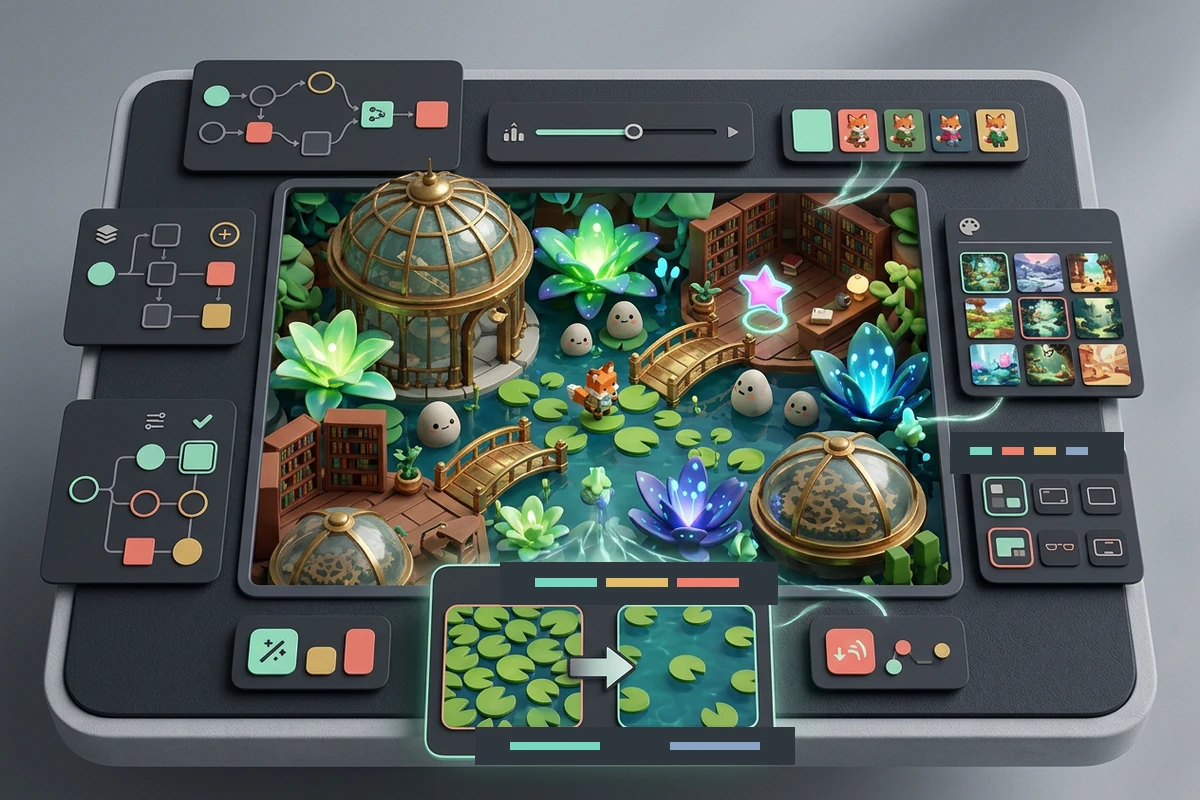
A game-builder project editing rules, characters, art, and interface around a playable top-down adventure website.

Refine Rules and Art Together

Play the first build before adding more content. Check movement, collisions, restart behavior, difficulty, score, and mobile layout, then change one variable per revision. Project context helps agents keep the game logic, interface, and latest feedback connected. Use AI image generation when the world needs a more deliberate visual direction.

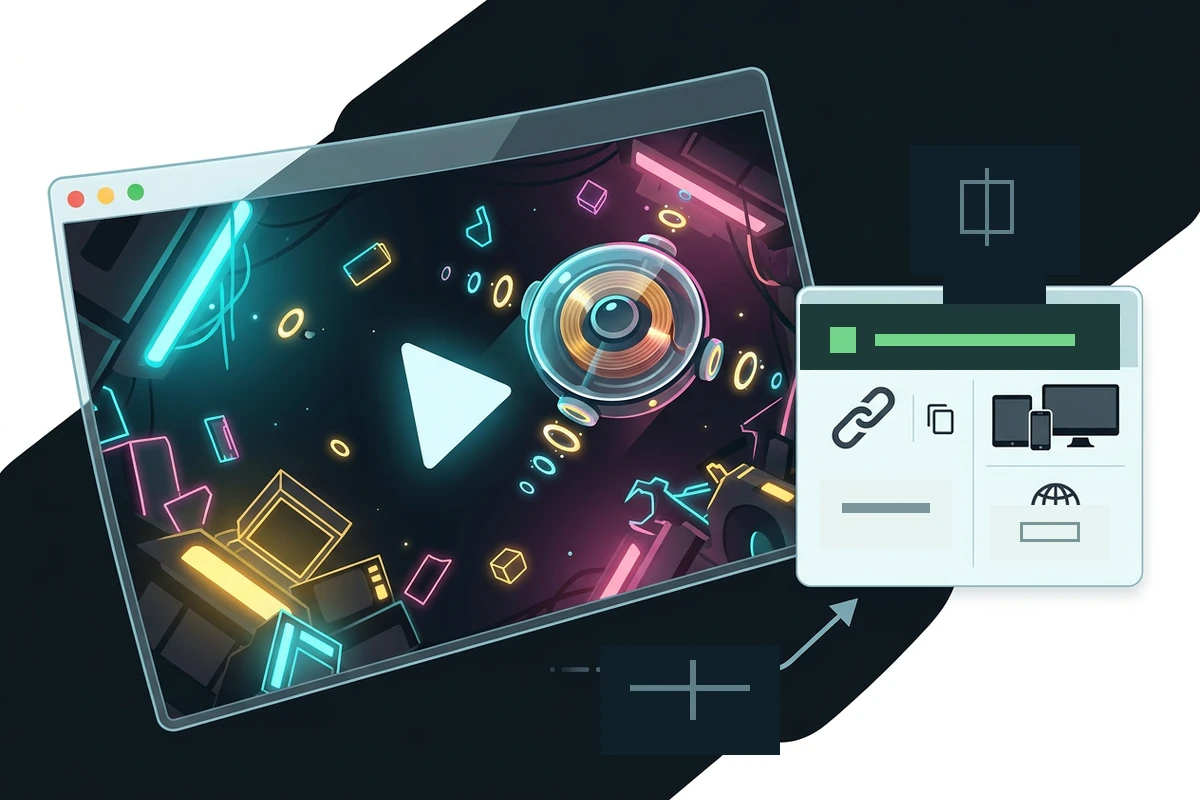
A deployed arcade game website with playtest, public link, copy, and device sharing controls.

Deploy the Game Website

After the main loop works, test a clean start, a complete round, losing, winning, and restarting. Ask agents to fix reproducible failures before deployment, then publish the playable website so other people can open it. The same website-building workflow can support later page, layout, and deployment changes.

How to Build with the AI Game Maker

Step 01

Define One Game Loop

Name the player's main action, controls, goal, hazards, win and loss conditions, visual style, and target session length. Keep the first version small enough to test in one sitting.

Step 02

Build and Play

Send the brief to the AI Game Maker, open the generated game website, and complete several rounds. Record exact failures such as blocked movement, unclear feedback, broken restarts, or impossible difficulty.

Step 03

Revise and Deploy

Request focused fixes, replay the affected path, and confirm start, play, win, loss, and restart states. When the game works at its intended scope, deploy the website and share the live experience.

Why creators choose Ottermind

Playable Output

The task ends with a game website you can open and play, not only a concept, outline, or image.

Project Context

Rules, files, decisions, and feedback stay organized around the build as you revise the same game.

Focused Iteration

Agents can inspect an observed failure, adjust the implementation, and retry while you keep critical actions under review.

Visual Direction

Connect the game brief to AI image generation when characters, worlds, or interface art need clearer direction.

Multi-Step Build

Collaborating agents can divide implementation, visual creation, testing, and deployment work while preserving one project goal.

Deployment Path

Move from a working local concept to a deployable web experience without treating publishing as a separate forgotten task.

FAQ

What Should I Put in an AI Game Maker Prompt?

State the genre, player's main action, controls, goal, hazards, win and loss conditions, visual style, and scope. Add interface requirements such as score, timer, instructions, and restart. A testable brief gives the AI Game Maker fewer important decisions to guess.

Can Ottermind Make a Playable Game Website?

Yes. Ottermind can build websites, prototypes, and deployable experiences, including a website with a playable game loop. The result still needs playtesting: verify controls, collisions, feedback, difficulty, responsive layout, and every start or end state before you share it.

Can I Deploy the Generated Game?

Yes, the workflow can continue from generation and revision into deployment. Test the exact build you intend to publish, confirm that a new visitor can understand the controls, and replay win, loss, and restart paths before making the live game website your shared version.

Does One Prompt Create a Finished Game?

One prompt can establish a playable first build, but it should not replace testing and iteration. Generated games can have awkward difficulty, unclear menus, collision mistakes, or broken state transitions. Report one reproducible issue at a time, revise it, and replay the affected path.

Which Games Fit This AI Game Builder?

Start with a focused browser experience such as a platform challenge, top-down collection game, puzzle, clicker, or short interactive story. A compact loop is easier to evaluate and improve. For narrative planning before implementation, the AI Story Generator can help shape characters and progression.

When Should I Use a Traditional Game Engine?

Choose a dedicated engine when the project depends on complex 3D systems, large multiplayer infrastructure, console-specific tooling, advanced physics, or a long production pipeline. Use this AI game builder for playable web games, rapid validation, campaign experiences, teaching demos, and focused prototypes that can be deployed online.

Discover more

What they say about Ottermind

We turned a rough launch brief into a complete site direction in one working session. The page structure, key messages, and calls to action stayed connected, so every revision improved the same idea instead of creating another disconnected mockup.

Maya Chen - Product Marketing Lead

More from the blog

Build and Deploy a Playable Game

Describe one focused game loop, generate the website, play every important state, then revise and deploy the version you are ready to share.

Build My Game