Selection Guide
6 Best AI Agents for Small Businesses in 2026
The best AI agents for small businesses solve a specific bottleneck without creating a larger setup, cost, or review problem. Ottermind and Manus fit project work; Lindy handles inbox and meetings; Zapier Agents connects business apps; Relevance AI supports custom workflows; and HubSpot Breeze works inside CRM, marketing, and service data.
Choose by the work falling behind, then compare setup, integrations, usage charges, approvals, and correction costs before giving an agent more responsibility.
Research and disclosure: Ottermind publishes this guide and is included. We reviewed official product and pricing pages on July 16, 2026. We did not run a controlled productivity benchmark, so vendor performance claims are not used to rank the products.
Best AI agents for small businesses: quick comparison
| Product | Best for | Price / included usage | Billing unit | Main limitation |
|---|---|---|---|---|
| Ottermind | Research, files, reports, slides, and connected deliverables | Free to start Paid price not publicly verified | Account plan and model usage | Not a replacement for every specialist business system |
| Manus | Broad research and multi-step digital projects | Credit-based Paid price not publicly verified | Credits consumed by task actions | Complex tasks can consume unpredictable credits |
| Lindy | Inbox, calendar, meetings, and follow-ups | $49.99/month 7-day trial | Included plan usage | Higher usage and team controls require higher plans |
| Zapier Agents | Actions across an existing app stack | Free: 400 activities/month Pro: $33.33/month, 1,500 activities Annual billing | Agent activity | Multi-action runs consume several activities |
| Relevance AI | Repeatable sales and operations agents | Free: 200 actions/month Pro: $19/month annually or $29 monthly | Actions plus vendor credits | Custom processes require building and maintenance |
| HubSpot Breeze Agents | Marketing, prospecting, and service in HubSpot | Required HubSpot edition Customer Agent: $0.50/resolution Prospecting Agent: $1/recommended lead | Outcome-based HubSpot Credits | Cost and access depend on edition and CRM data |
Public US prices were checked July 16, 2026. These plans use different billing units, so compare the cost of your complete workflow rather than the monthly sticker price. Verify current allowances and required base subscriptions before buying.
What counts as an AI agent for a small business?
An AI agent accepts a goal, interprets context, and uses tools to complete work: reading files, updating a CRM, drafting replies, or escalating exceptions.
A chatbot responds in conversation. A traditional automation follows predefined triggers and actions. An agent can make limited decisions between steps. Dependable setups often combine all three: an agent handles variable input, a workflow constrains the path, and a person approves consequential actions.
That distinction matters when comparing AI agent platforms for small business. A project agent is not interchangeable with a support agent or an app-automation agent.
How we evaluated these AI agent tools
We used the same small-business criteria:
- Time to value: Can a lean team launch a bounded task quickly?
- System fit: Can it use the files, inbox, CRM, support content, and apps already in place?
- Maintenance: Does it need simple instructions, visual logic, or technical integration?
- Complete-task cost: How do subscriptions and usage units affect the bill?
- Control: Can the owner limit tools, require approval, review activity, and escalate exceptions?
- Output fit: Does it produce the result the business needs?
Official documentation establishes features and prices, not productivity. Test finalists on the same representative workflow.
1. Ottermind: best for connected project deliverables
Best for: turning mixed sources into research, reports, slides, plans, or other deliverables.
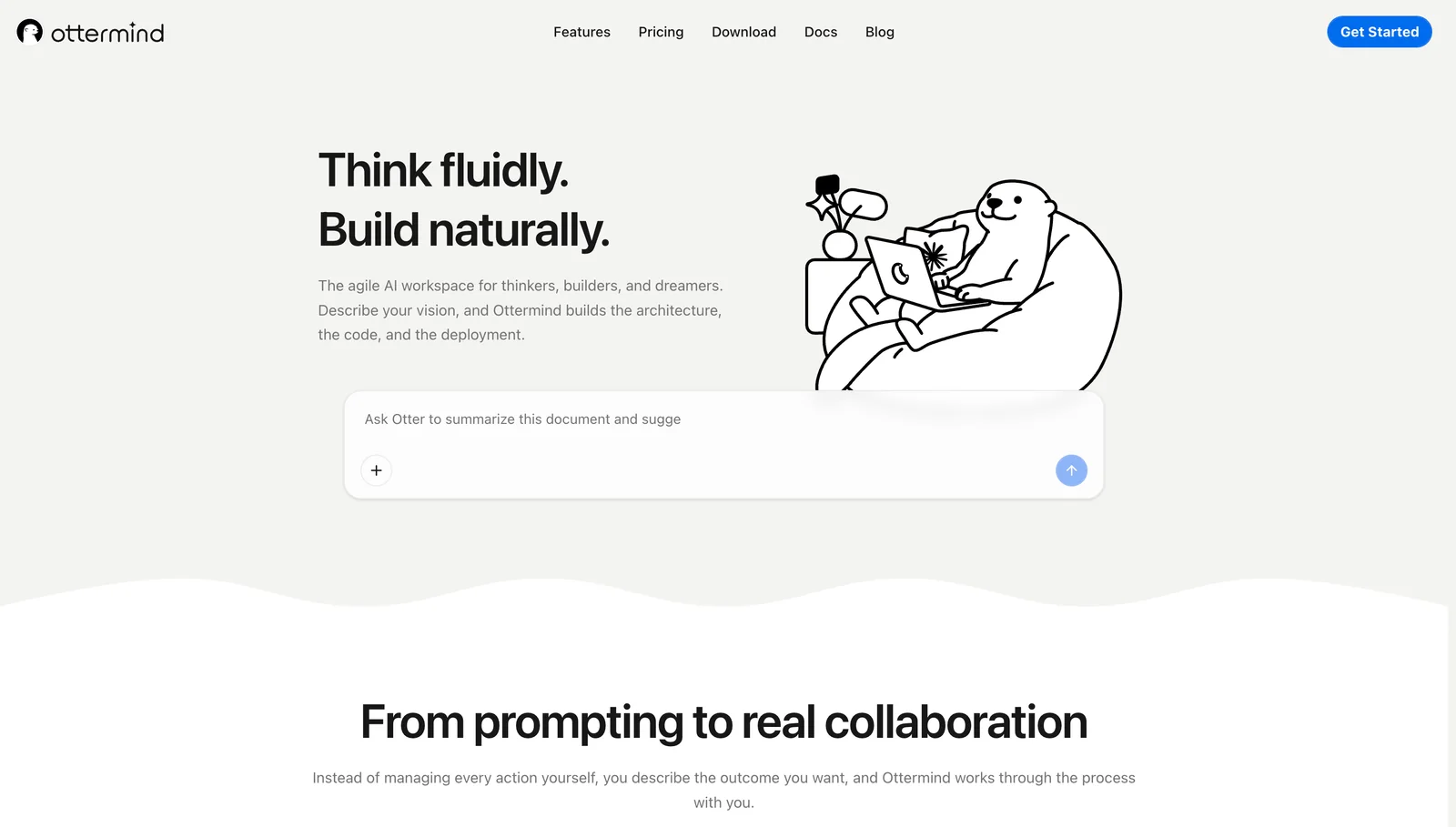
Ottermind provides a workspace for planning and execution. Its documentation covers research, reports, and presentations from goals and source material, with context connected across web, desktop, and mobile.
For a small business that needs a customer-facing site, the AI website builder can turn a service brief, audience, required pages, visual direction, and calls to action into a responsive website project that the owner can review and refine in Studio.
Choose it for open-ended projects with related outputs. Choose a specialist agent for high-volume actions inside a CRM, support, or automation system. Ottermind starts free; check current paid pricing in the account.
2. Manus: best for broad autonomous digital tasks
Best for: research and multi-step digital projects.
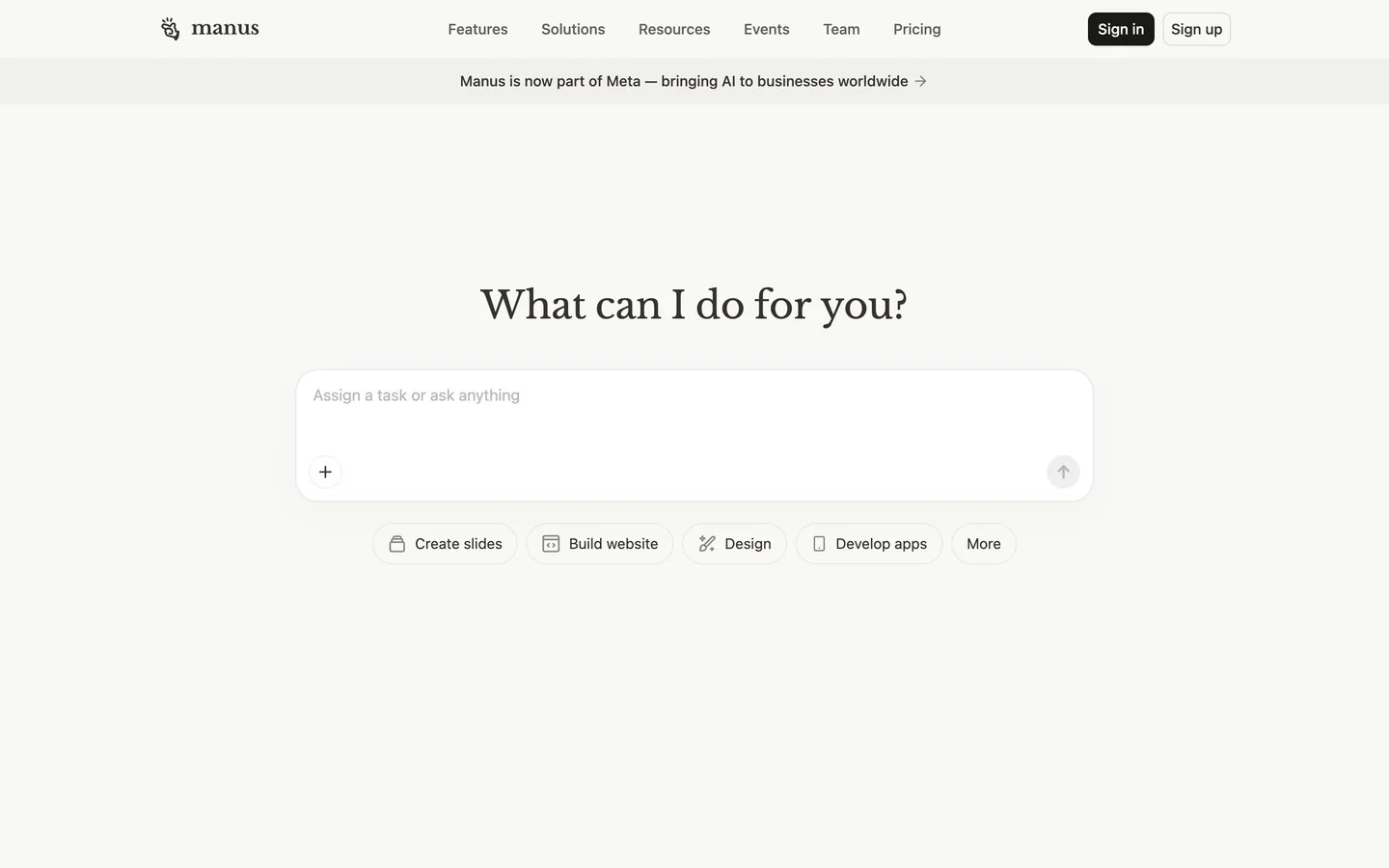
Manus carries digital tasks through multiple steps. Its product materials emphasize research, presentations, scheduled tasks, and business-tool connectors, making it useful when a project crosses browsing, synthesis, and artifact creation.
Credit use is the main buying question. Manus recommends specific requests, appropriate modes, batching, and intermediate review to reduce consumption. It fits scoped projects better than processes requiring predictable monthly cost.
3. Lindy: best for inbox, calendar, and meeting work
Best for: email, scheduling, meetings, notes, and follow-up.
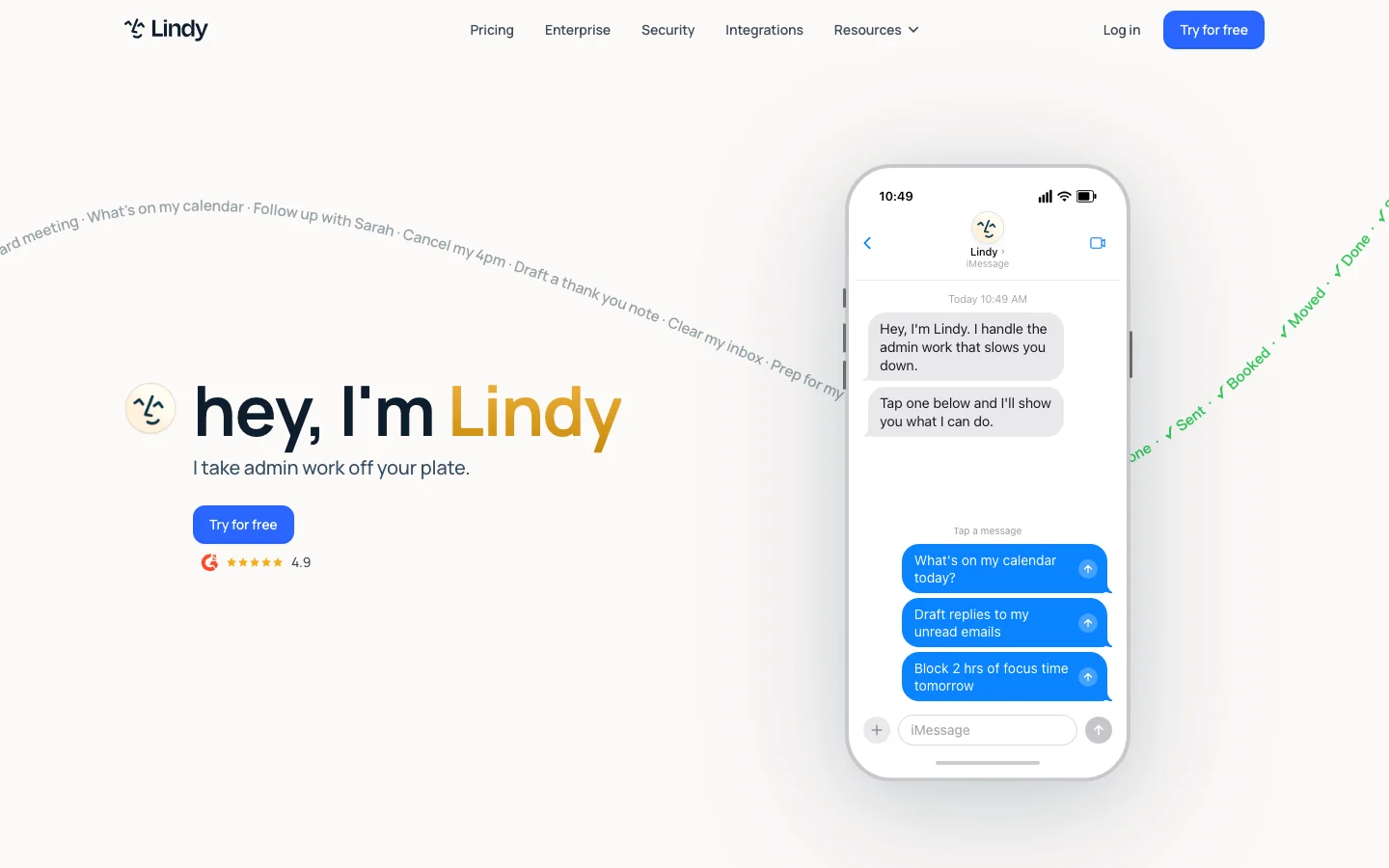
Lindy connects inbox and meeting work to tools including Gmail, Outlook, Google Calendar, Slack, Notion, HubSpot, and Salesforce. Plus is $49.99 per month after a seven-day trial; higher tiers add usage, inboxes, computer use, or enterprise controls.
Choose Lindy when administration is the bottleneck, not when the requirement is a custom data pipeline. Its pricing page says messages are drafted for review rather than sent without approval.
4. Zapier Agents: best for actions across business apps
Best for: processes spanning forms, email, spreadsheets, CRM, and notifications.
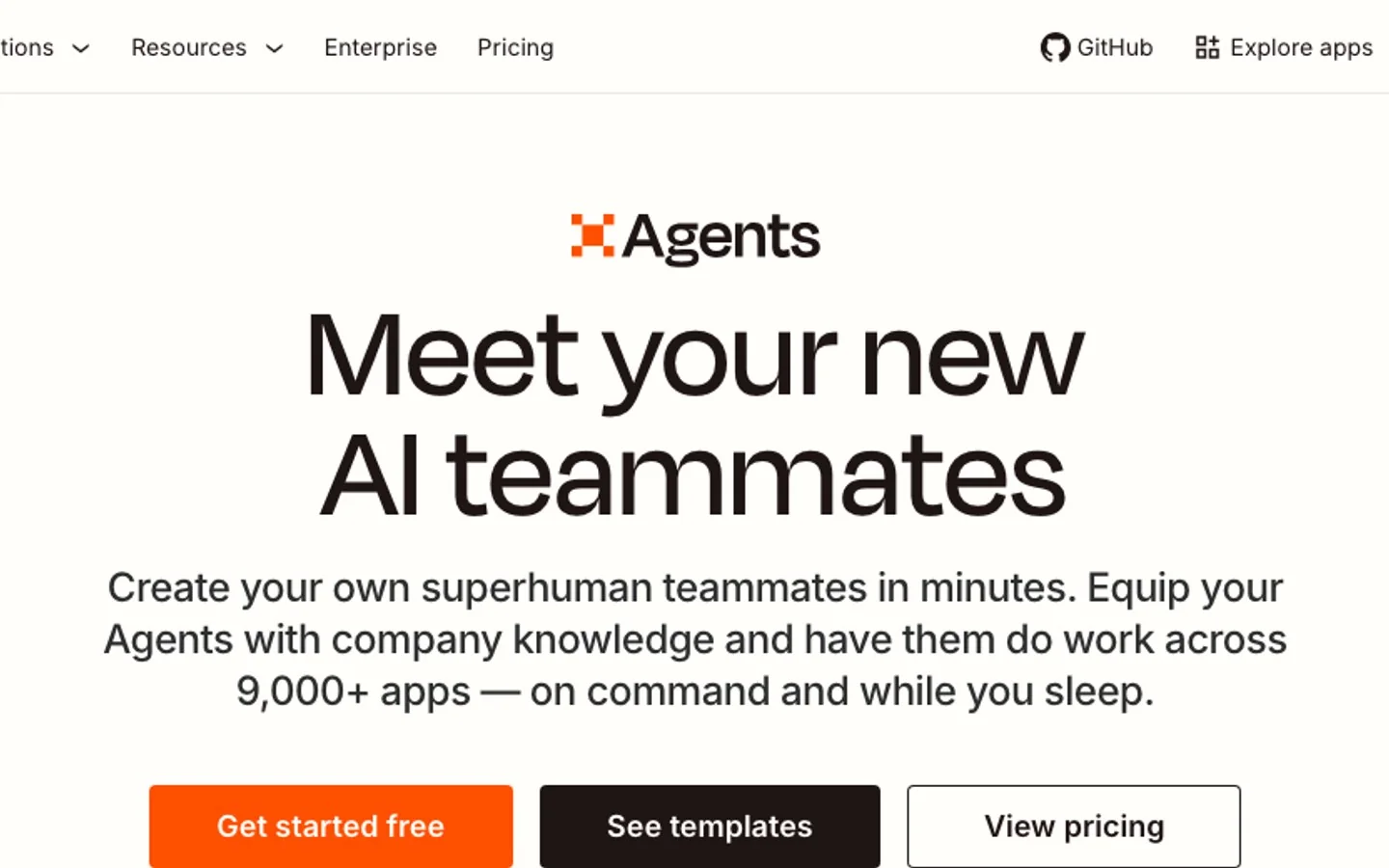
Zapier Agents combines agent decisions with Zapier app actions. Free includes 400 activities per month; annual Pro is $33.33 per month with 1,500. Triggers, knowledge lookups, app actions, web requests, and searches can each count, so one run may use several.
Estimate the complete workflow, not only starts. Zapier also notes that AI outcomes are nondeterministic. Use narrow permissions, approvals, and activity review before customer or financial actions.
5. Relevance AI: best for custom recurring agents
Best for: specialized sales, marketing, or operations processes.
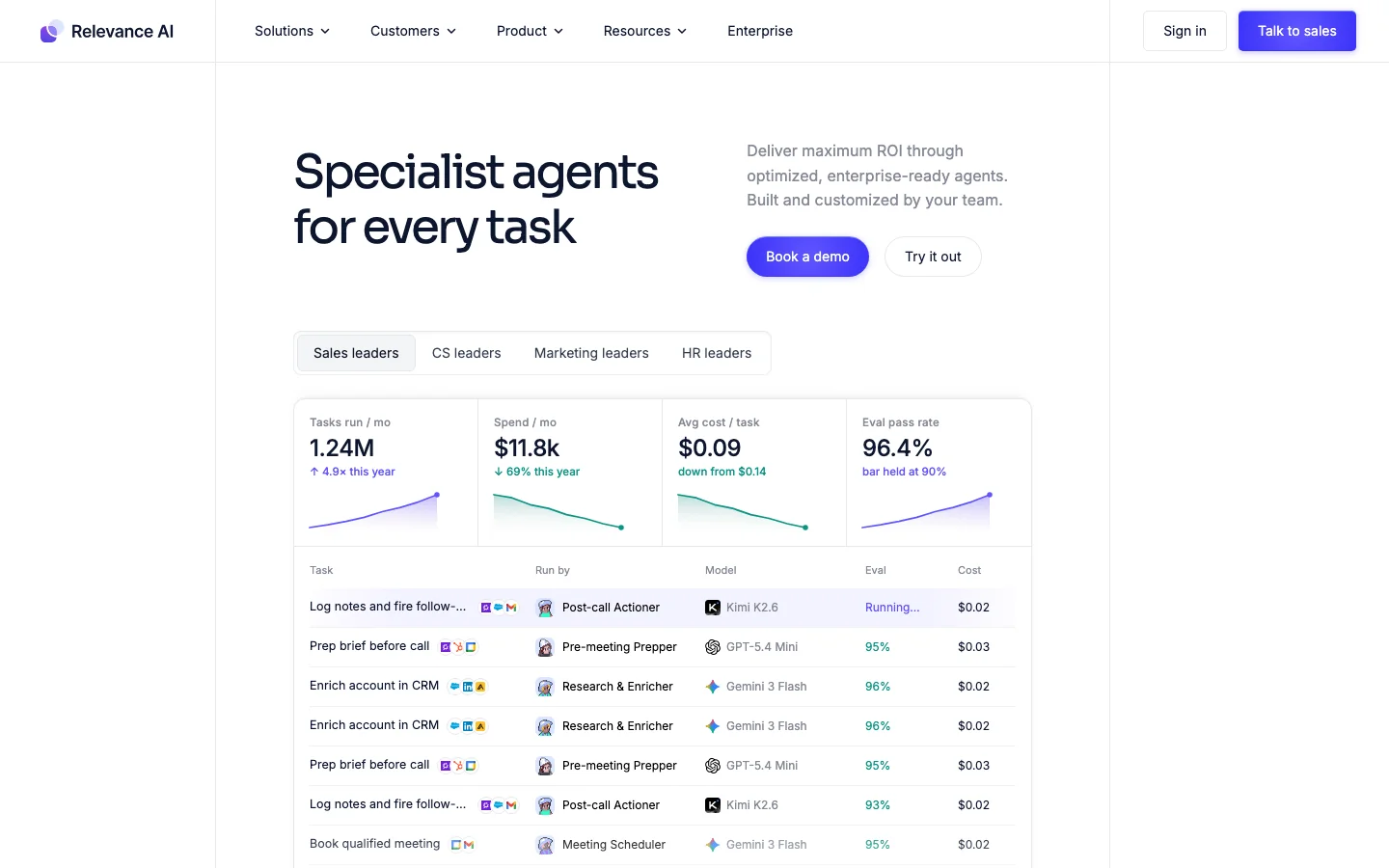
Relevance AI supports agents, tools, and workforces. Free includes 200 actions per month. Pro is $19 per month annually or $29 monthly, adding schedules, premium triggers, escalations, and bring-your-own-model support.
This flexibility helps when off-the-shelf assistants do not match the process. It also makes the business responsible for tools, triggers, escalation, quality, and maintenance. Estimate both actions and vendor credits before scaling.
6. HubSpot Breeze Agents: best for businesses already using HubSpot
Best for: customer workflows grounded in HubSpot CRM data.
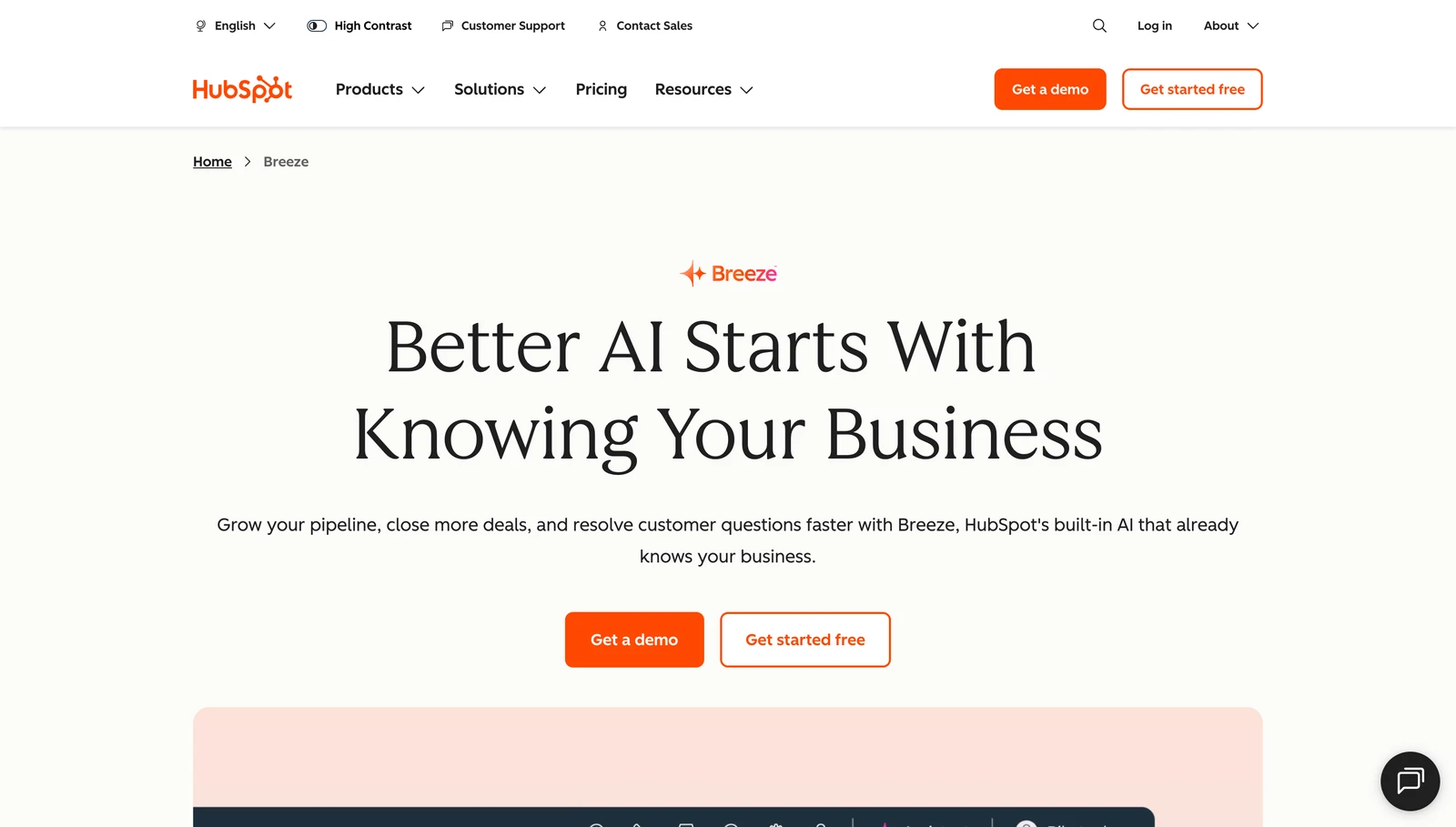
HubSpot Breeze Agents operate across marketing, sales, and service, with rules, approvals, visibility, and human intervention. Availability varies by edition; Customer Agent and Prospecting Agent use HubSpot Credits and outcome units.
Breeze fits when HubSpot is already the system of record. A standalone AI agent for small business may be easier without HubSpot or clean CRM data. Confirm the required edition, credits, and billable outcome.
Choose the agent by the work that is falling behind
Use the bottleneck as the first filter:
- Research, reports, slides, and connected deliverables: start with Ottermind or Manus.
- Inbox, scheduling, meetings, and follow-up: start with Lindy.
- Routing and actions across many SaaS tools: start with Zapier Agents.
- A custom recurring sales or operations process: evaluate Relevance AI.
- Prospecting, marketing, or customer service inside an existing HubSpot CRM: evaluate Breeze Agents.
Eliminate products that cannot connect to required systems, fit a representative workload, or provide acceptable approvals. For broader context-rich environments, see our AI agent workspaces guide.
Start with one workflow and prove the ROI
The safest first project is frequent, reversible, and measurable. Weekly reporting, support triage, meeting follow-up, or lead-response drafting is easier to evaluate than “run my business.”
- Define the result. Specify input, output, deadline, and owner.
- Set boundaries. List allowed data and tools, approvals, escalation conditions, and forbidden actions.
- Test real examples. Use historical records and edge cases; review outputs before enabling live actions.
- Measure complete work. Track completion, corrections, response time, hours saved, and cost per accepted result. Expand only after normal variation is handled.
This makes AI agent ROI for small business concrete and exposes poor data, brittle integrations, unclear instructions, or excessive correction.
Frequently asked questions
What is the best AI agent for a small business?
It depends on the job: Ottermind or Manus for projects, Lindy for administration, Zapier for app actions, Relevance AI for custom agents, and HubSpot Breeze for CRM, marketing, and service workflows.
How much do AI agents for small businesses cost?
They range from free allowances to subscriptions and usage charges. Compare a complete task, including activities, actions, credits, conversations, base software, setup, and review.
Can a small business use an AI agent without a developer?
Yes. Several offer natural-language setup, templates, or visual builders. No-code still requires process knowledge, clean data, testing, permissions, and ownership. Custom integrations may need technical help.
What is the difference between an AI agent, chatbot, and automation?
A chatbot responds in conversation, an automation follows predefined steps, and an agent makes limited decisions about tools or steps. Controlled systems often combine them.
Can AI agents replace employees?
They can remove repetitive tasks, not human accountability. Keep people responsible for sensitive communication, financial, legal, or employment decisions, and consequential approvals.
What should a small business automate first?
Start with a repetitive task with clear inputs, a reviewable result, and low-cost failure: lead-reply drafts, support triage, meeting follow-up, or weekly reporting.
The right agent removes a real bottleneck and leaves inspectable work. Start one bounded Ottermind task with real context, review the deliverable, and repeat it only after the result proves dependable.
